

Song to shot list
Map a song into a music video storyboard
Map verse, chorus, and bridge into shots. This is a storyboard, not a four-panel comic.
Open storyboardsVerse, chorus, and bridge as shots. Not a four-panel comic.
Scene + image + a next step
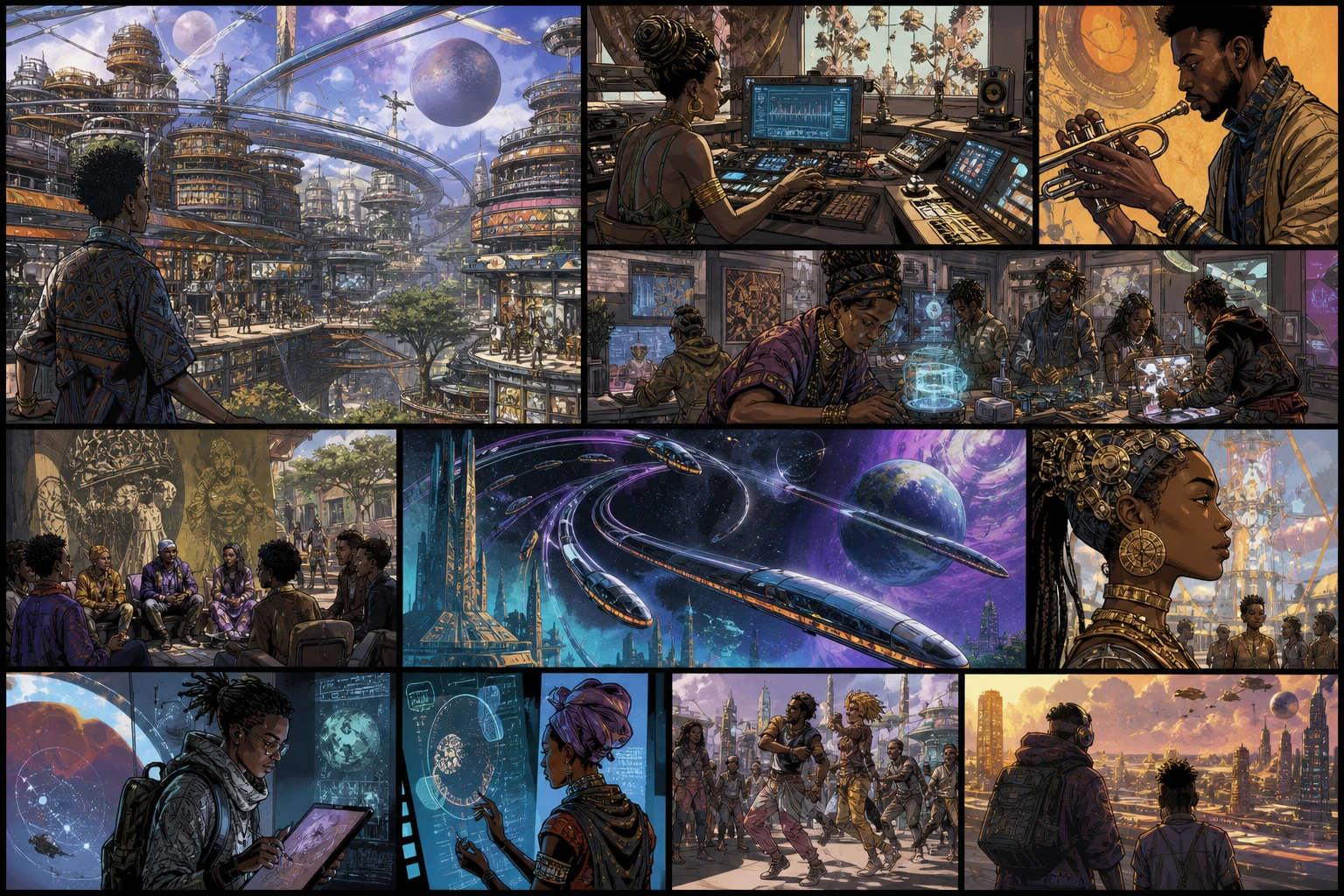
One job on the page. The pictures show the work, not a feature list.
Performance and story rows
Crew handoff
What you can use, and what you cannot
Confirm the job, the limits, and the next click before you start.
How does it work?
- Paste the treatment or lyrics. Mark verse, chorus, bridge, and the locations you already have.
- Build the shot list. Open storyboards and lay frames in song order.
- Share or move to production. Keep AI frames in LlamaGen, or take a locked board to CineoBoard.
Before you start
- This page does not generate a finished music video.
- LlamaGen drafts frames. CineoBoard is the crew board.
- Native .pptx and camera reports are not part of this flow.
Map a song into a music video storyboard
A music video starts as a shot list. Generate the comic later if you still need it.
Questions? We’ve got answers
Find the limits, the export, and the next step before you inquire.
Is this a music video generator?
No. It plans shots and frames. If you need a finished video, use an AI video tool after the board is locked.
Where do I actually build the board?
Use LlamaGen storyboards for AI frames. Use CineoBoard when the crew needs versions, PDF boards, and animatics.
Can I start from lyrics only?
Yes. Break the song into sections first, then add wardrobe, locations, and camera notes.
Does this make a comic?
No. Comics are a different job. Use the comic generator if you want panels and speech bubbles.
Map a song into a music video storyboard
Map verse, chorus, and bridge into shots. This is a storyboard, not a four-panel comic.
Open storyboards