
LlamaGen.AI 1.0.42: Layouts, Page Reuse and Export Updates
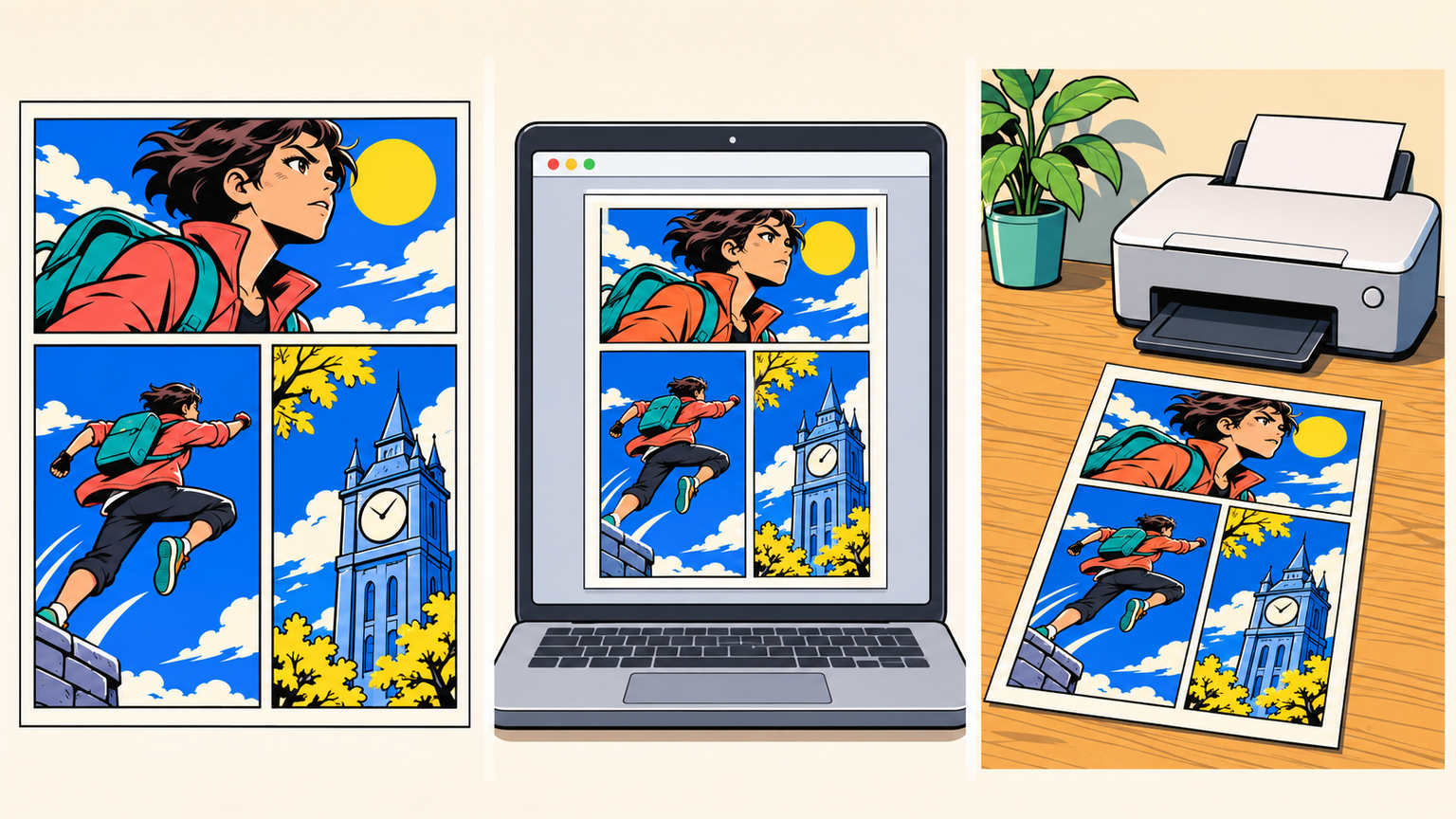
A useful comic workflow starts with a page that fits the story and ends with a file that keeps that composition intact. This release makes it easier to find a layout, choose a creative starting point, reuse a finished sequence, and prepare pages for sharing or your own printer.
Find a layout by the story you want to tell
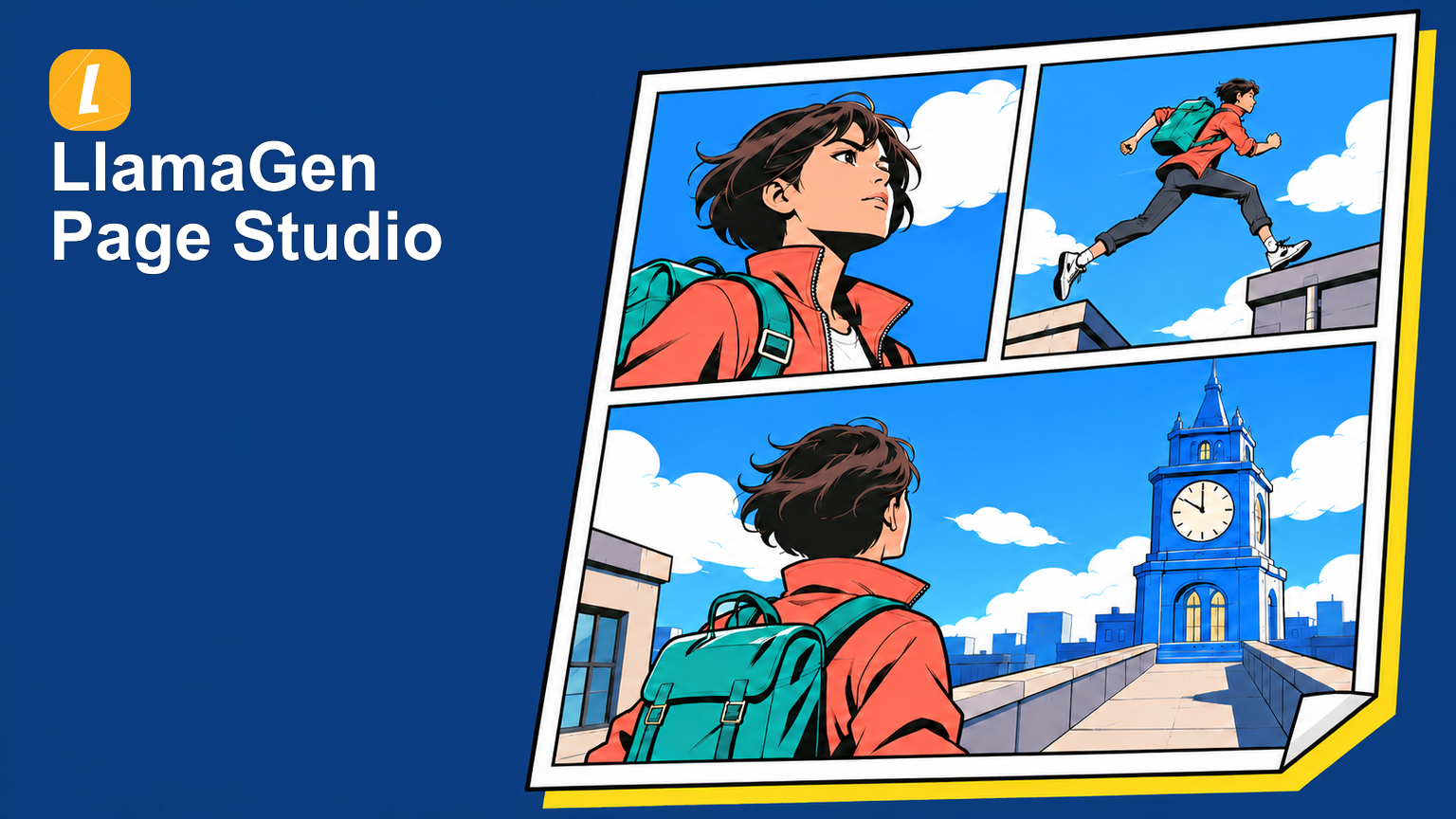
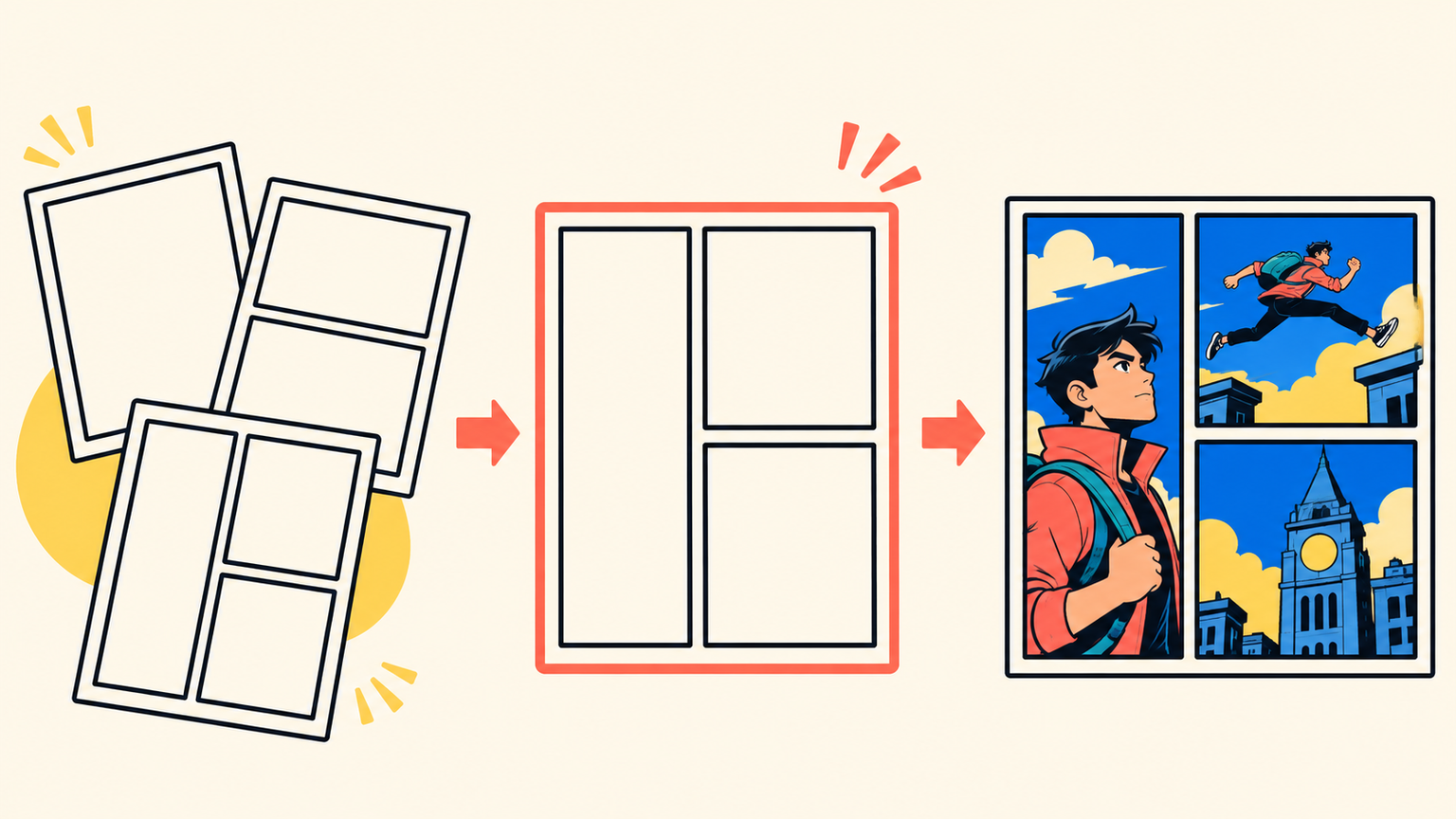
The layout collection brings together 102 comic layouts, from familiar grids and vertical strips to hero panels, angled compositions, and covers. Search by a layout name, panel count, aspect ratio, or size, then preview how artwork fits the arrangement before starting a comic.
Choosing a layout carries its arrangement and panel count into creation. The editor also makes layout discovery available when continuing a comic or changing the current page. An L-shaped three-panel composition gives one large moment room on the left while two smaller beats carry the sequence forward on the right.
Choose a clearer starting point
The expanded creation browser presents 11 illustrated categories, helping creators see the available paths before choosing one. Comics, manga, storyboards, animation, characters, and other creative tools are easier to distinguish at a glance.
Within comic templates, title search and style and category filters help narrow the choices. Clear the filters to explore again, or move directly into the kind of creation that fits the project. The result is a more deliberate start with less browsing through unrelated options.
Copy the pages you need into an independent comic
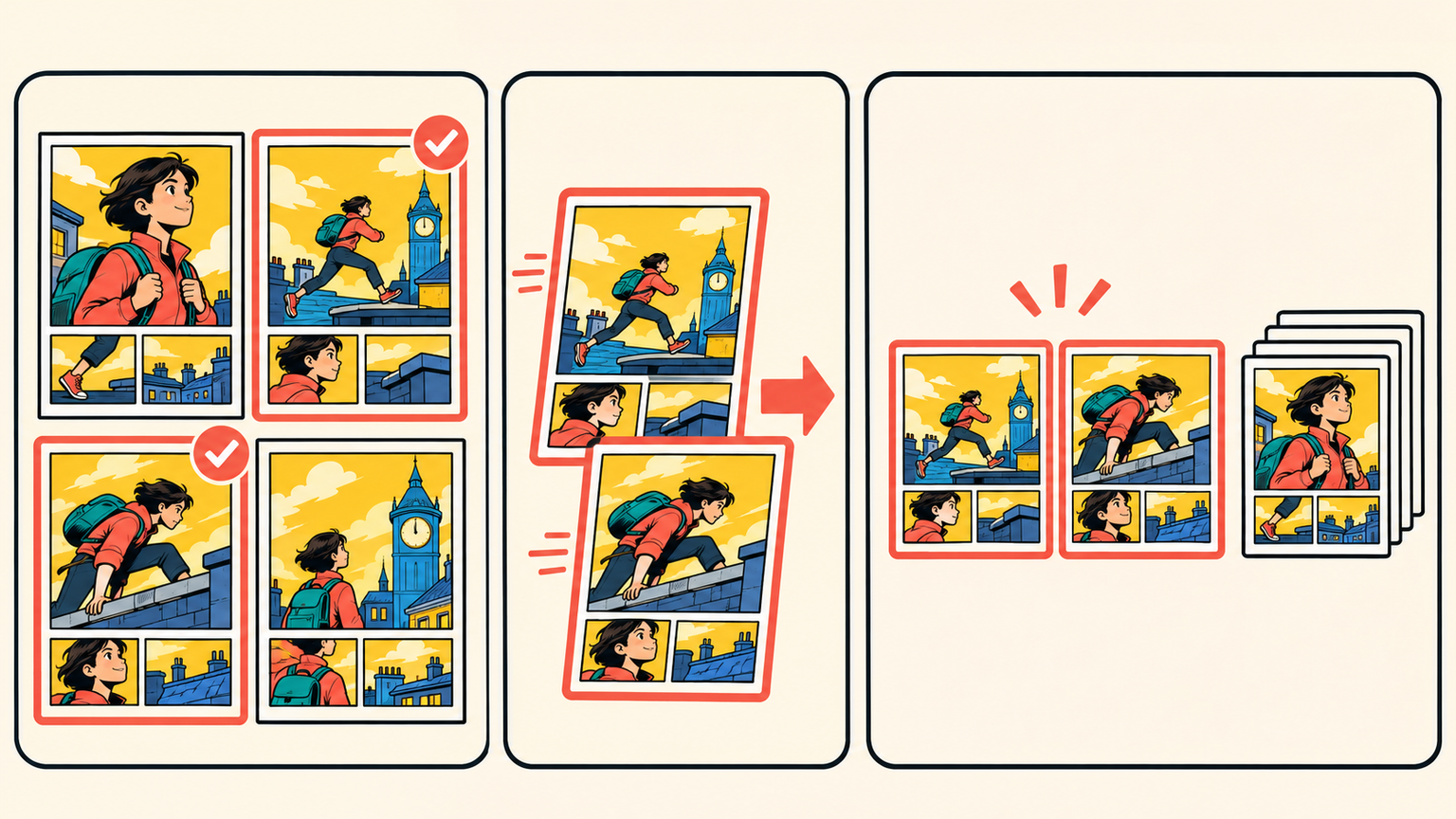
Use Copy / Split Comic from a comic's menu to select all saved pages, check individual pages, or enter ranges such as 1-5, 8, 10-12. The selected pages become one independent comic in their original order, with the page artwork, text, and layouts carried over.
Spark dreams for the young
Where millions of stories come alive
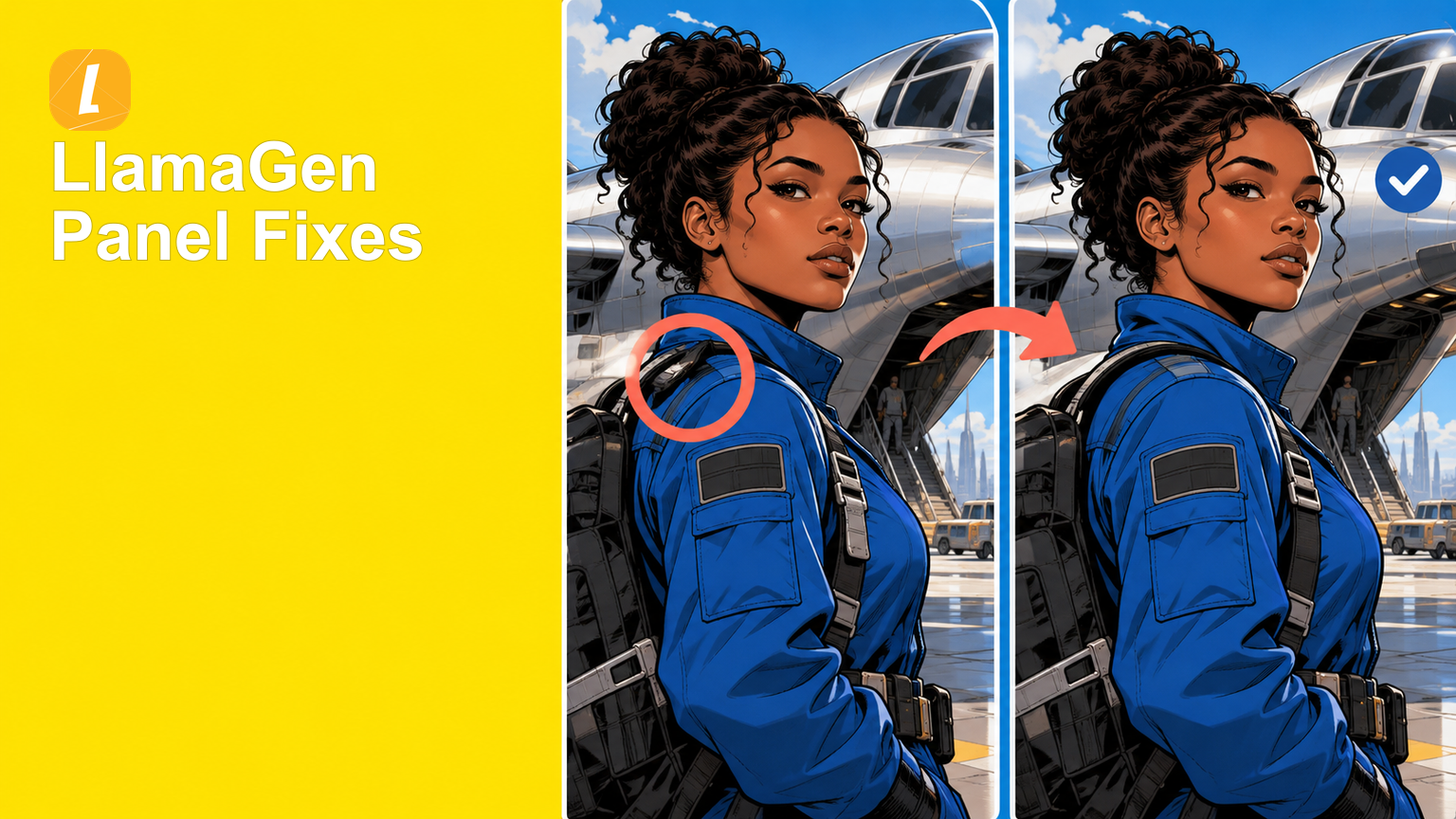
A rundown of the latest LlamaGen feature releases, product enhancements, design updates, and important bug fixes.