Find a story worth following
Explore a character's goal, an unusual setting, or a difficult choice. Compare different openings before you commit to a direction.


Gamitin ang LlamaGen.ai bilang AI tagabuo ng kwento at story writer. Gawing structured draft ang simpleng ideya mo, may plot, mga karakter, dayalogo, at daan papunta sa storyboard o comic panels.
Try the first draft here. Free access has limits; saved projects and visual tools use your account and plan credits.
See how it worksPick a prompt to read an illustrative opening, then generate your own version. These samples are prepared examples, not live results or customer testimonials.
Example opening
The radio said Mara's name before she switched it on. On Platform Three, rain gathered around a red suitcase. She had checked the platform a minute ago. Empty. Now someone had left a case beneath the broken clock, with a luggage tag written in her handwriting.
Start with something specific: a radio operator alone at a station, a red suitcase, and a message that knows her name. Generate an opening, read what works, then change the stakes or point of view. The next decision stays yours.
Generate story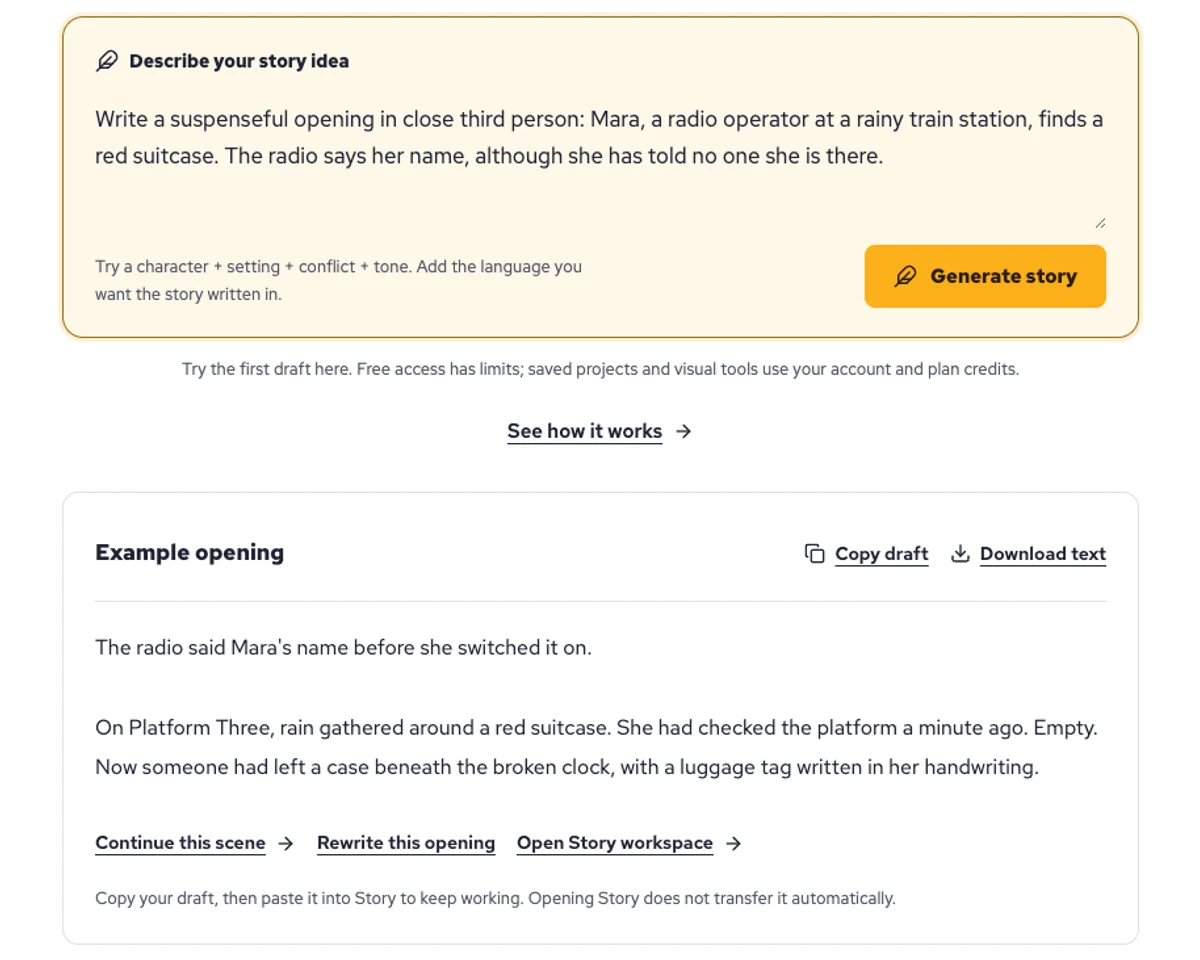
Explore a character's goal, an unusual setting, or a difficult choice. Compare different openings before you commit to a direction.
Paste an unfinished idea or use Continue after a draft. Read each new scene for names, motives, and details that need to stay consistent.
Use Rewrite to try a sharper opening. Copy a version you like before generating another, then edit the phrasing in your own voice.
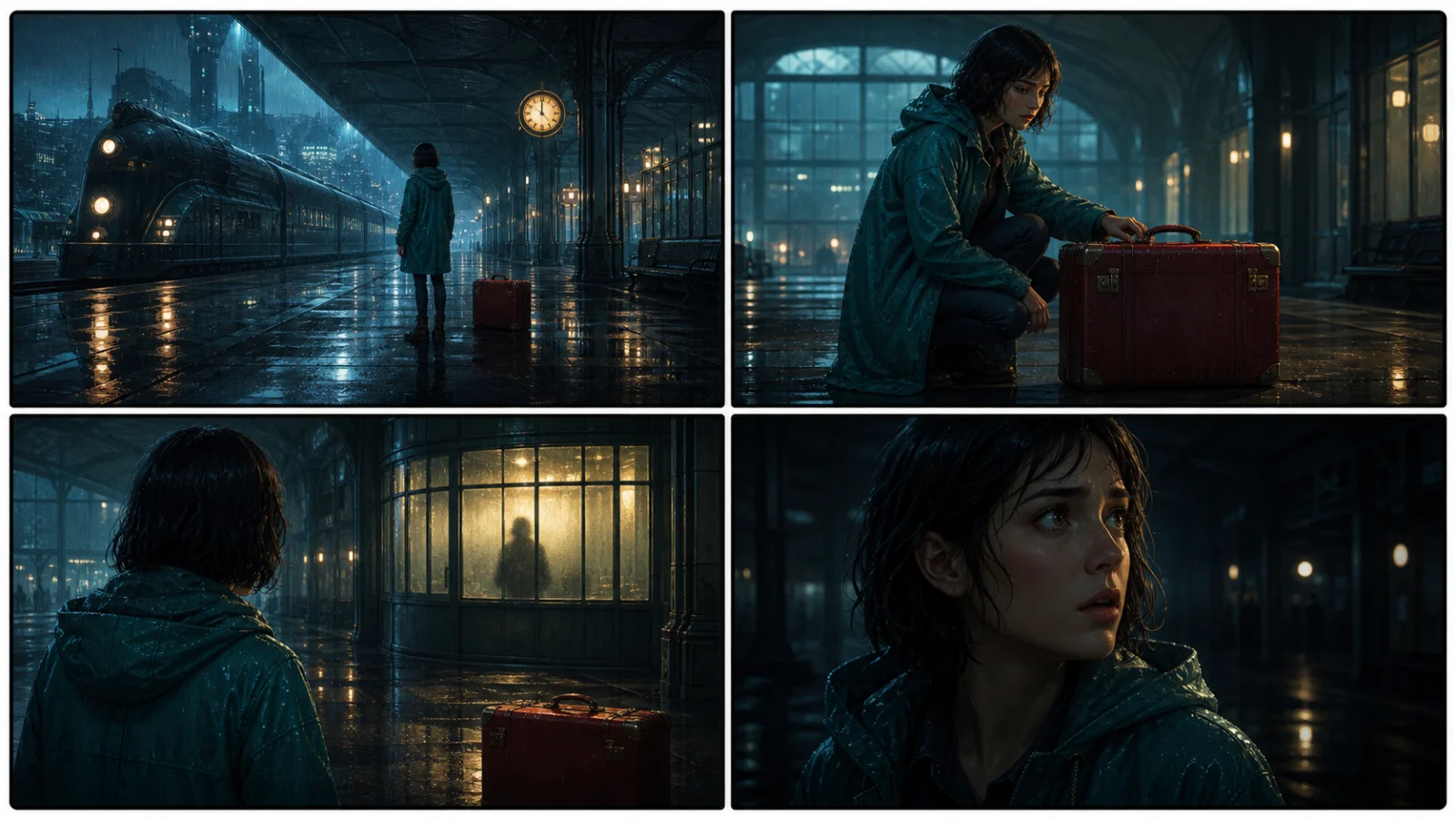
This illustrative sequence follows Mara, her teal raincoat, and a red suitcase through four station shots. Use it as a guide: keep a character, location, and key prop consistent when you adapt your own draft into a storyboard or comic.
Explore script to storyboardThe same rainy-station story, imagined as a reading copy, a handheld proof, different cover designs, and a coordinated author set.
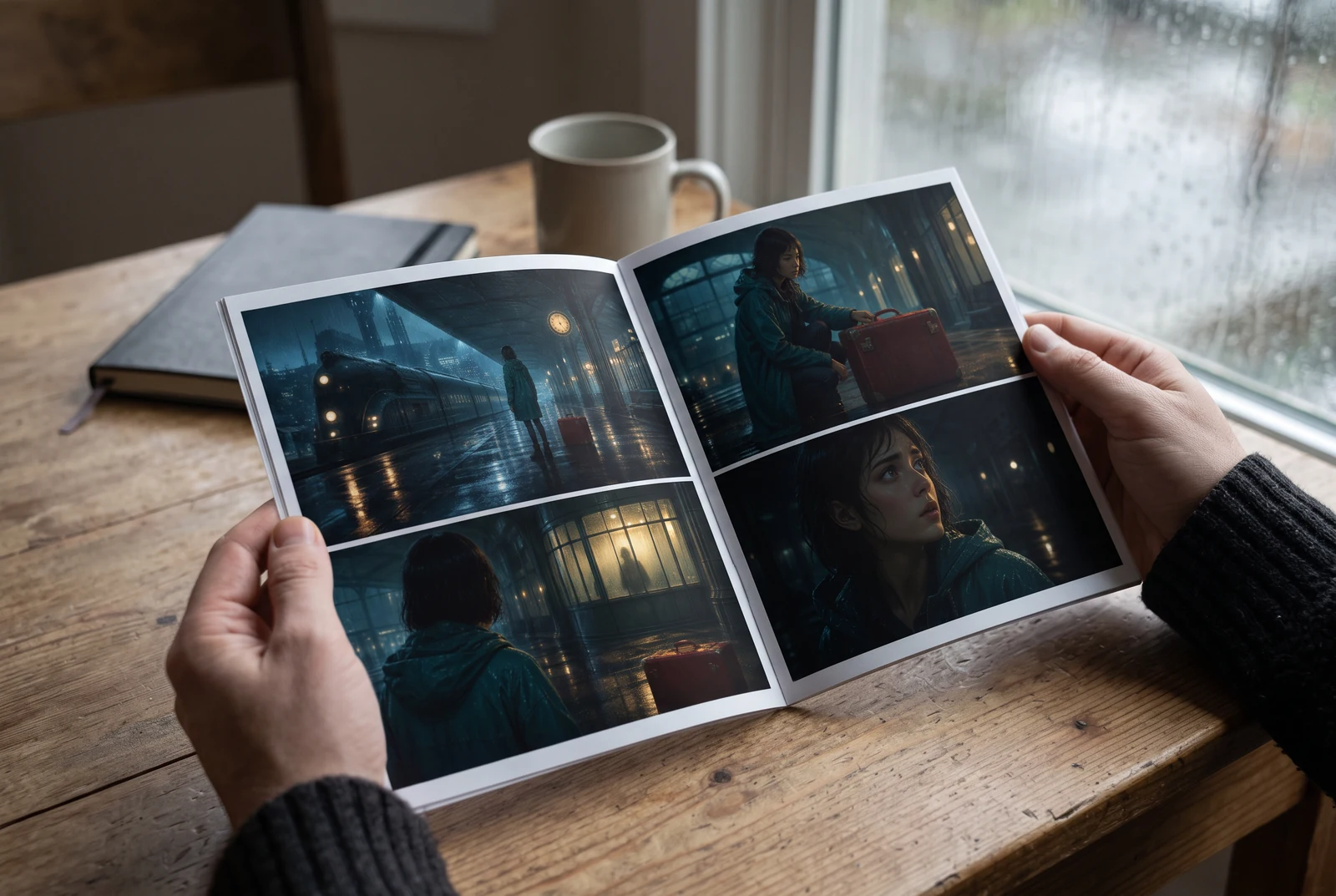
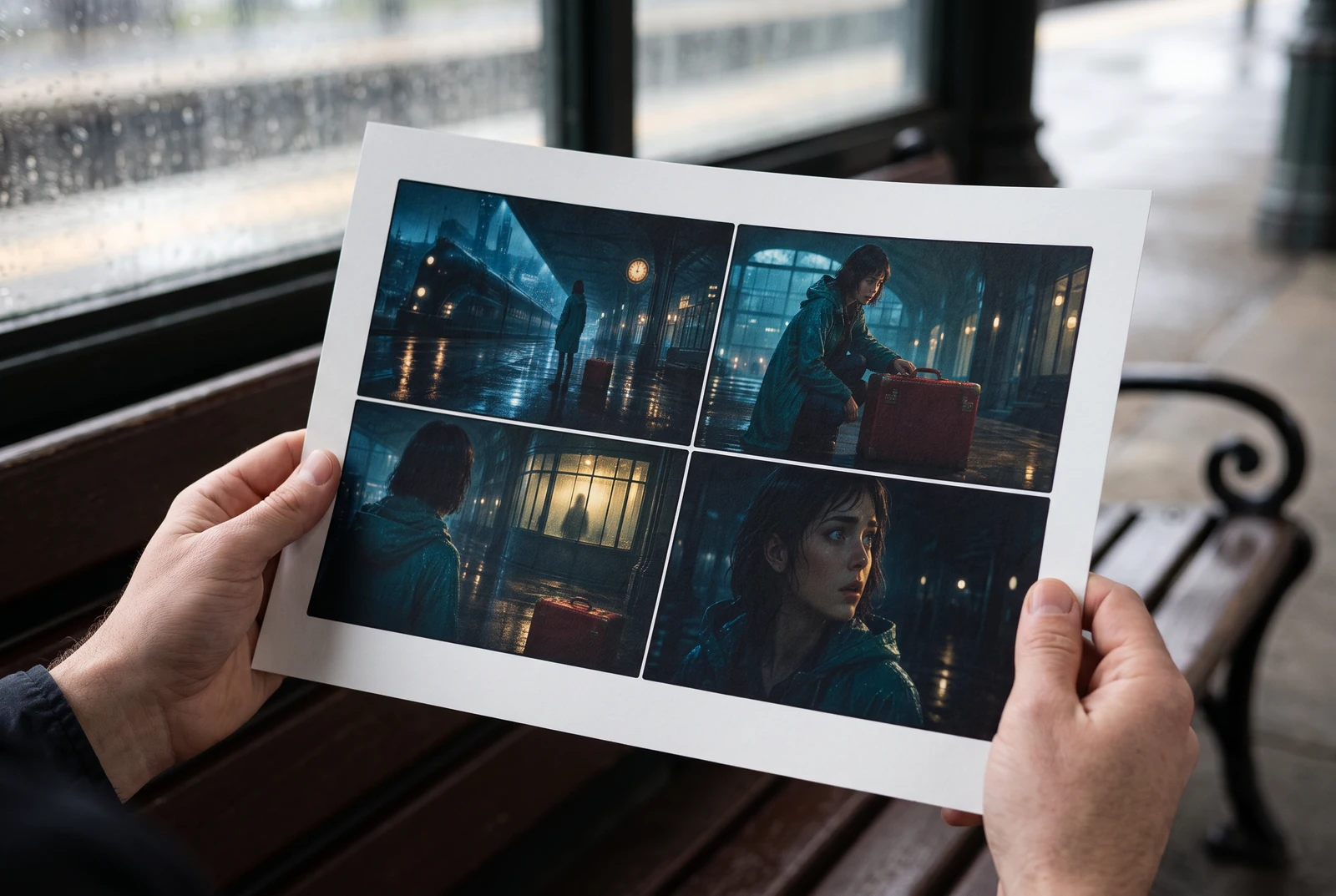
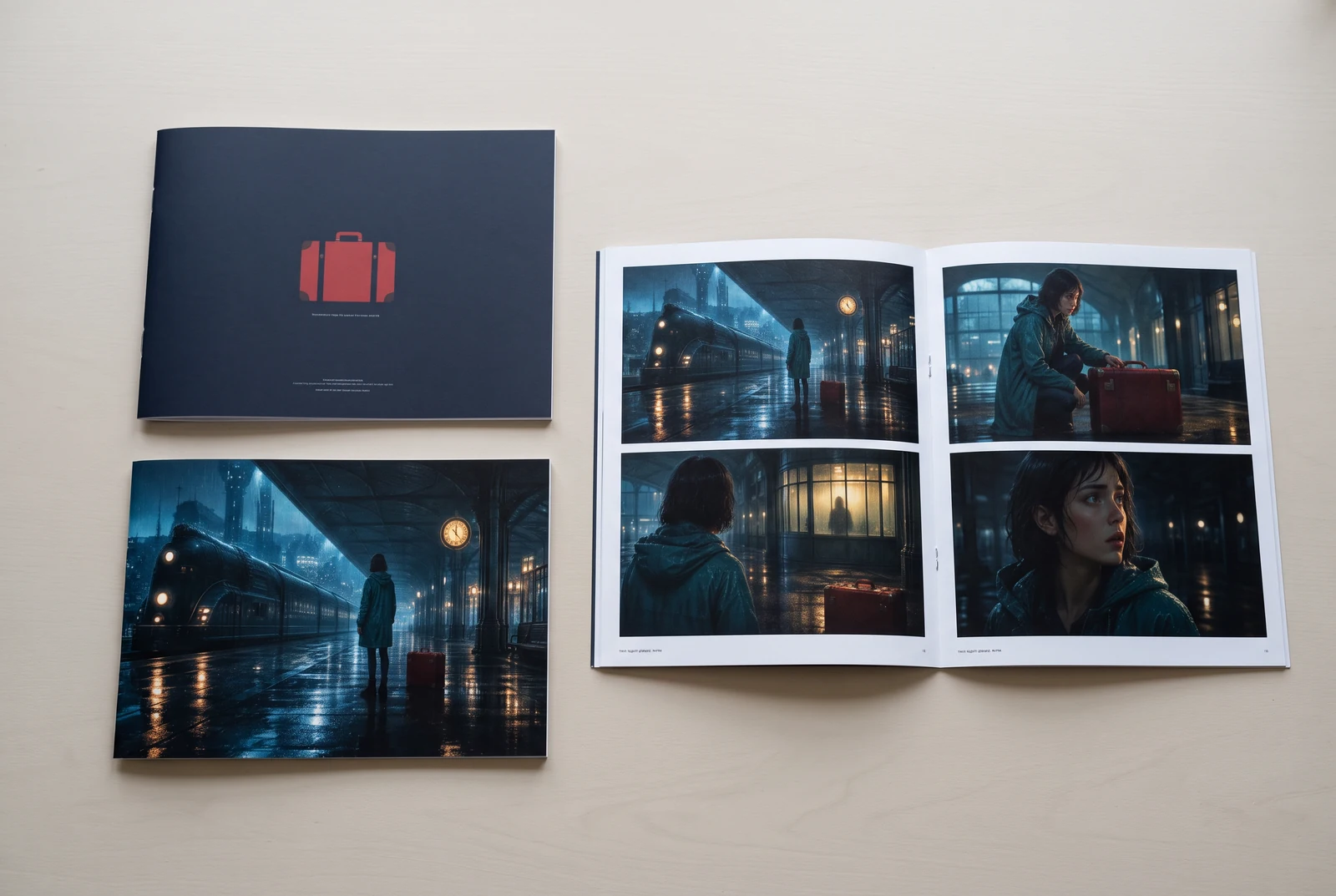
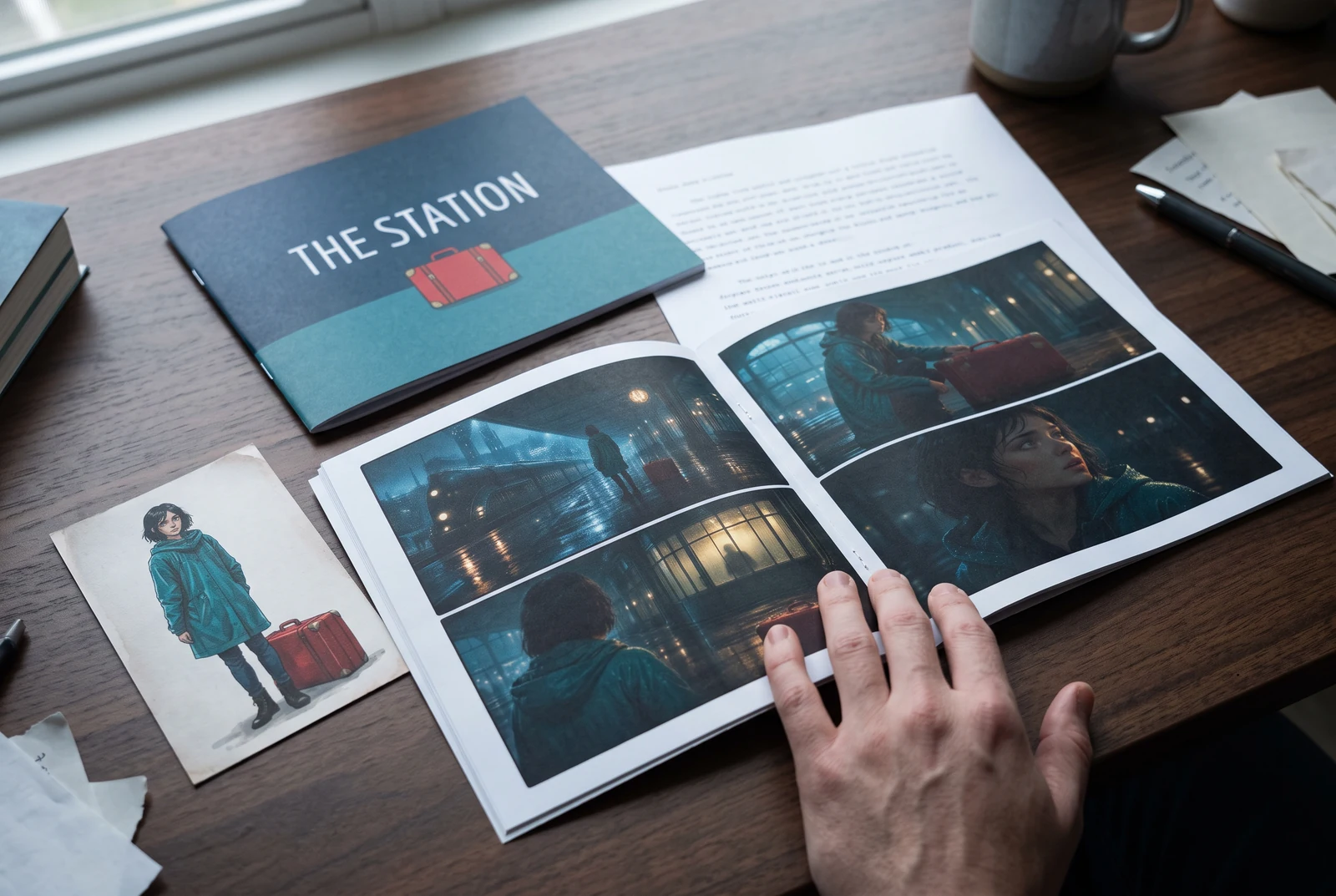
AI-generated display concepts using original LlamaGen story art. Paper examples illustrate personal printing and reading; they are not customer photographs or a print-delivery offer.
Test a premise, change the point of view, or work through the opening of a short story.
Draft scene beats and dialogue before planning comic panels or storyboard shots.
Create writing prompts and sample narratives. Review the output and follow your classroom or team's AI rules.
Describe a protagonist, setting, goal, and obstacle. Choose a tone and output language in your prompt.
Select Generate story. The result is a draft to review; one response is not a complete book.
Check the voice, facts, and continuity. Continue the next scene or rewrite the opening. Copy a version before replacing it.
Keep this text in this browser for up to seven days while you sign in, then choose a workspace and save it in Story. AI continuation uses your account's plan allowance.
AI can invent facts, repeat familiar phrasing, or lose track of a character. Review every draft before sharing it. Follow LlamaGen's terms and your school or workplace rules; check third-party material before publishing.
Isa itong browser-based na tool na ginagawang structured na mga kuwento ang mga ideya mo gamit ang AI. Maglagay ng prompt at makakuha ng draft na may plot, mga karakter, dayalogo, scene beats, at visual direction para sa fiction, comics, classroom writing, videos, o visual novels.
Ang magandang prompt ay may kasamang ideya ng kuwento mo, genre, at tono. Halimbawa: 'Isang malungkot na mangkukulam ang nagbukas ng café sa gubat' na may mainit at slice‑of‑life na pakiramdam. Mas malinaw ang ideya mo, mas gaganda ang kuwento. Maglagay ng partikular na detalye tungkol sa mga karakter, setting, emosyonal na tono, at anumang mahalagang plot point na gusto mo.
Puwede mong i-edit o palawakin ang kuwento, o gamitin ito bilang base para gumawa ng comic panels o visual novel scenes na may illustrations, layouts, at dayalogo gamit ang aming mga tool. Maraming creator ang gumagamit ng mga nabuong kuwento bilang script para sa pagbuo ng panel composition, character expression, at visual flow.
Nakakatipid ito ng oras, nagpapasiklab ng creativity, at tumutulong sa mga manunulat sa iba’t ibang antas na malampasan ang block. Kahit bumubuo ka ng fiction, comic, visual novel, classroom prompt, o video script, binibigyan ka nito ng mabilis na panimulang punto na may narrative structure na karaniwang inaabot ng ilang oras bago mabuo.
Yes. Choose Save this draft in Story, sign in, select a workspace, and confirm saving. The text stays in this browser for up to seven days and is never placed in the URL. If you reach a Story plan limit, compare plans and return to save the same draft.
Makakagawa ka ng unang draft sa page na ito nang hindi bumibili ng writing software. Ang pag-sign in ay nag-a-unlock ng Story, saved history, storyboard, comic, at video workflows, na gumagamit ng plan credits mo.
Sinusuportahan ng tool ang flexible na story prompts para sa romance, fantasy, horror, drama, comedy, school life, at experimental na mga genre. Hindi nito ipinipilit ang ideya mo sa iisang generic template, habang pinananatili pa rin ang generation sa loob ng platform safety rules.
Puwede kang magpatuloy sa pag-generate ng mga bagong draft, alternatibong ending, plot twist, character arc, at bersyon ng scene habang nag-e-explore ka. Ang mas mahahabang proyekto, saved history, at visual production ay gumagamit ng account mo at plan credits.
Karamihan sa mga kuwento ay nalilikha sa loob ng 5-10 segundo depende sa komplikasyon at haba. Halos agad na pinoproseso ng AI namin ang prompt mo, kaya puwede kang mag-iterate nang mabilis at mag-explore ng maraming direksyon ng kuwento sa loob ng ilang minuto.
Sinusuportahan namin ang lahat ng pangunahing genre kabilang ang young adult romance, urban fantasy, superhero, sci‑fi, horror, mystery, slice‑of‑life, action, supernatural, comedy, drama, historical, at iba pa. I-specify lang ang gusto mong genre sa prompt.
Makakagawa ka ng unang draft sa page na ito nang hindi gumagawa ng account. Ang pag-sign in ay nag-a-unlock ng Story, history across sessions, storyboard, comic, at video workflows, na gumagamit ng plan credits mo.
Sa ngayon, ang mga prompt sa English ang nagbibigay ng pinaka-maaasahang draft. Maaari ka pa ring magsulat ng premise sa ibang wika; suriin nang maigi ang resulta at magpatuloy sa pag-edit sa Story.
LlamaGen builds tools for writing, comics, and storyboards. Explore the team and product, check plan details, or contact support before choosing a workflow.
Write a premise. Explore an opening. Decide what happens next.
Generate story