Choose a four-panel story
Sample artwork with a fictional guest
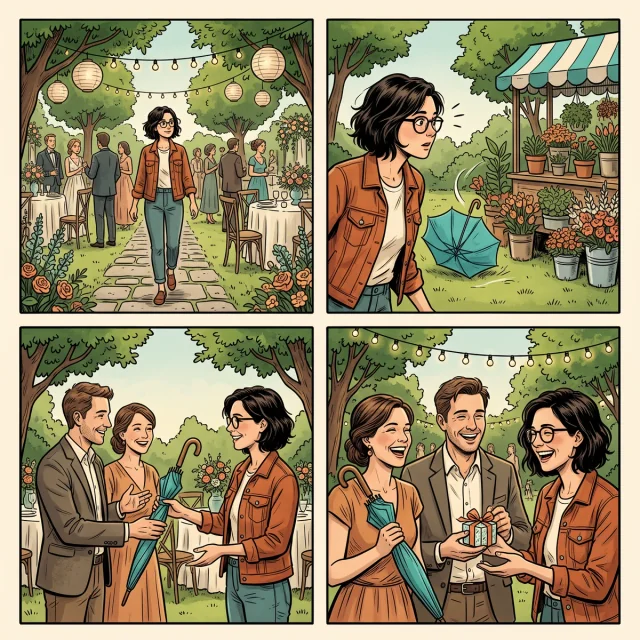
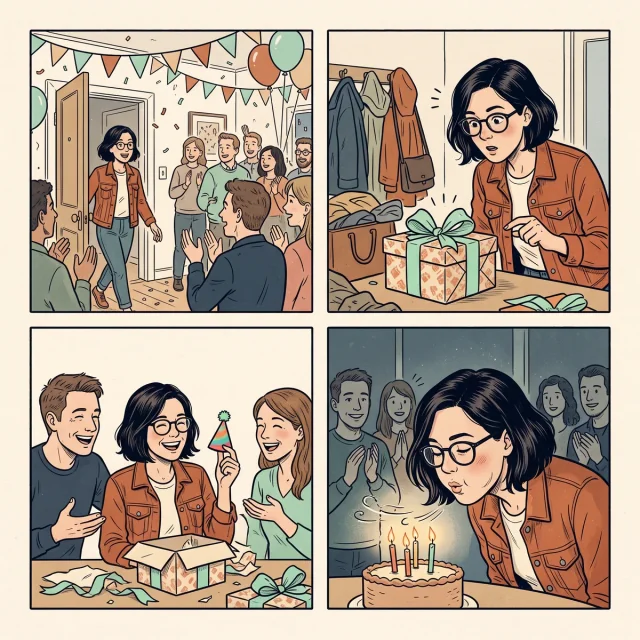
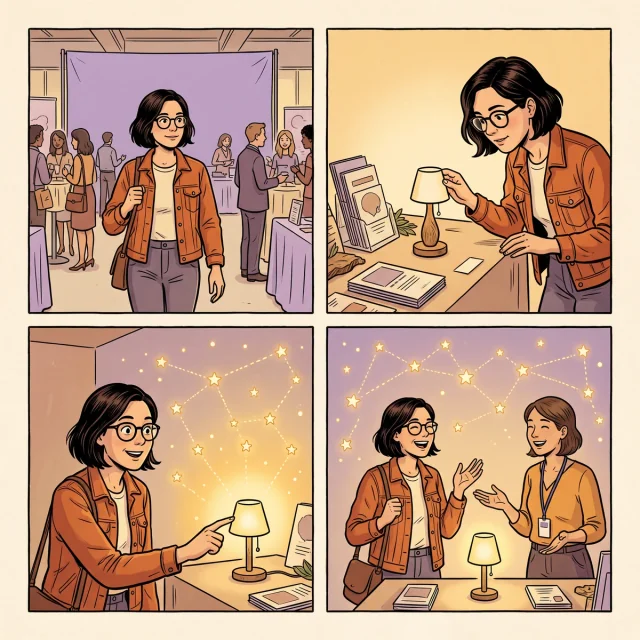
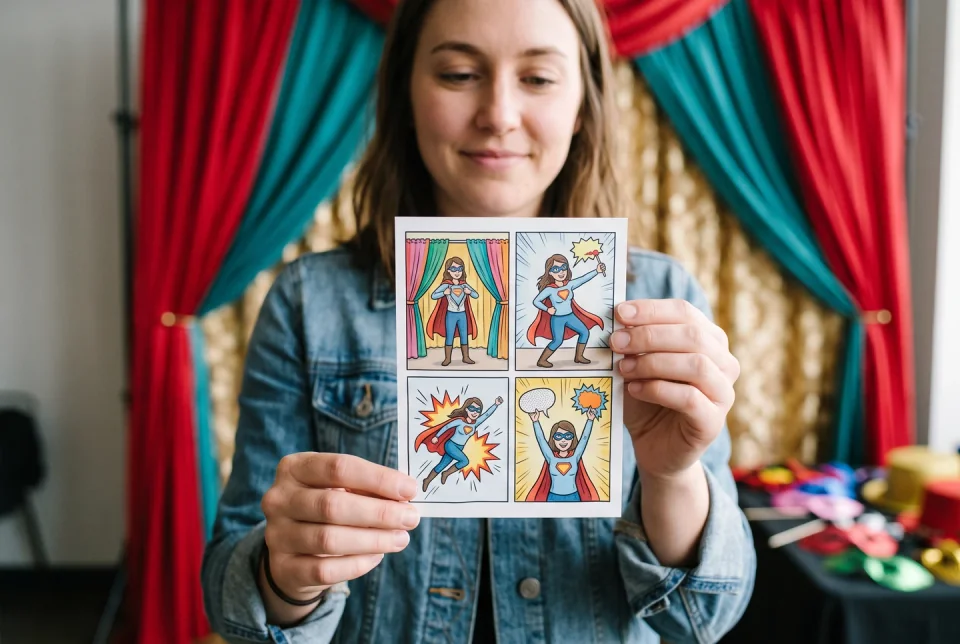
Review the four-panel comic in Studio
- Select a photo and check its framing in the local preview. A clear face with room around the head gives the story more usable reference detail.
- Choose an occasion and add one detail that should stay constant, such as a rust-colored jacket or round glasses.
- Open the resulting comic in Studio. Check likeness across the four panels and read the captions at handout size before exporting.
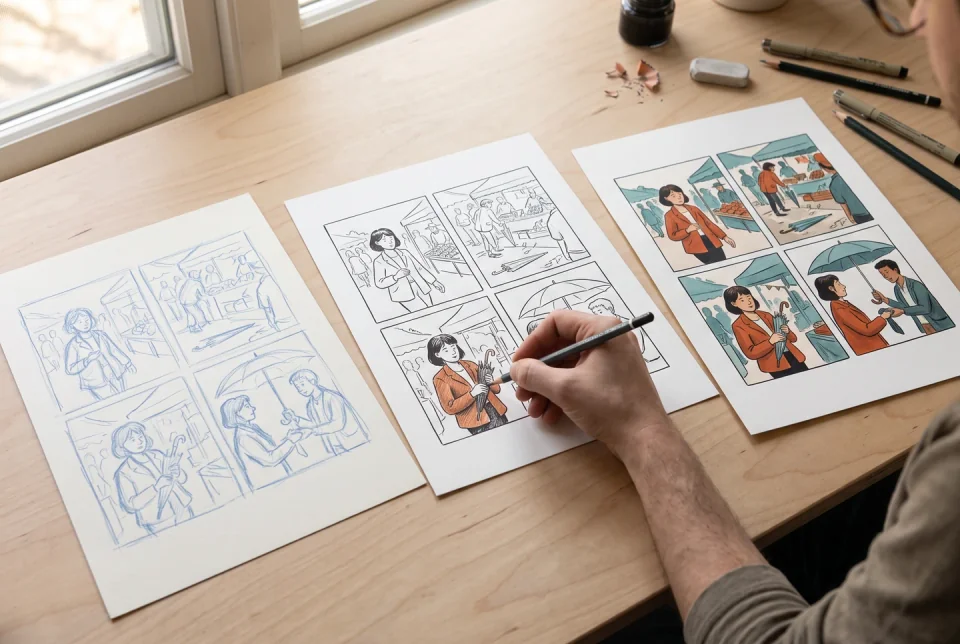
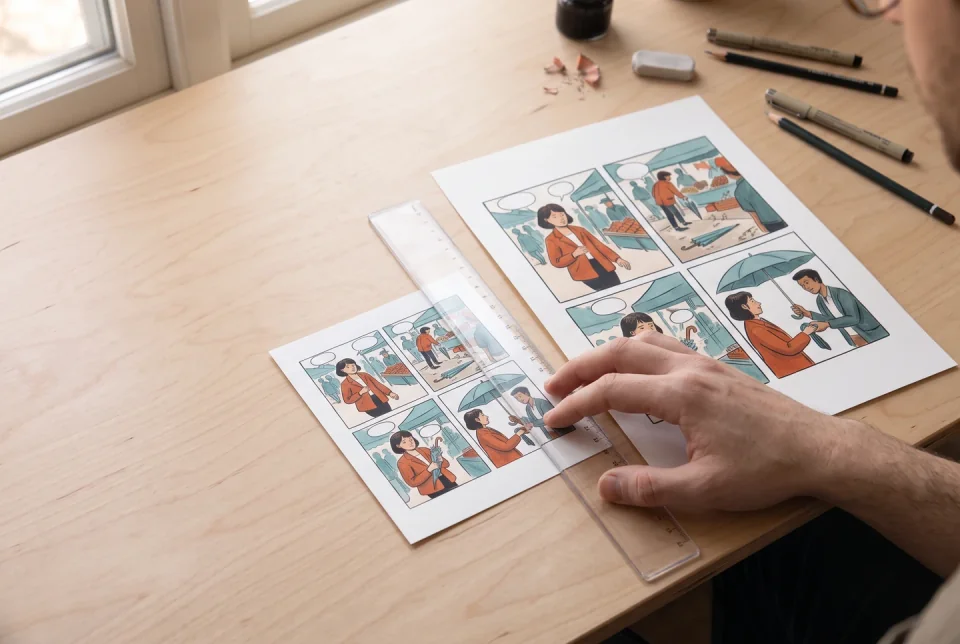
From comic draft to a handout proof
Use a thumbnail pass to check the order of the action, then review line art and color for consistency. Compare the small proof against the full-size comic to spot tight margins and captions that need more room.