Wedding guest keepsake
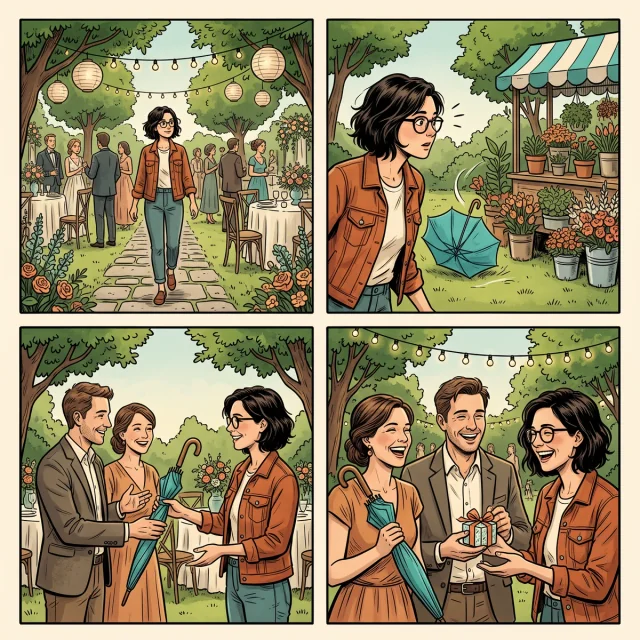
A guest arrives at a celebration, discovers a surprise, laughs with friends and leaves with a keepsake.
Create four-panel comic

Explore a photo-to-comic experience for events and photo studios. Start with a guest photo, turn it into a four-panel story brief, and review the result in LlamaGen's comic workspace.

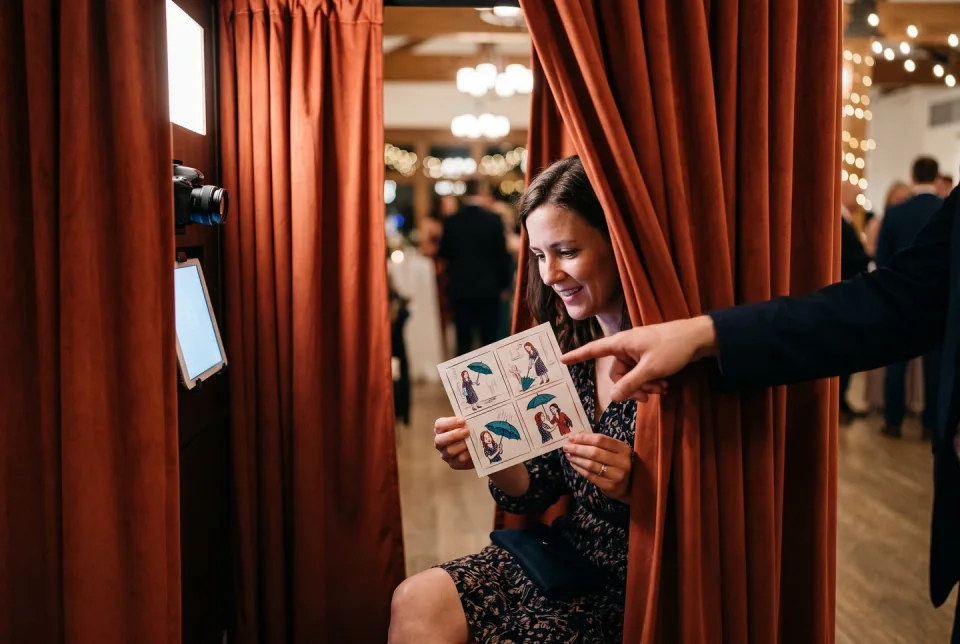
LlamaGen Editorial TeamReviewed Privacy policyTerms and billing policiesContact support
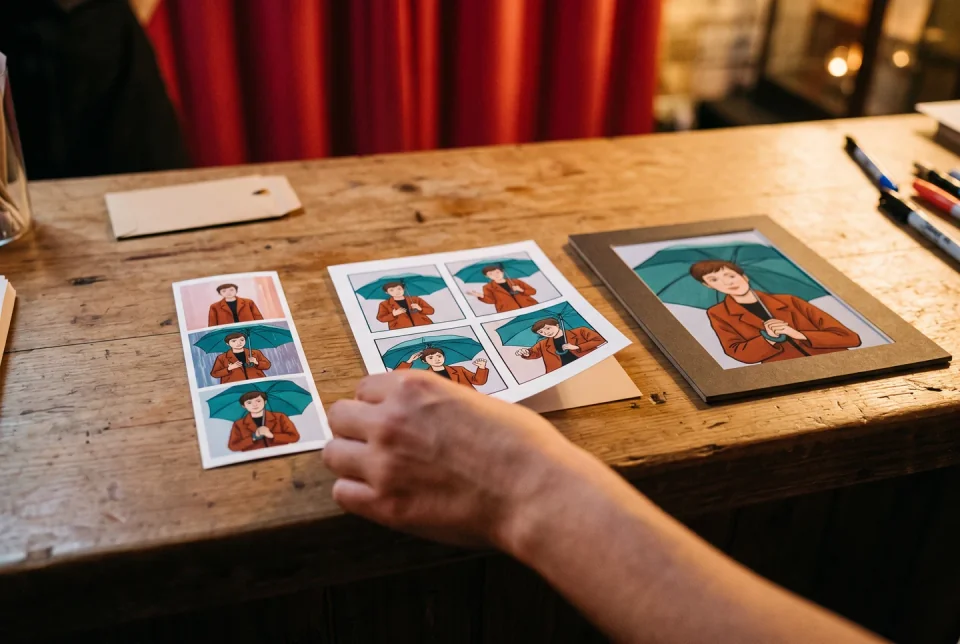
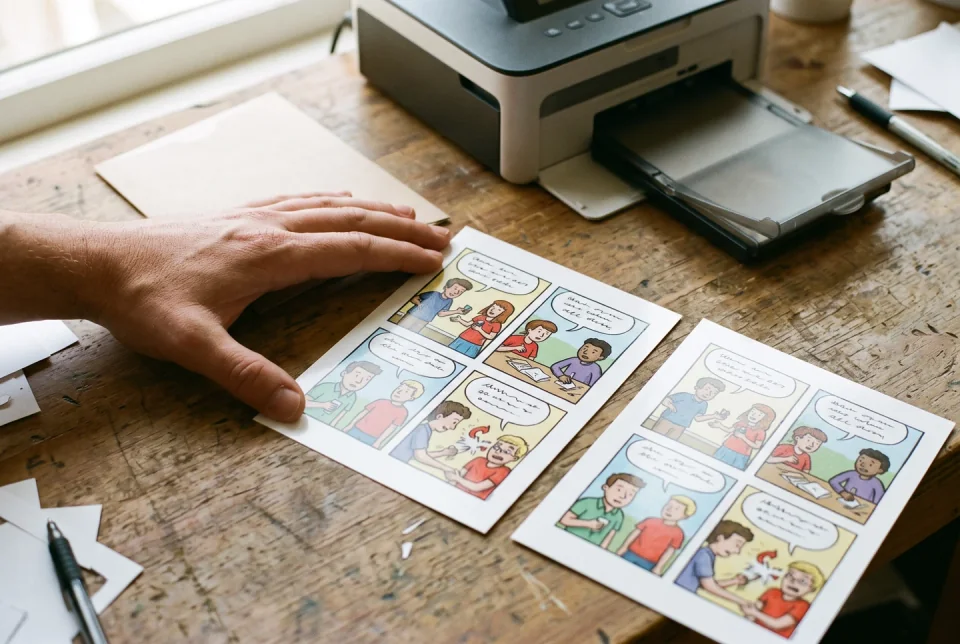
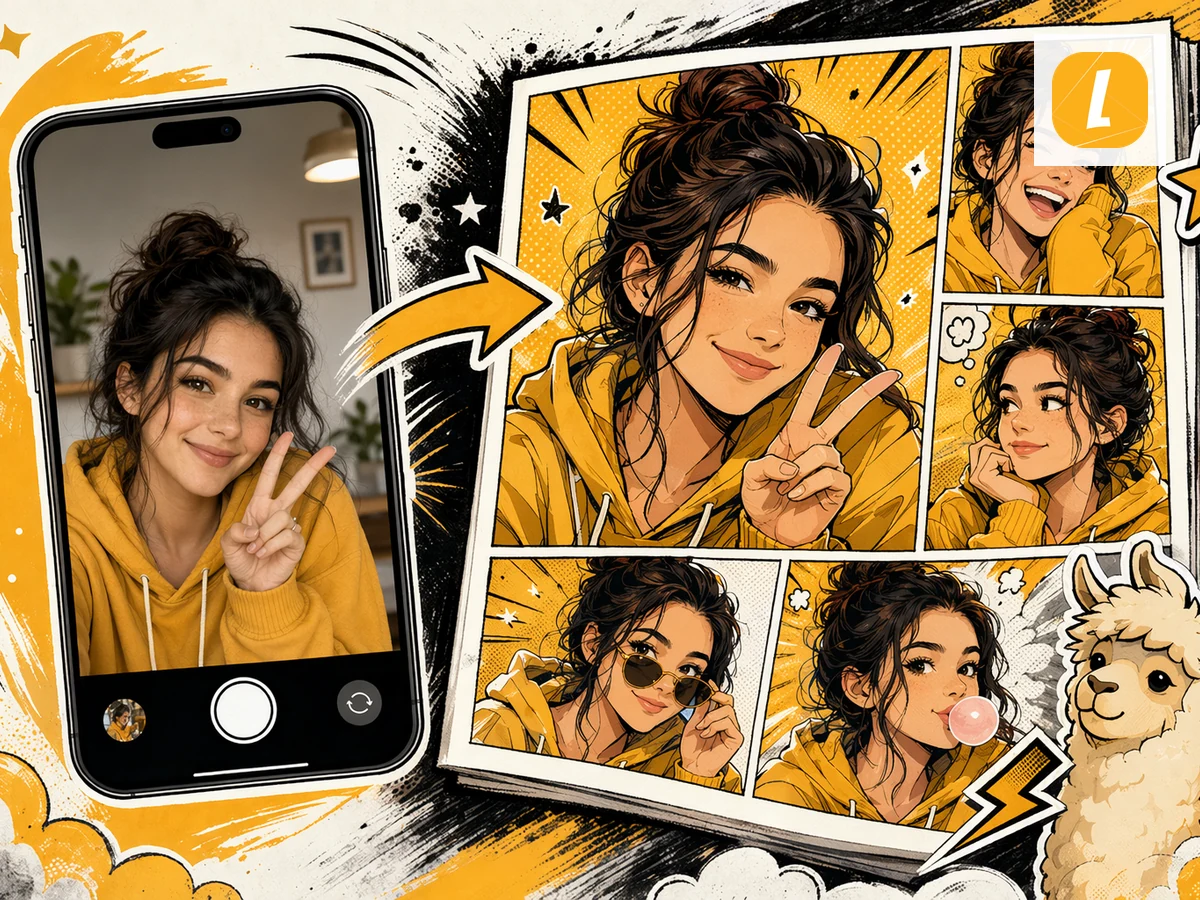
Selfie to Comic
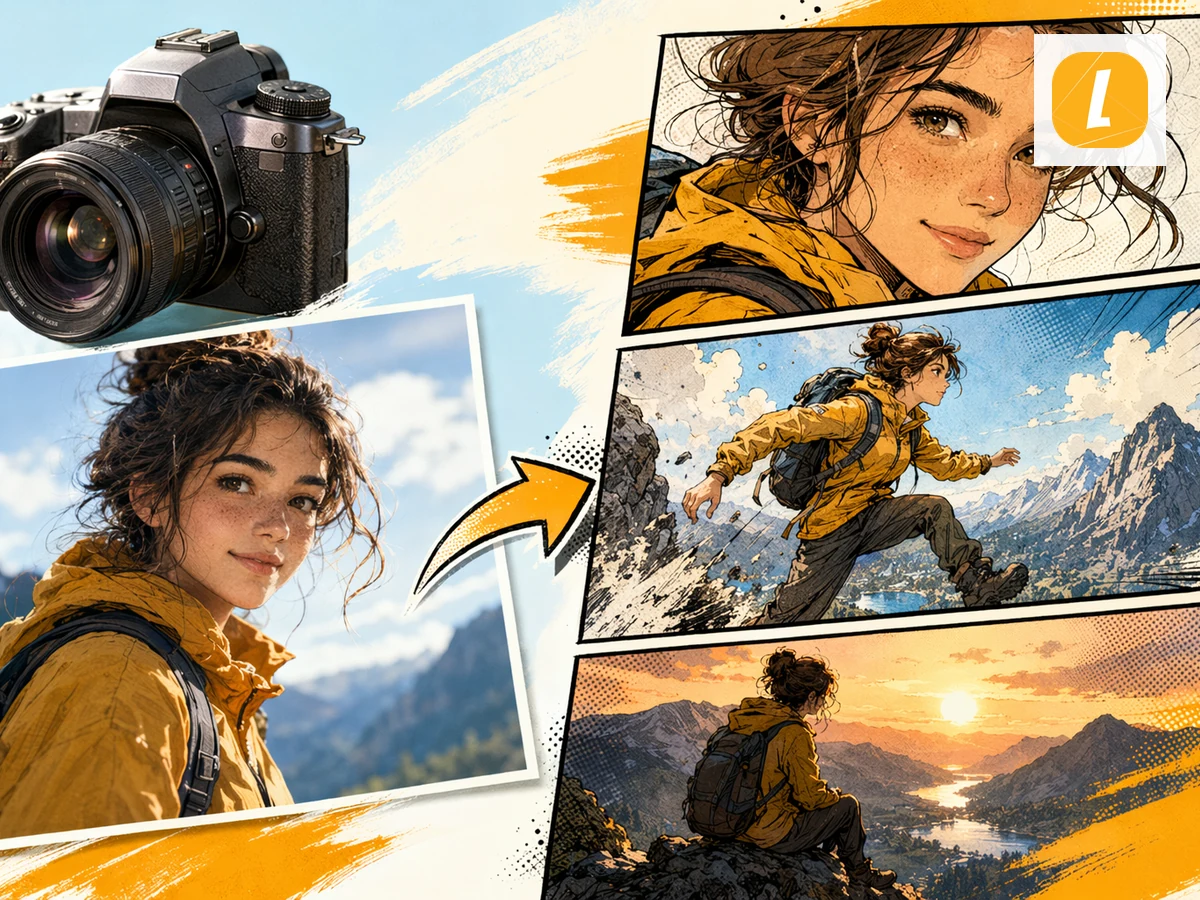
Photo to Comic
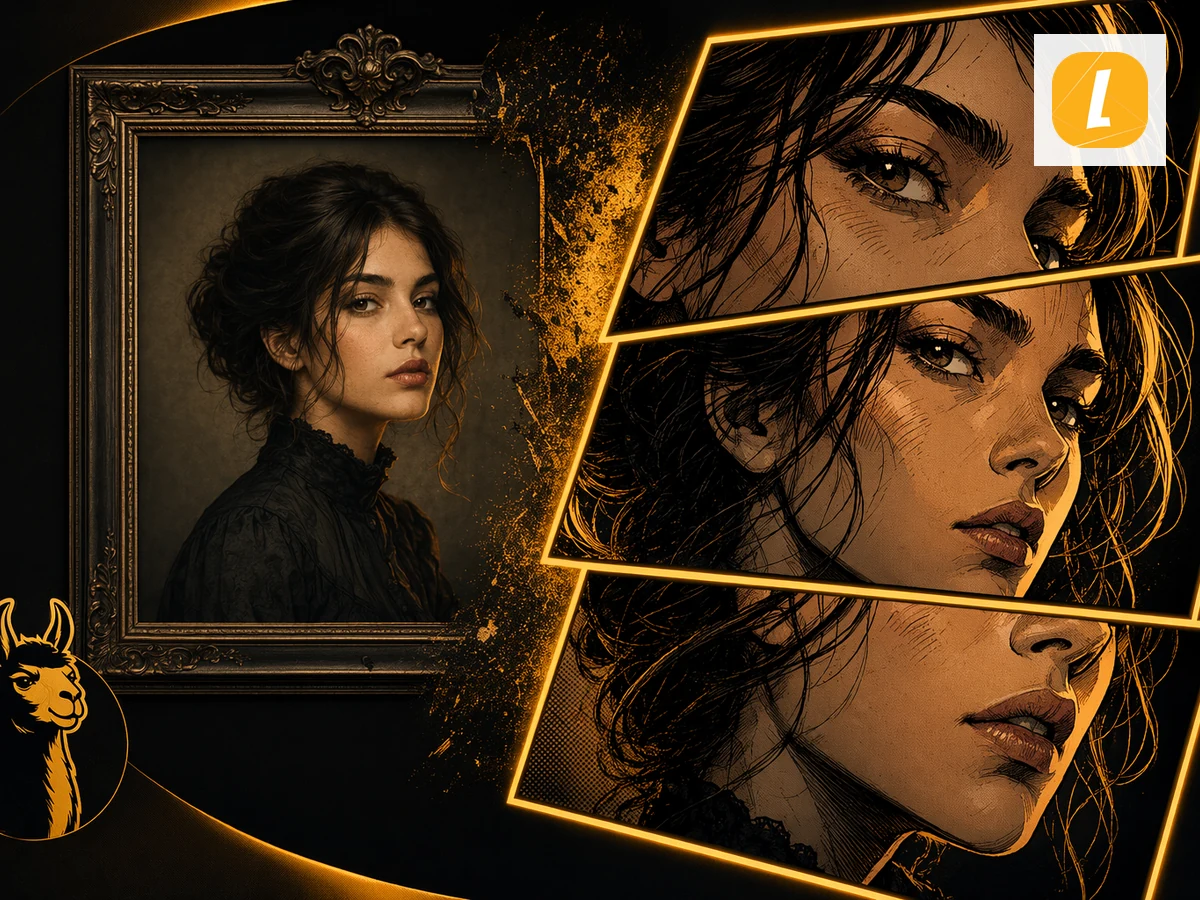
Portrait to Comic
Input: a photo or selfie + scene description
Output: a comic page with editable story panels
Boundary: camera hardware, queues and printing are separate integrations
Each stage has a clear owner. LlamaGen handles comic generation, while your existing tools can manage the event workflow.
01
Start with an image from a camera, phone, or existing event software. The current LlamaGen tool uses photo upload.
02
Specify the situation, tone, characters, and how the story should unfold across four panels.
03
Create the comic using the existing Photo to Comic workflow. Review identity, text, layout, and any brand requirements.
04
Use your existing photo booth or printing system for onsite capture, queueing, print setup, and guest distribution.
A guest arrives at a celebration, discovers a surprise, laughs with friends and leaves with a keepsake.
Create four-panel comicThe birthday guest arrives, spots a curious package, shares a funny discovery and blows out the candles.
Create four-panel comicAn attendee visits a demo, discovers an unexpected feature, tries it with the host and celebrates.
Create four-panel comicThese are suggested workflows, not claims that LlamaGen supplies onsite rental services or print hardware.
Upload a photo in the existing Photo to Comic tool, then describe an original four-panel story: “Panel 1: the guest arrives at a rooftop celebration. Panel 2: a funny surprise. Panel 3: friends solve it together. Panel 4: a cheerful souvenir ending. Preserve the guest’s recognizable features and avoid copyrighted characters.”
Open Photo to ComicNo. This page introduces the creative generation workflow. LlamaGen does not currently advertise onsite equipment rental, camera hardware integration, or physical print fulfillment here.
You can upload a selfie or portrait to the Photo to Comic tool and guide the story. Results and production time vary, so test the workflow before offering it at a live event.
Not as a complete photo booth system. LlamaGen provides photo-to-comic creation and a Comic API. Booth operators can handle capture, queues, printing, and delivery within their existing software.
The photo-to-comic tool accepts a photo upload. The Comic API also documents image attachments, character reference images, and an upload endpoint. Results should be reviewed for resemblance before sharing or printing.
Yes. Collect the appropriate consent before uploading guest photos, clearly explain retention and sharing in your own event workflow, and review the applicable service and privacy terms.
Try the current photo-to-comic creator. If you are building software for photographers or photo booth operators, explore the Comic API instead.
Planning a real event or operator integration? Read the implementation and print checklists before promising turnaround, likeness or print quality.