Existing product illustration
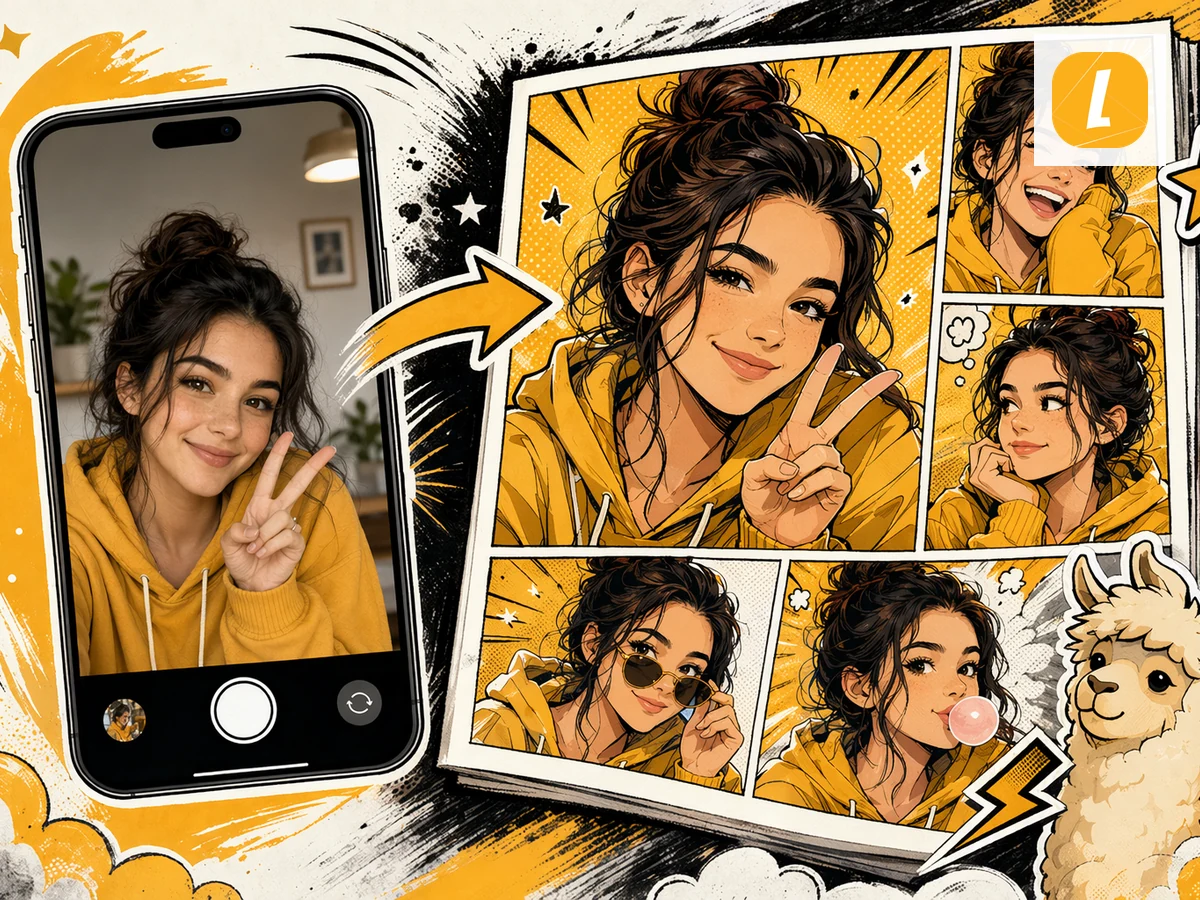
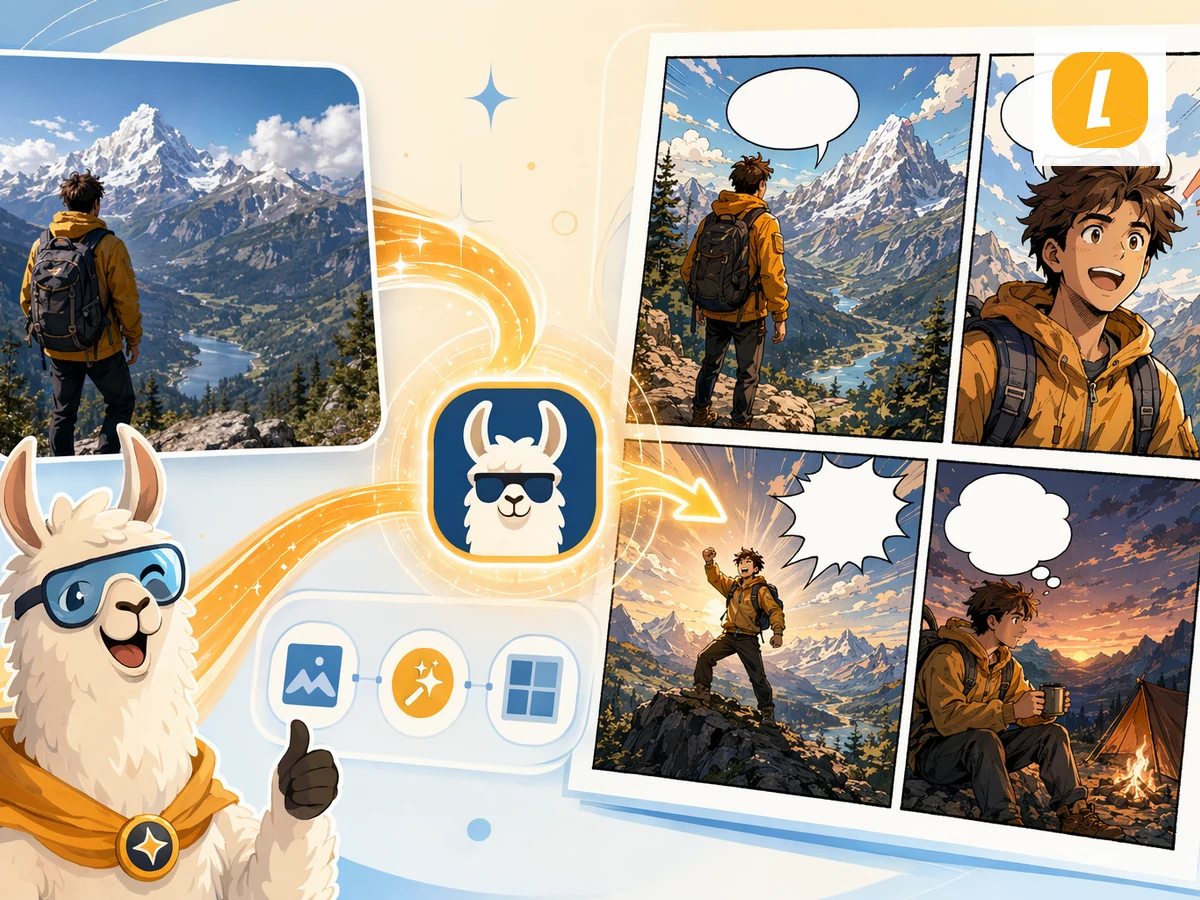
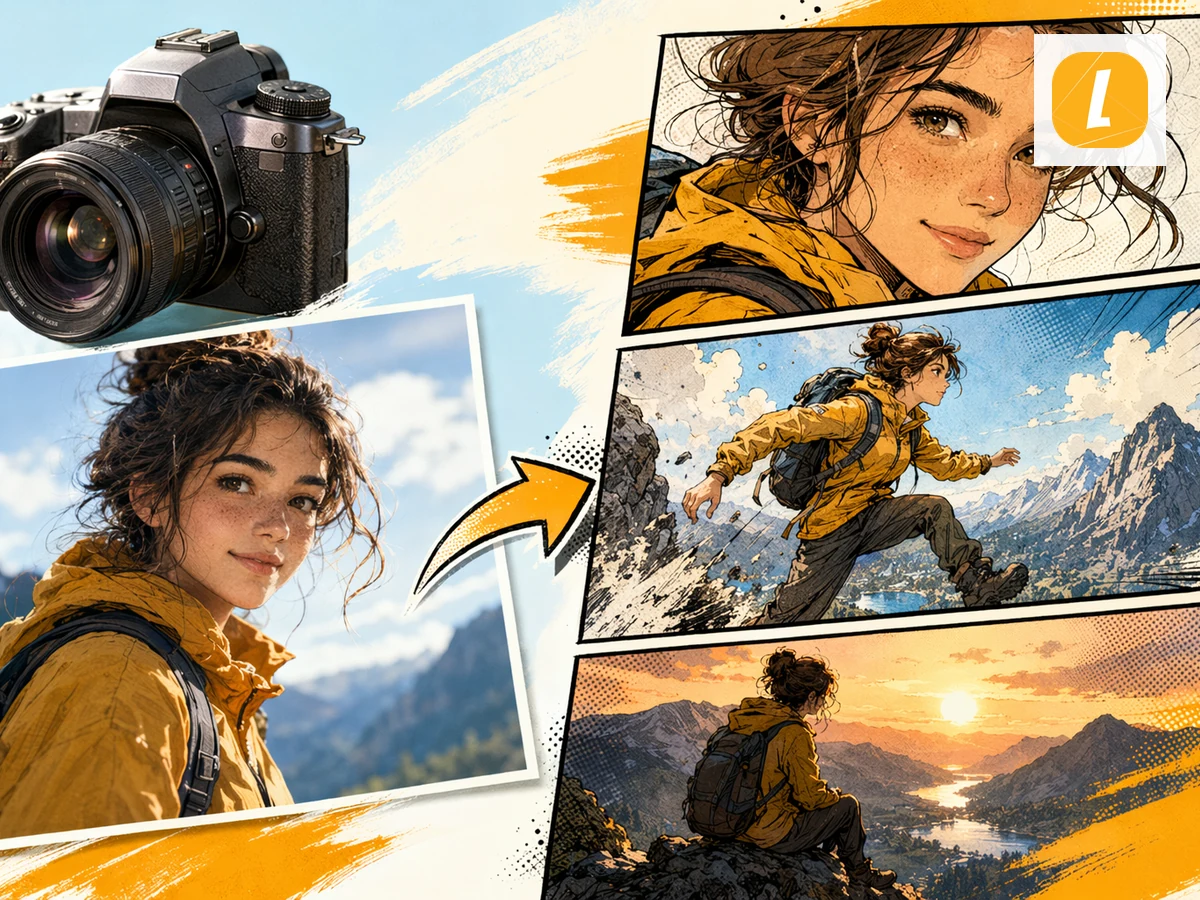
Photo to comic source workflow
A photo, a comic character interpretation, and panel-based scenes from LlamaGen's existing creative gallery.


Personalized event comic keepsakes
Upload an authorized guest photo, pick a four-panel story, then review the result in LlamaGen Studio. Print hardware and fulfillment are handled by your existing event workflow.
A real photo-to-comic creation flow—no simulated booth camera or direct printer control.
Start with a real-world template
Choose a template, then edit every detail before generating.
Plan your event comic
Choose a starter brief and adapt it to your authorized guest photo. A four-beat story is easier to review than an unconstrained prompt.
Real generated examples
This artwork illustrates a photo being transformed into comic panels; it is not a photo booth event case study or unedited live output.
Existing product illustration
A photo, a comic character interpretation, and panel-based scenes from LlamaGen's existing creative gallery.
Use a photo you are authorized to process. JPG, PNG, and WebP uploads follow the existing Photo to Comic upload flow.
Pick an example brief or describe your event, characters, action, and final keepsake moment.
Create in the existing comic workflow. Check resemblance, spelling, panel quality, and permissions before distributing.
Wedding, birthday, corporate activation, and travel souvenir starters give each guest a clear four-beat story instead of a single image filter.
Your uploaded photo is passed through the existing file-to-comic creation flow, with a story prompt and consistent character direction.
Continue in LlamaGen Studio to refine captions, layouts and panels before any offsite printing or delivery.
Check plans and credits before generating, or turn a picture into a comic, open the comic strip maker, or start from AI comic strips.
No. This is a photo-upload comic generator. For onsite camera capture, event management, printing, and delivery, use your existing photo booth platform or custom integration.
Yes. Upload a supported photo and use one of the four-panel story briefs. The result needs review before sharing or printing.
No. This tool generates a digital comic. Print preparation and physical printer control happen outside this workflow.
Yes. Only upload photos you are permitted to use. Obtain appropriate event photo consent and review the applicable privacy terms.
Developers can explore LlamaGen Comic API for integrating photo references, generation status and outputs into their own apps.
No. The page uses LlamaGen's existing sign-in, credit consumption and upgrade experience. Review plan details before generating.
Generate your first comic in under a minute. No credit card required.
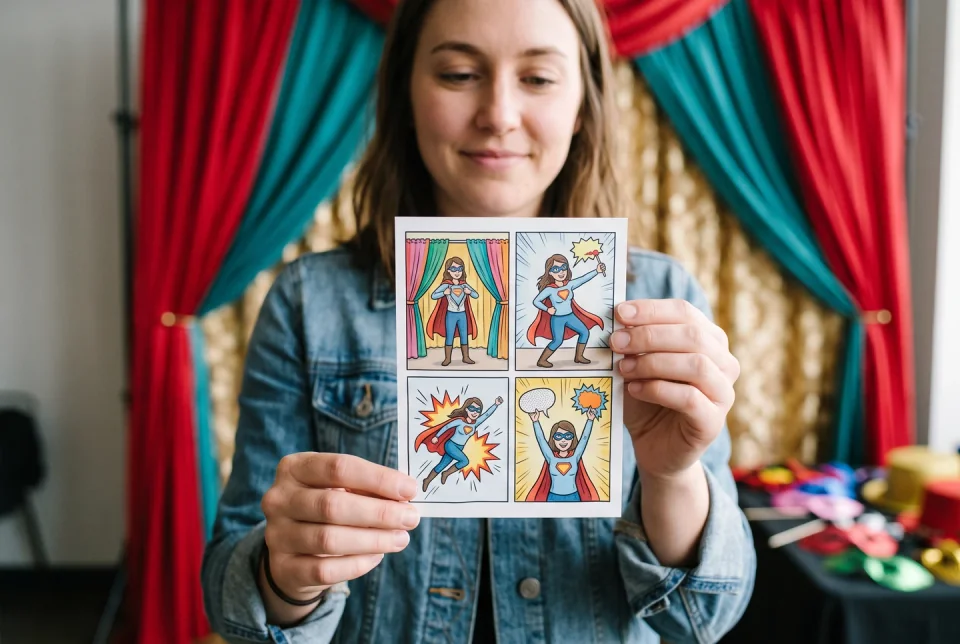
Use a photo you have permission to upload and a brief with four distinct beats. Check the existing preview before saving or moving to a separate print workflow.
LlamaGen Editorial TeamReviewed Privacy policyContact support
Go from an online comic to an app integration, event activation, print workflow or buyer comparison. Each resource answers a different task.