Choose one objective
Name what the learner should understand after reading. Move unrelated objectives into another lesson rather than adding more exposition.


Lesson Plan to Webtoon
Choose one learning objective, show a misconception and a worked explanation, then end with a question learners can answer. Review the draft for age, terminology and reading order.
Keep one learning objective and check the answer before using the draft with learners.
Paste the lesson objective, explanation, learner level and important terminology, or upload a supported document.
Use Advanced options to specify a misconception and the question a learner should answer.
Check accuracy, age suitability, caption length and top-to-bottom reading order in Studio. The draft is not an independently validated lesson.
Name what the learner should understand after reading. Move unrelated objectives into another lesson rather than adding more exposition.
Use a learner’s question to expose the mistake, then explain it using the supplied terminology and evidence.
Ask a short question that tests the stated objective. Review the answer and reading level before using the draft with learners.
Check plans and credits before generating, or turn a picture into a comic, open the comic strip maker, or start from AI comic strips.
Lesson Plan to Webtoon is a LlamaGen tool that uses lesson plans, class objectives, or teaching notes to create vertical AI webtoon episodes with panels, captions, pacing, and editable story layouts.
Upload or paste your lesson plan material, add an optional webtoon direction, and click Create Webtoon. LlamaGen sends the source with an English prompt tuned for vertical webtoon storytelling.
Yes. The page can upload a source attachment or include pasted source text in the creation request, so the generated webtoon can follow your material.
Yes. Successful generations open in the LlamaGen creative workspace where you can keep refining the generated result.
Lesson Plan to Webtoon accepts .txt, .md, .pdf, .doc, .docx, .ppt, .pptx files up to 50MB, plus pasted text or source notes when text input is enabled.
Lesson Plan to Webtoon is useful for creators, educators, marketers, writers, and teams who want to turn existing material into vertical webtoon storytelling for social, learning, pitch, or entertainment use cases.
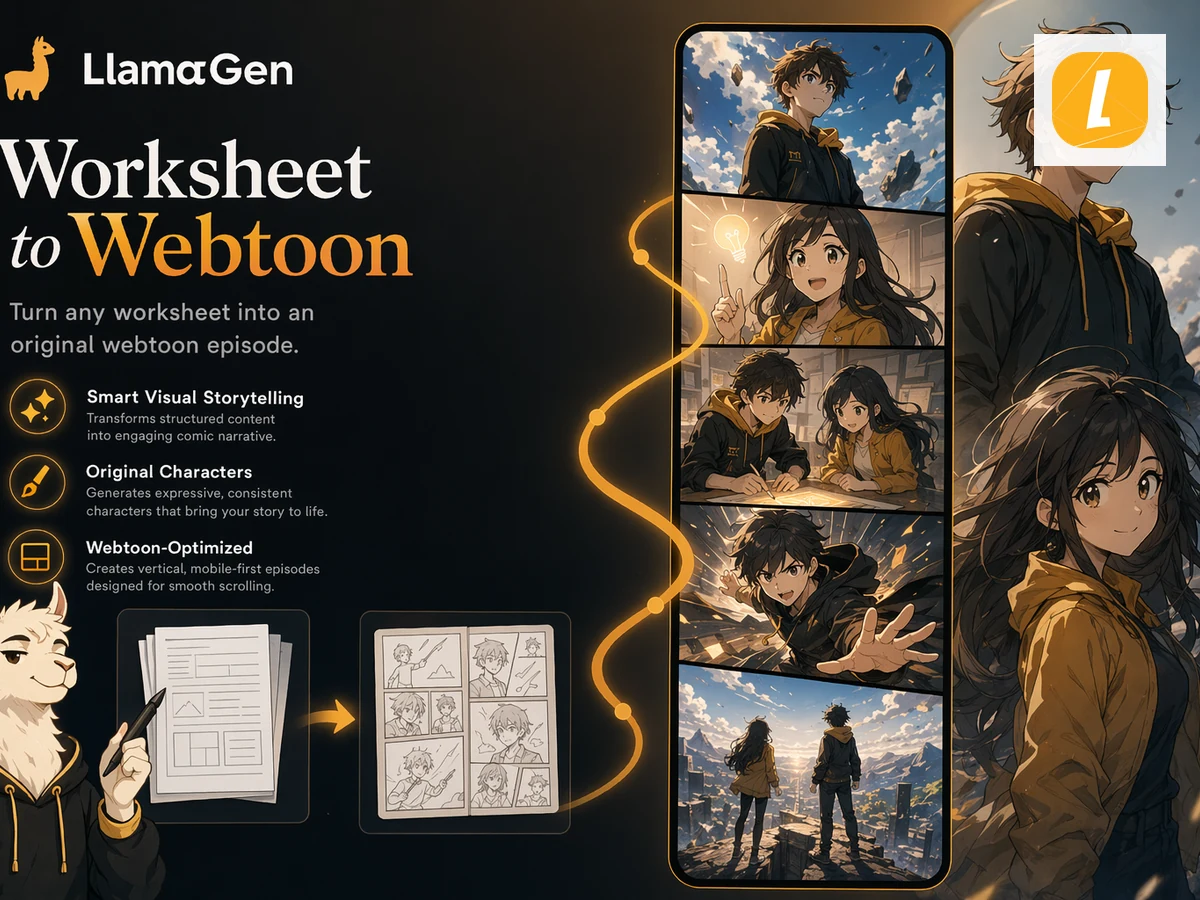
Turn worksheet content into a vertical AI webtoon episode with scroll-ready pacing and editable story panels.
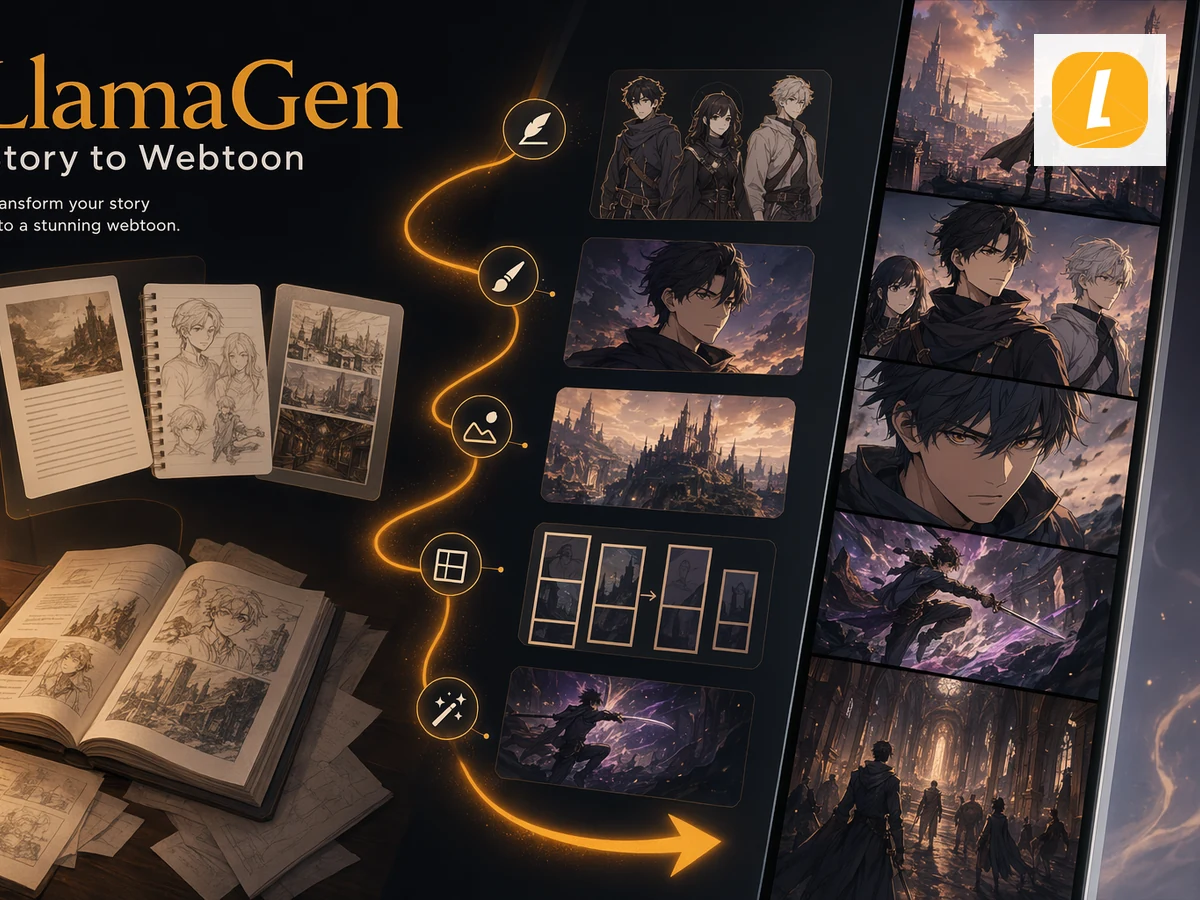
Turn story content into a vertical AI webtoon episode with scroll-ready pacing and editable story panels.
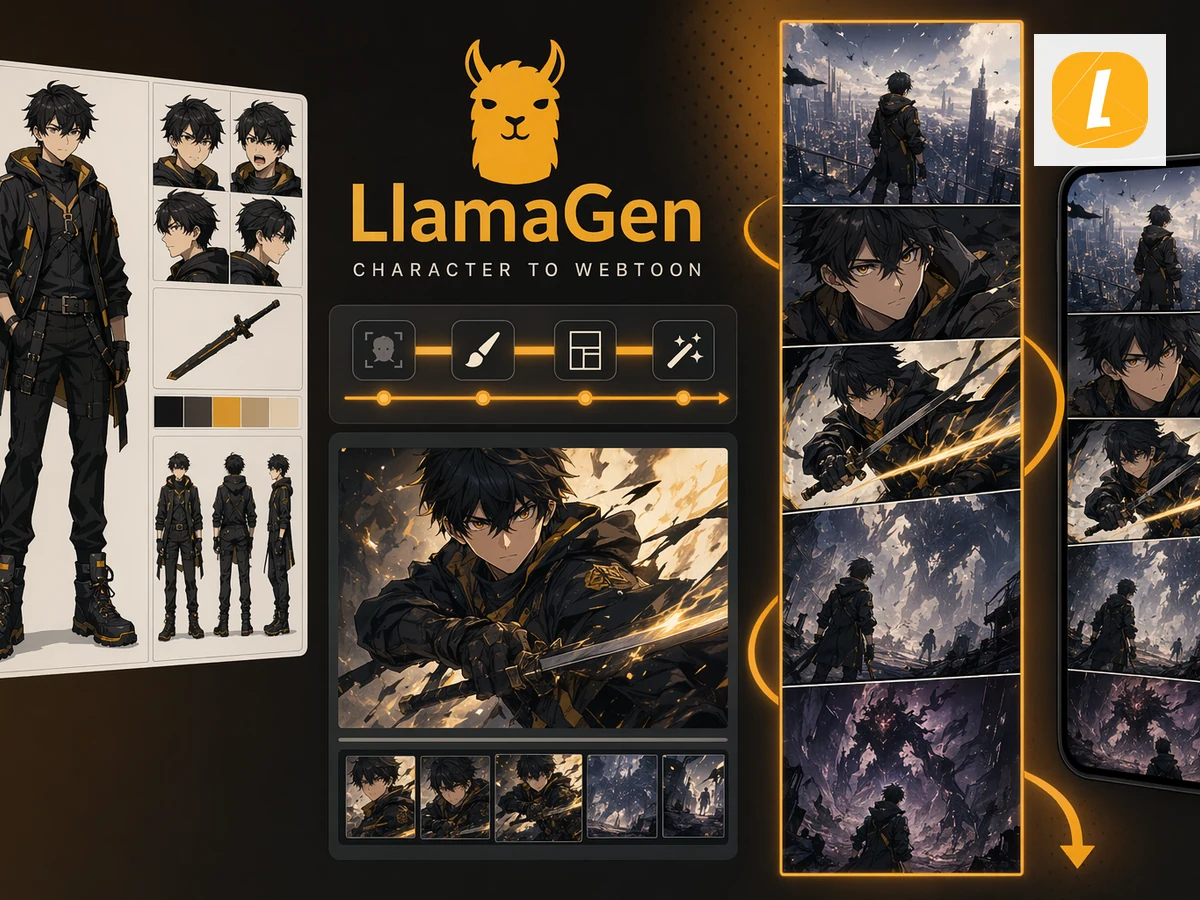
Turn character content into a vertical AI webtoon episode with scroll-ready pacing and editable story panels.
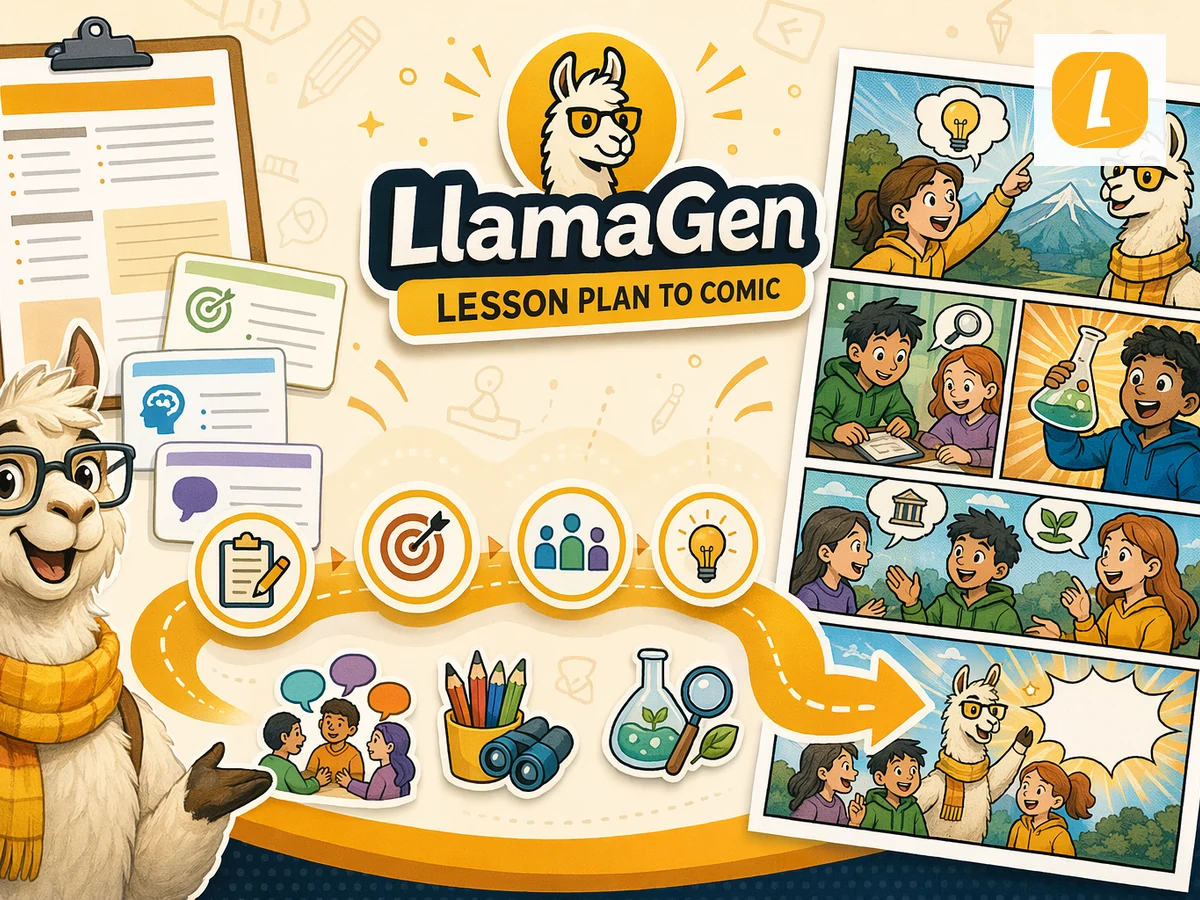
Continue creating AI comics, webtoons, and visual stories with LlamaGen.
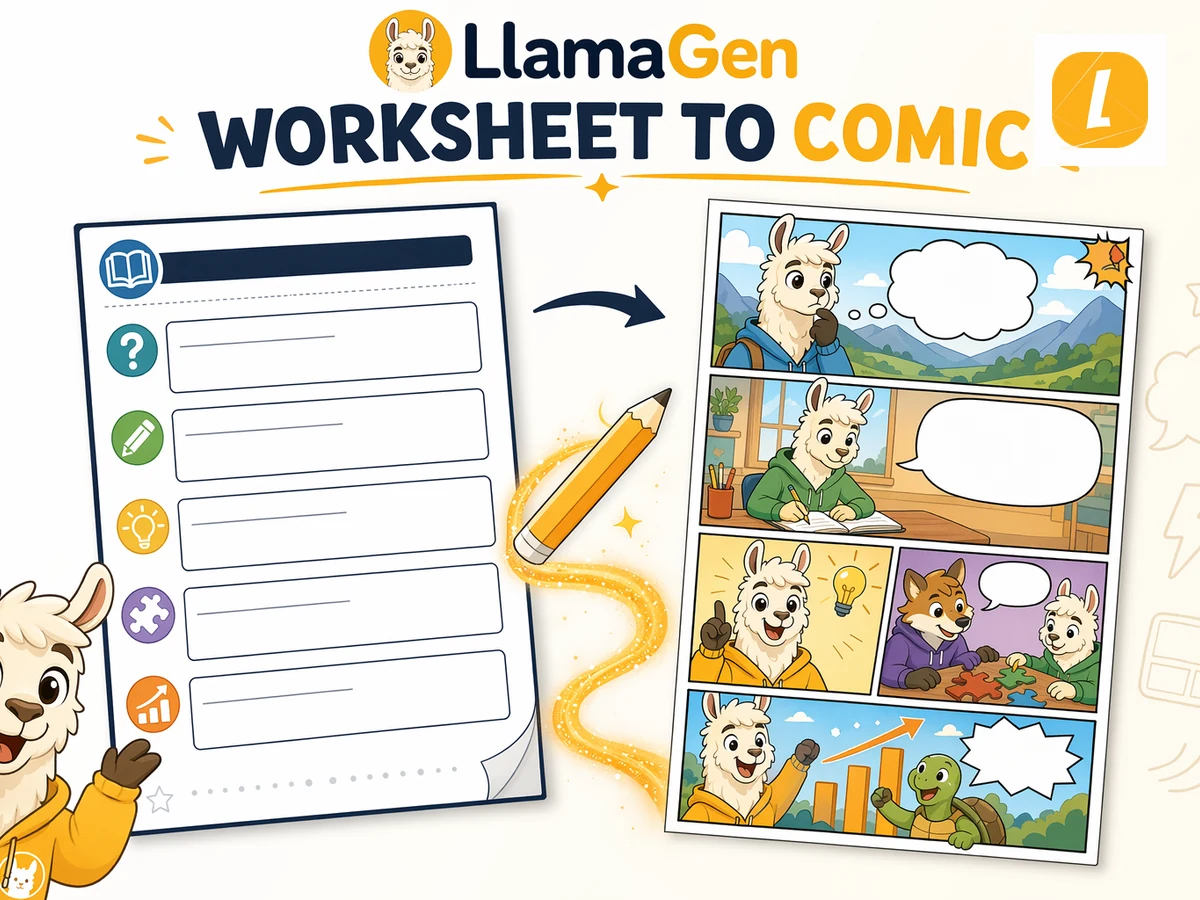
Continue creating AI comics, webtoons, and visual stories with LlamaGen.
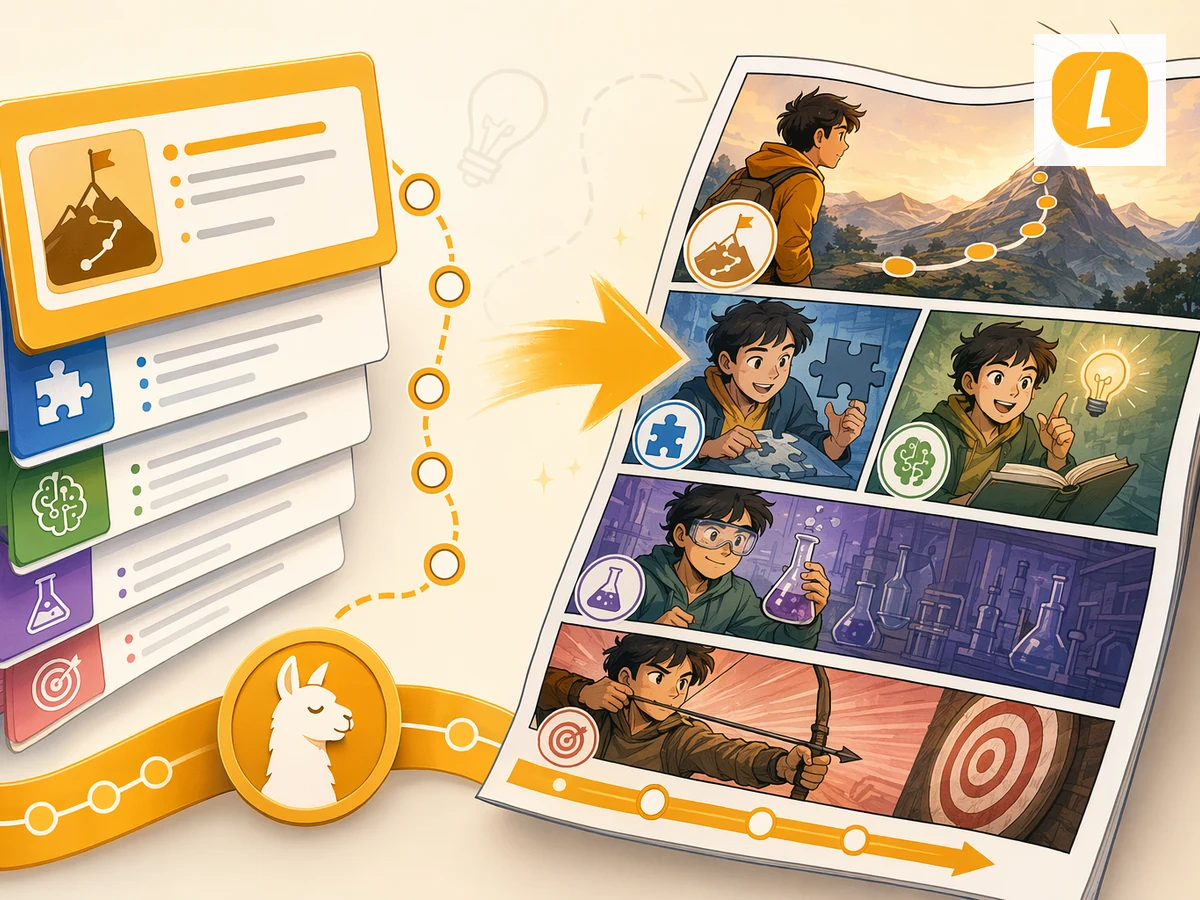
Continue creating AI comics, webtoons, and visual stories with LlamaGen.
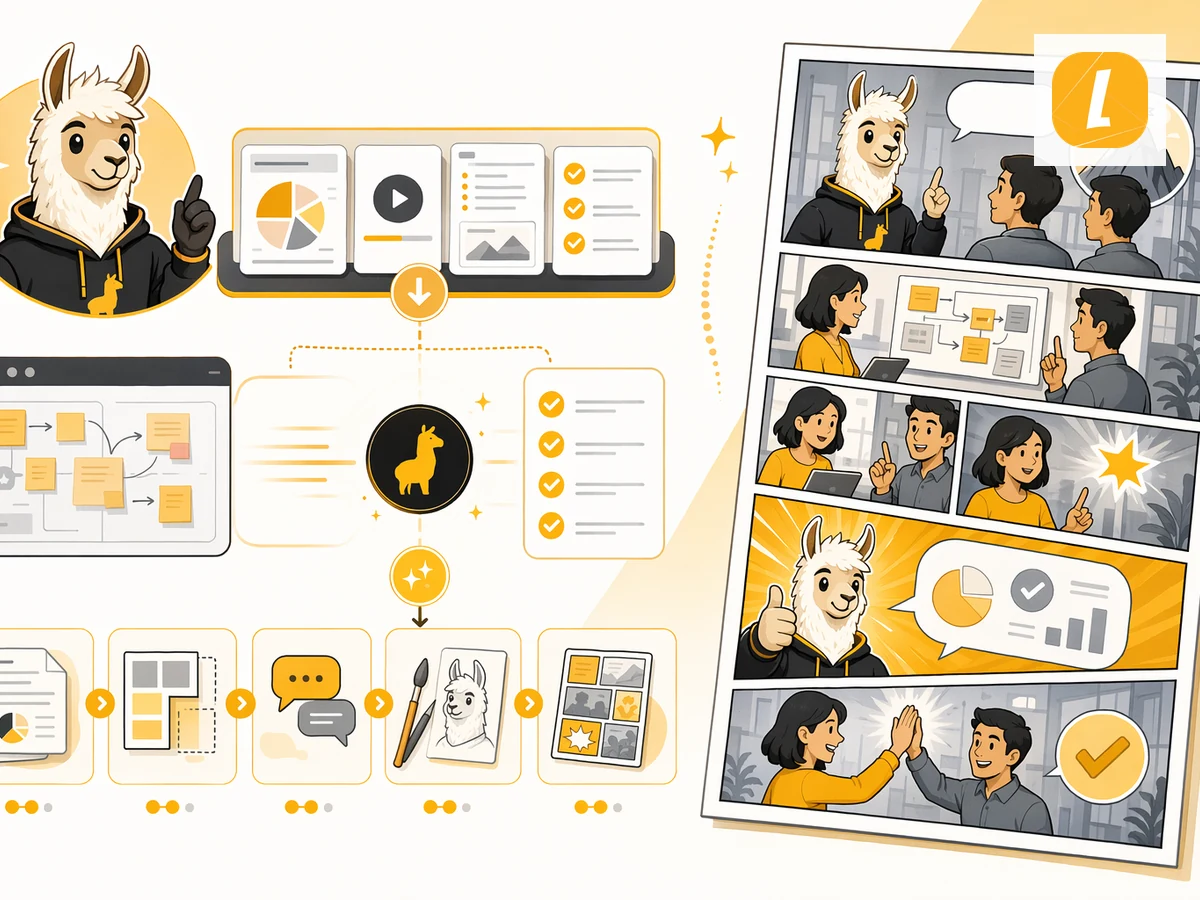
Continue creating AI comics, webtoons, and visual stories with LlamaGen.
Generate your first comic in under a minute. No credit card required.
Move from a single generated image or video into comics, manga, storyboards, and connected visual stories.