Select one takeaway
Choose the point a reader should remember. Split unrelated newsletter sections into separate drafts instead of squeezing the whole issue into four panels.


Newsletter to Comic
Paste the newsletter passage you want to adapt, choose one takeaway, and review a four-panel draft before publishing. A pasted link alone is not a verified source.
Choose one takeaway; check every number and condition against the newsletter.
Copy the actual newsletter text or upload a supported document; include the context needed to understand the claim.
Use Advanced options to name the audience and the single point to preserve.
Review the four-panel draft in Studio. Correct numbers, captions and the final action before sharing.
Choose the point a reader should remember. Split unrelated newsletter sections into separate drafts instead of squeezing the whole issue into four panels.
Preserve a claim together with its numbers, units, time period and qualifications. Check every caption against the passage rather than accepting a visually persuasive invention.
Keep an original call to action only when it is present in the source. A comic summary should not add a new promise, endorsement or recommendation.
Check plans and credits before generating, or turn a picture into a comic, open the comic strip maker, or start from AI comic strips.
Newsletter to Comic is a LlamaGen tool that uses newsletters to create AI comic pages with panels, captions, and comic-ready layouts.
Upload or paste newsletters, add an optional direction, and click Create Comic. LlamaGen sends the source with an English prompt based on the Newsletter to Comic theme.
Yes. The page can upload a source attachment or include pasted source text in the comic creation request.
Yes. Successful generations open in the LlamaGen comic workspace where you can continue editing the comic page.
Newsletter to Comic accepts .txt, .md, .html, .htm, .pdf, .doc, .docx files up to 20MB, plus pasted text or source notes.
Yes. It is designed for turning source content into panel-based comic storytelling for education, marketing, social sharing, internal communication, and creative drafts.
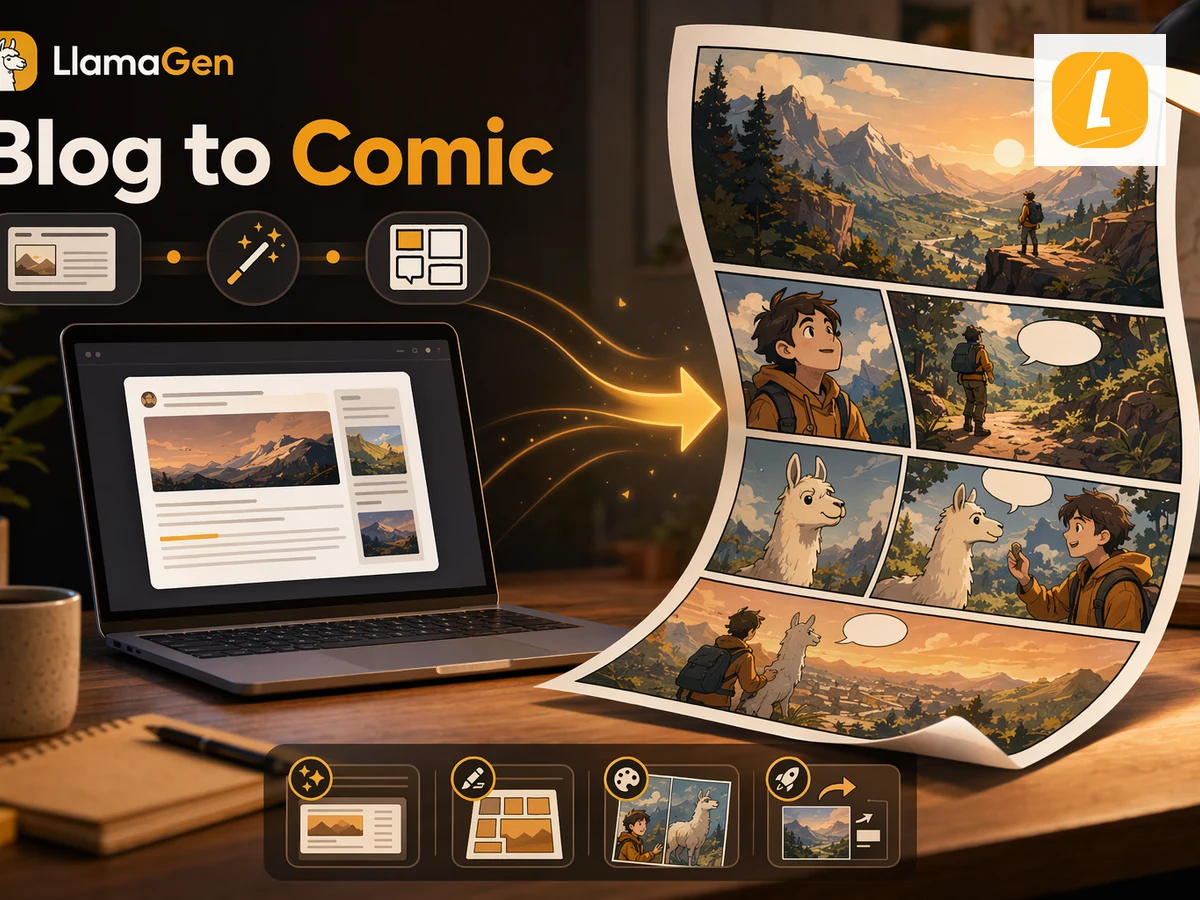
Turn blog posts into AI comics. Paste a blog URL, upload content, or add a summary and create a comic page from the post.
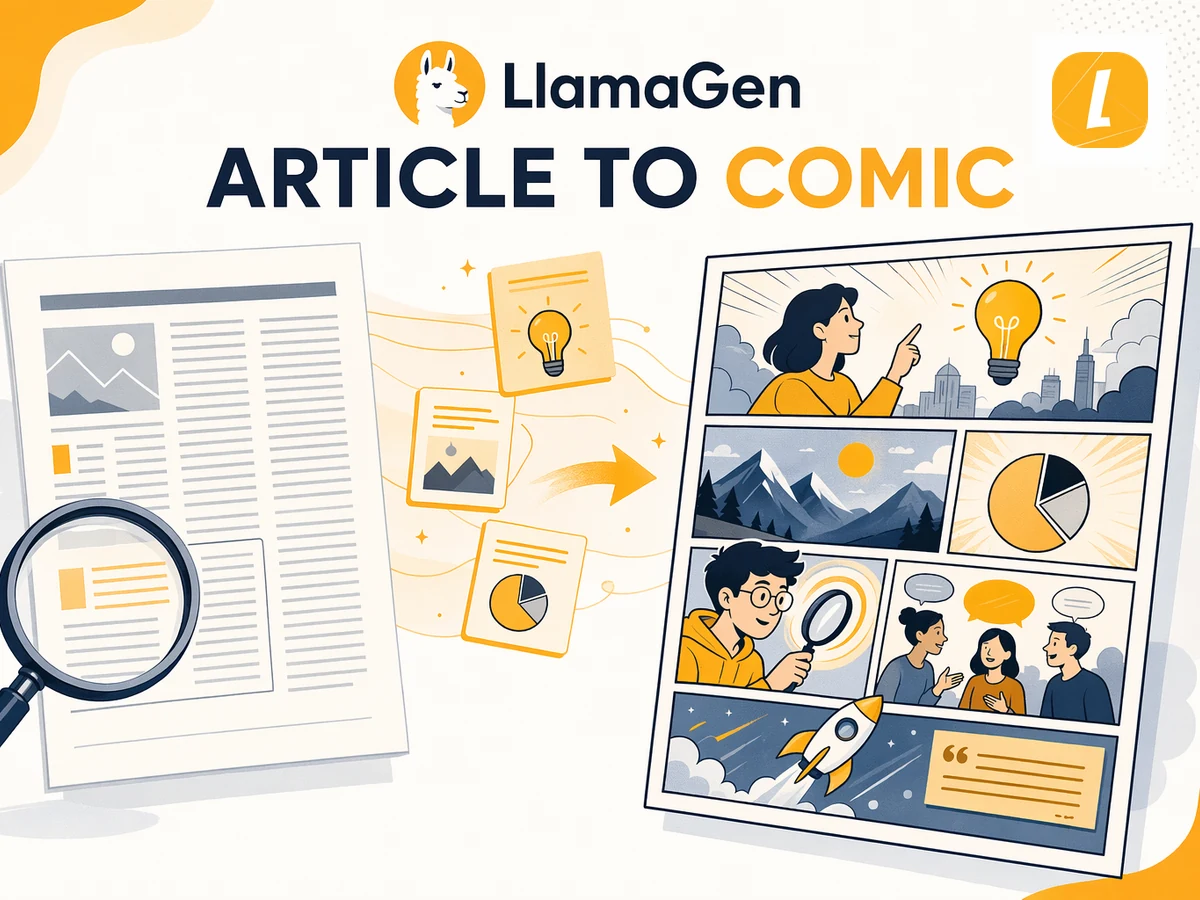
Convert articles into AI comics. Paste or upload article content and LlamaGen will turn the key ideas into panel-based storytelling.

Turn social posts into AI comics. Paste a post, caption, thread, or campaign draft and create a comic page for content repurposing.
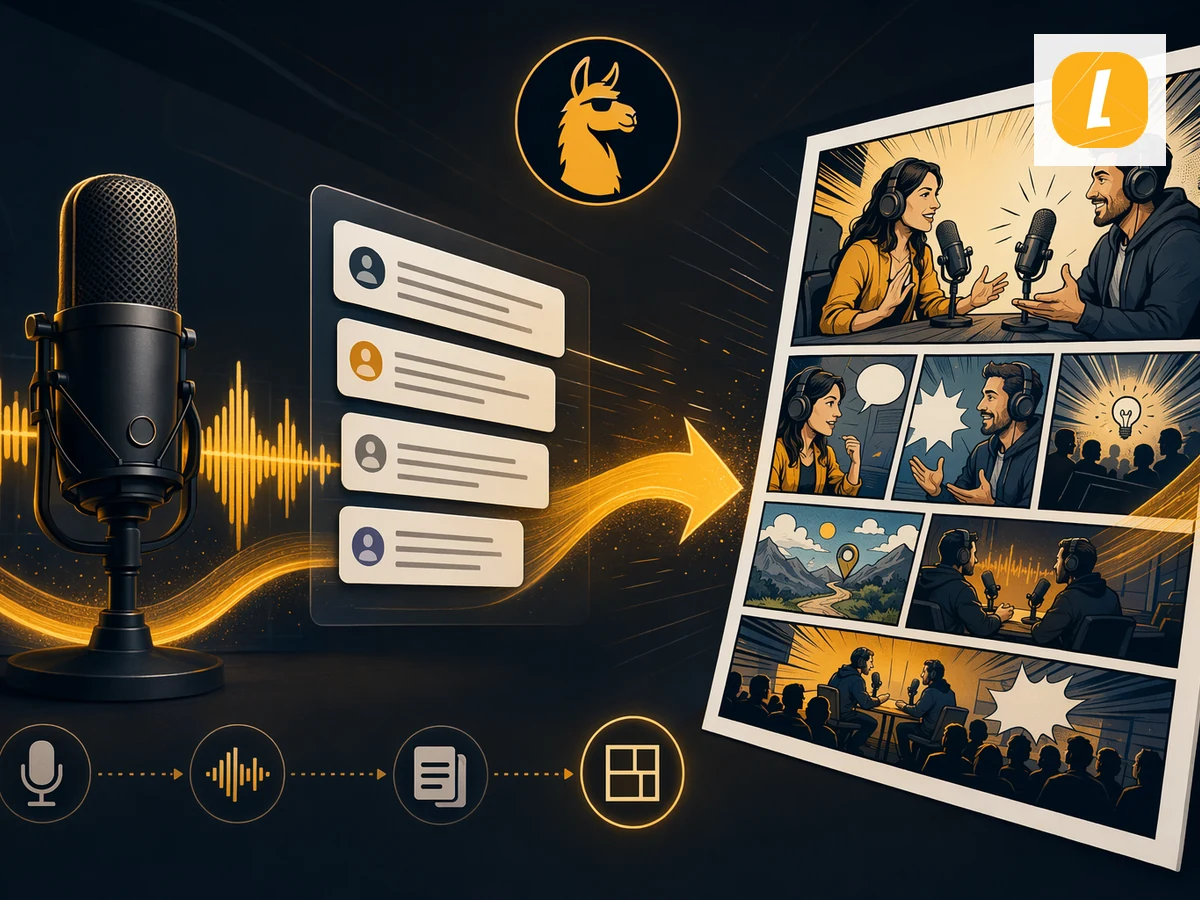
Turn podcast transcripts into AI comics. Paste an episode transcript, interview notes, or show summary and create a visual comic recap.

Turn webinars into AI comics. Paste a webinar transcript, outline, or slide notes and create a comic recap for education or B2B marketing.
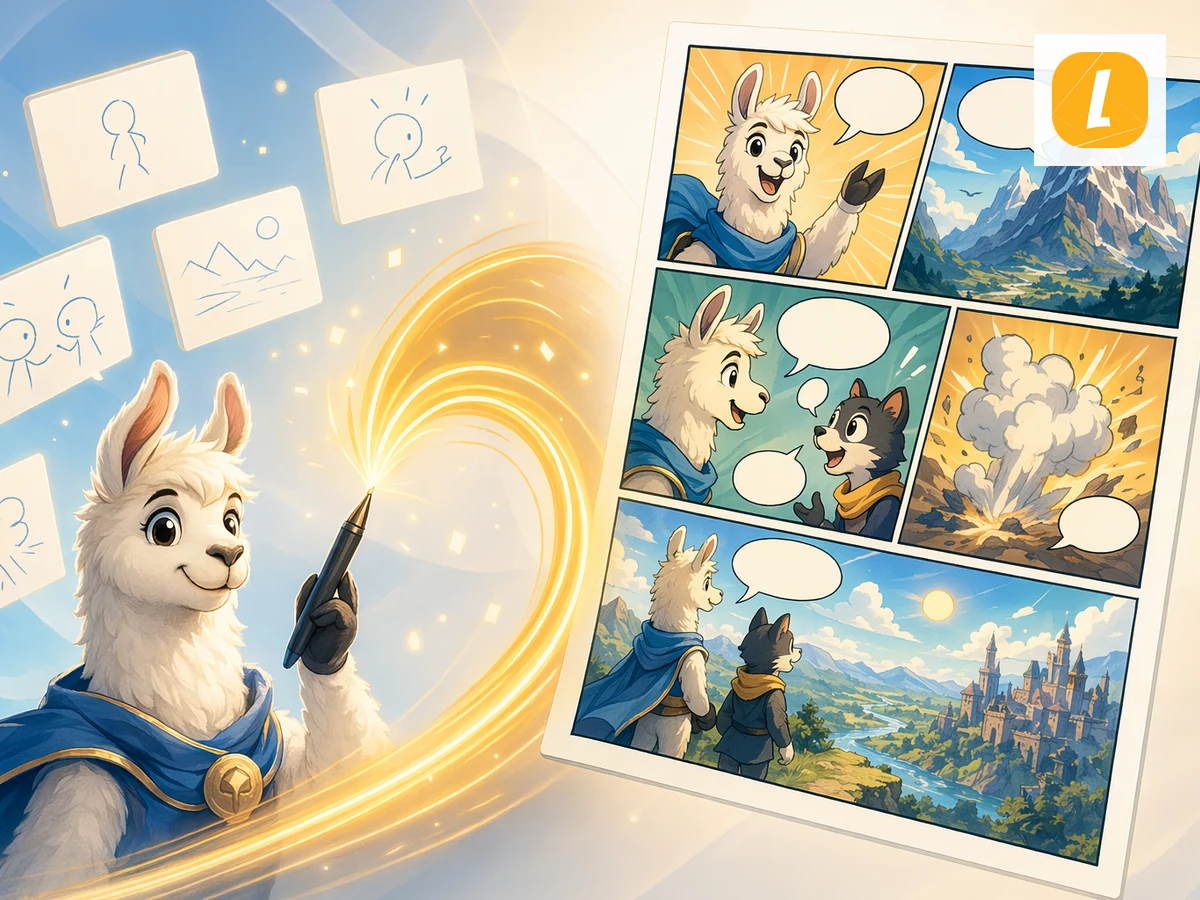
Create comics from plain text. Paste or upload text and LlamaGen will turn the idea into a visual comic page with panels and story flow.
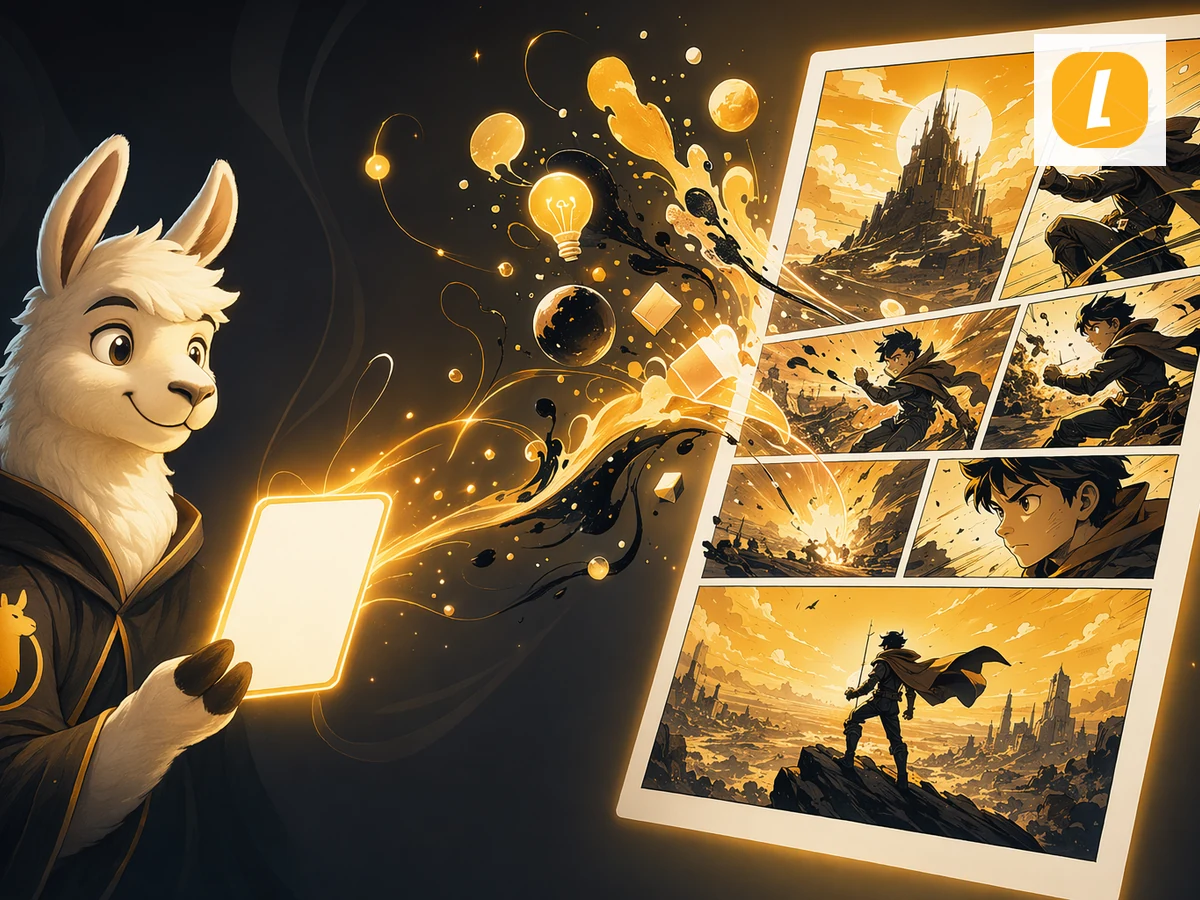
Turn prompts into AI-generated comics. Paste a comic idea, scene prompt, or character setup and generate a polished comic page in LlamaGen.
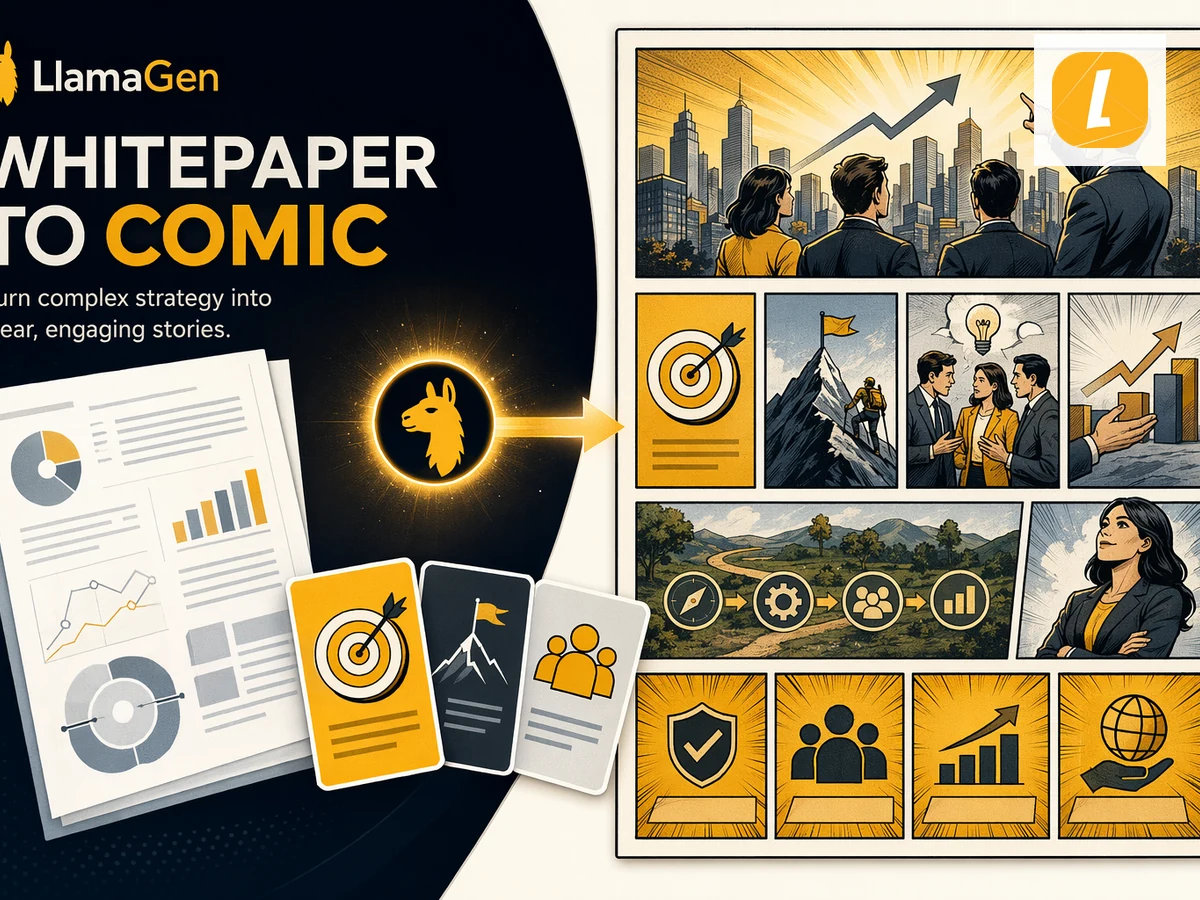
Turn whitepapers into comics. Upload or paste whitepapers and create a comic page that follows the source material instead of starting from a blank prompt.
Generate your first comic in under a minute. No credit card required.
Move from a single generated image or video into comics, manga, storyboards, and connected visual stories.