01Page structure
Design the sequence before the details
Start with panel templates, portrait or landscape pages, and a visible page strip. The whole sequence stays close enough to inspect pacing while one page remains active for precise work.
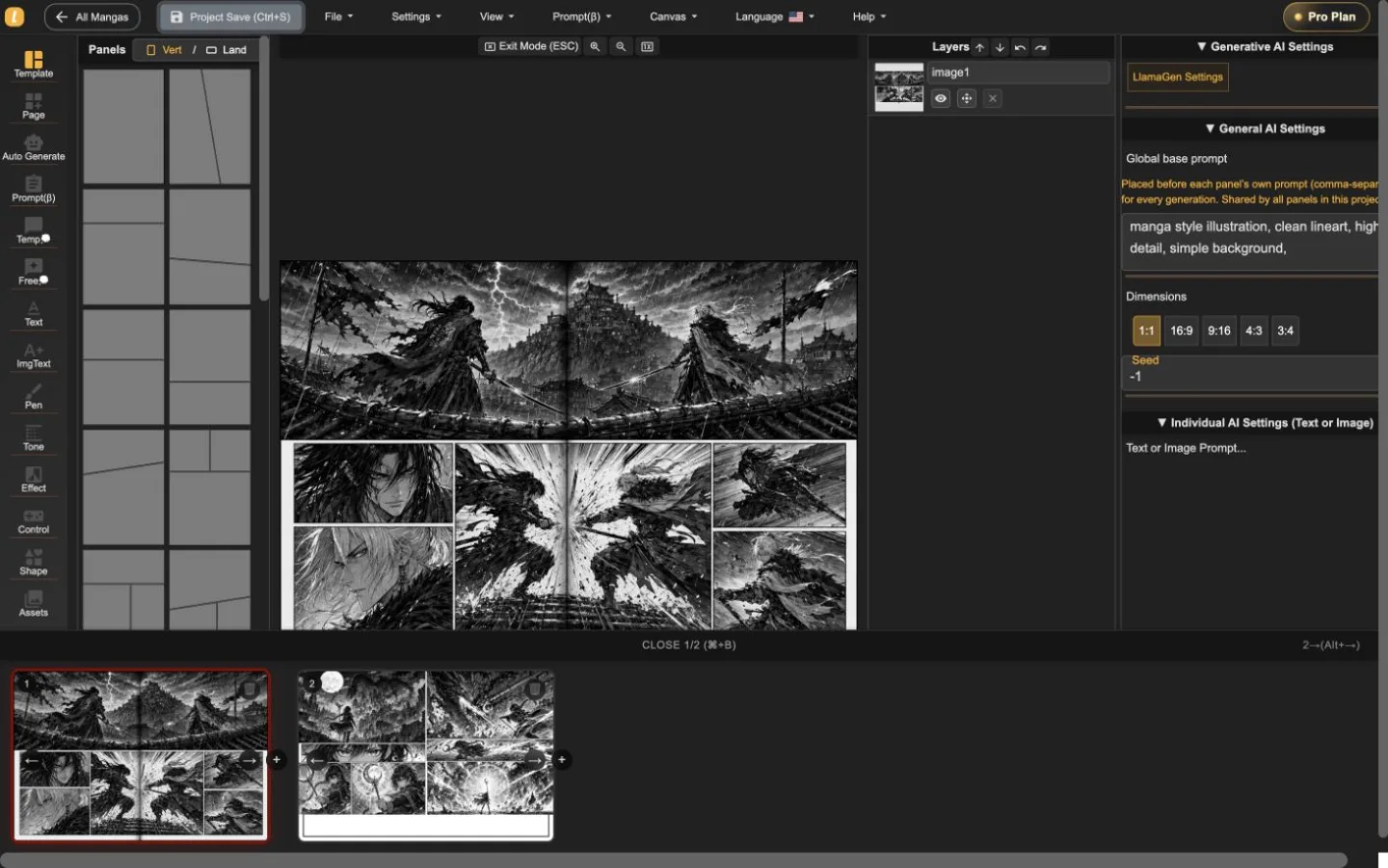
LlamaGen Manga Editor
Плануйте главу з кількох сторінок, розміщуйте або генеруйте ілюстрації всередині панелей, редагуйте діалоги й шари, зберігайте кожну ревізію, не розділяючи історію по різних інструментах.
22-second interface tour
Built from real editor captures, this guided tour shows where page order, panel composition, layers, and generation controls live. It is an interface overview, not a recording of interaction speed.
Проведена послідовність двох реальних сторінок проекту. Тисніть 'play' тільки за бажанням; відео не затримує стартове завантаження сторінки.
Тримайте перегортання сторінок видимими, коли активна одна сторінка.
Працюйте над ілюстраціями без втрати контексту сторінки.
Редагуйте вибрані панелі з видимими інструментами.
Скористайтеся туром по редактору для ознайомлення з робочим середовищем, протестуйте швидкість взаємодії на власній сторінці перед вибором плану.
Перевірте робочий процес у редакторіТри робочі рівні
Start with panel templates, portrait or landscape pages, and a visible page strip. The whole sequence stays close enough to inspect pacing while one page remains active for precise work.
Place generated or uploaded artwork inside panel boundaries, select objects directly, adjust composition, and keep the surrounding page visible instead of sending every correction through a separate generator.
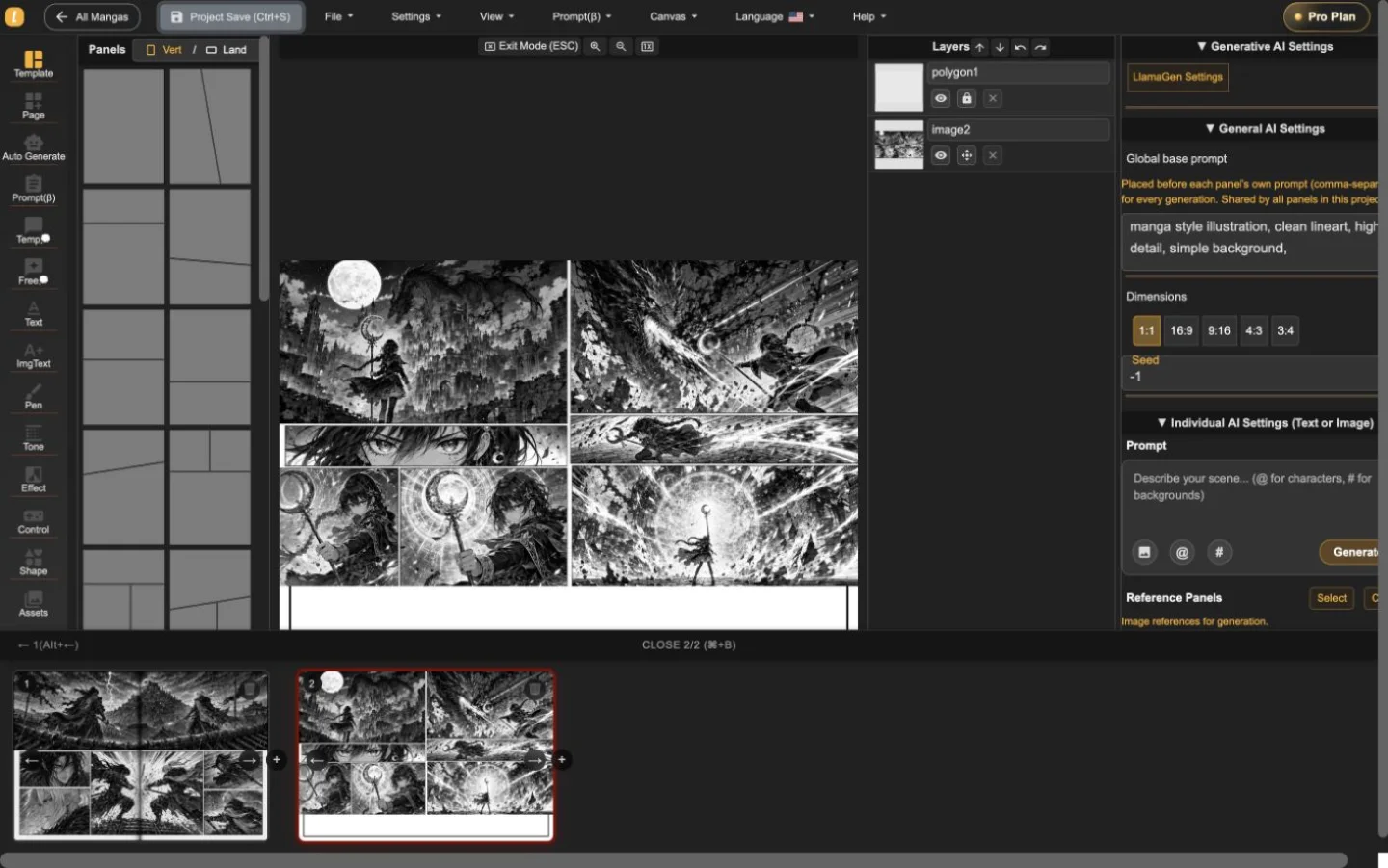
The layer list, panel selection, prompt controls, dimensions, and generation settings live alongside the page. That makes targeted revisions easier to understand and safer to repeat.
Реальний двосторінковий проект
Зразки екшну та фентезі були імпортовані, переключені і збережені у Manga Editor. На скріншотах показано реальну роботу продукту — це не студійне фото чи декоративний макет.
Корисна перша сесія
Використовуйте редактор, щоб відповісти на три практичні питання перед порівнянням тарифів: чи можете ви структурувати сторінку, підправити панель без втрати контексту і експортувати формат, який вам потрібен?
Почати проект мангиЗадайте напрямок сторінки і встановіть ритм панелей.
Виберіть панель, перегляньте її шар і відкоригуйте зображення чи діалог у контексті.
Перевірте завантаження поточної сторінки і збережіть редагований резервний проект перед переходом до більшого розділу.
Manga Editor plans
Standard supports multi-page drafting. Pro is the relevant comparison when a series needs character consistency or the plan's general commercial terms.
Перед публікацією
Зберігайте редагований резервний файл, підтверджуйте потрібний вихідний формат і перевіряйте права на кожний джерельний ресурс перед випуском.
How to use Manga Editor
Start with structure, make image changes in context, and save a stable version before the next major revision.
Виберіть вертикальну або горизонтальну сторінку, додайте панелі та розташуйте послідовність до того, як будете редагувати окремі зображення.
Створіть або вставте зображення в обрану панель, доопрацьовуйте підказки, редагуйте діалоги, форми, шари та композицію у контексті.
Переміщуєтесь по мініатюрах сторінок, зберігаючи цілісність проекту, після цього збережіть відновлювану версію перед великими змінами.
Reference
Практичні деталі про сторінки, зображення, контроль генерації, відновлення й публікаційну перевірку.
LlamaGen Manga Editor is a browser-based workspace for composing multi-page manga, comics, and webtoons. It combines panel layouts, image placement, AI-assisted generation, text tools, layers, page navigation, and project history in one editor.
Yes. The page strip keeps multiple pages in one project so you can add, reorder, open, and review the sequence without exporting every page as a separate document.
Yes. Import or paste your own image files, then place them on the canvas or inside a selected panel. The editor keeps the surrounding page visible while you adjust the composition.
Yes. AI controls can generate or refine images for the selected panel. The editor keeps the page, panel, prompt, and layer context visible while you work.
The editor currently supports a current-page image download using the selected DPI, supported vector content as SVG, and an editable project backup. Download access depends on your plan. PDF is not currently listed as an editor export.
Standard and Pro include single-page and multi-page editing. Standard currently includes 15,000 monthly credits and up to 20 panels per prompt. Pro currently includes 45,000 monthly credits, character consistency, and up to 40 panels per prompt.
Pro currently lists general commercial terms. Commercial use also depends on the rights to your prompts, reference images, fonts, characters, and other source material, so review the current plan and terms before publishing or selling a project.
Project history shows saved versions with page previews, timestamps, and page counts. Review the selected snapshot before choosing whether to restore it.
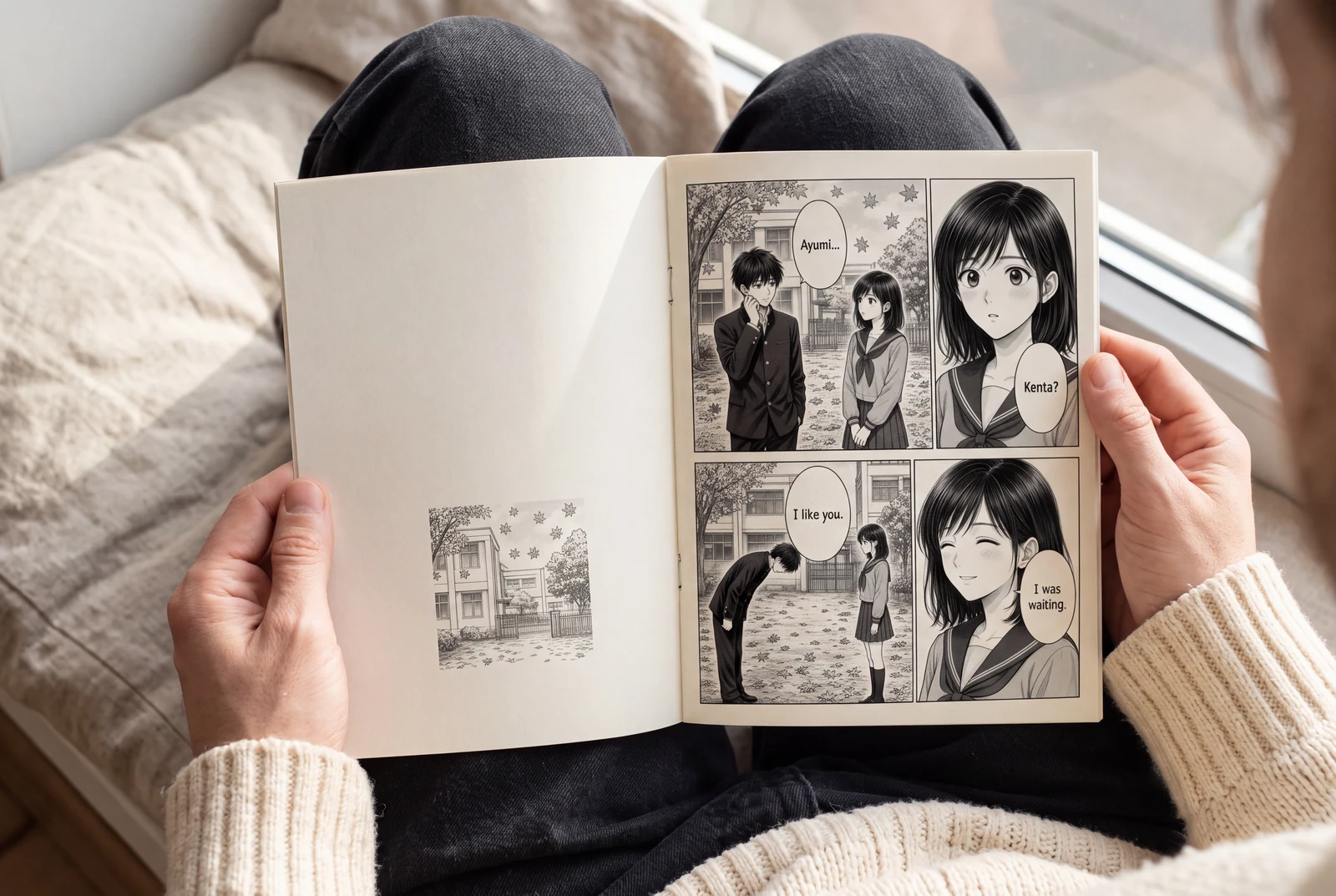
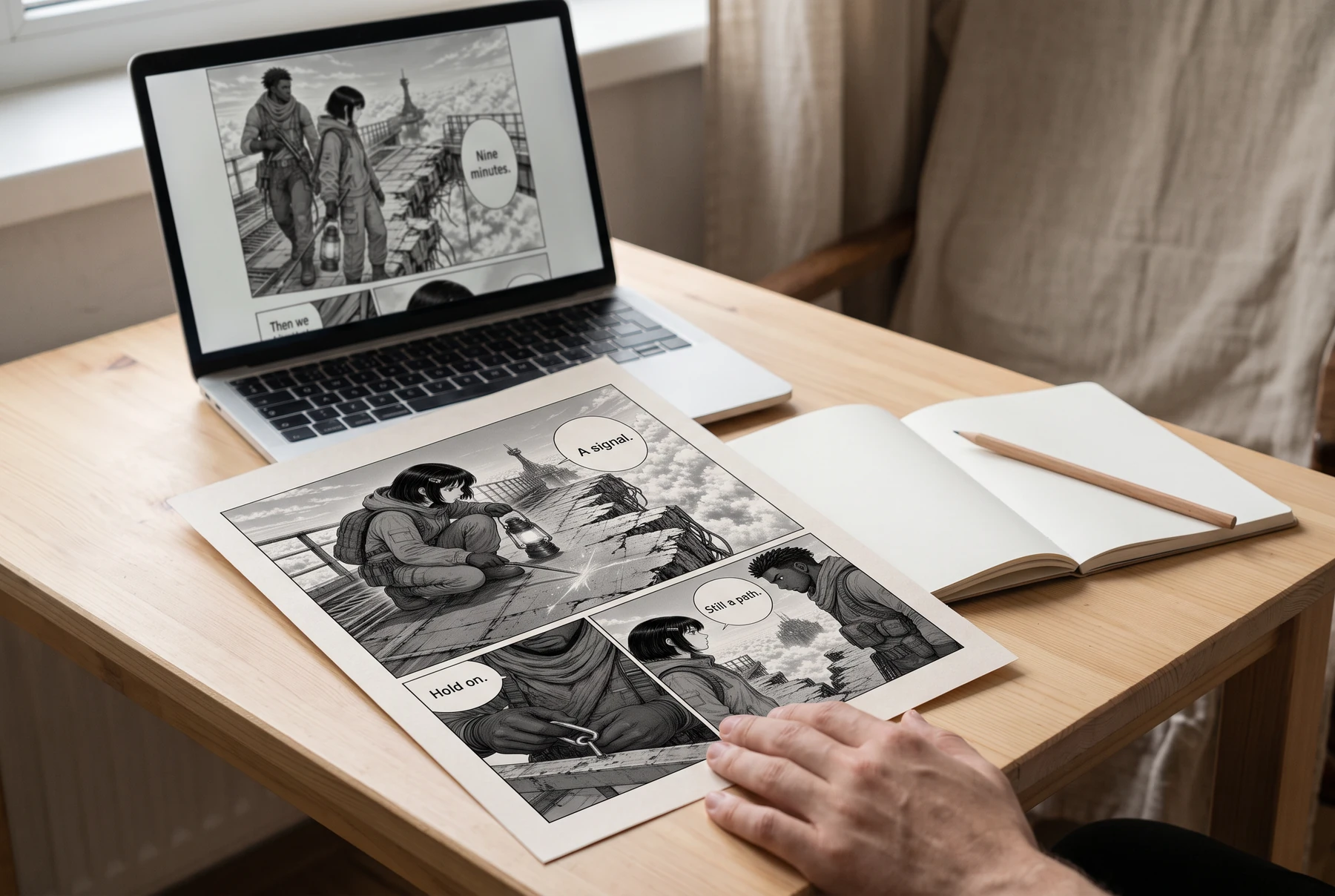
Plan manga panels, gutters, image crops, and dialogue space before exporting a readable page. Includes a four-panel planning example and practical checks.
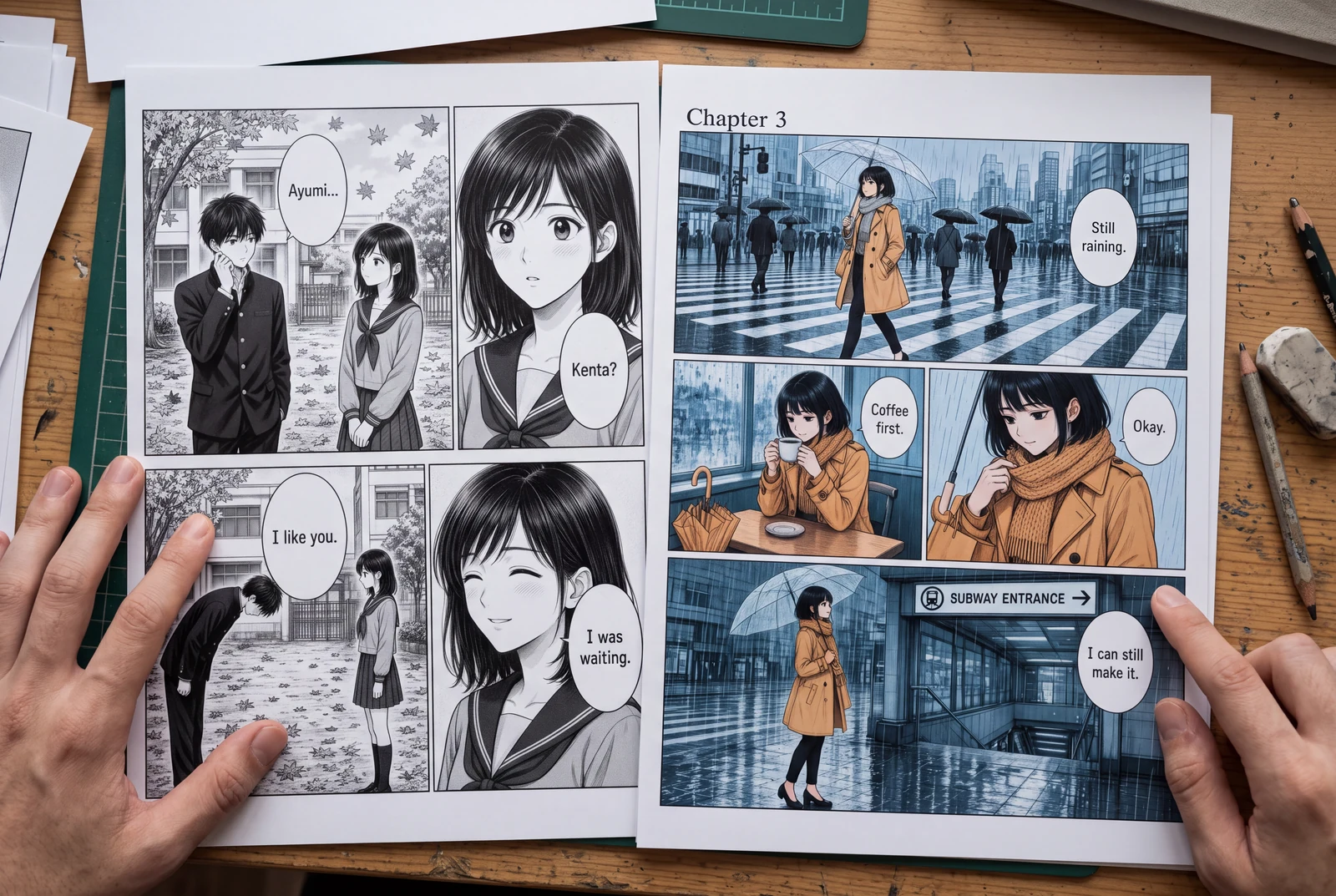
Place manga speech bubbles in a clear order, connect tails to speakers, and preserve text space across translations. Includes a dialogue planning example.
Guides
Three practical guides to turn a story into panels you can read, revise, and share.
 AI-generated lifestyle concept
Manga planning guide
Turn a short manga script into four readable panels with an original worked example, a reusable prompt, dialogue checks, and an honest review checklist.
Read guide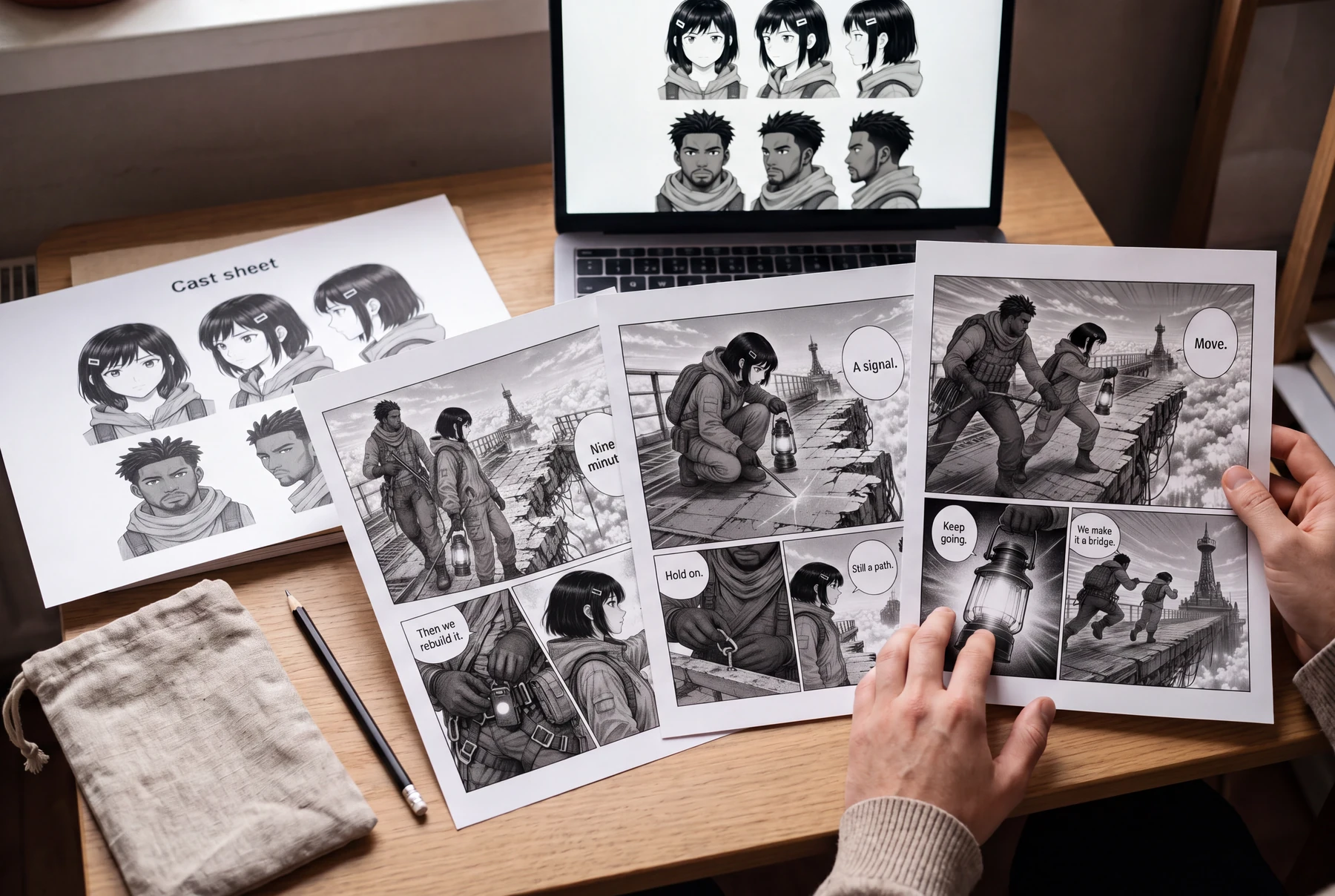 AI-generated lifestyle concept
Character continuity guide
Keep AI manga characters recognizable with a character bible, scene continuity checks, and a targeted redraw prompt. Includes an original illustrated example.
Read guide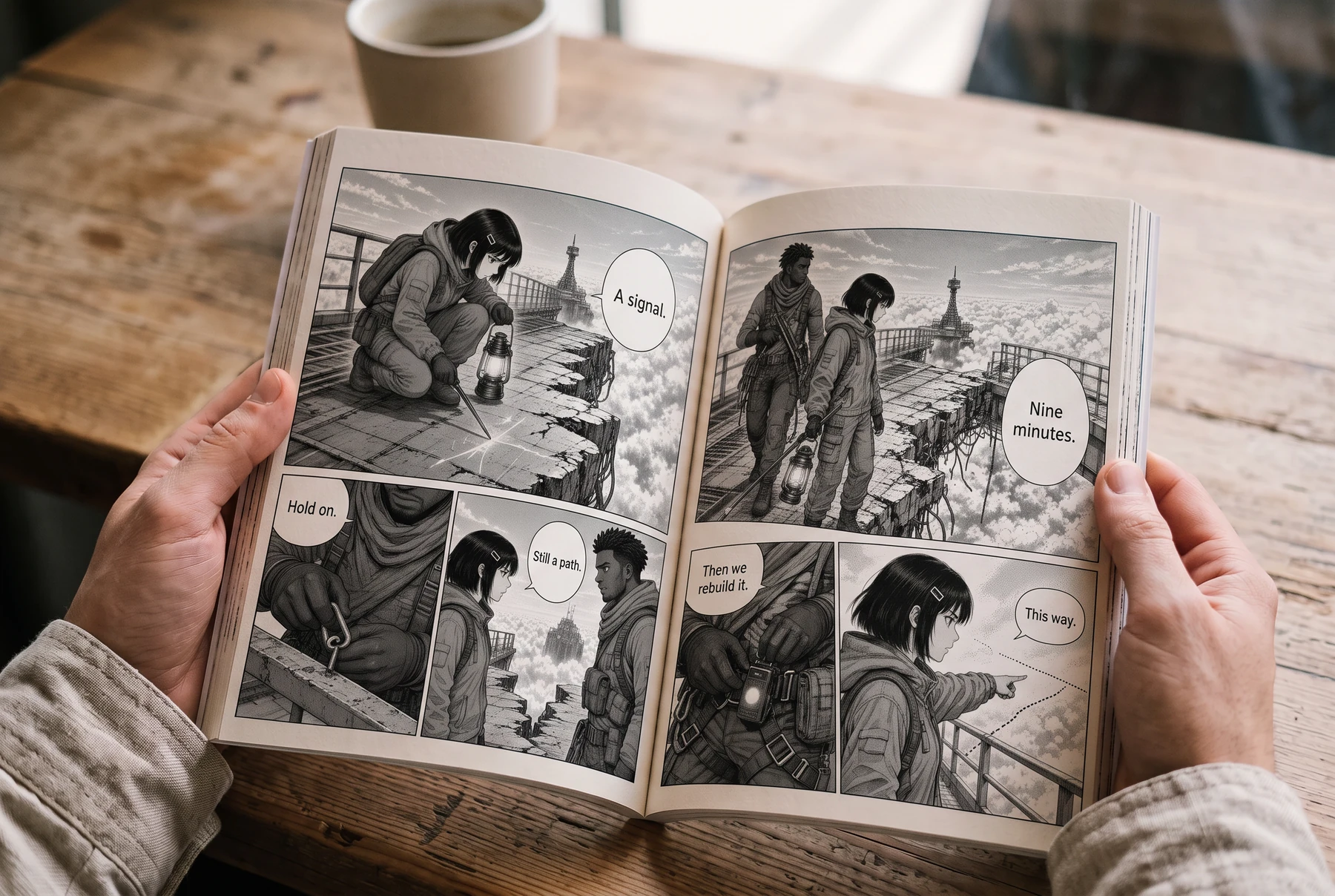 AI-generated lifestyle concept
Reading order & lettering
Plan right-to-left manga panels and speech balloons with an illustrated four-panel example, a lettering brief, and a translation checklist.
Read guideСтворити проект
Виберіть формат сторінки, задайте ритм панелей і розмістіть перше зображення.