All posts
LlamaGen 1.0.45: LlamaGen.AI 1.0.45: Story Production and Shot Planning

Jay
November 19th, 2026
LlamaGen.AI 1.0.45: Story Production and Shot Planning
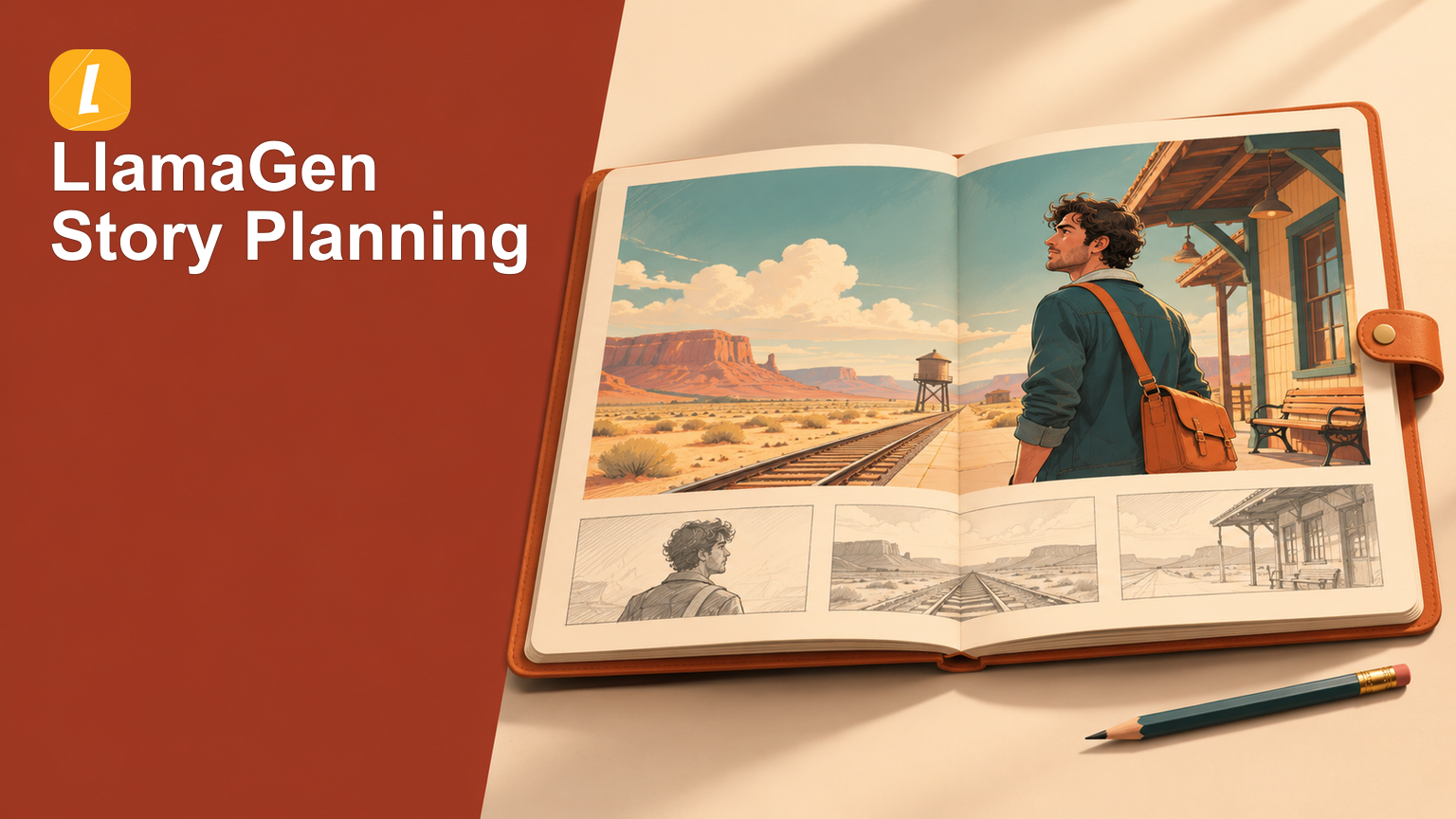
Before a finished comic comes a series of smaller decisions: what happens, who appears, where the scene takes place, and how each moment should be framed. This release brings those planning steps into a clearer production flow and adds ways to explore shot references and present an existing storyboard.
Build the story before making the chapter
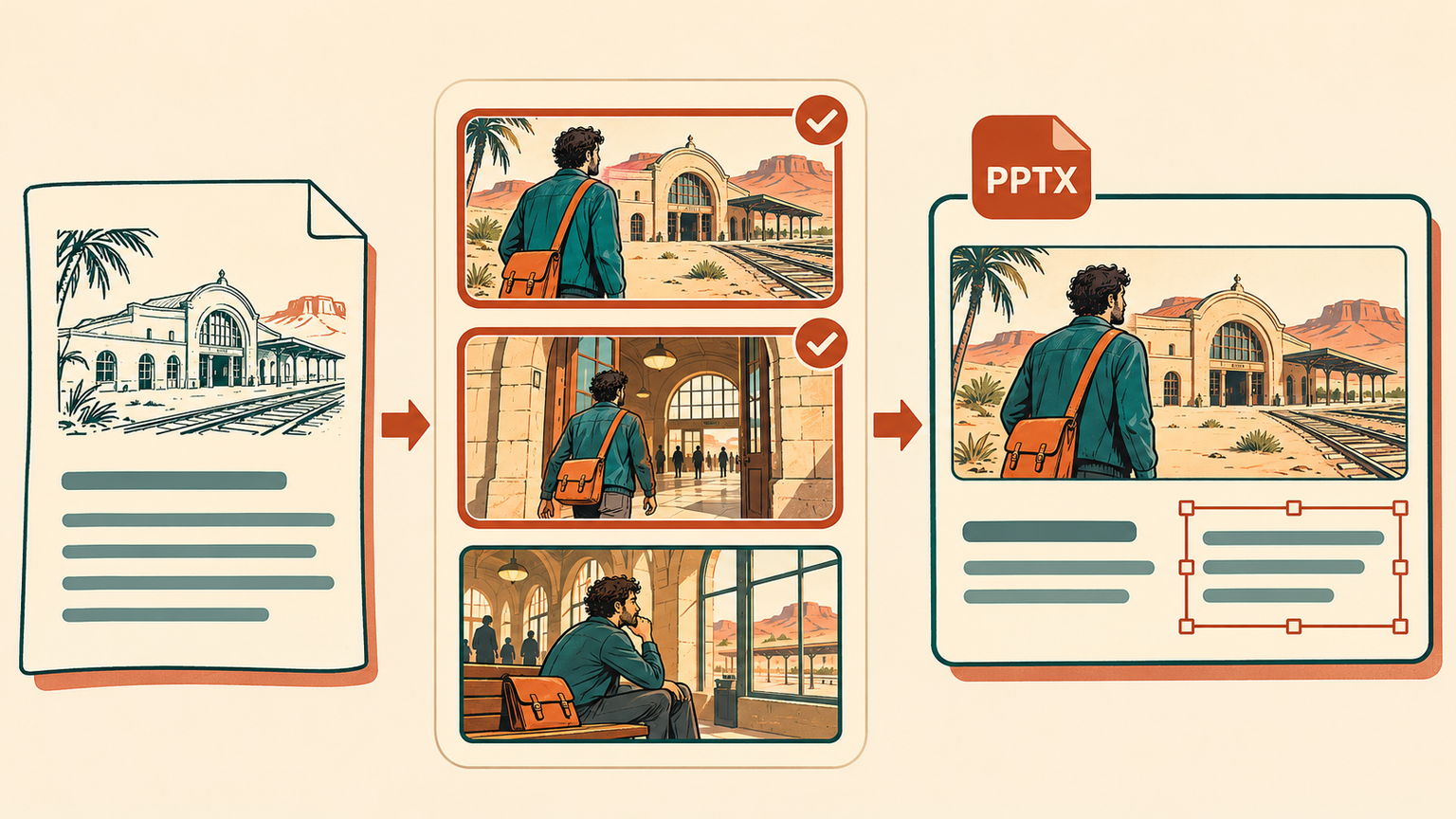
The comic production flow moves through Story, Cast & world, and Generate & read. Begin with your written story or an uploaded script, review the screenplay, and revise it before preparing the visual references.
In Cast & world, review the characters, locations, and props the story needs. Edit their details, add or generate reference images, and reuse suitable characters from your existing collection. Keeping those references beside the story makes it easier to settle the cast and setting before moving on to page creation.
Then choose Webtoon, Manga, or Comic, review the chapter's page count, panels, and proportions, and confirm generation when the plan is ready. The flow carries the same project from preparation into reading, with a handoff to the editor and export tools for the next round of work. Saving and reviewing the story gives you time to prepare; generation starts after the creation confirmation.

Find a useful reference for the next shot
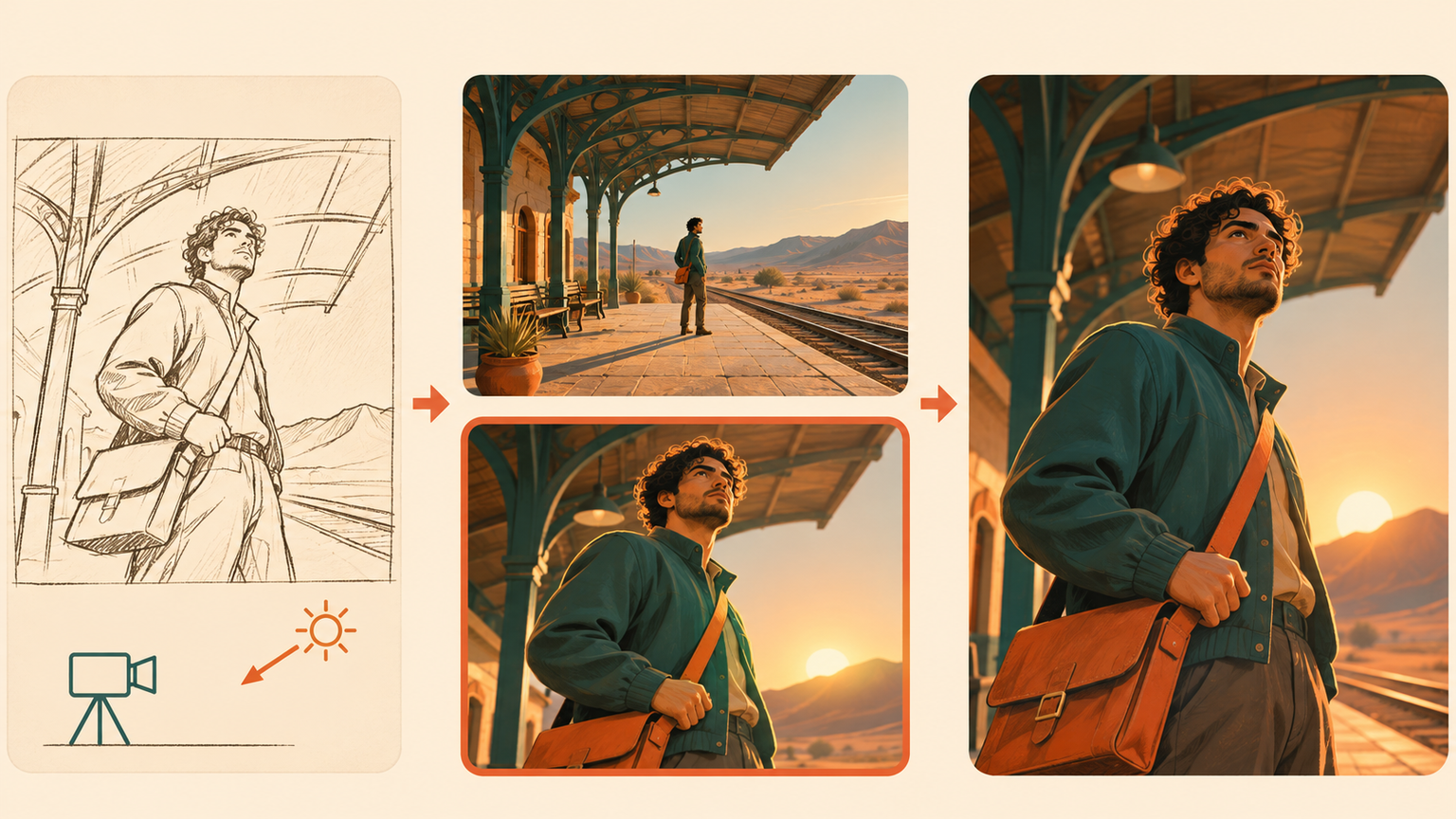
Open Shot Search to browse cinematic references or describe the shot you want to explore. Camera, framing, lighting, color, and scene filters help narrow the search when a general mood is not specific enough. Compare a wide establishing shot with a closer reaction, or explore how different light changes the same kind of scene.
Open a result for a closer look and use Find Similar to continue exploring nearby visual directions. The collection uses . These images provide material for studying a shot and communicating its direction before creating your own scene.
نوجوانوں کے خواب روشن کریں
جہاں لاکھوں کہانیاں زندگی پاتی ہیں
LlamaGen کی تازہ ترین فیچر ریلیزز، پروڈکٹ بہتریوں، ڈیزائن اپ ڈیٹس، اور اہم بگ فکسز کا خلاصہ۔