Camera
Frame sizeShot typeCamera angleFocal lengthLens classMovementCompositionDepth of field


Use case · Storyboard research
Search for the camera idea you need, compare original references and carry the useful choices into a storyboard or shot list instead of starting every frame from a blank prompt.
10 searches for signed-in free users · Unlimited search for paid LlamaGen users
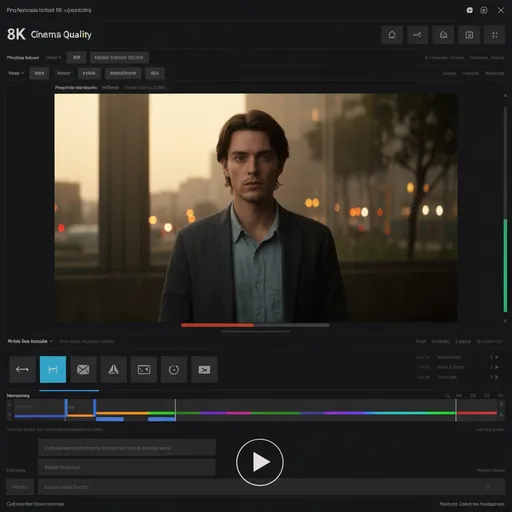
Search the camera decision
Reduce prompt trial-and-error by grounding the next frame in a specific camera, light and composition reference. Search terms and filters can be combined, so a director can move from a broad visual idea to a concrete reference without learning a special query language.
For storyboard artists, directors and creative teams planning multi-shot sequences.
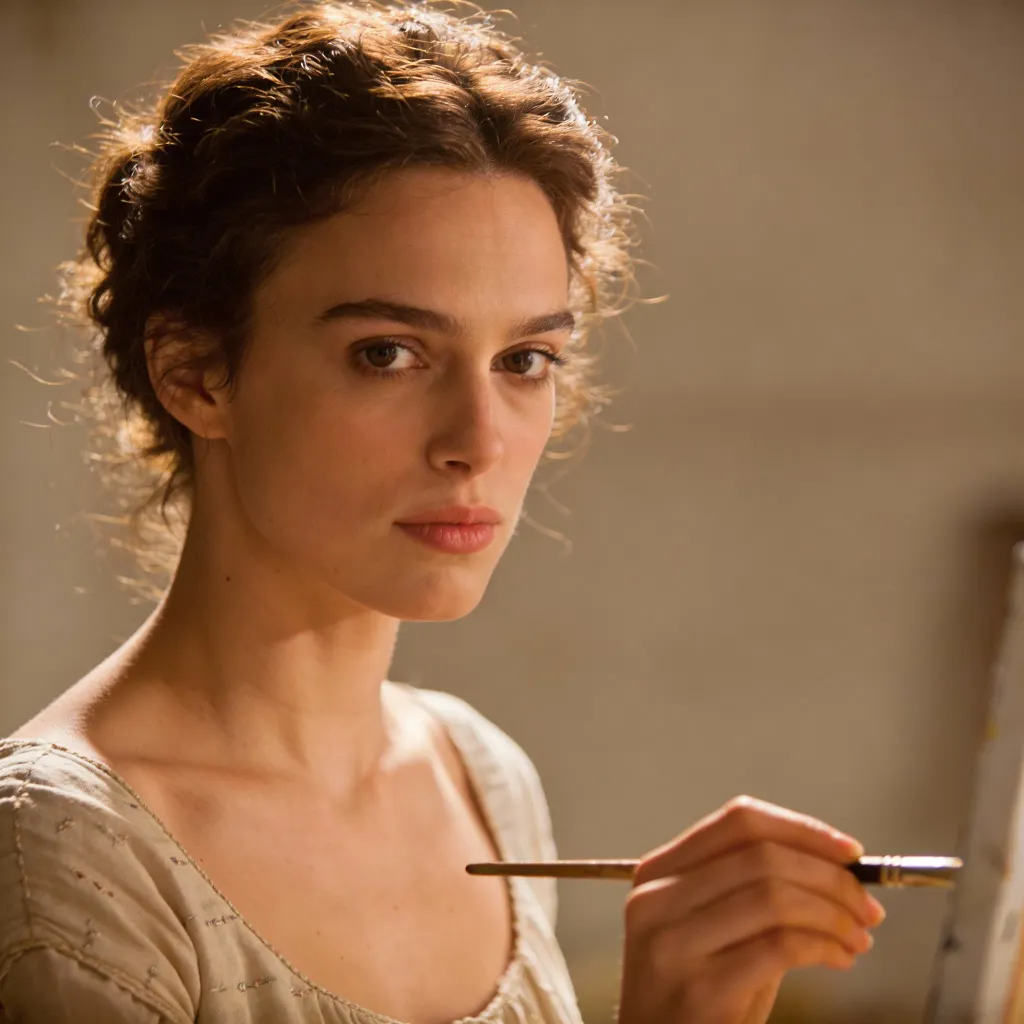
Why an AI-native reference library
LlamaGen records aggregate search terms, selected filters, zero-result searches and result clicks. Those signals help identify missing combinations—such as a specific lens, action, time of day or lighting setup—so future synthetic references can target real creative demand.
Describe the camera idea or combine structured filters.
Inspect multiple original references and their camera recipe.
Carry the useful choices into a storyboard or shot list.
Related workflows
Shot Search is a cinematic reference search experience built around original synthetic images and structured filmmaking metadata. It is designed to help creators find camera, lighting, composition and story references before they build or generate a shot.
Signed-in free users can submit up to 10 Shot Search queries. Paid LlamaGen users can search without a query limit. Browsing recent reference images does not consume the free search allowance.
The current library is designed around original synthetic references generated for LlamaGen rather than scraped movie frames. The goal is to learn and search cinematography language without depending on copyrighted film-still ingestion.
The taxonomy includes framing, shot type, perspective, focal length, lens class, movement, composition, depth of field, lighting, time of day, weather, color treatment, optical look, action, location and narrative function. Availability grows as the reference library expands.
A reference can make a camera decision concrete before generation. Once you know the framing, lens family, composition, light and story purpose you want, you can carry those decisions into a storyboard shot or production shot list.
Search recent references without using your free quota. Sign in when you are ready to submit a real search.
Open Shot Search