

Five shadow directions
ナチュラル、ドロップ、ハードドロップ、反射、浮遊表現を試せます。
AI shadow generator
Upload a product cutout or clean product photo, choose a shadow style and strength, then generate studio-like depth without redesigning the product.
Add a product shadow
透過PNGときれいな背景により、商品の輪郭や接地部分を把握しやすくなります。
商品画像をアップロード
透過PNG、またはきれいなJPG、PNG、WebP、HEIC、HEIF
Shadow type
Shadow intensity
出力構図
元の切り抜きを守るため、最初の元画像に合わせます。
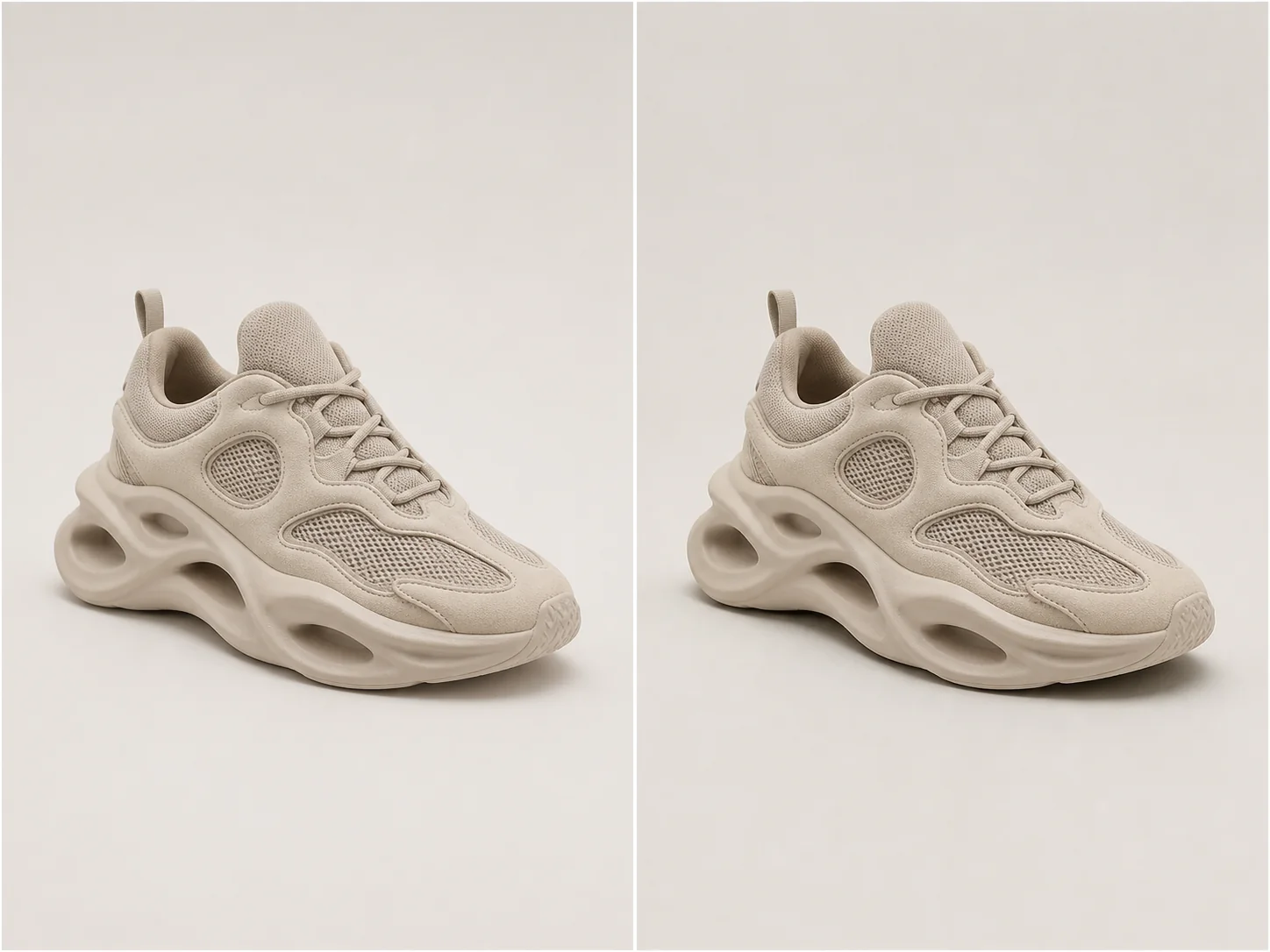
スタジオ感のある奥行き
A useful product shadow follows object geometry, contact points, camera perspective, and the existing light direction.
Choose natural softness for most catalog work, a directional drop shadow for graphic layouts, or a controlled reflection for glossy studio treatments.
ナチュラル、ドロップ、ハードドロップ、反射、浮遊表現を試せます。
商品そのものを変えずに、見た目の重さを調整できます。
Infer contact points and perspective so the shadow follows the object.
形状、素材、色、ラベル、切り抜きを正確に維持します。
実例
Each example keeps the full product visible before and after adding a physically plausible shadow. Material, angle, scale, and background remain consistent.
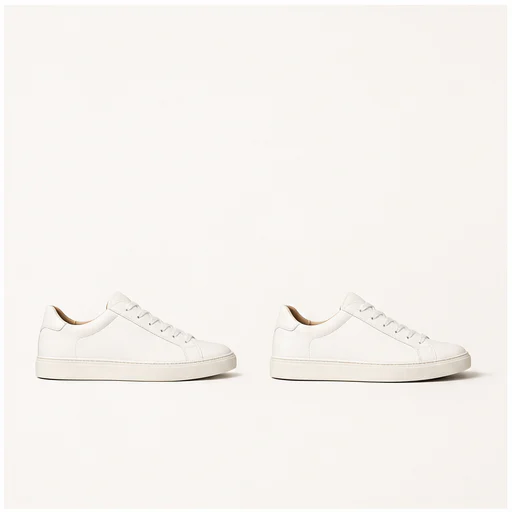
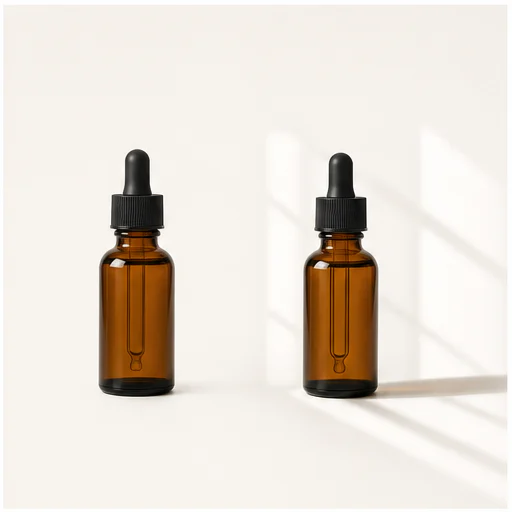
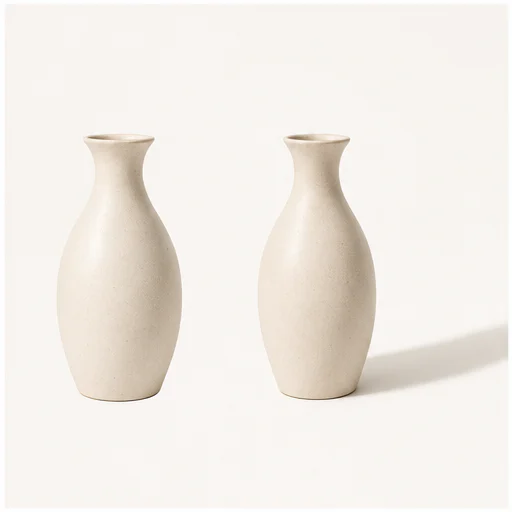
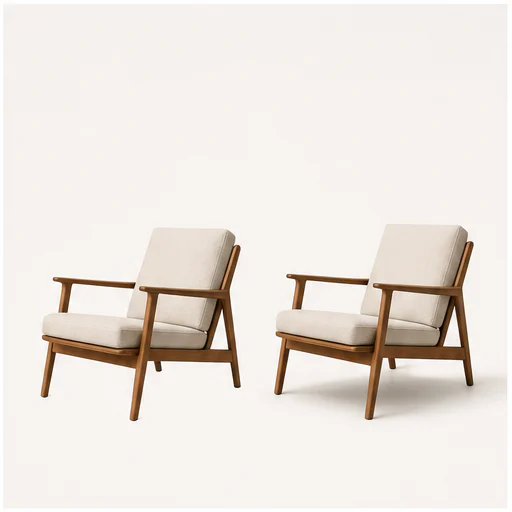
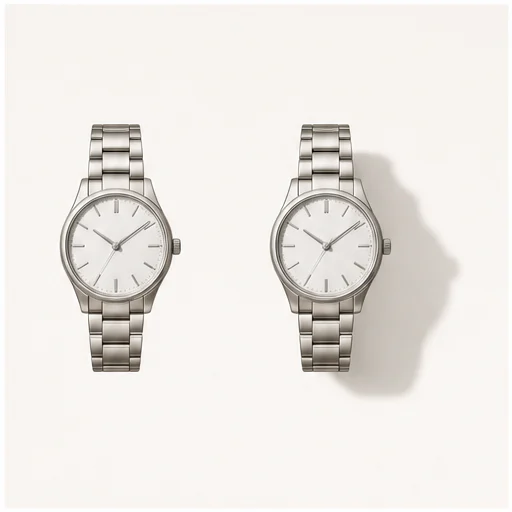
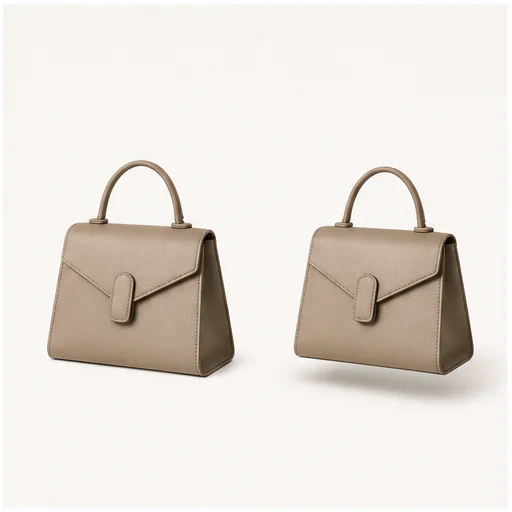
使い方
短いワークフローに沿って進め、生成されたディテールを確認してから使用・公開してください。
輪郭がしっかり見える、明瞭な商品切り抜きまたはきれいな写真を選んでください。
カタログ、広告、マーケットプレイス、キャンペーンのレイアウトに合わせて仕上げます。
接地点、光の向き、不透明度、商品の輪郭を確認してください。
Real creator feedback
Read what creators shared about making comics, characters, and visual stories with LlamaGen.

@jake-m
As an avid creator of comic book style graphics, I've struggled to find a tool that truly allows me to unleash my creativity at scale. llamagen.ai not only breaks limits but shatters them, offering endless possibilities for my projects. It's the ultimate AI-powered solution I've been waiting for!
@sarah-l
I've tried numerous AI tools for image generation. And they are quite fun to play with but llamagen.ai is the first app I've actually saw a potential use-case. The character consistency really grabbed my attention as it's something I hadn't seen before and I can see the appeal for professionals and amateurs alike. Truly a game-changer!

@michael-b
llamagen.ai has reignited my passion for storytelling. As a busy professional, finding time to pursue creative projects can be challenging. But this app has proven so easy to use... It's like having a creative companion by my side!

@alex-t
Being part of the creative industry demands efficiency without sacrificing quality. llamagen.ai not only meets but exceeds these expectations. Really loved playing with the storyboarding and having an AI to help with not only image generation, but also the text content - it's really a nice way to help enhance the overall experience.

@maya-s
I enjoy a great comic book and have been very sceptical about AI. For example the criticisms of the Batman AI comic saga where not without merit. But through the scepticism I do see a place for such tools. While I still value an authentic man-made production, the ability for me to create something on my own (with a little help from AI) is really empowering and exciting.
@taylor-h
Maintaining character consistency is a challenge that I did not expect to be overcome so fast. While not perfect at times, the results are impressive and I’m really looking forward to the chance to further customize my workflow and AI generation.
実践的なワークフロー
生成画像は、用途に応じて確認用の下書き、参照素材、完成素材として使えます。
マーケットプレイス
シーンを散らかさずに、出品画像へさりげない奥行きを加えます。
カタログ
Use one shadow language across unrelated product photos.
キャンペーン
SNS向けのグラフィック素材には、方向性のある落ち影や浮遊感のある影を使ってください。
美容
ボトル、ジャー、反射しやすいパッケージに、光沢のあるスタジオ感を加えます。
確認メモ
A shadow should support the product quietly. If it competes with the object, reduce intensity or try another type.
the shadow begins at believable contact points
視点が商品とカメラに合っている
光の方向が一定に保たれる
透明や反射のあるエッジをきれいに保つ
ラベルと商品の形状をそのまま維持
元のフレーム全体を表示したまま
よくある質問
元画像、生成結果、権利、確認に関する実用的な回答です。
透明PNG、または商品全体が見えるきれいな商品写真があると、輪郭や接地感を最も正確に捉えられます。
多くの商品写真には、自然なソフトシャドウが適しています。ドロップシャドウはよりグラフィカルに、反射はより洗練されて見え、浮遊感のある影は被写体を引き立てます。
プロンプトは、商品の形状、色、素材、ラベル、カメラアングル、トリミングを保ちます。
関連ツール
この集中編集から、次の写真やファッション作業へ進めます。
画像から始める
Choose a shadow type and strength, then create a more grounded product image.