

Five shadow directions
測試自然落地、投影、硬投影、反射同浮空效果。
AI shadow generator
Upload a product cutout or clean product photo, choose a shadow style and strength, then generate studio-like depth without redesigning the product.
Add a product shadow
透明 PNG 同乾淨背景會令產品邊緣同接觸點更易判讀。
上載產品圖片
透明 PNG 或乾淨的 JPG、PNG、WebP、HEIC、HEIF
Shadow type
Shadow intensity
輸出構圖
會對齊第一張來源圖片,以保留原本裁切。
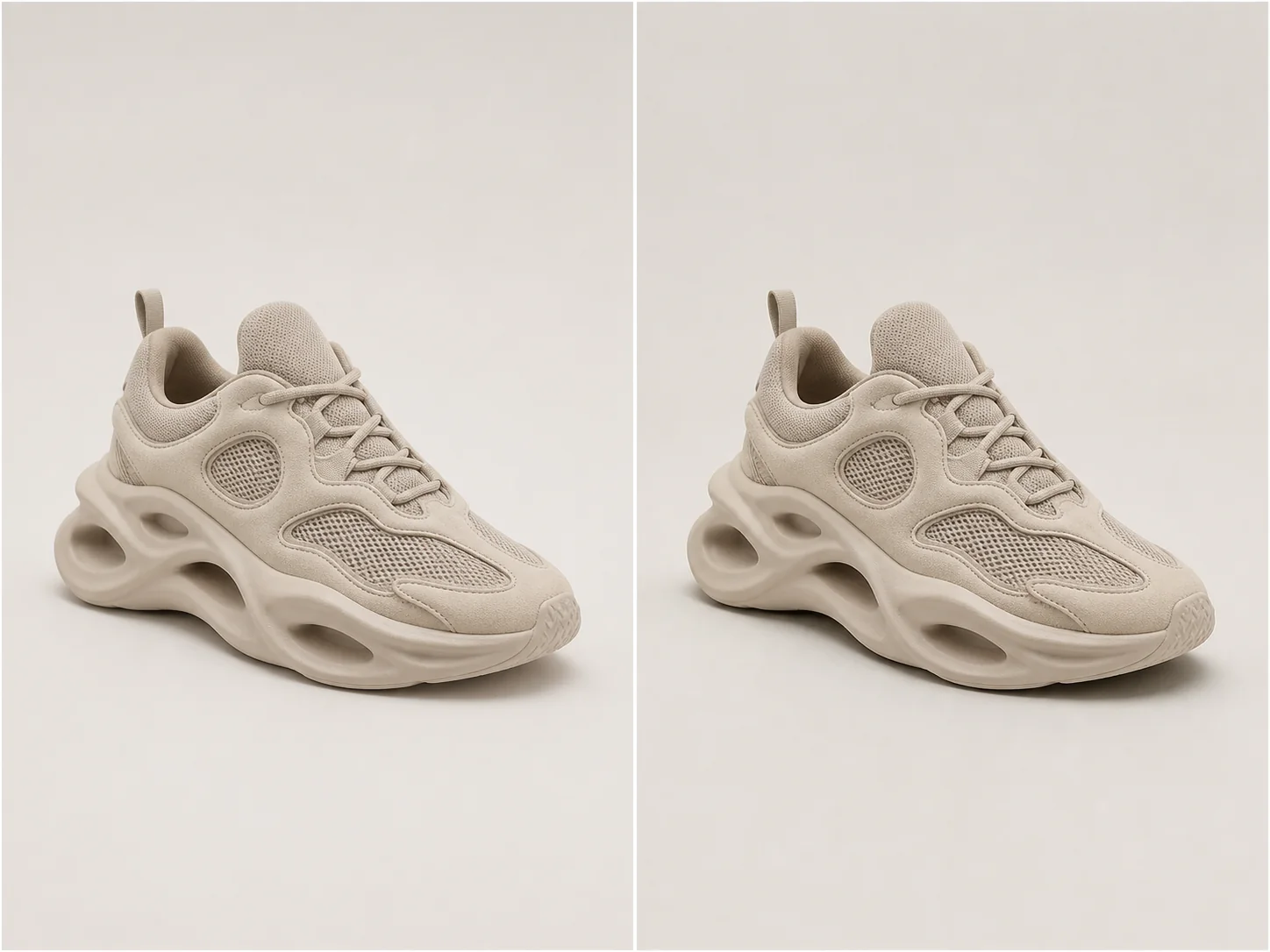
工作室深度
A useful product shadow follows object geometry, contact points, camera perspective, and the existing light direction.
Choose natural softness for most catalog work, a directional drop shadow for graphic layouts, or a controlled reflection for glossy studio treatments.
測試自然落地、投影、硬投影、反射同浮空效果。
唔改變產品本身,都可以控制視覺重心。
Infer contact points and perspective so the shadow follows the object.
保持形狀、材質、顏色、標籤同裁切完全不變。
真實示例
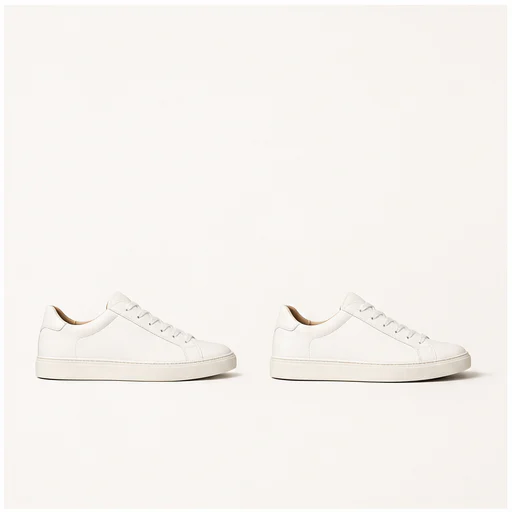
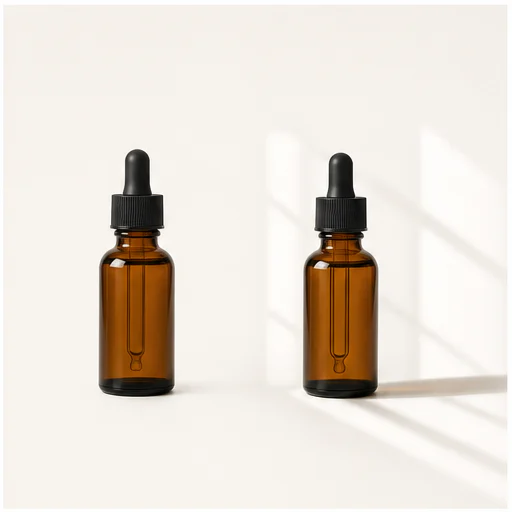
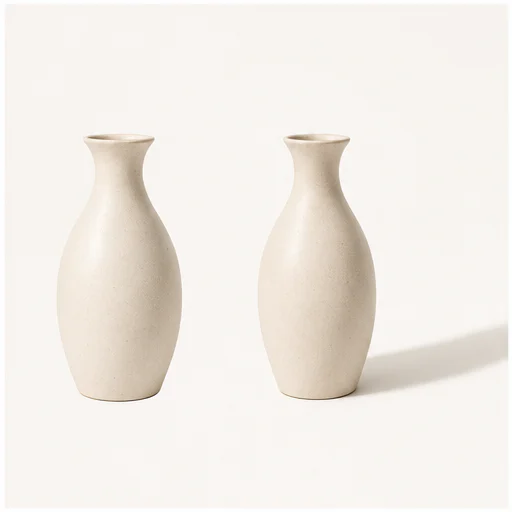
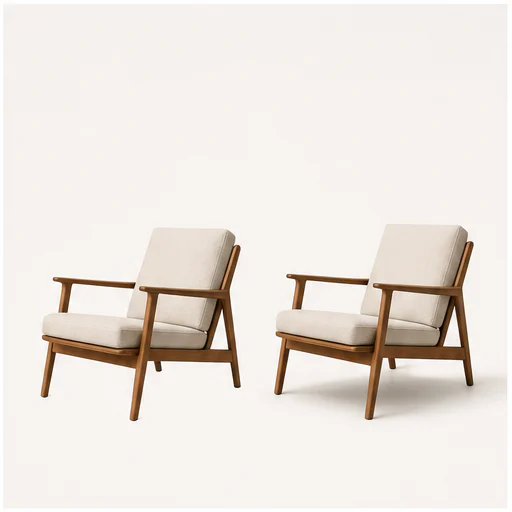
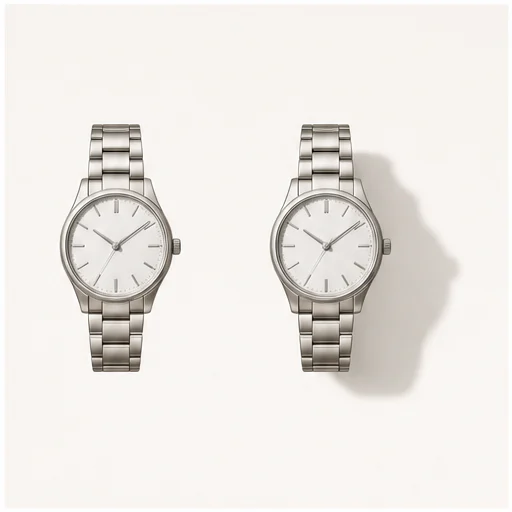
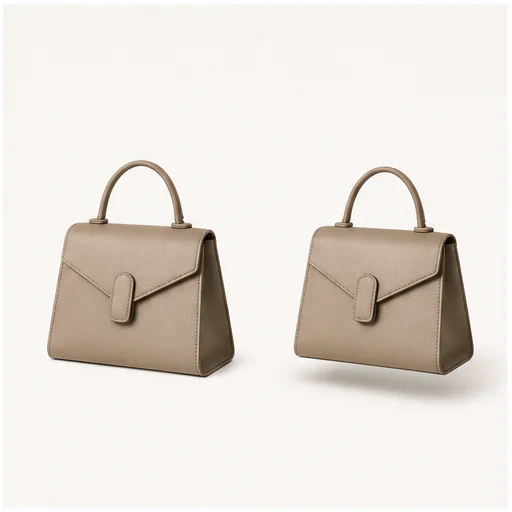
Each example keeps the full product visible before and after adding a physically plausible shadow. Material, angle, scale, and background remain consistent.
運作方式
跟住簡短工作流程,再檢查生成細節先用或者發佈結果。
揀清晰嘅產品摳圖,或者完整輪廓清楚可見嘅乾淨相片。
按目錄、廣告、市集或活動版面去配合處理方式。
請檢查接觸點、光源方向、透明度同產品邊緣。
Real creator feedback
Read what creators shared about making comics, characters, and visual stories with LlamaGen.

@jake-m
As an avid creator of comic book style graphics, I've struggled to find a tool that truly allows me to unleash my creativity at scale. llamagen.ai not only breaks limits but shatters them, offering endless possibilities for my projects. It's the ultimate AI-powered solution I've been waiting for!

@sarah-l
I've tried numerous AI tools for image generation. And they are quite fun to play with but llamagen.ai is the first app I've actually saw a potential use-case. The character consistency really grabbed my attention as it's something I hadn't seen before and I can see the appeal for professionals and amateurs alike. Truly a game-changer!

@michael-b
llamagen.ai has reignited my passion for storytelling. As a busy professional, finding time to pursue creative projects can be challenging. But this app has proven so easy to use... It's like having a creative companion by my side!

@alex-t
Being part of the creative industry demands efficiency without sacrificing quality. llamagen.ai not only meets but exceeds these expectations. Really loved playing with the storyboarding and having an AI to help with not only image generation, but also the text content - it's really a nice way to help enhance the overall experience.

@maya-s
I enjoy a great comic book and have been very sceptical about AI. For example the criticisms of the Batman AI comic saga where not without merit. But through the scepticism I do see a place for such tools. While I still value an authentic man-made production, the ability for me to create something on my own (with a little help from AI) is really empowering and exciting.

@taylor-h
Maintaining character consistency is a challenge that I did not expect to be overcome so fast. While not perfect at times, the results are impressive and I’m really looking forward to the chance to further customize my workflow and AI generation.
實用工作流程
按工作需要,將生成圖片作為可審閱草稿、參考,或者完成資產保留。
市集
為商品圖加入細緻層次,同時唔會增加場景雜亂感。
型錄
Use one shadow language across unrelated product photos.
宣傳活動
圖像型社交素材可使用定向投影或浮動陰影。
美顏
為樽裝、罐裝同反光包裝建立有光澤嘅工作室層次。
檢視備註
A shadow should support the product quietly. If it competes with the object, reduce intensity or try another type.
the shadow begins at believable contact points
透視同產品及相機一致
光源方向保持一致
透明同反光邊緣保持乾淨
標籤同產品幾何形狀保持不變
完整來源畫面保持可見
常見問題
關於來源圖片、生成結果、權利同審核嘅實用解答。
透明 PNG 或者完整物件清楚可見嘅乾淨產品相,通常可以提供最好嘅邊緣同接觸提示。
自然柔和最適合大部分產品相片。投影會更具圖形感,反光睇落更精緻,而浮動陰影可以拉開層次。
提示詞會保護產品形狀、顏色、材質、標籤、鏡頭角度同裁切。
相關工具
由呢個精準編輯,繼續下一張相或時裝工作。
由你嘅圖片開始
Choose a shadow type and strength, then create a more grounded product image.