Comic
As an avid creator of comic book style graphics, I've struggled to find a tool that truly allows me to unleash my creativity at scale. llamagen.ai not only breaks limits but shatters them, offering endless possibilities for my projects. It's the ultimate AI-powered solution I've been waiting for!
Comic
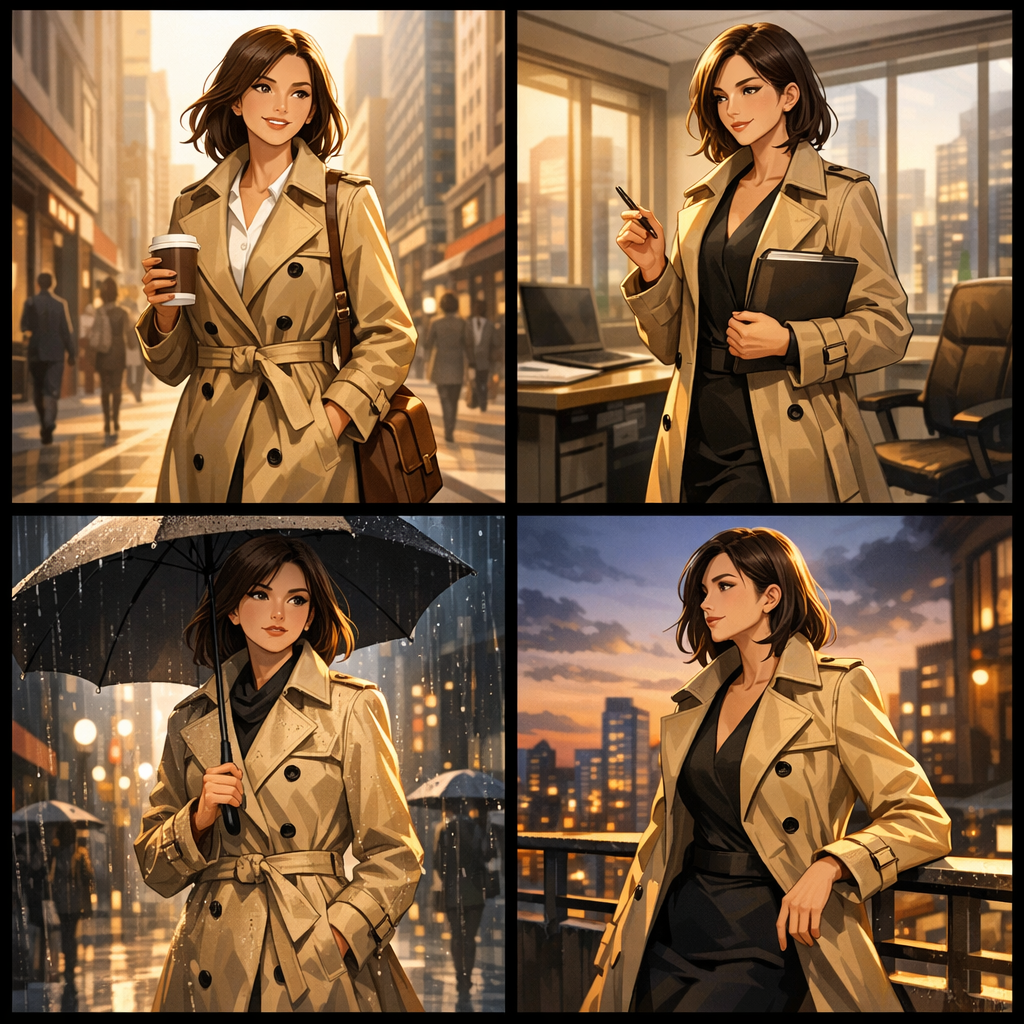
I've tried numerous AI tools for image generation. And they are quite fun to play with but llamagen.ai is the first app I've actually saw a potential use-case. The character consistency really grabbed my attention as it's something I hadn't seen before and I can see the appeal for professionals and amateurs alike. Truly a game-changer!
Comic
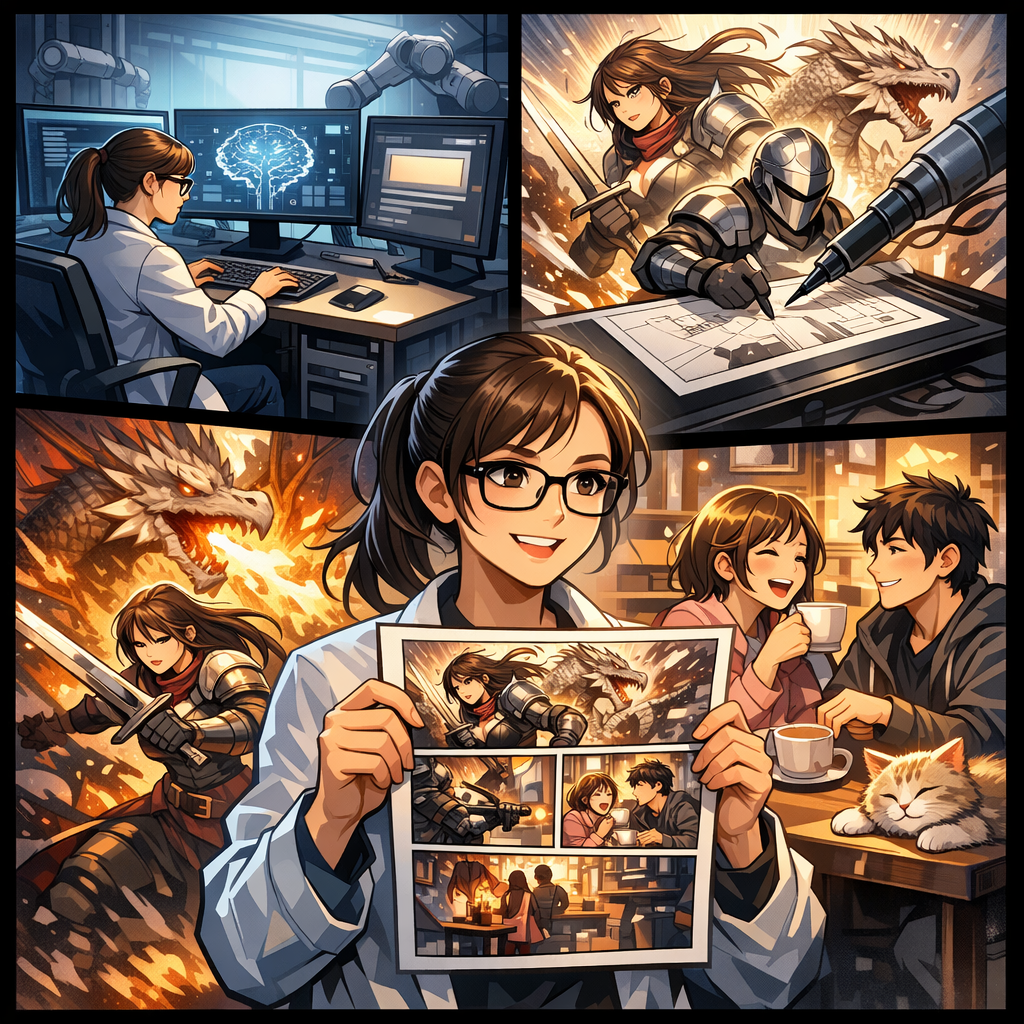
llamagen.ai has reignited my passion for storytelling. As a busy professional, finding time to pursue creative projects can be challenging. But this app has proven so easy to use... It's like having a creative companion by my side!
Comic
Being part of the creative industry demands efficiency without sacrificing quality. llamagen.ai not only meets but exceeds these expectations. Really loved playing with the storyboarding and having an AI to help with not only image generation, but also the text content - it's really a nice way to help enhance the overall experience.
Comic
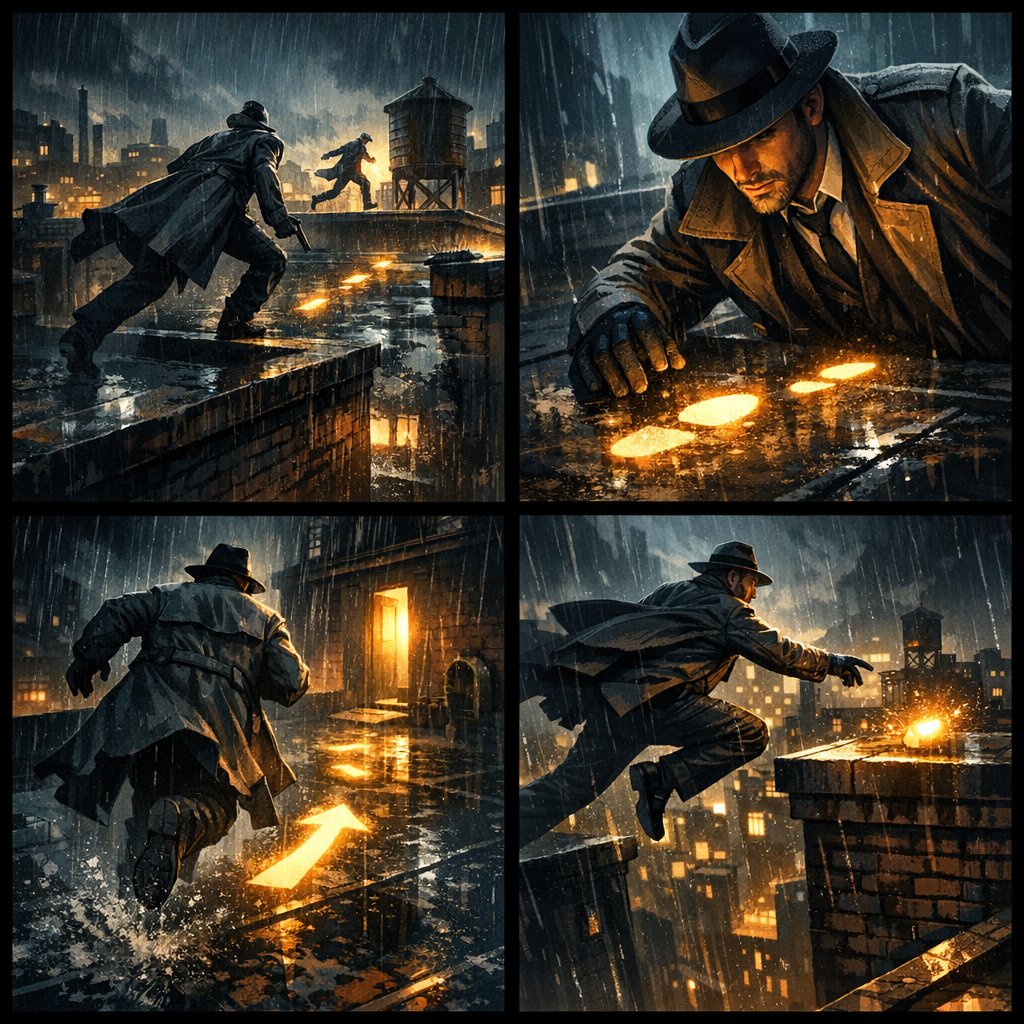
I enjoy a great comic book and have been very sceptical about AI. For example the criticisms of the Batman AI comic saga where not without merit. But through the scepticism I do see a place for such tools. While I still value an authentic man-made production, the ability for me to create something on my own (with a little help from AI) is really empowering and exciting.
Comic
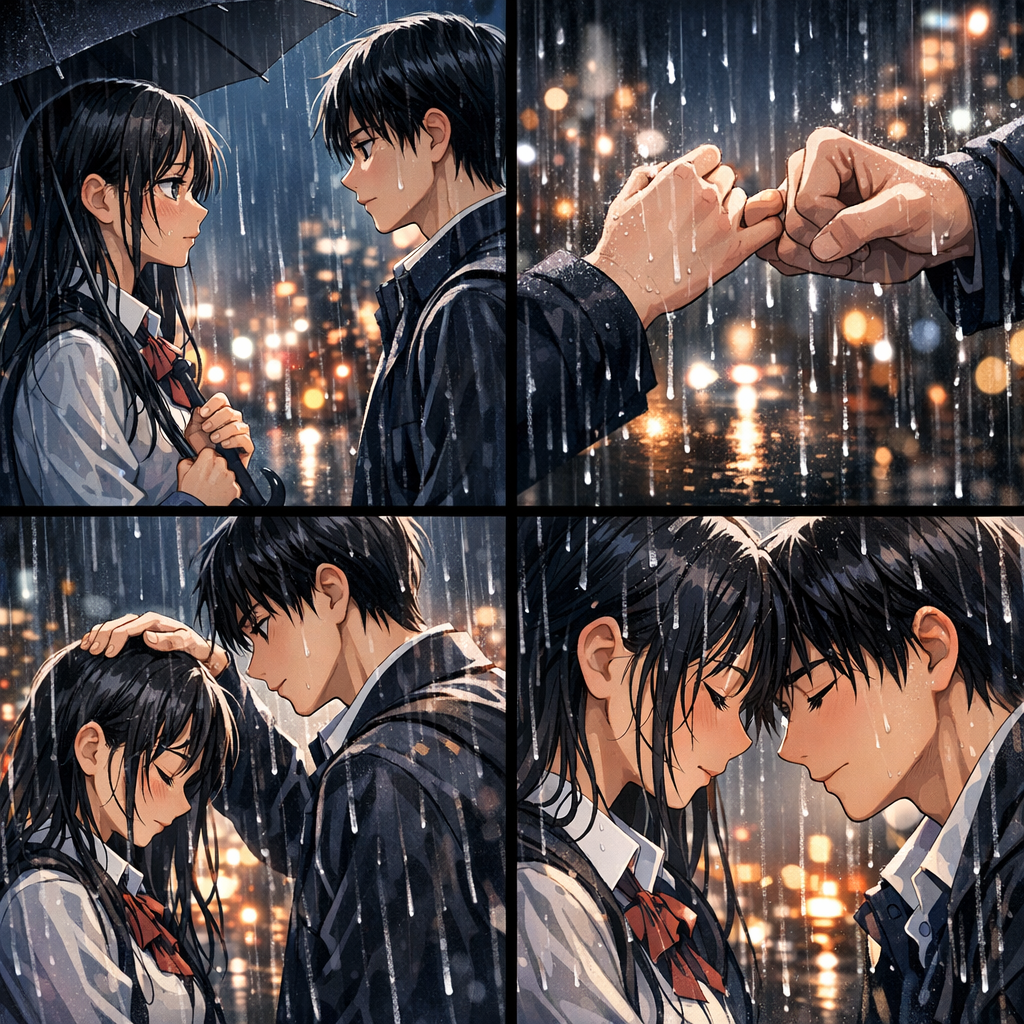
Maintaining character consistency is a challenge that I did not expect to be overcome so fast. While not perfect at times, the results are impressive and I’m really looking forward to the chance to further customize my workflow and AI generation.