PPT to Comic

PPT 转漫画免费转换器

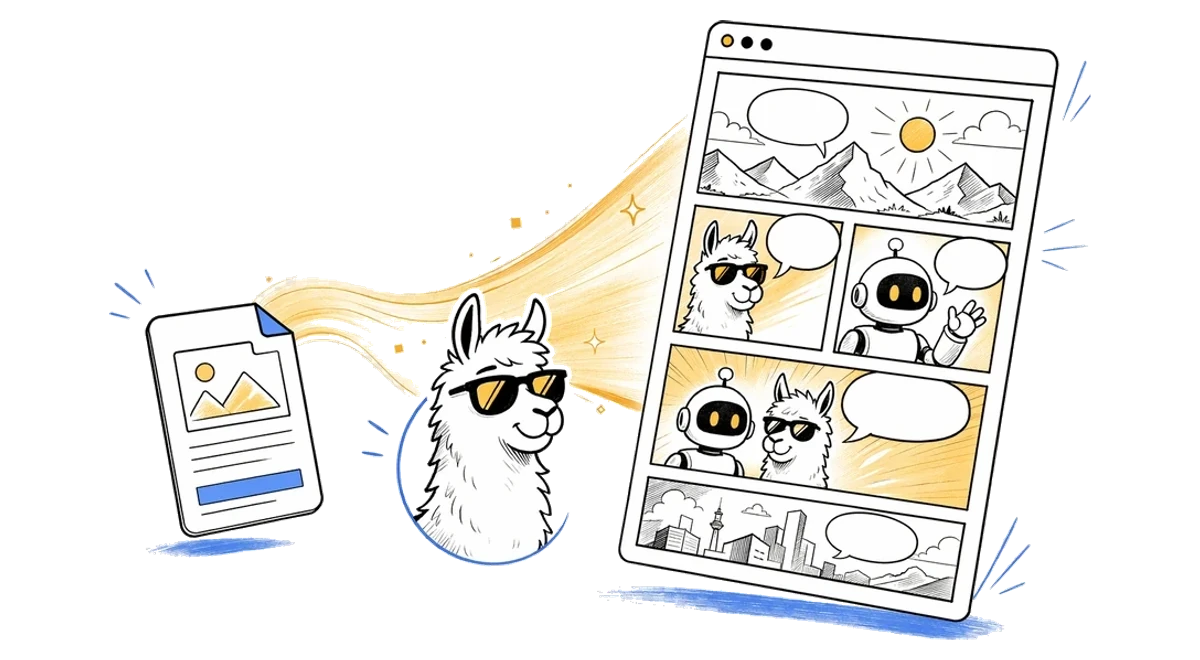
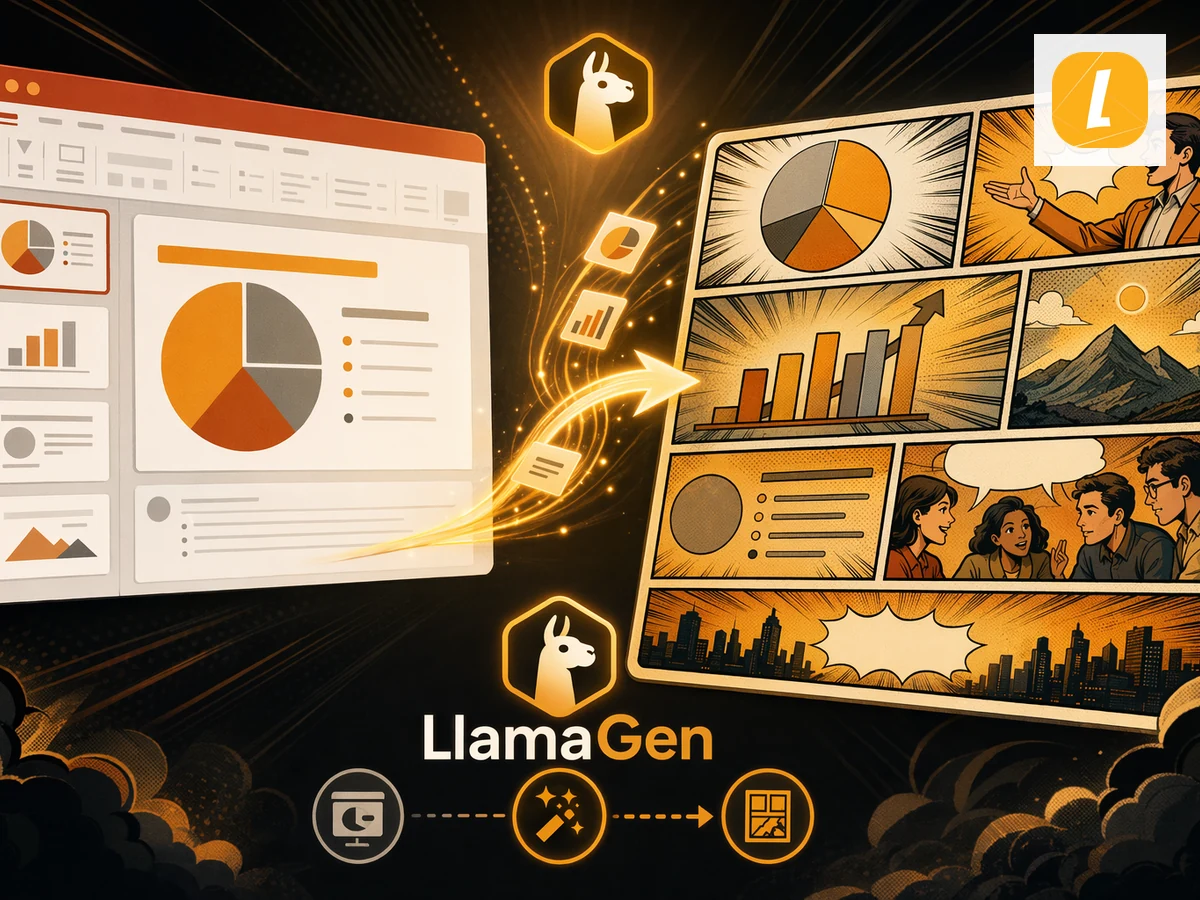
将 PPT 幻灯片转换为漫画。上传 PPT 文件,根据原始内容生成漫画页面,无需从空白提示开始。

To
Comic
拖拽文件、粘贴文件或点击上传免费版最大 10MB,付费版最大 50MB

How to Convert PPT to Comic for Free?

Step 1PPT

上传PPT文件

上传你的PPT文件,拖到转换器中,或从剪贴板粘贴支持的文件。LlamaGen 会把它作为漫画生成上下文。

Step 2Create

Create and Edit PPT to Comic with AI

Click Create to turn your source into a Comic result with AI. After generation, continue editing in LlamaGen Studio.

Step 3Share

下载或继续 AI 创作

Keep refining the generated Comic result, or use it for lessons, social posts, pitches, explainers, and fast creative drafts.

Convert PPT to Comic Online with AI

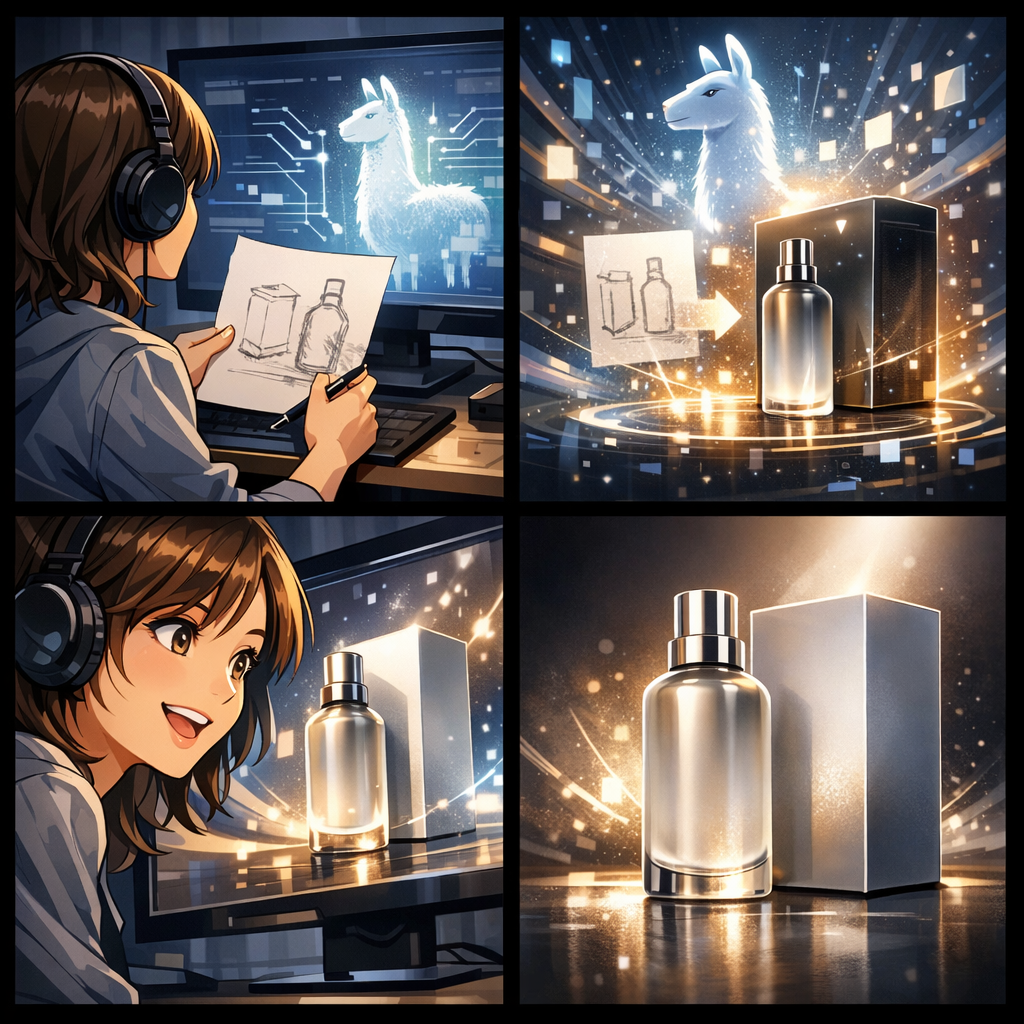
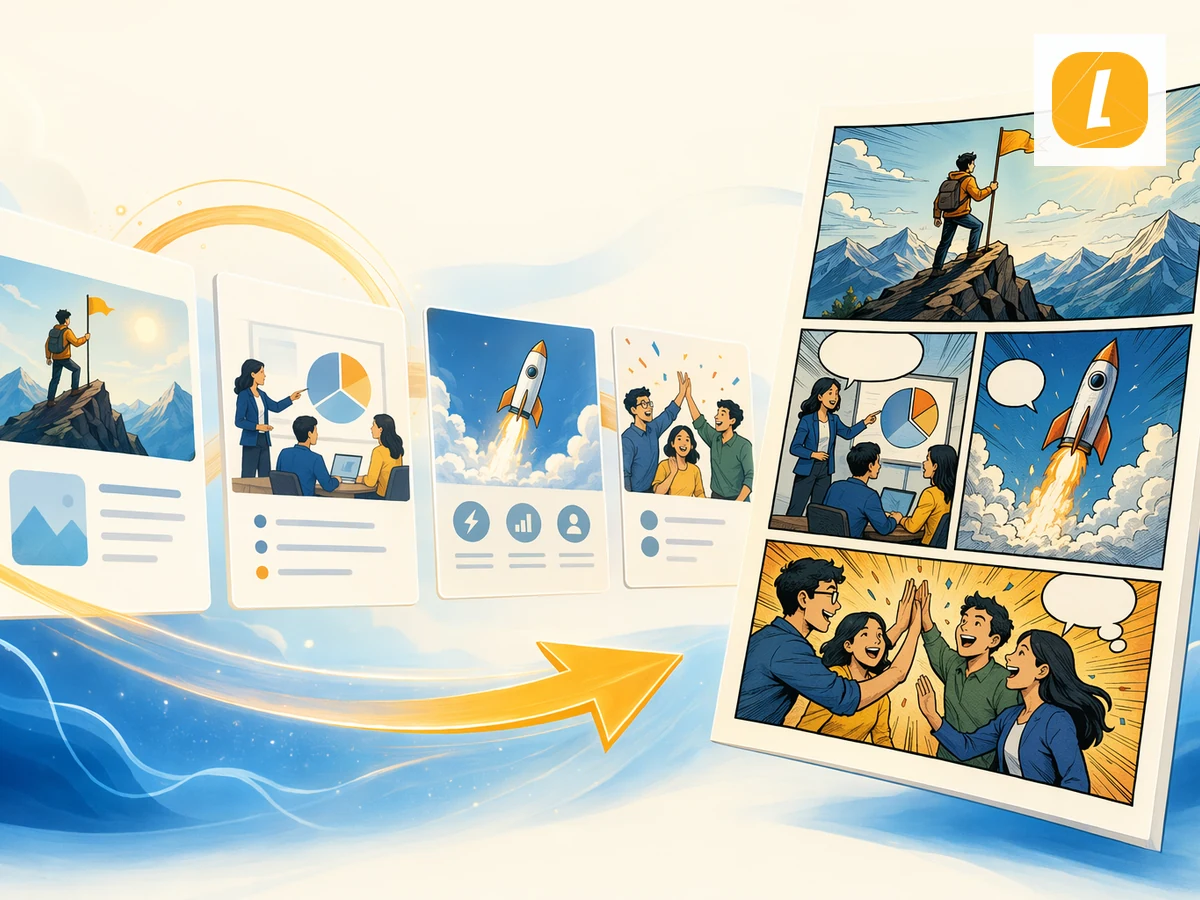
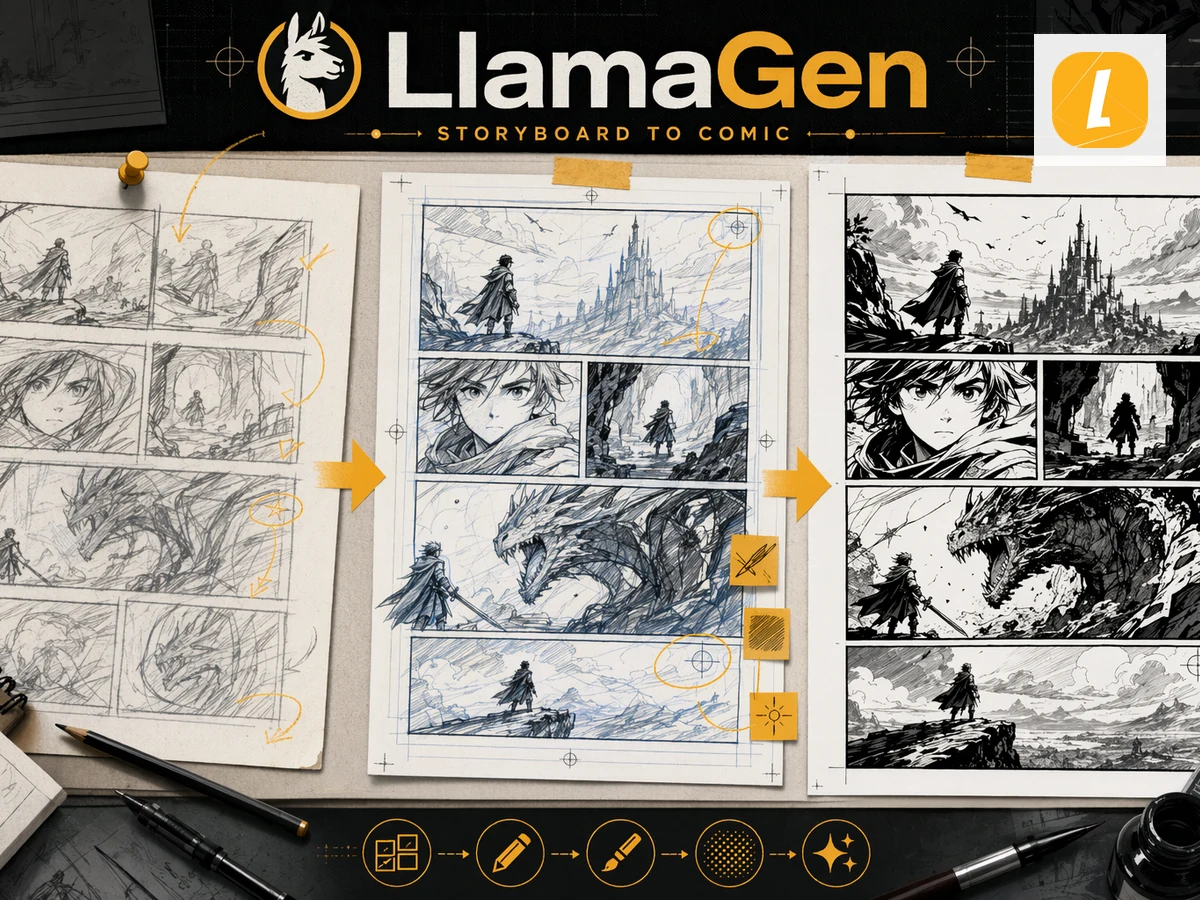
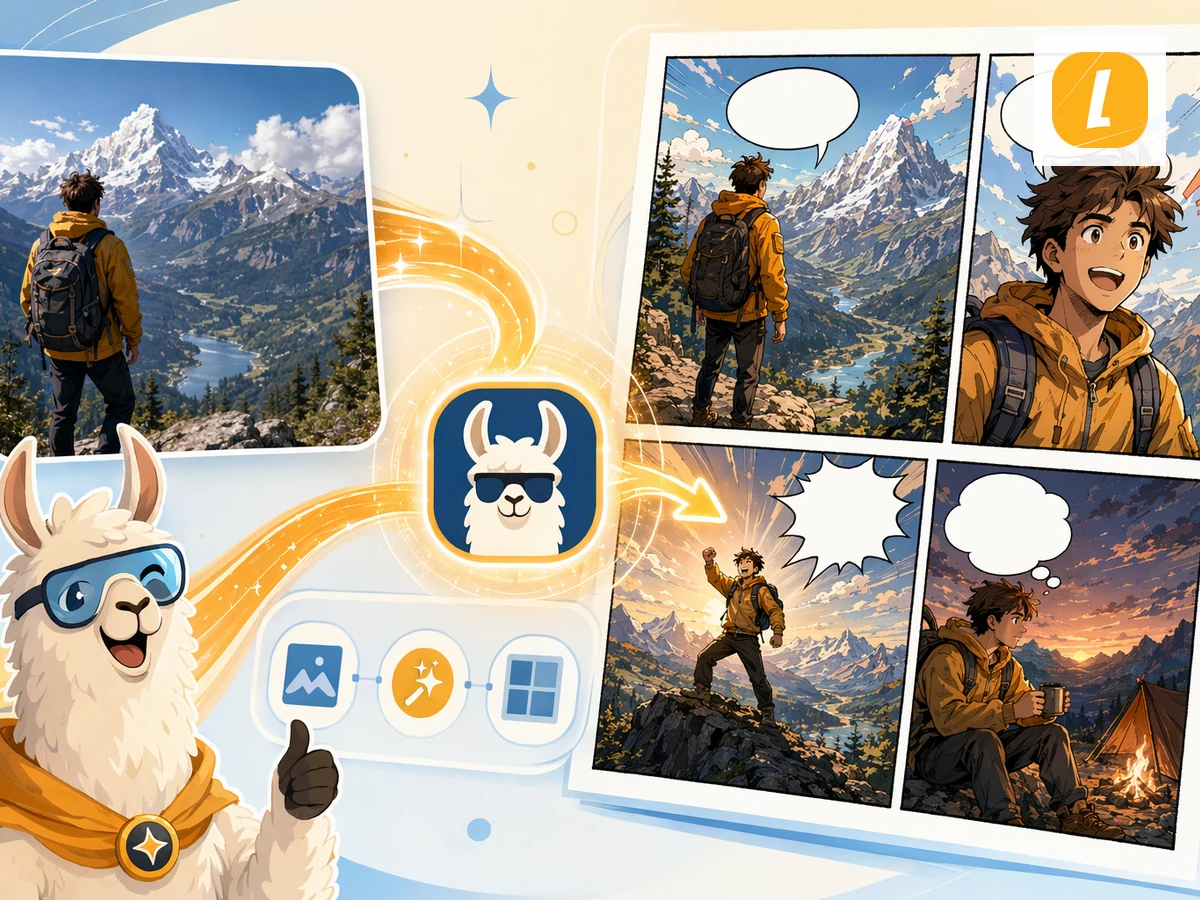
Convert PPT to Comic online in seconds using LlamaGen's AI creation workflow. Upload your PPT source, add notes when needed, and turn the material into a polished Comic result with a clear style direction. Instead of rebuilding creative assets from scratch, you can start from existing content and continue editing the result in LlamaGen Studio.

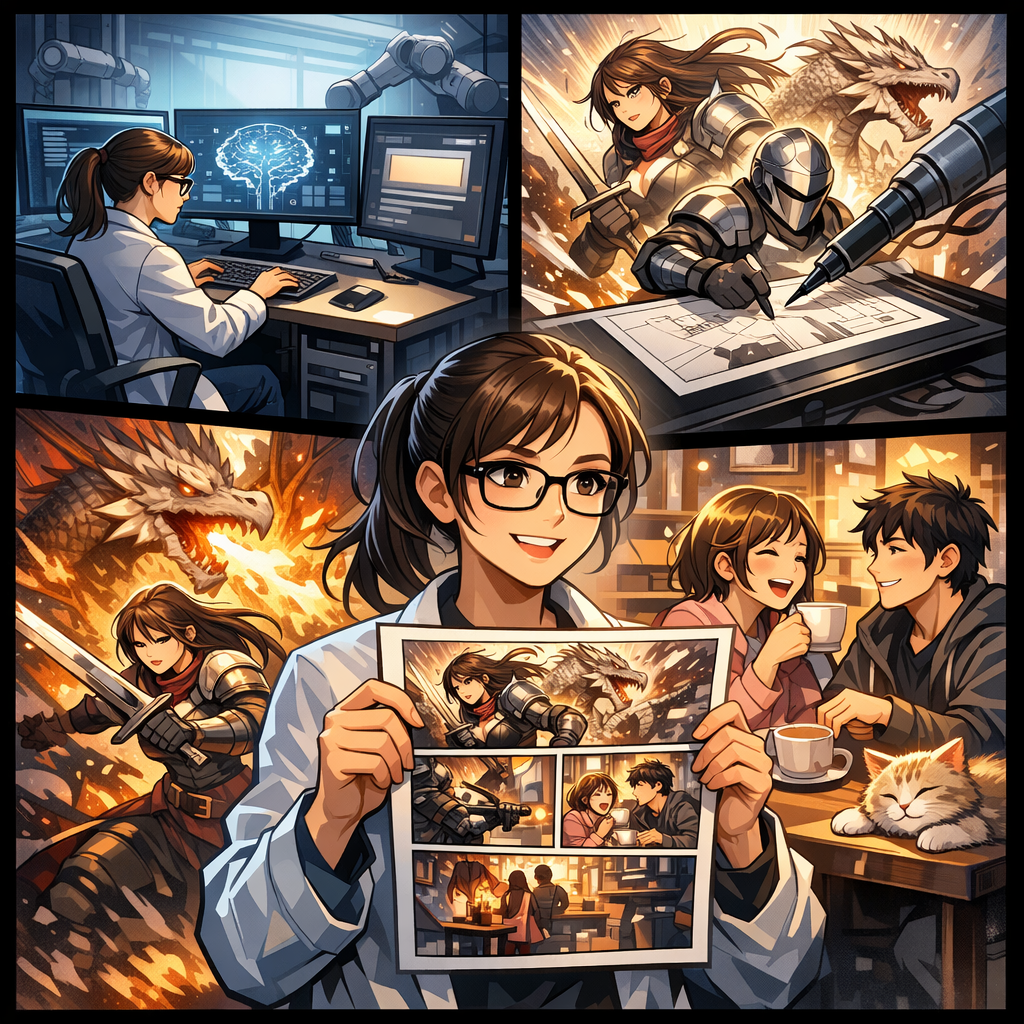
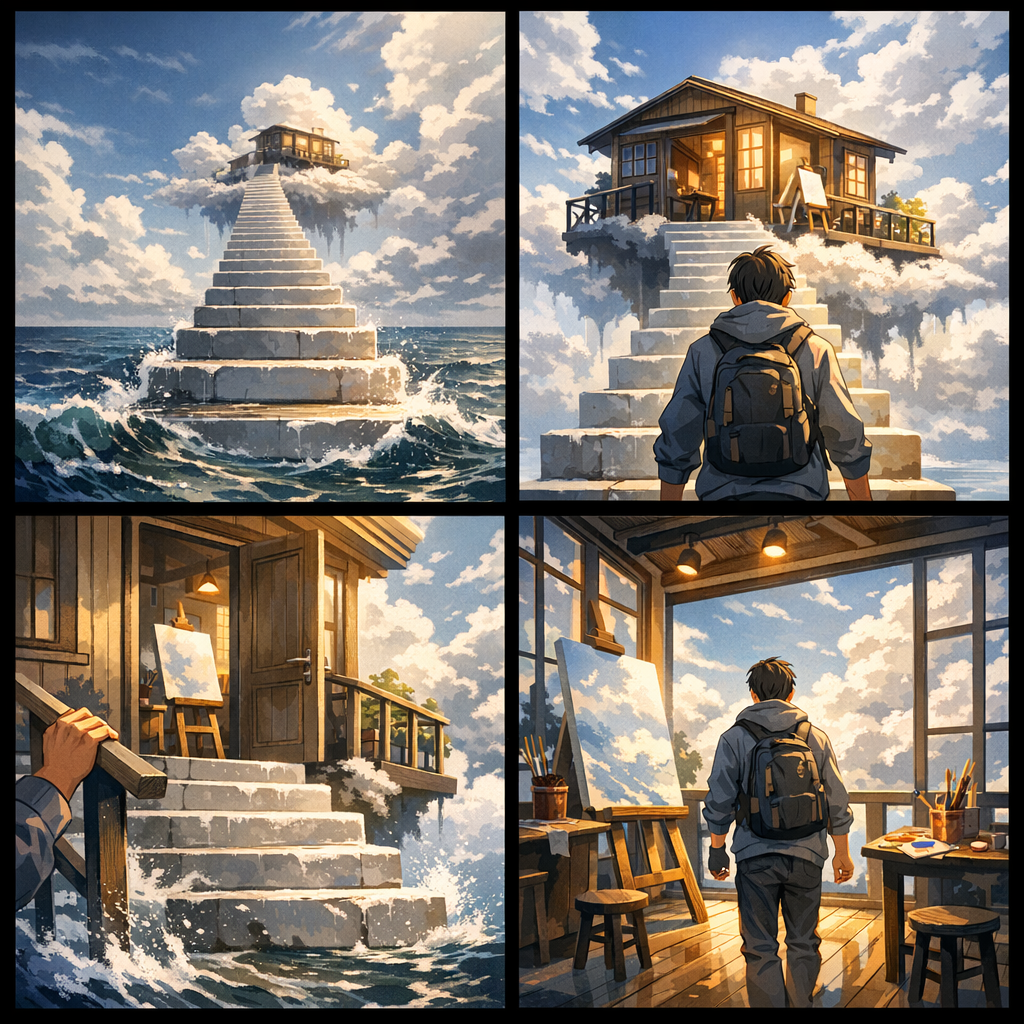
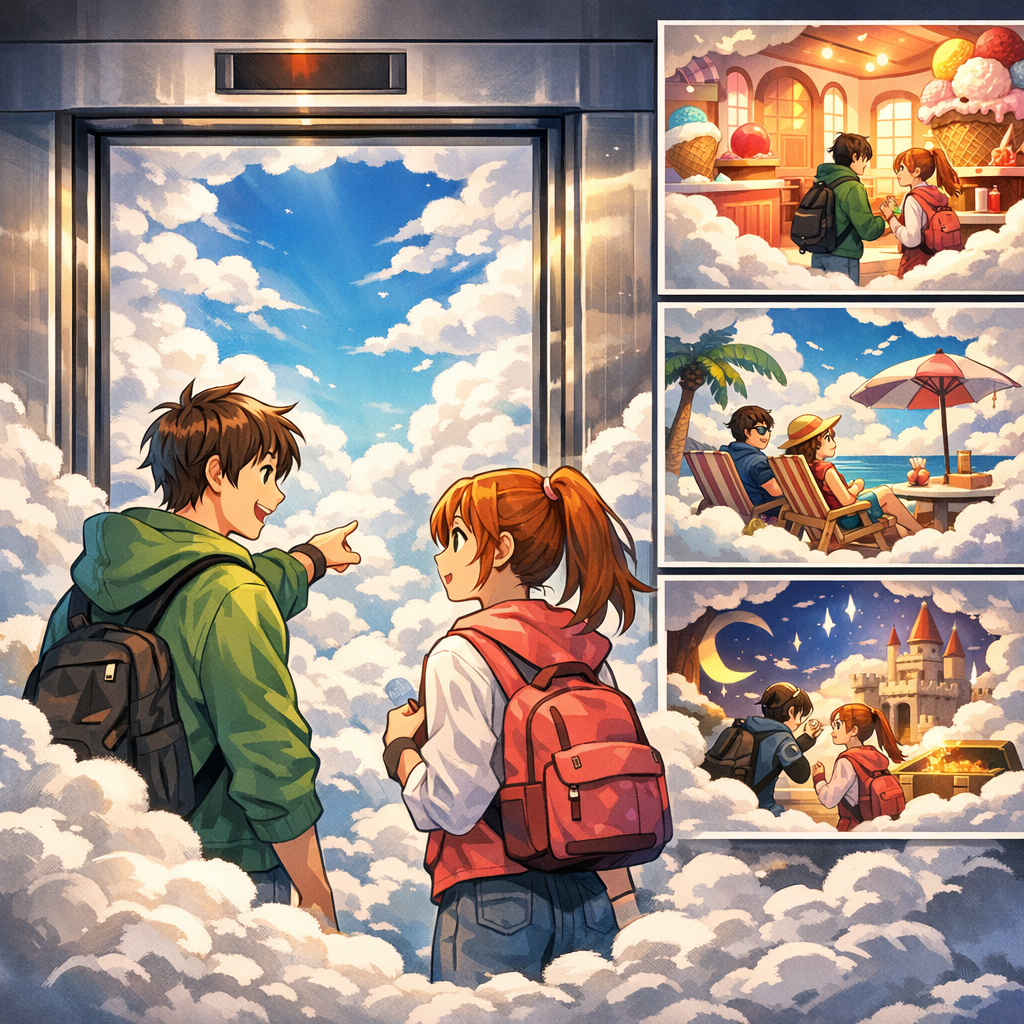
PPT 转漫画 online AI comic workflow illustration
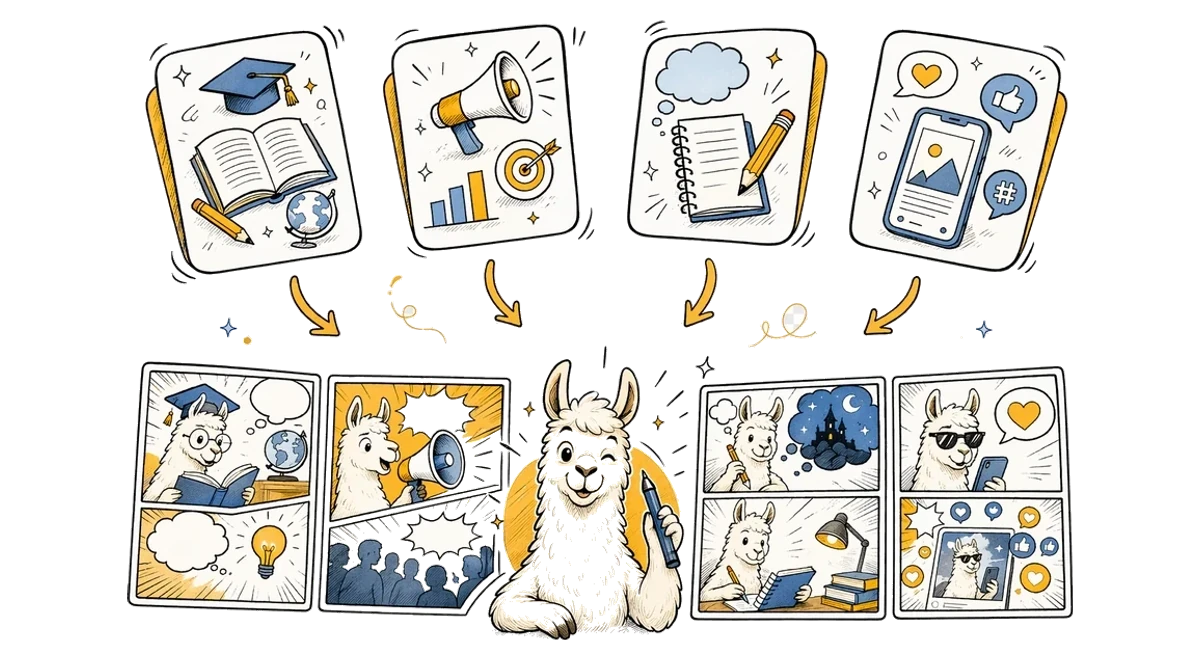
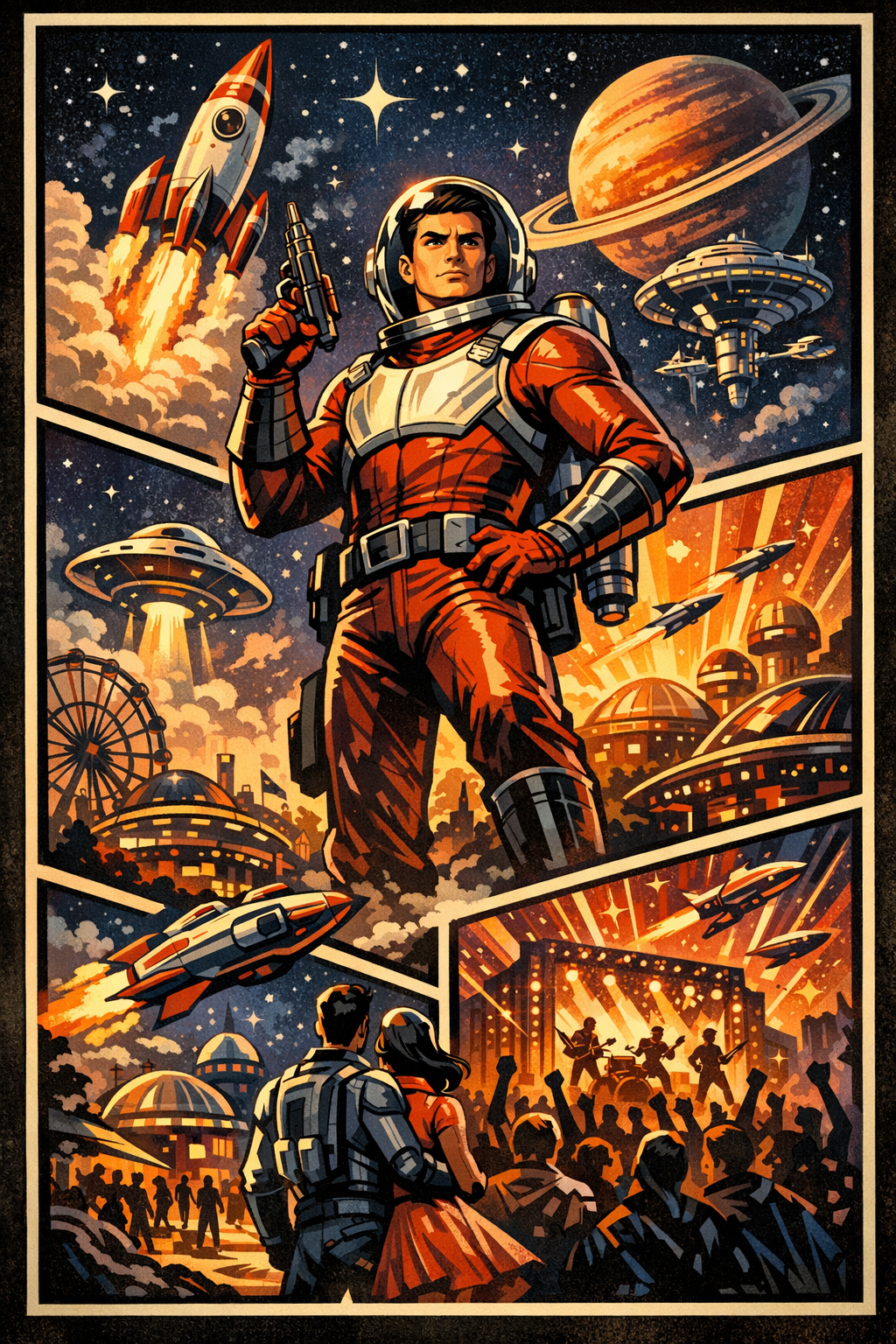
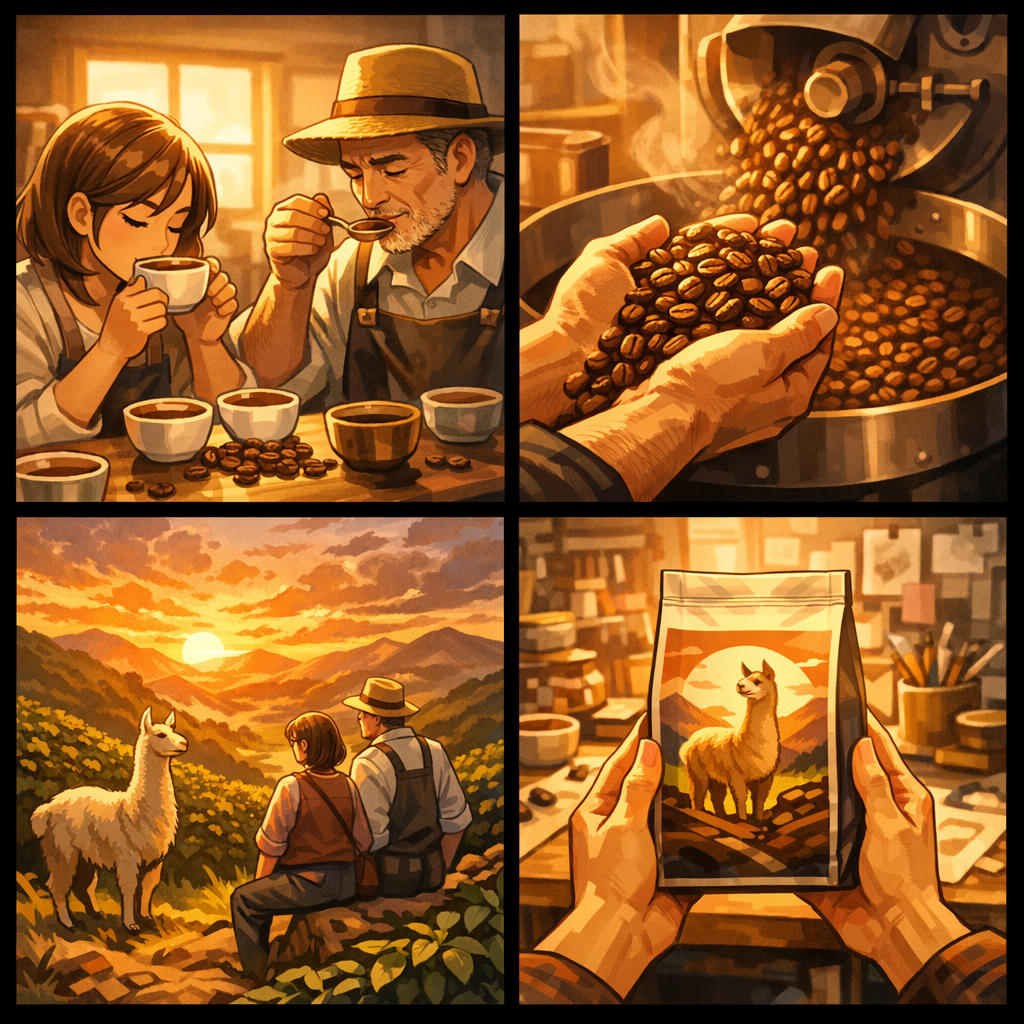
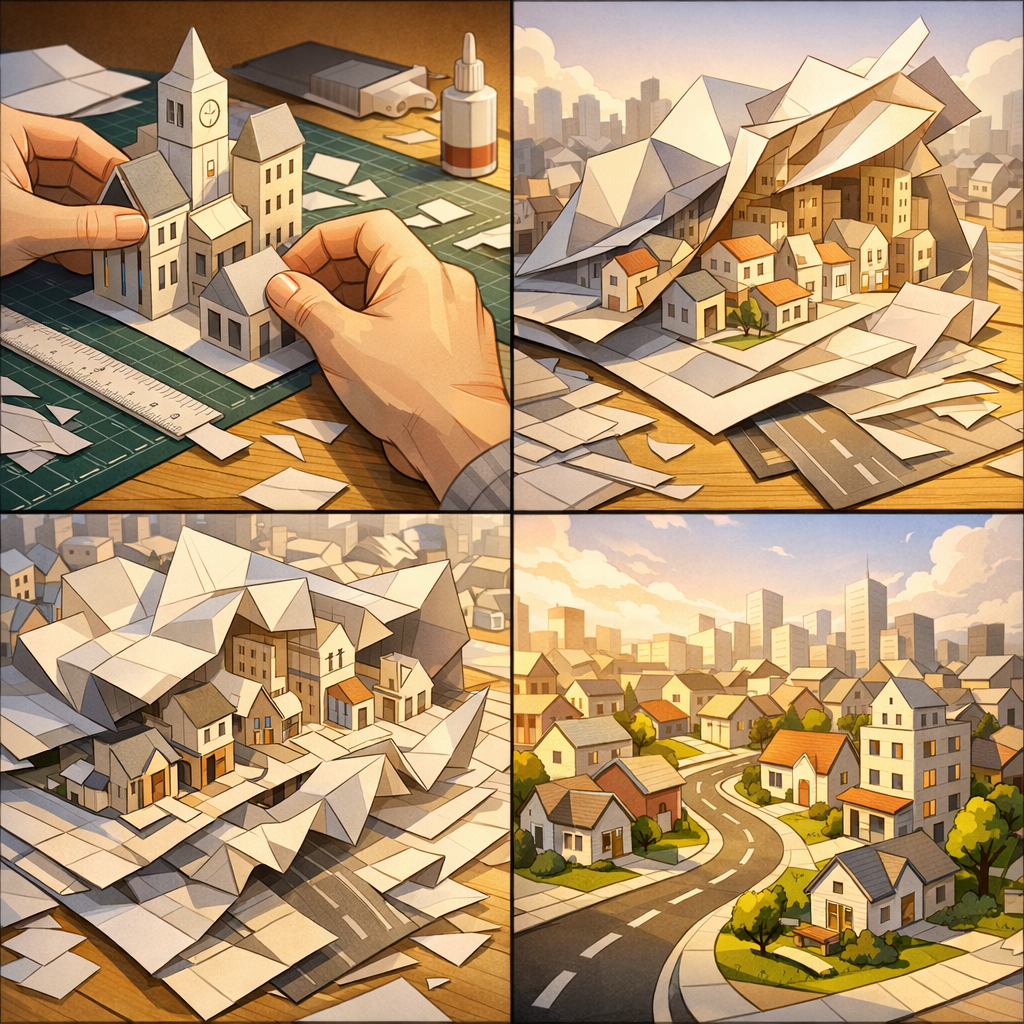
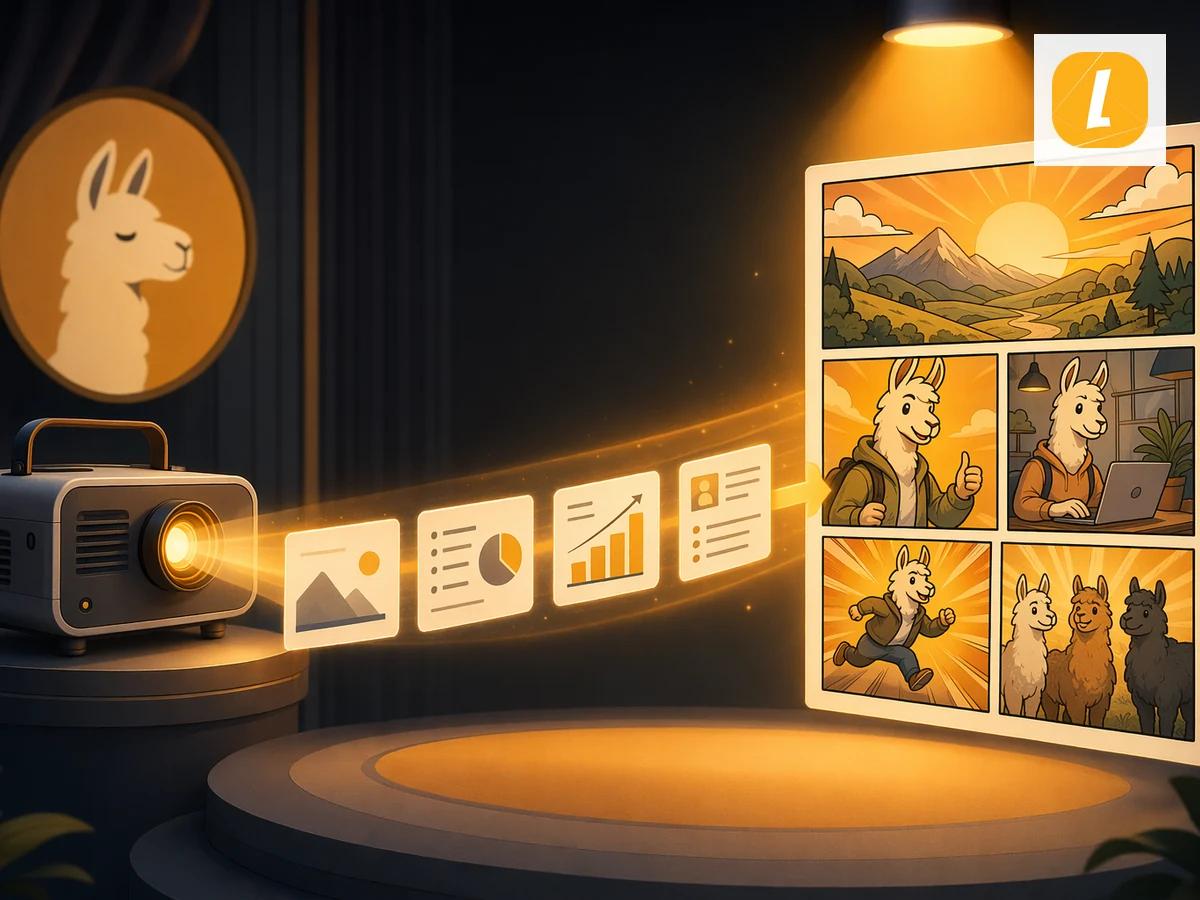
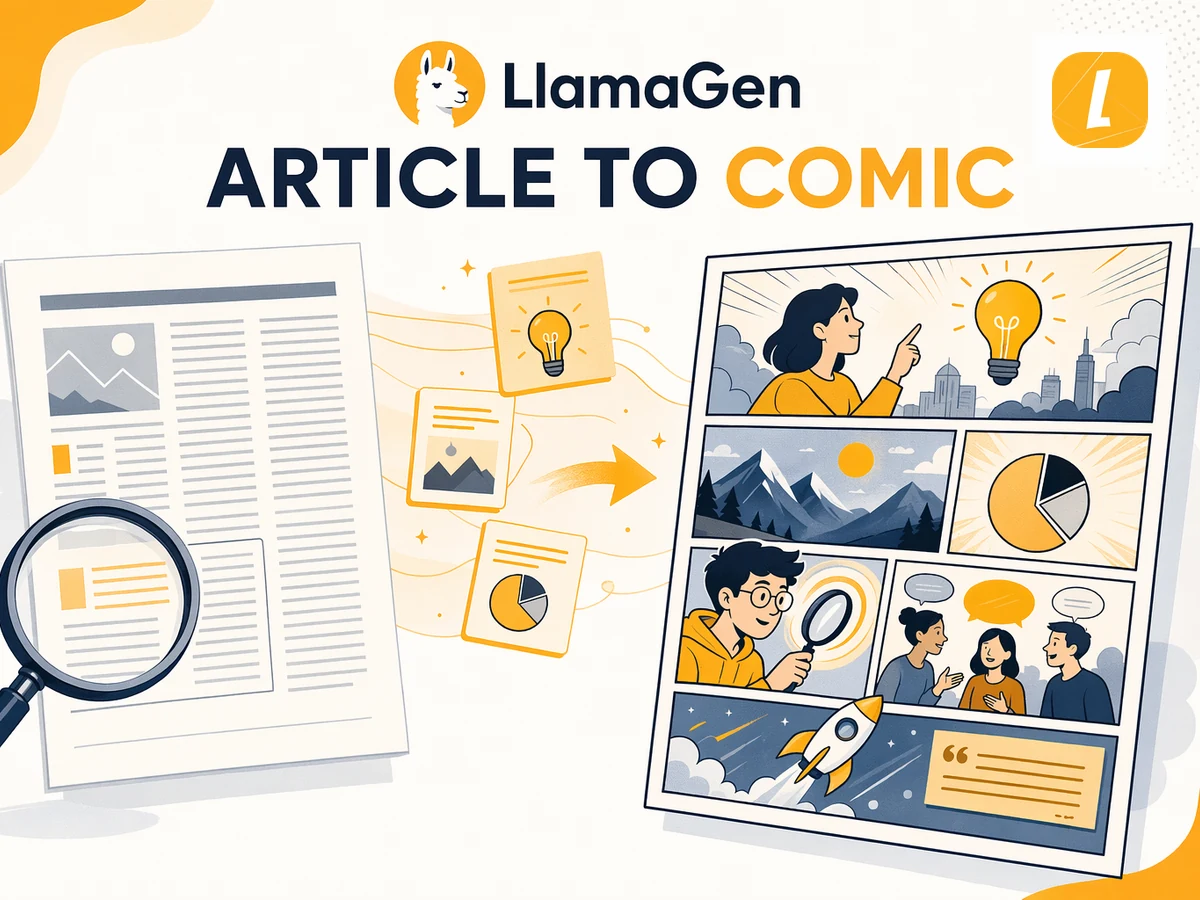
PPT 转漫画 use cases illustration

Free PPT to Comic Converter for Any Use Case

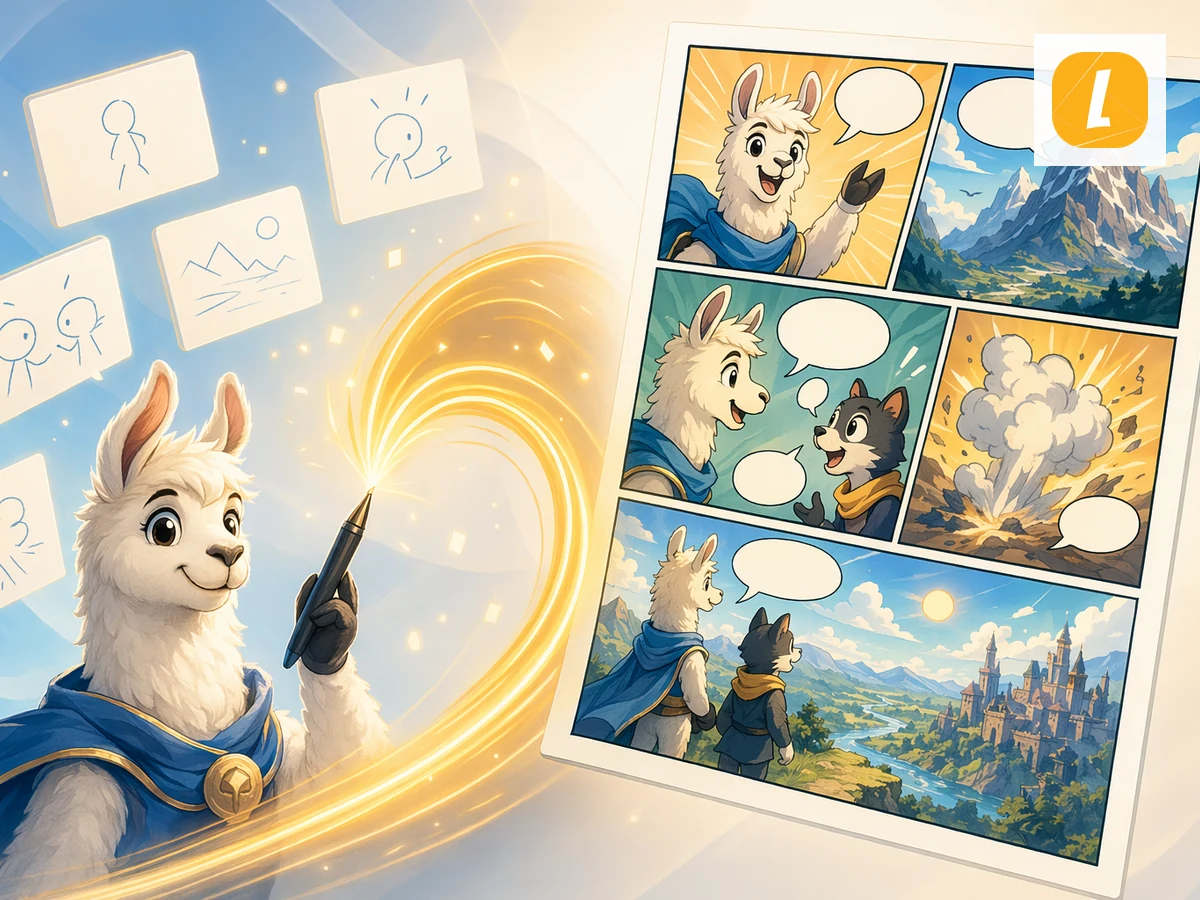
This free PPT to Comic converter is designed for creators, teachers, marketers, students, and storytellers who need to turn source material into visual content. Use it for explainers, class materials, character scenes, social posts, pitch concepts, or fast creative drafts. LlamaGen keeps the workflow simple while giving you an editable AI result you can refine after generation.

100,000+ Users feedback

Comic
Jake M.

Jake M.

@jake-m

As an avid creator of comic book style graphics, I've struggled to find a tool that truly allows me to unleash my creativity at scale. llamagen.ai not only breaks limits but shatters them, offering endless possibilities for my projects. It's the ultimate AI-powered solution I've been waiting for!

Comic
Sarah L.

Sarah L.

@sarah-l

I've tried numerous AI tools for image generation. And they are quite fun to play with but llamagen.ai is the first app I've actually saw a potential use-case. The character consistency really grabbed my attention as it's something I hadn't seen before and I can see the appeal for professionals and amateurs alike. Truly a game-changer!

Comic
Michael B.

Michael B.

@michael-b

llamagen.ai has reignited my passion for storytelling. As a busy professional, finding time to pursue creative projects can be challenging. But this app has proven so easy to use... It's like having a creative companion by my side!

Comic
Alex T.

Alex T.

@alex-t

Being part of the creative industry demands efficiency without sacrificing quality. llamagen.ai not only meets but exceeds these expectations. Really loved playing with the storyboarding and having an AI to help with not only image generation, but also the text content - it's really a nice way to help enhance the overall experience.

Comic
Maya S.

Maya S.

@maya-s

I enjoy a great comic book and have been very sceptical about AI. For example the criticisms of the Batman AI comic saga where not without merit. But through the scepticism I do see a place for such tools. While I still value an authentic man-made production, the ability for me to create something on my own (with a little help from AI) is really empowering and exciting.

Comic
Taylor H.

Taylor H.

@taylor-h

Maintaining character consistency is a challenge that I did not expect to be overcome so fast. While not perfect at times, the results are impressive and I’m really looking forward to the chance to further customize my workflow and AI generation.


PPT 转漫画常见问题

PPT 转漫画是什么?

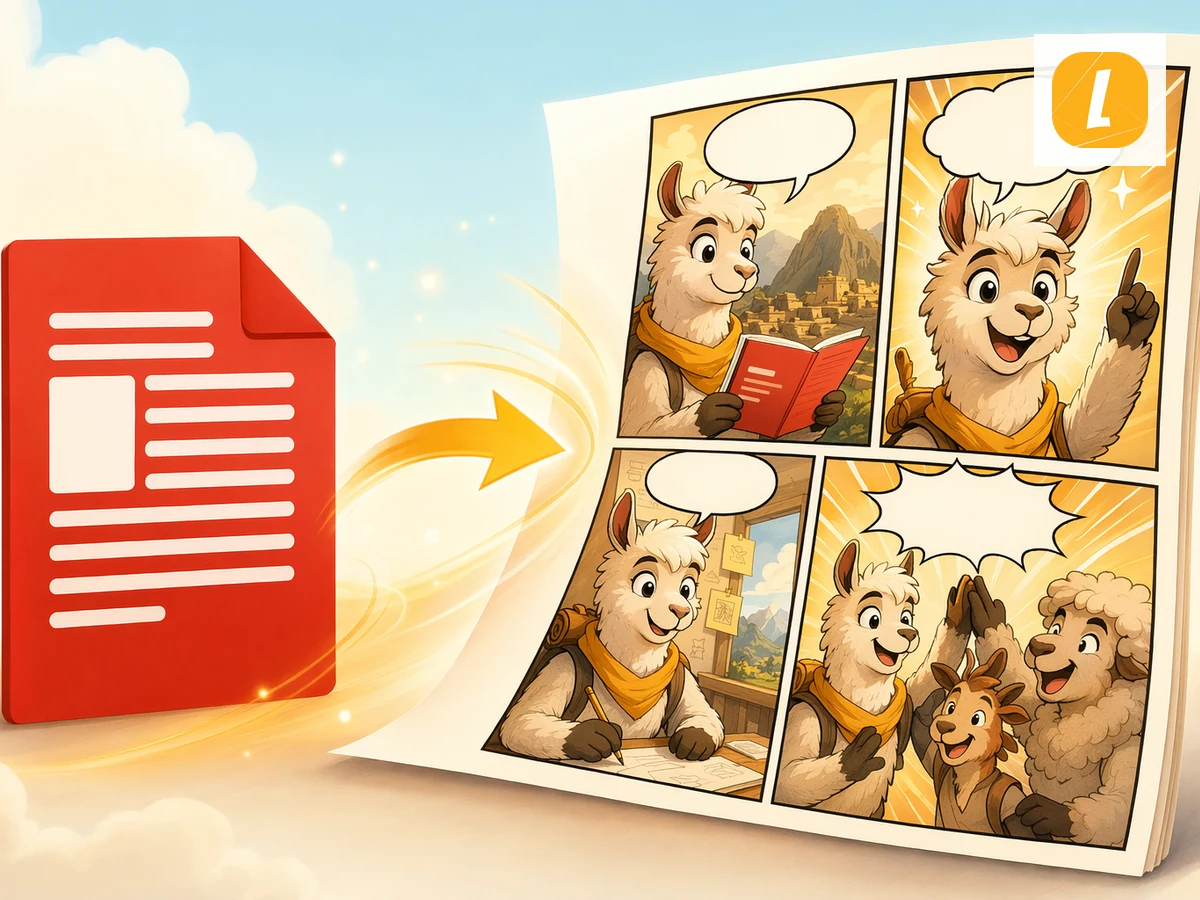
PPT 转漫画是 LlamaGen 工具,用 PPT 文件生成带分镜、对白和漫画布局的 AI 漫画页面。

如何将 PPT 转换为漫画?

上传 PPT 文件,填写可选方向,然后点击生成漫画。LlamaGen 会根据 PPT 转漫画主题发送带英文提示的原稿。

PPT 转漫画会用到上传的文件吗?

会。文件类页面会先上传你的素材,通过 useCreateComic 的 uploadedAttachments 流程,让漫画生成请求引用附件。

生成后可以编辑漫画吗?

可以。生成完成后会在 LlamaGen 漫画工作区打开,你可继续编辑漫画页面。

PPT 转漫画支持哪些文件类型?

PPT 转漫画支持 .ppt、.pptx 文件,最大 50MB。免费上传限制为 10MB,较大文件需升级套餐。

PPT 转漫画适合讲故事吗?

适合。它专为将原始内容转为分镜漫画讲述而设计,适用于教学、解释、社交发布和创意草稿。

Create Your First Comic Today

Generate your first comic in under a minute. No credit card required.