

四種強度
先用自動,只有來源需要更多修正時先由輕度轉到強度。
AI 圖像去模糊
Upload a blurry portrait, product, document, or memory and recover cleaner edges and natural detail without changing the original composition. Try for free with free credits. Check in daily to earn more. No credit card required.
為圖片去模糊
揀最輕微、但足以回復有用細節嘅強度,避免出現光暈或者過度銳化感。
上載模糊圖片
人像、產品、文件、風景,或者舊相
去模糊強度
輸出構圖
會對齊第一張來源圖片,以保留原本裁切。
每次生成使用 300 積分。
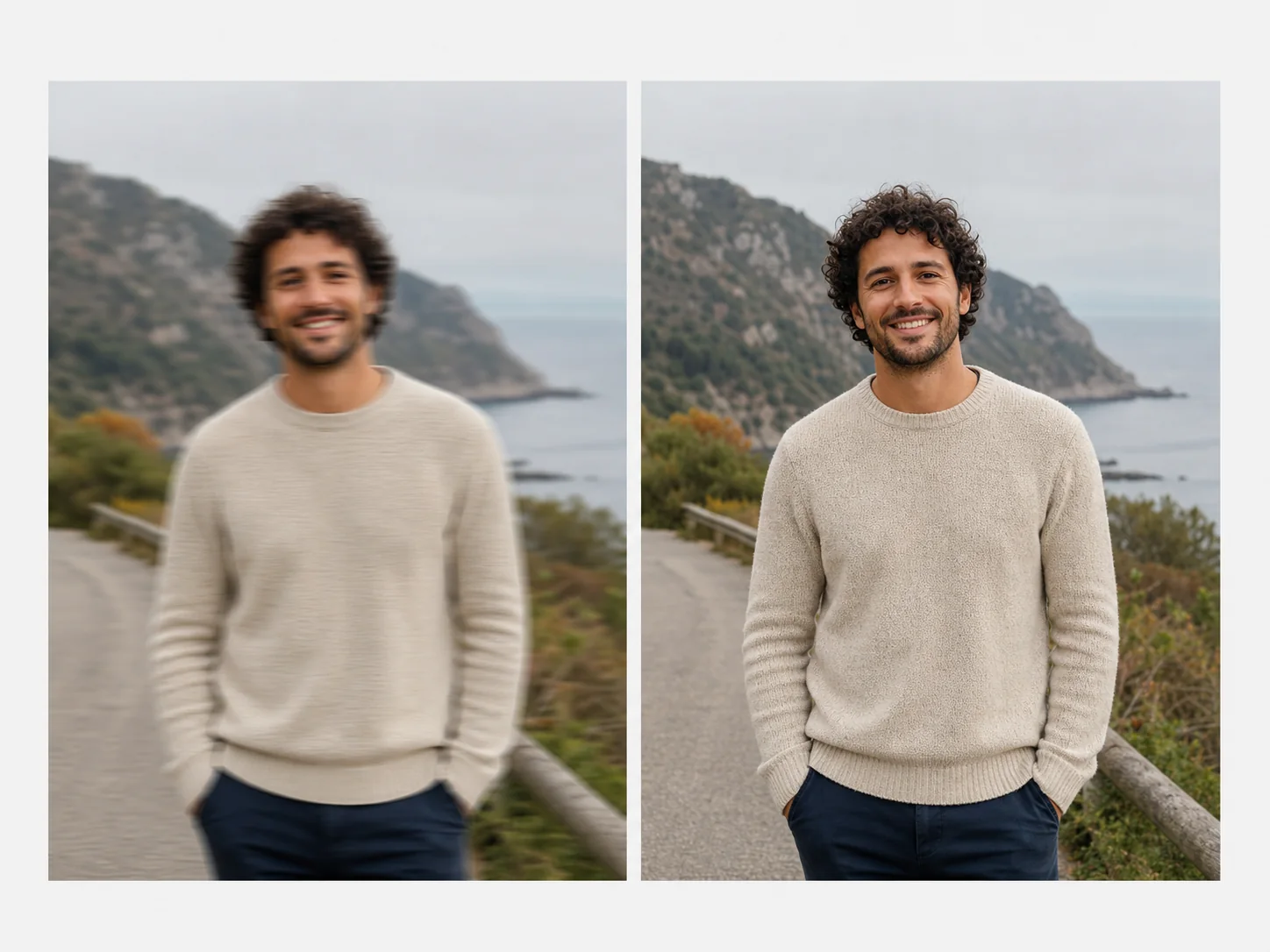
恢復可用清晰度
AI unblurring can reduce motion softness, missed focus, and pixel-level blur while preserving the subject, color, framing, and atmosphere of the source.
Strong blur may contain detail that was never captured. Review faces, text, fine patterns, and edges closely so reconstructed detail is not mistaken for original evidence.
先用自動,只有來源需要更多修正時先由輕度轉到強度。
保留身份特徵同自然肌膚質感,同時改善眼睛、頭髮同面部邊緣。
當來源細節足夠時,可改善模糊截圖、標籤、收據同產品邊緣。
輸出會保留來源比例同構圖,而唔會強行裁成正方形。
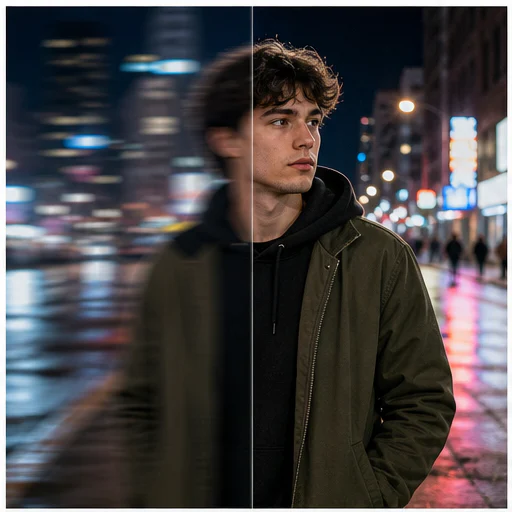
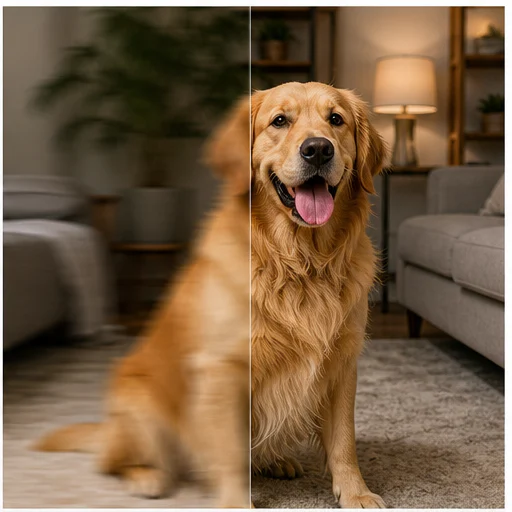
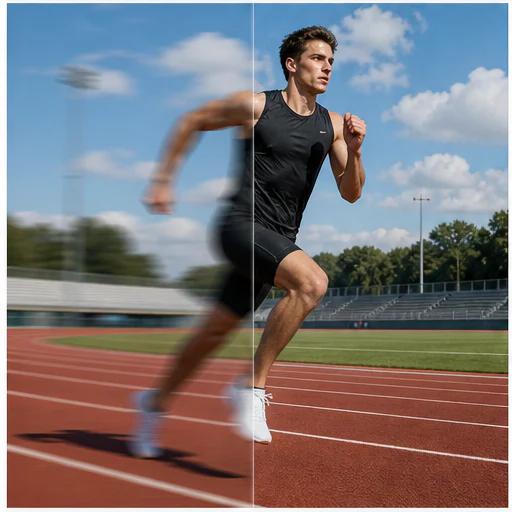
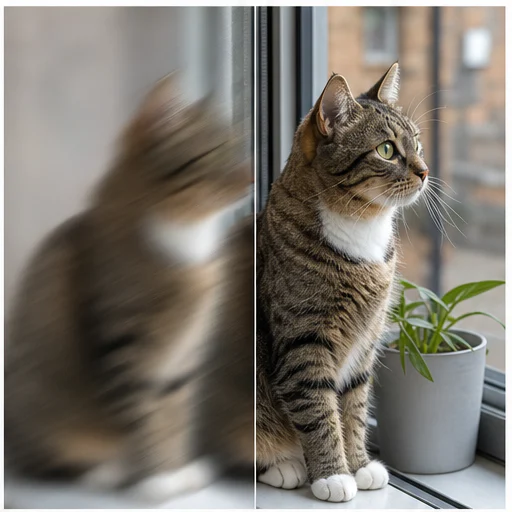
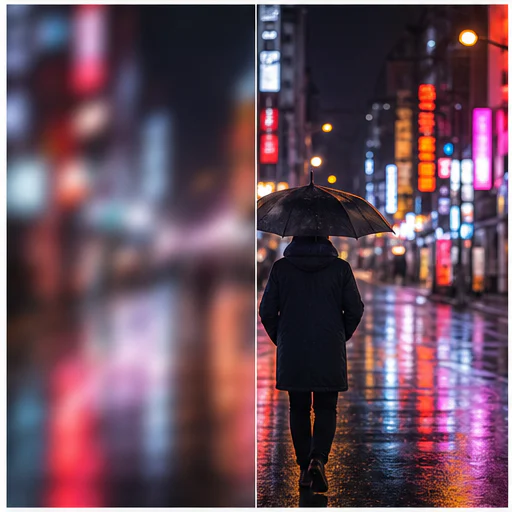
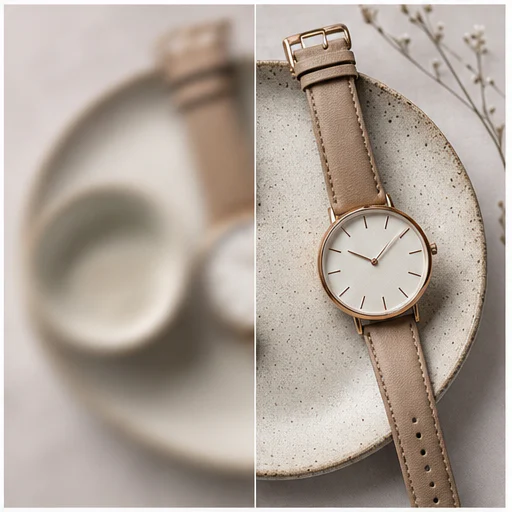
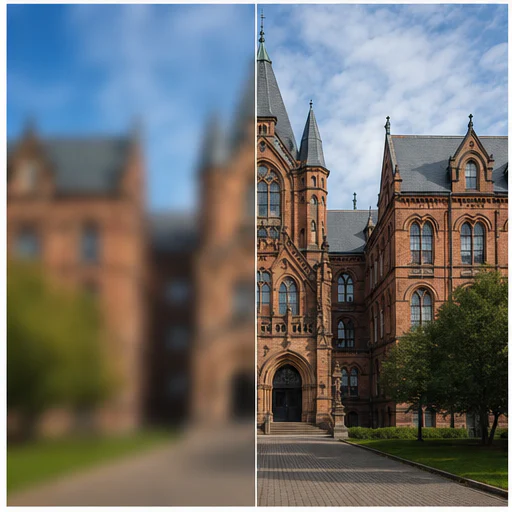
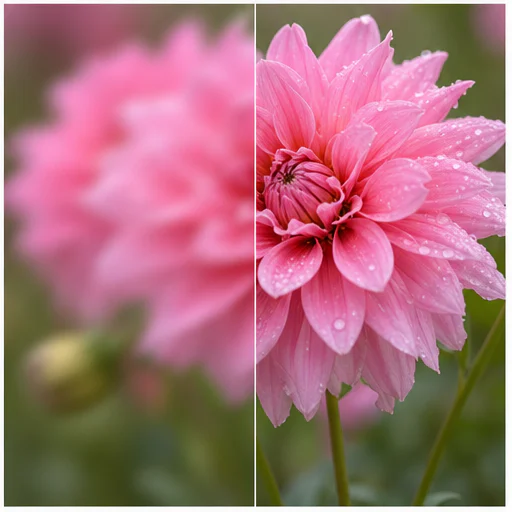
真實示例
Twelve before-and-after examples cover subject motion, camera shake, missed focus, wildlife, products, architecture, and landscapes.
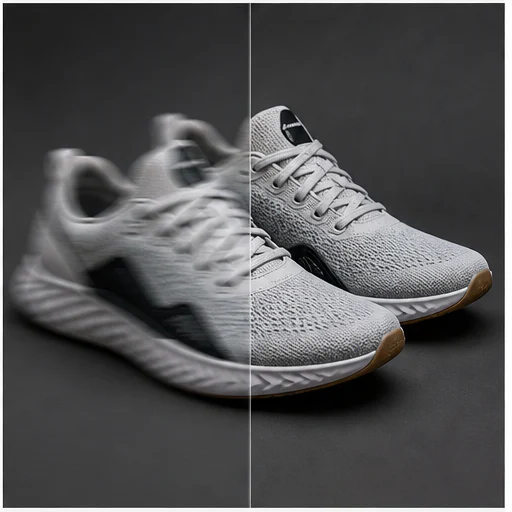
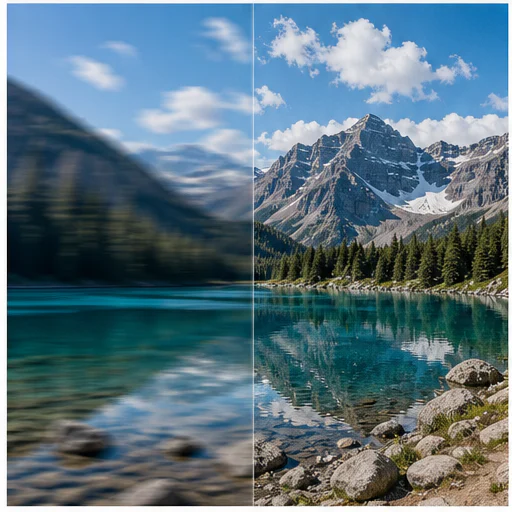
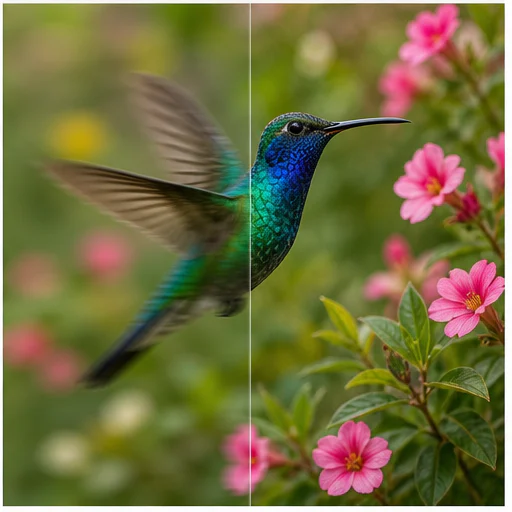
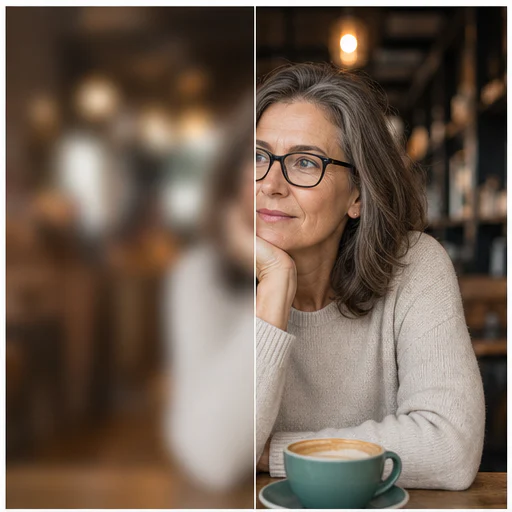
運作方式
跟住簡短工作流程,再檢查生成細節先用或者發佈結果。
揀目前最高解像度版本,修復效果通常最穩定。
先用自動,再只在重要細節仍然偏軟時提高強度。
Compare edges, faces, and text before downloading the clearer result.
真實創作者回饋
看看創作者對使用 LlamaGen 創作漫畫、角色及視覺故事的分享。

@jake-m
身為漫畫風格圖像的創作者,我一直難以找到可大規模發揮創意的工具。LlamaGen.Ai 不僅突破限制,更帶來無限可能,讓我的每個專案都煥發新意。這正是我一直渴望的 AI 創作平台!
@sarah-l
我試過不少 AI 圖像生成工具。它們確實很好玩,但 LlamaGen.Ai 是第一個讓我真正看到實際應用潛力的產品。角色一致性的表現特別吸引我,因為這是我以前沒看過的功能;無論是專業人士還是業餘創作者,都很有吸引力。真的令人耳目一新!
@michael-b
LlamaGen.ai 重新點燃了我對說故事的熱情。身為忙碌的職場人士,創作時間難得,但這款應用非常容易上手,宛如身邊多了一位創意夥伴!

@alex-t
在創意產業中,效率與質素同樣重要。LlamaGen.Ai 不僅滿足了這些需求,甚至更優。我很喜歡故事板功能,AI 不僅協助生成圖片,也能處理文字內容,整體創作體驗更好。
@maya-s
我喜歡一本好的漫畫書,並對AI持懷疑態度。例如,對蝙蝠俠AI漫畫傳奇的批評並非沒有道理。但是通過懷疑,我確實看到了這種工具的價值。雖然我仍然珍視真正的人工製作,但我有能力自己創建一些東西(在AI的一點幫助下)真的讓人感到充滿力量和興奮。
@taylor-h
維持角色統一性這一挑戰,發展速度遠超我預期。雖然偶爾仍有瑕疵,效果其實已很令人驚喜,很期待進一步自訂我的工作流程和 AI 生成結果。
實用工作流程
按工作需要,將生成圖片作為可審閱草稿、參考,或者完成資產保留。
人像
令實用表情或者自然抓拍人像更易睇、更易分享。
商業
提升已授權產品圖片嘅邊緣清晰度同表面細節。
文件
令截圖、標誌、標籤同掃描頁面更易檢視。
回憶
減少家庭相同檔案相片嘅鬆散感,同時保留原有神韻。
檢視備註
去模糊屬於重建工作。結果應視為較佳視覺效果,而唔係證明原圖冇記錄到嘅細節。
身份同表情仍然可辨認
邊緣更清晰,而且唔會有明亮光暈
皮膚同布料仍保留自然質感
text is not replaced with invented characters
背景景深依然自然可信
原始裁切同顏色會被保留
常見問題
關於來源圖片、生成結果、權利同審核嘅實用解答。
Yes. Start your free trial with free credits and earn more free credits through daily check-ins. No credit card is required. Sign in to manage your credits. Generation costs and model availability vary; paid plans offer more credits and additional export options.
No. Mild motion blur and soft focus usually respond best. Severe blur or missing pixels may not contain enough evidence for faithful recovery.
先用自動。輕度適合輕微柔化;如果較低設定後仍然明顯模糊,先用強度。
工具會送出 match-input 構圖,令結果跟隨來源比例同裁切。
相關工具
由呢個精準編輯,繼續下一張相或時裝工作。
Upload a portrait, selfie, or group photo and reconstruct naturally open eyes while preserving identity, expression, lighting, people, and the original crop. Try for free with free credits. Check in daily to earn more. No credit card required.
Upload a noisy low-light, compressed, scanned, or generated image and reduce grain while preserving edges, texture, and the source atmosphere. Try for free with free credits. Check in daily to earn more. No credit card required.
Upload a faded, scratched, blurry, or timeworn photo and create a clearer restoration that protects faces, clothing, history, and the original composition. Try for free with free credits. Check in daily to earn more. No credit card required.
Upload one clear portrait, choose a haircut and optional color, then generate a realistic preview that keeps your face, expression, clothing, and background recognizable. Try for free with free credits. Check in daily to earn more. No credit card required.
由你嘅圖片開始
上載一張模糊相片,選擇強度,透過簡短工作流程生成更清晰版本。