

Anime-first hair presets
Focused image workflow
AI Anime Hairstyle Changer
Upload an anime character, select an OC hair preset, and generate a new hairstyle while preserving the character's identity.
Change Anime Hair with AI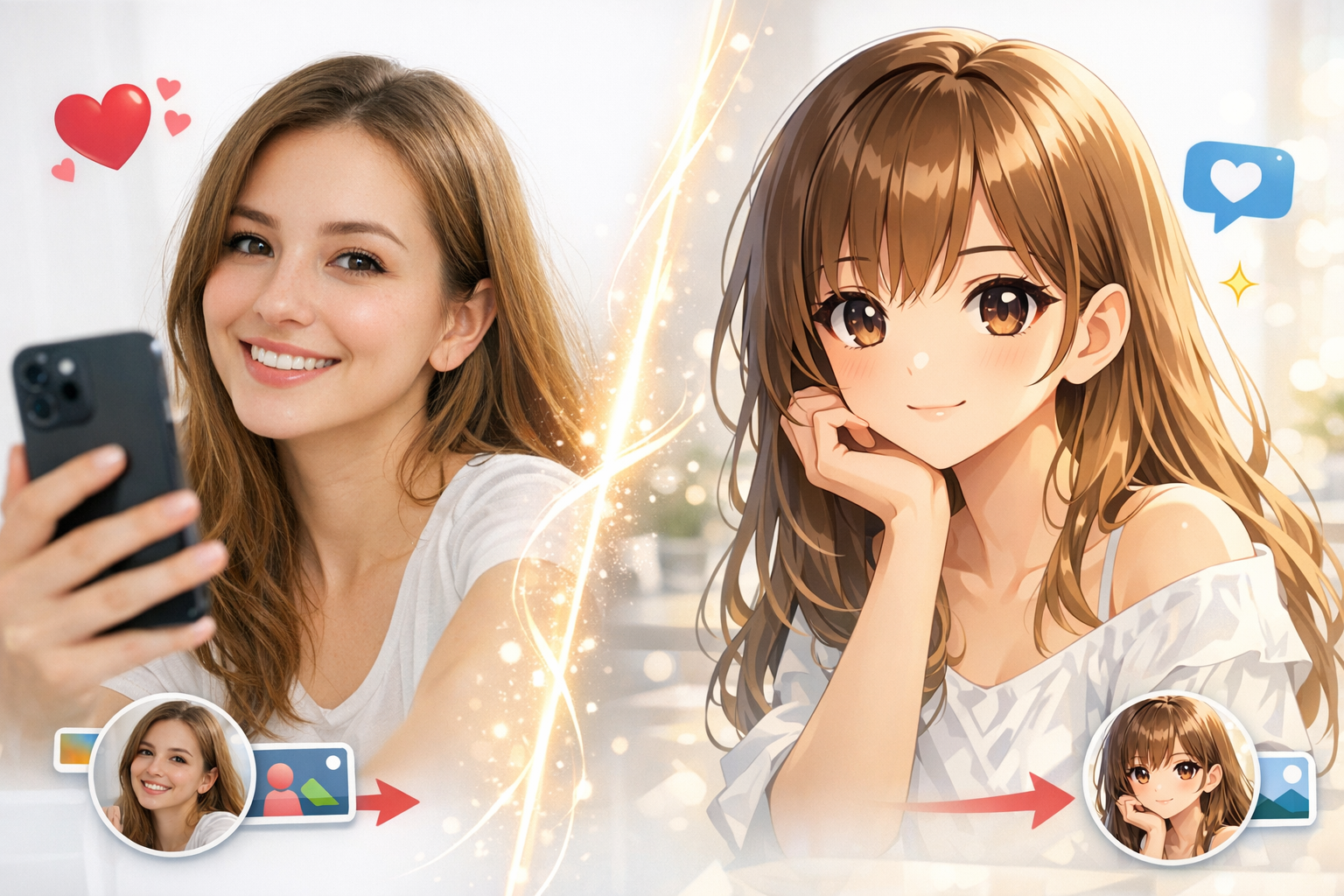
Change an anime hairstyle from one character image
Upload an anime or manga character, choose an OC hair preset, then refine the hairstyle or color prompt before generating.
OC Edit Presets
206 / 2000
Use 1K for quick drafts. Upgrade for 2K/4K finals and no-watermark exports.
藝術風格
Explore examples, workflow details, and practical guidance
Editable OC instructions
Reference-image editing
Identity-preserving prompts
Workflow
Build, generate, then review
Upload your character
Choose a clear anime, manga, or illustrated OC image with visible hair.
Choose a hair preset
Pick a color, length, hairstyle, ornament, texture, or bangs preset and edit the generated prompt if needed.
Generate and compare
Create the new hairstyle, then compare face, outfit, pose, and background continuity before exporting.
Art direction
What to refine after the first draft
OC edit presets
Six preset groups cover color, length, hairstyle, ornaments, texture, and bangs.
Reference-image workflow
The editor uses the uploaded image as the visual source for the new hairstyle.
Identity-safe prompt construction
Preset prompts explicitly preserve face, expression, pose, outfit, background, lighting, and anime style.
Manual prompt control
Every preset becomes editable text so creators can combine precise color, cut, and accessory directions.
Example directions
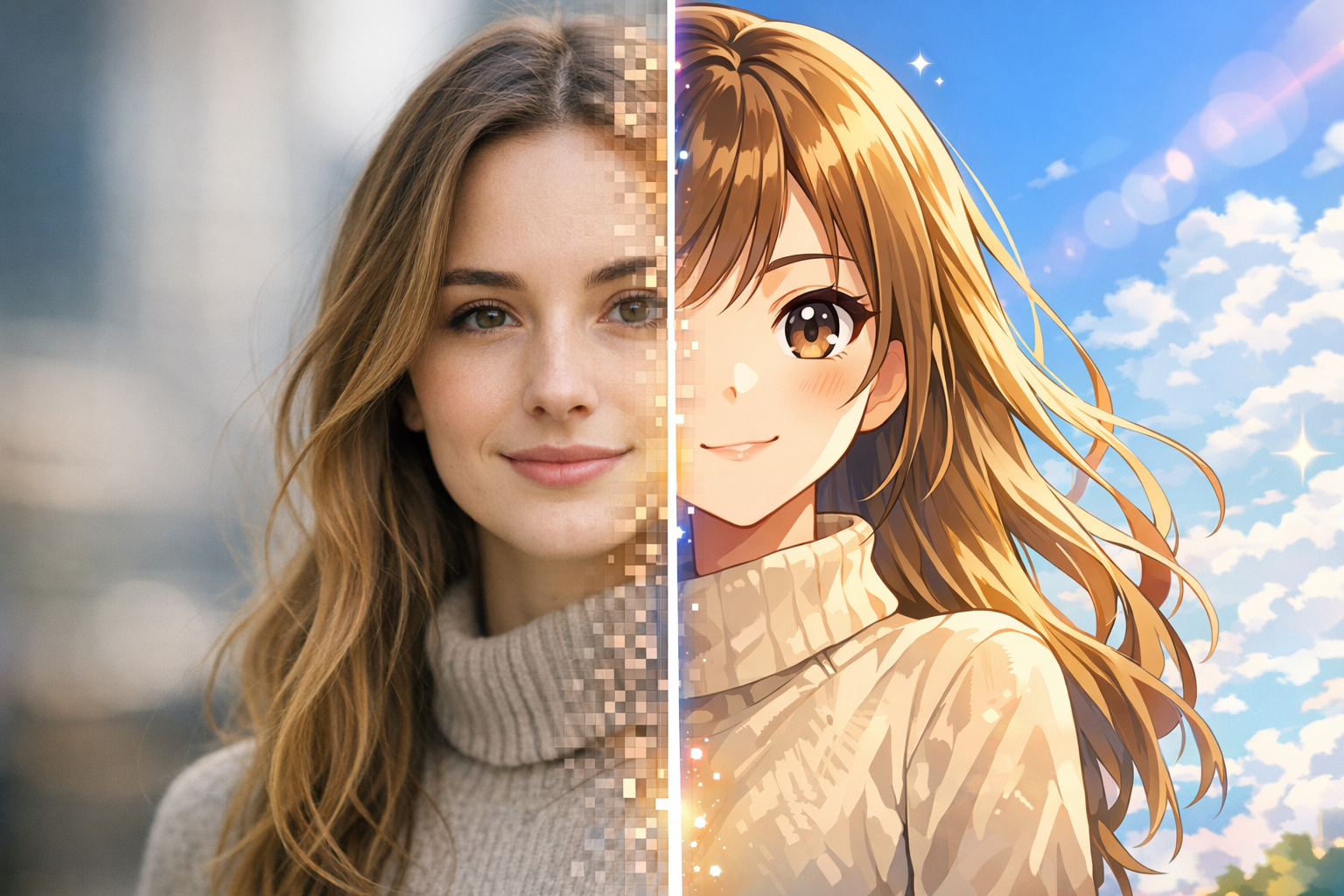
Compare complete visual directions
FAQ
Practical questions
What can the AI Anime Hairstyle Changer edit?
It can change hair color, length, hairstyle, ornaments, texture, and bangs from one uploaded anime character image.
Will it keep my OC recognizable?
The presets instruct the model to preserve facial identity, expression, pose, outfit, framing, background, lighting, and art style, though every generated edit should still be reviewed.
Can I combine multiple hairstyle changes?
Yes. Select a preset, then edit the prompt to combine a cut, color, texture, bangs, and ornament in one request.
Does it work with manga line art?
Yes. Clear manga or anime artwork works best when the face and current hair silhouette are visible.
Is the preset prompt editable?
Yes. Clicking a preset fills the main prompt, which remains fully editable before generation.
Take the strongest direction into production
Generate several directions, choose the one with the clearest visual promise, then proof the details before publishing or printing.