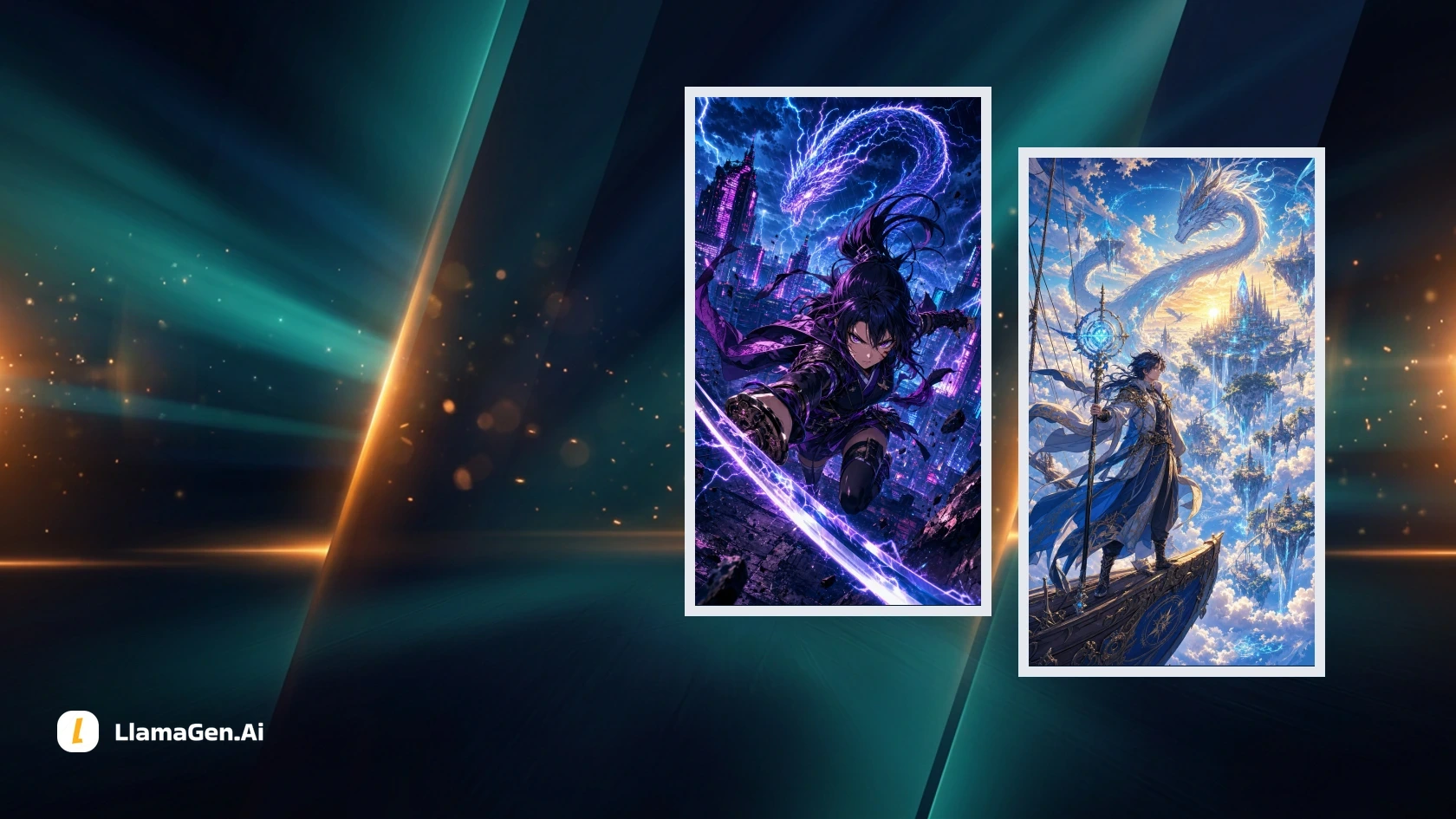
The best AI generator for anime videos depends on your starting material. An approved character image, a sequence of comic panels, and filmed footage each call for a different workflow. Compare the input you have and the result you need before comparing model names.
For a recurring character, a strong opening frame is only the start. The face, costume, props, and drawing style need to stay usable while the subject moves. A finished sequence also needs compatible cuts, timing, and sound.
This guide compares LlamaGen.AI, Vidu, Kling, and Runway for image-led work, with DomoAI considered separately for video restyling. If you already have comic artwork, open LlamaGen.AI Comic to Video to evaluate a panel-to-motion workflow.
Evidence and disclosure — November 5, 2026: LlamaGen.AI publishes this article. Tool descriptions are based on the official sources linked below. We also reviewed the files and sampled frames of two existing, owned anime showcase clips, recorded in their generation manifest as Vertex AI Veo 3.1 Quality outputs. Those clips were produced through a marketing workflow, not a controlled comparison of the current product studios. We did not run the same prompt across all five services, measure generation costs, or determine a quality winner. Playable examples are included so you can inspect the full motion yourself.
Choose the input route first
What you have
Route to investigate
What the trial must establish
A written scene
Text to video
Whether the scene and character design match your brief
An approved anime still
Image to video
Whether motion preserves the visible design
Character and scene references
Reference-led video
Changelog
Spark dreams for the young Where millions of stories come alive
A rundown of the latest LlamaGen feature releases, product enhancements, design updates, and important bug fixes.
✦
✧
✦
✧
A new medium for Storytelling
Vibe creating unlimited stories, comics, animations, games, and more—in seconds that resonate with modern audiences
Best AI Anime Video Generators in 2026: Motion, Consistency, and Cost - LlamaGen.AI Blog
Whether each reference has the intended role
Finished comic panels
Panel-to-video workflow
Whether the sequence, framing, and story beats remain clear
Existing moving footage
Video to video
Whether restyling preserves the performance and timing
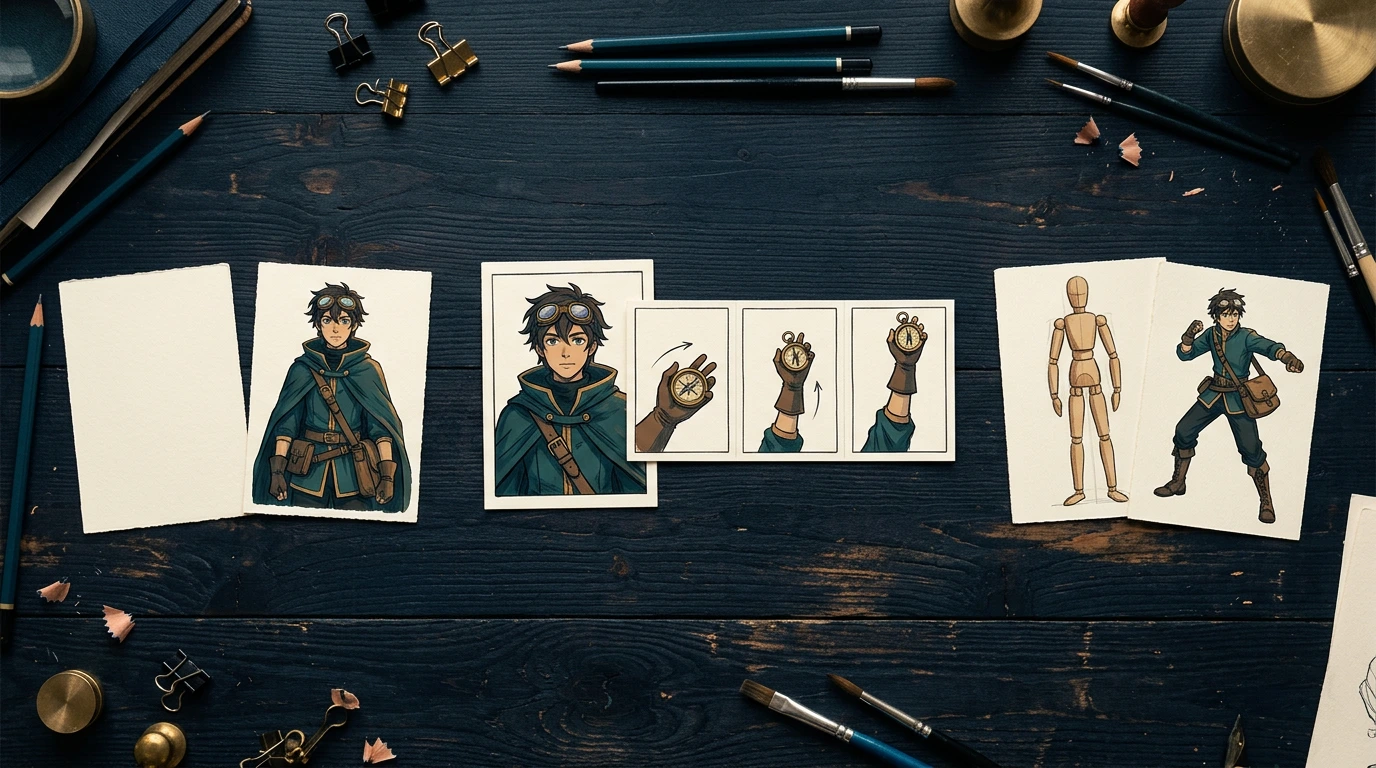
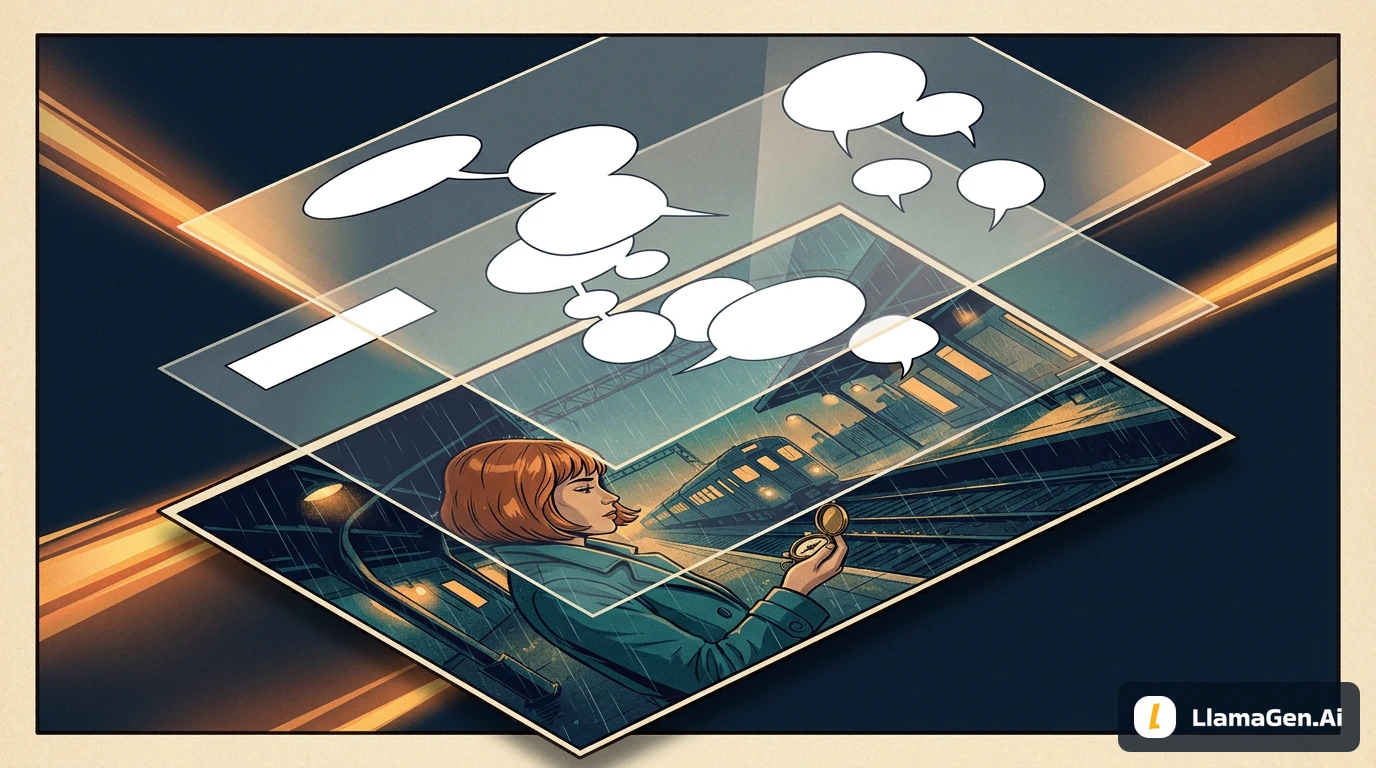
Teaching illustration: still-image animation and restyling existing movement are different tasks. These cards are not measured tool outputs.
For the first trial, choose one small action: a head turn, a hand lifting a prop, or a few walking steps. A complex fight scene introduces too many failure points to diagnose quickly.
Tools compared by workflow
These are editorial shortlist recommendations based on documented capabilities. They do not rank measured anime quality, generation speed, or price.
Tool
A reason to investigate it
Evidence used here
What remains to test
LlamaGen.AI
Continuing comic artwork into motion
Public workflow page; two existing script-generated showcase clips
Current studio controls, actual cost, and a repeated-character sequence
Vidu
Image and reference-led video
Current Q4 product description
Your character, selected mode, settings, and displayed task price
Kling
Motion direction and reference-led creation
Official 4.0 and image-to-video guides
Available account controls and results for your specific shot
Runway
Image-led generation in a broader video workspace
Official Gen-4.5 creation and prompting guides
Your keyframe, edits, and accepted-output cost
DomoAI
Restyling footage that already contains movement
Official Video to Video documentation
Whether your performance, details, and audio survive restyling
LlamaGen.AI: for comic assets that continue into motion
LlamaGen.AI is best suited to workflows that turn scripts into reusable comic panels and animation-ready story assets. Its Comic to Video page points to the Animation Studio and frames the task around prepared comic artwork and sequence planning.
That makes it a practical option when the work starts from panels rather than a blank video prompt. Keep panel order, character references, and motion notes together. Check the current studio options before promising a specific model, soundtrack, or export.
The two examples later in this article show existing anime motion assets. Their recorded model provenance belongs to those files. They do not prove that the current studio uses the same provider, or that every panel sequence will preserve identity.
Vidu: for image and reference-led video exploration
Vidu's current Q4 page describes both single-image animation and reference-to-video workflows. It is worth investigating when you want to test how character, scene, and style references can guide a shot.
Reference-to-video and image-to-video are different modes. Compare the mode you actually plan to use, and record which image defines the character versus the setting. Extra reference capacity does not, by itself, prove better identity preservation.
We did not run a Vidu generation here. Check the live app for available controls and task cost. An older Q3 API price should not be treated as the price of a Q4 app generation.
Kling: for directing a defined subject and movement
Kling's official image-to-video guide emphasizes describing the subject and its movement. Its newer Kling 4.0 guide, dated November 4, 2026, describes a broader reference-led workflow and notes that actual availability depends on the product interface.
That makes Kling worth testing for a tightly defined shot. Start with one action and one camera instruction, then inspect the complete result. A reference feature is a control to test, not proof that the face, hands, and costume will remain unchanged.
We have not tested Kling 4.0 here. Do not carry older model limits or prices into a current comparison without checking the selected version and mode.
Runway: for image-led generation with further video work
Runway's Gen-4.5 guide documents text-to-video and image-to-video creation. The current guide lists 2–10-second durations, 720p output, and 12 credits per generated second, with Standard or higher required.
It is a candidate when the shot will continue into a broader generation and editing workflow. Its prompting guidance recommends clear motion descriptions and positive phrasing. For example, describe a locked camera instead of relying on a long list of prohibited movements.
Those are documented conditions, not results from an account trial. We did not measure Runway's anime fidelity, queue time, or usable-output rate.
DomoAI: a separate route for restyling moving footage
DomoAI's Video to Video documentation describes applying styles, including anime, to uploaded footage. That makes it useful to evaluate when movement already exists and the task is to change its appearance.
The source performance supplies timing that a still-image animation workflow has to invent. Comparing the two without explaining that difference would give the restyling tool an unfair advantage on action timing.
Use the same original source footage for a separate restyling trial. Inspect the face, hands, costume edges, and audio. Documentation about preserving motion or audio does not prove perfect preservation in your output. We did not run a DomoAI trial here.
Two real anime clips: what the files and frames show
We reviewed two retained promotional files against their existing prompts and source images. Each file contains eight seconds of 1080 × 1920 H.264 video at 24 fps: 192 video frames, plus a stereo AAC audio stream. The presence of an audio stream does not establish soundtrack quality or synchronization; we did not score the audio.
The retained manifest does not establish the original generation date, total attempts, waiting time, or settled cost. A dated folder in a media URL is not proof of when generation occurred.
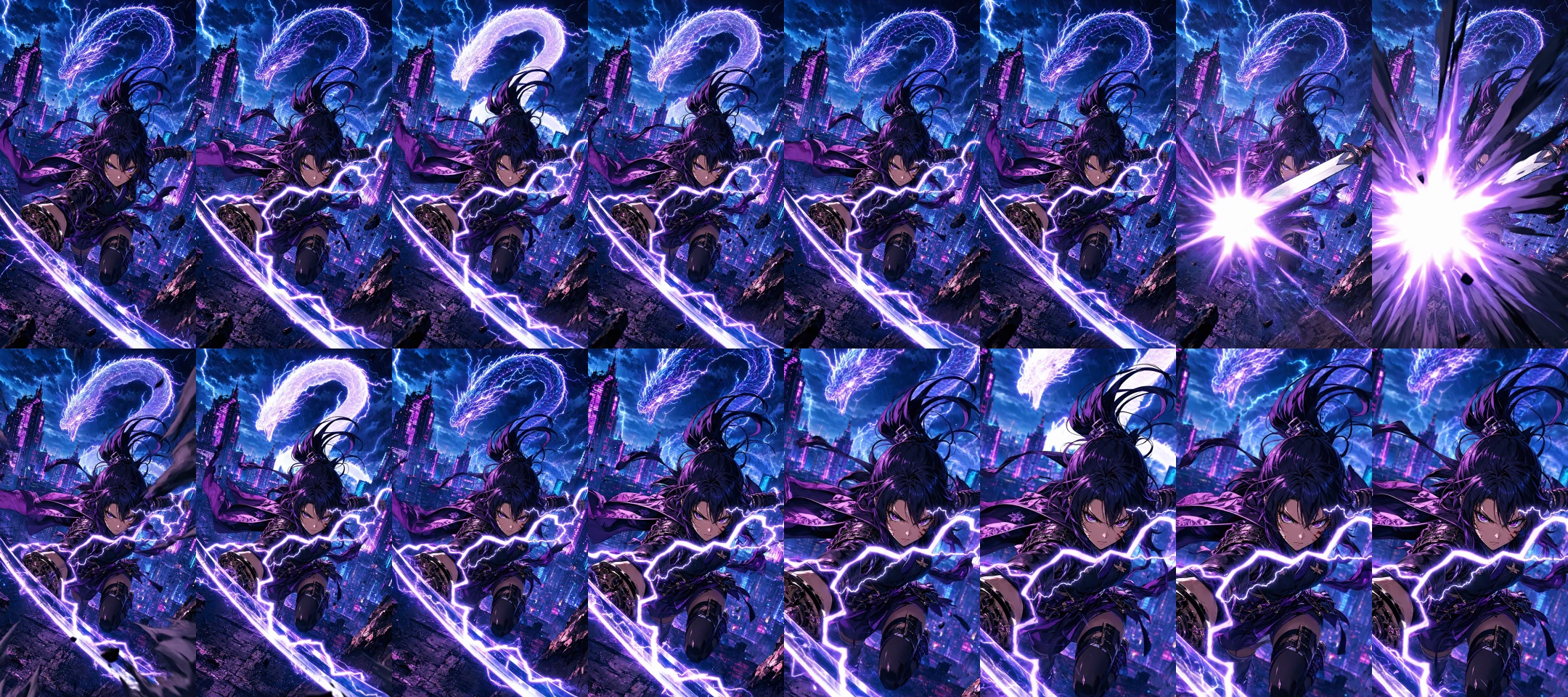
Action example: a flash can hide the detail you need to judge
Recorded model: Vertex AI Veo 3.1 Quality. This is an existing script-generated showcase clip, not a new controlled studio test.
The original prompt asks for a vertical anime trailer from the supplied illustration, including a camera push, one sword slash, electric energy, a brief impact flash, and a sharp final frame.
Frames are sampled at two per second, read left to right across the top row and then the bottom row. They are samples from the actual video, not generated still replacements. Exact sample timestamps are retained with the local evidence record.
The samples show a bright flash obscuring much of the figure partway through the clip, followed by a closer view of the heroine. Her broad dark costume and purple-blue visual direction remain recognizable in these samples. The obscured interval is not evidence that the hand or sword remains correct throughout.
For a production review, play the clip and inspect the frames immediately before and after the flash. Decide whether the action reads as intended and whether the final crop leaves enough room for the next cut. We did not assign a full-motion anatomy or smoothness score from this contact sheet.
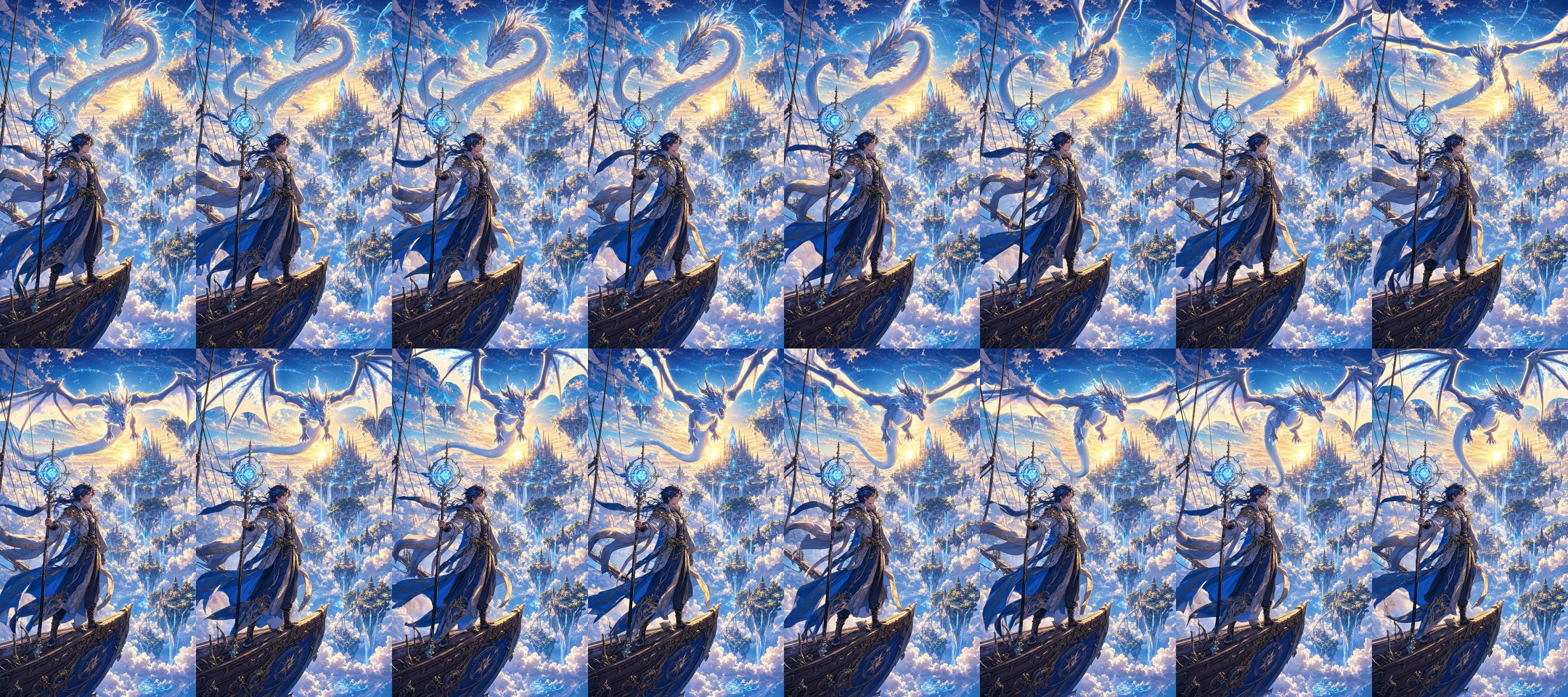
Fantasy example: an environment reveal is a different test
Recorded model: Vertex AI Veo 3.1 Quality. It has the same evidence limits as the action example.
The mage remains near the lower-left area of the sampled compositions while the dragon changes position and pose above the floating city. The staff, ship setting, and blue-gold direction remain identifiable in the samples. This supports a narrow observation about composition, not a claim of perfect character or dragon anatomy across all frames.
These examples are different scenes, not two controlled motion settings applied to one input. They cannot establish that a slower prompt is more reliable or that one provider outperforms another. They show why the review must match the job: an environmental reveal and a hand-held prop action expose different problems.
A shared-keyframe trial you can reproduce
For a fair image-to-video comparison, approve one original character and prepare three clean keyframes before opening the tools. Use the OC reference sheet workflow if the character's appearance is still unresolved.
Shot
Keyframe
Motion request
Main review question
A
Clear head-and-shoulders view
A slow turn toward the camera
Does the face remain recognizable during the turn?
B
Visible hand holding one prop
Raise the prop, then hold
Do the hand, object, and grip remain readable?
C
Uncropped standing character
A few walking steps with a simple follow
Do costume, feet, and screen direction remain usable?
Use positive, direct motion instructions. For the prop shot:
The adult courier slowly raises the brass compass to chest height,
then holds it steady. The character keeps the appearance and clothing
shown in the input image. The camera remains in a steady medium shot.
Movement is restrained, with a clear pause at the end.
Treat this as a proposed trial, not a completed benchmark. Three shots, two attempts, and four participants would produce 24 clips. Confirm that each participant supports the requested mode before including it. LlamaGen.AI's panel workflow may require a separate assessment if it cannot accept the same isolated image task.
Use a shared duration and resolution where possible. If the controls differ, keep the native settings and narrow the conclusion accordingly. Keep a direct-prompt round separate from a round adapted to each model's documented prompting style.
Record the platform and the underlying model separately. The same model exposed through two products does not represent two independent model-quality results, even if the workflows differ.
Review identity within clips and continuity across cuts
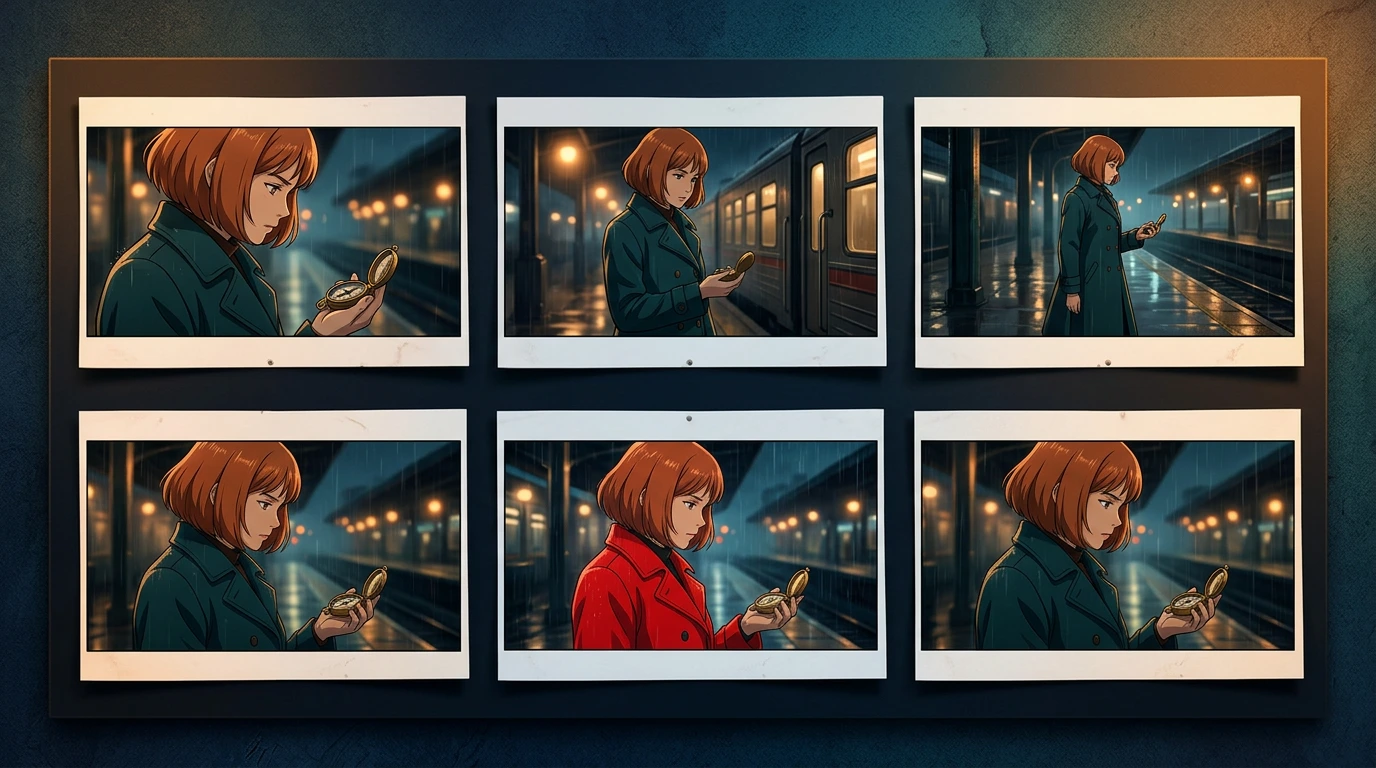
Teaching illustration: the changed coat is a constructed continuity error, not a failure observed in one of the compared services.
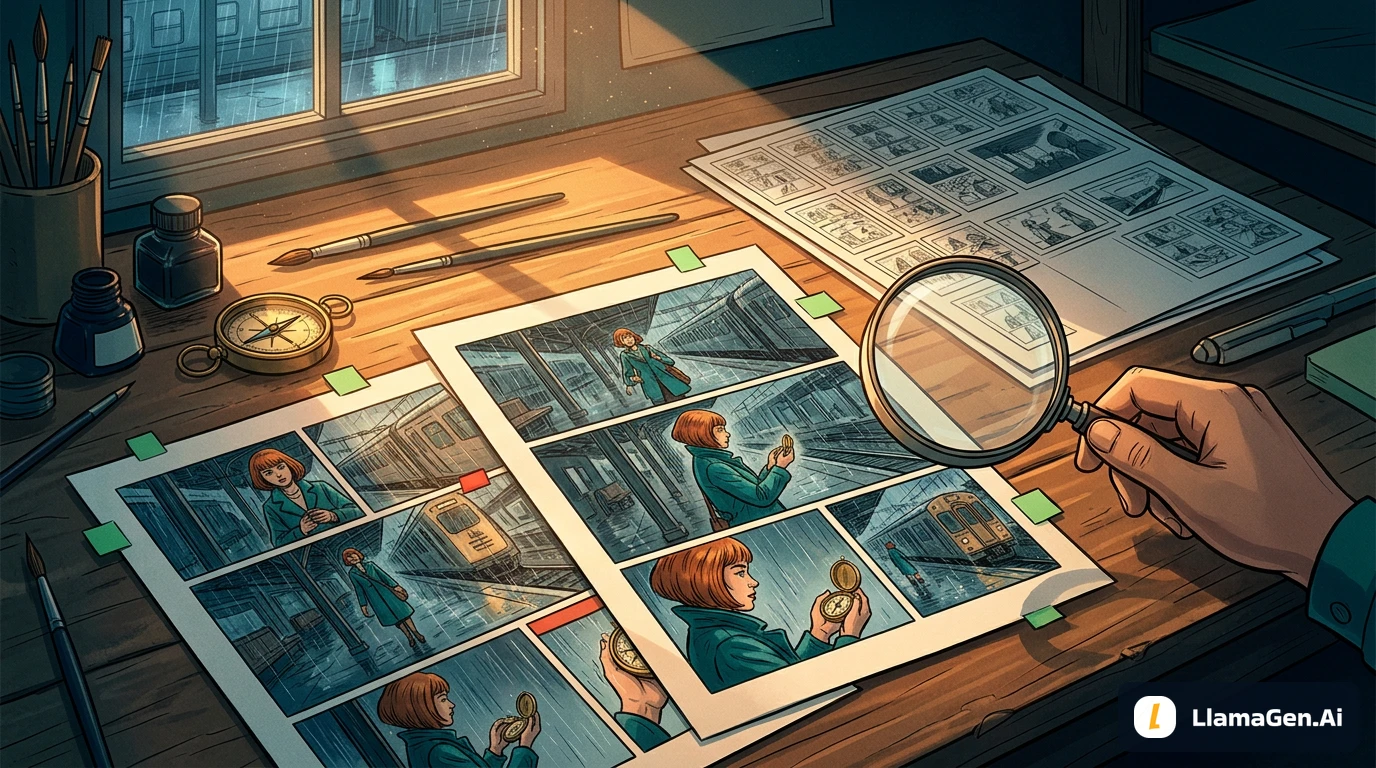
Within each clip, inspect the beginning, end, motion peaks, occlusions, and transitions. Look for face changes, disappearing props, extra fingers, drifting costume details, and linework that shifts in a distracting way. Sampled frames help locate questions; full playback is needed to judge timing and smoothness.
Across clips, check the cut itself. A character facing right in one shot should not accidentally reverse direction in the next. Check which hand holds the prop, its scale, costume colors, and whether the planned action continues.
Use explicit outcomes: accepted, needs repair, rejected, or not assessed. Keep identity, motion, style, camera adherence, and edit usability separate. A polished background should not compensate for an unreadable required action.
Calculate cost per usable second
Generation price and production cost answer different questions. A five-second attempt is not five usable seconds if only the last two seconds fit the edit.
Cost per usable second = attributable generation and repair cost
                         divided by accepted seconds used in the edit
Include rejected attempts, paid regenerations, and necessary upscales. Record review and editing time separately. Avoid counting a repeated loop as newly generated usable footage. If nothing passes, report no accepted output rather than a misleading cost ratio.
Runway's documented Gen-4.5 rate above provides a planning example: five generated seconds at 12 credits per second is 60 credits per attempt. Two such attempts would be 120 credits. This is arithmetic from a published rate, not an observed charge or a prediction of usable output.
For Vidu, Kling, DomoAI, and the current LlamaGen.AI studio, use the displayed price for the exact model, mode, and settings. We did not measure those task charges here. Credits from different platforms are not interchangeable monetary units. Our two retained showcase clips have no settled-cost record, so they cannot support a cheapest-tool claim.
Finish the sequence before calling it a video deliverable
Approve the character and keyframes, generate small motion tests, then assemble the accepted material. Review cuts at the intended viewing size. Add or verify dialogue, music, subtitles, and sound effects as separate tasks unless the specific generation and export actually include them.
Use the Storyboard-to-Video Handoff Checklist to record shot order, duration, sound notes, and revisions. A successful eight-second clip is not evidence of a complete episode or a reliable long-form production rate.
Frequently asked questions
Which AI tool is best for anime videos in 2026?
This review does not establish an overall winner. Shortlist by input type: panels, a still image, several references, or existing moving footage. Then test the exact actions and continuity your edit requires.
Can a reference sheet keep an anime character identical?
A reference gives you a design standard and can guide supported generation modes. It does not guarantee identity in every frame. Inspect the face, costume, hands, and props during movement.
Are these five tools tested with the same prompt?
No. This comparison uses official documentation and a limited inspection of two retained LlamaGen.AI showcase assets. The shared 24-clip method is a proposed test, not a completed result.
Can a still-image comparison prove video quality?
It can reveal visible design changes in sampled frames. It cannot establish smooth movement, accurate timing, or synchronized audio. Watch the full clip and inspect the problem intervals.
Can I make a complete anime episode with one generation?
Do not assume that from a short example. Plan shots, character continuity, editing, sound, and delivery separately, and check the current model's actual limits.
If your source material is already a comic, continue with LlamaGen.AI Comic to Video. Start with one clear story beat and approve the actual clip before expanding the sequence.
Related hot tags
AI Anime
AI Video
Comparisons
Character Consistency
Popular creator tools
Turn inspiration into your next story
Create comics, storyboards and stylized photos with LlamaGen.