

From photos and ideas to visual stories
Animate a photo with AI: write a clearer motion prompt
Use image-to-video AI for a still photo or illustration. Plan one movement, choose the frame, and check faces, edges and the last frame before sharing.
By LlamaGenUpdated
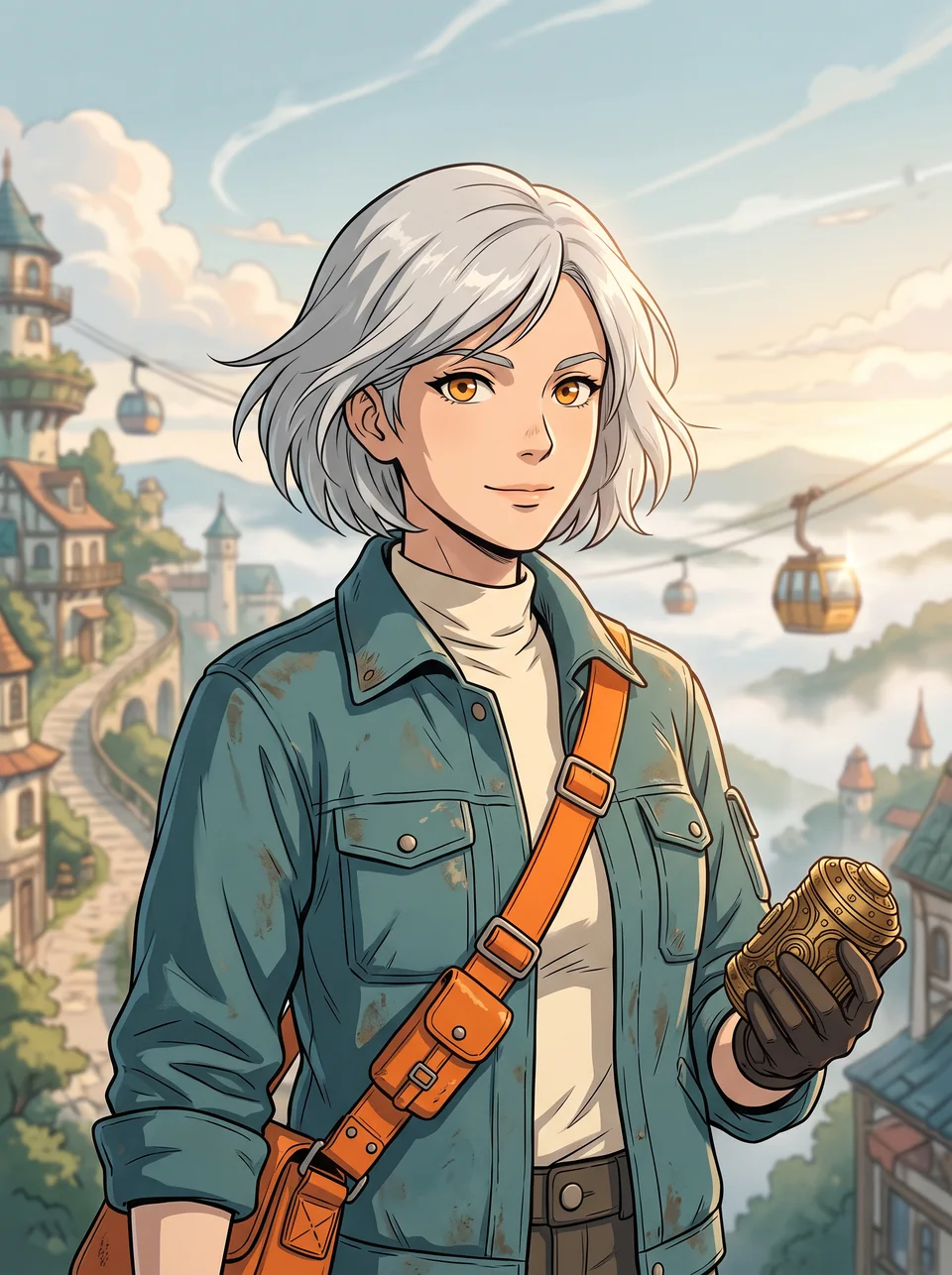
Photo animation turns one still image into a short generated video. Keep the original look as the starting point and describe what should move. Anime-style photo conversion produces a still image instead; a finished multi-panel page belongs in the comic-to-video workflow.
Choose and prepare your workflow
1. Start from a clean still
Open Image to Video and use its image input. Pick a clear portrait, product image or illustration with room around the subject. Plan a vertical, square or landscape crop before generation; a crop that cuts off a hand cannot provide the missing detail. If you want an anime look first, create and approve that still before animating it.
2. Specify one motion and one camera direction
For a portrait, try a small head turn with a steady camera. For a product, start with a gentle push-in and a stable shape. Avoid combining a spin, a walking subject and a fast orbit in the same first test. The brief below uses original character art as a planning example; it is not evidence that a particular motion was generated successfully.
3. Watch the entire clip
Check the first, middle and last frames, then replay the transition between them. Watch for changing eyes, extra fingers, bending product edges and invented background objects. If motion distorts the subject, reduce it and keep the camera still. Choose duration, resolution and model from the controls actually available, and review the credit cost before each run.
Example creative brief
Animate the original courier illustration with a gentle breeze moving the jacket hem. Keep the face, clothing colors and street layout stable. Use a slow camera push-in and one continuous shot. Do not add new characters or text.
Review before publishing
- Check identity and object shape throughout the clip, not only the poster frame.
- Preview the final crop on a phone; keep important action away from overlay areas.
- If adding speech, check synchronization and captions separately; a motion prompt alone does not guarantee speech or sound.
Frequently asked questions
Does photo animation also turn my photo into anime?
Not necessarily. Image-to-video adds motion; photo-to-anime changes the style of a still. Approve the anime still first if you need both.
Will the face and product logo stay unchanged?
Exact preservation is not guaranteed. Review the full clip and simplify the motion if identity, text or geometry drifts.
Can I animate a comic page here?
For one approved panel, image-to-video is a useful starting point. For a page with several panels, use Comic to Video to plan sequence and pacing.
Sources and product policies
How this guide was prepared
Prepared by LlamaGen from its public tool pages and practical production guidance, reviewed November 3, 2026. The briefs are suggested starting points, not measured product tests. Existing artwork and mockups are labeled separately. Generation can change details; model availability, credit costs and output controls depend on the current account and tool. For US copyright questions, consult the US Copyright Office resource below; a paid subscription does not itself establish copyright protection or clear third-party rights.