

From photos and ideas to visual stories
Anime AI art: turn an original idea into usable artwork
Plan original anime characters, avatars and story art with text or a reference. Use concrete visual details and check the result before printing or animating.
By LlamaGenUpdated
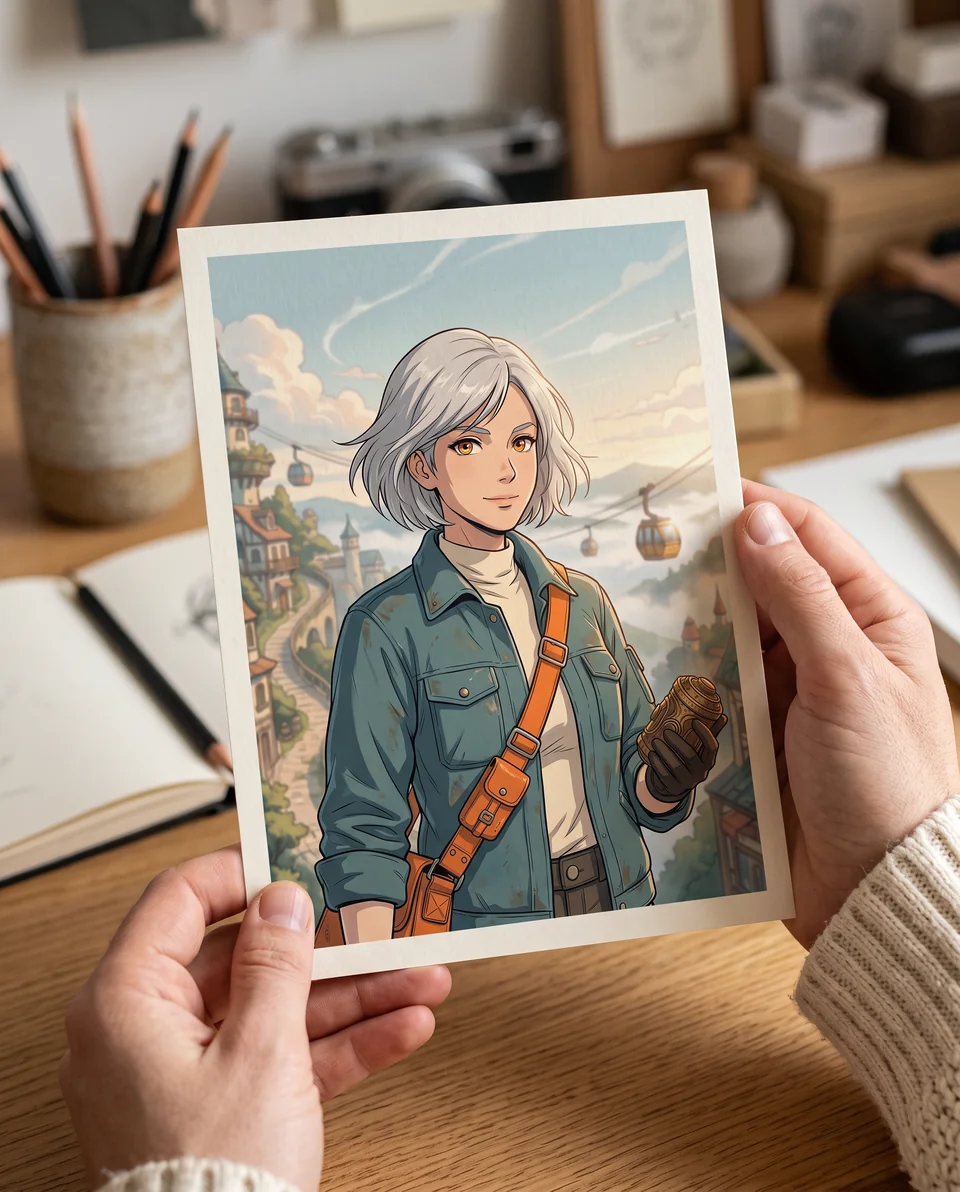
Anime AI art starts with a visual brief: subject, identifying details, pose, setting, lighting and composition. Start with text when inventing a character, or use a permitted reference with a supported image model when appearance matters. A still image is a separate deliverable from animation.
Choose and prepare your workflow
1. Choose a subject and a destination
Open AI Anime Generator to prepare the prompt and continue in the image studio. For an avatar, prioritize a readable face inside a square crop. For a story scene, define the action and leave room around the subject. For a print, choose the intended proportions before generating; a preview of framed art is not a print-resolution guarantee.
2. Describe the art rather than naming a franchise
Give your original character a recognizable silhouette, outfit colors, expression and setting. Try clean linework and cel shading for a readable avatar, or softer painted light for a landscape. Describe the visual qualities you want instead of assuming a named character, studio or artist grants permission. When using a photo reference, review the supported model and upload controls in the studio.
3. Develop a consistent set deliberately
Save the accepted character reference and repeat its important details in later briefs. Compare hair, eye color, accessories and costume across images; consistency is not automatic. For a sticker or card, inspect edges and small details at the final size. For animation, approve the still first, then move to image-to-video with a small motion brief.
Example creative brief
An original adult courier with silver hair, amber eyes, a teal utility jacket and an orange messenger strap. Three-quarter portrait at dawn, clean linework, restrained cel shading, warm rim light and a simple city background. Keep the face readable at avatar size. No logos or text.
Review before publishing
- Check hands, eyes, accessories and costume details at full size and thumbnail size.
- Keep source references and record the accepted visual direction for the next image.
- Use permitted references and review current terms before publication; do not treat an AI mockup as a physical product or customer photograph.
Frequently asked questions
Should I start with text or a photo?
Use text to invent an original subject. Use a photo or character reference, when supported, to guide appearance or composition. Review permissions before uploading.
Can I create art for a poster or sticker?
You can plan digital artwork for those uses. Check the downloaded dimensions, edge quality and printer requirements. Printing and physical products are not included.
Can I animate the finished anime image?
Yes, use the approved still as a starting image in Image to Video. Describe a small movement and review identity throughout the generated clip.
Sources and product policies
How this guide was prepared
Prepared by LlamaGen from its public tool pages and practical production guidance, reviewed November 3, 2026. The briefs are suggested starting points, not measured product tests. Existing artwork and mockups are labeled separately. Generation can change details; model availability, credit costs and output controls depend on the current account and tool. For US copyright questions, consult the US Copyright Office resource below; a paid subscription does not itself establish copyright protection or clear third-party rights.