


Test the iPad you will put in the booth
- Open the capture site over HTTPS on the target iPad. Deny camera permission once and verify the photo picker still works in the same session.
- Use the stand in its event orientation with the real lighting. Check headroom, screen glare and whether the touch targets are usable from the guest position.
- Disconnect Wi-Fi after an approved upload. Confirm job recovery through the backend and keep the API key on the server.
01
What belongs on the tablet versus the server
Tablet: capture UI, image preview, four story choices, consent, guest status and approval. Server: API secret, upload, generation request, idempotency, rate limits, status polling and deletion orchestration. Printer or digital gallery: final delivery.
This division prevents the tablet from becoming the keeper of account secrets or unapproved portraits. It also gives operators a way to recover delayed jobs after the guest leaves the kiosk.
02
Choose the right hardware and browser setup
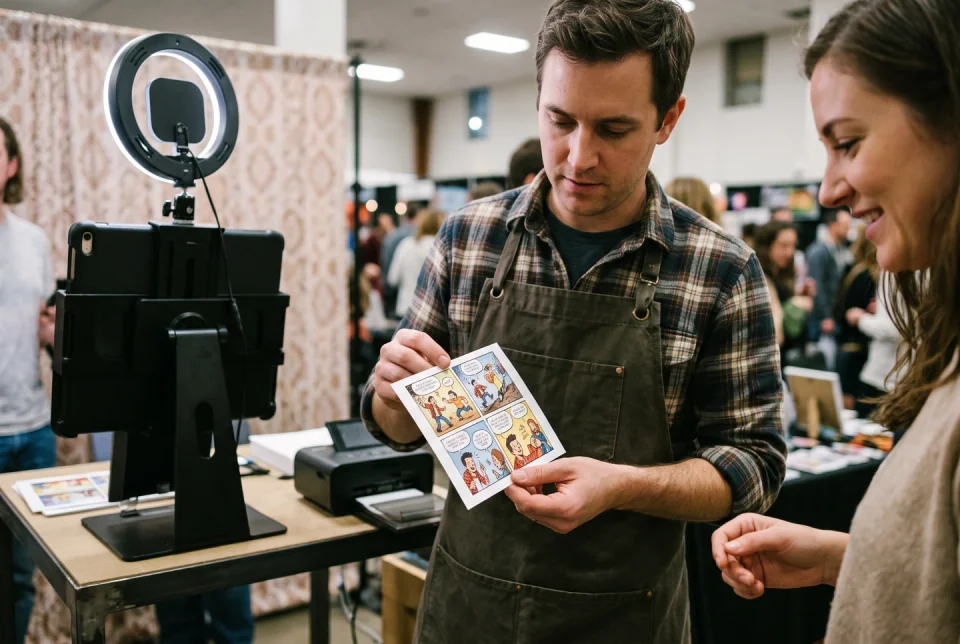
The search for iPad photo booth products often includes cameras, stands, ring lights, enclosure designs, printers and software licensing. LlamaGen does not sell or certify any of these. If you already own a kit, verify whether its booth app allows external API calls, photo export or custom workflow hooks.
A PWA running in Safari may allow a guest to take or select a photo through a file input, but browser permissions and memory differ by device and iOS version. Test the actual hardware, orientation, camera access and interrupted network conditions before commercial use.
03
Generate a stable four-panel comic
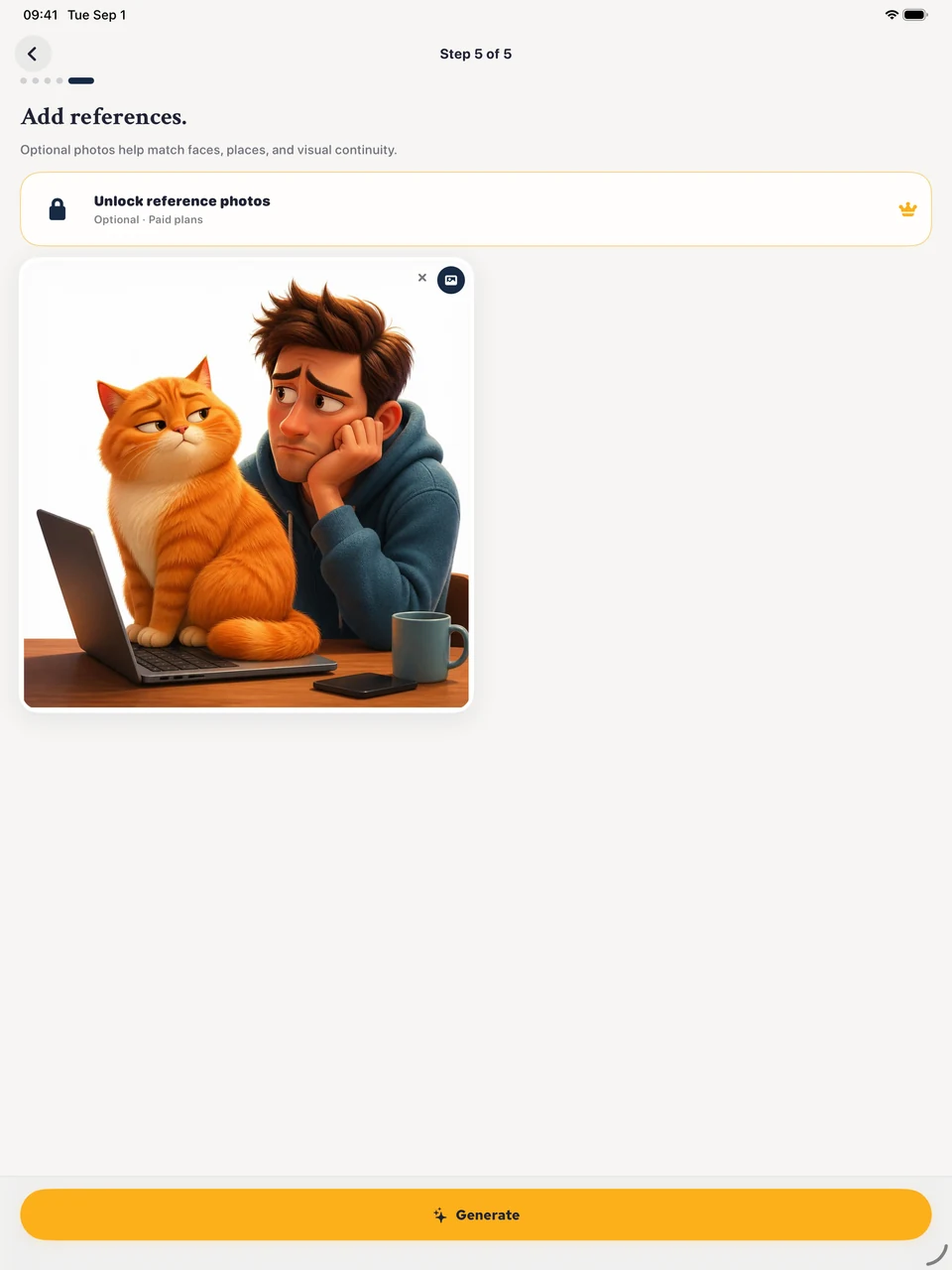
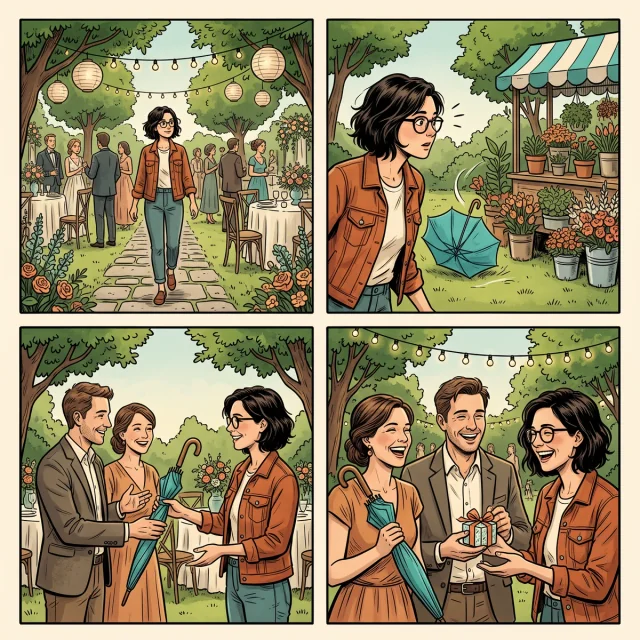
Prepare a short original event prompt with a beginning, surprise, action and ending. Include a reference photo URL from your server's upload. The API's generation endpoint returns an ID and the status endpoint returns progress and panels.
Aim for face consistency across four panels and minimal text. Use staff or guest review rather than treating a returned file as an approved souvenir. The current LlamaGen Comic API is not a real-time camera filter.
04
Account for printing and credits
At 150 API credits per base panel, a four-panel comic requires 600 base API credits before optional upgrades or retries, according to the public docs. These are not the same as consumer Studio subscription credits. Use your active API plan to calculate dollar costs.
A four-panel image also must match the printer's aspect ratio, safe area and actual pixel density. Generate a real paper proof with your chosen printer. Provide private digital delivery when a queue backs up or a printer fails.
Frequently asked questions
Does LlamaGen provide iPad photo booth hardware?
No. LlamaGen supplies creative tools and API generation. Hardware, tablet stands, cameras and printers must come from a separate compatible provider.
Can I use LlamaGen's creator tool directly on an iPad?
The existing web creator can be used in a browser, subject to the target device/browser requirements. It is not a custom full-screen kiosk application.
Is a custom server required to use the API safely?
Yes. Protect API secrets on a server and have your event client call that server rather than exposing credentials in the browser or app.
Sources and limitations
This page was prepared by the LlamaGen editorial team from publicly documented tools and category examples. The lifestyle illustrations are AI-generated and depict fictional people. Review your own camera, print and delivery setup before offering the workflow at an event. LlamaGen is an interested vendor.