

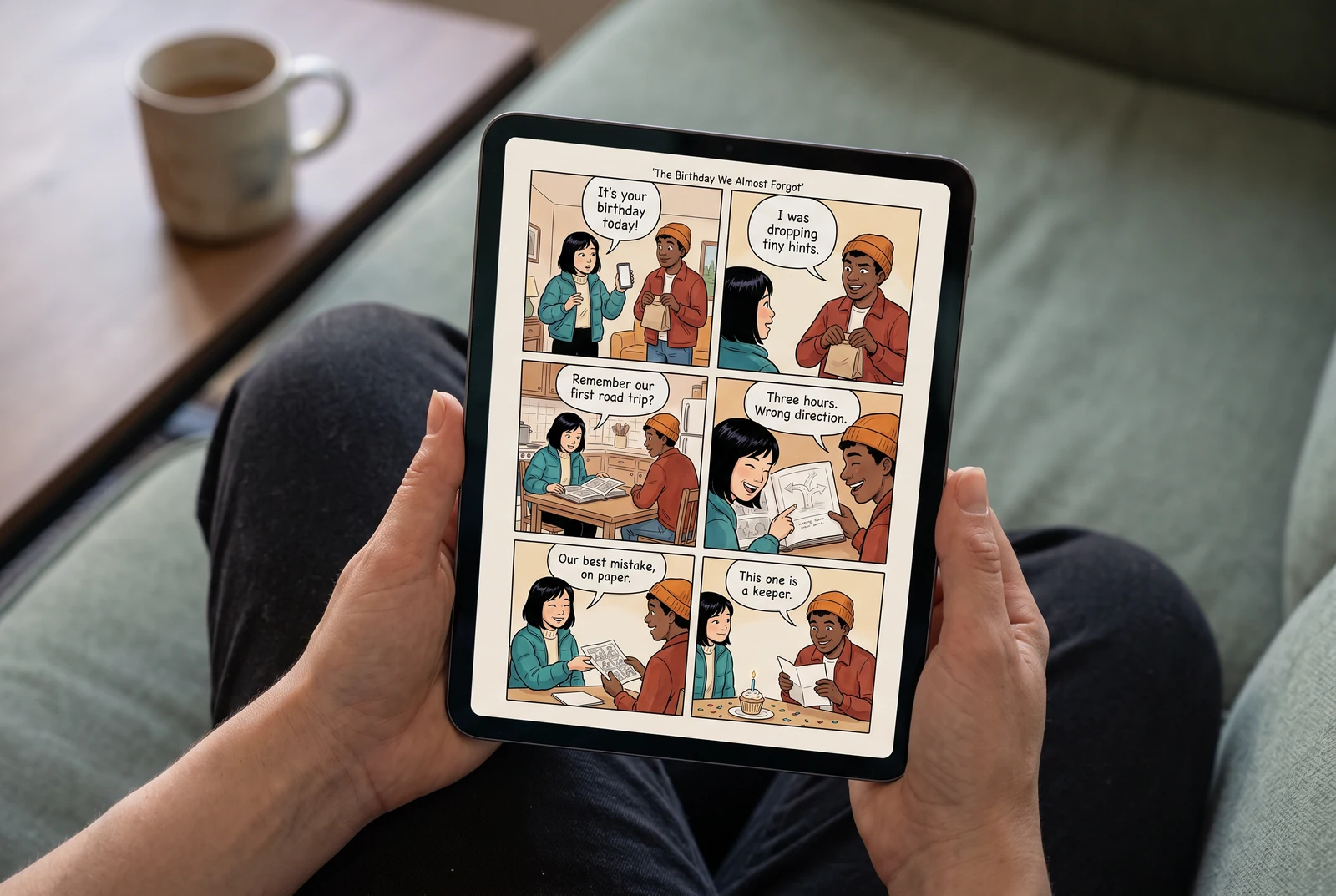
First, choose the handoff
How soon do you need to give it?
A digital gift removes the shipping step. It still needs a complete story, a human review, and a file or sharing view the recipient can open. Choose the final format before spending time on the artwork.
| Your deadline | Start here | Leave room for |
|---|---|---|
| Today | A short digital comic about one memory. | Generation, corrections, export access, and opening the result on another device. |
| Tomorrow | Digital delivery, or a local print after you have checked a finished file. | A test print, shop availability, paper size, and legible dialogue. |
| A few days | A longer story only if each extra page adds a meaningful scene. | Reviewing every panel and correcting continuity across pages. |
| A shipped book | Confirm an actual print provider and its delivery estimate for your address. | Production, proofing, dispatch, and delivery. Generation time is not arrival time. |
A smaller scope is easier to review
Make the gift in five deliberate steps
- 01
Choose how you will give it
Decide between a supported digital output and your own local printing. If the gift must be private, check who can open any sharing view before sending its address. If it needs an illustrated PDF, verify that you have finished page images to assemble.
- 02
Gather the essentials
Use a clear, permitted photo for each featured person, their name, one memory, and the feeling you want to leave behind. The current creator has two independent character-photo positions and requires at least one photo. Prepare your photos first if the face is small or hard to see.
- 03
Tell one complete, short story
Write where you were, the small problem, what the person did, and why you still remember it. Choose a shorter page and panel count in the creator instead of keeping a long default merely because it is there. Review the credit estimate before submitting.
- 04
Edit the details that make it personal
After creation, open the Studio project and check each face, speaker, name, and sentence. Compare the first and last panels. A funny but incorrect memory is worth fixing before you give it.
- 05
Prepare and check the actual handoff
Use the output available in Studio for your account. Open the finished result on another device, attach the right file or verify access, and add your own short message. You control when and how it reaches the recipient.
Borrow the shape, use your own memory
Three small stories that feel like a real gift
Each original illustrated sample has a beginning, a small turn, and an ending. Use the story brief to plan your own version; replace the fictional details with something only your recipient will recognize.
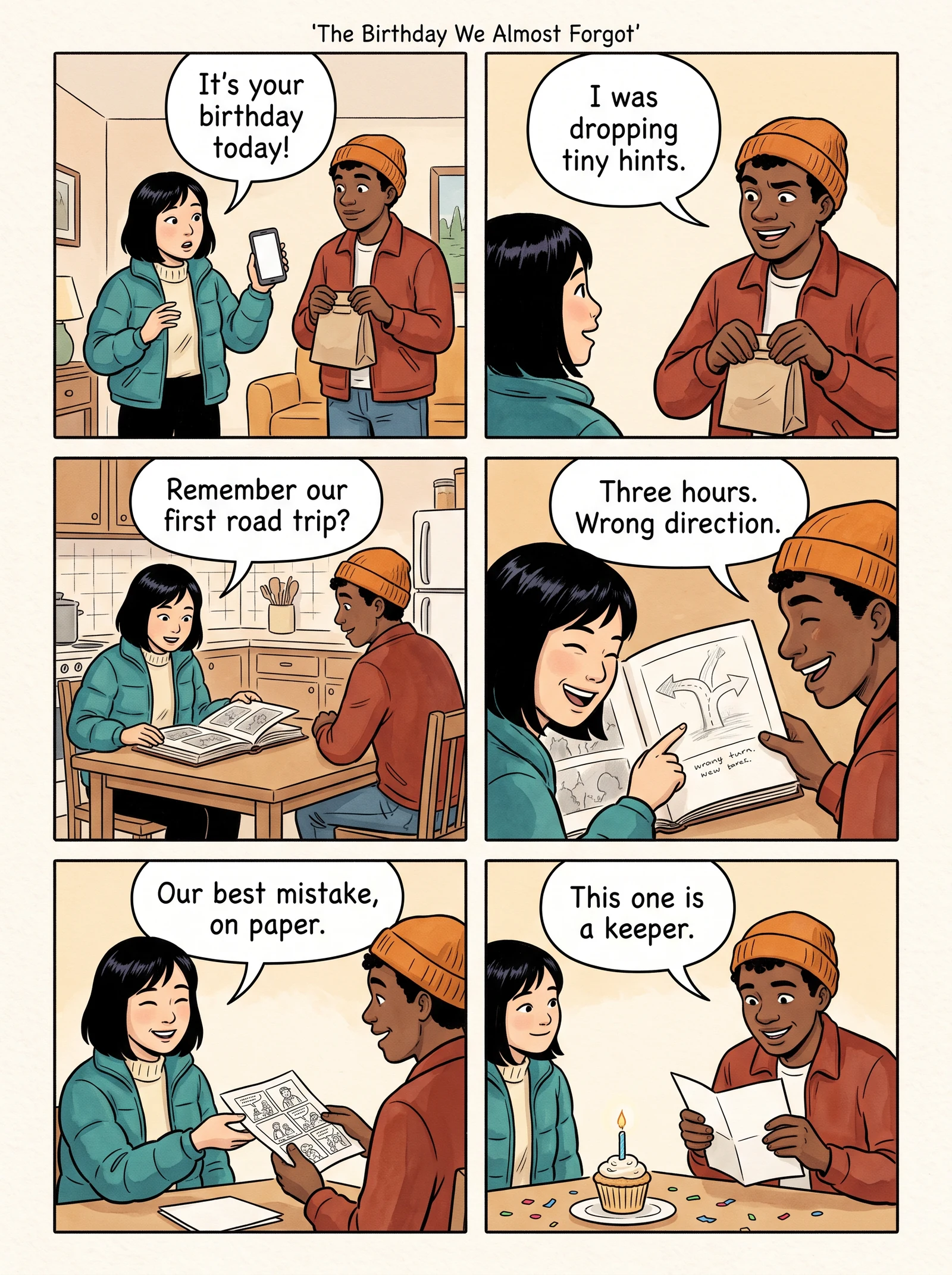
The birthday rescue
Choose one time your friend rescued a plan that went wrong. Let the mishap carry the middle, then end with a birthday wish in your own voice.
Start a birthday story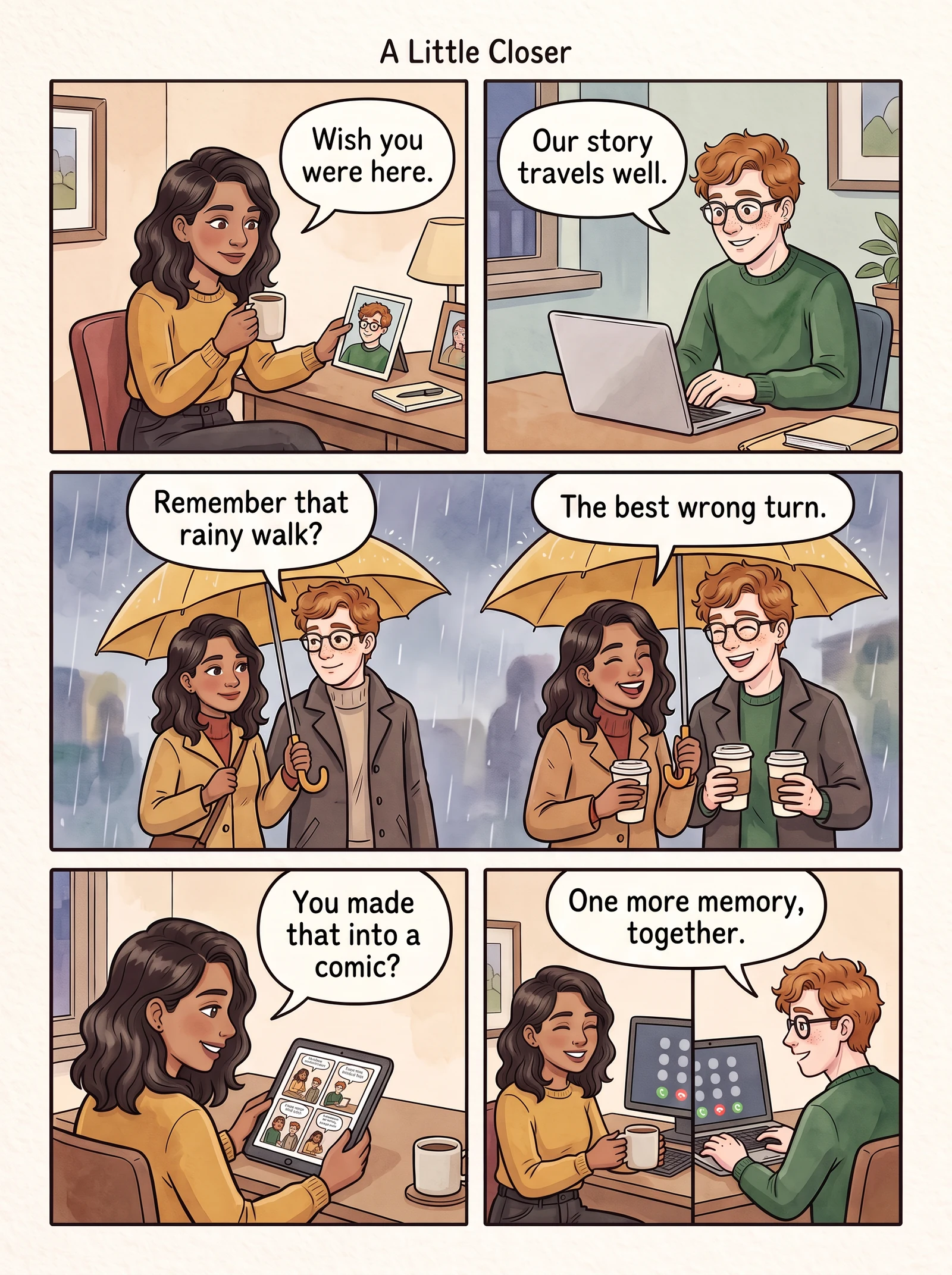
Apart, still together
Build the story around the song, snack, or call you share across the distance. End on the next small thing you look forward to doing together.
Plan a couple’s comic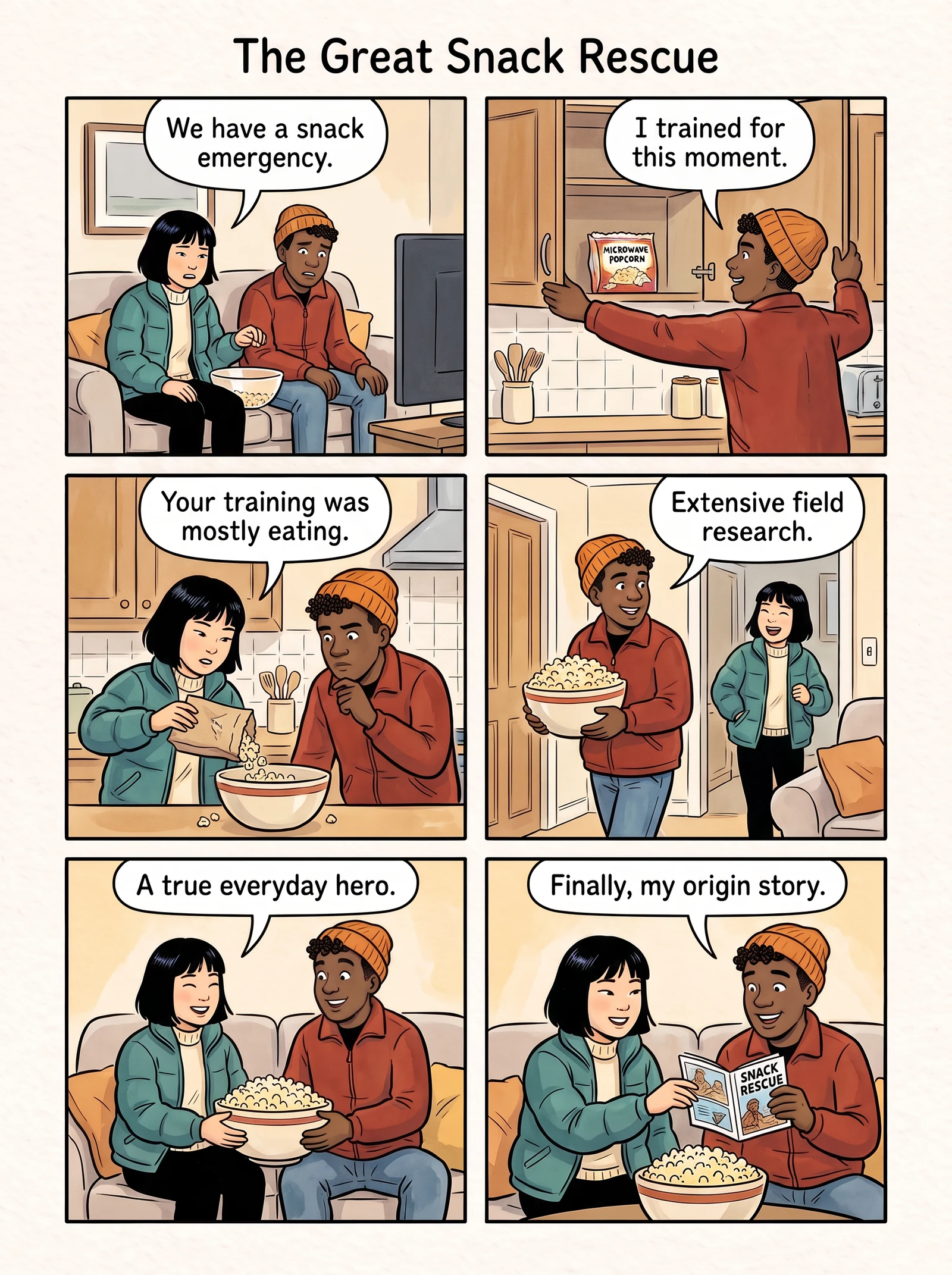
An inside joke, illustrated
Make an ordinary errand comically important. Keep the joke kind and recognizable, and finish with why this friendship matters.
Build a friendship storyOriginal fictional illustrated examples, created October 23, 2026 with Google Vertex AI Gemini 3.1 Flash Image from LlamaGen editorial story briefs. These illustrations demonstrate story structure; they are not customer work, Studio screenshots, or evidence of a product performance test. View creation method and prompts.
The part you should never rush
Before you send: a final comic gift checklist
Check the finished result, rather than the preview you remember from editing. Work through this list on the device and in the format you will actually send.
Your final review
0 of 6 checked
Checks stay on this page only and reset when you leave.
Choose a format you can verify
Digital tonight, a keepsake when it is ready
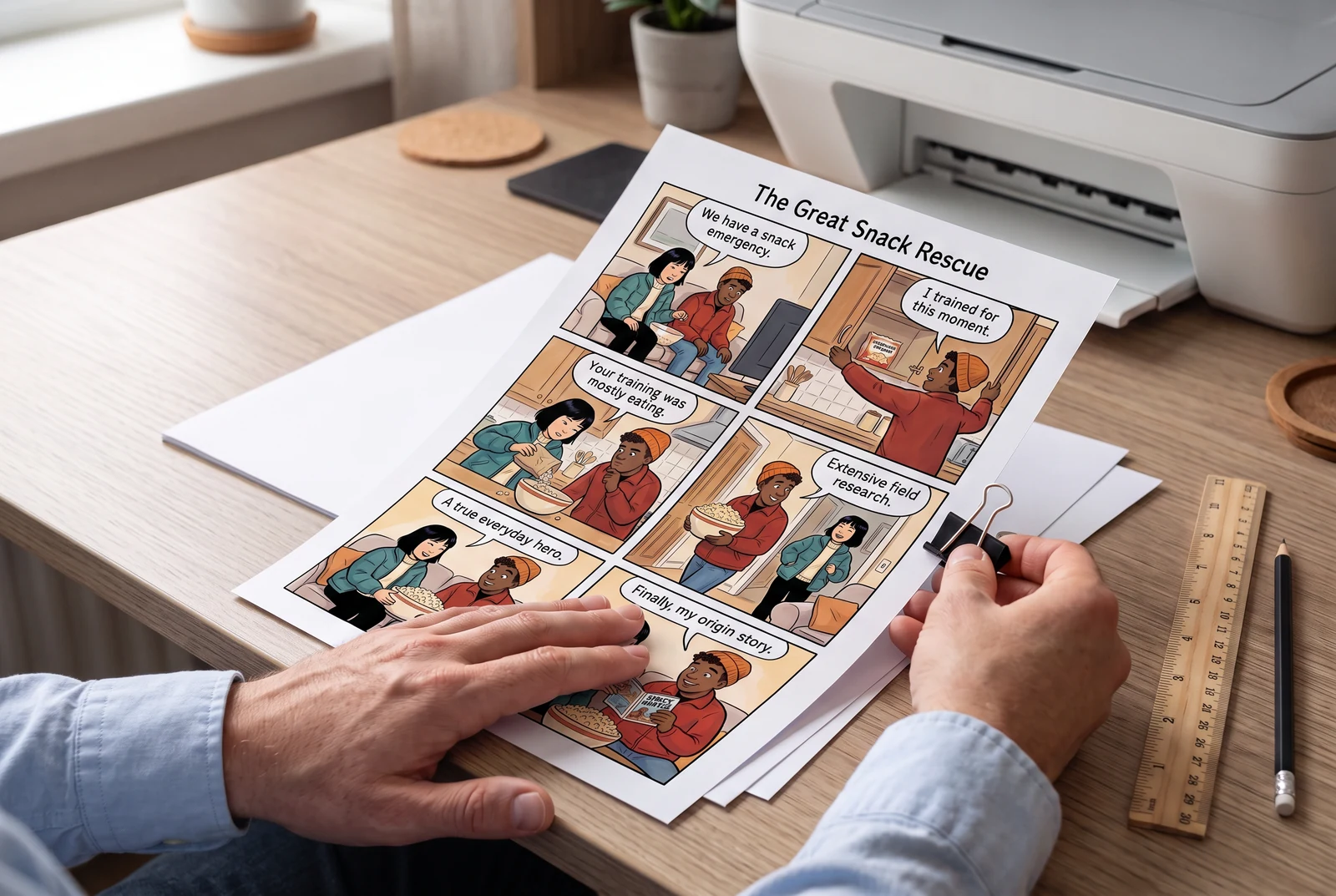
For digital delivery
Inspect the available Studio image or page output for your account. Confirm that all pages are present and ordered. If sharing a link, test access without your signed-in session. Add a personal note and send it yourself through your chosen channel.
For a local print
Once you have finished page images, arrange them into a proof PDF with the Comic PDF Maker. Run a print preflight, check paper size and margins, and print a proof. A local shop must confirm its own timing and requirements.
If the deadline is Christmas, use a specific holiday memory instead of adding seasonal decoration to an unrelated story. The Christmas comic gift page has three story directions to help you begin.
A few final details
Questions before you begin
Can I make a personalized comic gift today?
You can start today, but finishing depends on generation, account access, revisions, and your chosen output. Keep the story short, check the available export early, and leave time to open the final result before you send it. No completion time is guaranteed.
Does LlamaGen send the gift to my recipient?
Creating a comic opens an editable Studio project. It does not automatically email the recipient. You prepare the supported output and send or print it yourself.
Can I print the comic at home?
If you have exported suitable finished page images, you can prepare them for your own printer. The separate Comic PDF Maker can arrange finished images into a proof PDF. Check page size, margins, text readability, and a test print before printing the complete gift.
What if I have no time for a whole comic book?
Tell one complete scene: a recognizable opening, one small problem, a personal resolution, and a final wish. The creator lets you choose page and panel counts; a shorter story gives you fewer panels to review.
Make the memory yours
One person. One memory. A story worth keeping.
Start with photos you have permission to use, then review the characters and dialogue in the comic studio before preparing your gift.
Make a Digital Comic GiftKeep exploring: Christmas comic gifts · Deadline guide · Photo preparation · Choose a tool