

Comic-making fundamentals
Manga chapter maker workflow: manage pages as one story
A chapter is not a pile of finished pages. It is a sequence with a promise, escalation, page turns, recurring state, and an ending change that must remain clear when pages are reordered, replaced, or revised.
Published by LlamaGen Editorial TeamUpdated
Quick answer
Write the chapter change, divide it into scenes, give each page one job, track cast and environment state, and review thumbnails as a continuous sequence. Save versions before structural changes and proof the complete export in order.
These references explain the underlying craft. The original exercises below are LlamaGen examples; the authors do not endorse LlamaGen.
Pages collected without progression
The danger is introduced again
Props and positions reset
Action repeats without change
Pages arranged as a chapter
Establish the problem
Reveal a decision point
Act and create a new risk
Original instructional illustration with fictional characters; not a customer comic or a product screenshot.
Give every page a role in the chapter
Page planning keeps beautiful scenes from competing for the same moment or leaving necessary information missing.
- Write the chapter promise
- State the question or pressure introduced near the beginning and the change delivered by the end.
- Group beats into scenes
- Keep one location, goal, or short time span together until a transition is needed.
- Assign page jobs
- Label pages as setup, complication, decision, action, reveal, recovery, or transition before rendering.
- Plan page turns
- Place key answers after a turn when the format supports it, and test the equivalent pause in a scrolling or screen format.
Track state and versions across pages
Chapter-level errors often appear only after one page is revised without updating the pages around it.
- Keep a continuity log
- Record location, time, weather, clothing, props, damage, knowledge, and character positions after each page.
- Review thumbnail rhythm
- Compare dense and quiet pages, repeated camera distances, and where major silhouettes or speech-heavy scenes cluster.
- Save structural versions
- Create a named version before reordering pages, replacing a major image, or changing the chapter ending.
- Proof the complete export
- Open the final files in order and check missing pages, duplicates, page dimensions, lettering, crop, and the intended first-page side.
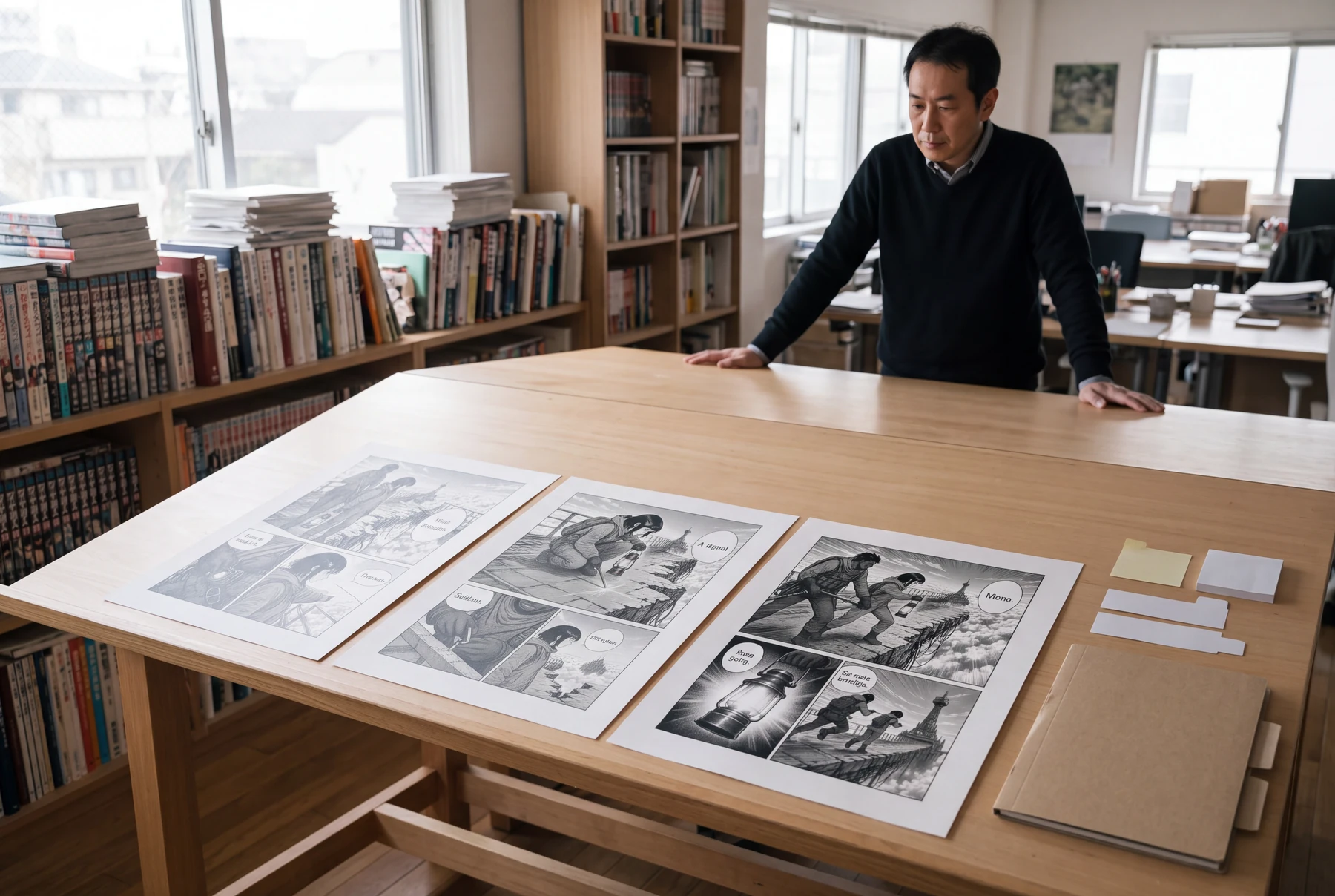
Worked example: three pages at the broken bridge
Two couriers discover a broken span, decide how to cross, and commit to a rope route before the storm arrives.
Panel 1
Page one establishes destination, damage, cast, and time pressure.
Panel 2
Page two tests the bridge and reveals the safest anchor point.
Panel 3
Page three turns the rope decision into visible action and a new risk.
Panel 4
The continuity log carries lantern, rope, weather, damage, and character order into the next scene.
Each page changes the problem. Removing or reordering one page makes a specific cause or decision disappear.
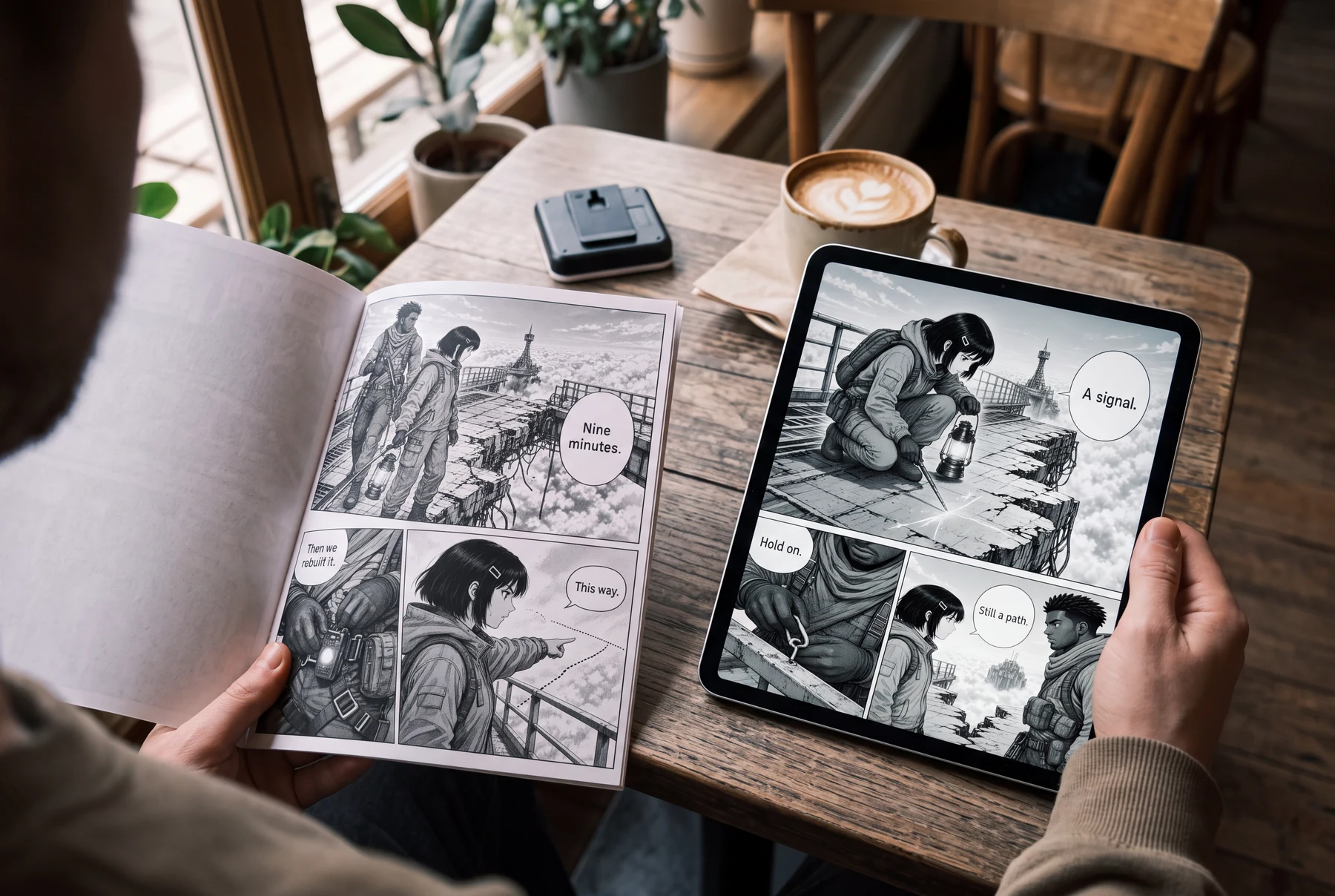
Comic pages in everyday use
Compare a gallery of pages with a chapter sequence
Use three pages about the same couriers and damaged bridge.
Pages collected without progression
- Every page introduces the same danger.
- Props and positions reset between pages.
- The final page repeats action without changing the problem.
Pages arranged as a chapter
- Page one establishes the problem.
- Page two reveals an anchor and forces a decision.
- Page three acts on the decision and creates a new risk.
How to compare
- Write one sentence for each page's new information.
- Move pages until cause precedes response.
- Fill a continuity row after each page.
- Export the sequence and read it without the script.
What to look for
The revised chapter should still make sense when viewed as small thumbnails and should change meaning from page to page.
What this exercise cannot prove
This original exercise does not prescribe a universal chapter length or replace publisher-specific editorial review.
Before you publish: review the page
- The chapter promise and ending change are explicit.
- Every page has a distinct job.
- Page turns or screen pauses are intentional.
- Continuity state is recorded after each page.
- The complete export is opened and checked in order.
Frequently asked questions
How many pages should a manga chapter have?
Length depends on format, publisher, schedule, and story. Plan the necessary changes first, then fit them to the actual delivery requirement.
When should I reorder pages?
Reorder when the reader receives information too early or late, but save a version and recheck page turns, continuity, and dialogue references afterward.
Should every page end with a cliffhanger?
No. Pages can end on a decision, question, visual rhythm, quiet consequence, or transition. Repeated artificial suspense weakens emphasis.
Sources and further reading
- Clip Studio Paint Manual — Page Manager ↗
Official documentation for viewing, opening, reordering, adding, deleting, and managing pages in a multi-page project.
- Clip Studio Paint Manual — Exporting multi-page projects ↗
Official guidance covers page ranges, spreads, file naming, and reviewing exported multi-page data.
Take the next step in your comic workflow
Plan a visible story beat, try the relevant tool, and review the result yourself. These guides do not promise to automatically analyze or repair your comic.