

Manga recreation · Character-first workflow · Updated November 2026
Recreate a manga with your own cast
An existing comic is a useful starting point for pacing and structure, but a good recreation still needs an original cast, a clear point of view and careful page-by-page review. Here is a permission-aware workflow using the LlamaGen Originals library.
Explore LlamaGen Originals
These are genuine LlamaGen library covers. Open a book to read its pages before you decide what you want to create.
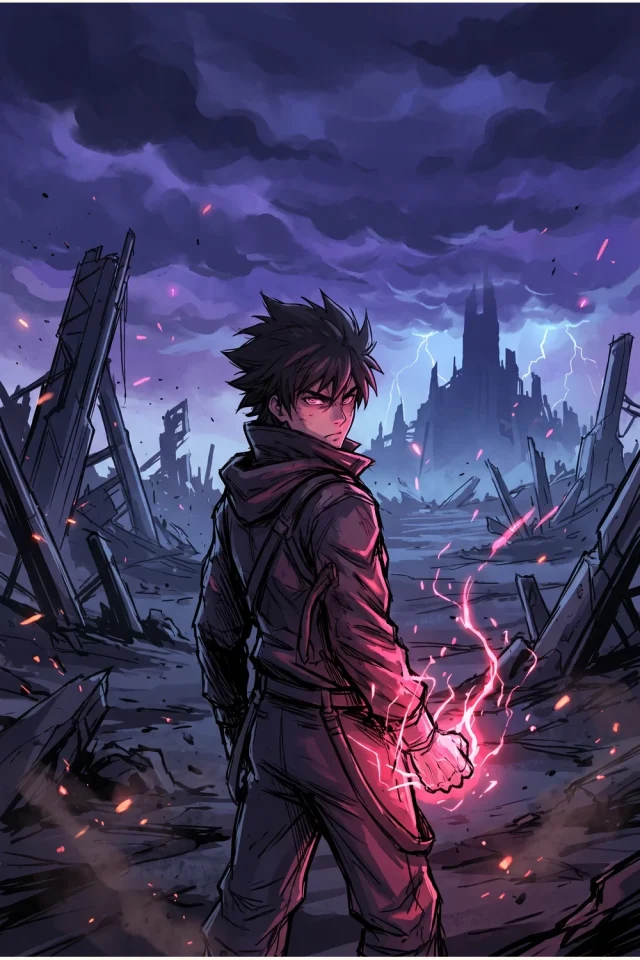
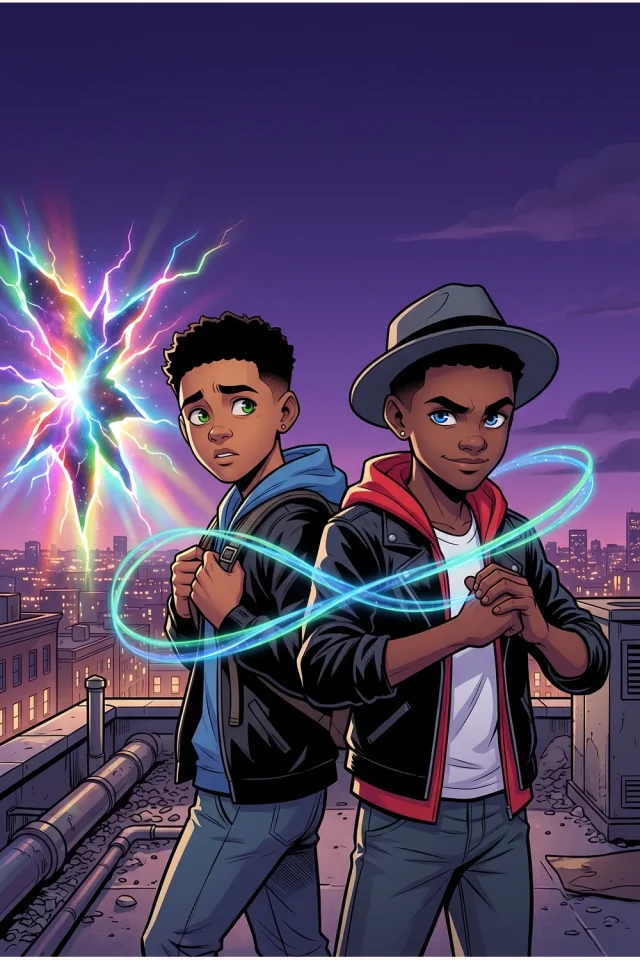
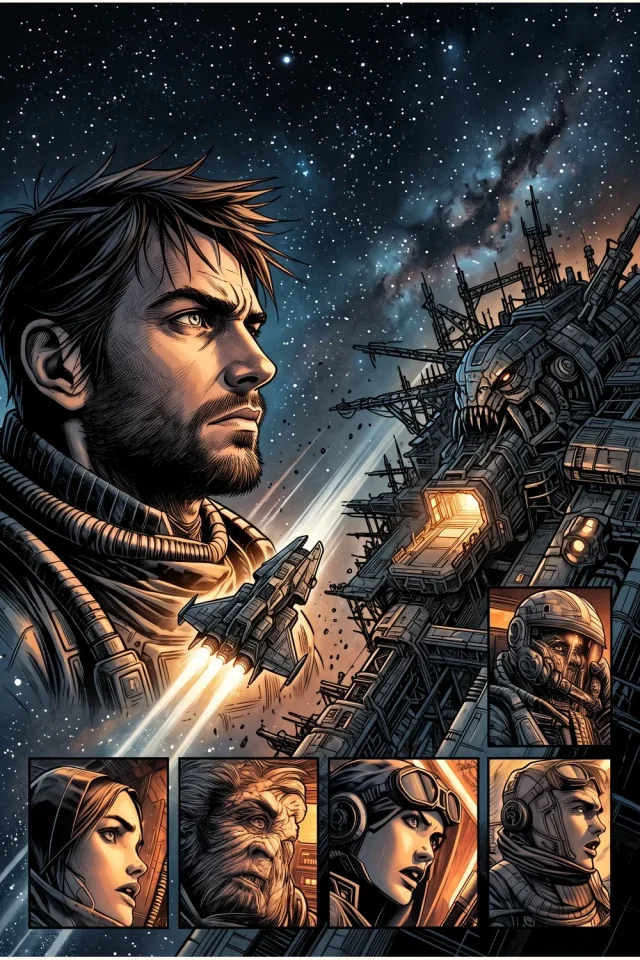
1. Start from an original you can study
Open a book from the LlamaGen Originals library and read more than its cover. Note the opening hook, scene transitions, page turns, action-to-dialogue ratio and ending. Treat those patterns as storytelling inspiration, not a script to copy word for word.
Use original stories you own or have permission to adapt. Do not upload copyrighted comics, third-party characters or identifiable artwork unless you have the appropriate rights. When in doubt, invent a new premise and use only a high-level beat structure.
Before you continue
- A one-sentence premise
- The emotional goal of each scene
- A list of beats worth changing
2. Design the cast before the first page
Give each recurring character a name, role, age range, distinctive silhouette and fixed visual attributes. Add front/three-quarter references if your creator workflow and plan support images. Keep scene-specific expressions, lighting and costumes separate from permanent identity traits.
A cast sheet is useful even when you begin from a single prompt: it gives you a stable reference for comparing later pages. Recheck face shape, hair, accessories and relative height before approving an image.
Before you continue
- One reference card per recurring character
- A short list of never-change identity cues
- Scene-only changes recorded separately
3. Rewrite the story around your new characters
Replace borrowed scene details with your own locations, motives and conflict. Write a compact synopsis, then six to ten numbered beats for a short chapter. Say which characters appear, what changes, and what each page must communicate to readers.
This is where recreation becomes authorship. A new cast with an unchanged copyrighted plot is still an adaptation; build distinct dialogue, scenes and resolution, and obtain any necessary permissions.
Before you continue
- Original opening and ending
- Numbered scene beats
- Dialogue written for the new cast
4. Open Mangaka, then set scope and references
Use the creation workspace to enter your story or source materials. Set the visual style, page count and chapters supported by your account. Upload character references when those controls are available and permitted on your plan. Check the project summary and estimated credits before submitting a generation request.
Start with a short reviewable sequence when possible. Pages and chapters may multiply the total work requested; paid-plan eligibility and available credits are checked by the product. A static guide cannot reserve model capacity or promise a given character limit.
Before you continue
- Story brief and page count reviewed
- Eligible references attached
- Plan and credit estimate confirmed
5. Compare pages as a reader, not just as individual images
Read the output in sequence. Track who is on each page, the direction of travel, panel order, facial details, props and wardrobe. Check all captions and speech bubbles manually; even legible text can have wrong wording or awkward reading order.
Fix high-impact issues first: an inconsistent lead, a missing plot beat or a confusing page turn matters more than a tiny background blemish. Revisions may use additional credits depending on your plan and the chosen operation.
Before you continue
- Identity continuity across adjacent pages
- Correct speaker and dialogue order
- Consistent environments and props
Bring the story to life
Your next manga starts here.
Put your creative brief into the real Mangaka workspace. Sign-in, plan eligibility and credit costs are shown before you commit to a generation.
Create in MangakaFrequently asked questions
Can I recreate a LlamaGen original book?
You can explore the original library and open the Recreate workflow where available. What you may adapt or publish depends on the source rights and product terms; make original story and character choices.
Can I upload my own characters?
The Mangaka flow can offer character-reference uploads. Availability, limits, sign-in requirements and credits depend on the account and plan shown in the live creator.
Does a reference guarantee the same character on every page?
No. References help guide consistency, but you still need to inspect faces, clothing and props across every page, and revise mistakes.
Should I start with a long manga book?
For a new cast, test a small sequence first, verify dialogue and identity continuity, then increase the number of pages or chapters within your eligible plan limits.