Start with a story
Describe a scene or bring a supported reference. Image, script and video uploads have different plan and length eligibility in the creator.


Start with an idea. Give your cast a look. Plan the chapters, create the pages, and see the story come to life — all in your own visual direction.
Free-plan entry available for eligible Quick creations. Credits and longer-project limits apply.
Original stories · Made to be read
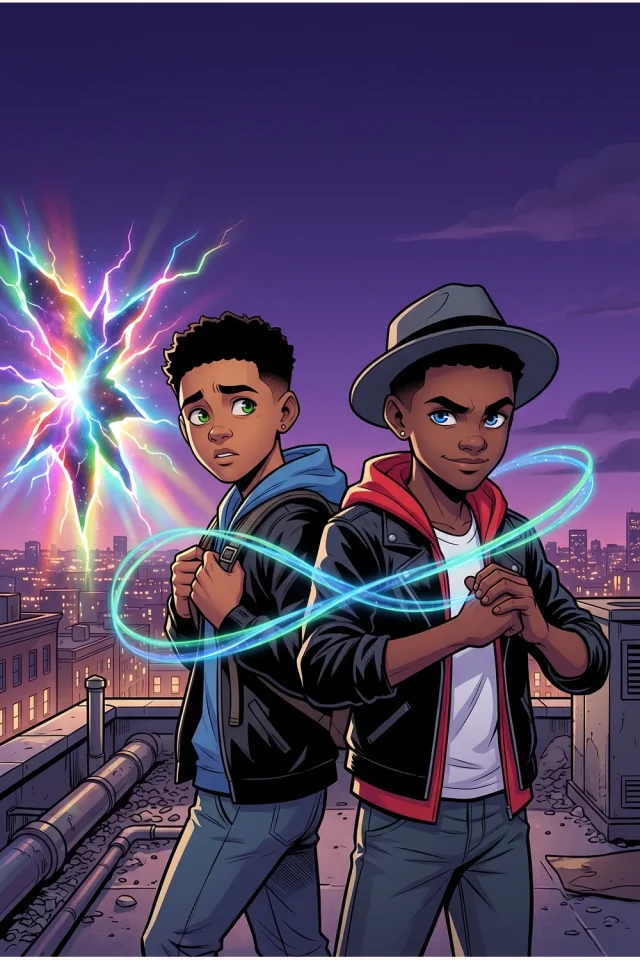
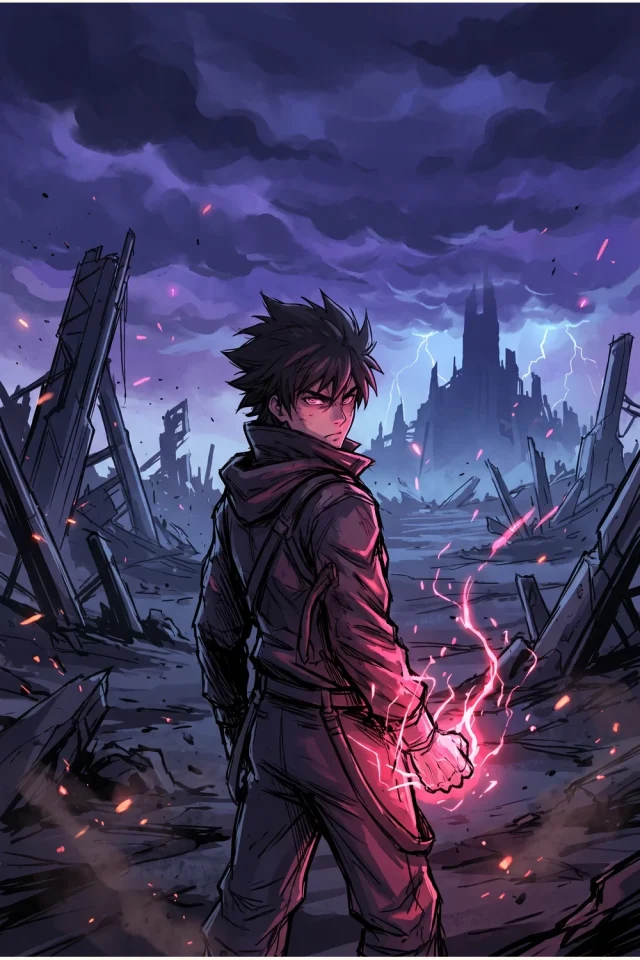
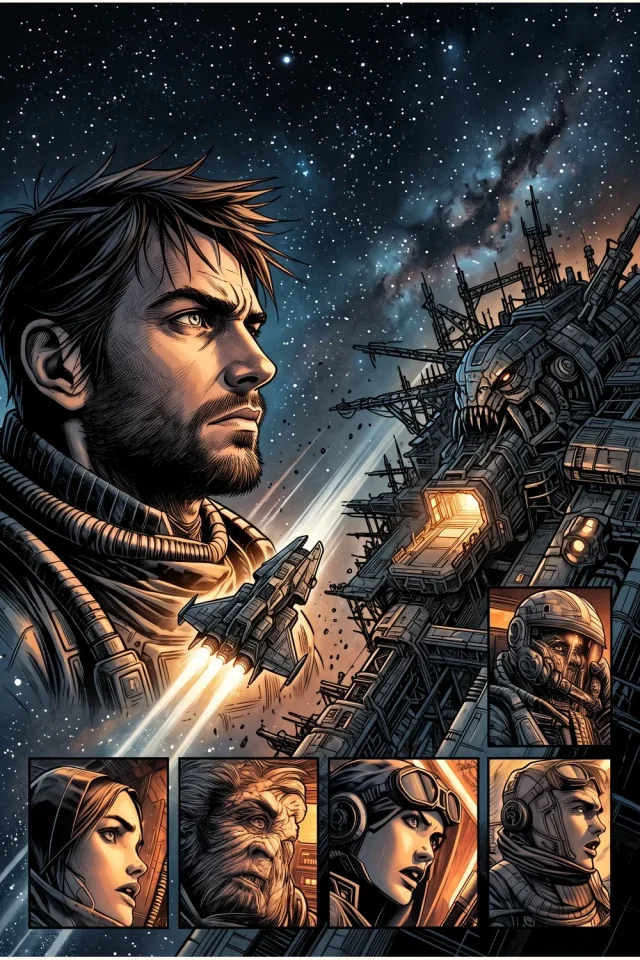
From a spark to a page
One clear creative path — with space to make the decisions that give your story its identity.
Describe a scene or bring a supported reference. Image, script and video uploads have different plan and length eligibility in the creator.
Pick a visual style, dialogue language, page proportions and chapter length. Add character notes to guide continuity.
Review the finished pages in the Mangaka reader, export where available, or open LlamaGen Studio for further edits.
Your story. Your aesthetic.
Set the visual direction before you create. The same story can call for very different artwork.

Expressive ink, contrast and dramatic framing.
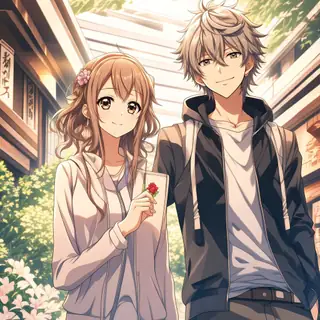
Vivid color with manga-inspired storytelling.

Bold graphic-novel panels and energetic action.
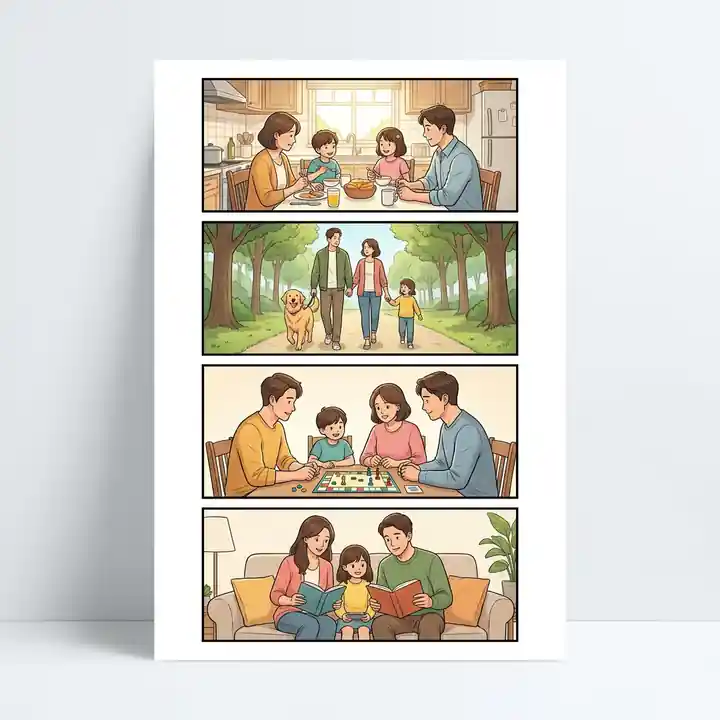
Vertical scenes made for scrolling on a phone.
Style selection and reference-image eligibility may depend on your plan.
A cast, not a collection of random faces
A memorable manga needs people you recognize when you turn the page. Describe their defining traits, keep reference images close, and review each scene.
How to keep characters consistentScroll to see all three pages →
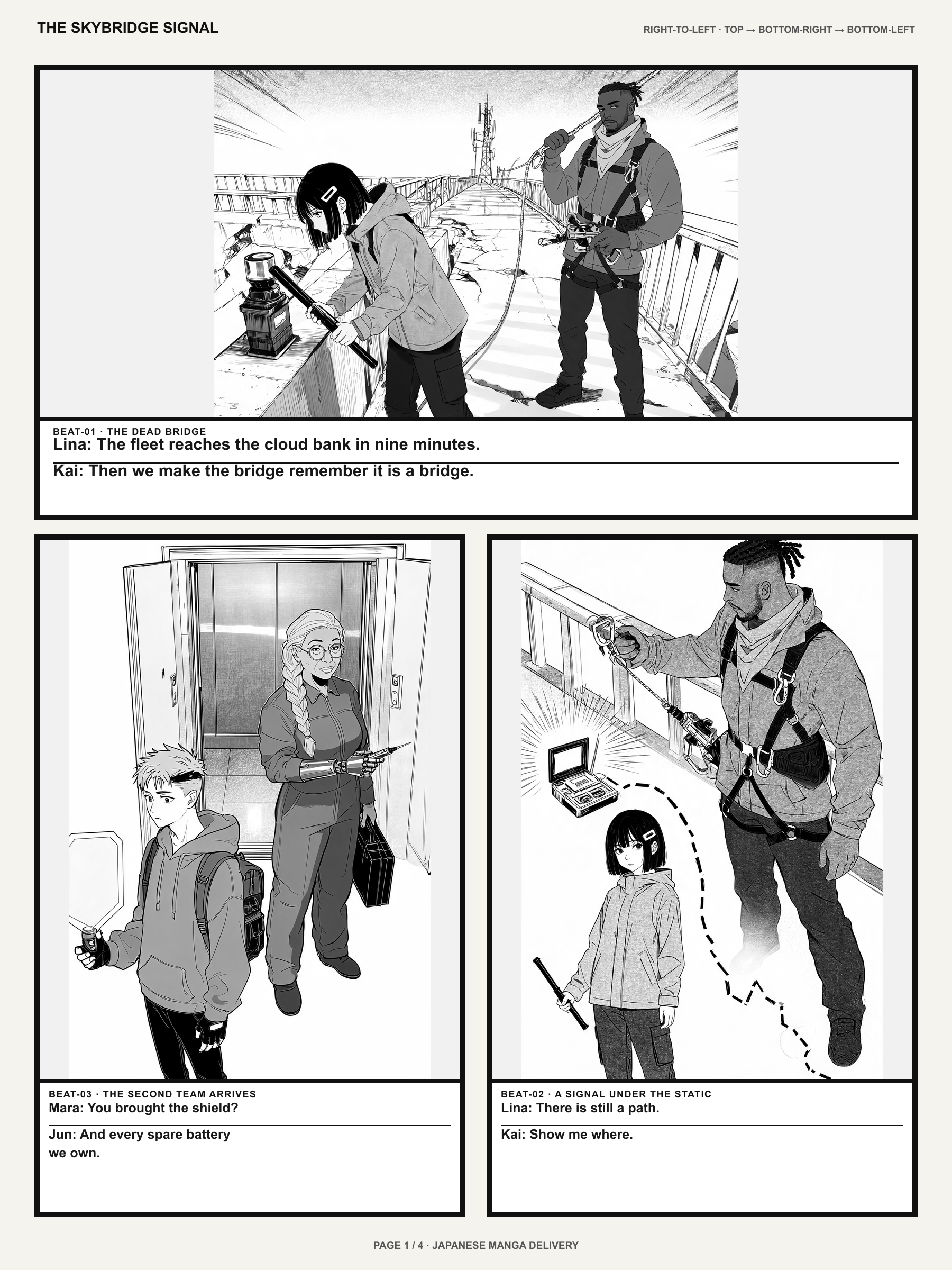
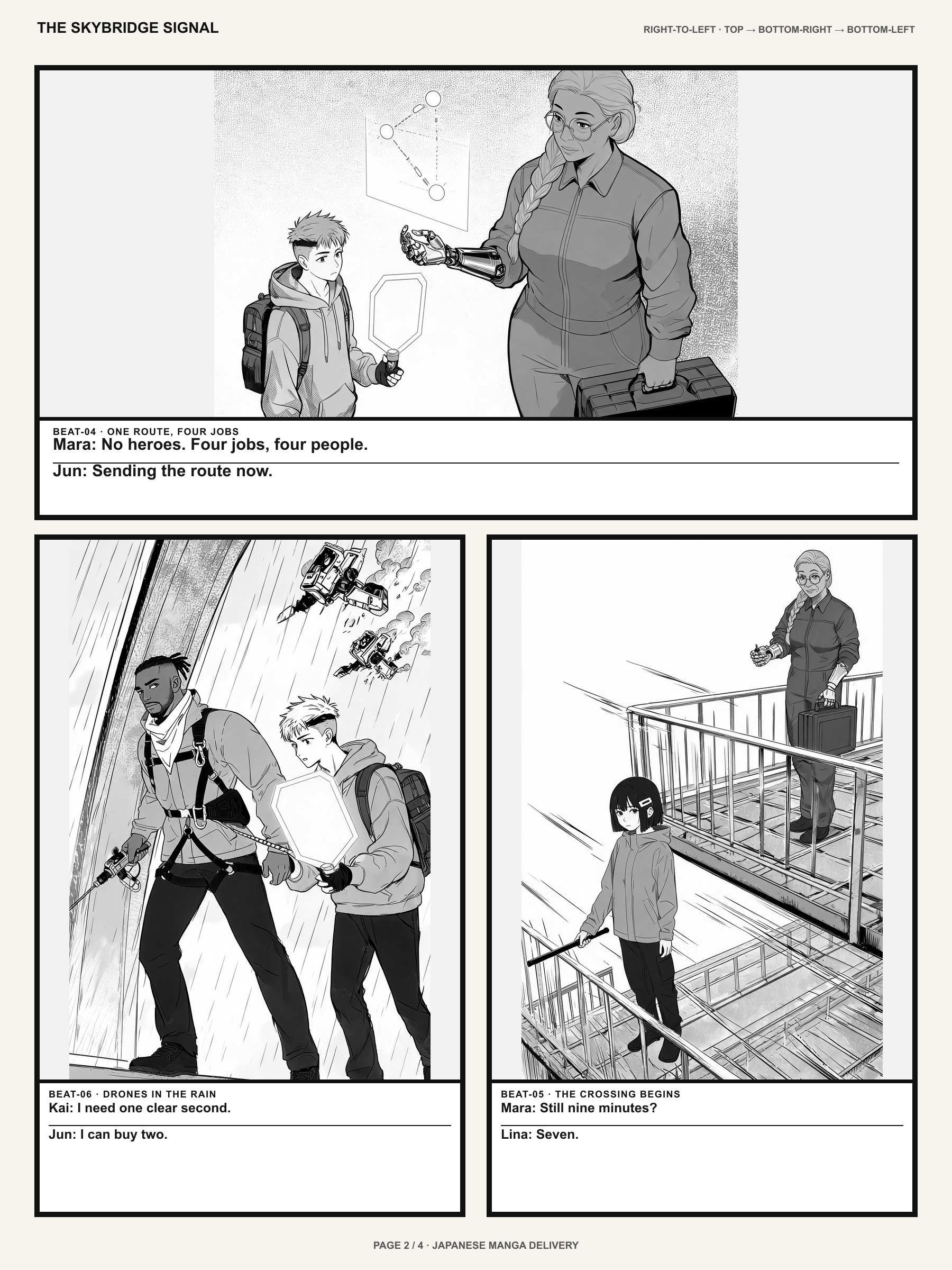
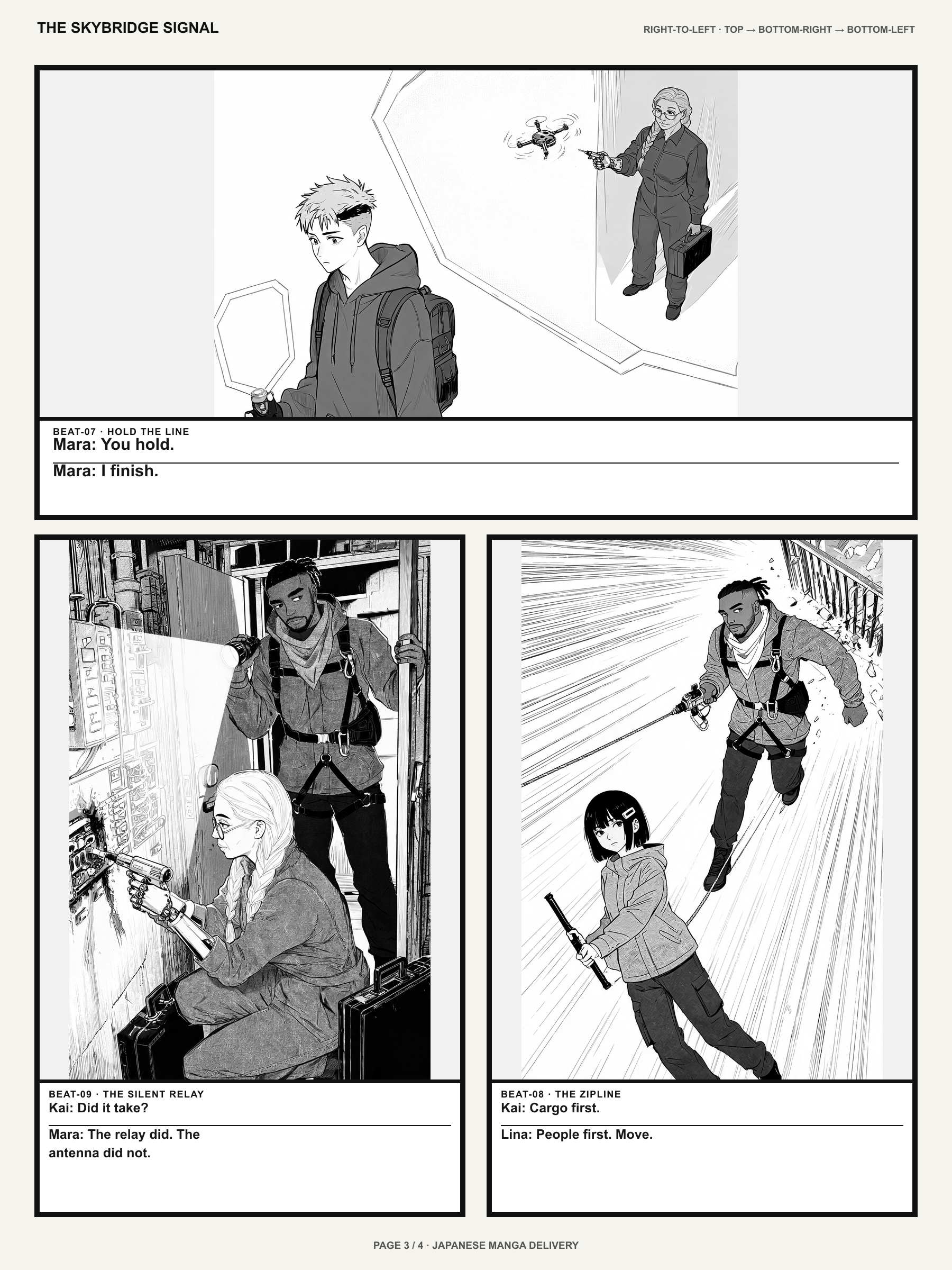
Original example: The Skybridge Signal — three consecutive reviewed pages from one composed chapter, not an unedited guarantee of every generation.
Read the sample PDFA little more creative control
From the original idea to the pages you will share, Mangaka puts the important choices up front.
Begin with a one-line premise or a more detailed scene brief. The creator helps turn your direction into an illustrated sequence.
Text-first creation · supported references
Keep names, outfits and distinct visual traits in the brief. Reference-led workflows help with consistency, but every page still deserves a review.
Character descriptions · visual references
Choose a quick page or plan a longer project. Chapter count and page length are combined into one creation request, subject to your plan's project limits.
1 / 20 / 30 / 40-page presets · chapter planning
Explore original books or read your own finished pages vertically or horizontally. PDF download and a path back to Studio are available in the reader.
Reading · sharing · PDF · Studio
One manga project
Select Quick, Short, Medium or Long pages per chapter, then the chapter count. Mangaka submits the total requested pages as one project; the server checks your plan, permitted project size and credits.
Illustrative plan · Requires eligible paid limits
Page length
20 / chapter
Chapters
02
An example of the page calculation, not a guarantee this request is available on your plan.
LlamaGen Originals
Read illustrated books from the same library inside Mangaka. Open a story, enjoy its pages, then try the Recreate flow with your own direction.
Sci-fi action
A post-apocalyptic story told across illustrated pages.
Read this storyUrban fantasy
Original characters in a supernatural adventure.
Read this storySpace opera
A larger world, one scene and page at a time.
Read this story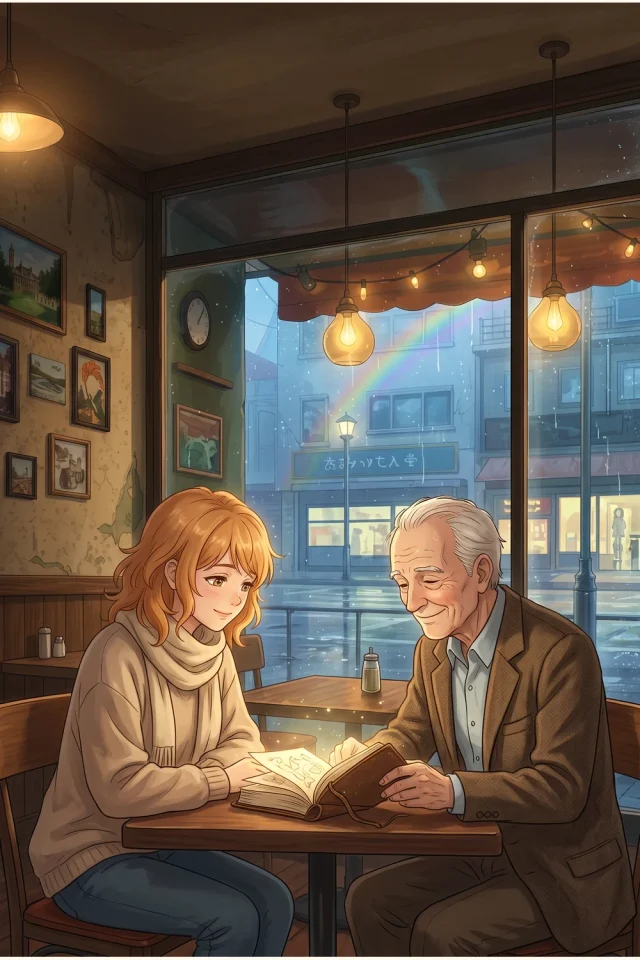
Slice of life
An intimate visual story about everyday life.
Read this story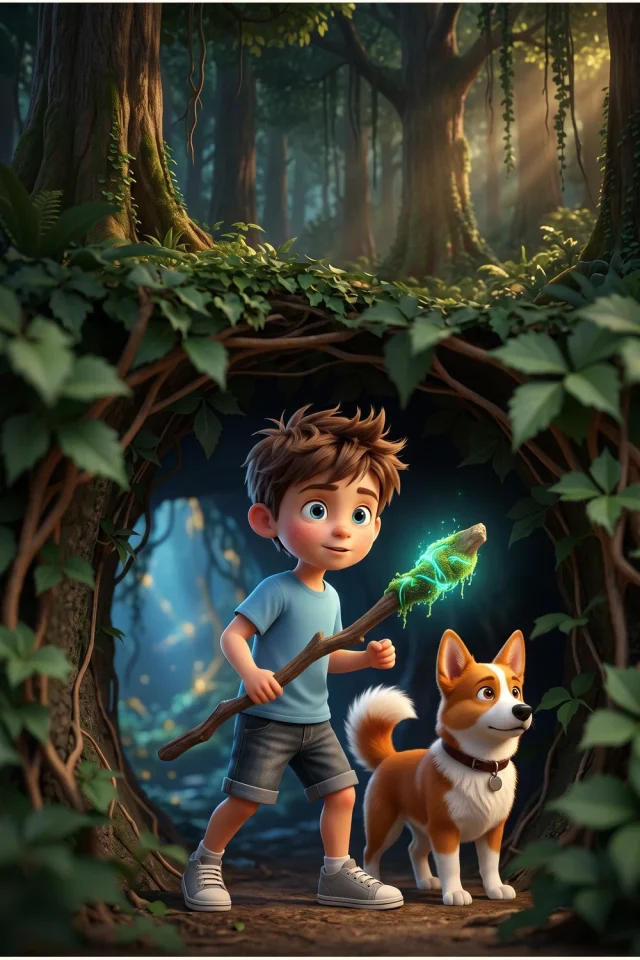
Fantasy adventure
A storybook world with its own recurring cast.
Read this storyThese are existing original comic-library books, not generated outputs promised for a specific prompt or subscription.
Good questions. Clear answers.
LlamaGen has a $0 Free plan for eligible first-page experiments. You must sign in to generate, credits and eligibility are checked by the server, and multi-page planning or some references require a paid plan. Free does not mean unlimited chapters.
The Mangaka creator supports a text prompt and eligible reference uploads. It accepts images, scripts and videos, but script/video upload is currently for Quick creation; longer page planning supports text and image references. Multiple attachments or certain reference flows may require a paid plan.
The creator offers Quick (1 page), Short (20), Medium (30) and Long (40) page presets per chapter, with a chapter selector up to 30. These are input choices, not a promise that every combination can run. The server enforces your plan's total project limits and calculates the credits before accepting generation.
Character descriptions and reference images can improve continuity, but generated faces, outfits, text and panels can still vary. Review successive pages and use available editing tools when something needs correction.
The Mangaka experience includes an original-story reader and a reader for completed creations. It supports vertical or horizontal reading, sharing and PDF export; your account and content permissions still apply. You can open the existing Studio to revise a generated artwork.
The creator includes black-and-white manga, color manga, comics and webtoon styles, alongside a dialogue language selector with English, Japanese, Korean, Chinese, Spanish, French, German and other options. Always check the generated lettering before publishing.
See current plans and credits for the latest account limits.
Your first chapter begins here
Create an original page, read it, and keep developing your story at your own pace.
Continue exploring
Product introduction updated November 8, 2026. Features, plan limits and availability can change; signed-in eligibility and server-side credit checks determine what can be generated.