

AI Children's Book Illustration for StoryHug picture books
Generate warm, original children's book illustrations from story text while preserving a coherent visual style.
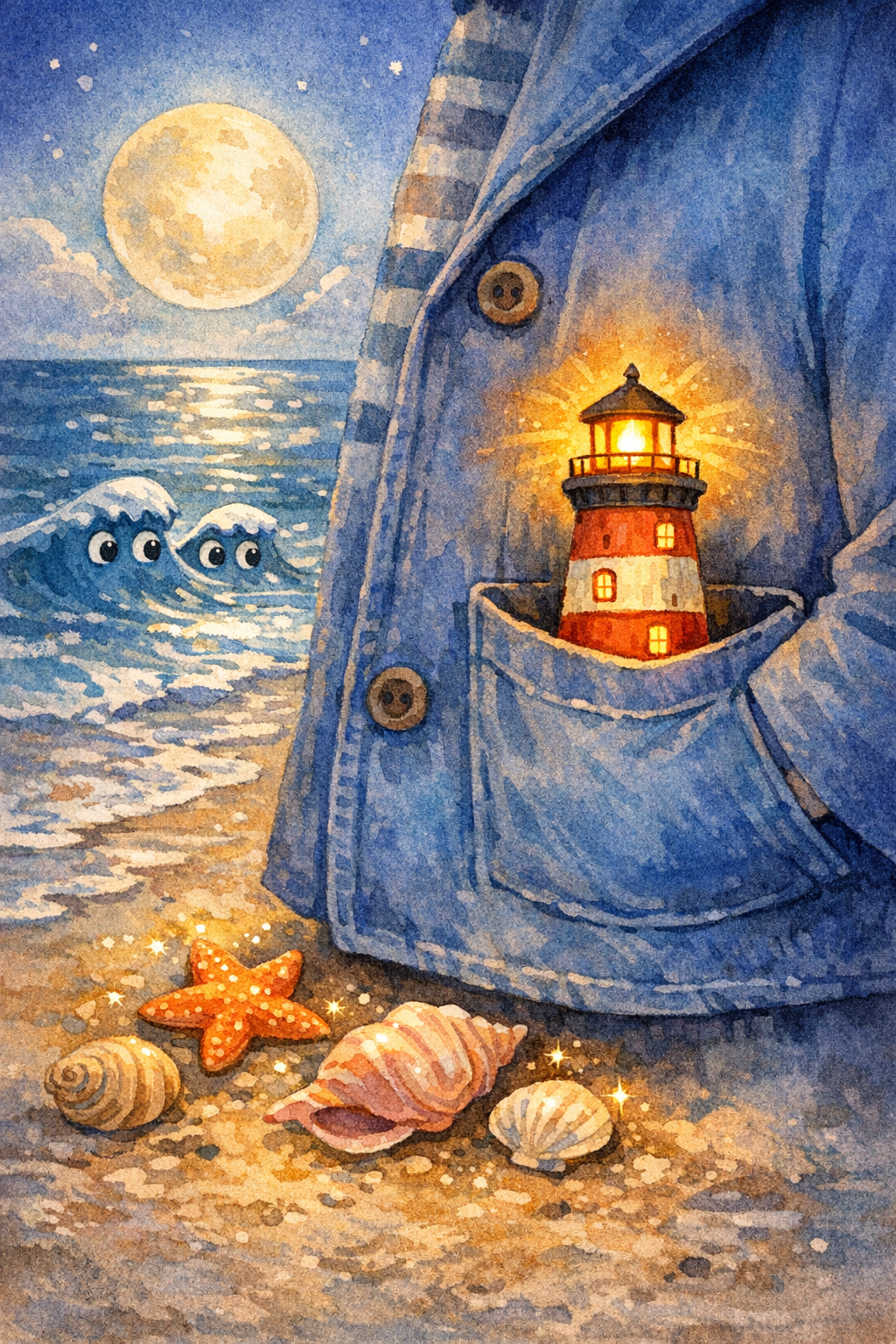
Example preview
The Pocket-Sized Lighthouse
A child carries a tiny lighthouse across a moonlit beach to guide a lost paper boat home.
Opens the comic studio with the same character locked across pages.
あなたの物語は?
物語を貼り付けてから、ページ数とレイアウトを選びましょう。
Same face
Lock the child, clothes, and age so every page stays one character.
8-10 pages
Write a short serial, not a one-off image. Continue the same book in Studio.
Pick a format
Picture book, bedtime comic, classroom strip, or vertical read-aloud pages.
Story plan
Keep characters and illustrations consistent
Visual-production guides for creators who care about consistent characters, AI drawing, text-to-image, and reusable illustration workflows.
Generate a character reference, then create page images with the same visual direction.
Style prompts
Cover and pages
Print-friendly output
Ways to personalize it
Use case
Generate warm, original children's book illustrations from story text while preserving a coherent visual style.
Use case
Use this page when your project needs children's book illustration with AI instead of a generic AI writing tool.
Use case
Continue into StoryHug for examples, transparent paid book generation, PDF export and optional add-ons.
Made for your audience
Built for Creators who need a child, companion, or art style to remain consistent across pages.
Creators who need a child, companion, or art style to remain consistent across pages. Use the StoryHug workspace to explore examples, create a preview, and choose an export or add-on only after the story and illustrations feel right.
Start with one child, age range, language, theme, and original companion character.
Generate a 10-page preview with consistent illustrations and child-safe story text.
Upgrade only after the preview works for PDF, print, narration, music, video, classroom, or KDP workflows.
Choose how far to take your book
Generate a character reference, then create page images with the same visual direction. Paid PDF, narration, music, print, membership, or creator add-ons make the commercial step explicit.
Paid generation
A 4–10 page StoryHug book uses 900–1,800 credits. A one-time pack starts at $4.99 for 3,000 credits.
PDF export
High-resolution PDF download follows the account’s qualifying paid entitlement.
More creation plans
Starter $9/month, teacher plans and additional credit packages are available.
始めやすい強い入口
まずは2〜6歳の子どもを持つ保護者向けのパーソナライズ寝かしつけ絵本から始めます。役割はシンプルで、子どもが小さな気持ちや習慣を5分で整理できるよう手助けすることです。
安全性とオリジナリティ
各プレビューは保存前に、子ども向けに安全なトーン、危険な内容、保護されたIP、子どもの個人情報をチェックします。
印刷を見据えた導線
プレビューはあえて短く設計されています。有料書き出しにより、印刷可能なPDFや今後の製本対応に向いたコンパクトな本として仕上げられます。
Related Illustration pages
Explore related story ideas, formats, and book-making workflows.
Explore more ways to create a children's book
Compare story creation, multimedia, character consistency, publishing, and bedtime-reading workflows to find the next useful step for your project.