

4段階の強さ
まずはAutoで試し、元画像の補正が足りないときだけLightからStrongへ切り替えます。
AI画像ぼかし除去
ぼやけたポートレート、商品、書類、思い出の写真をアップロードして、元の構図を変えずに、よりきれいな輪郭と自然なディテールを復元します。
画像のぼかしを除去
輪郭のにじみや不自然なシャープ感を出さずに必要なディテールを戻せる、最も弱い強度を選んでください。
ぼやけた画像をアップロード
ポートレート、商品、書類、風景、古い写真
ぼかし除去の強さ
出力構図
元の切り抜きを守るため、最初の元画像に合わせます。
1回の生成で300クレジットを使用します。
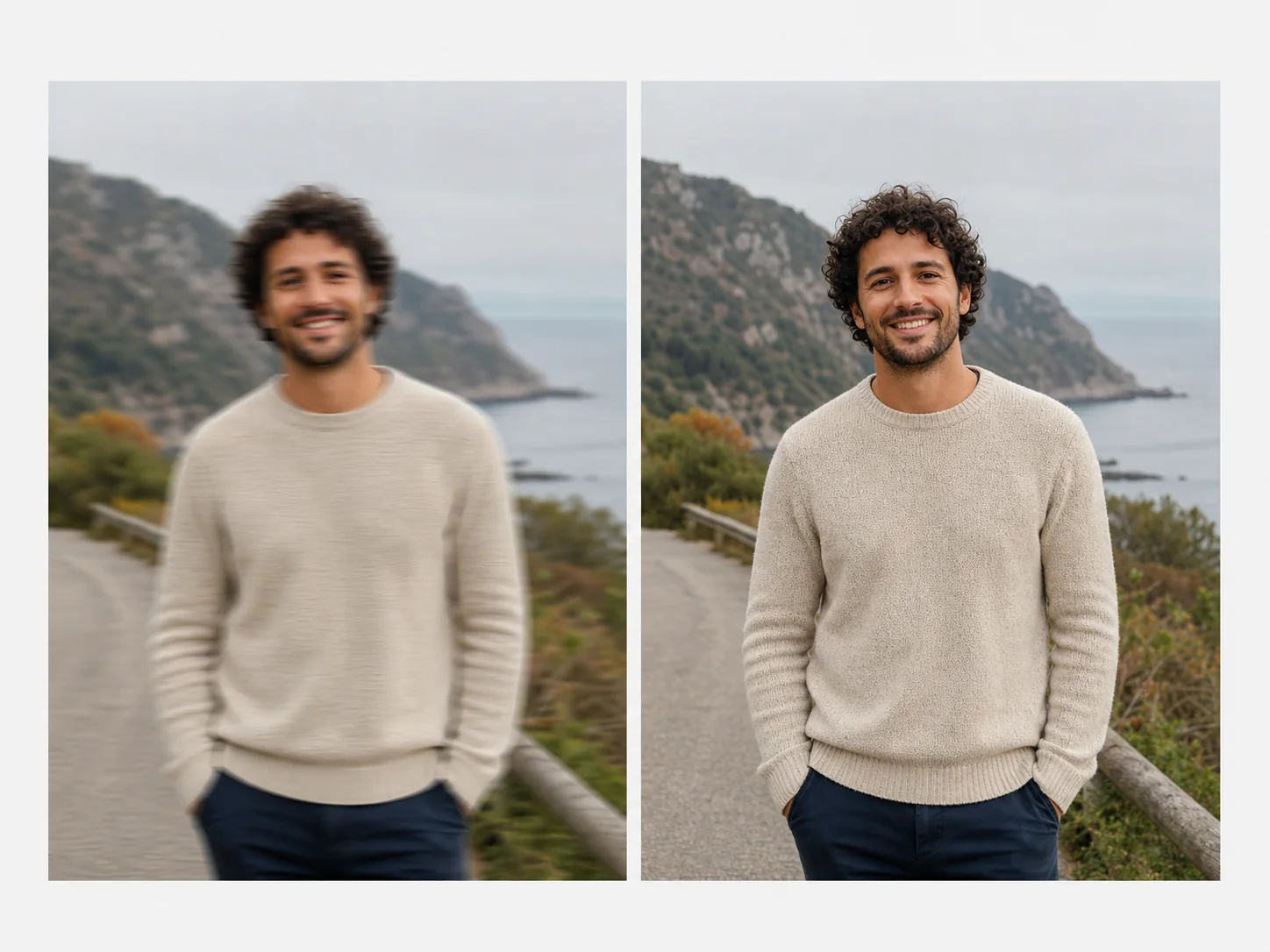
使える鮮明さを回復
AI unblurring can reduce motion softness, missed focus, and pixel-level blur while preserving the subject, color, framing, and atmosphere of the source.
Strong blur may contain detail that was never captured. Review faces, text, fine patterns, and edges closely so reconstructed detail is not mistaken for original evidence.
まずはAutoで試し、元画像の補正が足りないときだけLightからStrongへ切り替えます。
本人らしさと自然な肌質を守りながら、目、髪、顔の輪郭を整えます。
元画像に十分な情報がある場合、ぼやけたスクリーンショット、ラベル、レシート、商品の輪郭を改善します。
出力は正方形に強制せず、元の比率と構図を維持します。
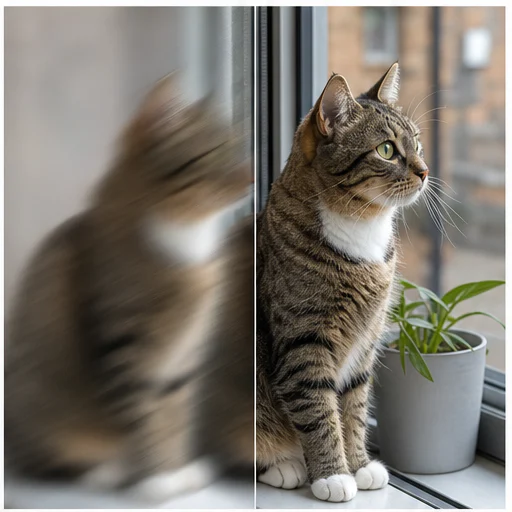
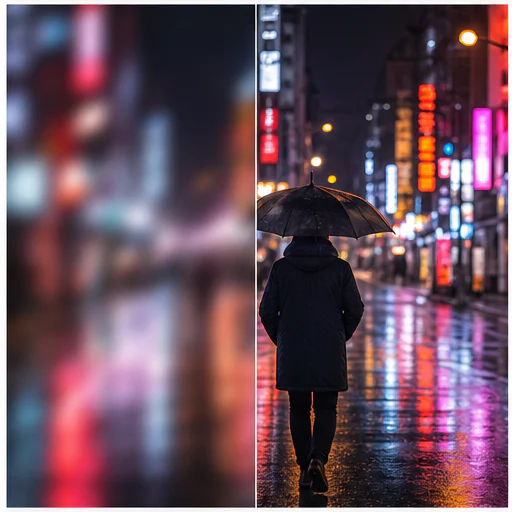
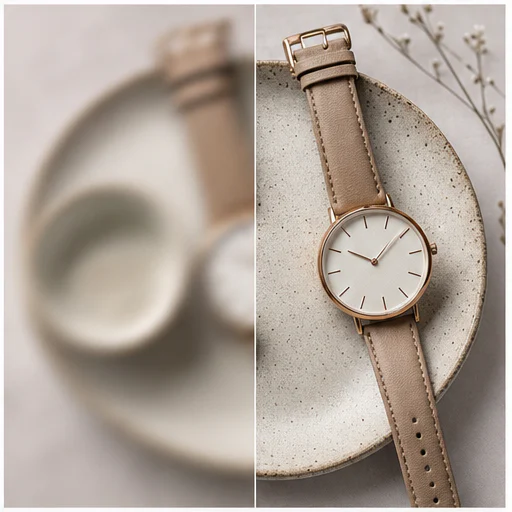
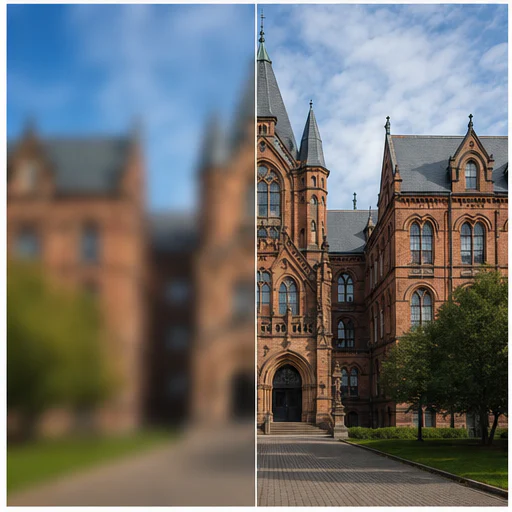
実例
Twelve before-and-after examples cover subject motion, camera shake, missed focus, wildlife, products, architecture, and landscapes.
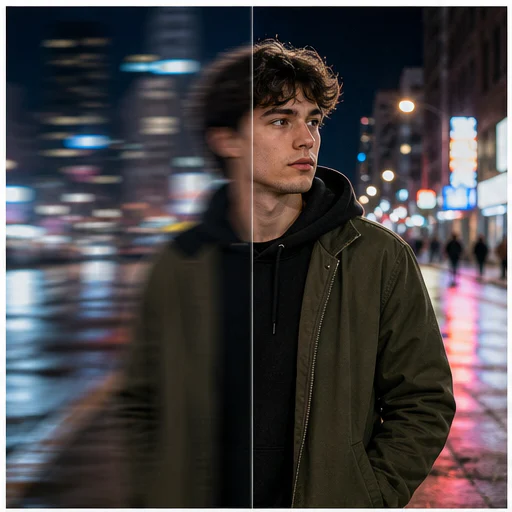
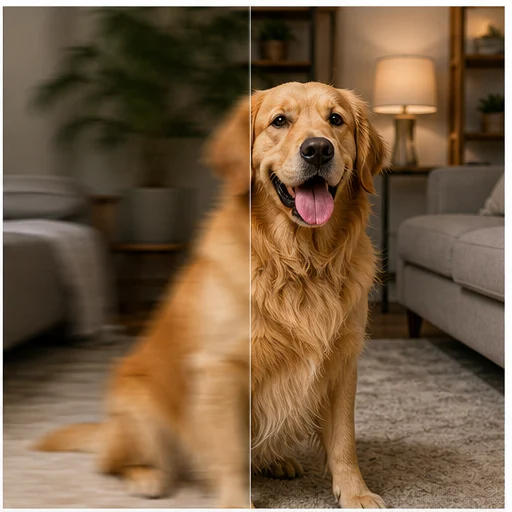
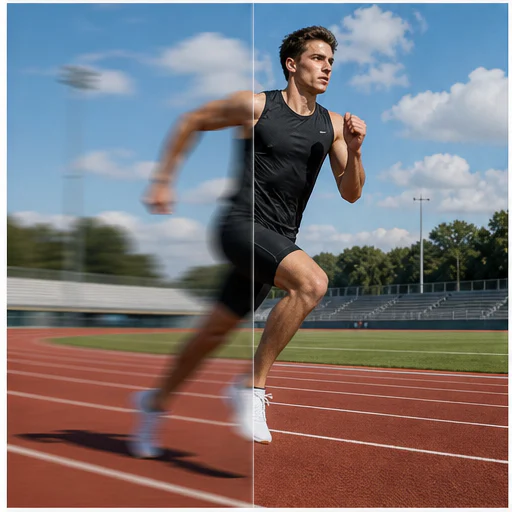
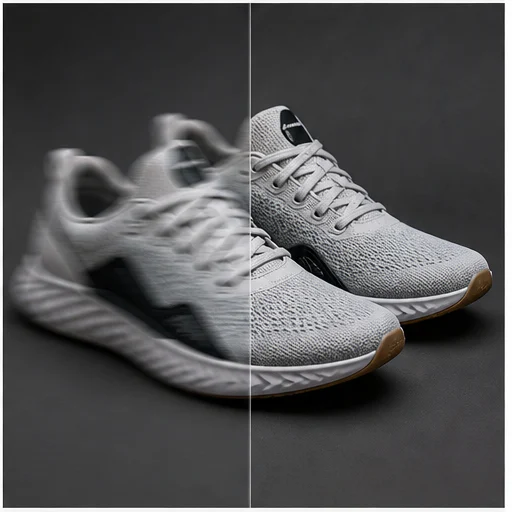
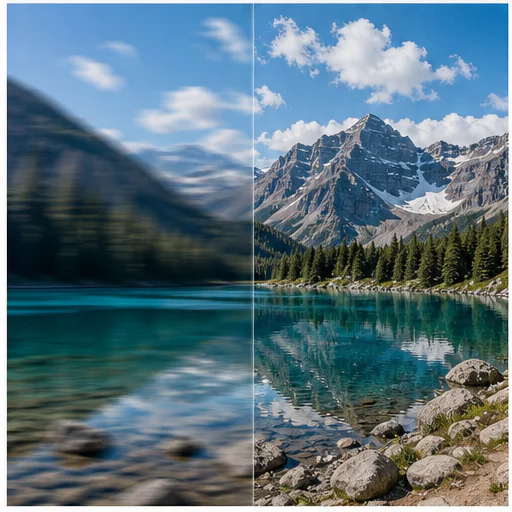
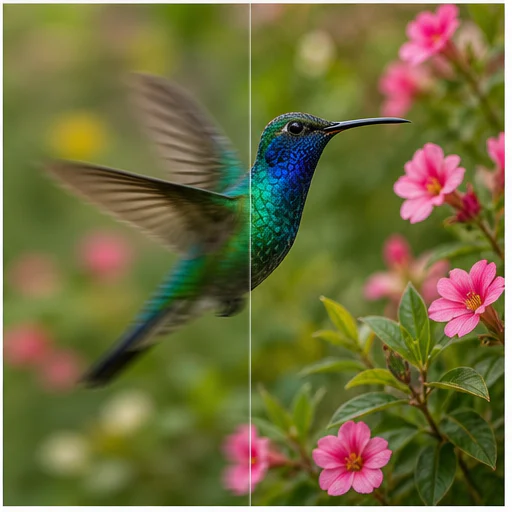
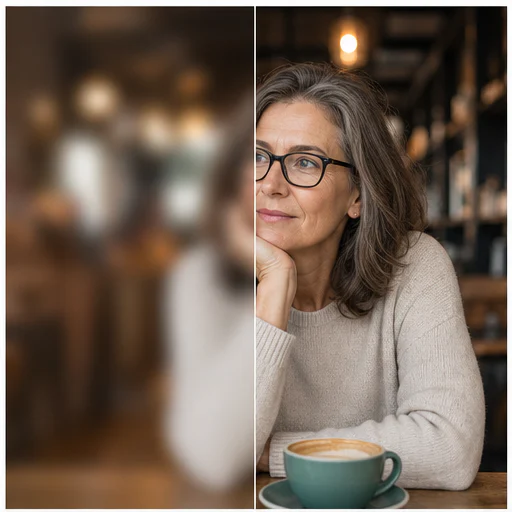
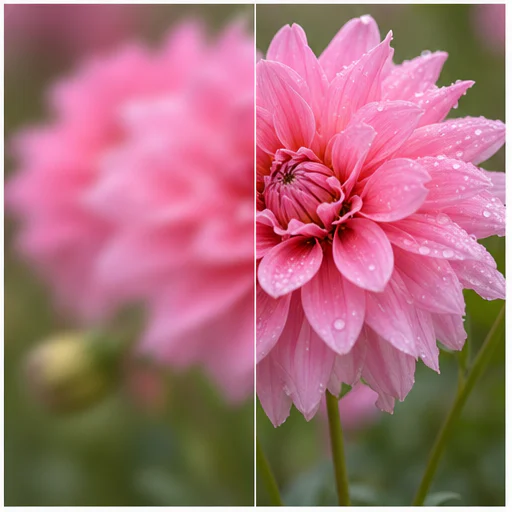
使い方
短いワークフローに沿って進め、生成されたディテールを確認してから使用・公開してください。
最も確実に復元するため、利用可能な中で最も高解像度の版を選んでください。
まずAutoを使い、重要なディテールがまだ甘いときだけ強さを上げてください。
Compare edges, faces, and text before downloading the clearer result.
Real creator feedback
Read what creators shared about making comics, characters, and visual stories with LlamaGen.

@jake-m
As an avid creator of comic book style graphics, I've struggled to find a tool that truly allows me to unleash my creativity at scale. llamagen.ai not only breaks limits but shatters them, offering endless possibilities for my projects. It's the ultimate AI-powered solution I've been waiting for!
@sarah-l
I've tried numerous AI tools for image generation. And they are quite fun to play with but llamagen.ai is the first app I've actually saw a potential use-case. The character consistency really grabbed my attention as it's something I hadn't seen before and I can see the appeal for professionals and amateurs alike. Truly a game-changer!
@michael-b
llamagen.ai has reignited my passion for storytelling. As a busy professional, finding time to pursue creative projects can be challenging. But this app has proven so easy to use... It's like having a creative companion by my side!

@alex-t
Being part of the creative industry demands efficiency without sacrificing quality. llamagen.ai not only meets but exceeds these expectations. Really loved playing with the storyboarding and having an AI to help with not only image generation, but also the text content - it's really a nice way to help enhance the overall experience.
@maya-s
I enjoy a great comic book and have been very sceptical about AI. For example the criticisms of the Batman AI comic saga where not without merit. But through the scepticism I do see a place for such tools. While I still value an authentic man-made production, the ability for me to create something on my own (with a little help from AI) is really empowering and exciting.
@taylor-h
Maintaining character consistency is a challenge that I did not expect to be overcome so fast. While not perfect at times, the results are impressive and I’m really looking forward to the chance to further customize my workflow and AI generation.
実践的なワークフロー
生成画像は、用途に応じて確認用の下書き、参照素材、完成素材として使えます。
ポートレート
使いやすい表情写真やスナップポートレートを、見やすく共有しやすくします。
コマース
許可された商品画像の輪郭や表面ディテールを改善します。
ドキュメント
スクリーンショット、看板、ラベル、スキャンページを見やすくします。
思い出
家族写真やアーカイブ写真のぼやけを抑えつつ、元の雰囲気は残します。
確認メモ
ブレ補正は再構成処理です。元画像に記録されていない細部の証拠ではなく、見やすくしたビジュアルとしてご利用ください。
本人らしさと表情が識別できる
明るいハローを出さずに輪郭をクリアに
肌と布地の自然な質感を保つ
text is not replaced with invented characters
背景の被写界深度が自然
元のトリミングと色を保持
よくある質問
元画像、生成結果、権利、確認に関する実用的な回答です。
No. Mild motion blur and soft focus usually respond best. Severe blur or missing pixels may not contain enough evidence for faithful recovery.
まずはAuto。軽いソフト化ならLightを使い、低い設定でもまだ明らかにぼやけている画像にはStrongを使ってください。
このツールはmatch-input framingを送信し、結果が元画像の比率とトリミングに沿うようにします。
関連ツール
この集中編集から、次の写真やファッション作業へ進めます。
画像から始める
やわらかくぼけた画像を1枚アップロードし、強さを選ぶだけで、短いフローでより鮮明な画像を作成します。