

1
Choose the real intent
Start from what the user is trying to do: generate from text, edit an image, restyle a reference, compare options, or make a specific asset.
Find the right LlamaGen workflow for text-to-image prompts, image-to-image transformations, AI image editing, character assets, covers, collectibles, and social-ready visuals.
Start from text, transform a reference image, edit an existing result, compare generators, or turn an image into video.
For creators comparing text-to-image, image-to-image, editing, and image-to-video workflows.
For creators comparing editors by identity preservation, prompt control, edit boundaries, and reusable output quality.
For creators who already have a reference image and want to restyle it, preserve identity, or turn it into a specific asset.
For users who want to refine an existing image: change outfit, fix composition, adjust style, or prepare a final shareable version.
For people comparing how AI image generation works before they choose a model, prompt, reference workflow, or output format.
For users who want a clear path from a plain idea to a finished image without learning prompt engineering first.
For users whose real goal is motion. Route them to video instead of forcing them through an image-only page.
Choose the asset you want to create, then open the workflow with the most relevant inputs and controls.
Start from what the user is trying to do: generate from text, edit an image, restyle a reference, compare options, or make a specific asset.
Each page explains the input, output, prompt examples, and quality checks for that job before sending the user into creation.
Create the first image, check identity and composition, then reuse the result across comics, product mockups, profile art, and campaign sets.
Start with the pages that represent the collection best: character presentations, physical-product mockups, cover formats, and playful object transformations.
Each card includes examples, workflow guidance, practical answers, quality checks, and a direct creation path.
LlamaGenの画像生成ワークフローを、テキストプロンプト、参照画像、画像編集、キャラクター一貫性、画像から動画への連携で比較。
AI画像エディターは、操作性、アイデンティティの維持、プロンプトの明確さ、クリエイティブの制限、編集結果の再利用性で評価しましょう。
テキストプロンプト、画像-to-画像リファレンス、編集目標、最終出力チェックを分けてAI画像を計画・作成します。
既存の画像を参照として使い、AIで新しいスタイル、アセット、カバー、モックアップ、バッジ、カード、キャラクタービジュアルへ変換できます。
AIプロンプトで既存画像を編集し、服装変更・スタイル修正・構図調整・キャラクター変異・表紙・バッジ・キャンペーン素材などを作成。

一貫したキャラクター、リファレンス編集、コミック、カバー、再利用可能な資産を選ぶ際に重要な比較ポイントをチェックしましょう。
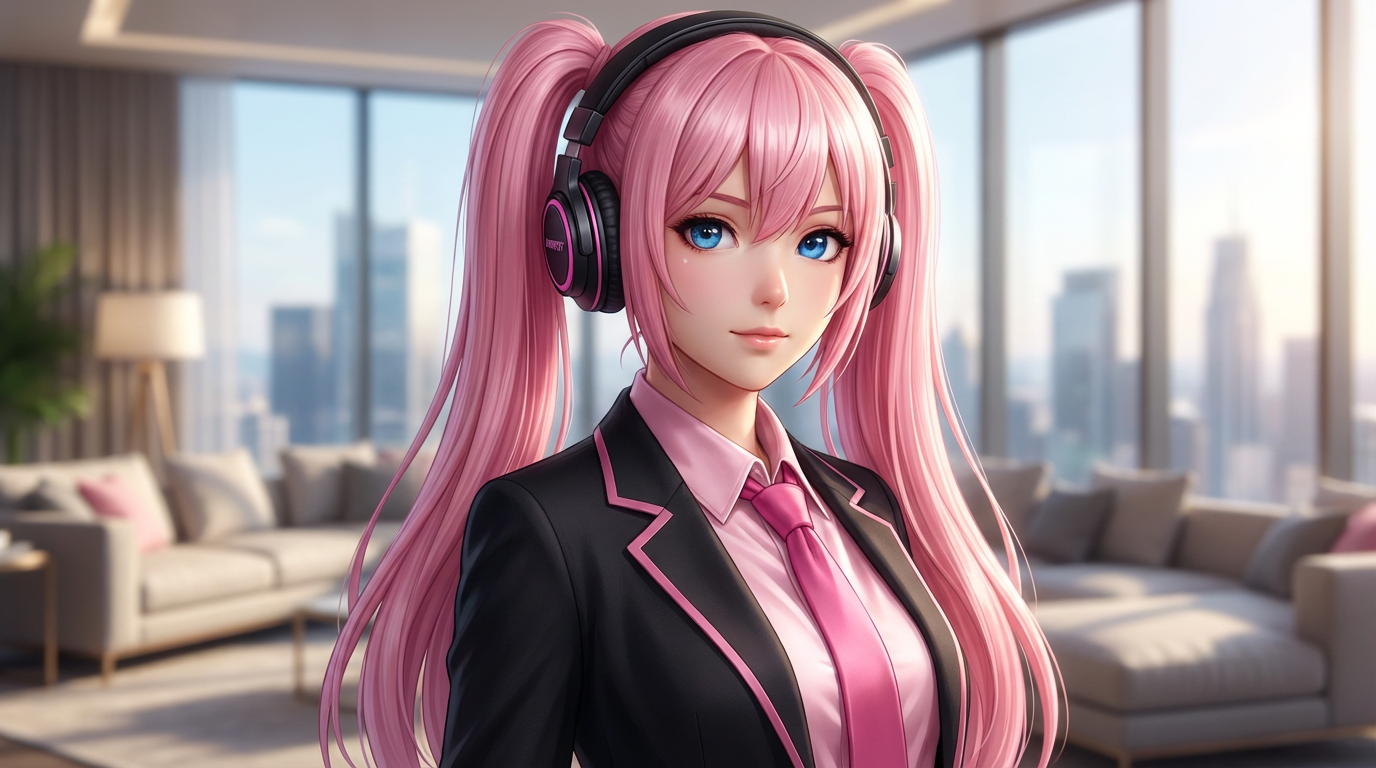
シンプルなテキストプロンプトからAIで画像を生成。その後、主体・スタイル・構図・最終フォーマットまで実用的に調整できます。
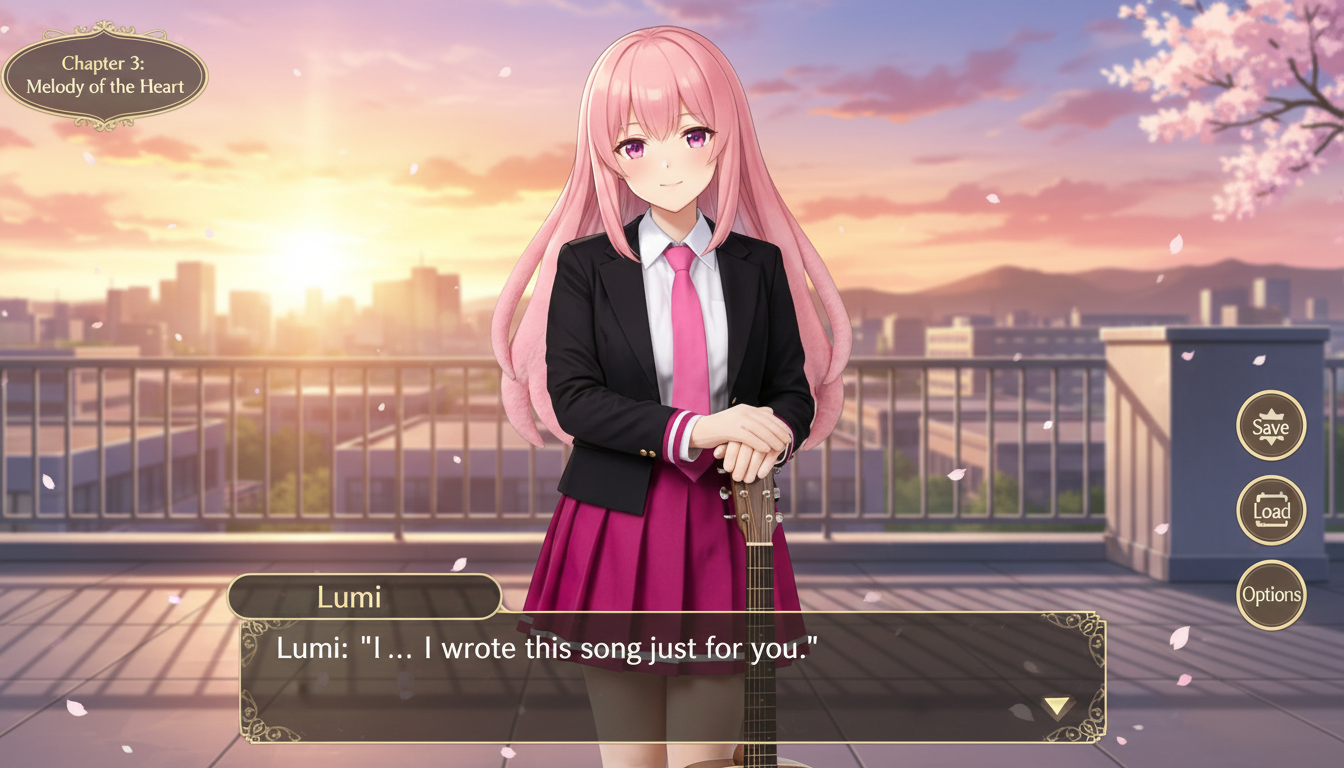
キャラクター画像を、UIフレームやセリフ表示スペース、ゲーム画面らしい構図まで含めたビジュアルノベル風シーンに変換できます。
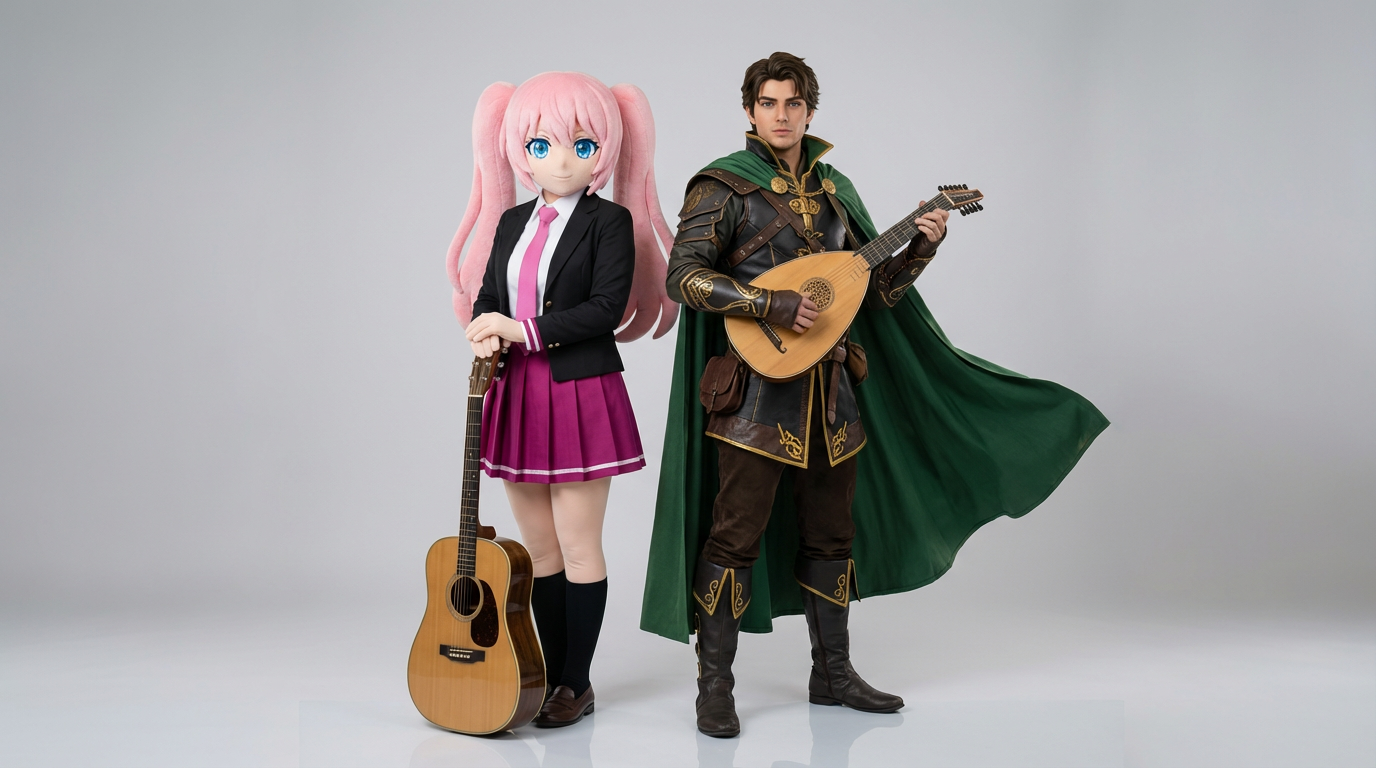
2人のキャラクター参照画像をアップロードするだけで、自然な掛け合いカットやペア構図、シーンにそのまま使えるデュオ構図を生成できます。
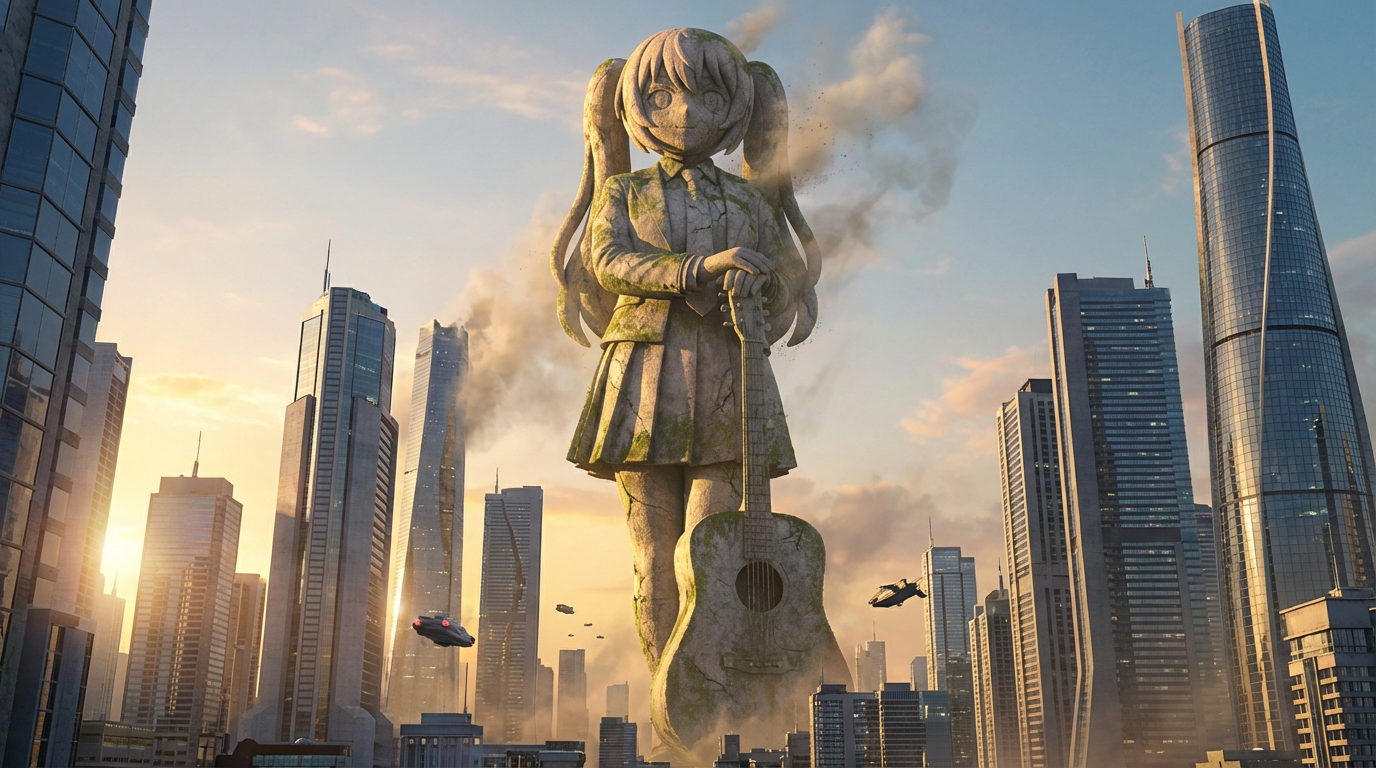
キャラクターを、都市スケールの構図やスカイラインの背景、ランドマークのような存在感を備えた巨大像ビジュアルに変換します。
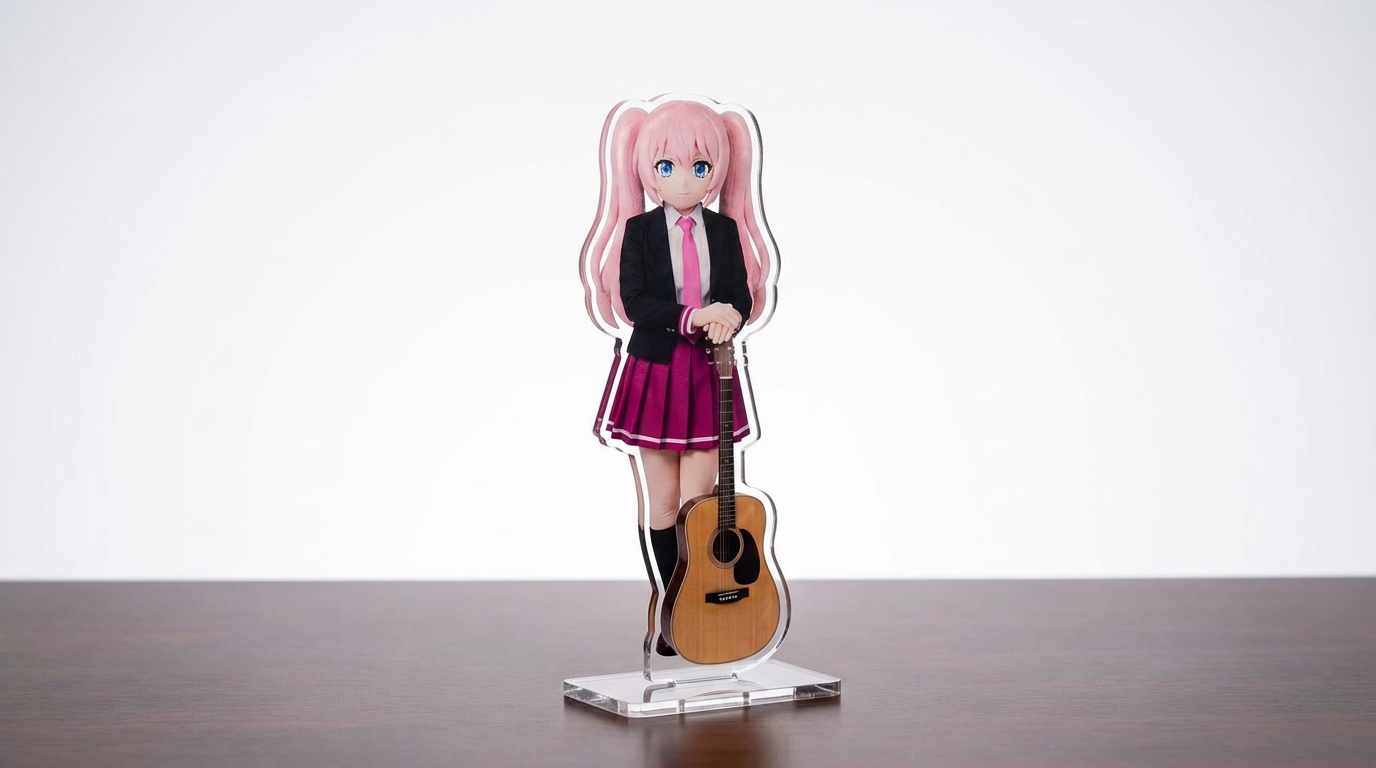
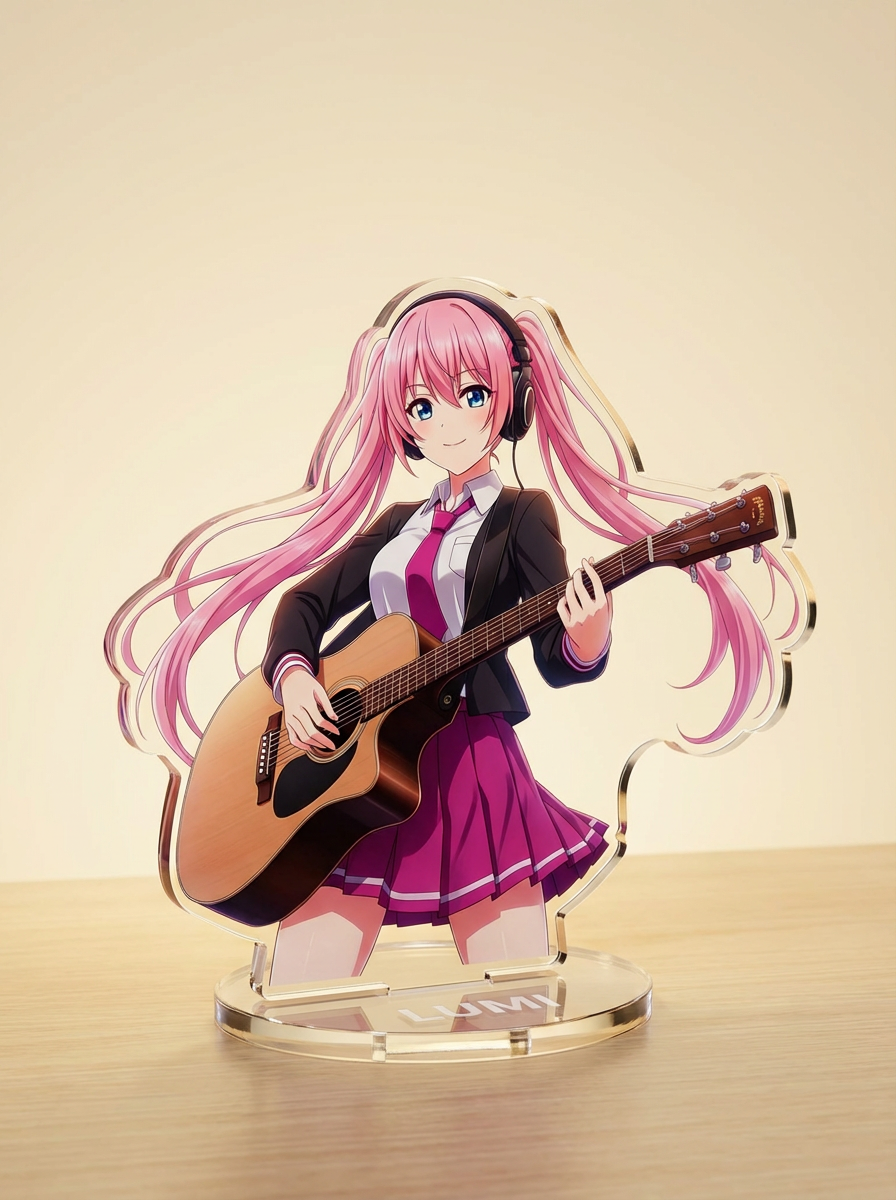
キャラクターイラスト、ペット、オリジナルデザインを、設定可能なLumi中心のワークフローでアクリルスタンドのモックアップに変換できます。
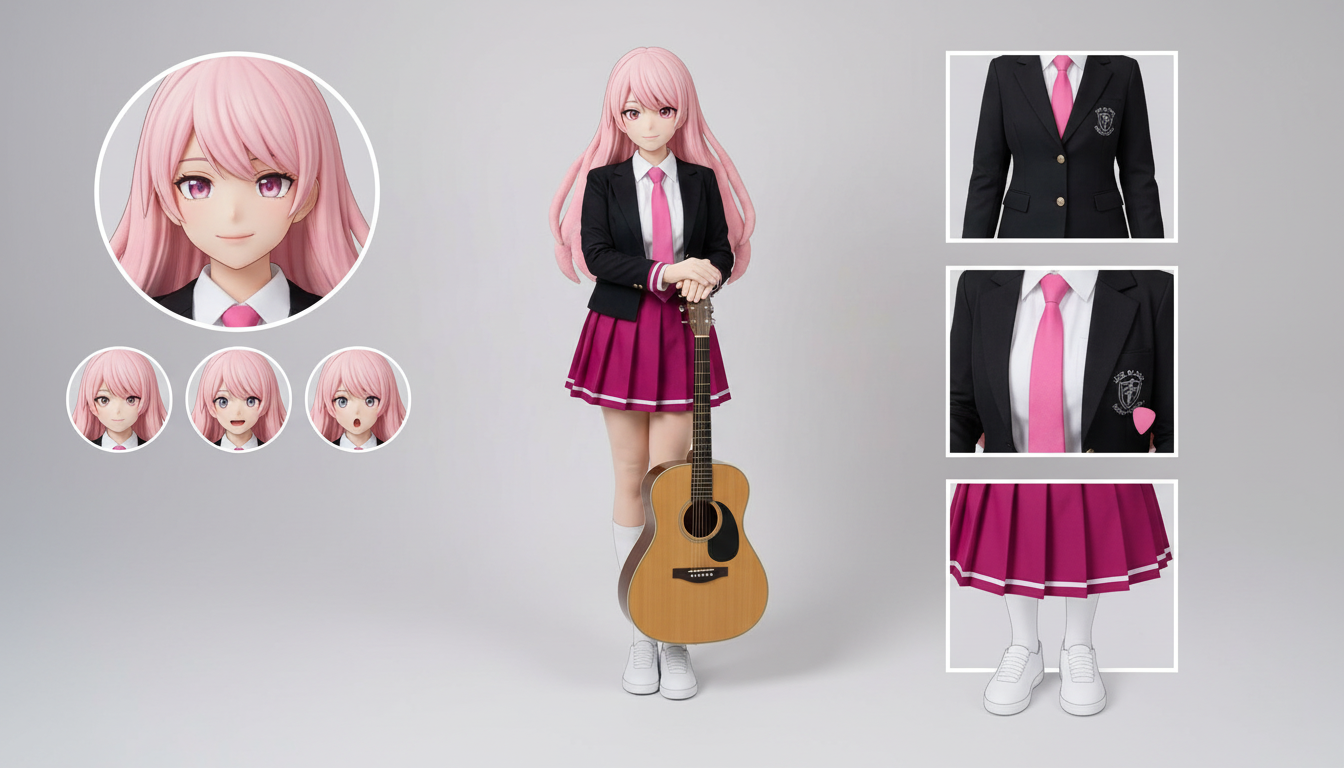
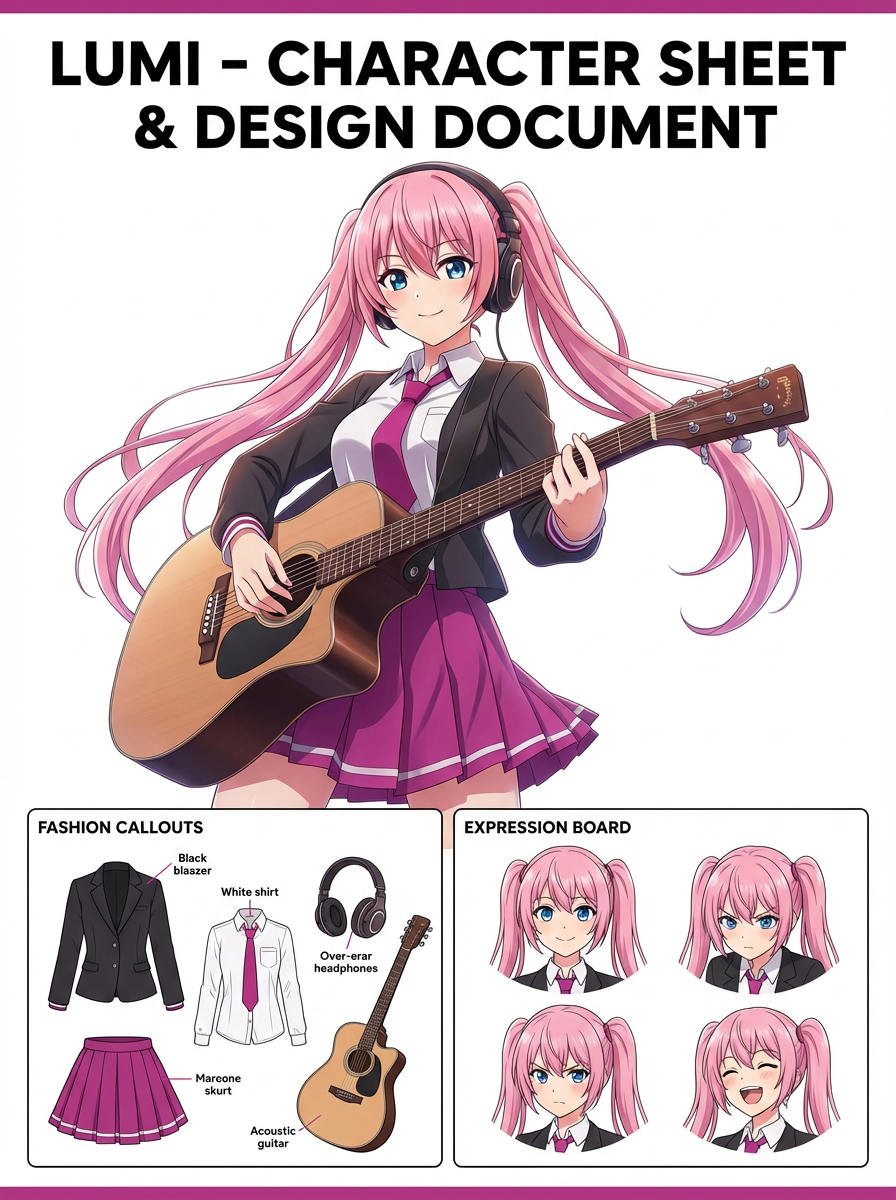
アップロードした1枚のデザインから、衣装・表情・アクセサリー・ポーズ見本をまとめたキャラクター設定シートを作成できます。
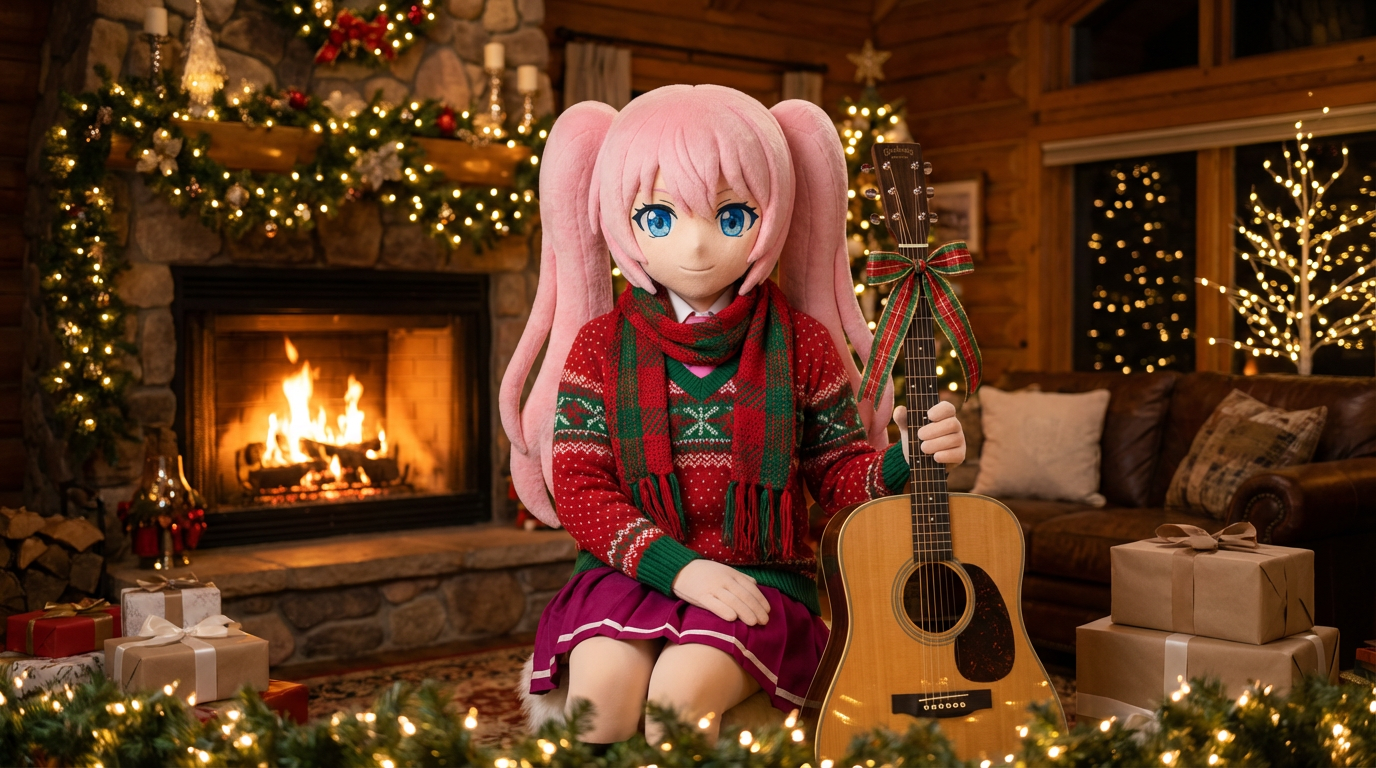
ポートレートやキャラクターアートに、マフラーや帽子などのホリデー衣装を加え、Lumiらしい華やかな雰囲気に仕上げます。
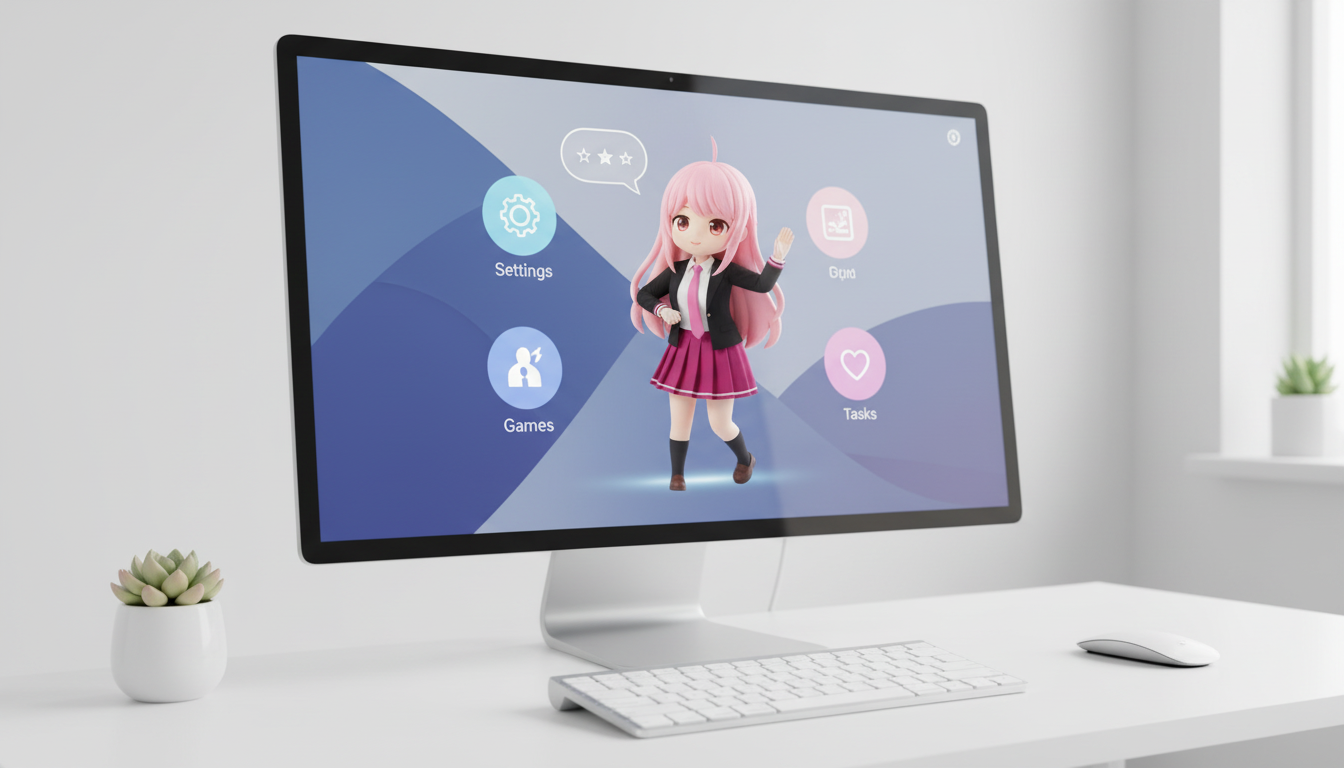
キャラクターやオリジナルキャラを、画面映えするレイアウト設計でデスクトップペット風ビジュアルに変換できます。
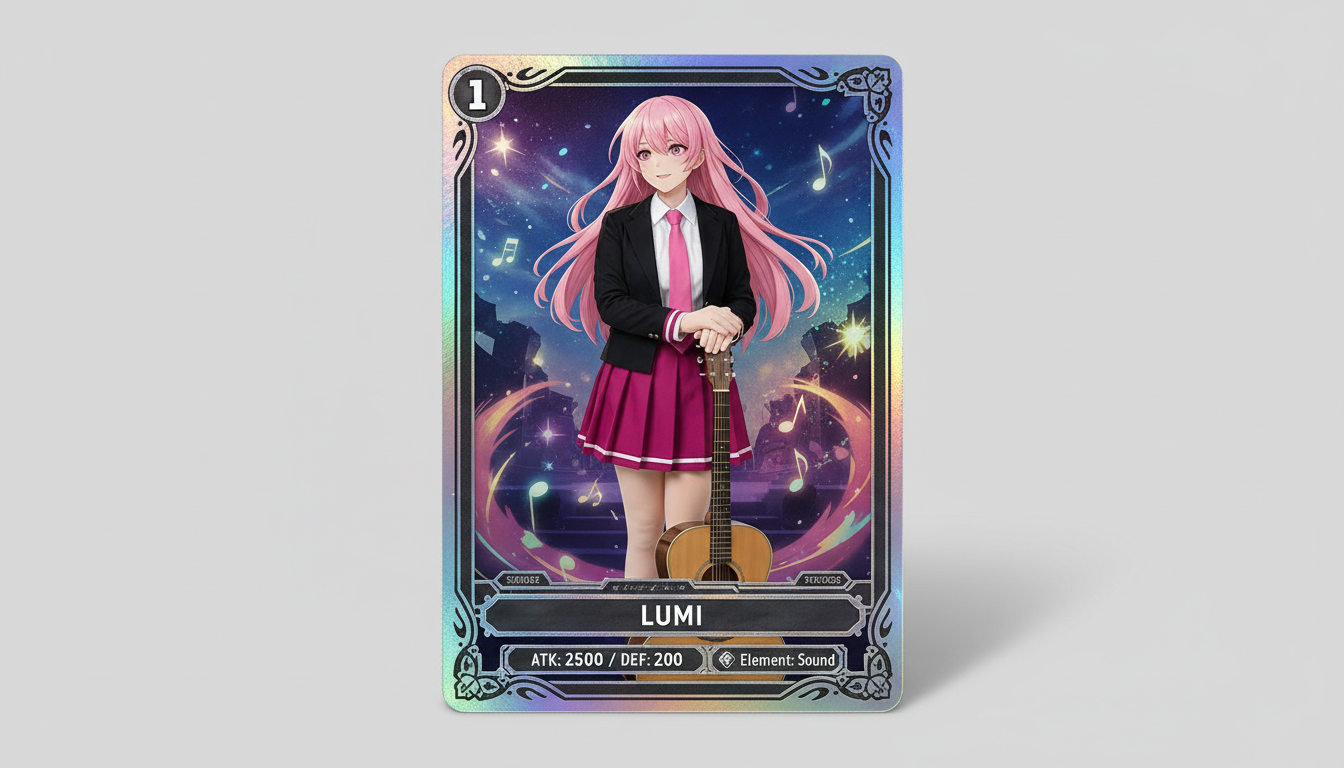
キャラクター画像を、レアリティ感・ステータス枠・グッズ映えする構図を備えたコレクション向けトレーディングカード風ビジュアルに変換します。
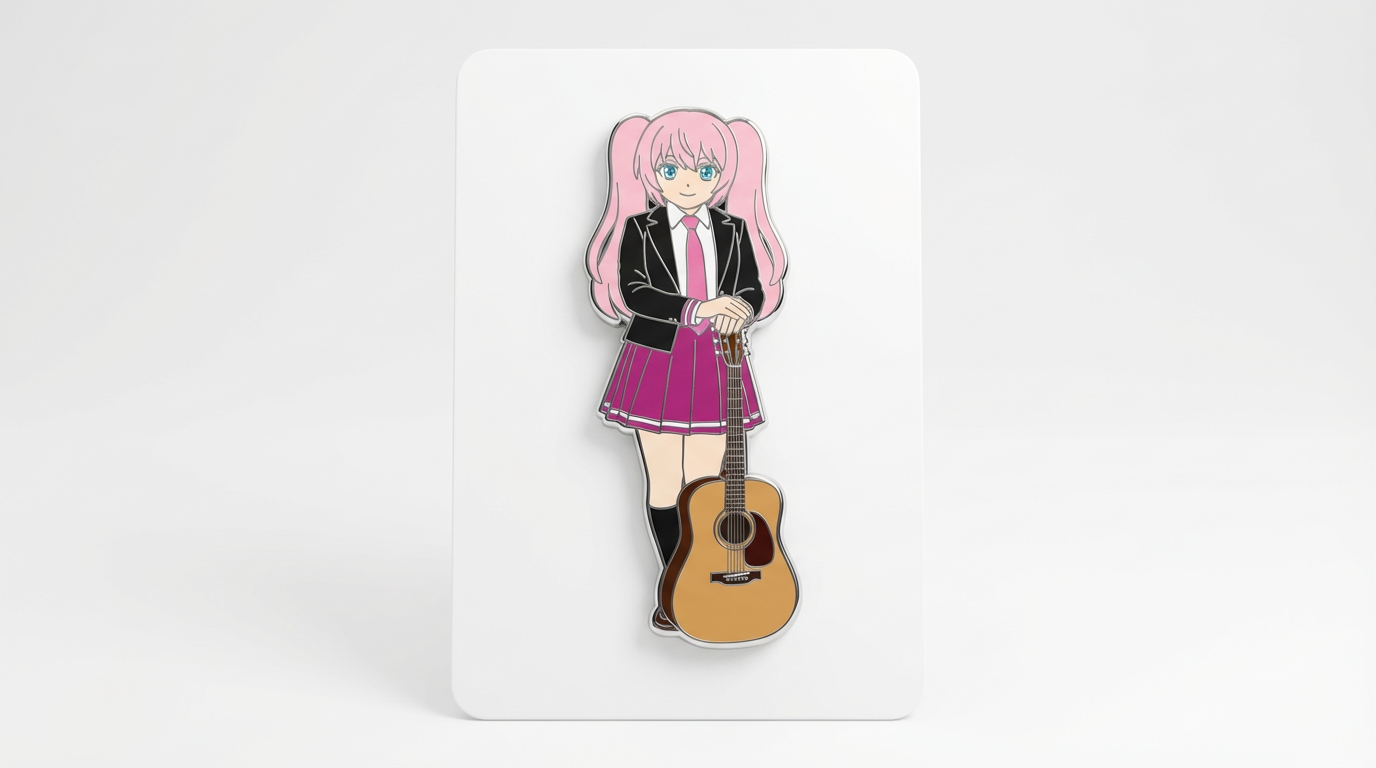
キャラクターアートを、すっきりした円形フレームとグッズ映えする魅力、アイコン向きの構図でバッジ風ビジュアルに変換します。
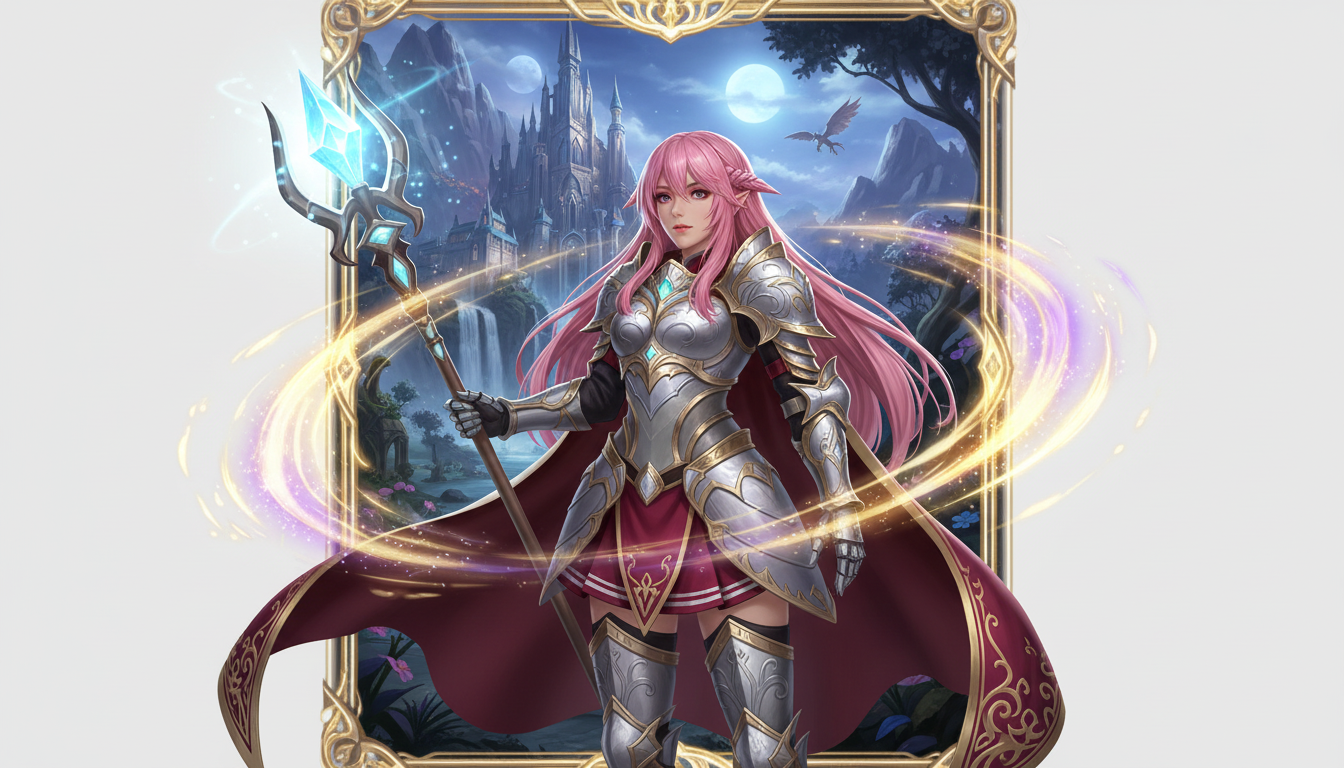
キャラクター画像を、クラス設定やRPGらしい世界観、コレクションカードのような魅力を備えたファンタジーヒーロー風ビジュアルに仕上げます。
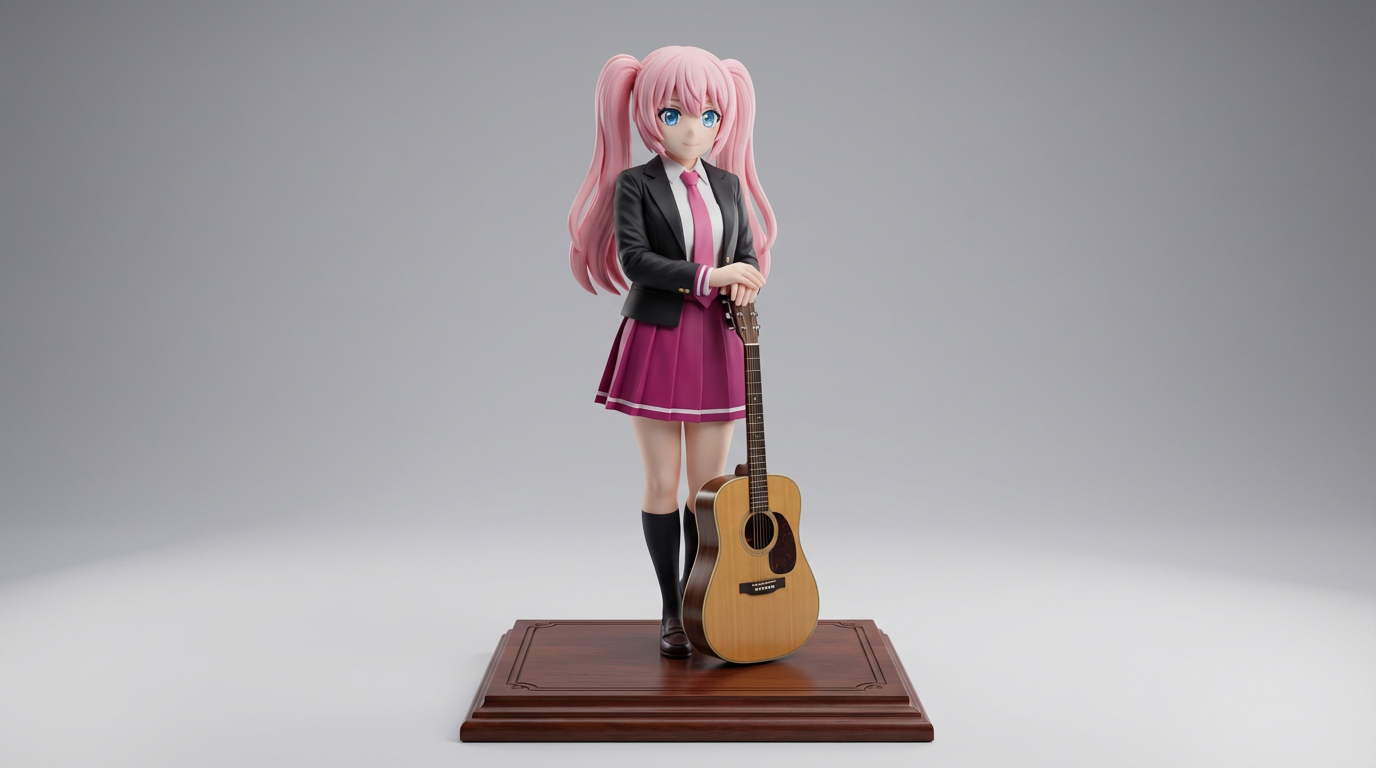
平面的なキャラクターアートを、コレクション企画や商品イメージに使いやすいディスプレイフィギュア風ビジュアルへ変換します。
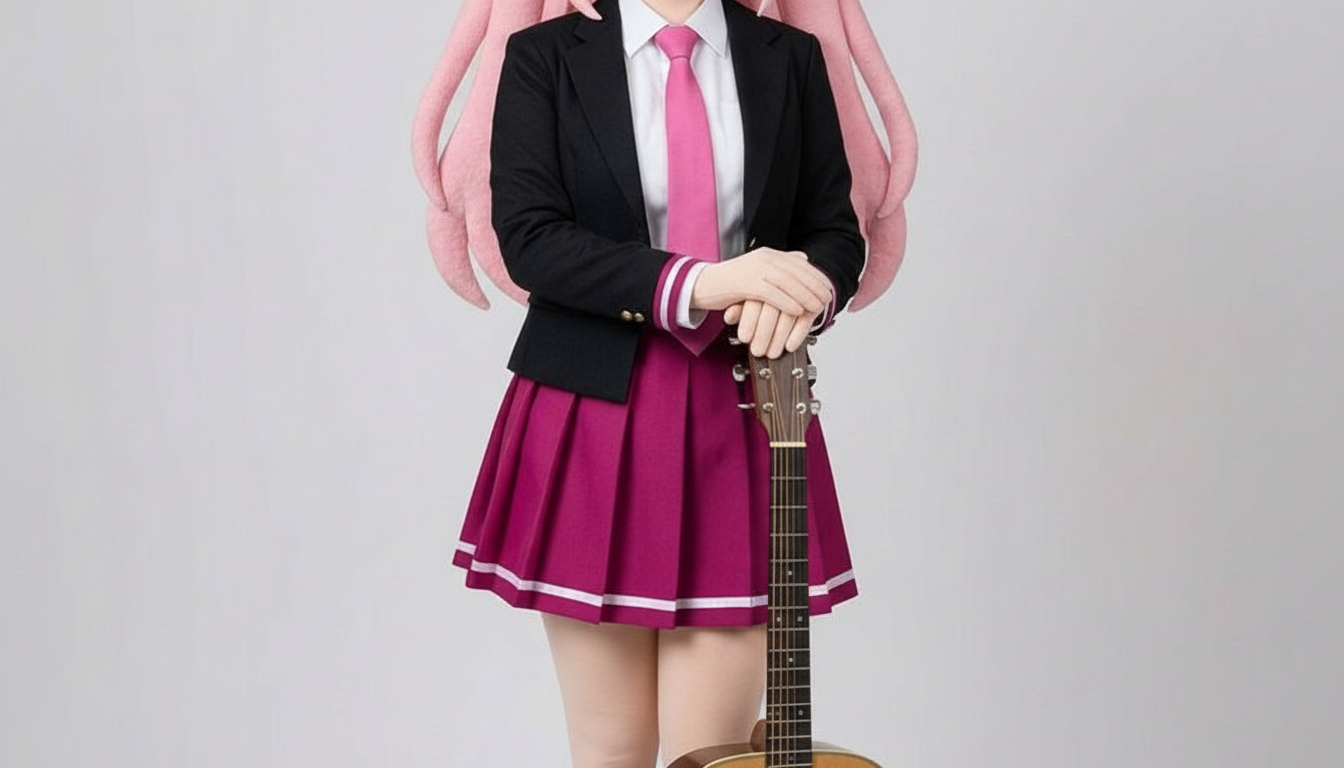
レイヤー感のあるクラフト形状、手触りを感じる奥行き、すっきりしたシルエット表現で、キャラクターをペーパーカット風の画像に変換します。
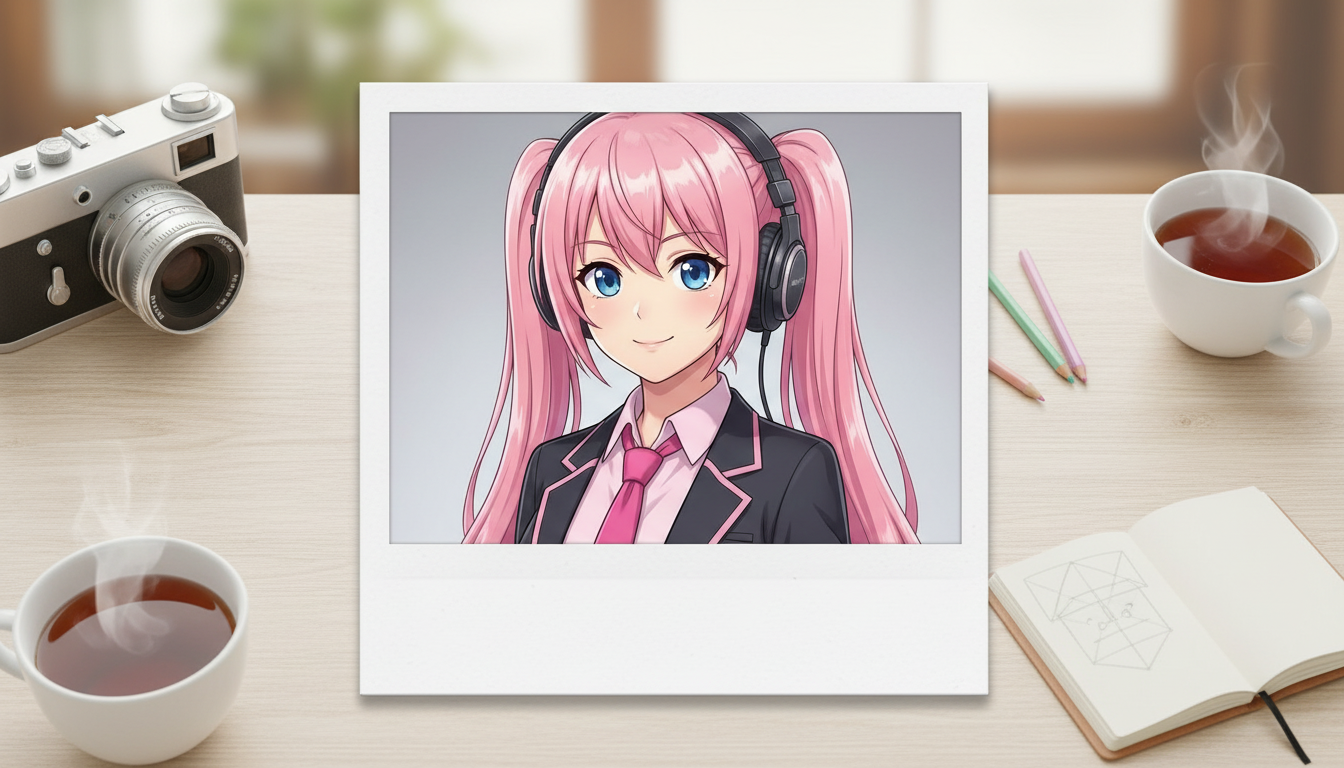
キャラクター画像を、懐かしいインスタント写真のフレーム感とコレクションしたくなるスナップ風の魅力を備えたポラロイド風ビジュアルに変換できます。
キャラクターやOCを、印象的な構図と上質なムード、雑誌らしいレイアウト感を備えたグロッシーな表紙ビジュアルに仕上げます。
Use this page when you know the kind of visual asset you want, but not the exact prompt or workflow yet.
Search behavior has moved beyond one broad text-to-image query. Many users now start with an existing image, ask for an editor, or compare image generation workflows before they create.
Yes. Each page is built around a specific problem, such as turning a reference image into a new style, creating a character sheet, or making a magazine-cover visual.
Pick the page that matches your starting point. Use text-to-image when you only have an idea, image-to-image when you have a reference, and AI image editor when you need controlled changes.