

Give a kawaii character a clear little job
Develop an original kawaii mascot or small illustration around its shape, palette and purpose. Plan a design that remains readable on a sticker, card or icon.
Model
20+More
Style choices guide the image prompt. Results vary.
Design details
These choices guide the image brief. Review the result for the details that matter to your design.
Choose a model to compare speed and credits. Sign in to generate; models marked PRO require a paid plan. Example artwork illustrates a direction; results vary.
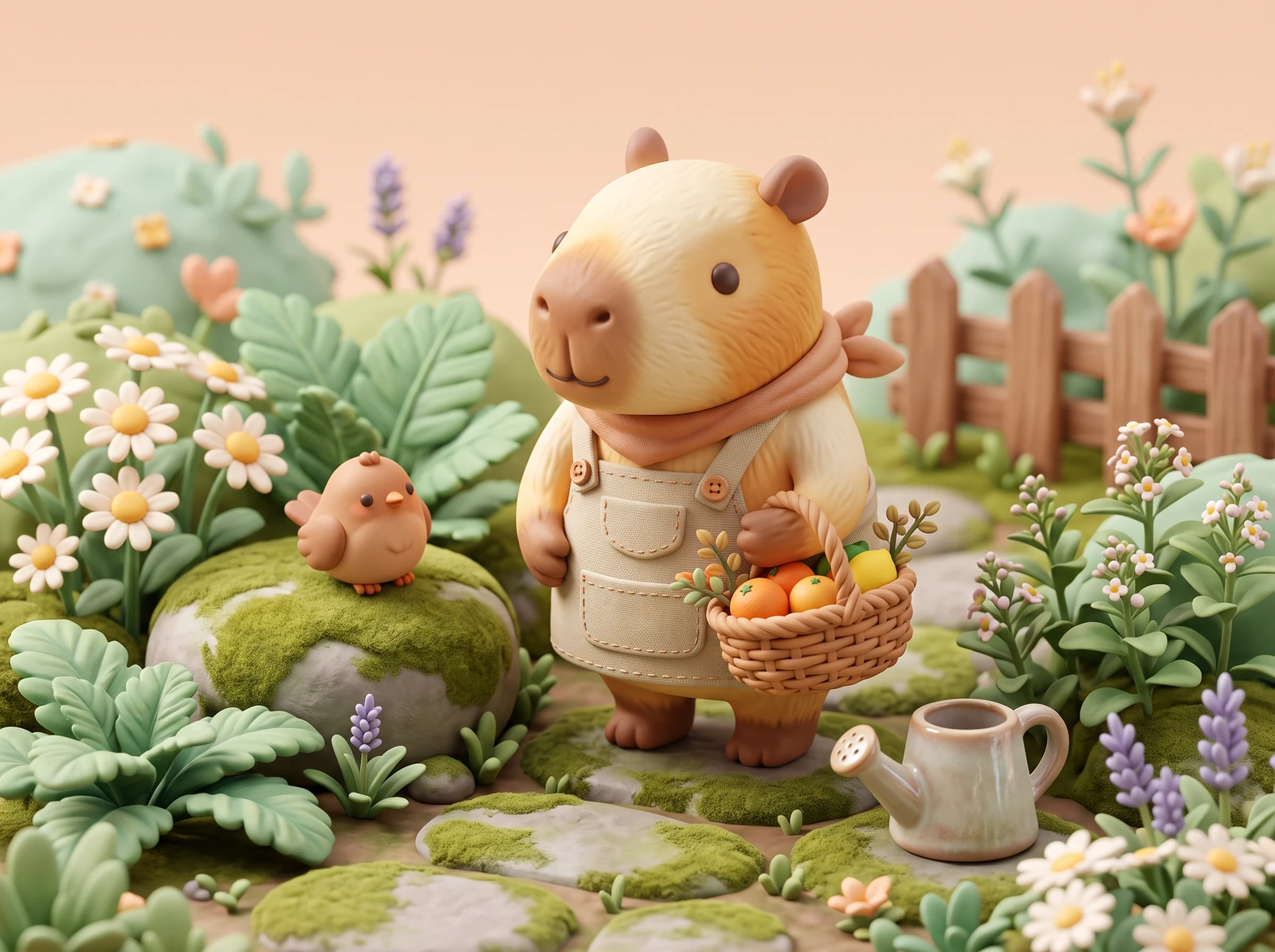
Take a small character beyond the canvas
Picture the original mascots on a notebook, handheld prints and coordinated paper layouts for a creative project.
AI-staged mockups place original artwork in everyday creative settings. They are presentation ideas, not customer photographs, physical product samples or screenshots of the generation tool. Paper and sticker-like layouts do not demonstrate a manufactured sticker, transparent image, editable vector or cutting template.
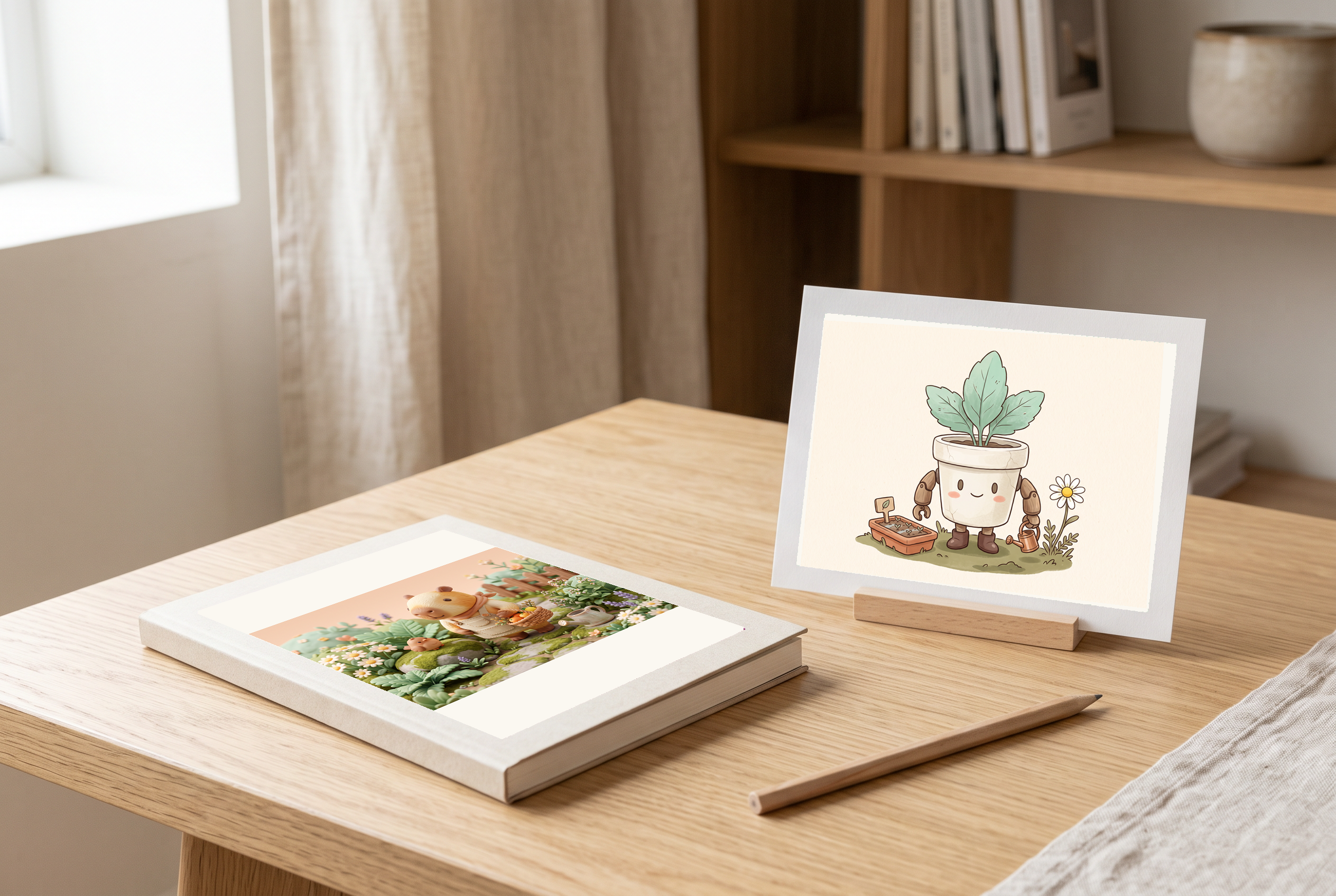
At the design desk
The capybara illustration presented on a notebook cover at a calm desk, with a small flowerpot-robot art card beside it.
Before you use this layout
- Check that the mascot remains readable at the actual notebook-cover size.
- Use a separate layout file to prepare the real cover crop and any lettering.
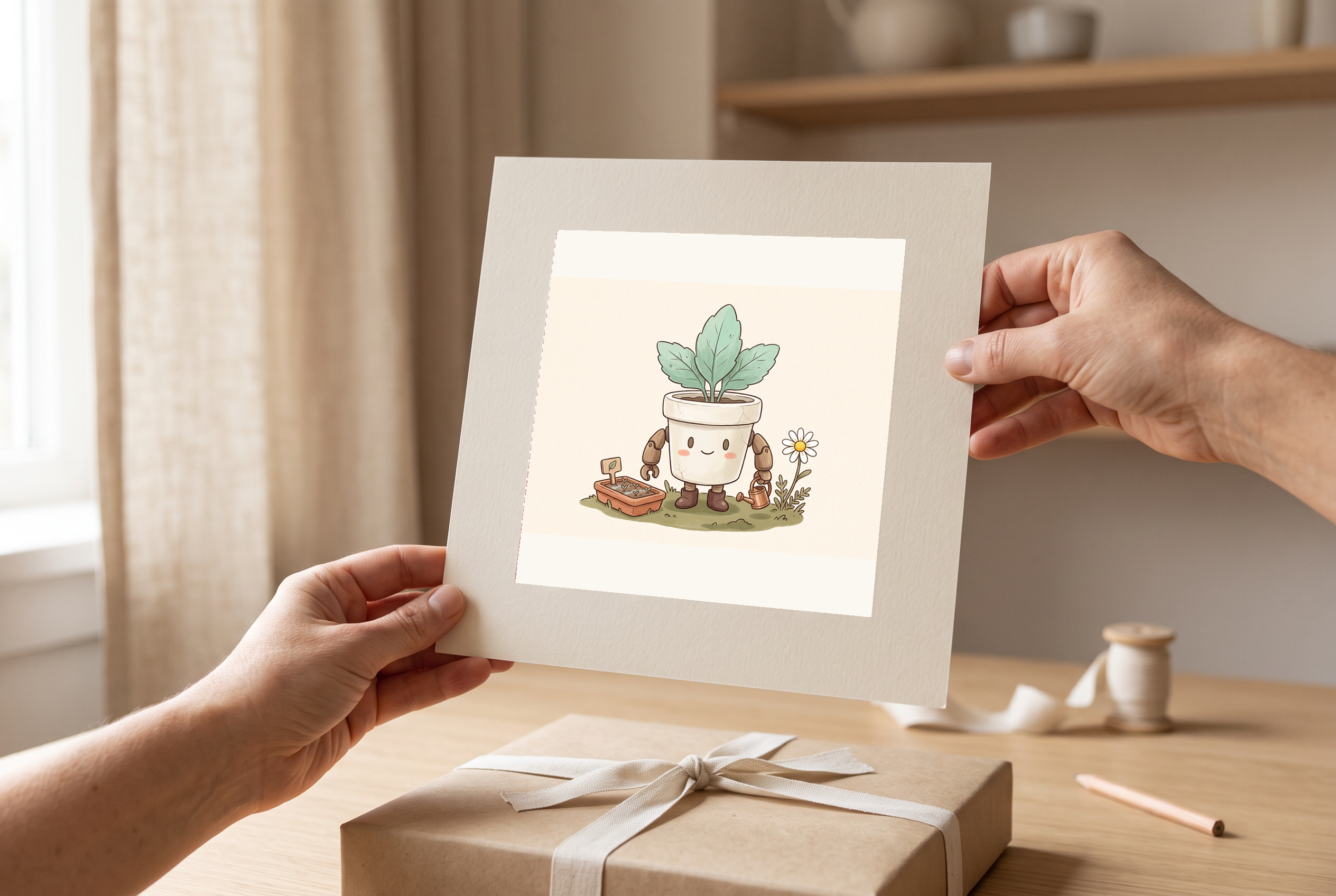
A design in hand
An adult hand holds a small print of the original flowerpot robot, with the paper edge clear around the artwork.
Before you use this layout
- Inspect the small eyes, limbs and flowerpot shape in the original image.
- Keep enough margin around the subject for the intended card or print.
Artwork in this scene: 2
View full scene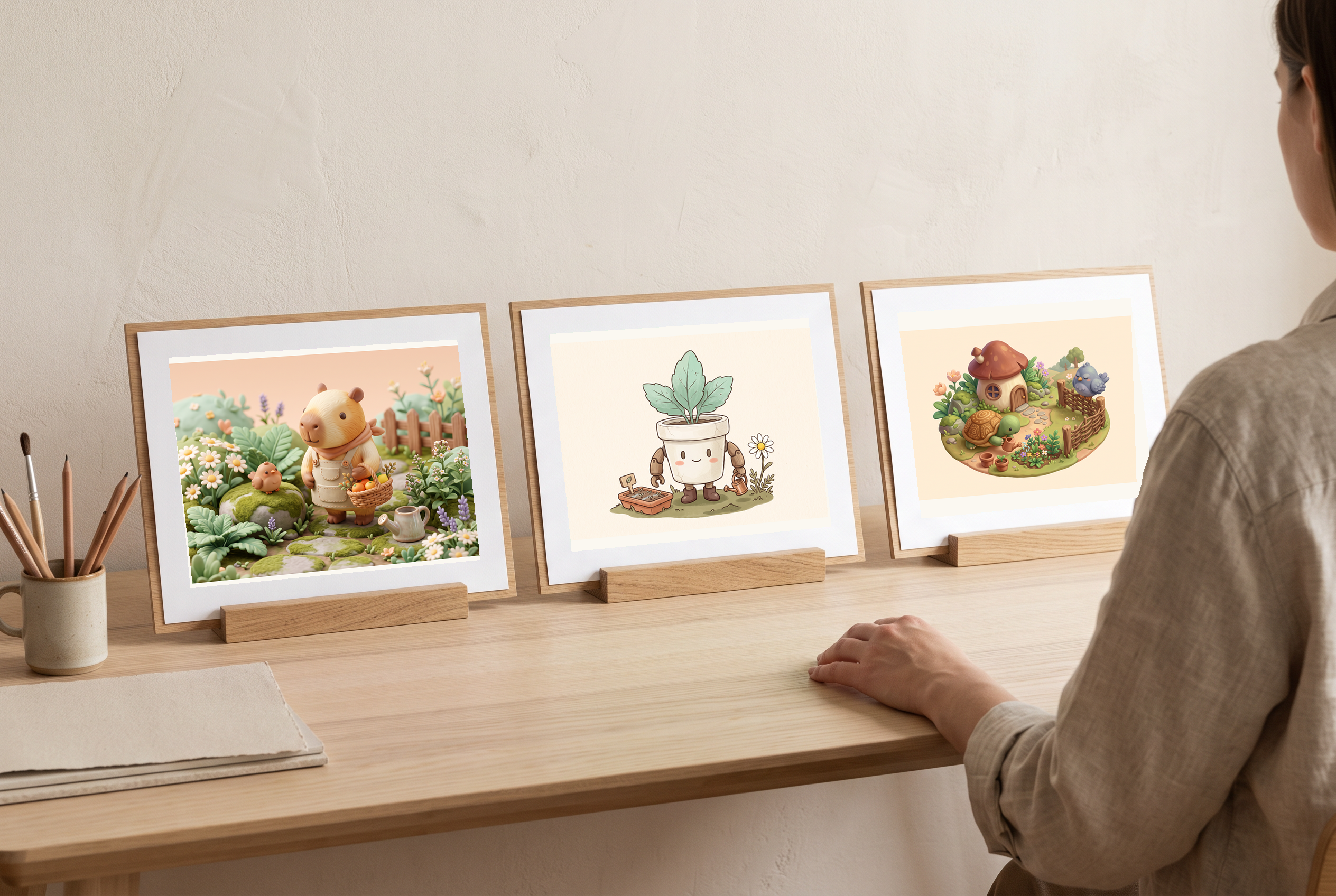
Compare illustration directions
Capybara, flowerpot-robot and turtle illustrations shown as three different paper-art directions.
Before you use this layout
- Compare the palette and level of detail before choosing a coordinated style.
- Keep the original raster files available; a paper layout does not create editable paths.
Artwork in this scene: 1, 2, 3
View full scene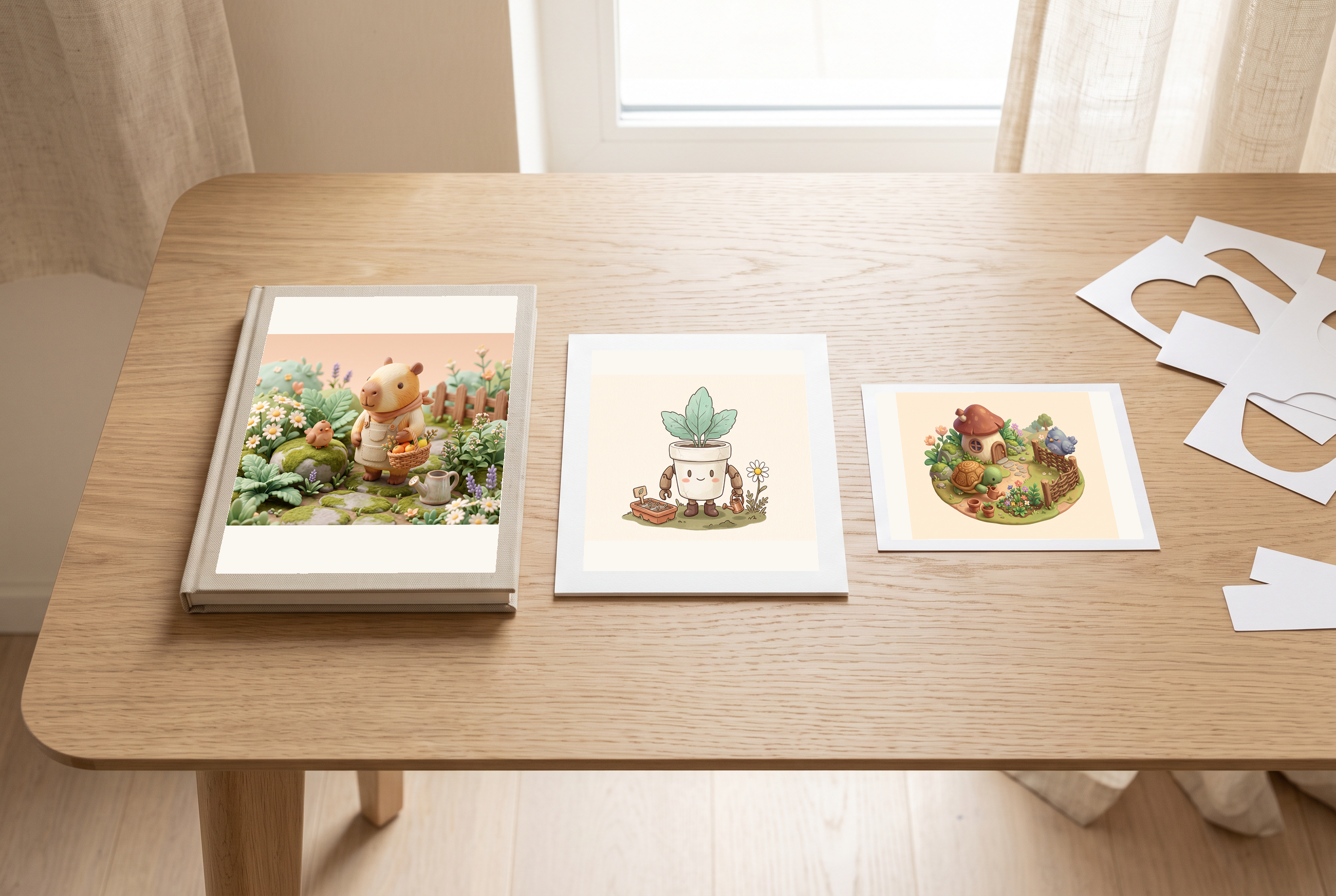
A coordinated concept set
Different original mascots arranged as a coordinated notebook-and-card set with sticker-like paper shapes.
Before you use this layout
- Use consistent borders and spacing while reviewing each mascot separately.
- If you need transparency or a cut line, prepare and inspect that separate production file.
Artwork in this scene: 1, 2, 3
View full scene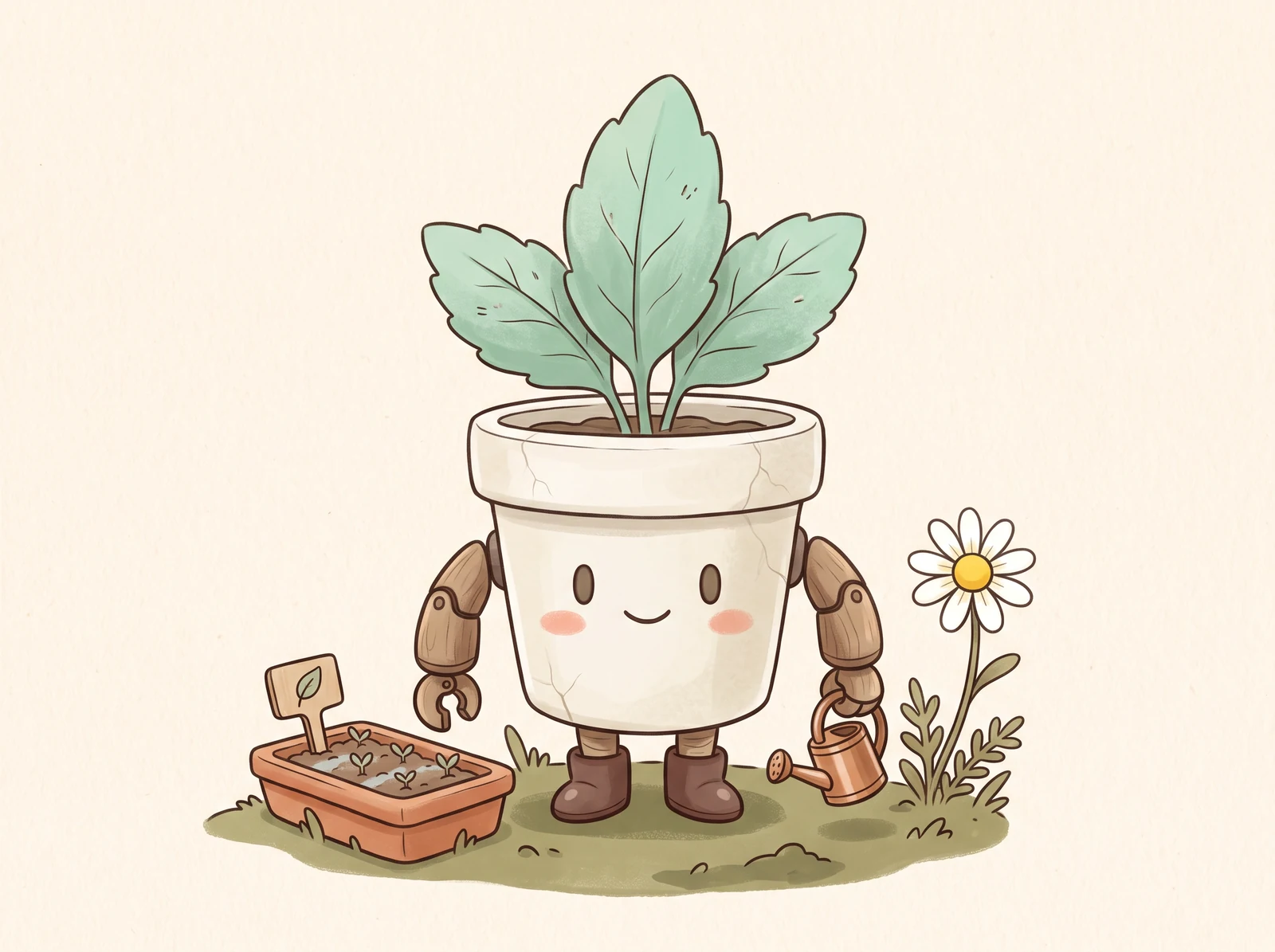
Cute is a direction; a use case makes it useful
Choose one small subject and one readable action. A desk mascot carrying a watering can has a clearer brief than a collection of cute details. This page focuses on original objects, creatures and small compositions rather than duplicating a chibi character style.
Create my designChoose texture without losing the silhouette
Anime, Concept, Watercolor and Ink suggest different treatments. Keep the eyes, action and outer shape easy to read in each. These are prompt directions, not vector, sticker-cutline or transparent-background export modes.
Create my design
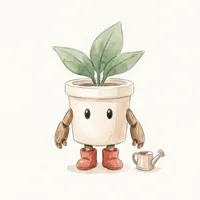
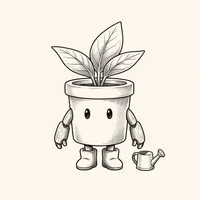
Illustrative art directions shown on an original plant robot.
Explore more possibilities for your design
One memorable idea
Give an original mascot a shape, an expression and a small action.
A manageable palette
Ask for a few coordinated colors instead of many competing decorative details.
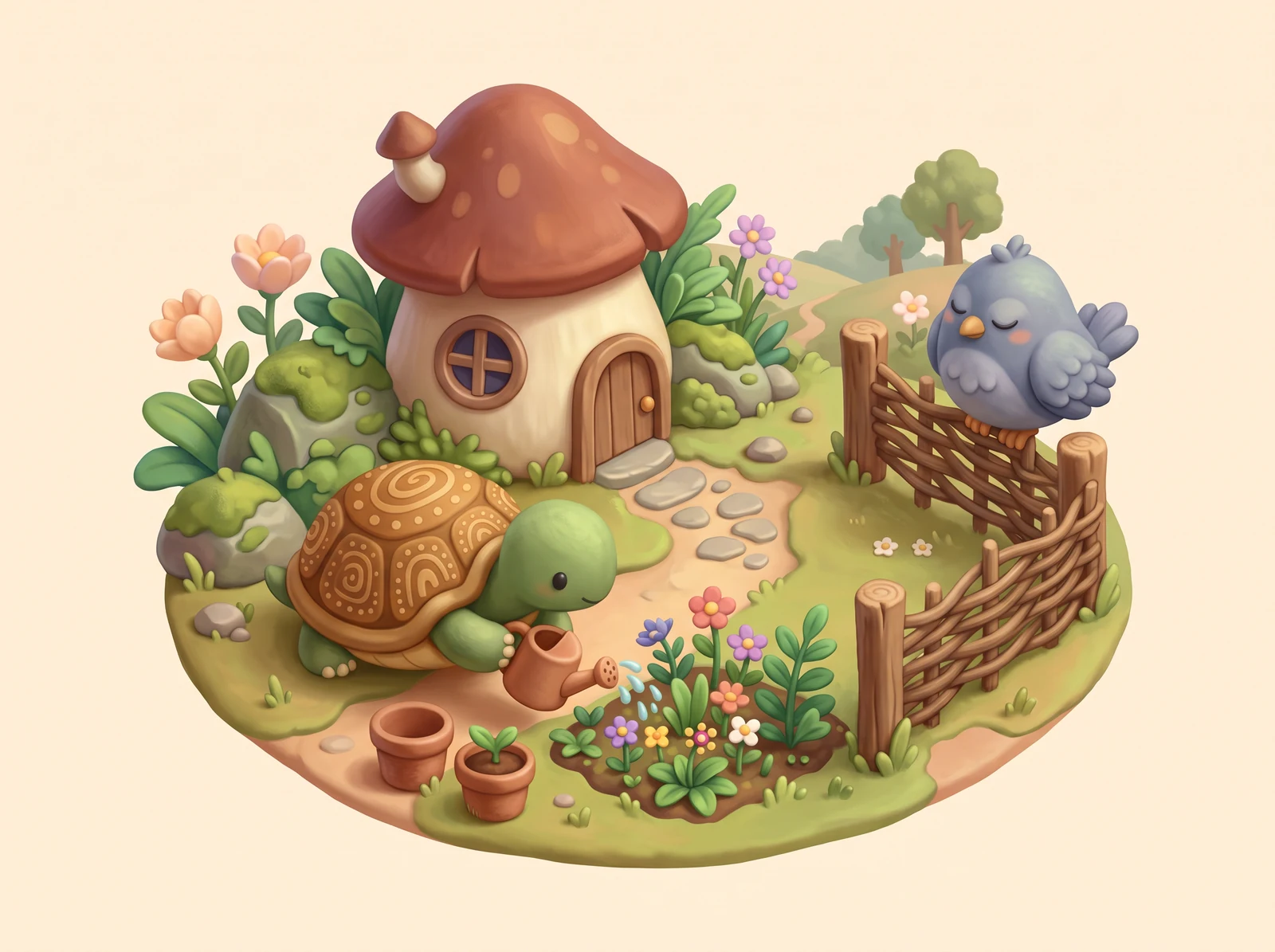
A useful size check
Review whether the image still communicates when shown as a small icon or sticker.
Make your own mascot
Use original creature shapes, props and names rather than existing brand characters. Keep the artwork nonsexual; any human character must be aged 25 or older. Check the result for unintended marks and confusing details. Generation does not provide trademark clearance, print approval or a guarantee of commercial rights.
Create my designMade for your next creative project
Small-project creators
Develop a friendly illustration for a card, worksheet or personal project.
Community designers
Explore an original nonhuman mascot with a readable expression.
Illustrators
Test a simple shape and palette before preparing final production artwork.
The details that make a useful design
Purpose-led brief
Name a sticker, card or icon use case to guide the composition.
Original subject choices
Start with a plant, object, food character or imagined creature.
Simple action notes
Describe one small activity instead of adding unrelated props.
Limited palettes
Choose a restrained color direction and inspect the returned colors.
Four surface directions
Request Anime, Concept, Watercolor or Ink artwork for your original subject.
Square composition
Begin with a 1:1 request and space around the complete subject.
Switchable image models
Start with GPT Image 2 Fast or choose another model. Check the current credit estimate on the generation button.
Production checklist
Review small-size clarity, background, edges and any extra finishing work.
How to create your design
- 1
Pick one original subject
Choose an object or creature with a distinctive simple outer shape.
- 2
Give it a small action
Add one expression and one prop or movement that explains its role.
- 3
Choose a palette and surface
Select a few colors and one style direction for the brief.
- 4
Review model access and cost
Choose a model and check its access requirements and the generation button's current credit estimate.
- 5
Inspect the image at its planned size
Review the saved image, then prepare any needed transparency, cutline or print layout separately.
Your questions, answered
How is kawaii different from chibi here?
Chibi usually describes small-bodied character proportions. This brief also supports original objects, food characters, plants and nonhuman mascots with simple compositions.
Will the output be a transparent sticker?
Not automatically. A plain generated background is not transparency. Use the background editor and inspect the edges if you need a cutout.
Can I get a vector or a print cutline?
This page generates a raster image with your selected model. Vector tracing, cutlines, bleed and print setup are separate production steps.
Can I copy a well-known cute mascot?
Create an original subject and avoid recognizable brand characters, logos and franchise accessories.
How do I keep it readable as an icon?
Use one subject, clear facial features, a limited palette and room around the silhouette. Inspect the actual image at a small size.
Are these styles separate AI models?
The style cards add prompt directions. Use the separate model selector to change the AI model; access requirements and the generation button's current credit estimate follow that model selection.