

Coloring pages
Coloring Book Maker
Build a book from finished coloring pages, in the order you choose. Sign in to arrange pages and add an optional cover; complete-book PDF export requires a paid plan. Page selection and cover text stay in this browser.
Browse previews without an account; sign in for prepared PNG downloads. Prepared PDF/SVG downloads, customization and complete-book export require a paid plan. AI generation uses the credits displayed for its selected model.
Open book maker
Browse previews without an account; sign in for prepared PNG downloads. Prepared PDF/SVG downloads, customization and complete-book export require a paid plan. AI generation uses the credits displayed for its selected model.
Try a four-page woodland sequence
These are four existing library pages in a suggested order, not a prebuilt download or a photographed export. Add them individually, reorder them in the maker and inspect your exported file.
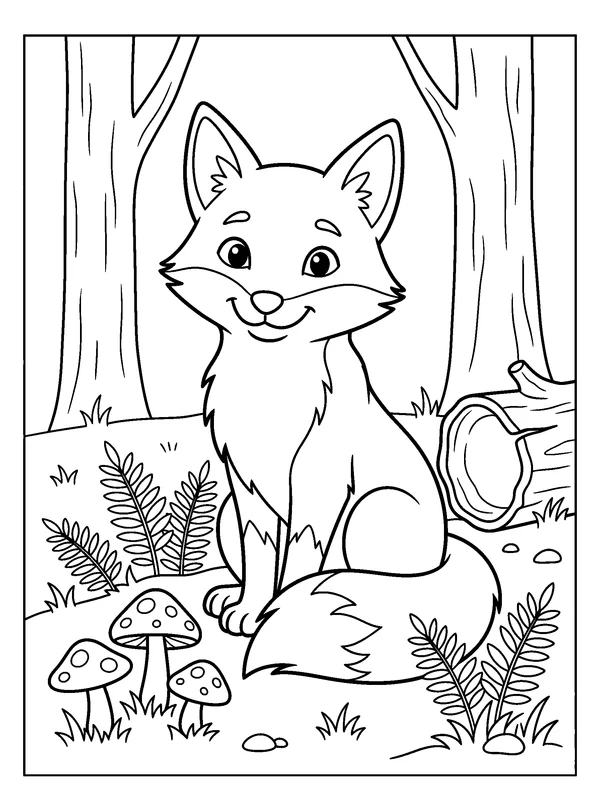
1 · Begin with a broad outline
A friendly fox sitting beside mushrooms, ferns, and a hollow log in a quiet woodland clearing.
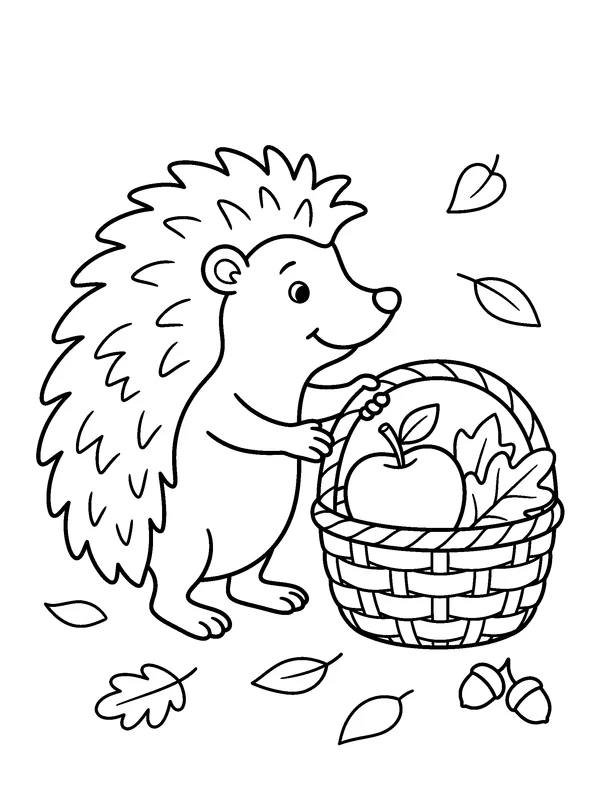
2 · Keep the woodland theme
A hedgehog stands beside a small basket filled with fallen leaves and one round apple.
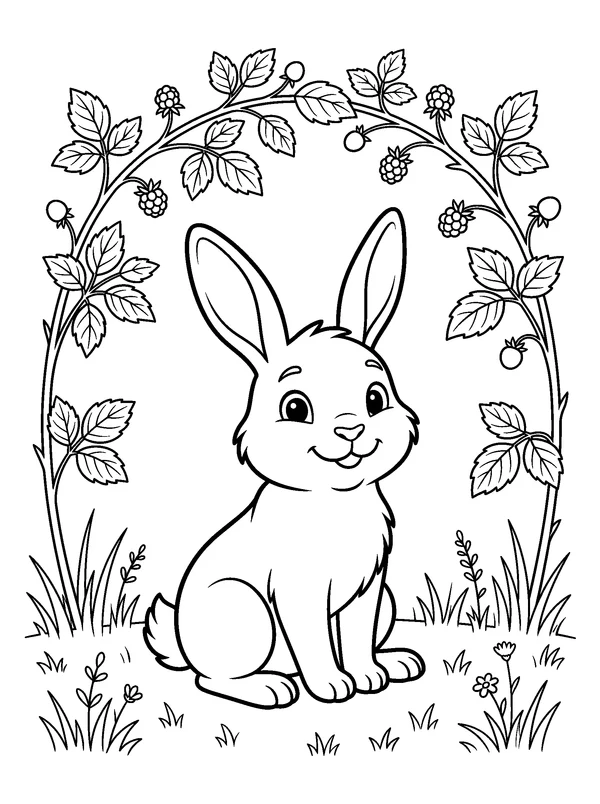
3 · Change the silhouette
A rabbit sits beneath an arch of bramble stems with a few berries and an open grassy foreground.
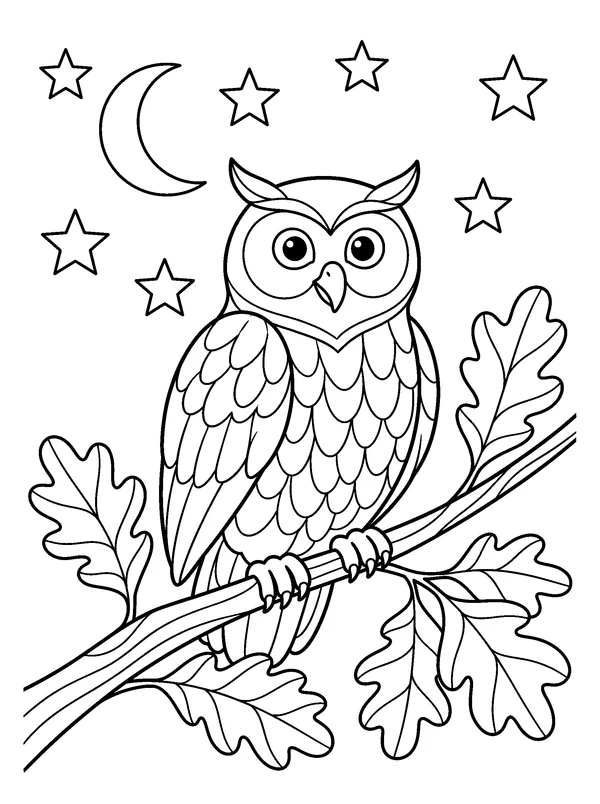
4 · Finish with medium detail
An owl rests on a leafy branch beneath a crescent moon and stars.
From preview to activity
- 1
Sign in and add prepared pages, or import a PNG, JPEG or WebP you have permission to use. A book can contain up to 100 selected pages.
- 2
Use the up and down controls to set reading order. Choose Letter or A4, then preview an optional cover and page numbers.
- 3
Export the complete PDF with a paid plan. Open it to check page order, cover and paper size before printing a sample.
Before you print
The finished activity in everyday life
See how a page, a small activity pack or a finished book can fit a real home or classroom setting.
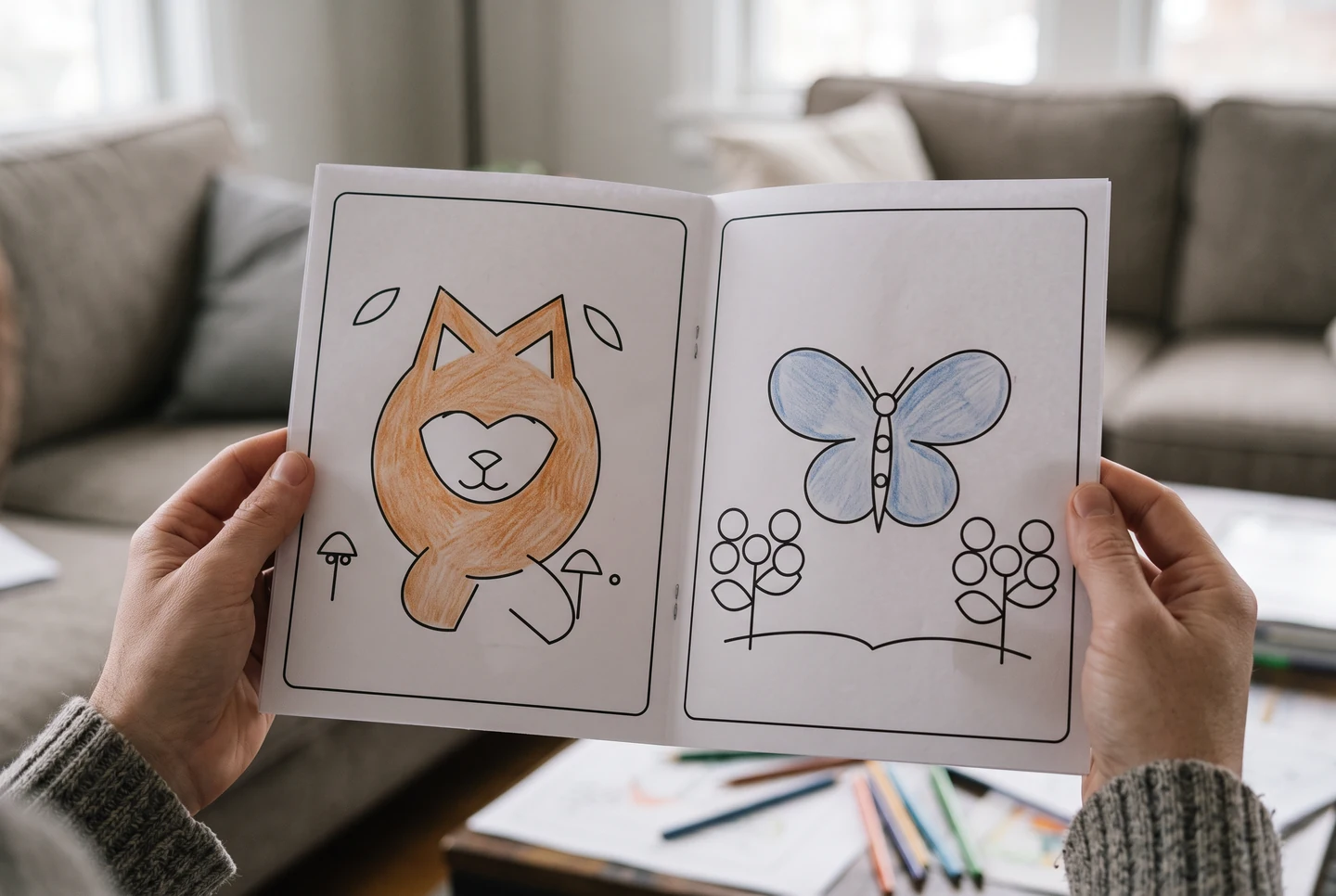
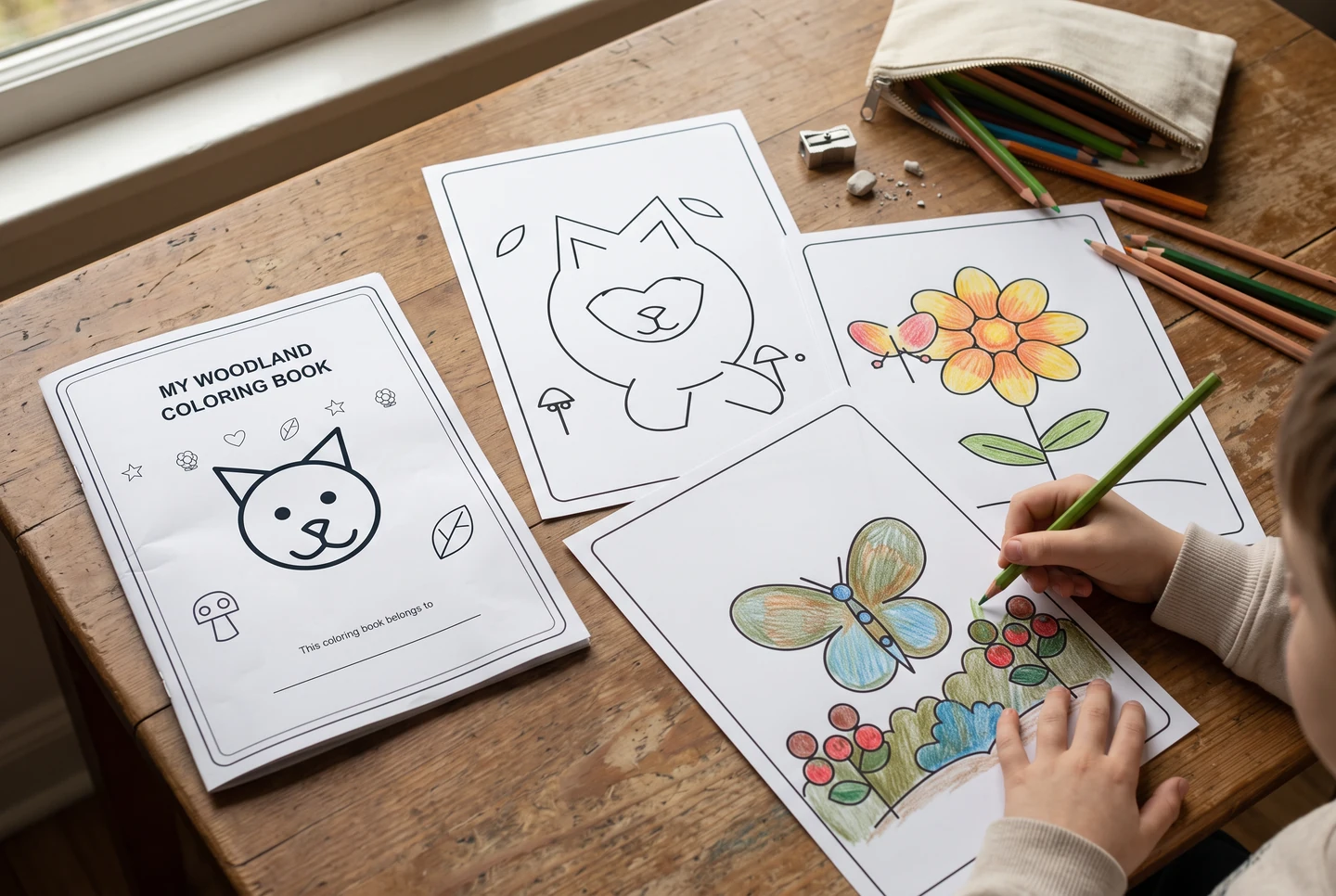
AI-generated presentation scenes with fictional people and example artwork. They illustrate possible uses, not customer photographs, application screenshots or printing-service guarantees.
Questions about this collection
What is free, and when do I need a paid plan?
Public artwork previews are available without an account. A free account can download prepared PNGs and arrange a book selection. Exporting the complete book PDF requires a paid plan. AI generation is optional, separate from selecting library pages, and uses the credits shown for its model.
Does the maker print and bind a physical book?
No. It prepares a multi-page PDF in the browser; printing, paper choice, trimming and binding are your own steps. Choose Letter or A4 before export, inspect the actual file and print one sample first. The lifestyle images illustrate possible use and are not a printing-service offer.
Choose the person, purpose or activity
Age-focused collections, checked learning activities and useful print formats make a page easier to choose.
Make your next page an original story
Sign in to download PNG files and save pages to your book. A paid plan unlocks PDF/SVG downloads, page customization and complete book exports.
Paid Studio features
- Download PDF
- Download SVG
- Customize this page
- Download complete PDF
- Premium comic templates
- Monthly AI generation credits
AI creation uses account credits. Models and limits vary by plan; review the current options before generating.