Comics home is the place to see what you already made and start the next strip without rebuilding context. Recent covers stay visible, a new strip opens a style picker, and opening a story keeps captions beside the page.
When several stories are in progress, the useful first question is which cover to open. Comics home now presents recent work as large covers, so a gate, a kitchen scene, or a forest path can be recognized before you click through.
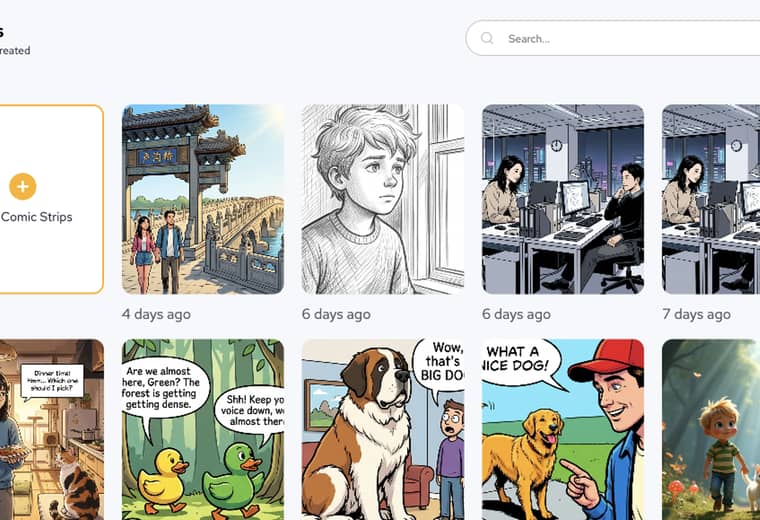
The practical win is less hunting: creators can scan covers, pick the story they mean, and continue from the last recognizable page.
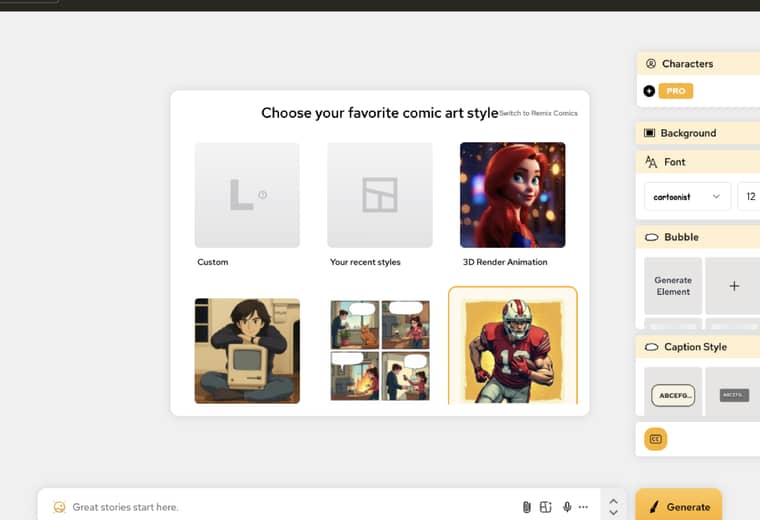
New Comic Strips no longer drops you onto an unexplained blank page. The editor opens a style picker first, so a custom look, a recent style, or a selected template can be chosen before Generate.
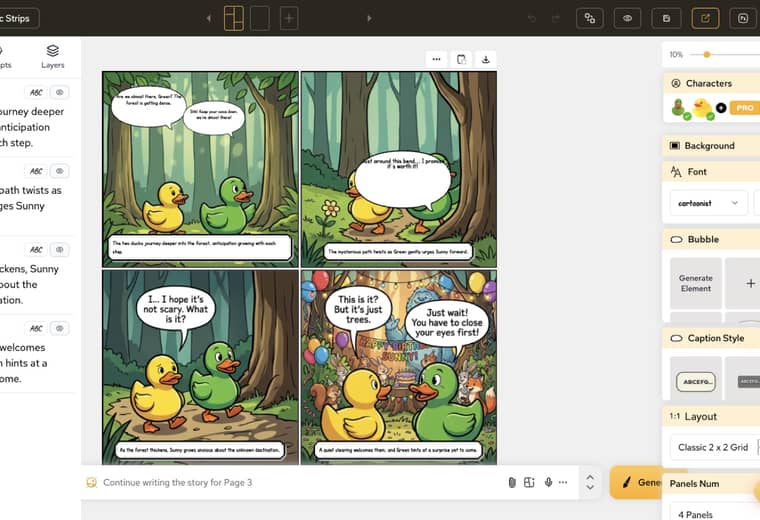
Once a comic is open, Captions stays next to the page. Panel copy such as a forest walk can be checked against the drawing without leaving the editor.
For more details and documentation, visit AI Comic Creation Documentation.
Popular creator tools
Go from comics and storyboards to stylized photos with LlamaGen.
A rundown of the latest LlamaGen feature releases, product enhancements, design updates, and important bug fixes.
Visualize every scene before production starts.
© 2026 LlamaGen.Ai All rights reserved
Leading the Future of AI Comic Generation