Mira reaches a darkened workshop carrying the town’s last unlit lantern.


LlamaGen / Manga studio
Free AI Manga Generator
Readable Pages from Your Story
Turn a story or script into readable manga pages with a recurring cast. Choose classic ink, color manga or the soft vertical pacing of Korean manhwa.
A LlamaGen account and credits are required to generate. Reading the examples is free.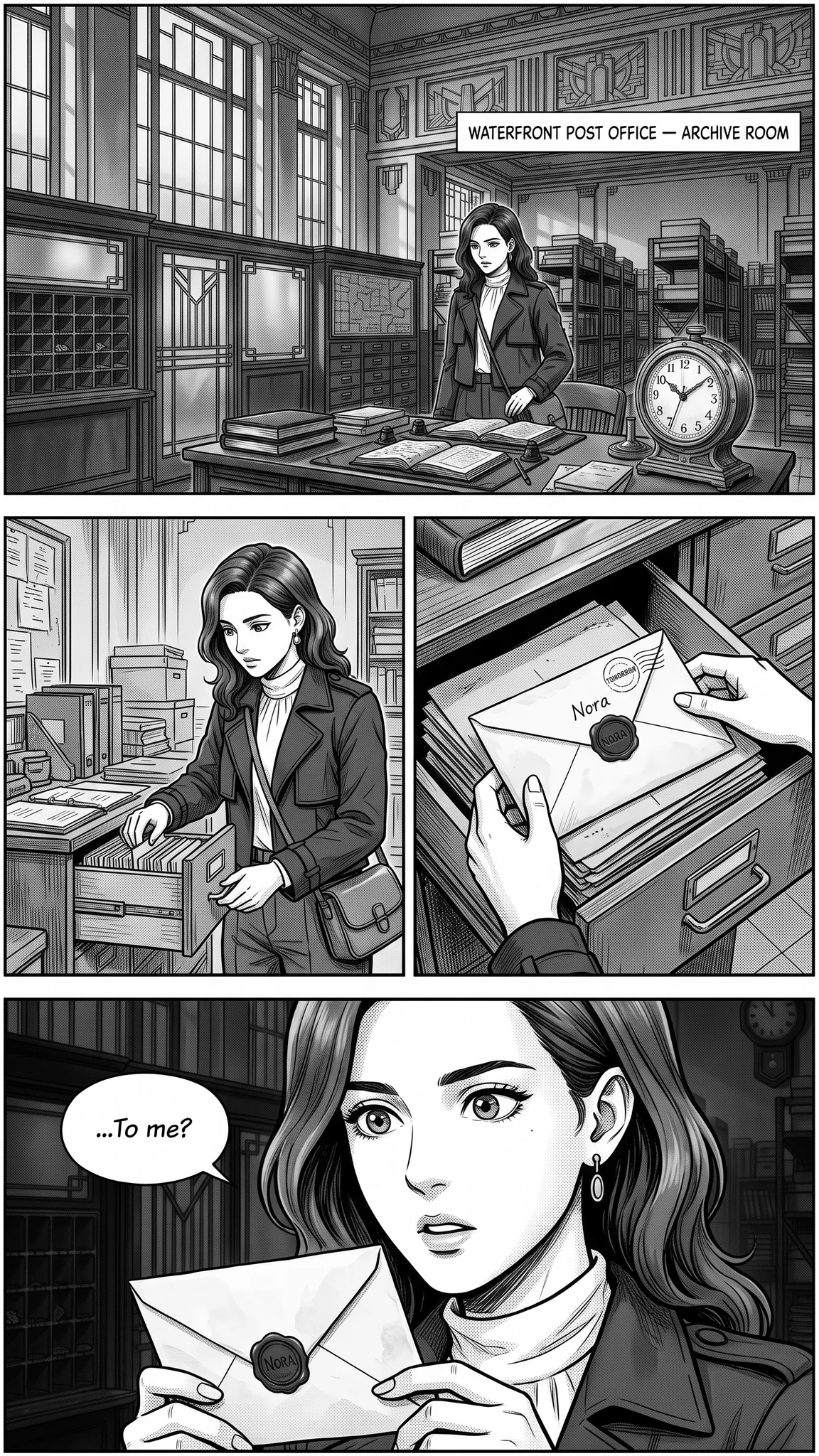
The manga bookshelf
Find your next story on the shelf.
Browse 16 original stories. Hover over a spine or tap to open the cover, then read the story preview.
Original story previews: 16Hover to discover · Tap to open
Original manga chapters
A story worth turning the page for.
Follow the characters across six connected pages. Find your story, then choose how it looks.
Classic ink, screentones and cinematic mystery.
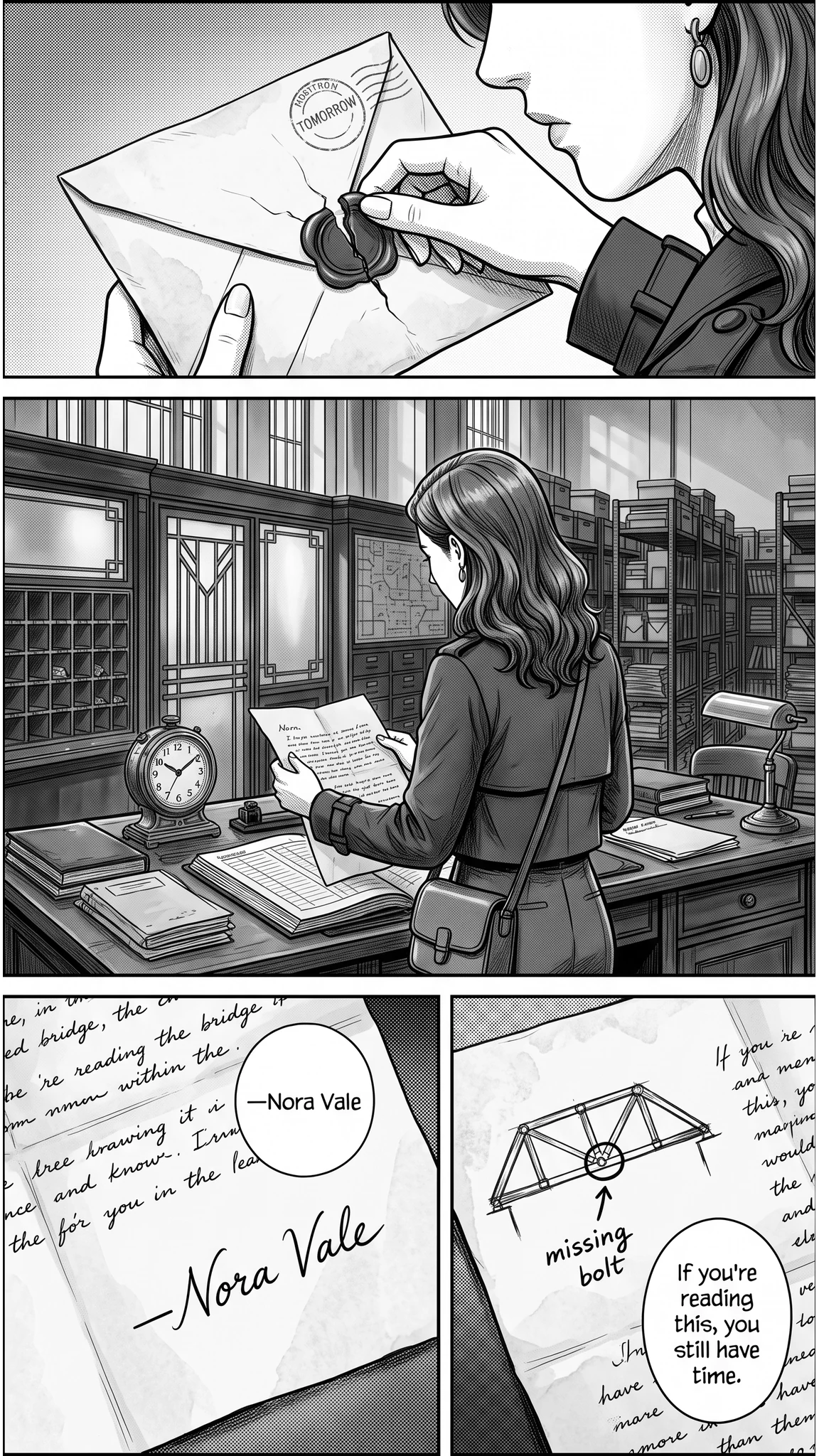
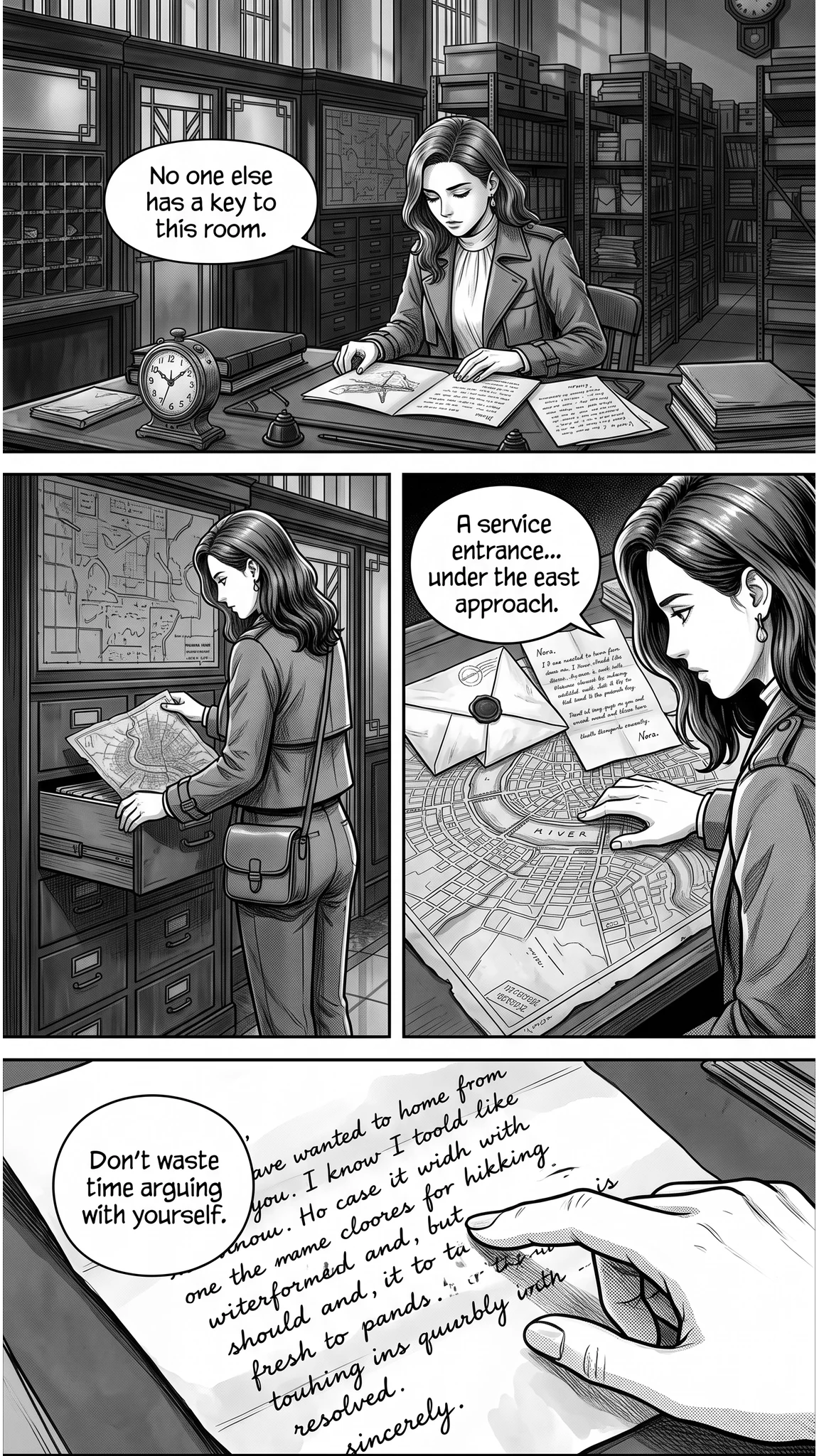
Nora Vale · BW Manga
The Last Letter at Dawn
Six connected pages. One continuing story.
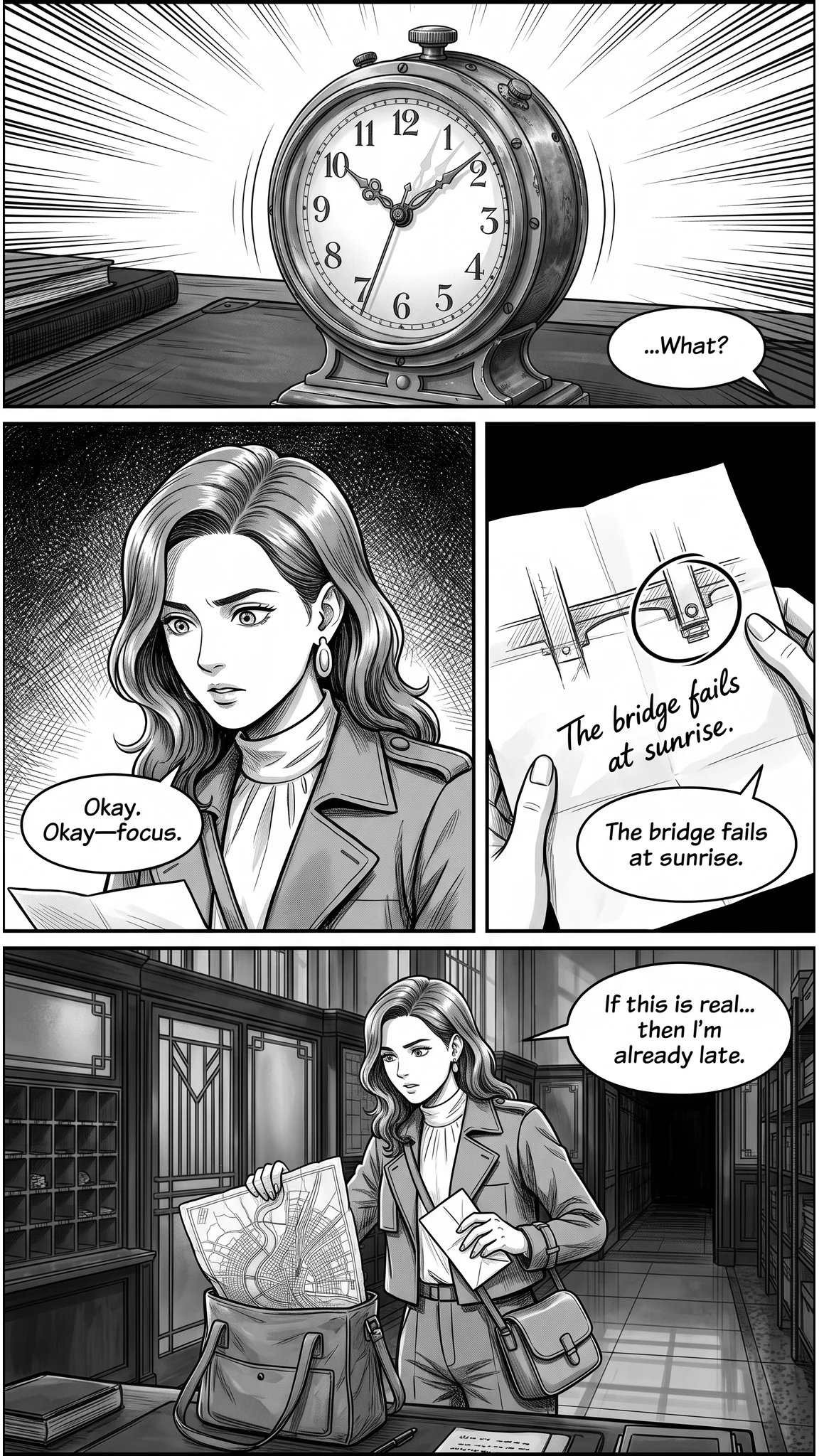
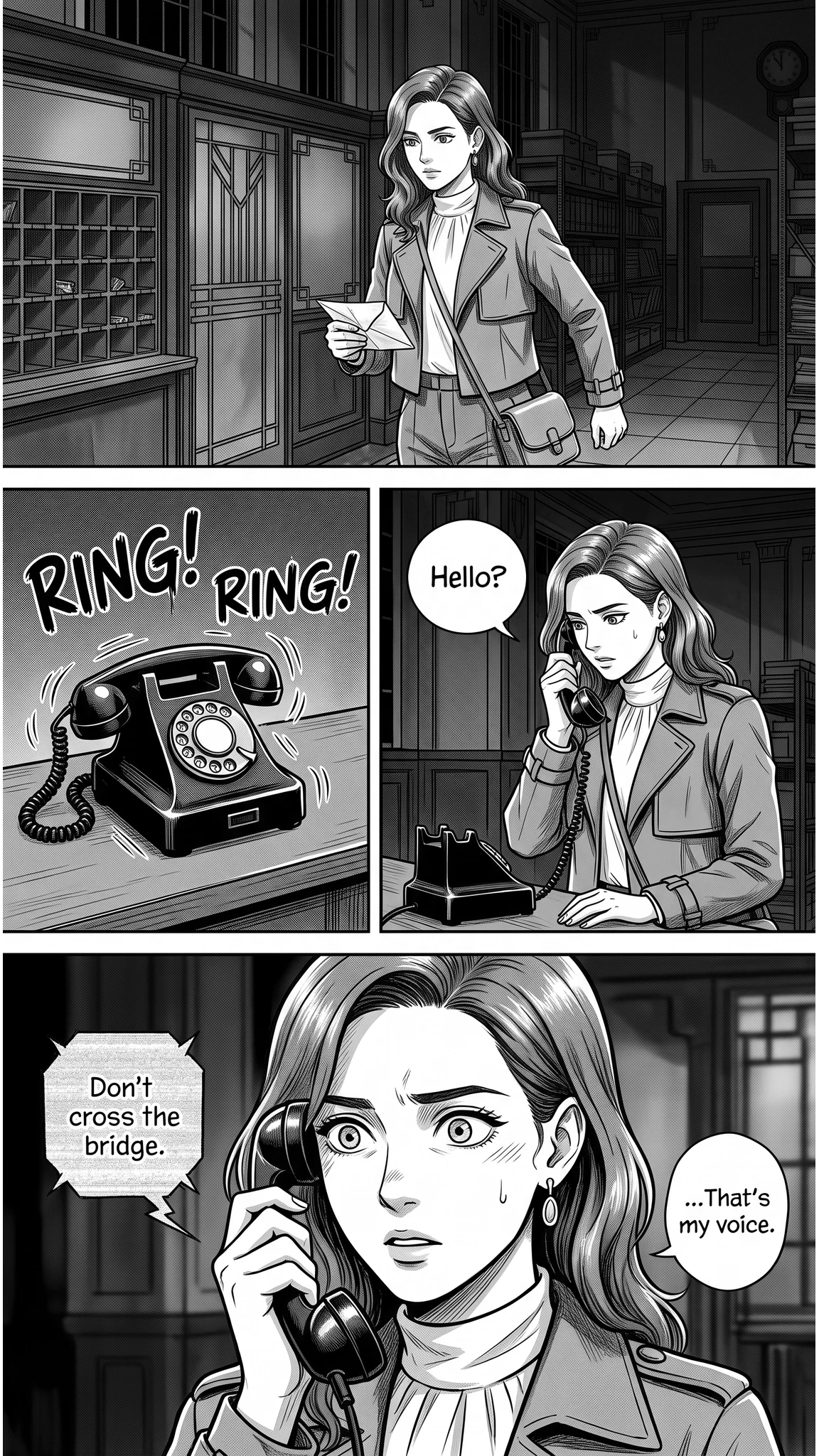
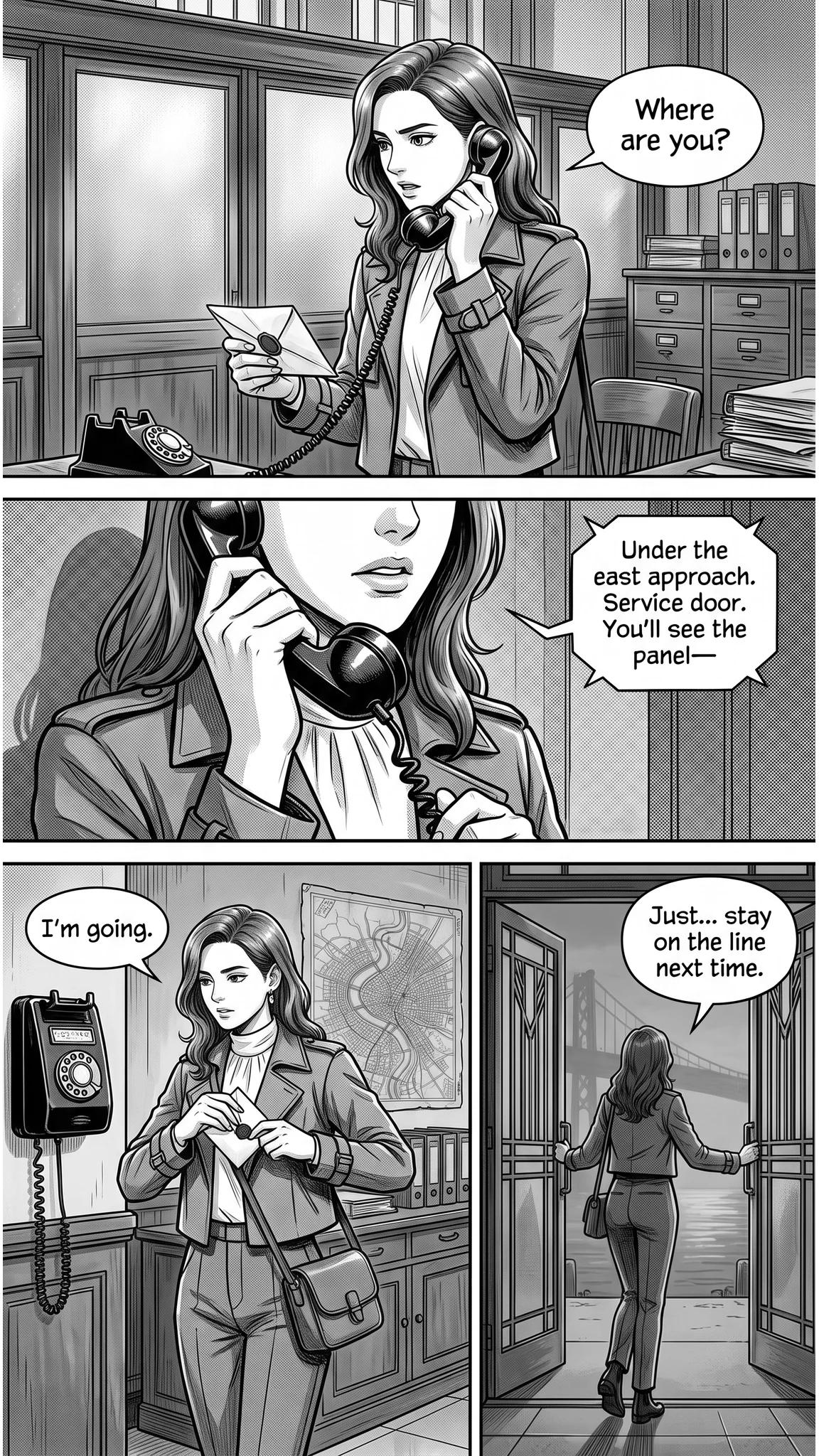
Page 1 / 6Before dawn inside the closed art-deco waterfront post office archive room, Nora works alone. A sealed envelope addressed to her appears among secured materials, drawing her in.
Original AI-generated story samples with English dialogue. Check artwork and lettering before publishing your own manga.
Home Library · English-language works
Stay with the characters until the last page.
Three complete ten-page original manga stories. Follow recurring characters, panel order and visual continuity through a resolved short chapter. English captions sit outside the artwork.
Oren finds the rooftop seedling drooping after weeks without rain.
Nadia finds an unopened blue envelope inside a damaged notebook.
Home Library · 21 original manga
Browse the same complete chapters by cover. Choose a story and read all ten interior pages, with recurring characters, readable English dialogue and a resolved ending.
Start with your story
What happens on your first page?
Write the scene, introduce the cast and choose a clear story beat. Continue in the LlamaGen creator to generate and edit your manga.
Your manga studio
Create every part of your story.
A cast readers recognize. A world they can enter. Pages that make them want to keep reading.
01 / Character consistency
Build your cast.
Create manga characters from a prompt or reference image. Define the face, outfit, expressions and props that will carry through the chapter.
Keep those references with the story so the same character returns from one panel to the next.
Create your manga characters ↗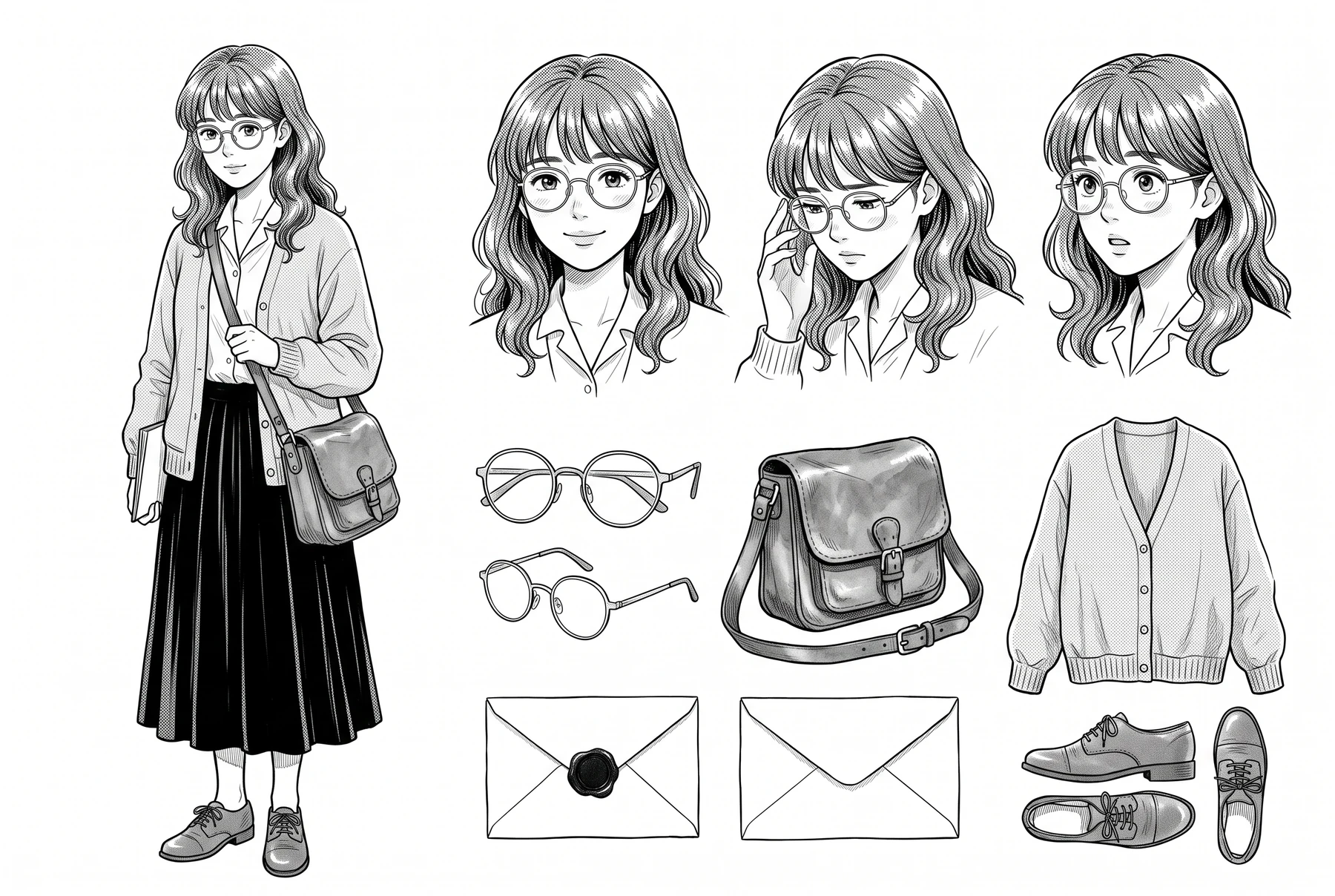
02 / Text to manga
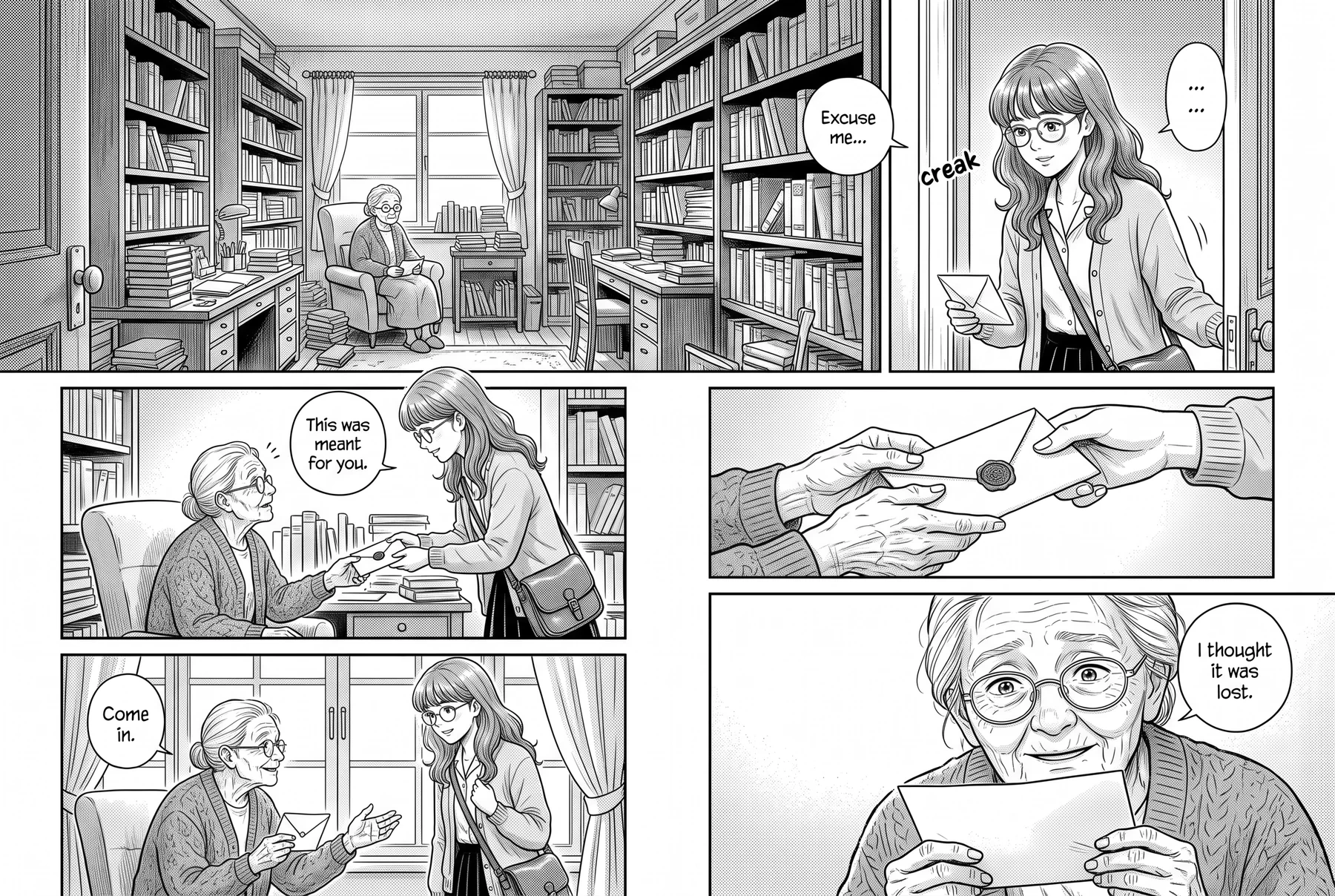
Give the story a rhythm.
Turn a script into a manga storyboard: establish the setting, move closer to an expression, then leave room for the reveal. Plan your manga page layout around what happens next.
Outline your manga chapter, then carry the cast and each scene’s cause and effect across the pages.
Turn your script into manga ↗03 / Panels and dialogue
Make every page yours.
Review the artwork one panel at a time. Refine the expression, setting or dialogue, then check how the scene reads as a whole.
Open Manga Maker to arrange panels and add speech bubbles. Use the manga panel editor to give each line of dialogue space to breathe.
Edit panels and speech bubbles ↗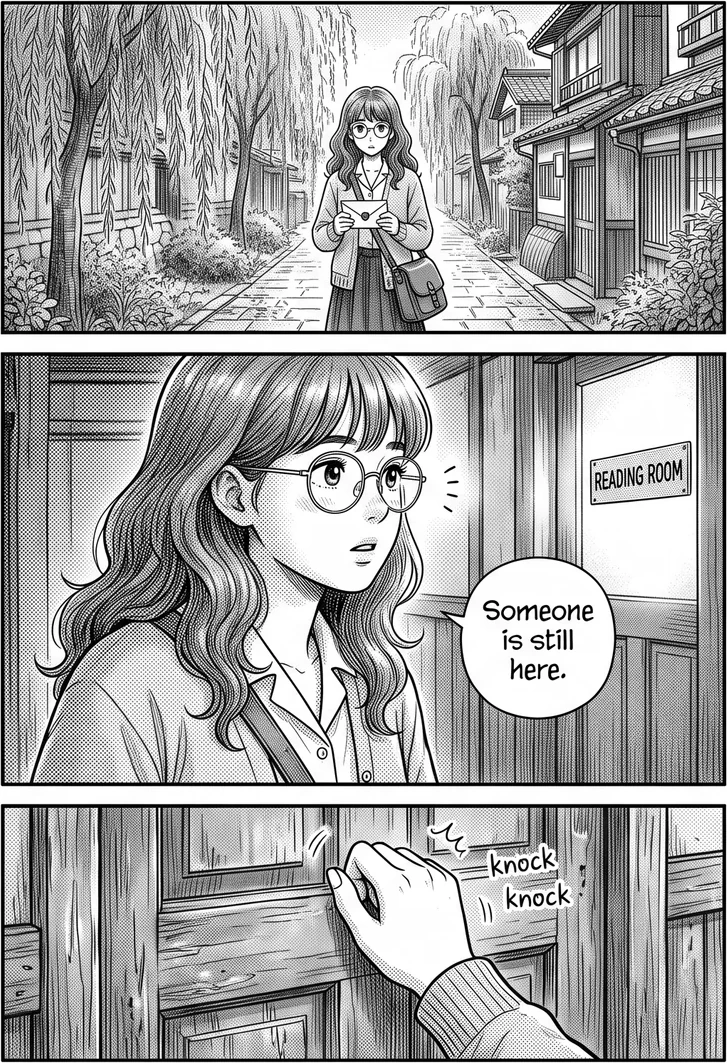 One scene. Establishing shot, expression, action.
From first page to finished chapter
Your manga, your way.
- A cover that belongs to the story
- Use the same lead, setting and art direction for your manga cover and the pages inside.
- Chapters with a continuing cast
- Keep character, location and prop references together as the story grows.
- Dialogue in your language
- Set the dialogue language in your story brief, then review wording and lettering before sharing.
- Pages or a vertical episode
- Choose classic manga page rhythm or the softer color and open spacing of Korean manhwa and webtoon.
How it works
From idea to manga in three steps.
STORY BRIEF
Letters from Elsewhere
A letter archivist finds an envelope that never reached its owner. An old address leads her to a reading room beside the river.
LeadHana ChoToneQuiet mystery · Slice of lifeFirst sceneThe archive, just before closing
An example story briefManga SFX GeneratorShape each letter, add cracks or outlines, and export PNG or outlined SVG.Manga SFX tutorial
From the LlamaGen Wall of Love
Made by people with a story to tell.
I've tried numerous AI tools for image generation. And they are quite fun to play with but llamagen.ai is the first app I've actually saw a potential use-case. The character consistency really grabbed my attention as it's something I hadn't seen before and I can see the appeal for professionals and amateurs alike.
 Sarah L.Read the original feedback ↗
Finally, I finished my comic 🙂 Thanks a lot for support!
 DenRead the original feedback ↗
This is a great AI product. It can really turn your imagination into reality. It's really cool! It opens up a new era of comics! Thank you very much for the hard work and dedication of the developers.
 juaner0211589Read the original feedback ↗
AI manga generator FAQ
Can I create a manga chapter from a written story?
Start with your premise, cast and scene. The manga creator turns that brief into illustrated pages. Keep your character references with the project and review the reading order as you continue the chapter.
How do I keep manga characters consistent?
Define a reference image, face, hairstyle, outfit and key props for each recurring character. Reuse those references across the chapter, then review facial details and clothing on each page.
Can I make black-and-white manga or Korean manhwa?
Choose classic manga ink and screentones, full-color manga, or softer Korean manhwa with vertical panel pacing. The original chapters above show how these visual directions differ.
Can I edit panels and speech bubbles?
Review the generated page in the creator. Use Manga Maker when you want to arrange panels, place speech bubbles and refine lettering before sharing.
Is the manga generator free to try?
You can read the example chapters without an account. Generation requires a LlamaGen account and credits; available free credits and plan options are shown in the creator.
Are these screenshots of the product?
The illustrations on this page are original AI-generated manga and manhwa output samples. The chapter reader lets you inspect sequential pages; the illustrations are not screenshots of the product interface.
Your next chapter
A story only you can tell.
Start with a scene. Keep your cast. Turn the next page.
Create your manga ↗