

1
Start with the story
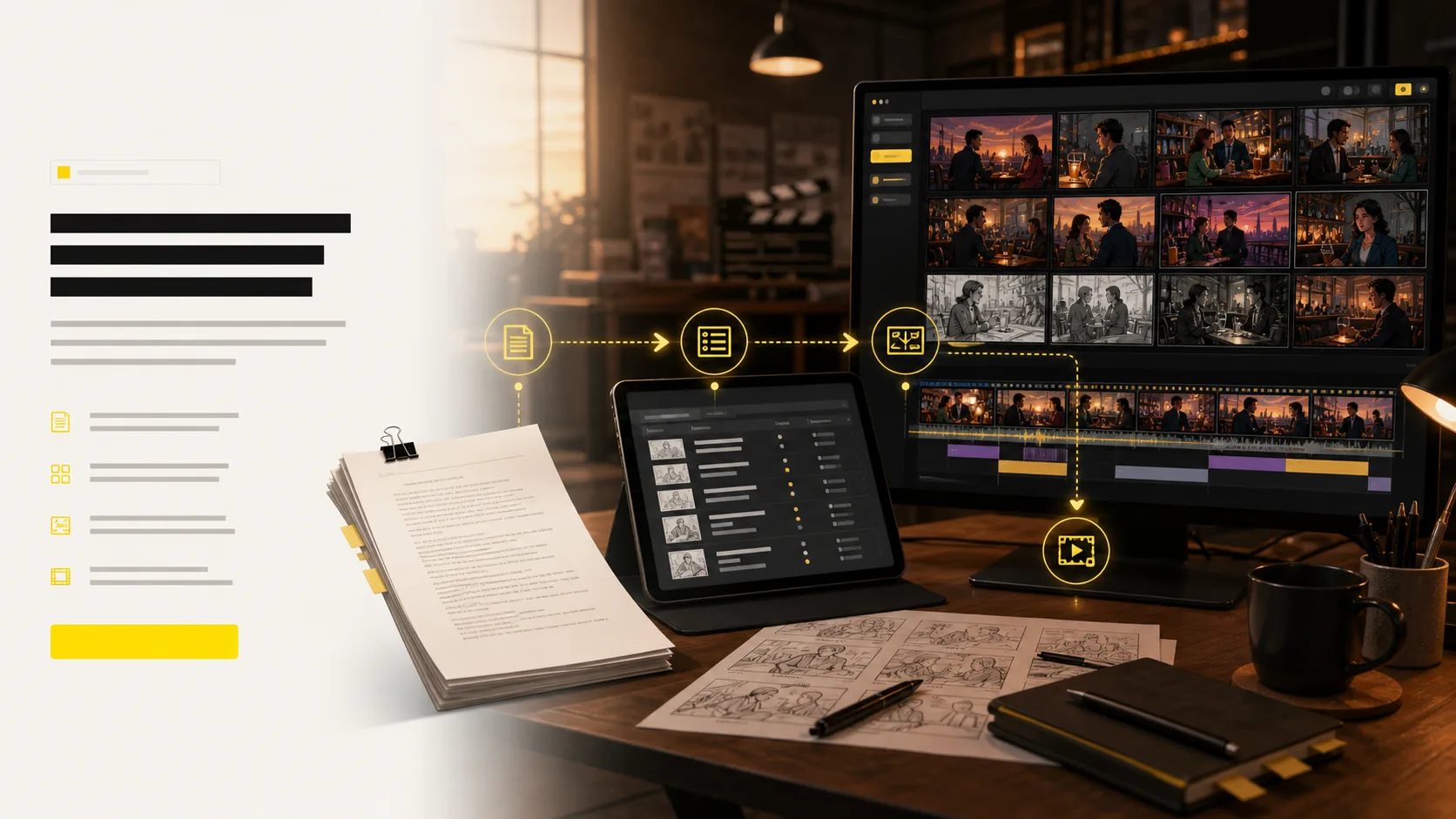
Paste a script, upload notes, or describe the beat you need to visualize.
AI Generated • Storyboard to Video
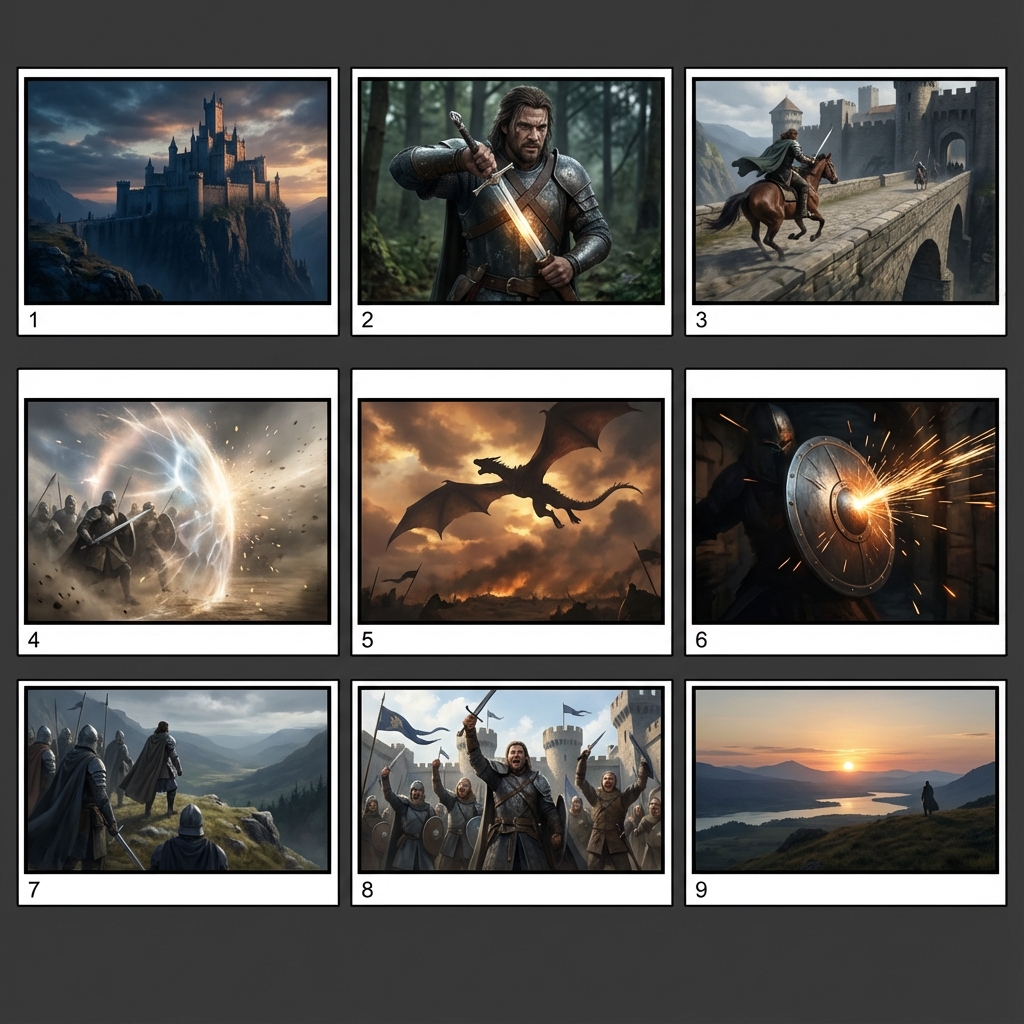
Start with a prompt, script, or scene note. LlamaGen turns it into a structured shot list, consistent storyboard frames, camera direction, motion tests, and export-ready assets your team can review.
Paste a script, upload notes, or describe the beat you need to visualize.
Generate a shot list and frames that preserve sequence, pacing, and intent.
Keep characters, locations, props, and style consistent across the board.
Tune angles in 3D and convert approved frames into animatic motion.
Share shot lists, boards, animatics, and pitch-ready files with the team.
Give LlamaGen a scene, concept, or screenplay and get the planning layers an AI storyboard generator should provide: a structured shot list, visual panels, timing context, and an animatic path for review.
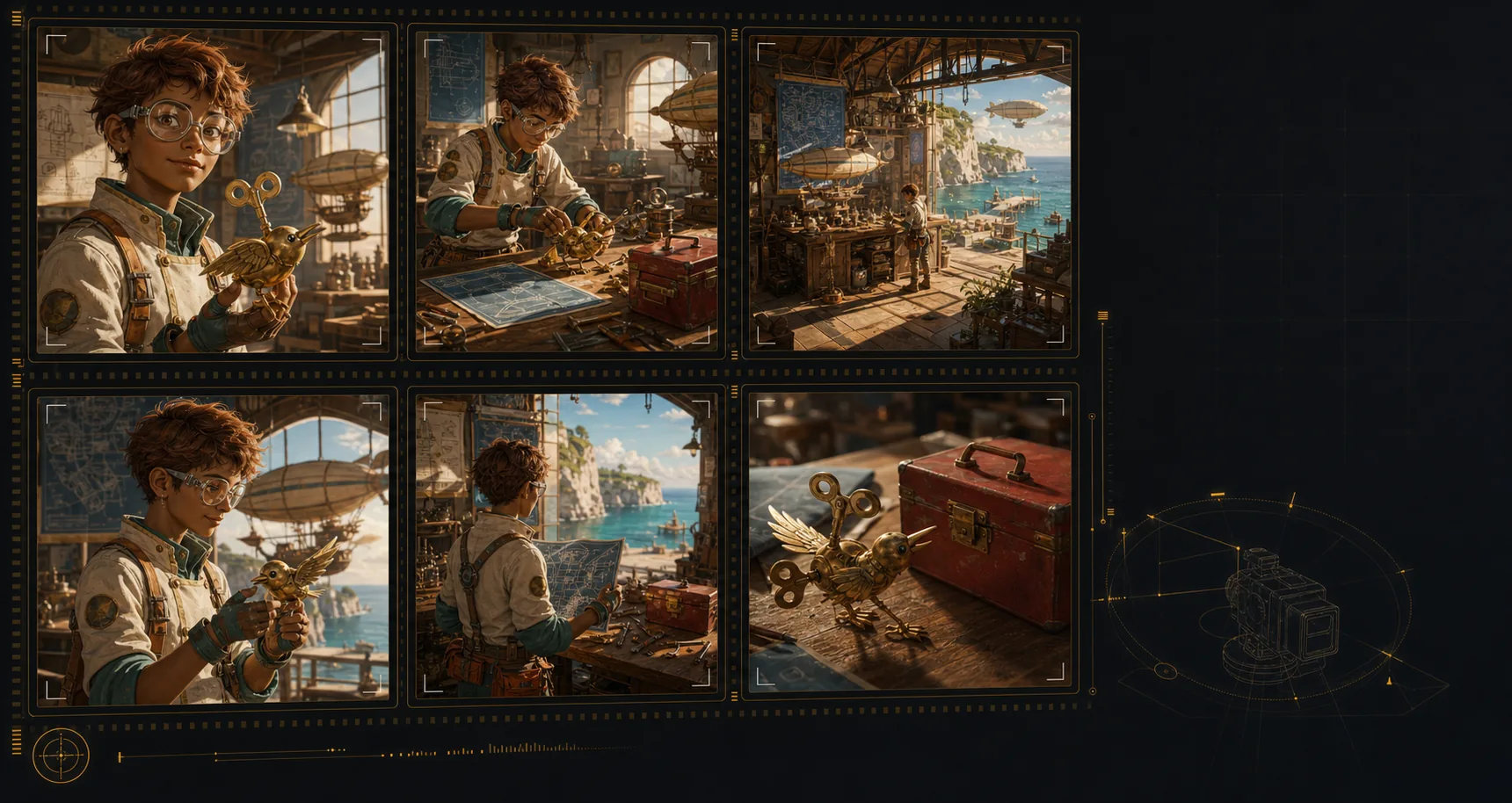
Create an AI storyboard where the same characters, environments, wardrobe, and hero objects remain recognizable across the sequence. That continuity makes each shot feel planned, connected, and ready for review.
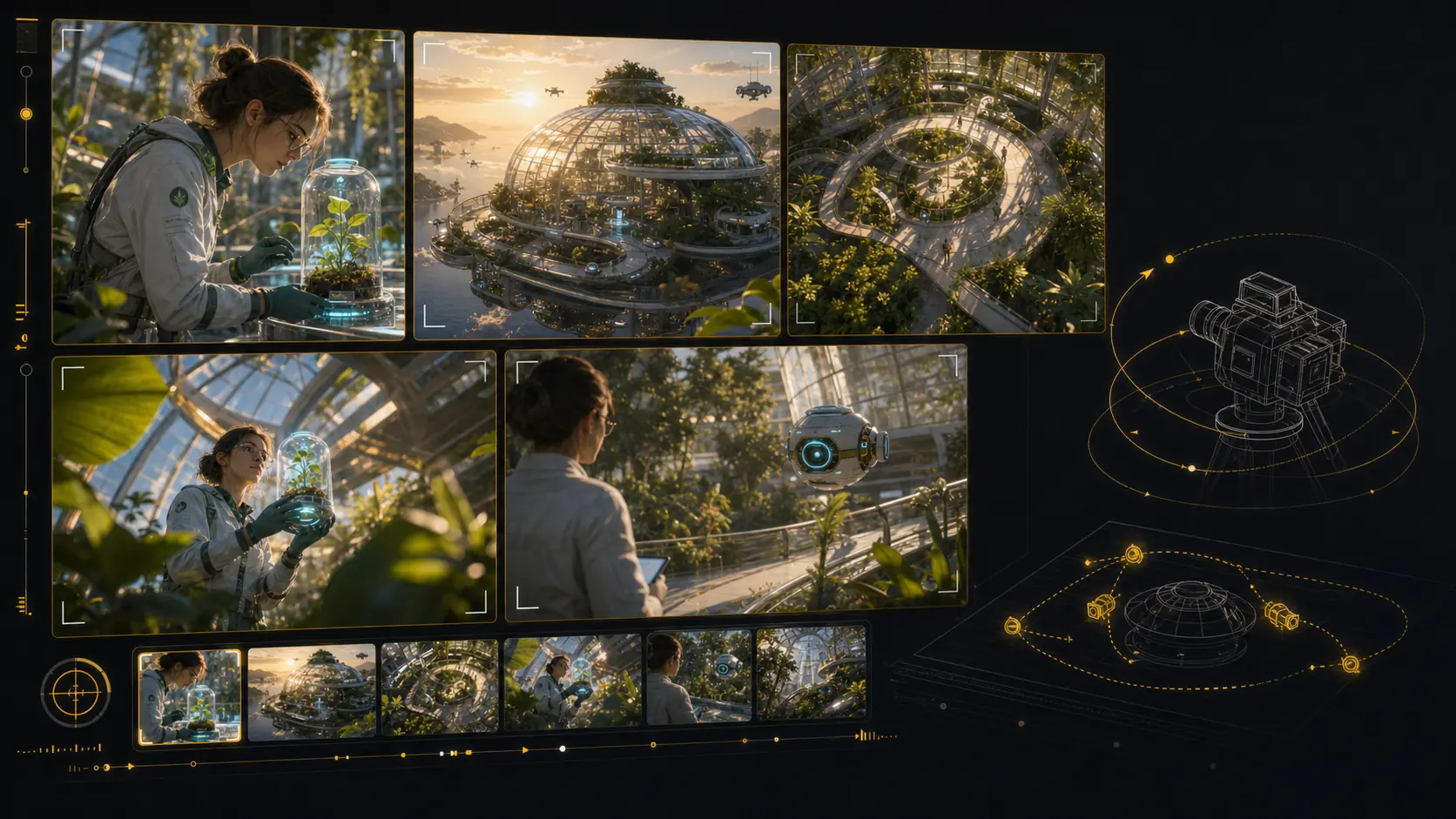
Test camera angles for an AI storyboard without rebuilding the scene from scratch. Reframe the setup, compare shot sizes, and give your director, DP, editor, or client a clearer visual decision.
Use LlamaGen as an AI storyboard video generator: choose a frame, describe the camera move and duration, then create a motion test that stays anchored to the approved shot. Static boards become pitch-ready animatics and multi-shot reviews without leaving the storyboard workflow.
Start from an approved storyboard frame so the clip keeps the same composition.
Add a push-in, tracking move, orbit, hold, or timing beat before generation.
Compare generated clips with shot notes, scene order, and edit intent in one place.
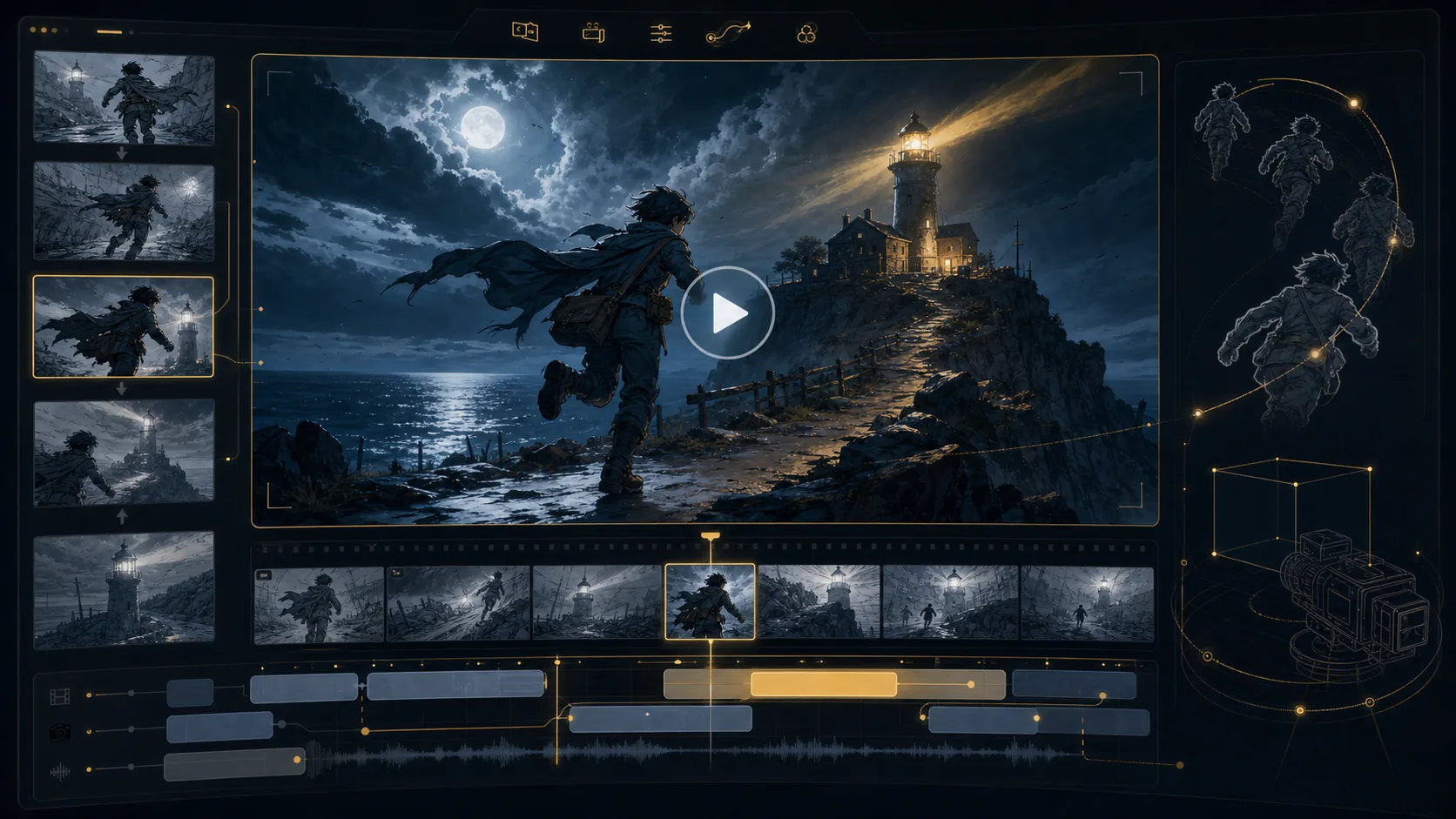
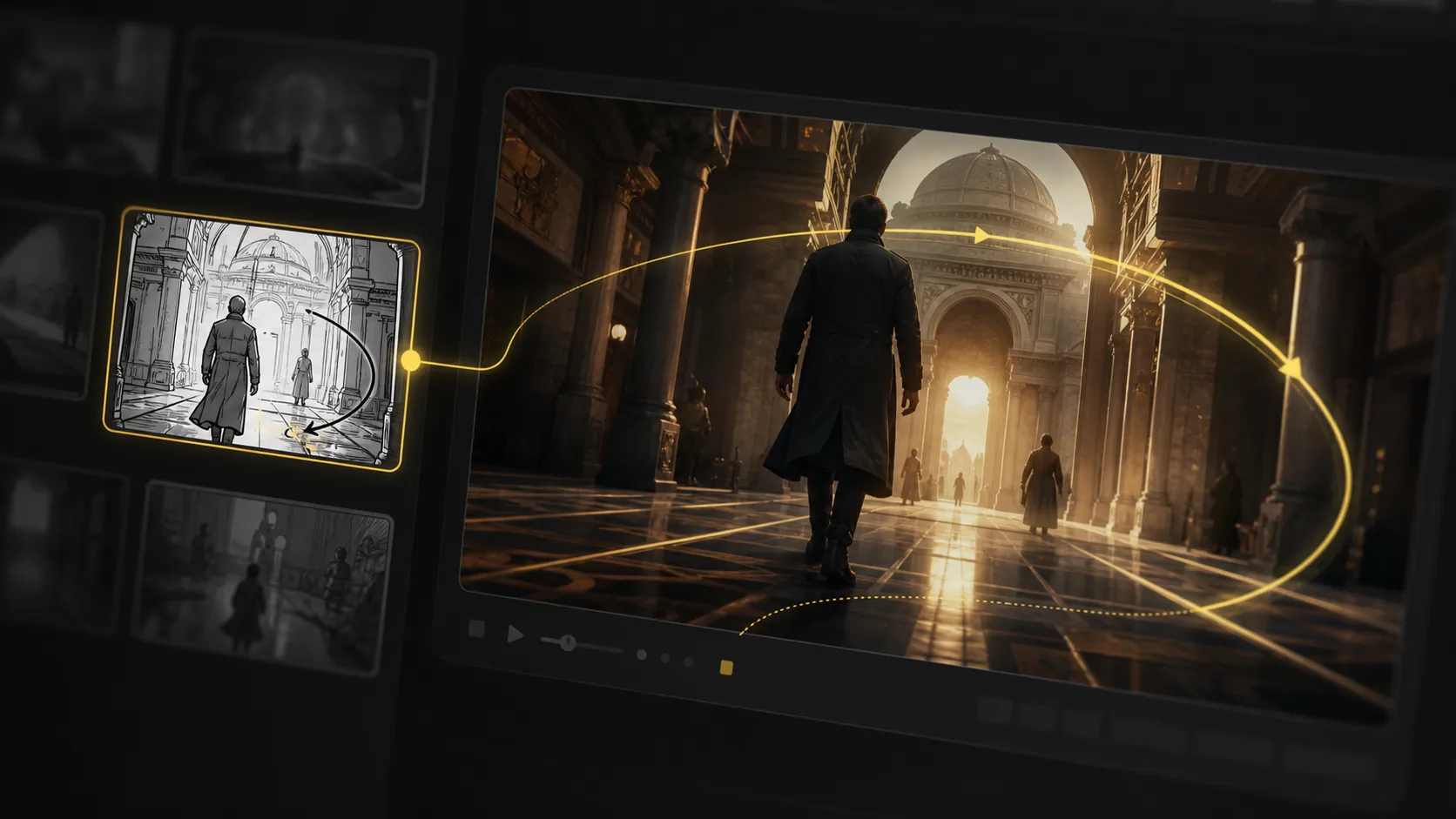
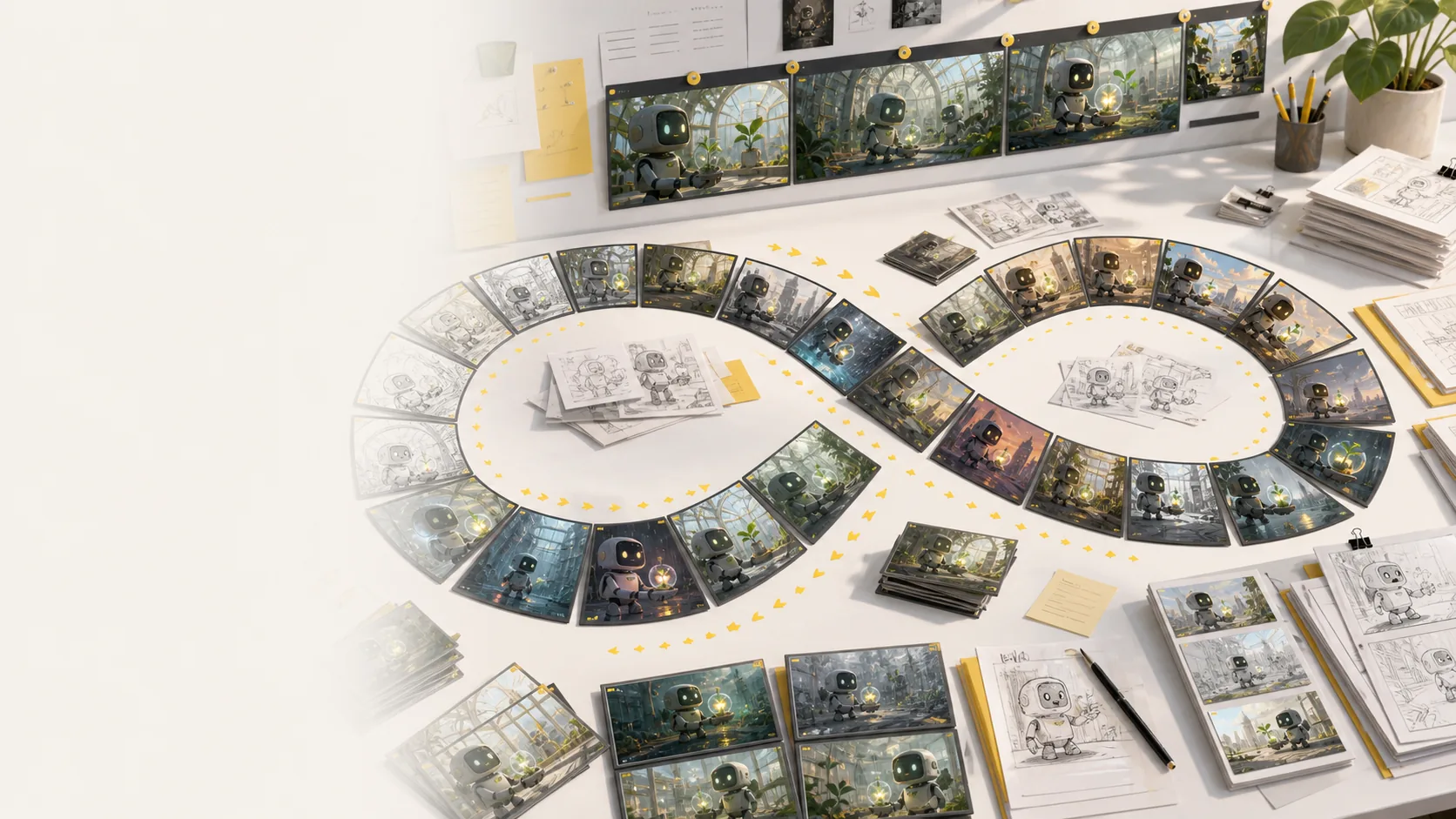
Refine AI storyboard images through real creative rounds: alternate angles, cleaner compositions, different moods, and stronger visual continuity without treating every frame like a scarce credit.
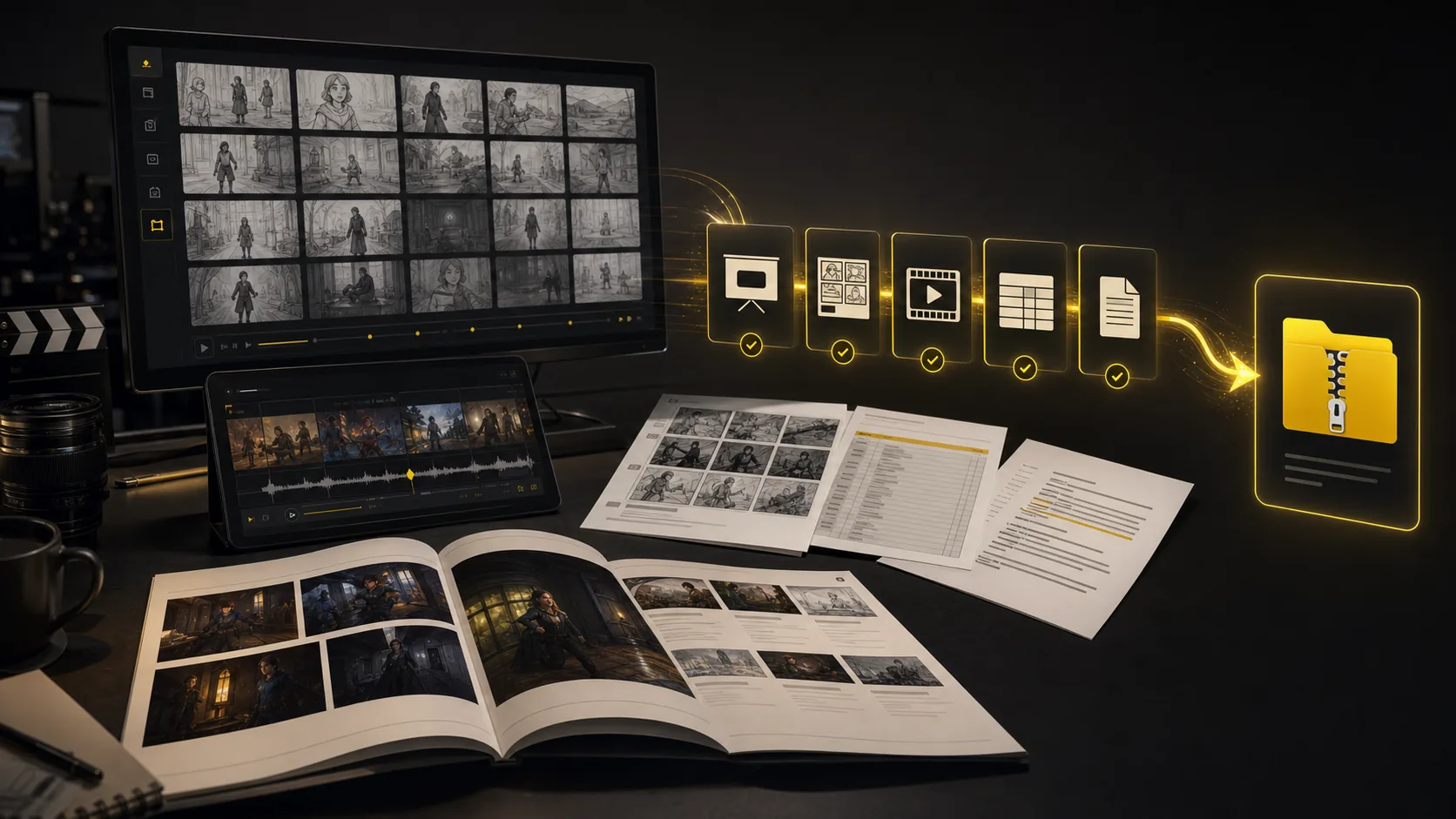
Turn a finished storyboard project into files a production team can use immediately: PDF boards, shot list spreadsheets, script notes, MP4 animatics, review decks, and organized handoff bundles.
The core sections show the main workflow. This bento grid covers the supporting AI storyboard tools around it: inputs, styles, continuity, video, variations, camera planning, and production handoff.
Generate AI animatics from approved storyboard frames with camera motion and timing notes.
Storyboard-to-animatic clips
Turn rough boards, loose thumbnails, and scene notes into cleaner visual panels.
Sketch cleanup
Compare visual routes for tone, genre, lighting, and brand style before the board locks.
Style direction
Regenerate shots, moods, angles, and layouts without managing per-image credits.
Unlimited variations
Keep characters, props, wardrobe, and locations recognizable across generated shots.
Continuity lock
Plan tracking, push-in, orbit, and reveal moves before turning frames into video.
Camera move planning
Start from a screenplay, treatment, PDF, scene note, or loose prompt and build the board from there.
Script, prompt, and PDF input
Export storyboard PDFs, shot list tables, animatic files, and review packages from one project.
Production handoff
Explore additional AI storyboard examples for ads, lessons, animation, concept films, and pitch planning.
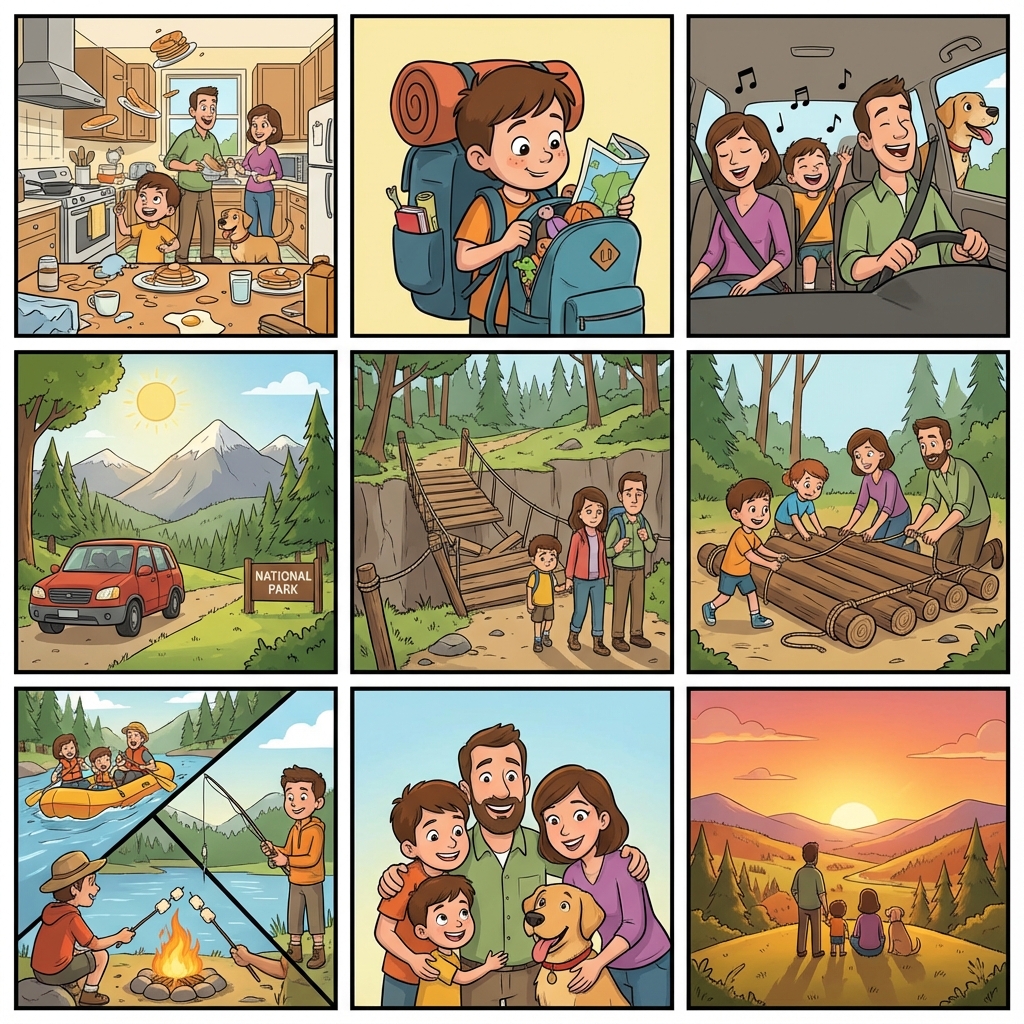
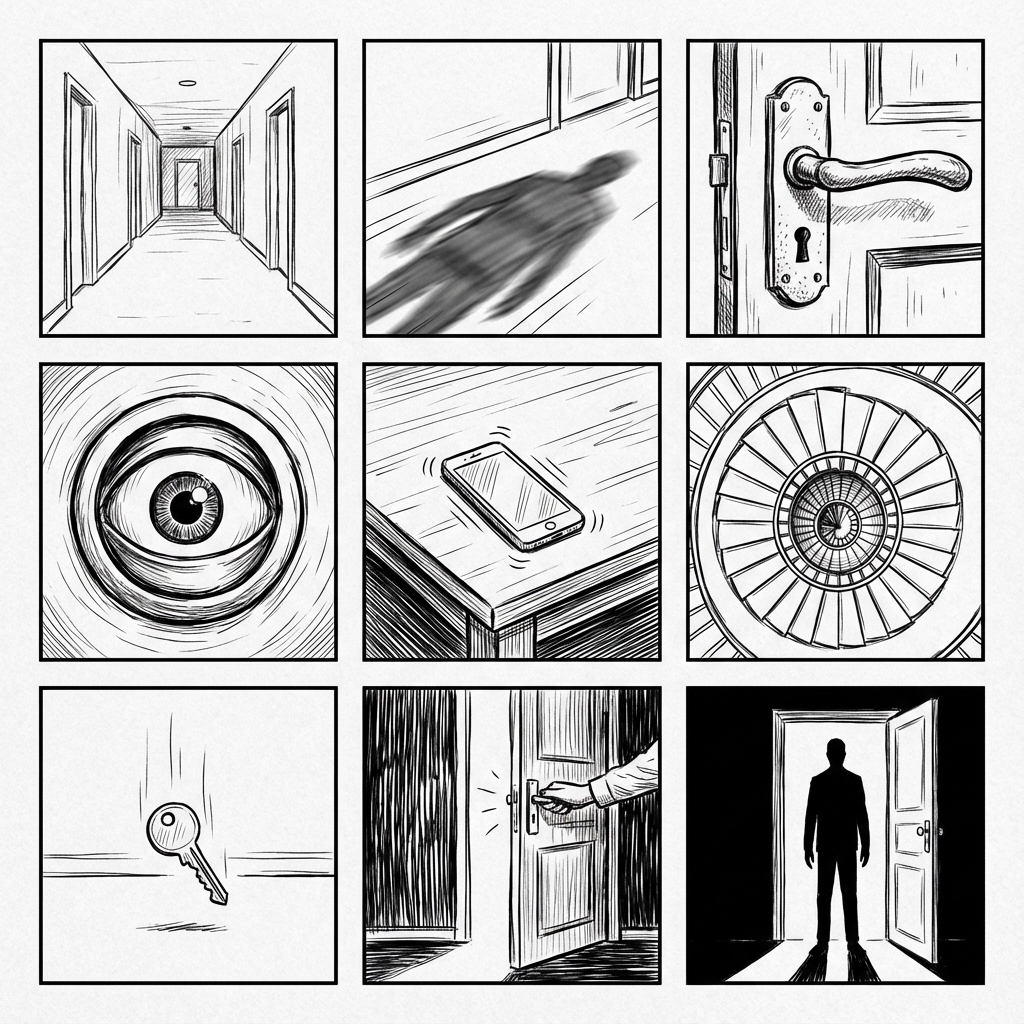
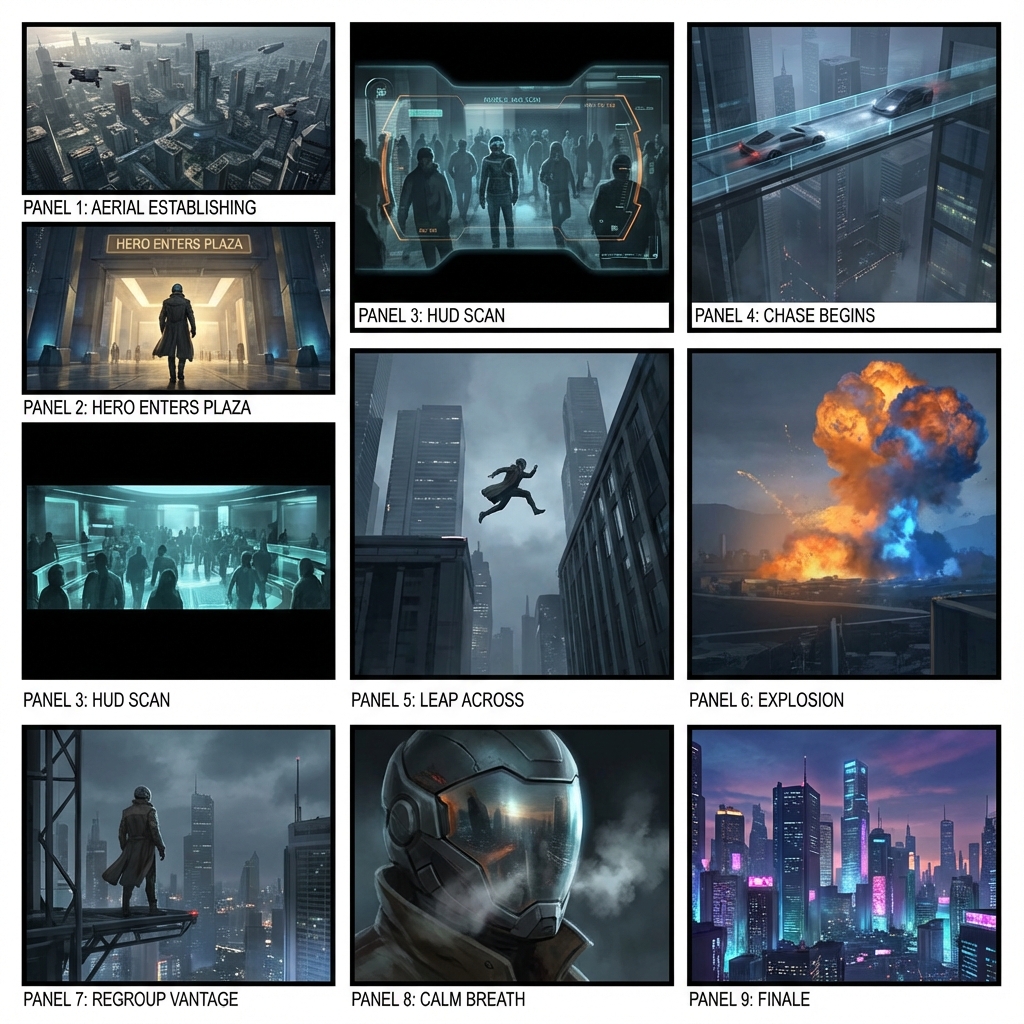
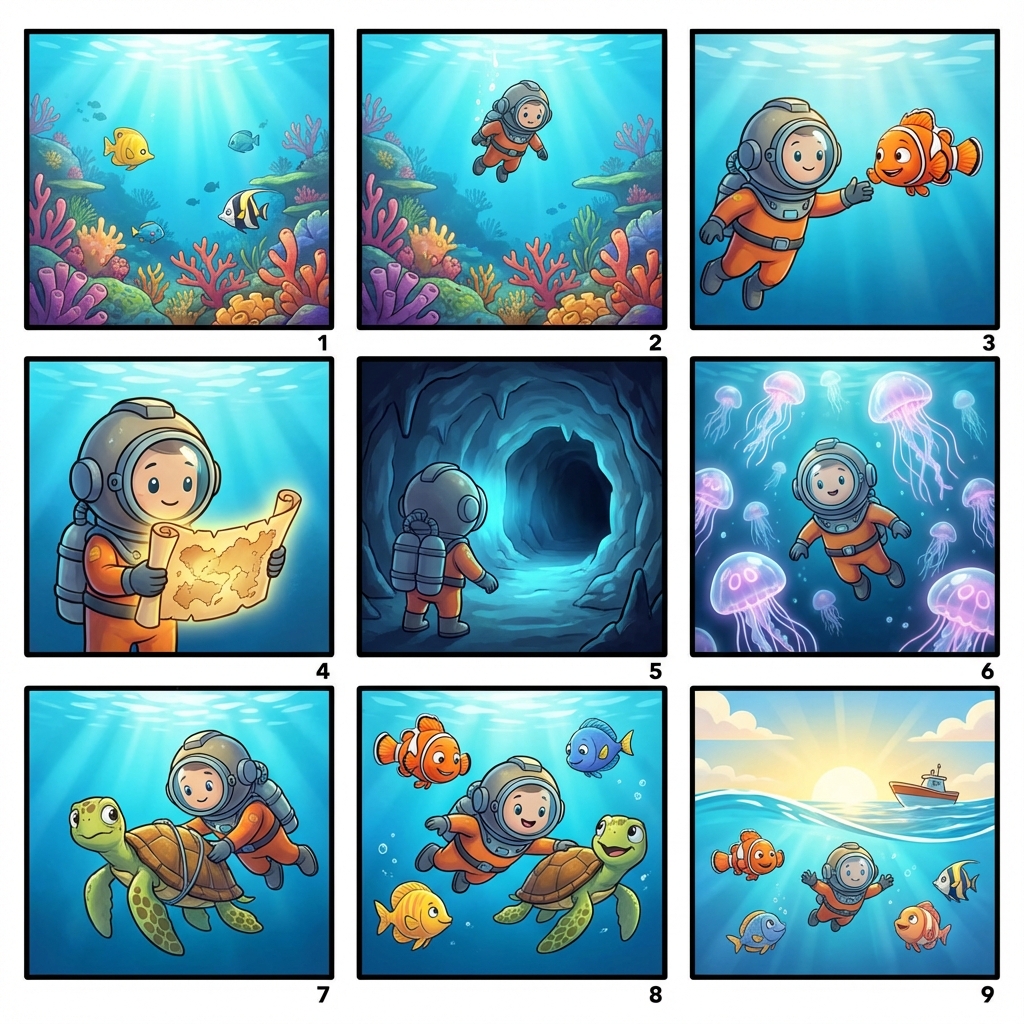
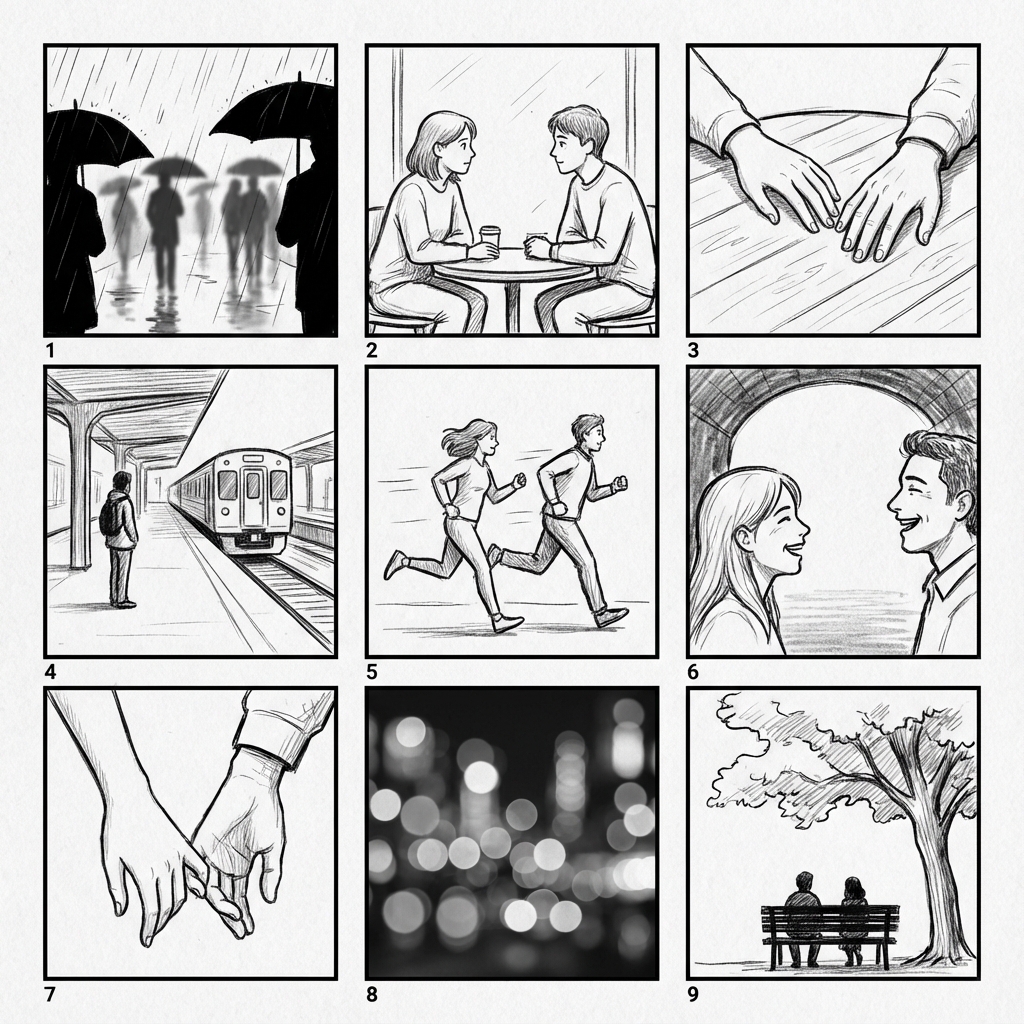
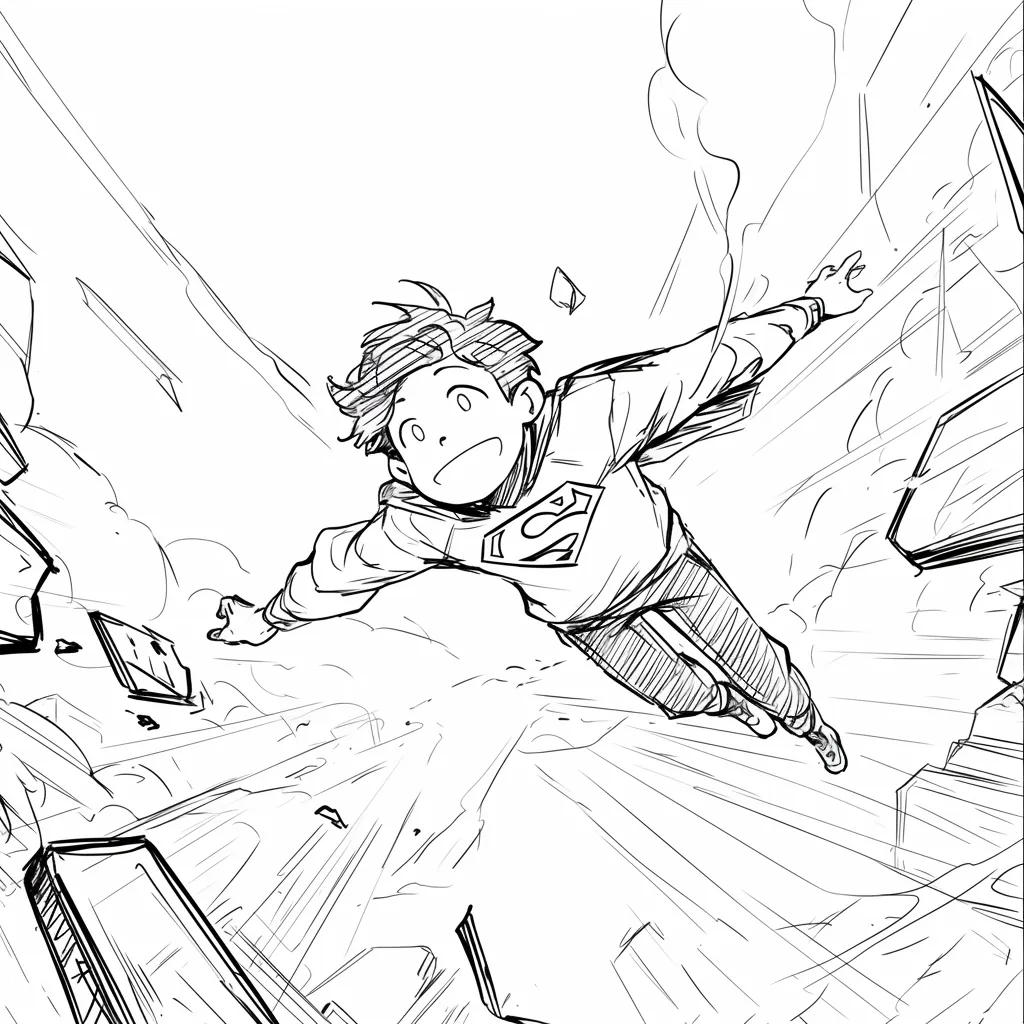
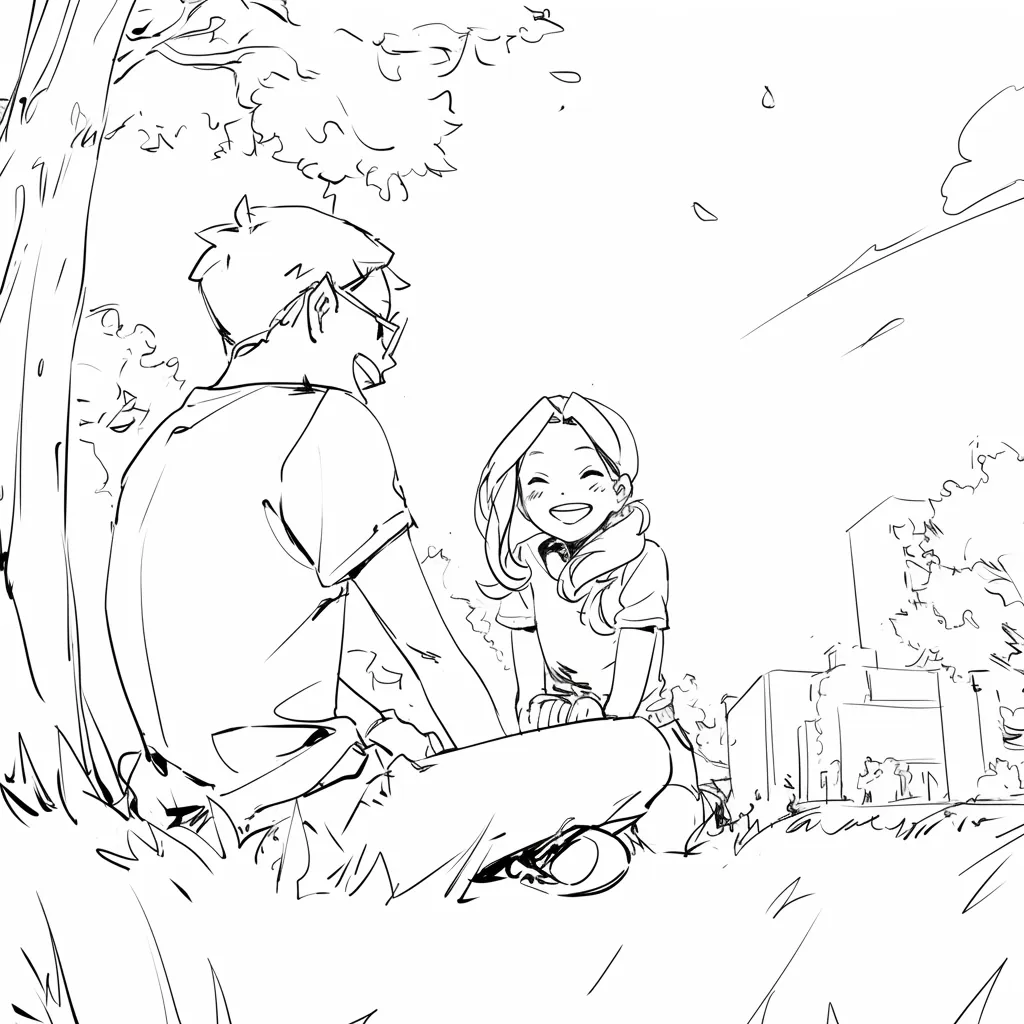
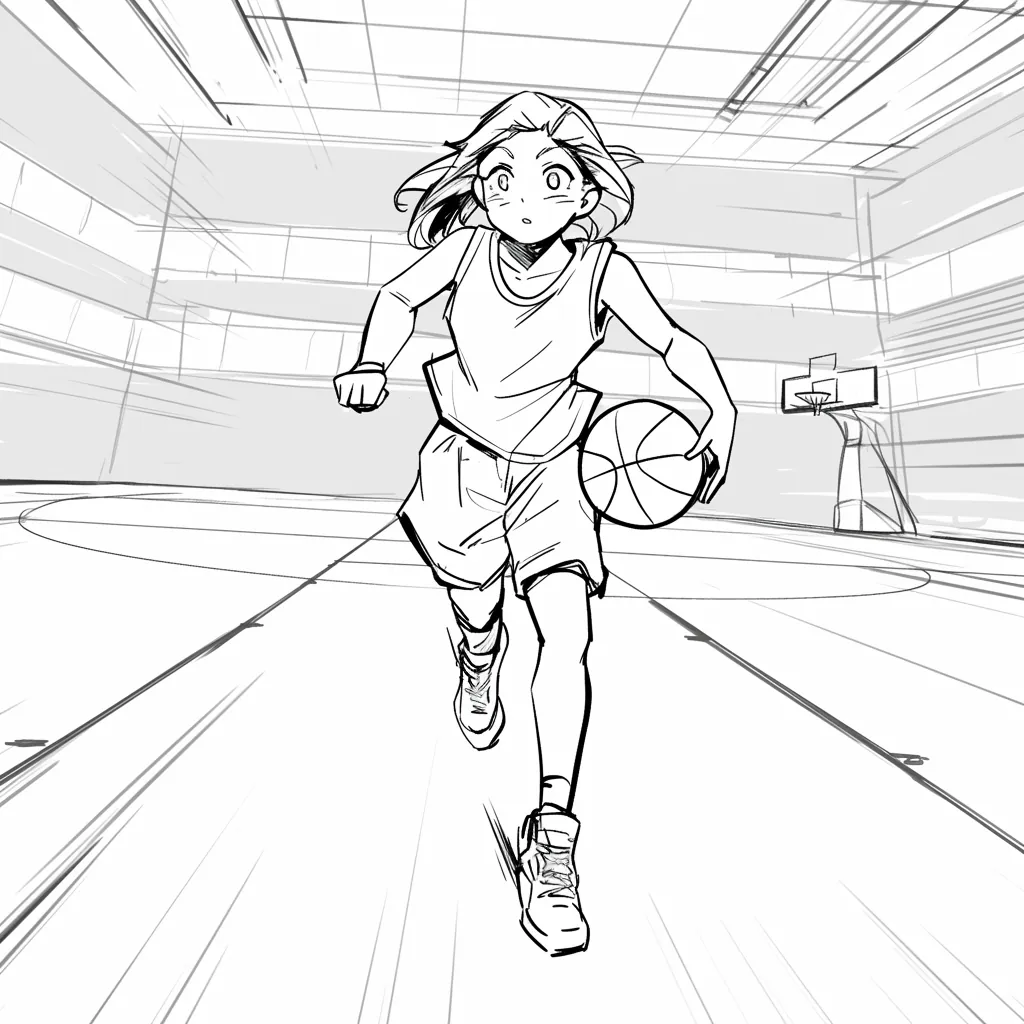
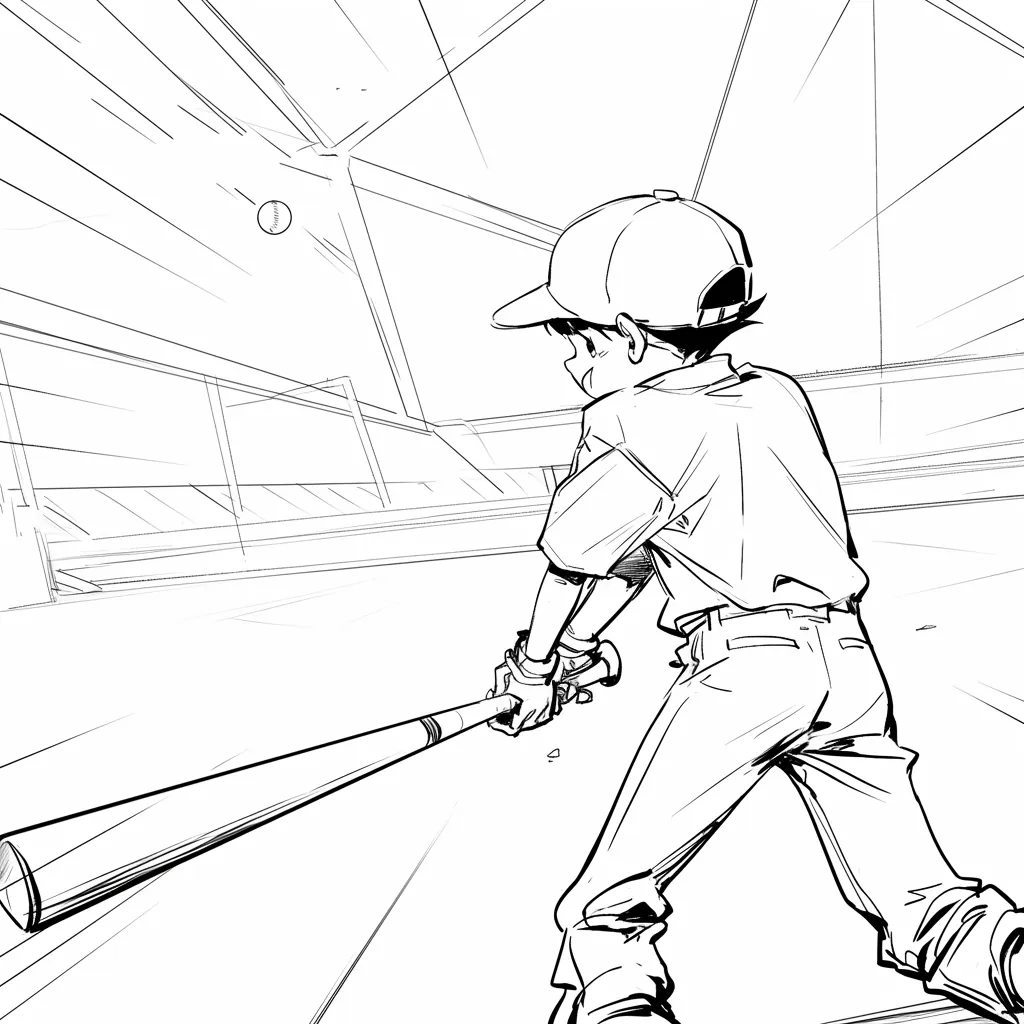
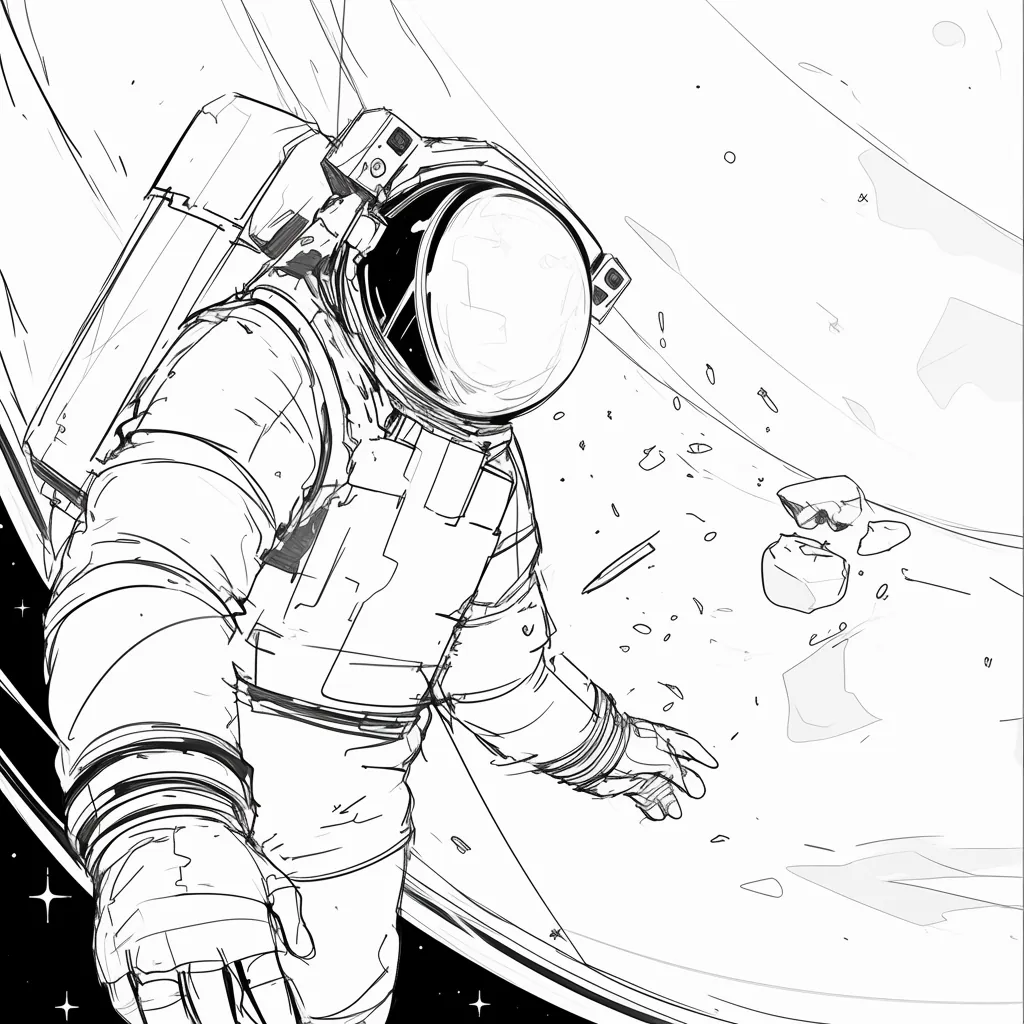
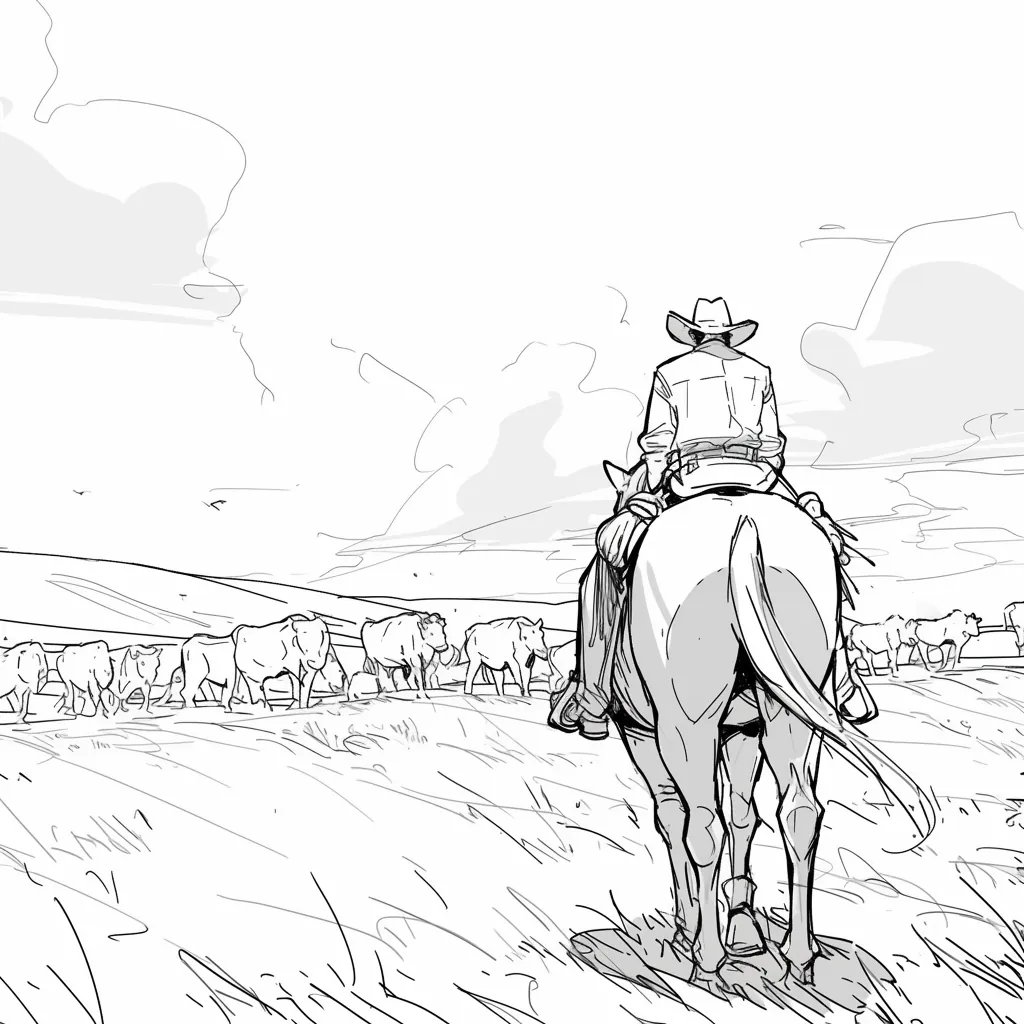
High-fidelity AI images add unintentional details (lighting, textures) that distract stakeholders. Line art keeps the focus on composition and storytelling.


@Maya_Lee

@Sky_Walker

@Cre_Luna

@juaner0211589

@rubem-didini

@refactorordie

@benoitst-laurent

@RealFeatBit

@jake-m

@michael-b

@bill
@sarah-l

@digital-marketer-suresh

@den

@velika
Nimani topa olmadingiz? Bizga xabar yuboring
Use LlamaGen's AI storyboard generator to turn prompts, scripts, and shot ideas into structured shot lists, visual boards, animatics, and export-ready production packages.