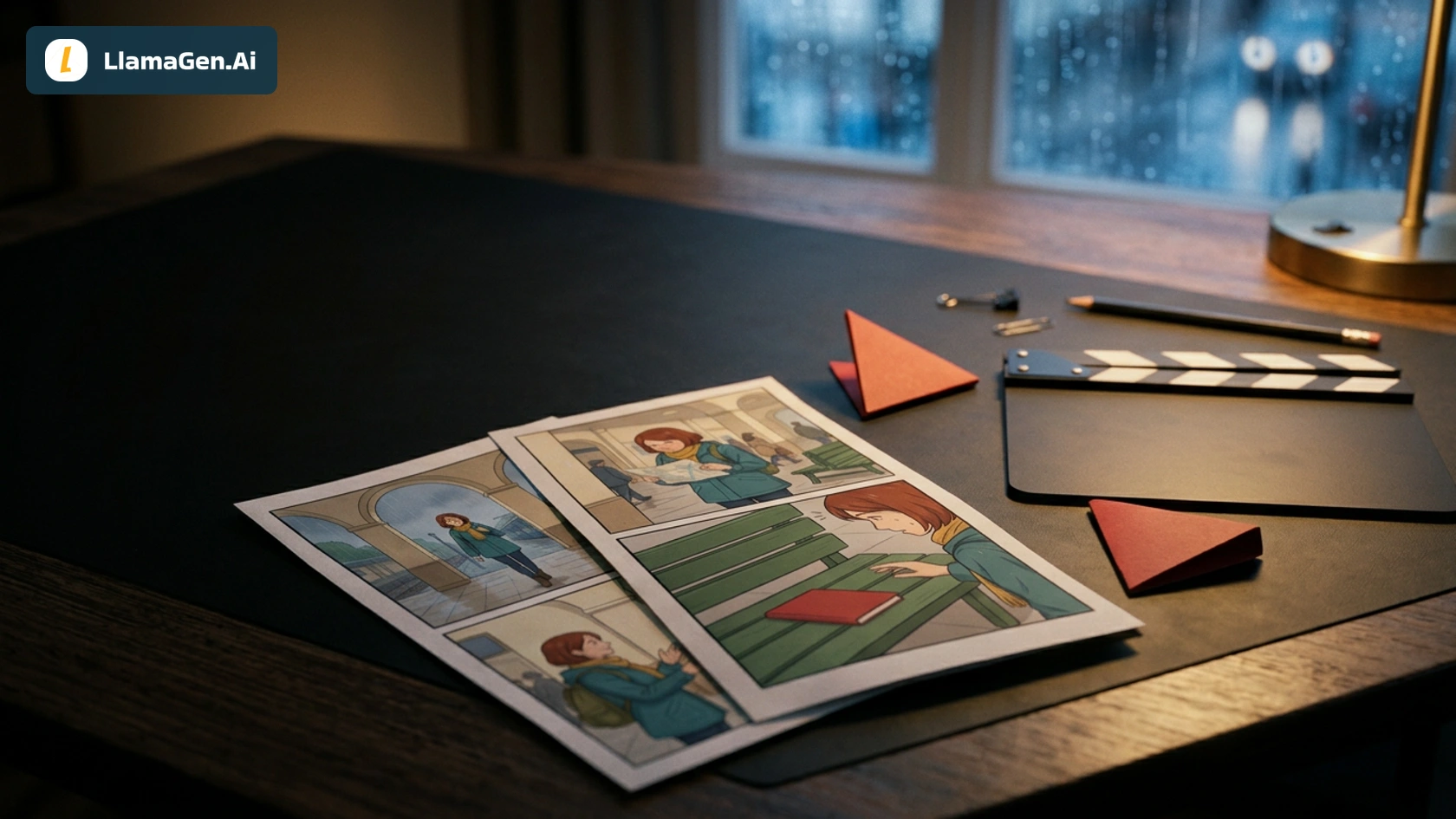
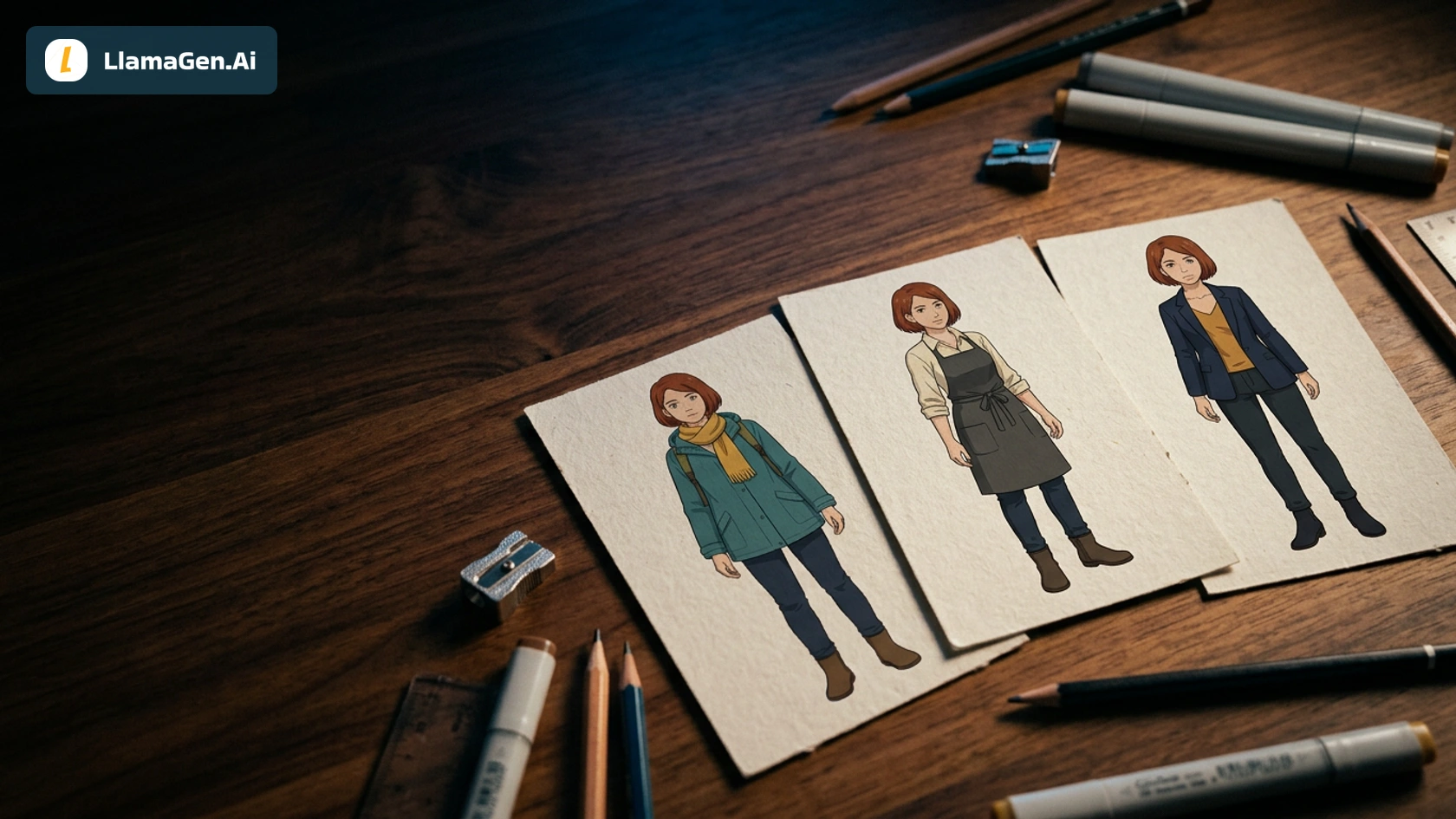
To cut comic dialogue without losing voice, do not start by deleting every other line.
Use this order:
scene goal -> character voice -> visual evidence -> dialogue budget -> final bubbles
The goal is not "less dialogue." The goal is fewer words doing more work.
For a fast revision pass, upload your scene to LlamaGen.AI Upload and ask Story AI to preserve voice while turning extra speech into action, expression, gesture, or silence.
Why Dialogue Gets Too Heavy in Comics
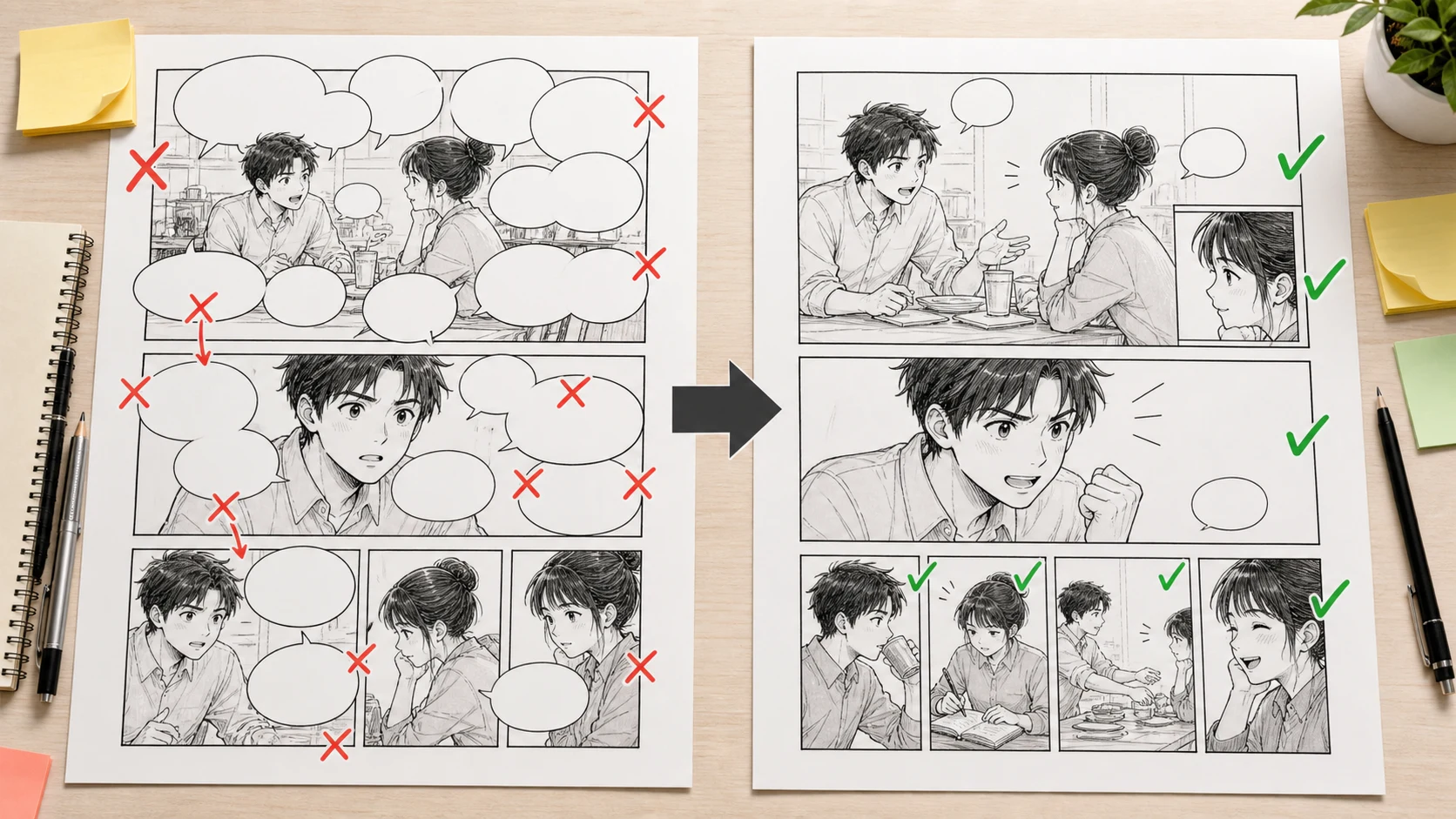
Novel dialogue has room to breathe. Comic dialogue competes with faces, hands, backgrounds, panel borders, captions, sound effects, and page flow.
If every character says everything they think, the page stops moving.
Dialogue problem
Reader experience
Better comic move
Every reply is kept
The page feels slow
Keep only turns that change power, emotion, or information
Dialogue cut, voice lock, visual substitutions, bubble plan
Creator stage
After beat list, before final panels
Active editing time
About 19 minutes
Total elapsed time
About 43 minutes including one repair pass
Editorial note
This is a workflow test for writers, not a fixed word-count rule.
The test question was:
Can a dialogue-heavy prose scene lose half its words while the characters still sound like themselves?
Source Scene
Here is the fictional dialogue input:
"You always do this," Rowan said. "You ask me to trust you, and then the moment I do, you disappear behind another secret door and tell me it was for my own good."

"That is not fair," Ilya said. "I did not disappear. I followed the signal because someone had to, and if I had told you first, you would have tried to stop me."

"Of course I would have tried to stop you. The last signal nearly killed us."

"The last signal saved the city."

"It saved the city because Mara bled for it, because Kai lost his hand, because you lied to every person who believed in you."

Ilya looked down at the bandage under his sleeve.

"I know what it cost," he said.

"No," Rowan said. "You know what it cost the mission. You have never once asked what it cost the people who kept coming back."
This is a strong prose argument, but it is too large for a clean comic page if copied directly.
Step 1: Lock the Voices Before Cutting
Before deleting lines, write a voice lock.
Character
Voice rule
What to preserve
Rowan
Direct, wounded, morally specific
Accusation with concrete cost
Ilya
Defensive, controlled, mission-first
Short justifications that sound reasonable
Shared tension
Old trust has been damaged
The argument is not about one event
If you cut without a voice lock, both characters may become generic.
Step 2: Replace Explanation with Visible Evidence
The page becomes stronger when the art carries part of the argument.
Original information
Visual substitute
Ilya disappears behind secret doors
Show an open door or locked corridor behind him
The last signal nearly killed them
Show a damaged signal device on the table
Mara bled for it
Show a blood-stained cloth or name tag, not a gore image
Kai lost his hand
Show an empty glove or mechanical hand on a chair
Ilya knows the cost
Show him touching the bandage under his sleeve
Now the dialogue can shrink because the scene itself is speaking.
Step 3: Keep the Power-Turning Lines
A good cut keeps lines that change power.
Original line
Keep, cut, or convert
Reason
"You always do this."
Keep
Opens the conflict quickly
"You ask me to trust you..."
Cut down
Good idea, too long
"That is not fair."
Keep or cut
Depends on pacing
"I followed the signal..."
Keep shorter
Gives Ilya's defense
"The last signal nearly killed us."
Keep
Clear stakes
"The last signal saved the city."
Keep
Clean contradiction
"It saved the city because..."
Convert partly to visuals
Too much exposition
"I know what it cost."
Keep
Character self-defense
"You know what it cost the mission..."
Keep shortened
Strong ending turn
The goal is to keep the argument's spine.
Step 4: Revised Comic Dialogue
Here is a roughly 50% cut:
Rowan: "You always do this."

Ilya: "I followed the signal because someone had to."

Rowan: "The last signal nearly killed us."

Ilya: "It saved the city."

Rowan: "Mara bled. Kai lost his hand. You lied to everyone."

Ilya: "I know what it cost."

Rowan: "No. You know what it cost the mission."

Rowan: "You never ask what it cost the people who came back."
The scene keeps Rowan's moral precision and Ilya's mission-first defense, but the page is more drawable.
Step 5: Put Voice into Acting
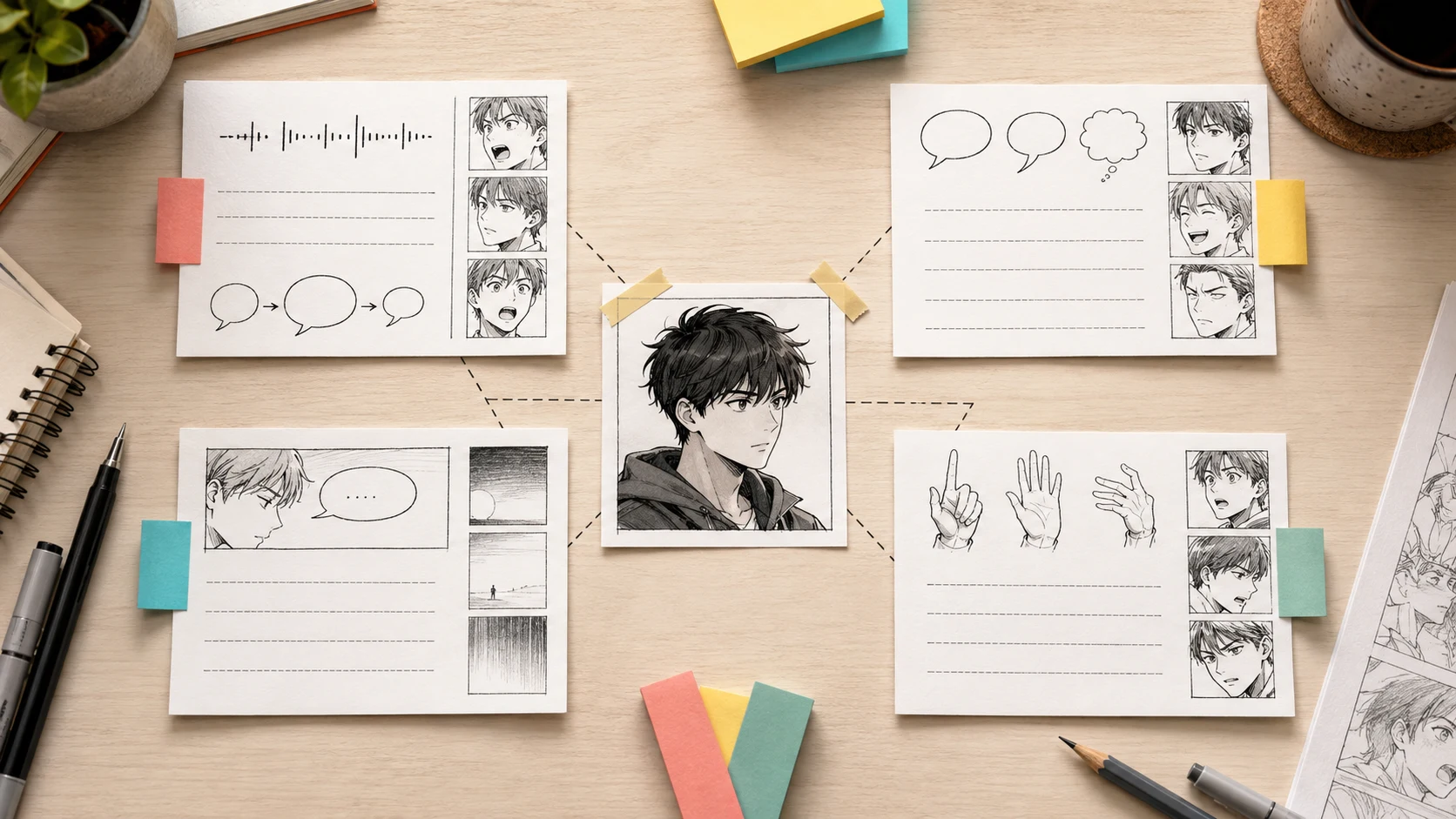
Voice is not only word choice. It is rhythm, silence, gesture, and what a character refuses to say.
Voice signal
Rowan
Ilya
Rhythm
Short opening strike, then detailed moral charge
Controlled explanation, then defensive silence
Gesture
Points to evidence, steps forward
Touches bandage, looks away
Silence
Waits after "No"
Cannot answer final accusation
Bubble shape
Sharp short bubbles
Smaller controlled bubbles
Panel acting
Eyes locked on Ilya
Shoulders tense, jaw held
This is how dialogue can shrink without making characters sound empty.
I am adapting this dialogue-heavy prose scene into comics.

Please return:
1. The scene goal in one sentence.
2. A voice lock for each character.
3. A 50% dialogue cut that preserves voice and subtext.
4. A table of lines to keep, cut, merge, or replace with visuals.
5. Visual substitutions for exposition.
6. A speech bubble plan for each panel.
7. A failure pass where the dialogue is too short and loses voice.
8. A repaired version that balances clarity, silence, and character identity.

Do not flatten the characters. Cut words, not personality.
Then ask:
Mark any line that repeats what the image can show. Replace it with gesture, expression, object, or silence.
This second pass is often where the real improvement happens.
Bubble Budget
A practical comic page budget:
Page type
Dialogue budget
Quiet 6-panel page
4-8 bubbles total
Argument page
6-12 bubbles total, mostly short
Action page
0-5 bubbles total
Webtoon scene
1-2 bubbles per scroll beat
Visual novel adaptation
More text allowed, but still separate voice from exposition
For the sample argument, eight bubbles works well because the scene is mostly conflict.
Failed Cut and Repair
The failed version cut too much:
Rowan: "You lied."
Ilya: "I had to."
Rowan: "People paid for it."
Ilya: "I know."
That version is short, but it loses voice. Rowan becomes generic. Ilya becomes generic. The history disappears.
Repair:
Rowan: "Mara bled. Kai lost his hand. You lied to everyone."
Ilya: "I know what it cost."
Rowan: "No. You know what it cost the mission."
This repair is still concise, but it restores specificity.
Checklist for Cutting Dialogue
Before final generation, check:
Did each character keep a distinct rhythm?
Did you preserve at least one line only that character would say?
Did you cut exposition that a prop, face, or setting can show?
Are bubbles short enough to leave the art visible?
Is there at least one meaningful silence?
Does the final line change the scene?
Can a reader follow the argument without reading a wall of text?
FAQ
Should comic dialogue always be short?
No. It should be earned. A long line can work if the panel is designed around it and the line carries voice, reveal, or tension.
What should I never cut?
Do not cut the line that reveals character. Cut the line that repeats information the image can show.
Can I use Story AI before drawing panels?
Yes. Upload the scene to LlamaGen.AI Upload, ask for a voice lock and dialogue budget, then generate panels after the script is cleaner.
What if the cut version feels too plain?
Add back specificity, not length. One concrete name, object, or accusation can restore voice better than another paragraph.
Bottom Line
Cutting dialogue for comics is not about making writers smaller. It is about letting images do their share of the storytelling.
Upload your scene to LlamaGen.AI Upload, lock each character's voice, replace exposition with visual evidence, and keep only the lines that change the scene.