

1
Choose the real intent
Start from what the user is trying to do: generate from text, edit an image, restyle a reference, compare options, or make a specific asset.
Find the right LlamaGen workflow for text-to-image prompts, image-to-image transformations, AI image editing, character assets, covers, collectibles, and social-ready visuals.
Start from text, transform a reference image, edit an existing result, compare generators, or turn an image into video.
For creators comparing text-to-image, image-to-image, editing, and image-to-video workflows.
For creators comparing editors by identity preservation, prompt control, edit boundaries, and reusable output quality.
For creators who already have a reference image and want to restyle it, preserve identity, or turn it into a specific asset.
For users who want to refine an existing image: change outfit, fix composition, adjust style, or prepare a final shareable version.
For people comparing how AI image generation works before they choose a model, prompt, reference workflow, or output format.
For users who want a clear path from a plain idea to a finished image without learning prompt engineering first.
For users whose real goal is motion. Route them to video instead of forcing them through an image-only page.
Choose the asset you want to create, then open the workflow with the most relevant inputs and controls.
Start from what the user is trying to do: generate from text, edit an image, restyle a reference, compare options, or make a specific asset.
Each page explains the input, output, prompt examples, and quality checks for that job before sending the user into creation.
Create the first image, check identity and composition, then reuse the result across comics, product mockups, profile art, and campaign sets.
Start with the pages that represent the collection best: character presentations, physical-product mockups, cover formats, and playful object transformations.
Each card includes examples, workflow guidance, practical answers, quality checks, and a direct creation path.
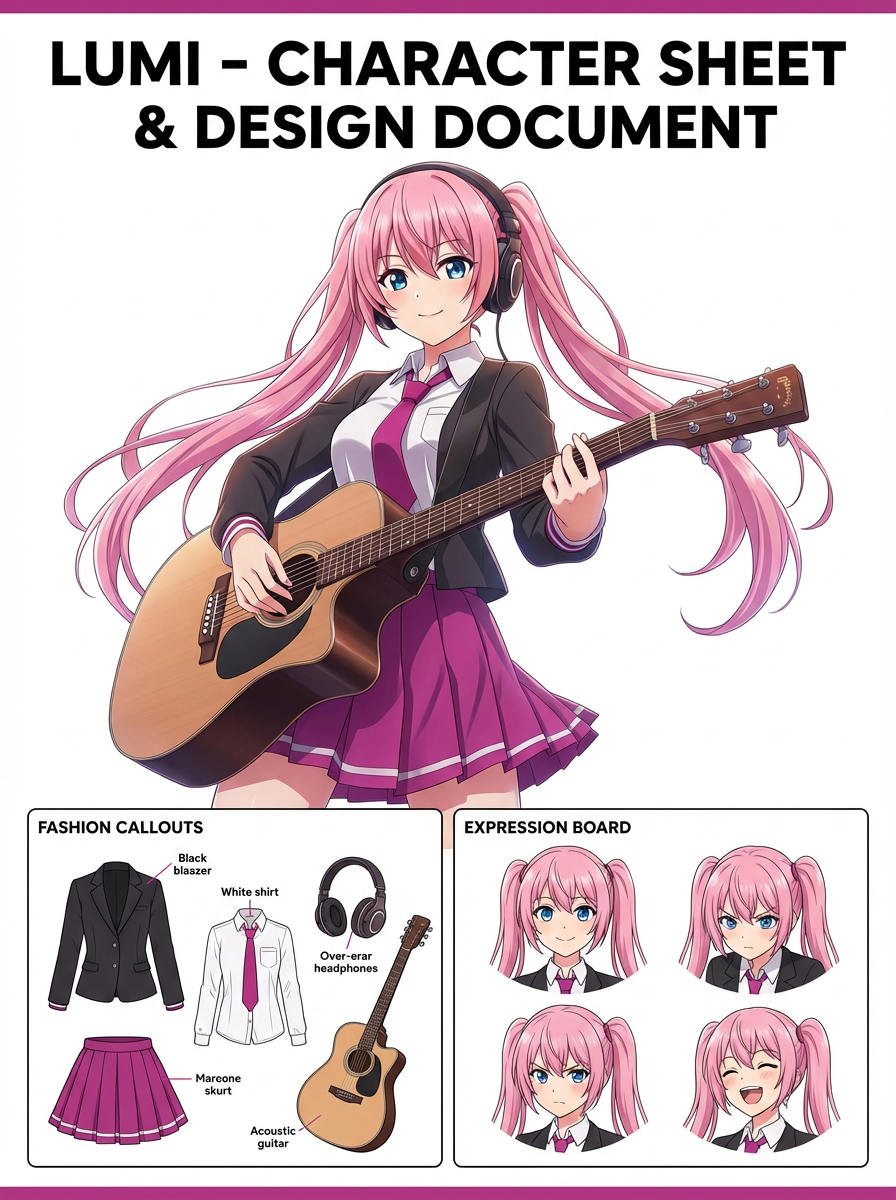
比較LlamaGen圖片生成流程:文字提示、參考圖片、編輯、角色一致性及圖片對影片。
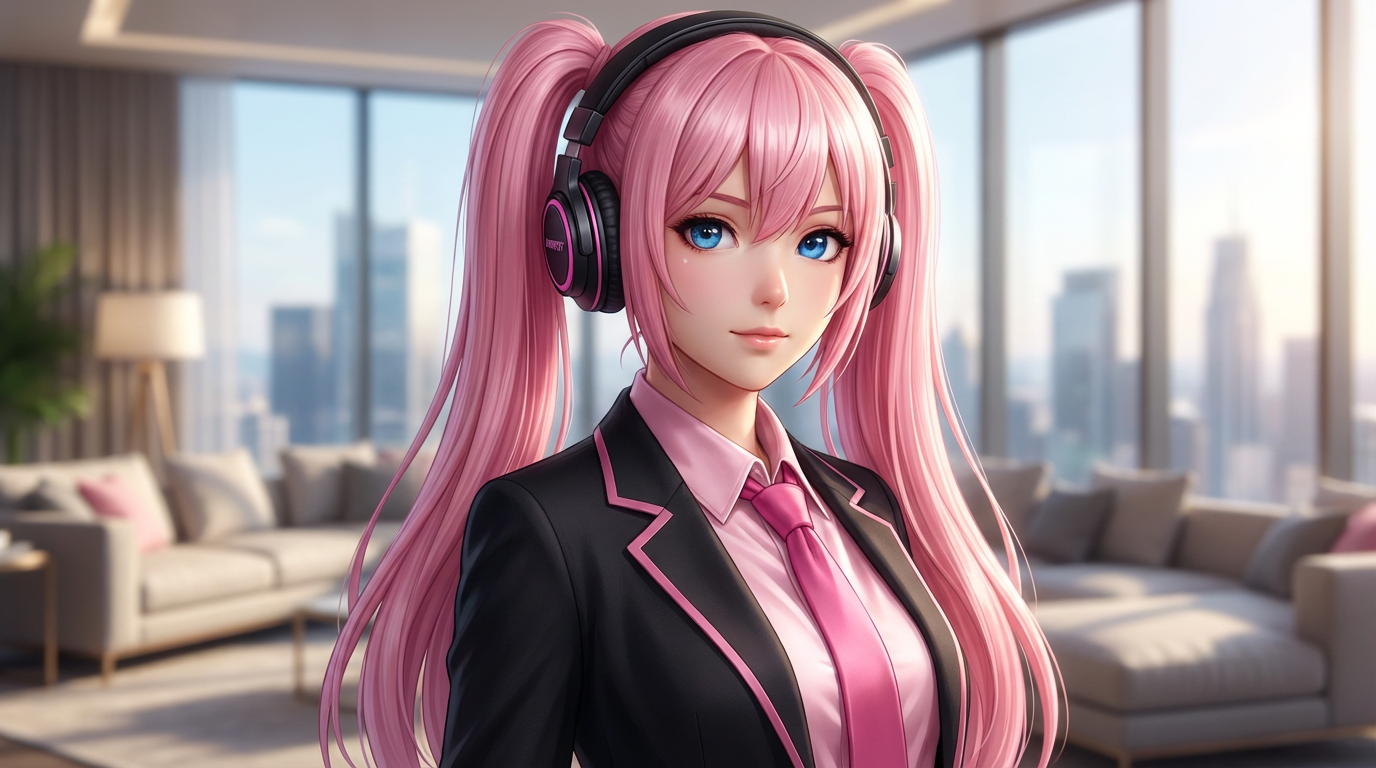
要以控制力、身份保持、提示清晰、創意範圍、編輯結果是否可再用來評估AI圖像編輯器。
用分開文本提示、圖像參考、編輯目標和最終輸出檢查的工作流程,規劃並創建AI圖像。
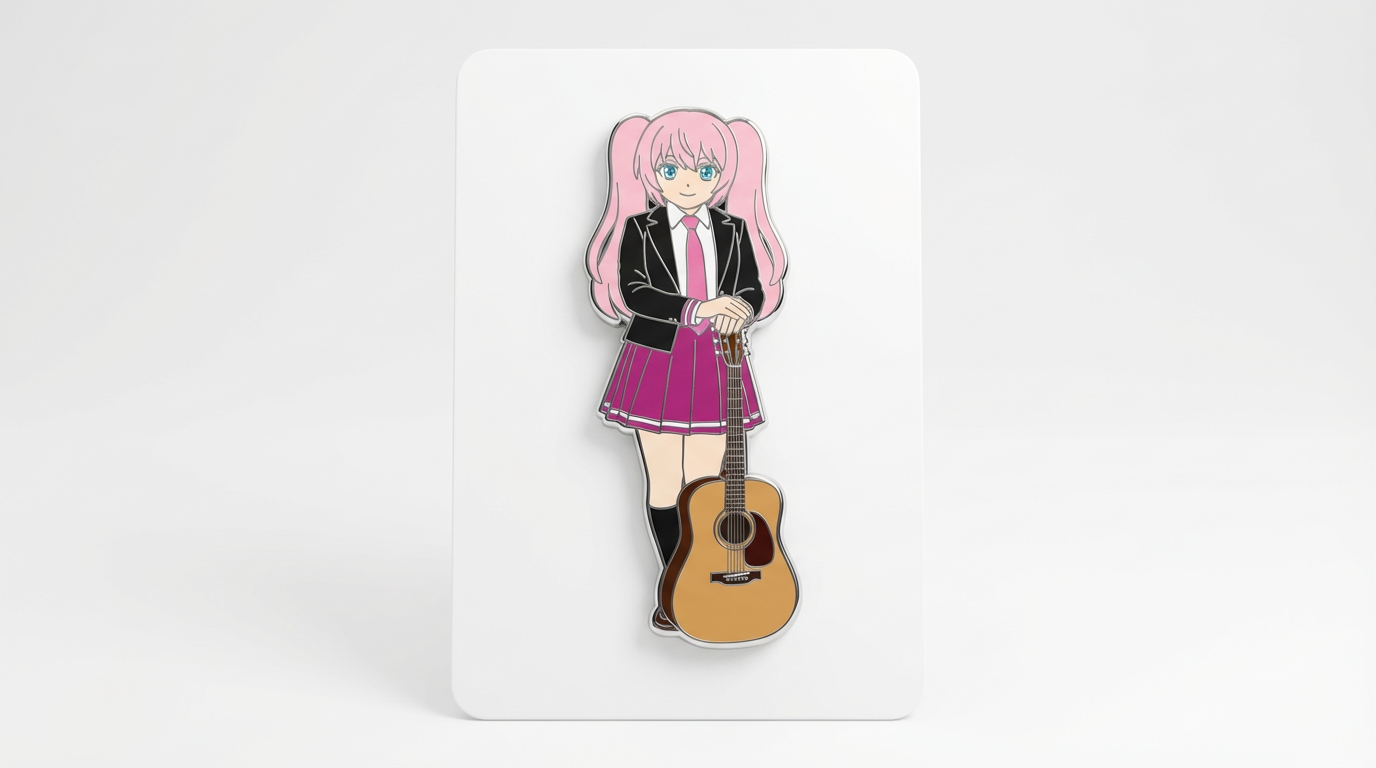
以現有圖片作參考,再用AI轉換成新風格、資產、封面、模擬圖、徽章、卡片或角色視覺。
用AI提示編輯現有圖片,例如換裝、修飾風格、整理構圖、角色變化、封面、徽章及宣傳素材。

比較選擇最佳AI圖像生成器時要重視角色一致性、參考為本編輯、漫畫、封面和可重用資產。
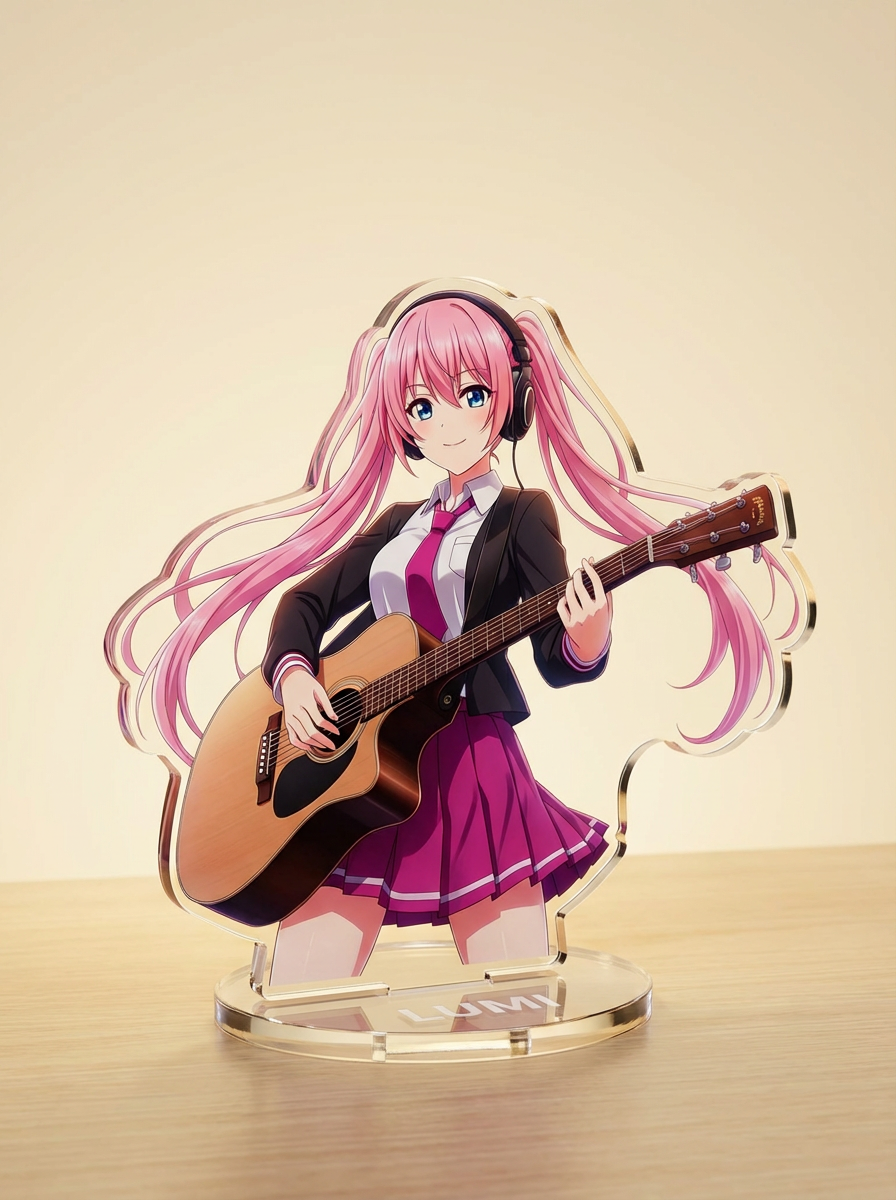
以簡單文字指示生成AI圖像,再細緻調整主題、風格、構圖及格式,方便實際創作應用。
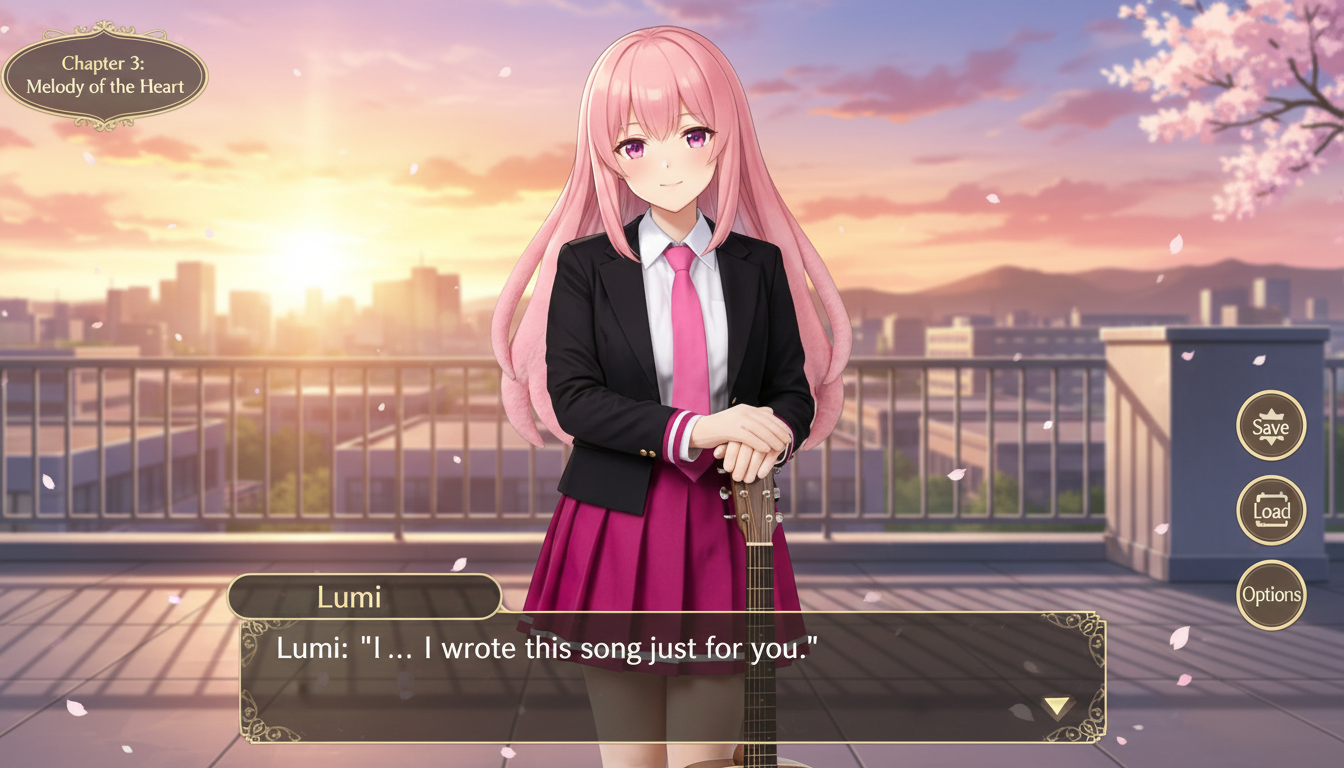
將角色圖片轉成視覺小說風格場景,結合介面構圖、對話區規劃與遊戲畫面配置。
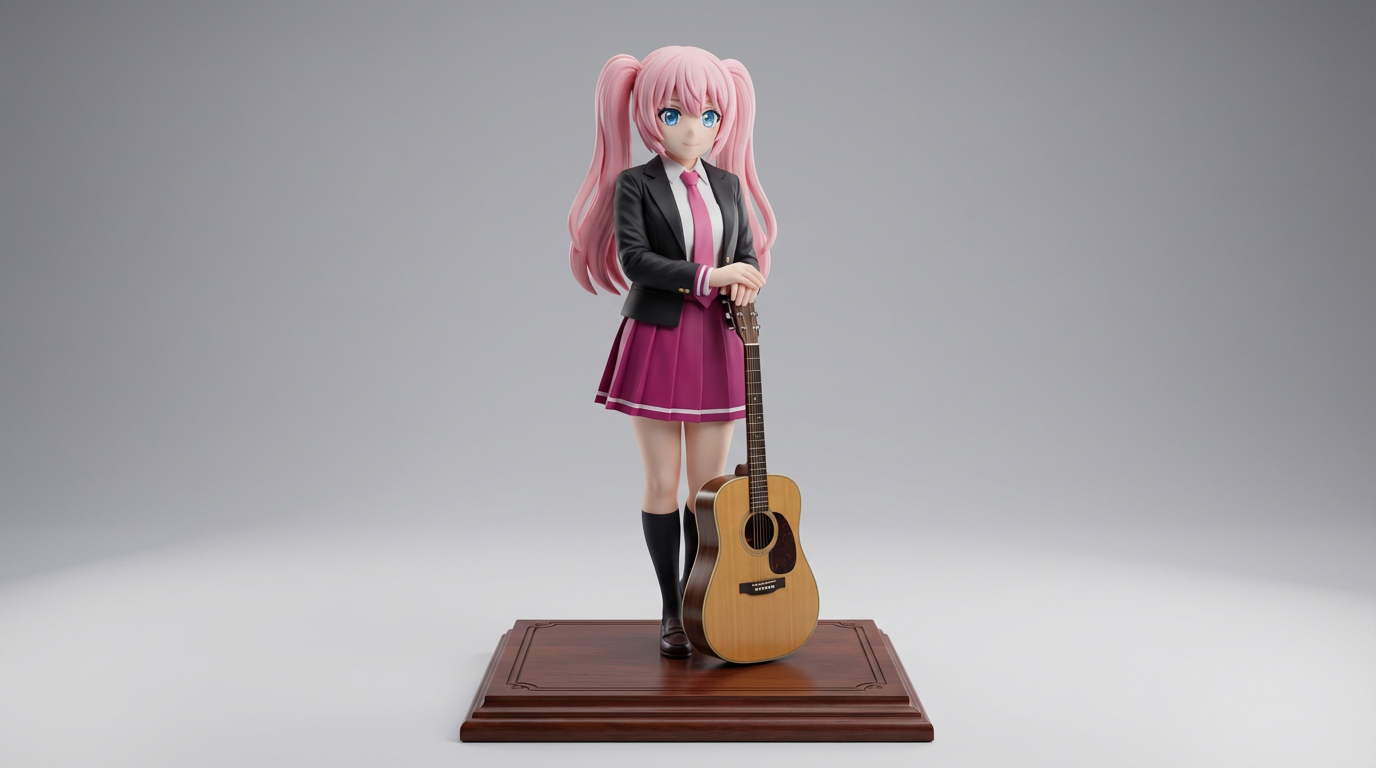
將平面角色圖轉成展示公仔風格成品,適合收藏概念、商品提案與產品展示視覺。
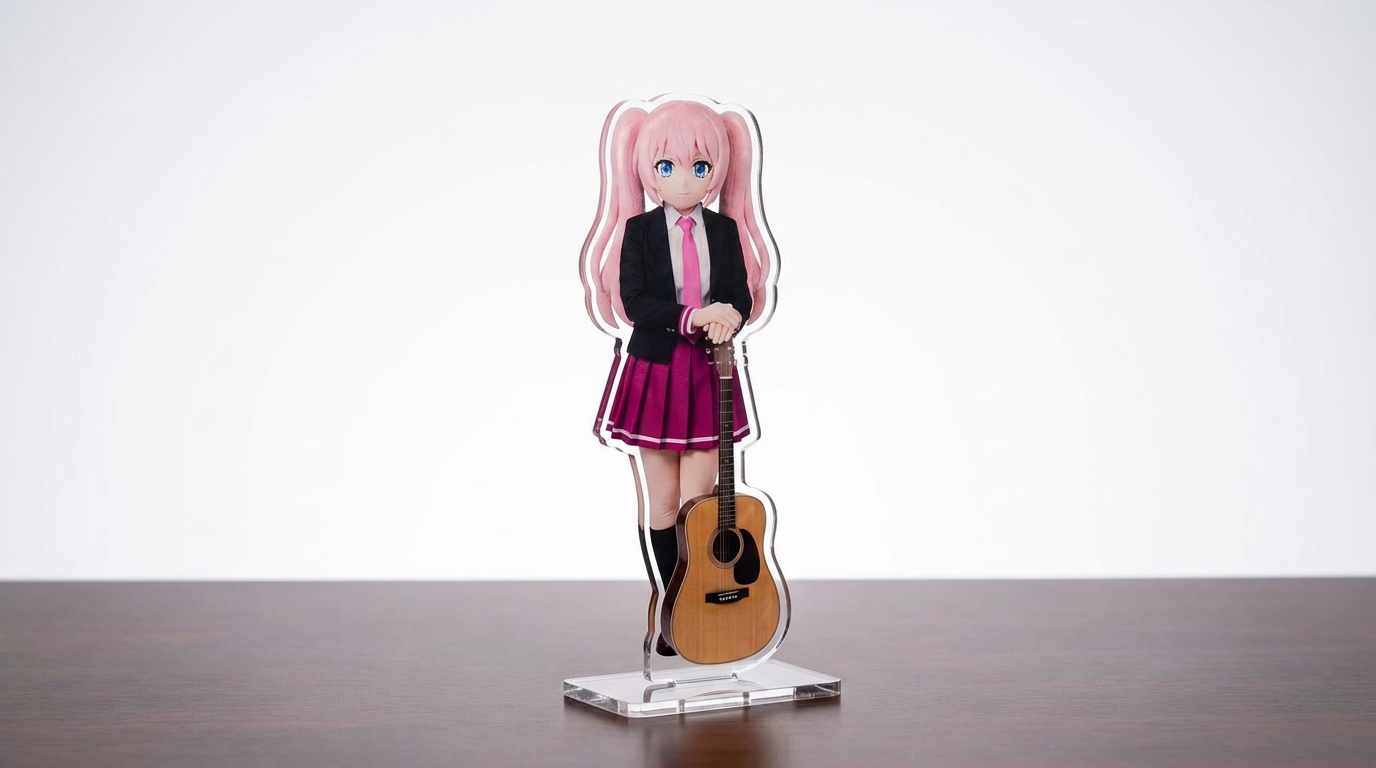
將角色插畫、寵物照片與原創設計,快速轉成可自訂的壓克力立牌模擬圖,採用 Lumi 優先工作流程。
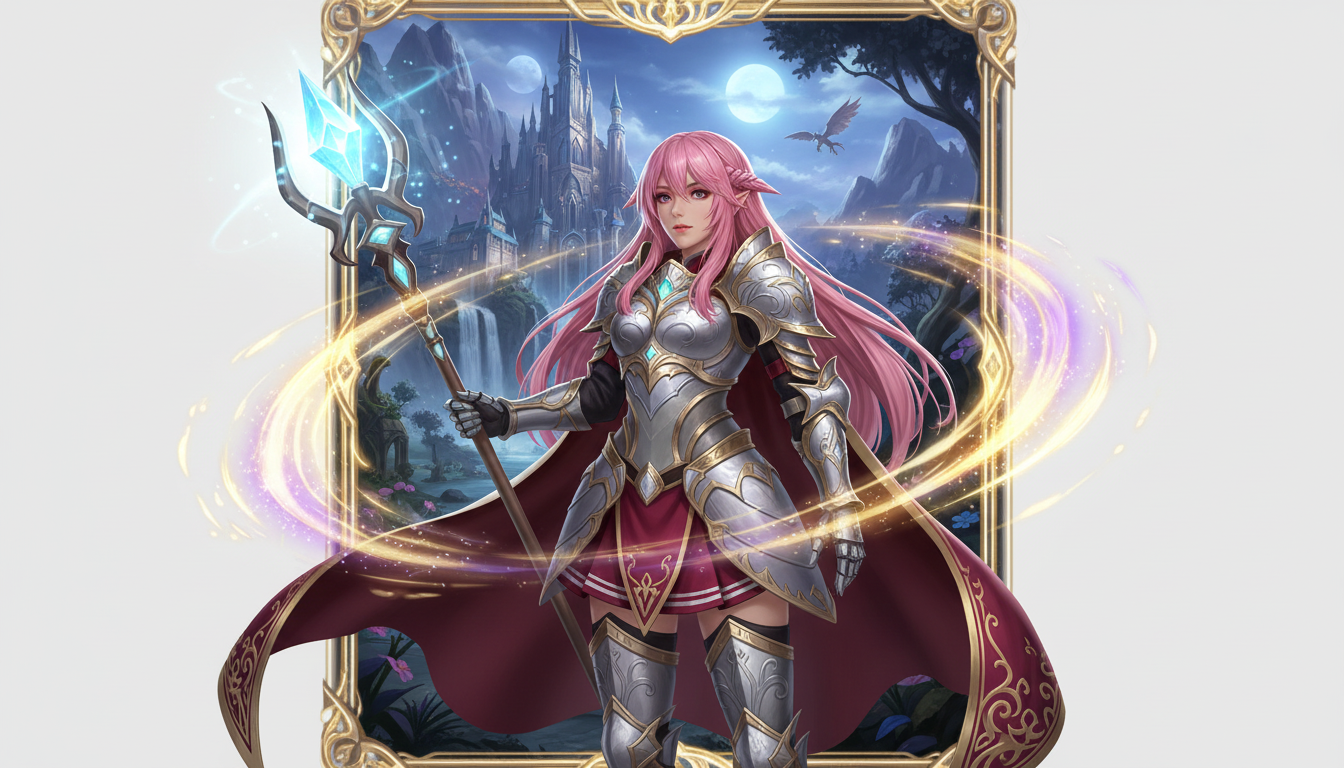
把角色圖片轉成奇幻英雄展示圖,結合職業風格、RPG 氛圍與收藏卡牌感。
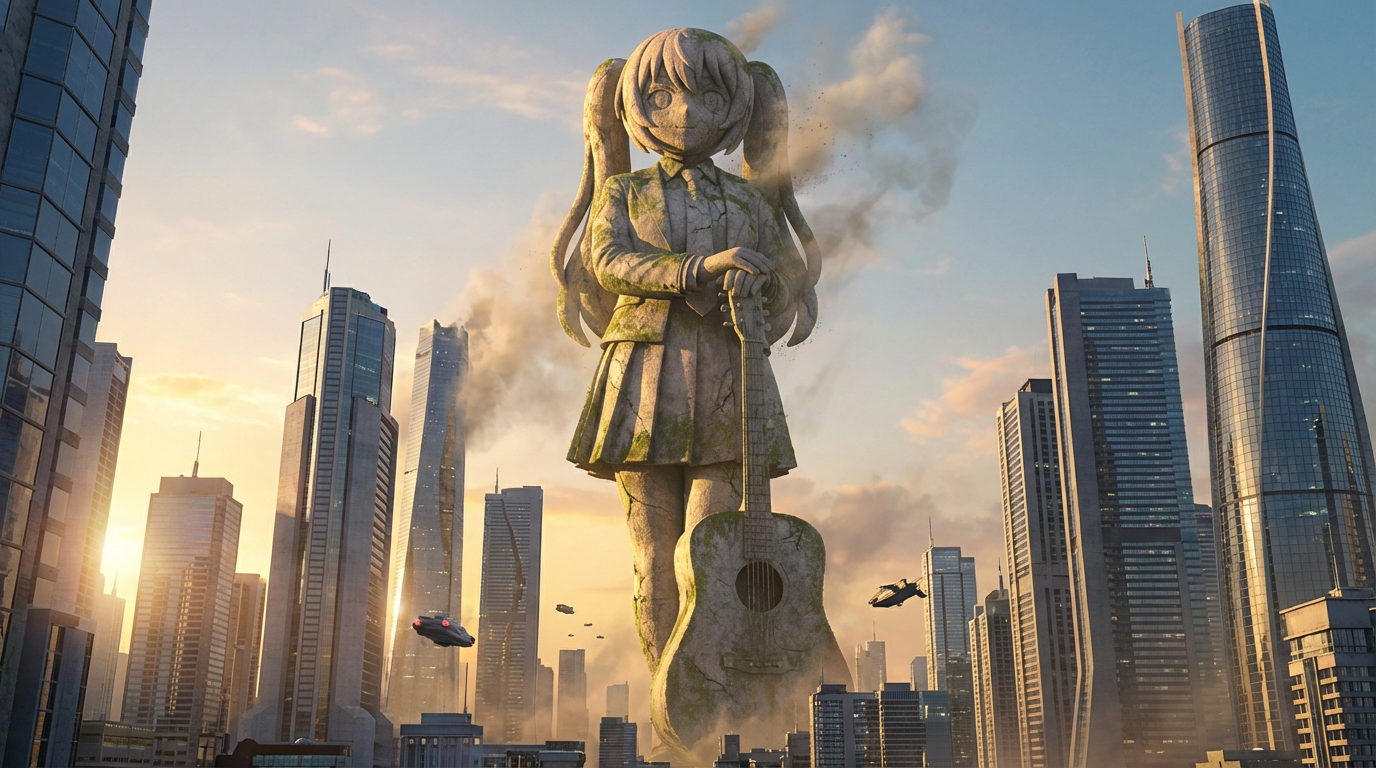
把角色轉換成巨型雕像視覺,呈現城市地標級尺度、天際線背景與紀念碑般的畫面效果。
把角色插畫轉成徽章風格視覺,具備俐落的圓形構圖、周邊感與適合圖示使用的畫面設計。
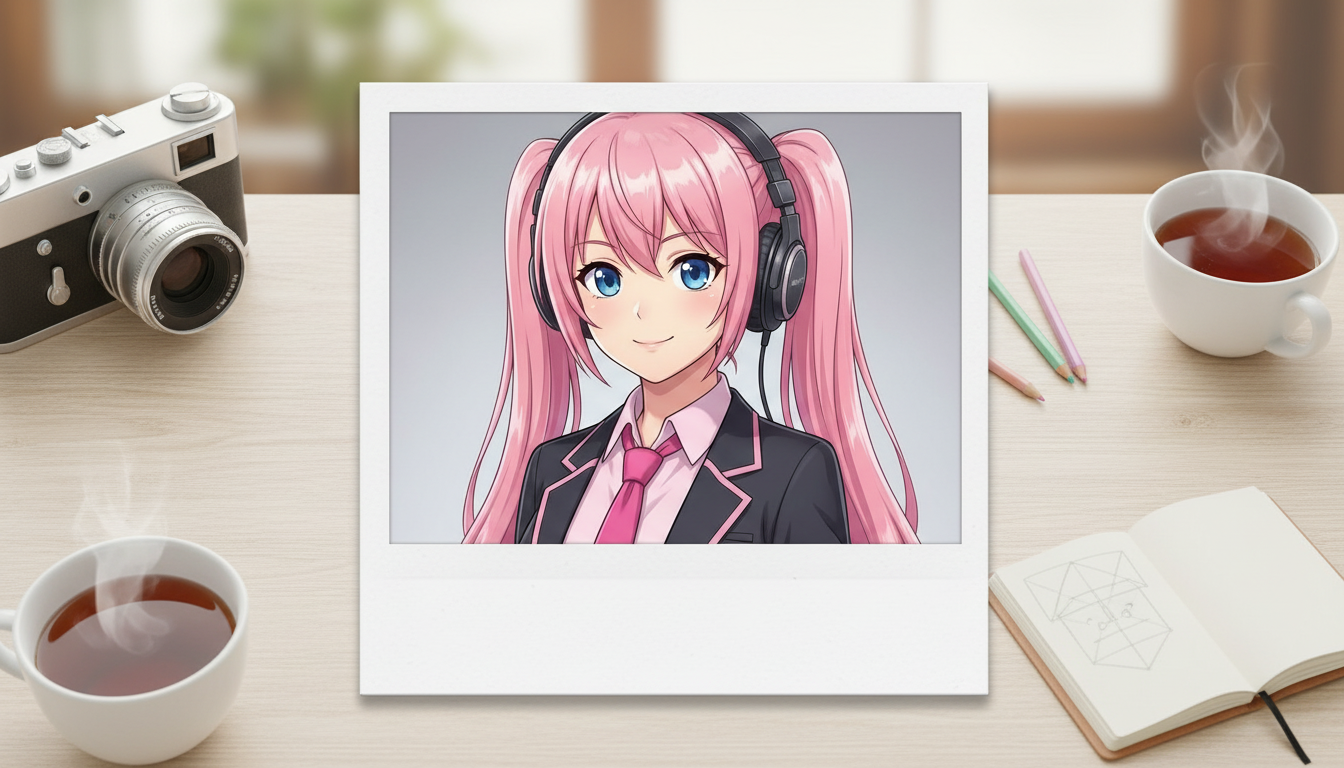
將角色圖片轉成拍立得風格,帶有懷舊即拍相片邊框與值得收藏的快照氛圍。
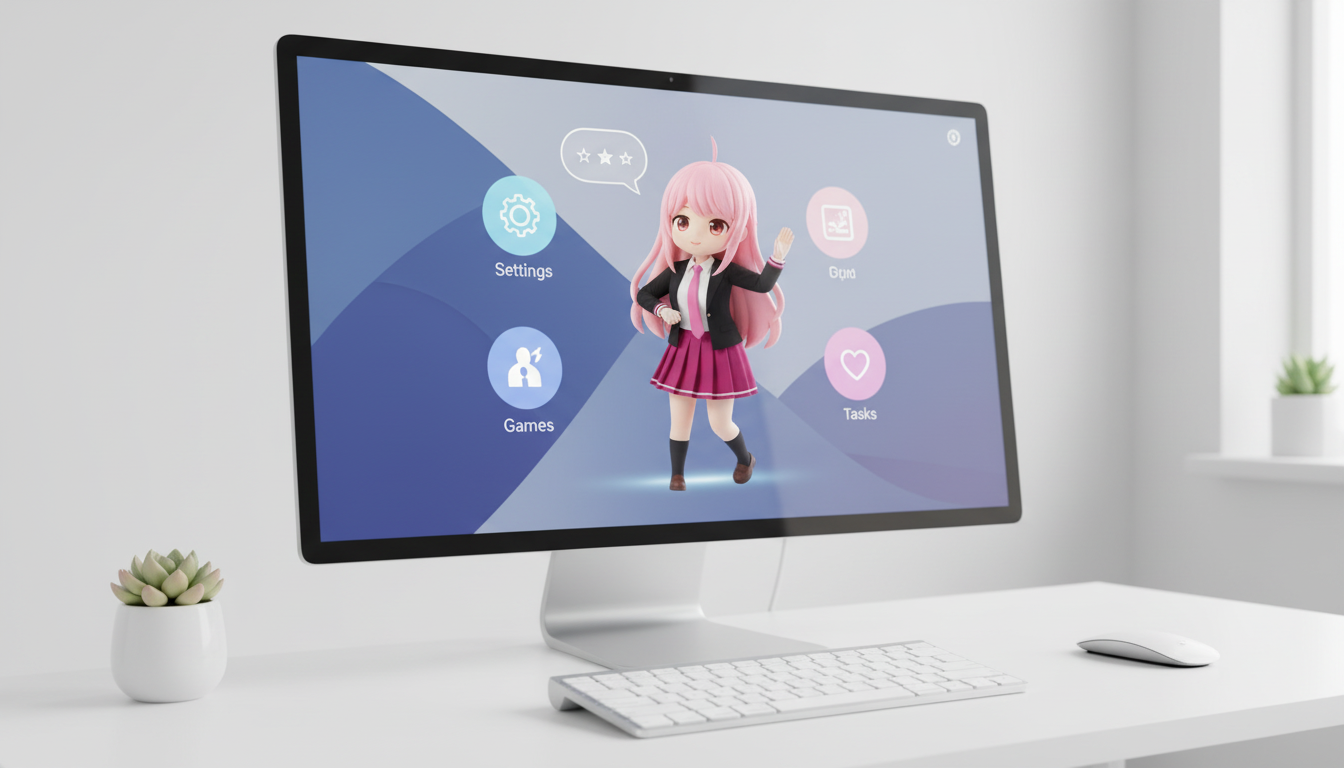
把角色與 OC 轉成桌面寵物風格的視覺圖,搭配符合版面配置的構圖,更適合螢幕呈現。
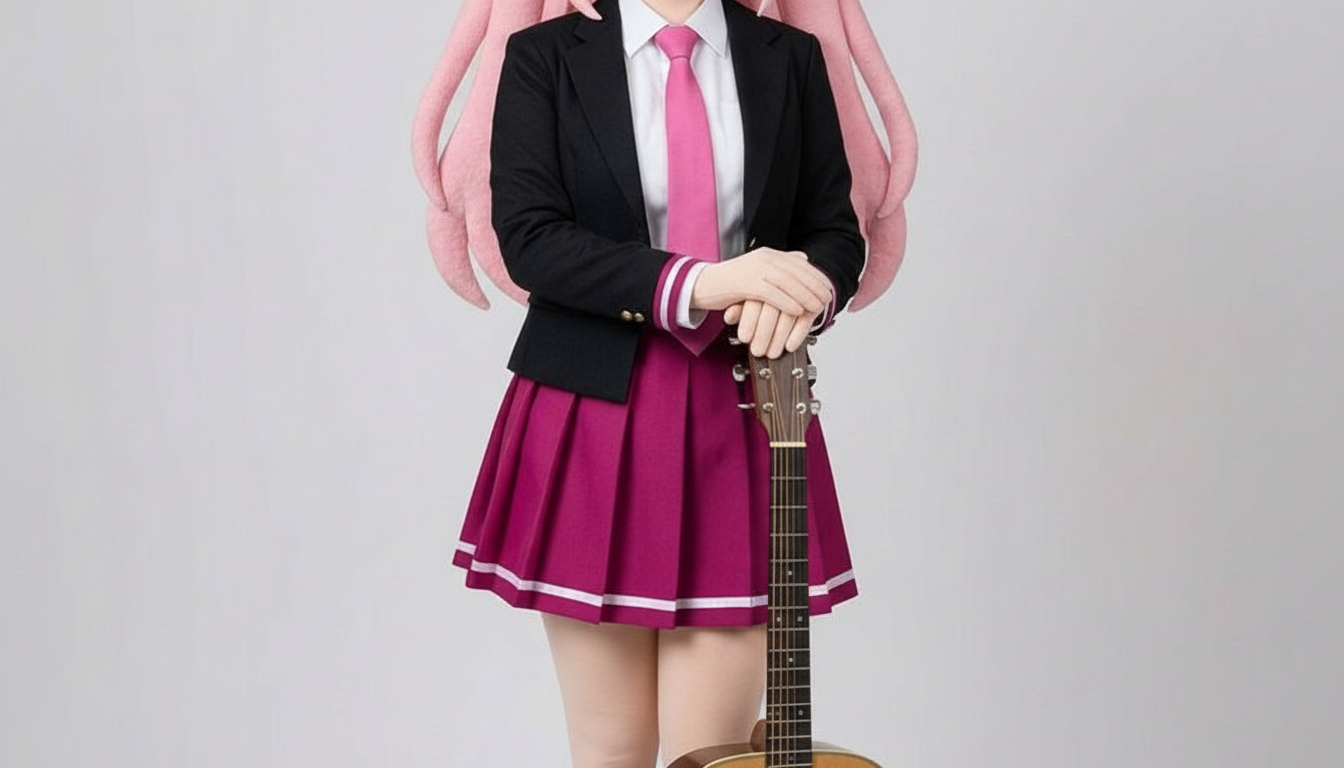
將角色轉換成紙雕風格圖片,呈現分層手作造型、真實層次感與俐落的輪廓控制。
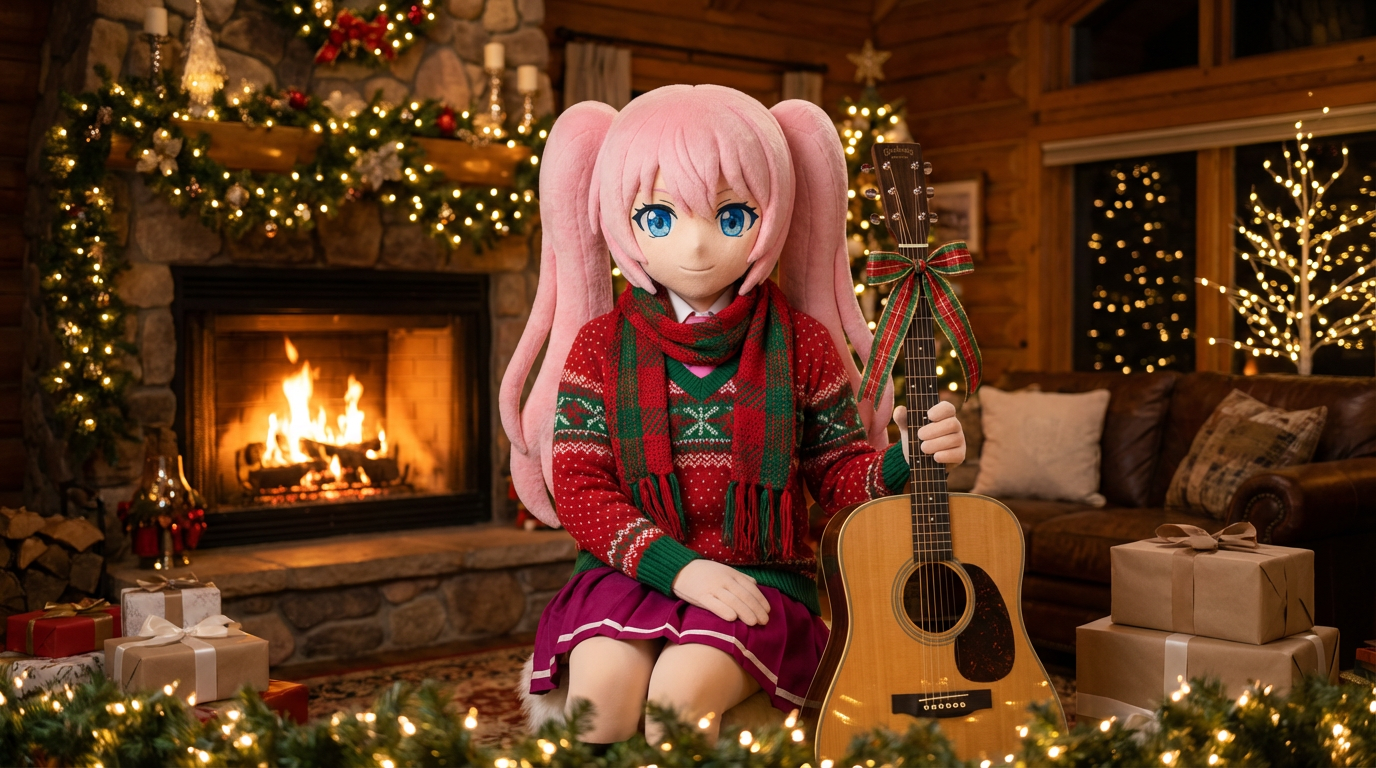
替人像與角色插畫換上節慶新裝,加上圍巾、帽子與充滿節日氣氛的 Lumi 風格呈現。
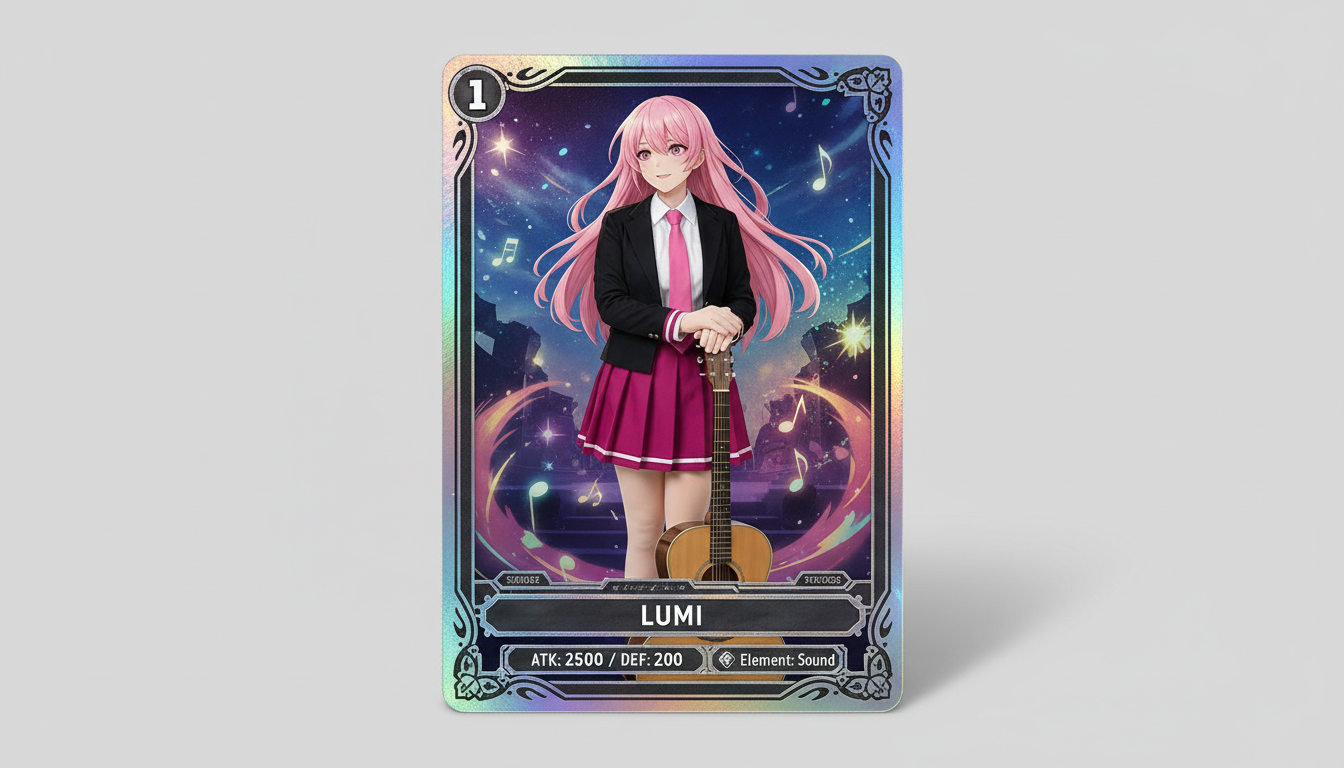
將角色圖片轉成收藏卡風格視覺,呈現稀有度氛圍、卡框數值感與適合周邊展示的構圖。
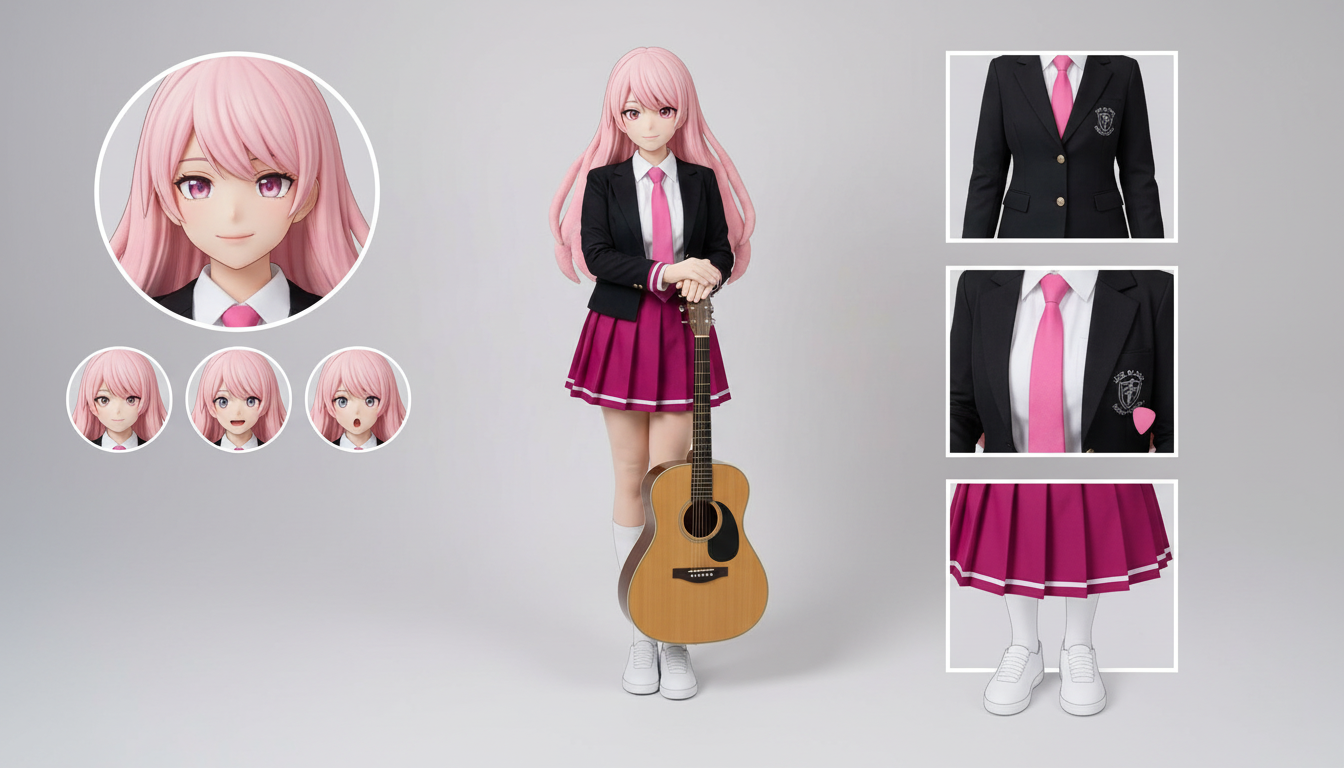
只要上傳一張角色設計圖,即可製作服裝、表情、配件與姿勢參考的角色設定表版面。
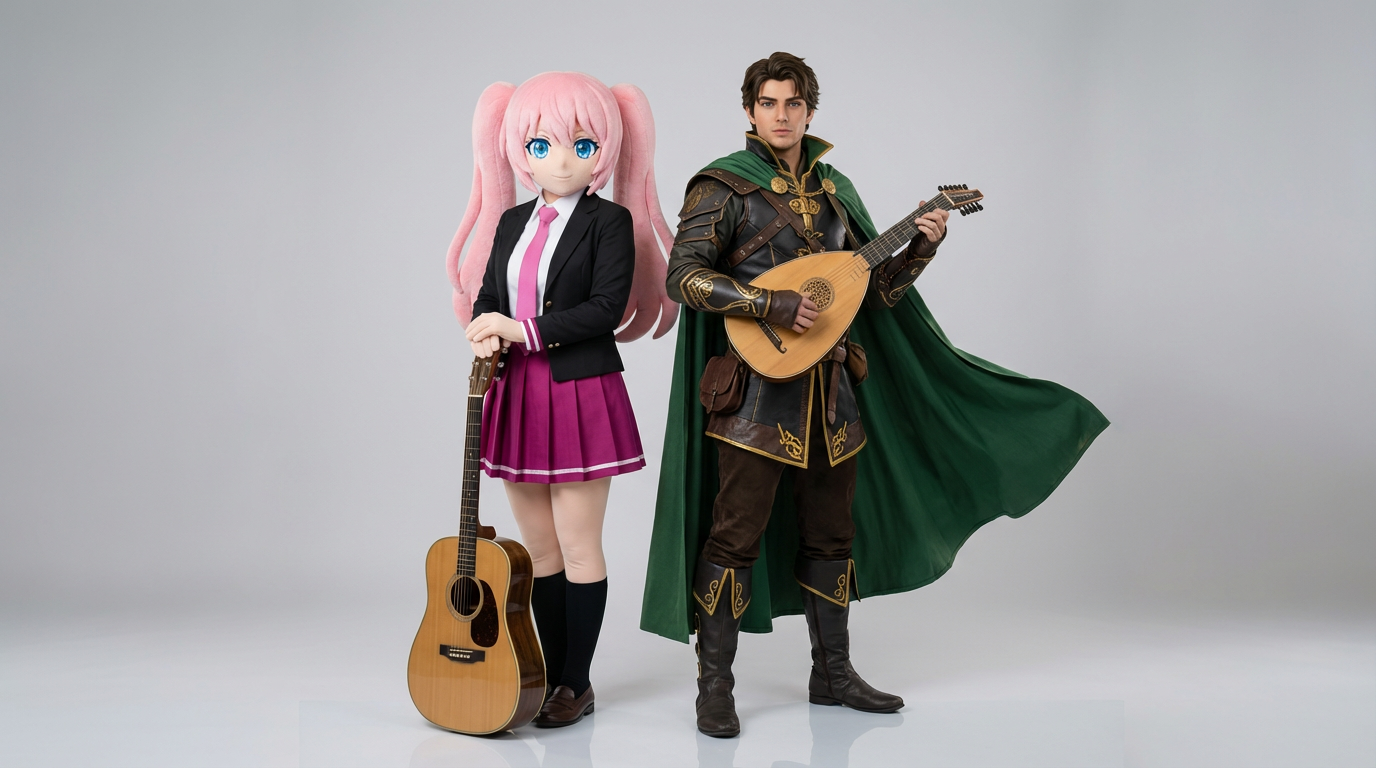
上傳兩張角色參考圖,快速生成互動畫面、雙人構圖與可直接套用到場景的雙角鏡頭。
把角色與 OC 變成亮眼的雜誌封面視覺,具備強烈構圖、高級氛圍與雜誌式版位感。
Use this page when you know the kind of visual asset you want, but not the exact prompt or workflow yet.
Search behavior has moved beyond one broad text-to-image query. Many users now start with an existing image, ask for an editor, or compare image generation workflows before they create.
Yes. Each page is built around a specific problem, such as turning a reference image into a new style, creating a character sheet, or making a magazine-cover visual.
Pick the page that matches your starting point. Use text-to-image when you only have an idea, image-to-image when you have a reference, and AI image editor when you need controlled changes.