

AI comic repair tool
AI Comic Inpainting Tool
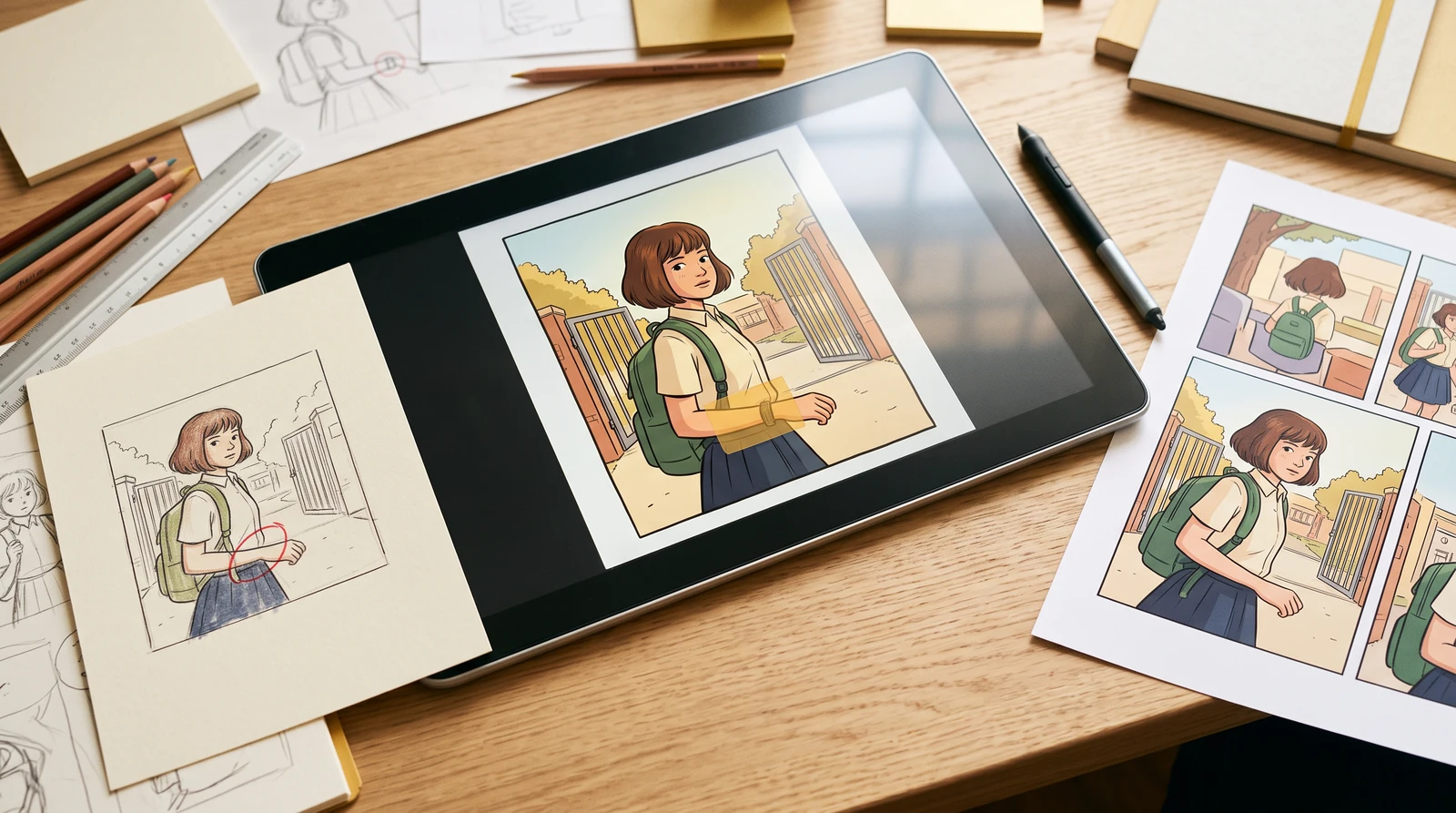
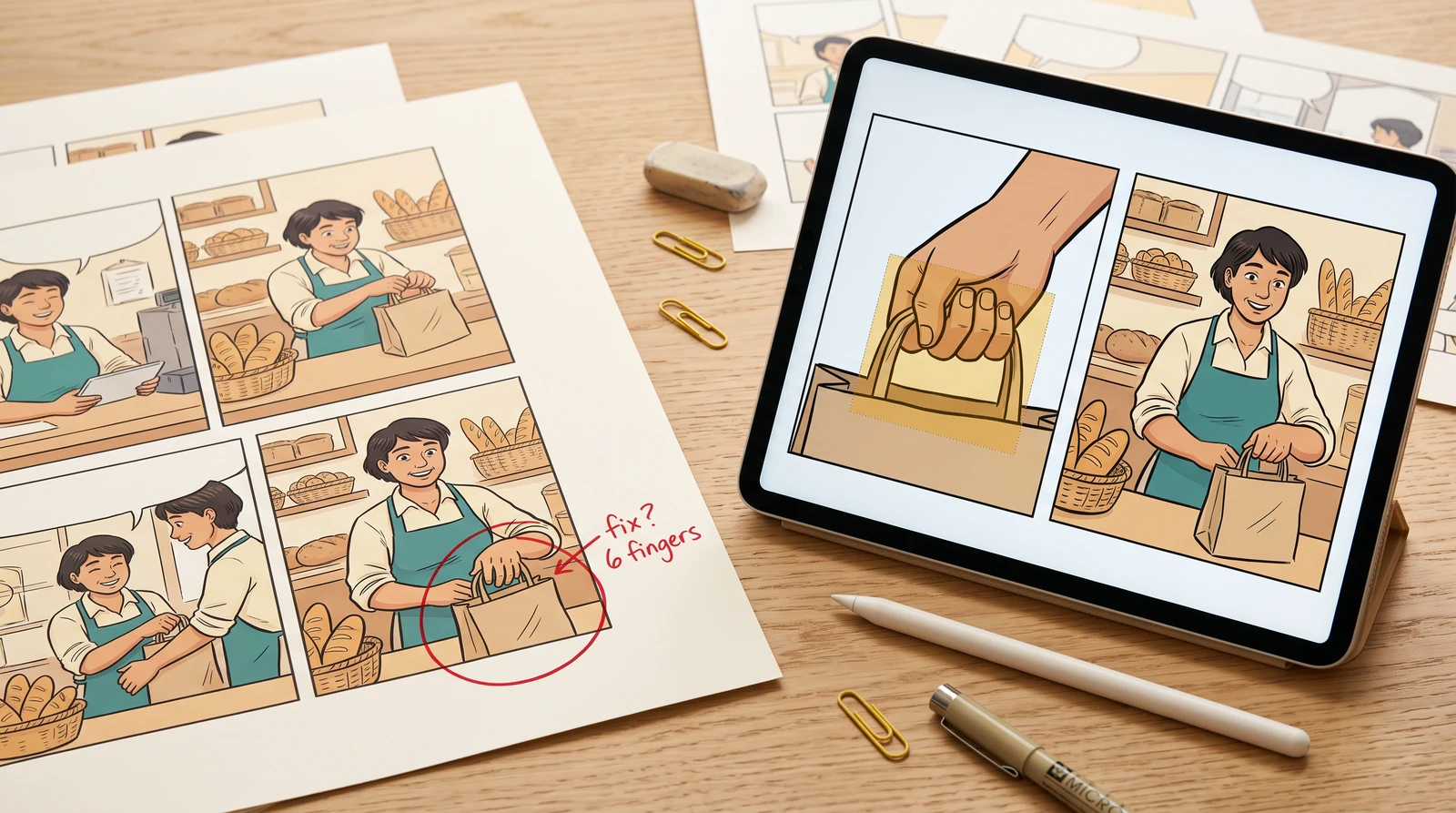
Upload an existing comic panel, brush the area you want to change, and use AI to regenerate the selected region without recreating the whole comic.
Upload a comic panelOriginal panel
Describe the edit
Paint an area to change
Generation uses the existing LlamaGen credit rules. Check your balance and plan before you submit.
AI result
Compare original and result before downloading. AI edits can affect unmarked areas.
Tip: crop the individual panel before uploading a whole comic page. The model does not guarantee perfect anatomy, visual continuity or changes confined exactly to the selected pixels.
Illustrated repair workflows
What this tool can do
Use a white edit mask to select only the error. The model receives the full source image, your mask and your instructions. Review the output because edits are generative, not deterministic.
Important limitations
This standalone upload does not automatically replace a saved panel in an existing project. Return to Comic Studio for project-level version history and panel editing.
How it works
- 1
Open or crop the panel you need to fix.
- 2
Paint the region to change and describe the correction.
- 3
Generate and compare the result to the original.
Questions
Does this edit the entire page?
The request uses a mask on one uploaded image; the generative model may still alter details elsewhere. Inspect the result before applying it to your project.
How is this different from Redraw?
This uses a painted region. Redraw regenerates the whole input image from a change instruction.