

AI comic repair tool
AI Comic Panel Redraw Tool
Upload one comic panel or manga frame and describe how its pose, action or camera framing should change using the existing image-to-image workflow.
Upload a comic panelOriginal panel
Describe the edit
Tip: crop the individual panel before uploading a whole comic page.
Generation uses the existing LlamaGen credit rules. Check your balance and plan before you submit.
AI result
Compare original and result before downloading. AI edits can affect unmarked areas.
Tip: crop the individual panel before uploading a whole comic page. The model does not guarantee perfect anatomy, visual continuity or changes confined exactly to the selected pixels.
Illustrated repair workflows
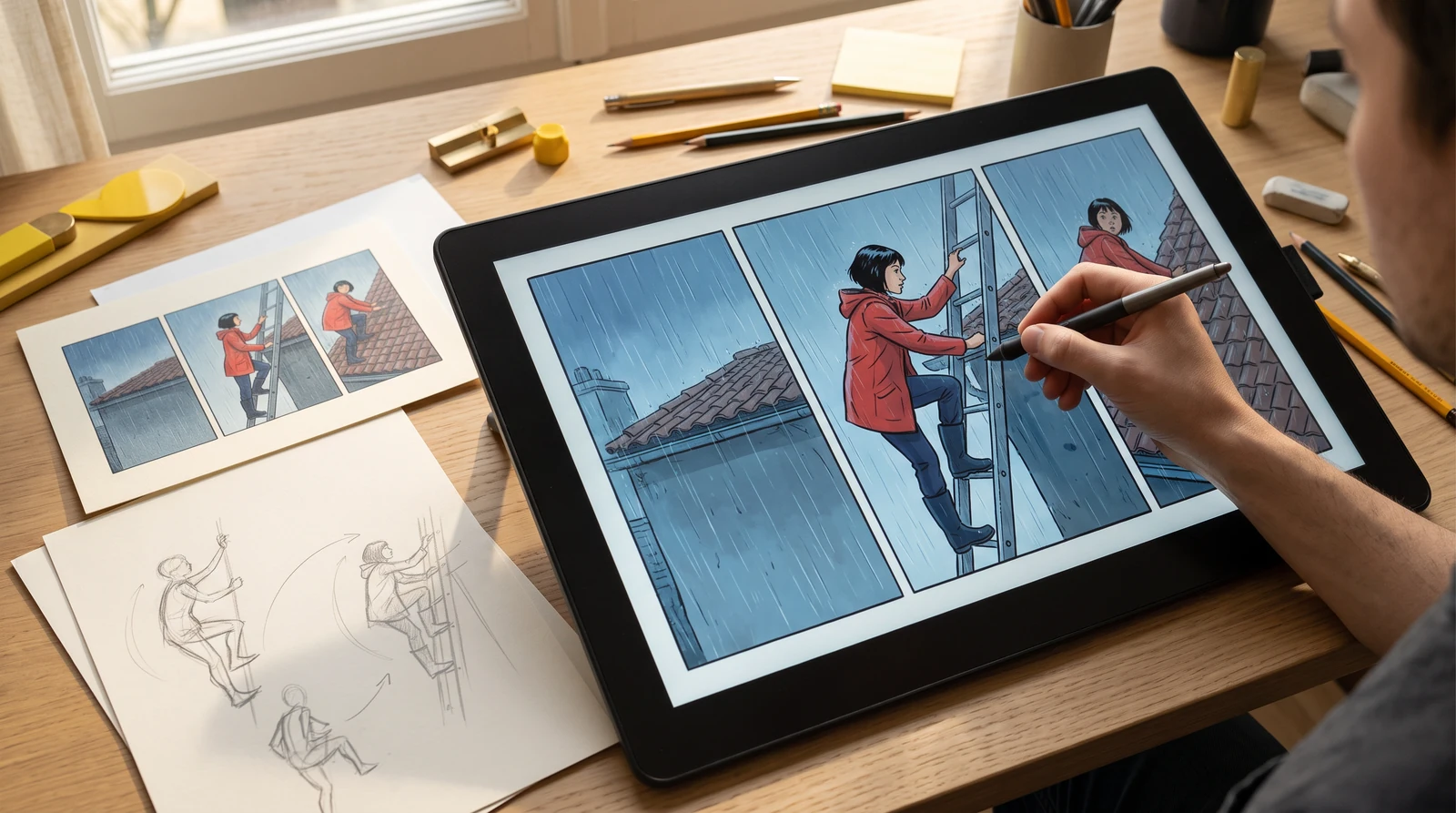
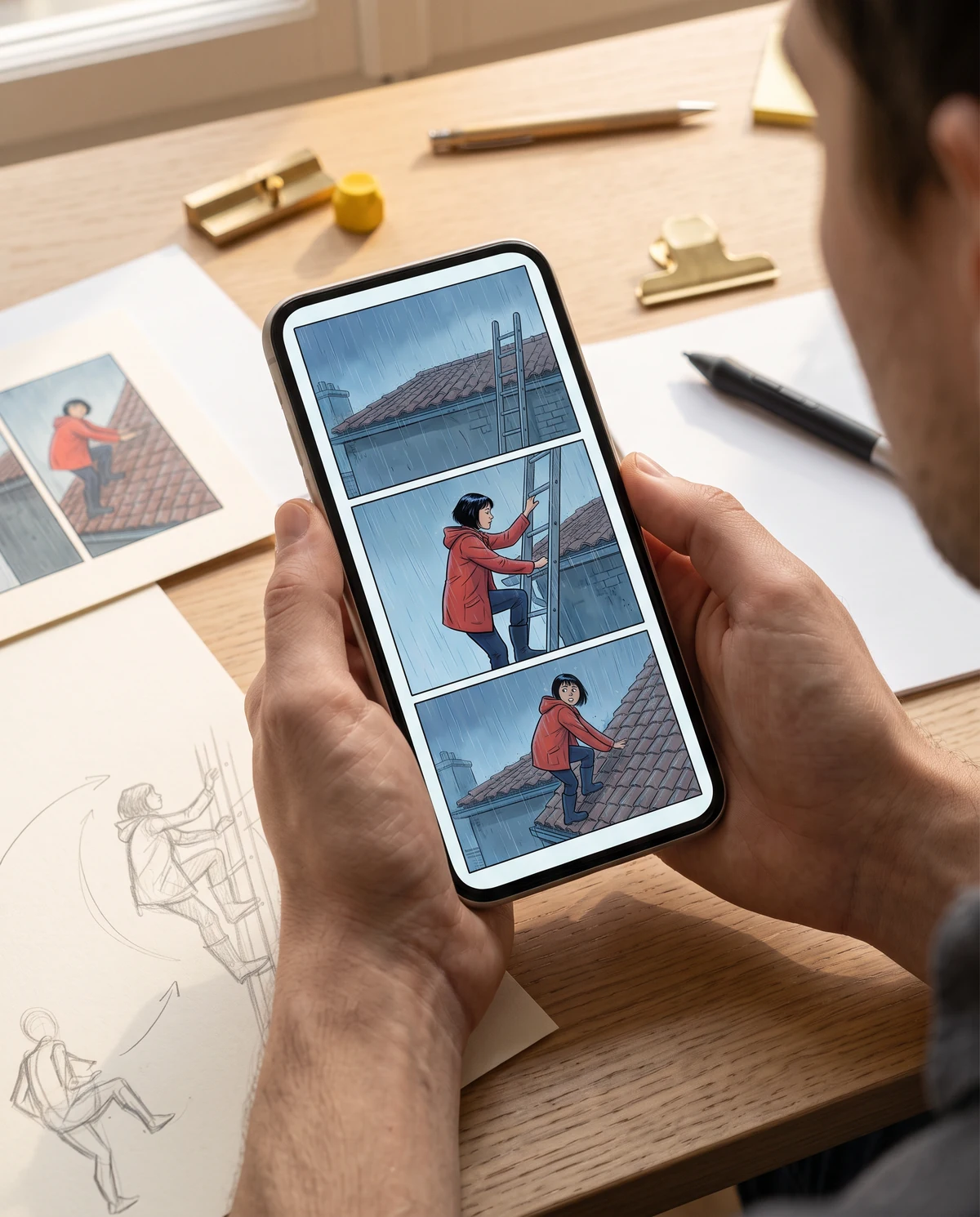
What this tool can do
The input is a single flattened image, not your stored comic project's editable panel. The model redraws the input using your edit brief; save the result and compare continuity before using it.
Important limitations
This image-to-image entry point is not the saved-project Redraw action and does not inherit a project's character library or free-redraw entitlement.
How it works
- 1
Upload or crop the single panel.
- 2
Describe one main action and any identity details to keep.
- 3
Generate, compare and download the replacement image.
Questions
Does this change my saved comic panel automatically?
No. This standalone tool edits an uploaded picture. To replace a panel inside a saved comic, use Comic Studio's existing Redraw and history controls.
Can I keep the same character?
Tell the AI which face, outfit and reference cues matter. Regeneration may still drift, so compare the new frame with adjacent panels.