

AI comic repair tool
AI Comic Panel Fixer
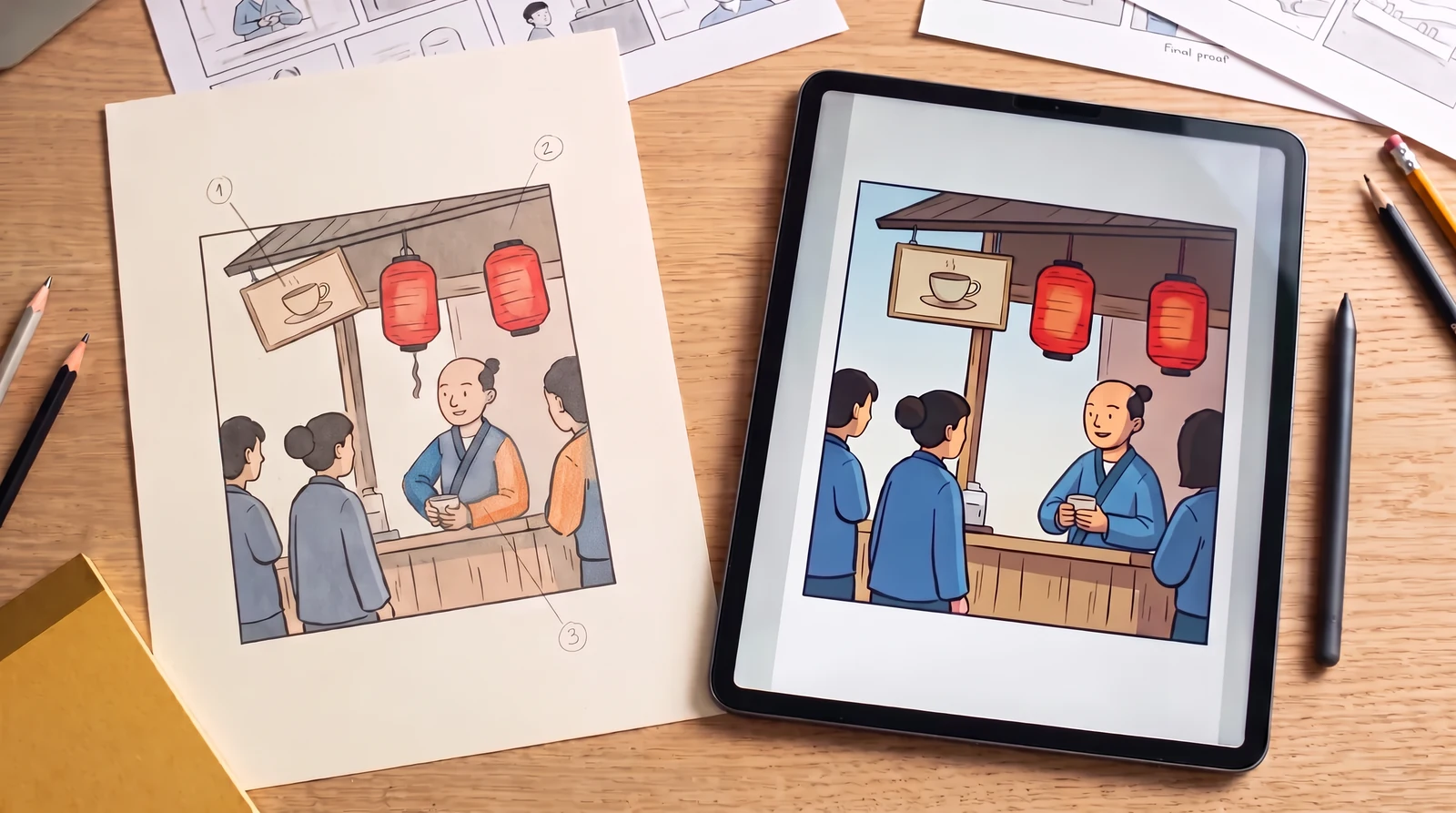
Upload a comic panel, click to number several problem areas, write a separate correction for each, and submit a clean original plus an annotated reference for AI repair.
Upload a comic panelOriginal panel
Describe the edit
Click the image to mark a problem
Generation uses the existing LlamaGen credit rules. Check your balance and plan before you submit.
AI result
Compare original and result before downloading. AI edits can affect unmarked areas.
Tip: crop the individual panel before uploading a whole comic page. The model does not guarantee perfect anatomy, visual continuity or changes confined exactly to the selected pixels.
Illustrated repair workflows
What this tool can do
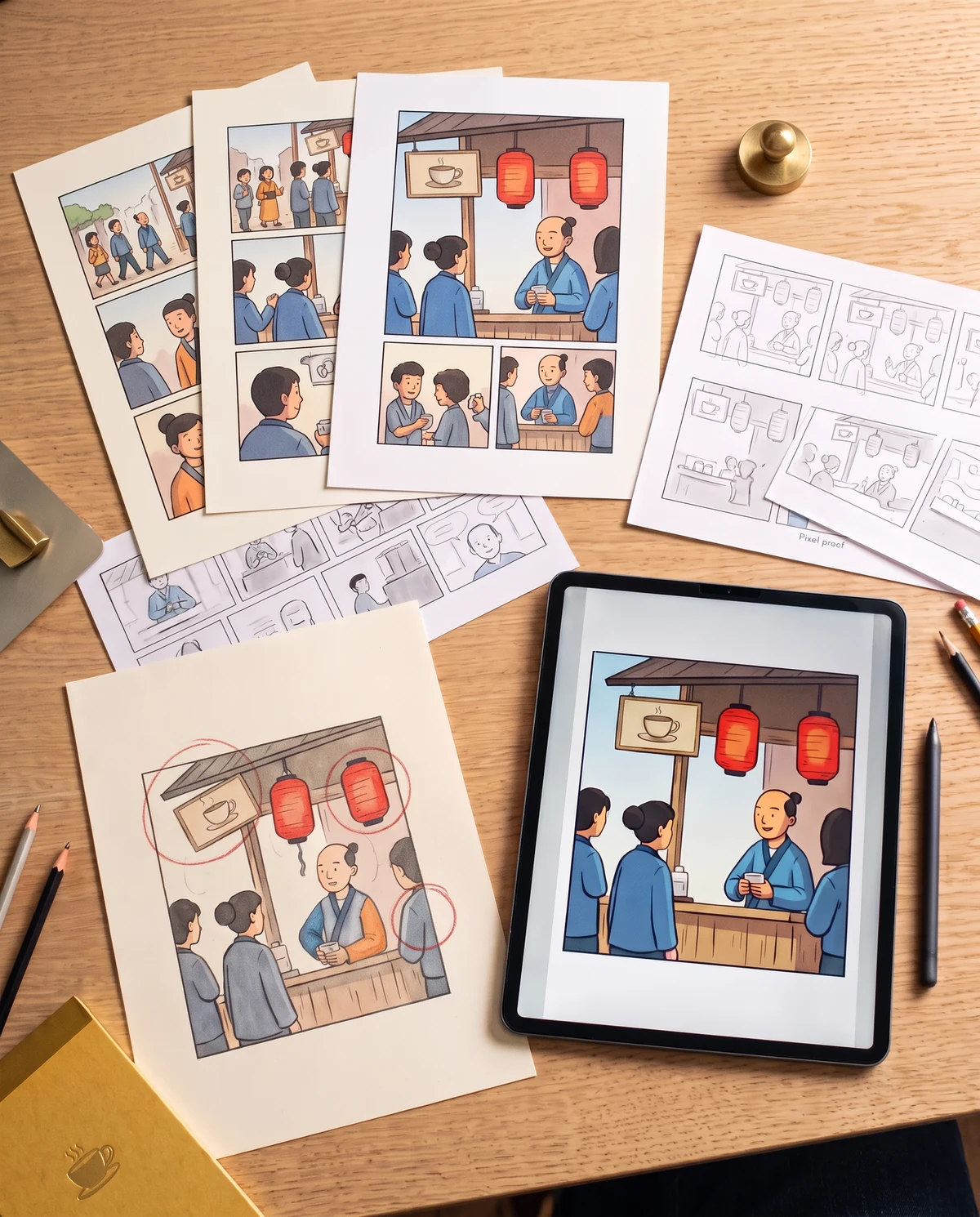
Add one clear note per numbered mark. The original and the marked image are submitted together, following the existing two-reference Annote pattern. Review every resulting edit; annotations guide the model but do not lock other pixels.
Important limitations
This standalone tool creates a new image; it does not modify an existing editable comic project or guarantee changes only within annotations.
How it works
- 1
Upload the panel with multiple errors.
- 2
Click each incorrect area and write its specific repair note.
- 3
Generate from the original and annotated references, then inspect all fixes.
Questions
Can I fix three problems with one request?
You can submit several numbered instructions in one generation. The model may not satisfy every instruction, so verify each area.
Are the colored marks part of my final image?
No. They are supplied as annotation references. The prompt asks the model to exclude them from the output, but results still need manual inspection.