


The short answer
When a panel needs multiple distinct edits, switch from a broad inpainting mask to Annote / Fix Panels. Quick Fix attaches instructions to numbered marks; Free Draw supports hand annotations, shapes and arrows.
A concrete example
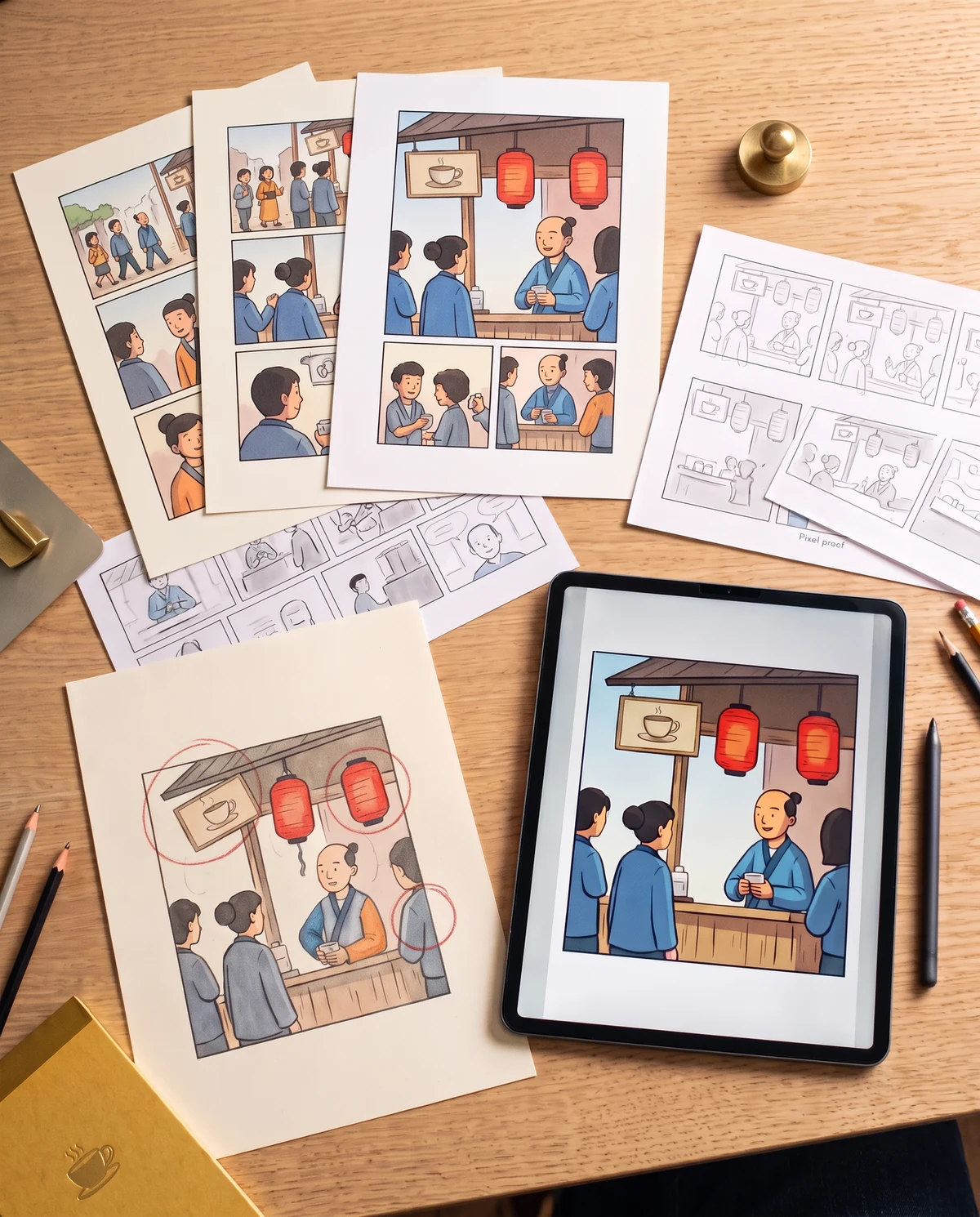
A festival panel has three independent problems: a crooked sign, a missing lantern cord and a sleeve colored differently from the preceding panel. Mark each separately instead of asking for a vague 'fix everything'.
How to make the edit
- 01
Open the affected panel's Annote / Fix Panels tool. Choose Quick Fix for numbered circles or Free Draw when arrows and sketch marks better describe the change.
- 02
Add a specific instruction to each mark. The updated workflow includes the written notes in the rasterized annotation reference and blocks empty note submissions.
- 03
Review the marked reference, then generate and inspect all corrected regions. Return to the original if one repair harms another; you may also split a complex request into smaller passes.
Review the result
- Every marked area has its own actionable instruction before generation.
- The original panel and annotation reference line up at the same dimensions.
- Unmarked characters, dialogue and composition remain readable after the edit.
What this does not guarantee
The tool supports simultaneous annotations, not a guarantee that every instruction will succeed. Check available credit pricing; generating with AI may incur charges.
Illustrated repair workflows
These scenes illustrate repair tasks. Genuine source-and-result captures from the actual tools are still awaiting review.
Common questions
Can I move from Partial Modification to Annote?
Yes. The existing editor offers a shortcut when several regions need fixes, preserving the selected panel.
What happens if I circle an area without writing a note?
The updated Quick Fix flow prevents generation with unfilled circle instructions to avoid a no-op request.