Comic background resources

Classroom Manga Backgrounds for School Comics

LlamaGen

School stories move between the classroom, corridor and other shared spaces. Start with a classroom that gives your characters enough room to sit, talk and move.

AI-assisted guide from the product publisher, based on its catalog and linked documentation. This is not an independent review or a measured generation test.

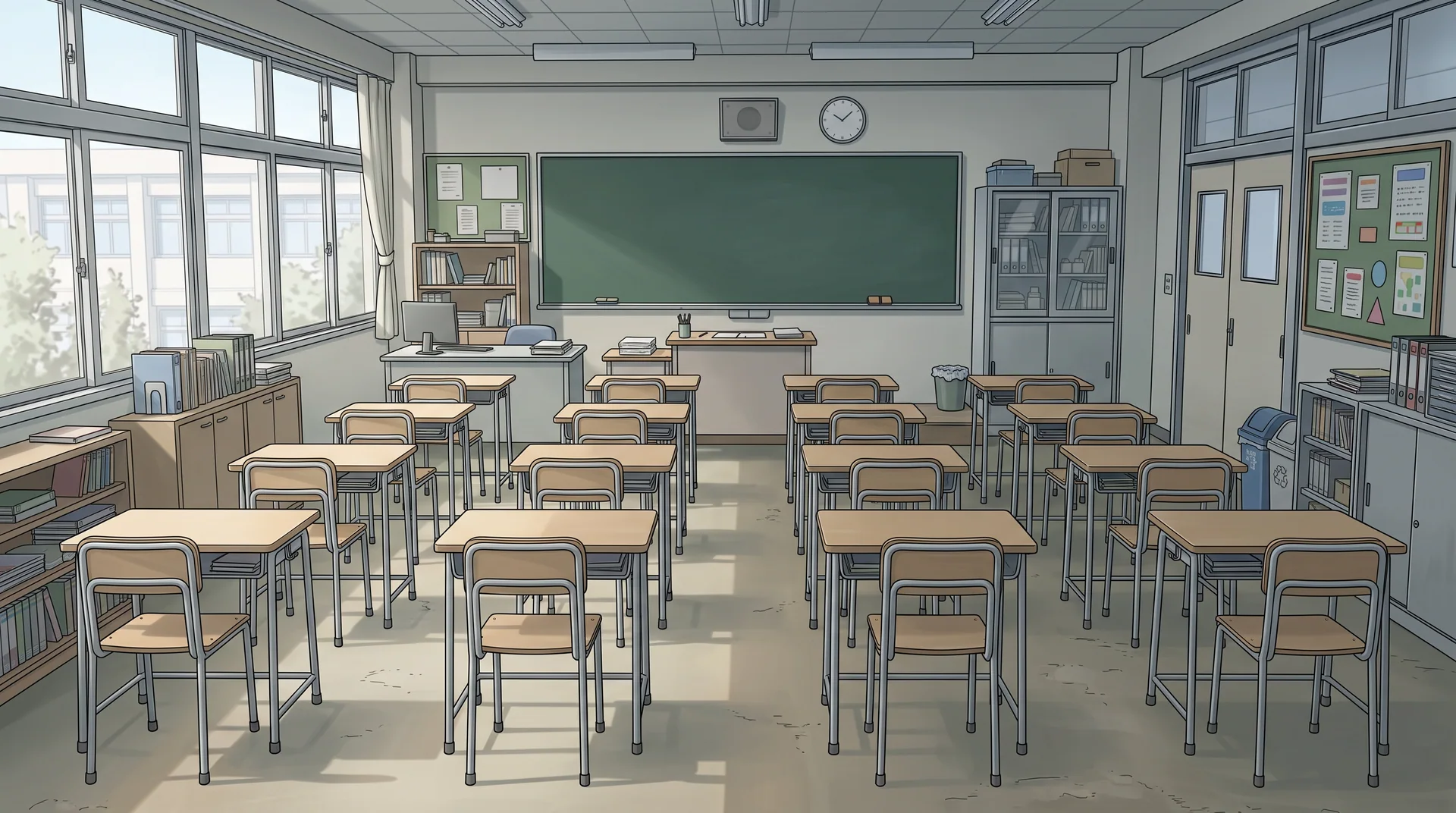
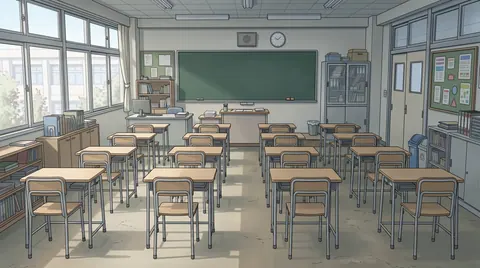
Color classroom
Original AI-generated library examples. Editions can differ in geometry; inspect them before use. Selecting a reference does not regenerate existing panels.

Choose the angle for the action

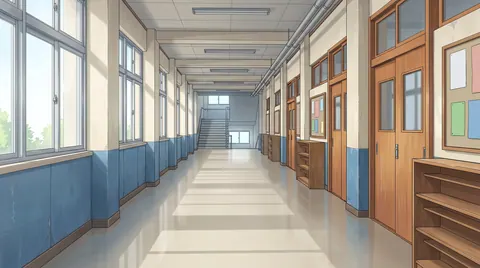
Use a wide classroom to establish where everyone sits. For a conversation, choose a crop that leaves the faces clear and room above them for balloons. Check desk rows against the horizon and the character's eye level. A corridor is useful for arrivals and transitions between classroom scenes.

Keep the school recognizable

Record the board position, window wall, door and desk arrangement for your chosen classroom. Reuse the reference in later scenes and check these landmarks when you generate another shot. Select day or night according to the story, then inspect the actual image rather than assuming every edition shares the same architecture.


Checks before using a background

  1. Sketch three beats before choosing a classroom: an arrival showing the door, a desk conversation and a reaction toward the board. Match the camera height to the seated or standing cast.
  2. Record board, window wall, door and desk-row directions. Compare these landmarks across shots; mirroring an image can reverse the room and readable writing.

Search by place, style and use

  • classroom manga background
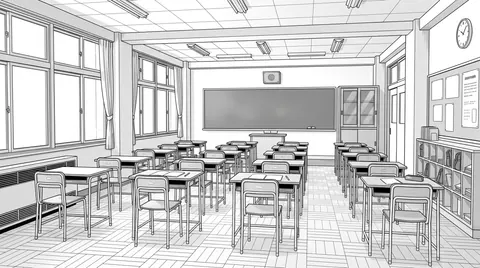
  • school background line art
  • free classroom background for comics

From background to comic

  1. 1.Choose a location and a style. Open an example below or filter the library by category and art style.
  2. 2.Preview the image and its available editions. Check the perspective, lighting and space for your characters.
  3. 3.Choose Use in Comic to carry the reference into comic creation, or add it to an existing storyboard's locations. Generate your panels when you are ready.
3 free backgrounds · Unlock all backgrounds with Pro

Free accounts can use 3 selected library backgrounds. Preview the whole collection; backgrounds marked PRO require a paid plan to use or customize. Reusing an unlocked background does not spend generation credits.

A paid plan unlocks the full background library, premium generation models and more credits. Generating a new image or transforming a photo still uses the credits shown for the selected model.

Compare plans

Questions about using backgrounds

Can I reuse one classroom background for several panels?

Yes, as a reference or crop when the action fits. A crop cannot reveal space outside the image or supply a new camera angle. For another view, check every landmark against the original reference.