Comic background resources

Photo to Manga Background: Turn a Location into a Comic Scene

LlamaGen

A photo you took can provide the composition for a street, room or building in your story. Upload it to Scene Studio, select a manga style and review the generation cost before creating a new background.

AI-assisted guide from the product publisher, based on its catalog and linked documentation. This is not an independent review or a measured generation test.

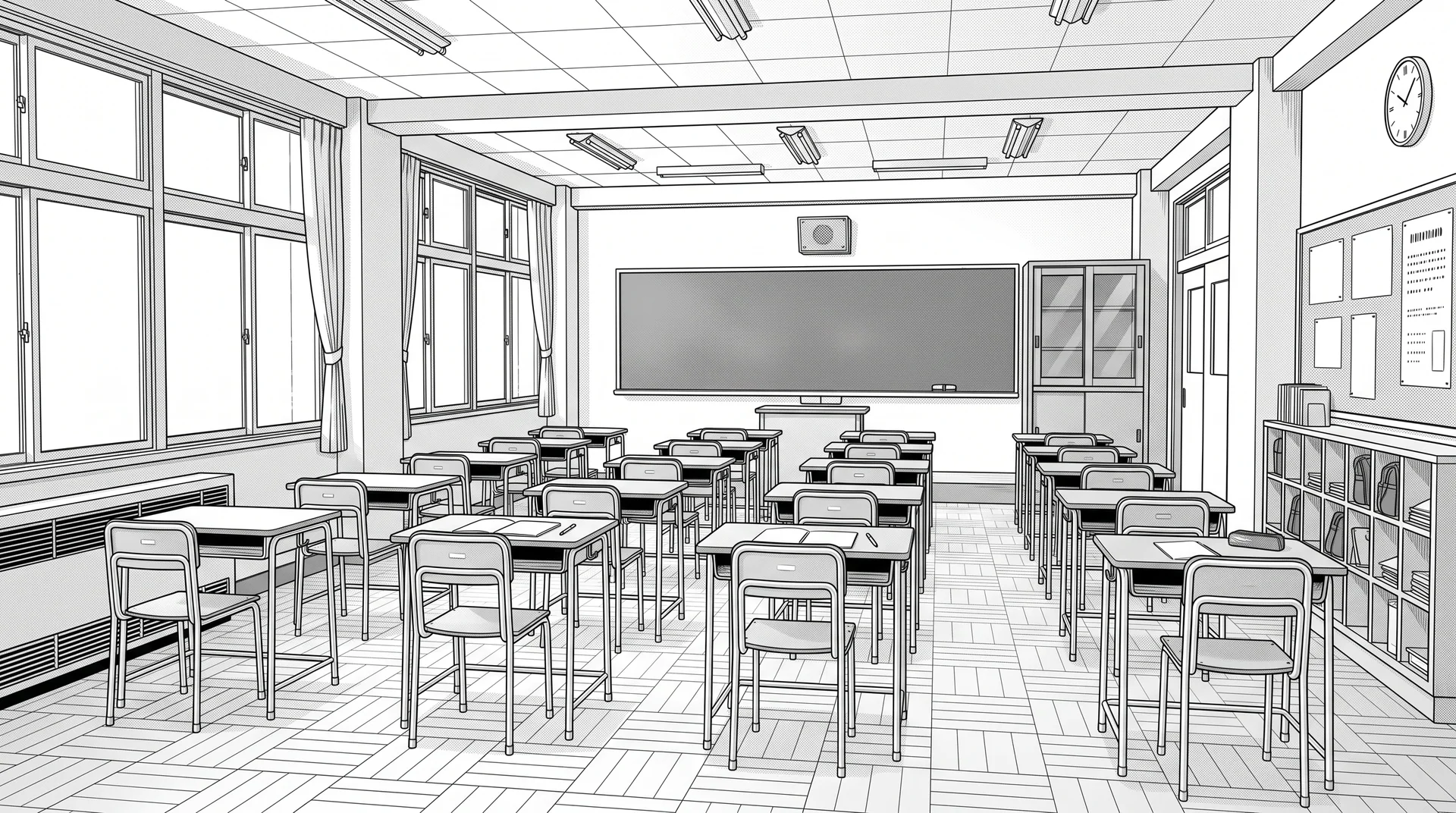
Black-and-white classroom
Original AI-generated library examples. Editions can differ in geometry; inspect them before use. Selecting a reference does not regenerate existing panels.

Prepare a clear source photo

Choose a sharp image with a readable horizon and visible walls, doors or street edges. Crop distracting foreground objects and leave space for characters. Use photos you have permission to use. A stronger source composition gives you a better starting point for the finished panel.

Describe what the new background should keep

Ask to preserve the main layout, doorway and window positions, and request an empty background with manga-style line work. Inspect perspective, small details and unwanted figures in the result. This is an AI transformation, not a deterministic tracing filter, so architectural details may change. Save a successful scene or use it as a comic reference.


Checks before using a background

  1. Suggested prompt: Empty classroom, manga line art; keep the main perspective, door and window positions; leave space for two characters. This is an instruction to try, not a verified output.
  2. Compare source and result for door count, window spacing, vanishing lines and unwanted people. If geometry changes, simplify the request or try a line-extraction filter instead.

Search by place, style and use

  • photo to manga background
  • photo to comic background
  • turn street photo into manga line art

From background to comic

  1. 1.Choose a location and a style. Open an example below or filter the library by category and art style.
  2. 2.Preview the image and its available editions. Check the perspective, lighting and space for your characters.
  3. 3.Choose Use in Comic to carry the reference into comic creation, or add it to an existing storyboard's locations. Generate your panels when you are ready.
3 free backgrounds · Unlock all backgrounds with Pro

Free accounts can use 3 selected library backgrounds. Preview the whole collection; backgrounds marked PRO require a paid plan to use or customize. Reusing an unlocked background does not spend generation credits.

A paid plan unlocks the full background library, premium generation models and more credits. Generating a new image or transforming a photo still uses the credits shown for the selected model.

Compare plans

Questions about using backgrounds

Is AI photo conversion the same as a manga background filter?

No. ibisPaint documents a filter with contrast, edge-darkness and screentone controls. LlamaGen generates a new interpretation, so it may alter architecture; use a filter when preserving photographed geometry matters more than restyling.