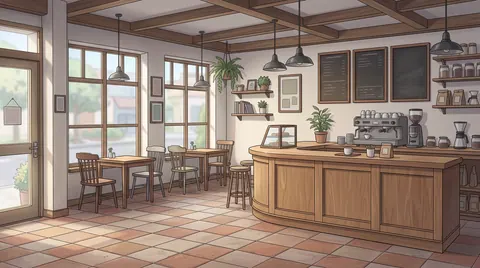
Comic background resources

Webtoon Backgrounds for Rooms, Streets and Everyday Scenes

LlamaGen

A useful webtoon background must still read after it is cropped into a panel on a phone. Choose a room, street or café with a clear focal point and enough space for the cast.

AI-assisted guide from the product publisher, based on its catalog and linked documentation. This is not an independent review or a measured generation test.

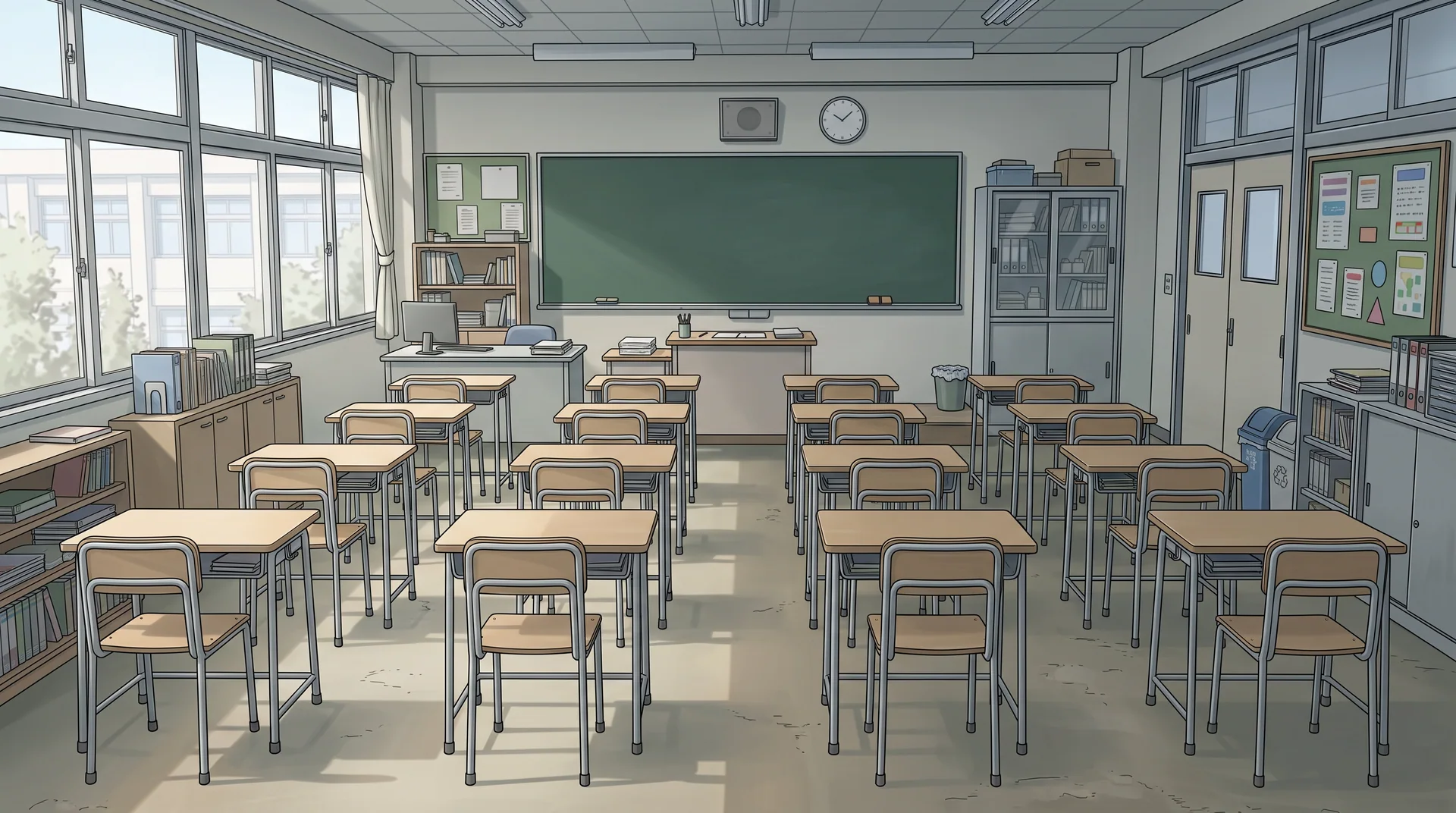
Color classroom
Original AI-generated library examples. Editions can differ in geometry; inspect them before use. Selecting a reference does not regenerate existing panels.

Plan the crop before choosing the scene

A wide establishing image can introduce a location, while a tighter crop supports a conversation. Check the background at the intended panel size: windows, furniture and signs should not compete with faces or balloons. A wide source image is not automatically a tall webtoon panel; preview the crop in your comic layout.
Reuse a location across an episode

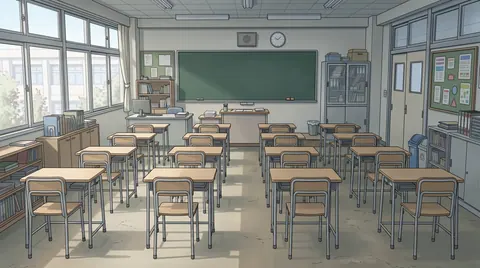
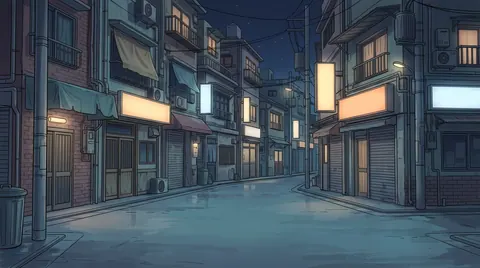
Save a useful scene as a reference and use it again when the story returns to that place. Keep a short note of the doorway, window position, furniture and main light direction. Compare new generations with that reference. Available editions are alternatives to inspect, not a guarantee of an identical room from every angle.

Checks before using a background

  1. For a 1920 × 1072 example, a full-height 9:16 crop is about 603 pixels wide: only 31% of the original width. Check that both characters and the doorway fit before committing.
  2. Make three thumbnail panels: establishing shot, conversation and reaction. Check readability at phone size and record which room landmarks must survive each crop.

Search by place, style and use

  • free webtoon backgrounds
  • webtoon room background
  • webtoon street background

From background to comic

  1. 1.Choose a location and a style. Open an example below or filter the library by category and art style.
  2. 2.Preview the image and its available editions. Check the perspective, lighting and space for your characters.
  3. 3.Choose Use in Comic to carry the reference into comic creation, or add it to an existing storyboard's locations. Generate your panels when you are ready.
3 free backgrounds · Unlock all backgrounds with Pro

Free accounts can use 3 selected library backgrounds. Preview the whole collection; backgrounds marked PRO require a paid plan to use or customize. Reusing an unlocked background does not spend generation credits.

A paid plan unlocks the full background library, premium generation models and more credits. Generating a new image or transforming a photo still uses the credits shown for the selected model.

Compare plans

Questions about using backgrounds

Does a webtoon background have to be vertical?

No. The panel crop matters. A wide image can supply a vertical panel, but cropping removes side detail; extending the image can invent architecture. The 9:16 calculation is an illustration, not a platform upload requirement.