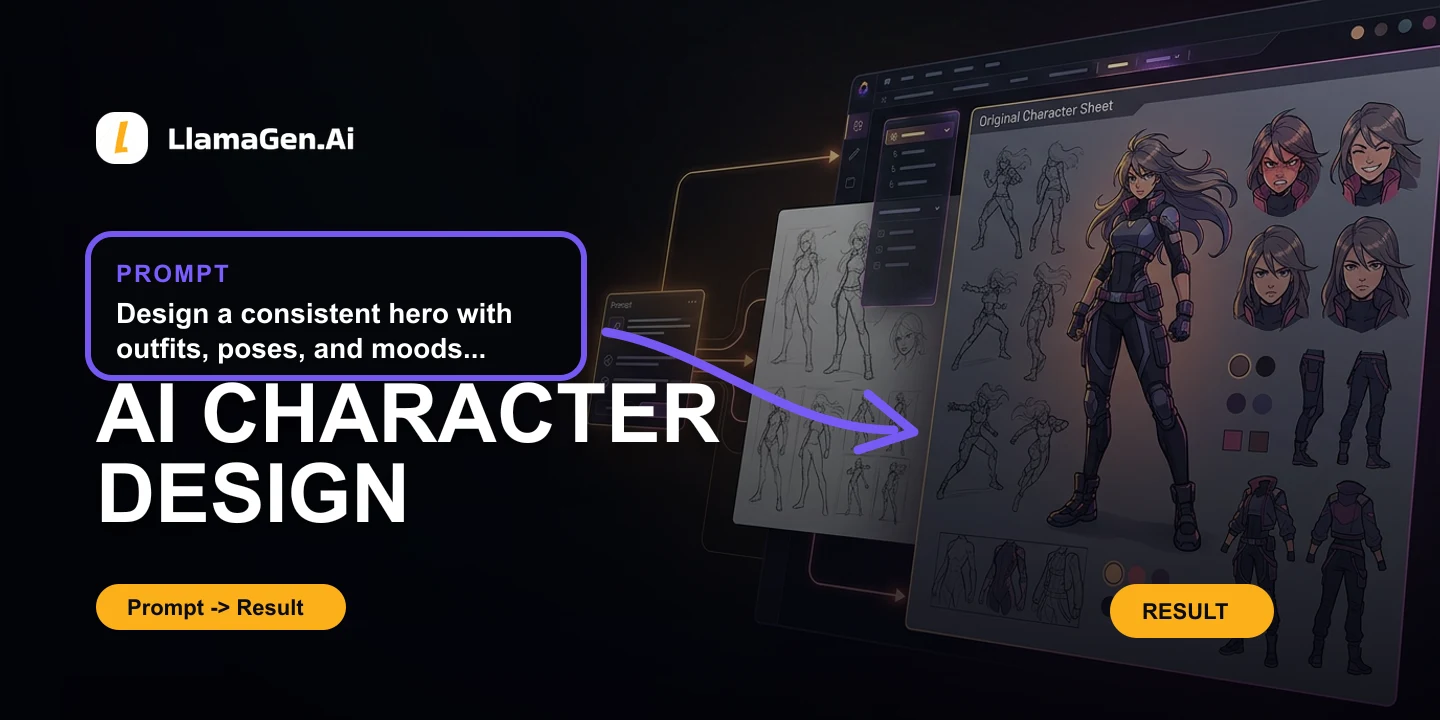


Radni prostor za scenarij
Izvucite produkcijske resurse iz scenarija
Izvucite likove, rekvizite i mjesta iz skripte kako svaka scena ne bi kretala od nule.
Otvorite storyboard projektLikovi, rekviziti i mjesta kako sljedeća scena ne bi počela od nule.
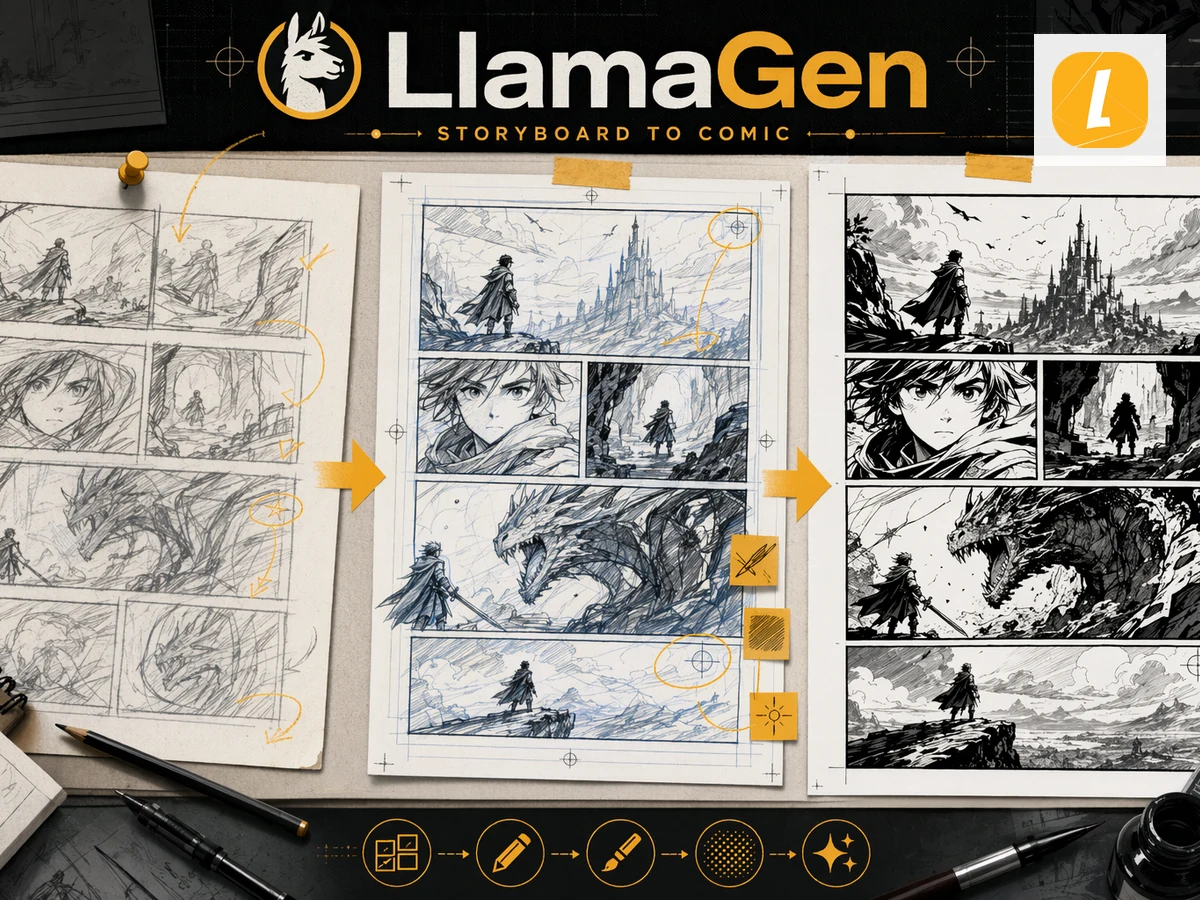
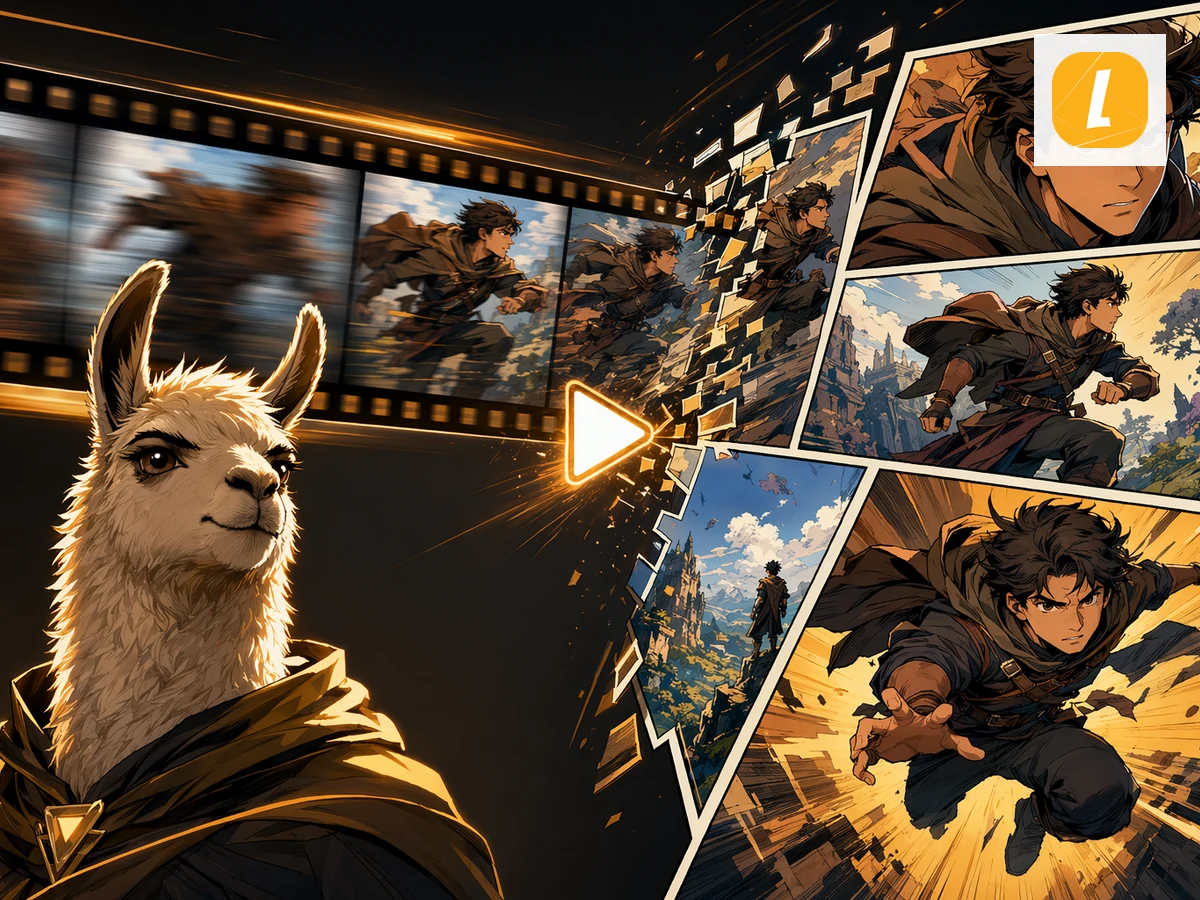
Scena + slika + idući korak
Jedan zadatak na stranici. Slike prikazuju rad, ne popis značajki.
Mjesta i rekviziti
Zatim napravite raspored scene
Što možeš koristiti, a što ne možeš
Potvrdi zadatak, granice i sljedeći klik prije početka.
Kako radi?
- Otvorite projekt scenarija. Iskoristite skriptu koju već secirate.
- Prikupite ponavljajuće elemente. Likovi, prostori i rekviziti koji se vraćaju.
- Rasporedite sljedeću scenu. Ne stvarajte novu postavu za svaki kadar.
Prije nego što počneš
- Ovo je radna funkcija, a ne stock biblioteka.
- Potražnja za pojmom “AI produkcijski resursi” je mala.
- Koristite to već dok pišete u LlamaGen.
Izvucite produkcijske resurse iz scenarija
Skripta je lakša za snimanje kad je inventar već vidljiv.
Imaš pitanja? Imamo odgovore
Pronađi granice, mogućnosti izvoza i sljedeći korak prije nego što pitaš.
Što su ovdje produkcijski resursi?
Ponavljajući dijelovi scenarija: ljudi, mjesta i rekviziti koje želite ponovno koristiti kad slažete scenu.
Je li ovo DAM ili medijska biblioteka?
Ne. Za generirane datoteke i prenose koristite Resurse. Ova stranica je za inventar scenarija.
Kako početi?
Otvorite storyboard projekt iz radnog prostora scenarija i držite popis likova uz raspored.
Uređivač scenarija
Napišite i analizirajte skriptu.
Scene, ključni trenuci, rekviziti, lokacije
Isplanirajte scenu prije nego je rasporedite.
AI raspored scena
Pretvorite scenu u kadrove.
Struktura scenarija
Pregledajte činove i obrte na jednoj stranici.
Biblioteka kreativnih resursa
Pohranite same generirane slike.
Izvucite produkcijske resurse iz scenarija
Izvucite likove, rekvizite i mjesta iz skripte kako svaka scena ne bi kretala od nule.
Otvorite storyboard projekt