

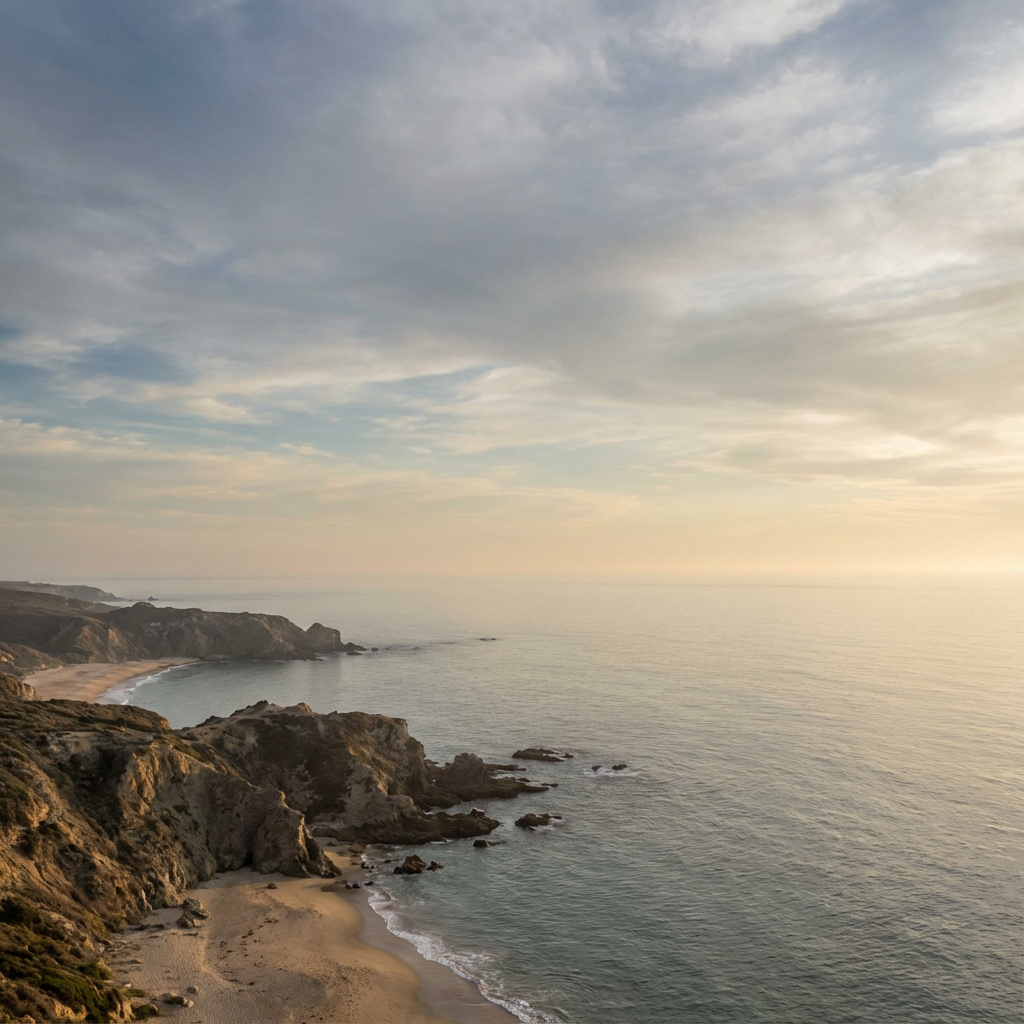
Original frame
Expanded canvas
Square → landscape
Build campaign space around a product
Keep the product centered while adding environment and negative space for a wide layout.
AI outpainting for any aspect ratio
이미지를 업로드하고, 원하는 방향으로 캔버스를 확장한 뒤, AI가 장면을 자연스럽게 이어가도록 하세요. 중요한 부분을 자르지 않고도 인물 사진, 제품 사진, 작품, 썸네일, 소셜 비주얼의 크기를 조정하는 데 사용할 수 있습니다.
Source
1:1 crop
Canvas
Left + right
Result
3:2 image
Try it on your image
Upload an image, choose the new frame, preview the added canvas, and generate the finished extension in one focused workflow.
AI image extender loads when you reach it.
One source, a better frame
The outlined area is the protected source image. Everything outside it is new canvas completed by AI.
Keep the product centered while adding environment and negative space for a wide layout.

Preserve the person and let the surrounding light, architecture, and atmosphere continue beyond the old crop.
다양한 상황에서 자연스럽게 확장된 배경 예시를 살펴보세요.
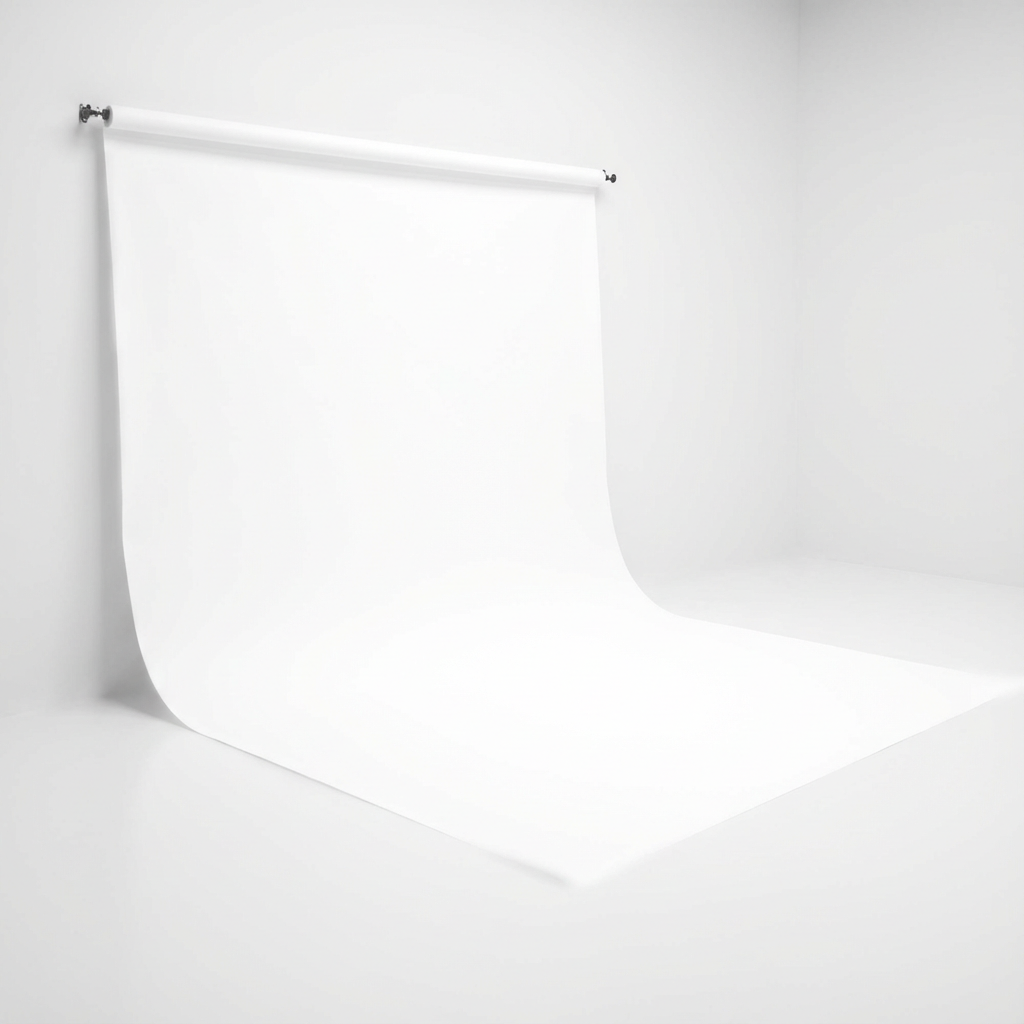
깔끔한 흰색 배경을 맞게 확장
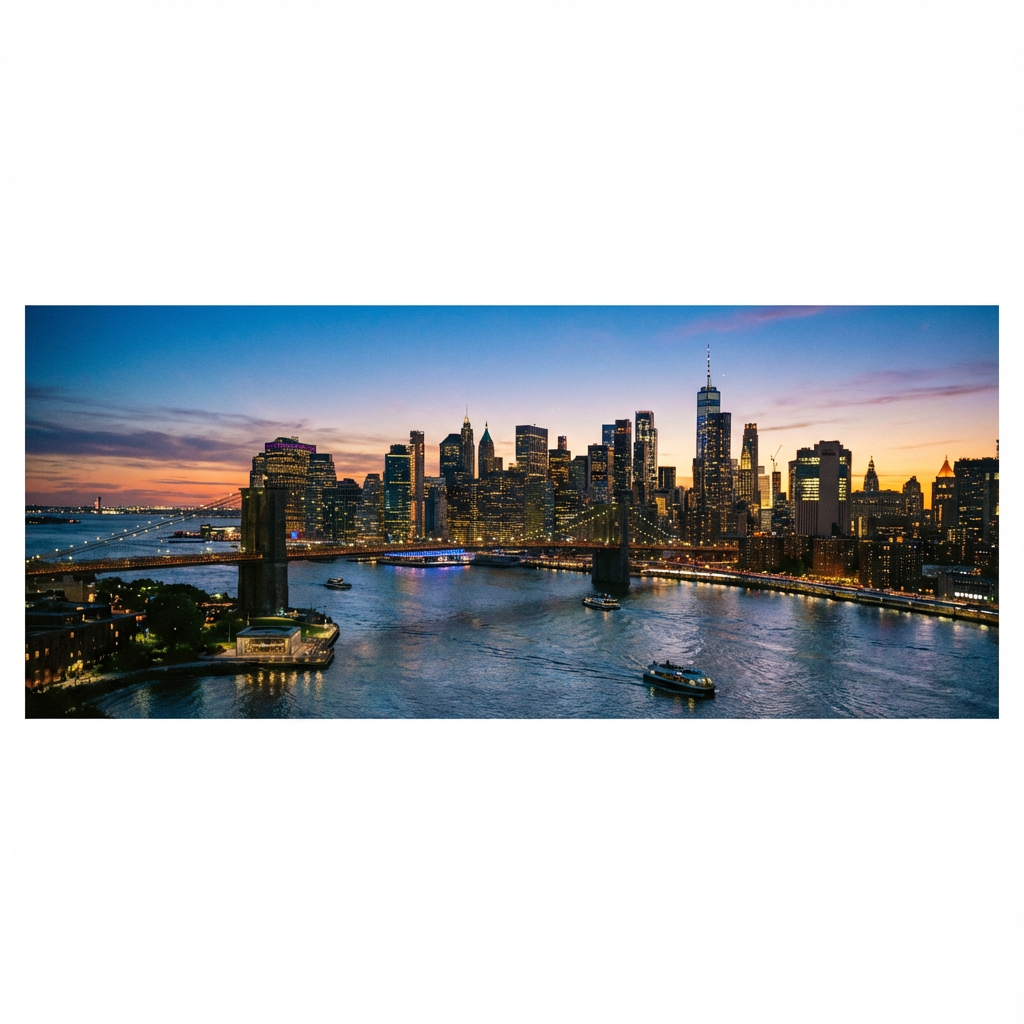
가로로 확장된 파노라마

자연스러운 장면이 끊김 없이 이어짐

미니멀 배경을 깔끔하게 확장
Your image can be the next composition.
Open the extender
최고의 AI 이미지 확장 기술을 경험해 보세요.
고급 AI가 몇 분이 아니라 몇 초 만에 이미지를 처리하고 확장합니다.
AI가 이미지 콘텐츠를 분석하고 완벽한 색상 매칭으로 배경을 자연스럽게 확장합니다.
숨겨진 비용, 워터마크, 신용카드가 필요 없습니다. 무제한 이미지를 무료로 확장하세요.
다른 도구와 어떻게 비교되는지 확인해 보세요.
이미지를 업로드하고, 캔버스를 추가할 위치를 선택한 뒤, 필요한 레이아웃에 맞는 자연스러운 배경 확장을 생성하세요.

'이미지 업로드'를 클릭하고 확장할 고품질 JPG 또는 PNG를 선택하세요.

원하는 종횡비를 선택하거나 캔버스를 드래그해 원하는 방향으로 확장하세요. 특정 콘텐츠가 필요하면 프롬프트를 입력하세요.

'생성'을 클릭해 마법이 일어나는 것을 확인하세요. 결과를 미리 보고 가장 마음에 드는 확장 이미지를 고해상도로 다운로드하세요.