

1
Set the sketch look
Call for graphite, ink, or loose cinematic boards instead of a finished still.
AI Generated • Storyboard to Video
Sketch-style boards
Early boards should show framing and mood, not a finished still. This use case keeps the look loose so a director, DP, or class can talk about the shot instead of the render.
Use it when you want sketch-style frames that feel like reference art from a director's packet.
Polished stills make people argue style instead of coverage.
Hand drawing every angle delays the first review.
Photoreal frames read as concept art, not director sketches.
Before
A photoreal still that looks final before the shot is approved.
After
A sketch-style frame that shows lens, blocking, and mood.
See coverage before anyone paints a finished frame.
Talk about lens and blocking on a sketch, not a poster.
Case study
A student director generates six sketch frames for a night-exterior scene so the DP can discuss lens choice before lighting tests.
Result
The packet stays sketchy enough that the crew debates the shot, not the finish.
LlamaGen sketch boards, director reference
Related writing workflow
Use the AI Screenplay Editor when a script, fiction draft, storyboard brief, video idea, or canvas note needs proper scene headings, action, dialogue, parentheticals, cover pages, outlines, beats, and collaboration-ready revisions.
INT. COMMUNITY CENTER - NIGHT
Folded chairs. A storm outside. MAYA stands at the microphone with a page of notes she no longer needs.
MAYA
If the city will not read the record, we will read it out loud.
Keep the first pass loose. Generate sketch frames, compare angles, and save the ones that read like director reference.
Call for graphite, ink, or loose cinematic boards instead of a finished still.
Show who stands where, what the lens sees, and how the beat lands.
Share sketches for coverage talks before anyone paints a final frame.
Tune angles in 3D and convert approved frames into animatic motion.
Share shot lists, boards, animatics, and pitch-ready files with the team.
This use case is about the sketch look: loose lines, camera intent, and mood. It is not the main AI storyboard generator page.
Choose an approved OUTFIT asset, preview it on the character, and decide whether the change belongs in one scene, every following scene, or the entire project. The story gets a clear wardrobe timeline without identity drift.
Create character outfits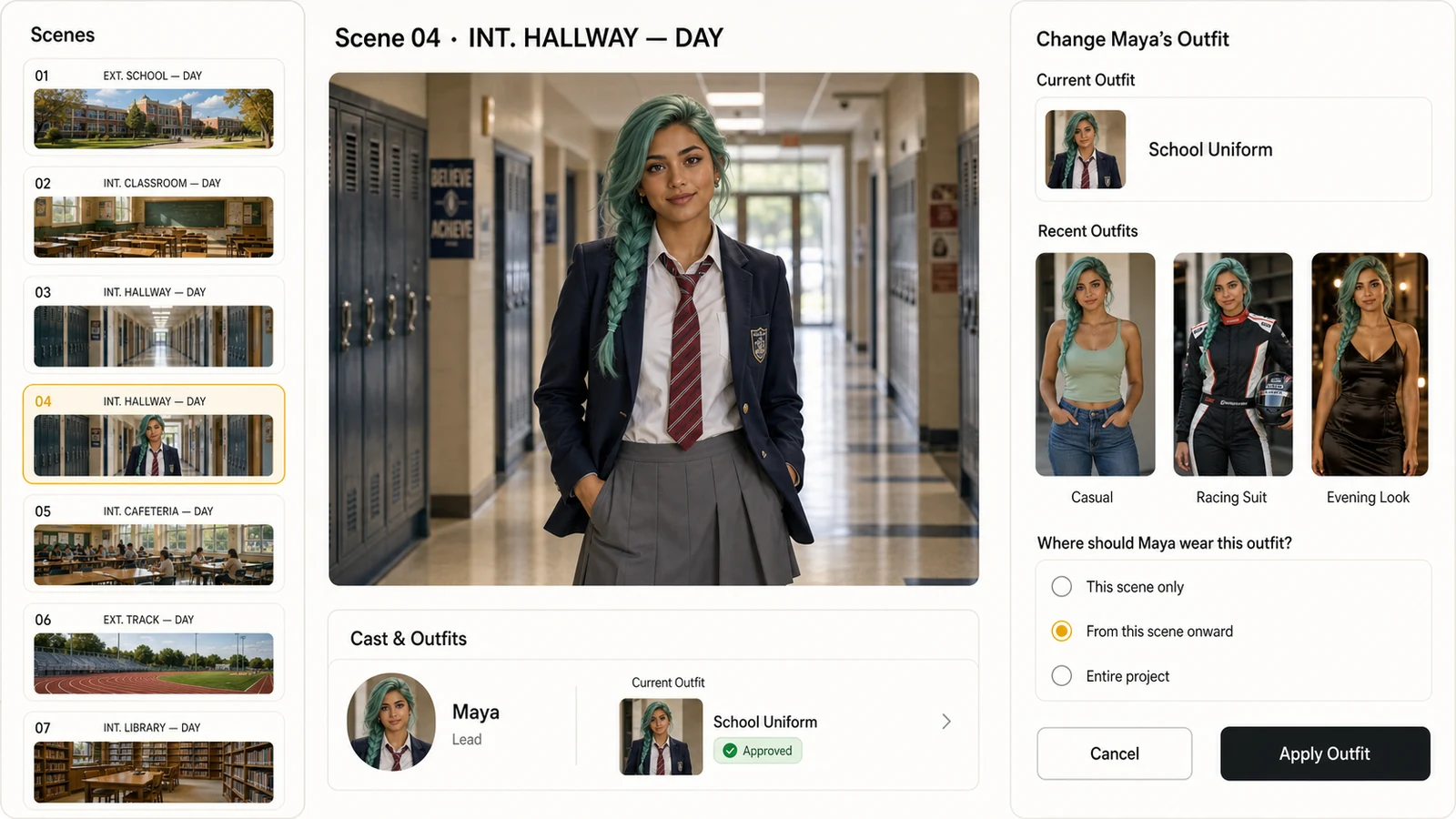
Select from approved character outfits instead of recreating the wardrobe inside every shot.
Apply a look to one scene, all following scenes, or the whole project with an explicit range.
Keep the same face, hair, body proportions, and visual identity while the clothes change.
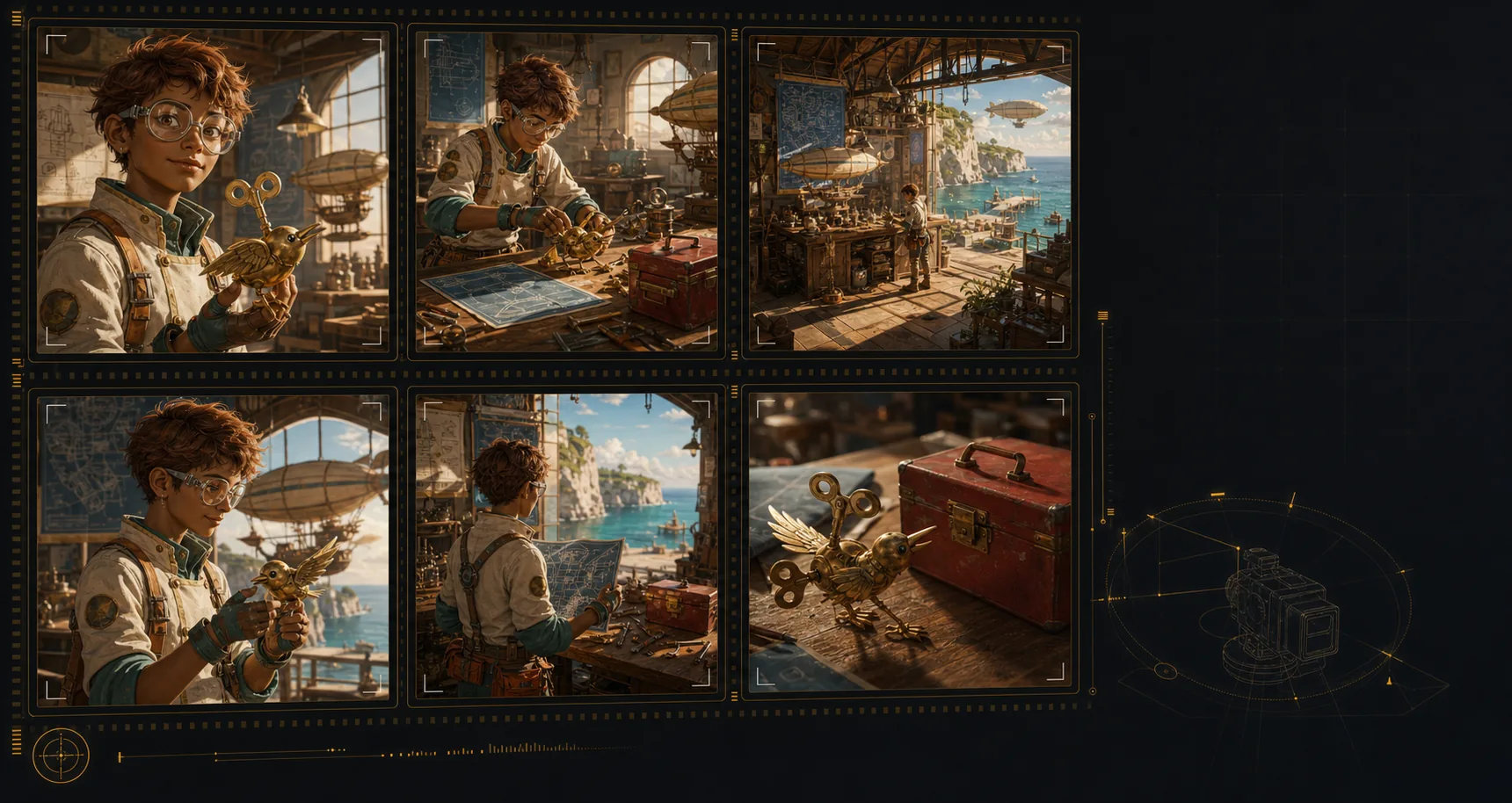
Create an AI storyboard where the same characters, environments, wardrobe, and hero objects remain recognizable across the sequence. That continuity makes each shot feel planned, connected, and ready for review.
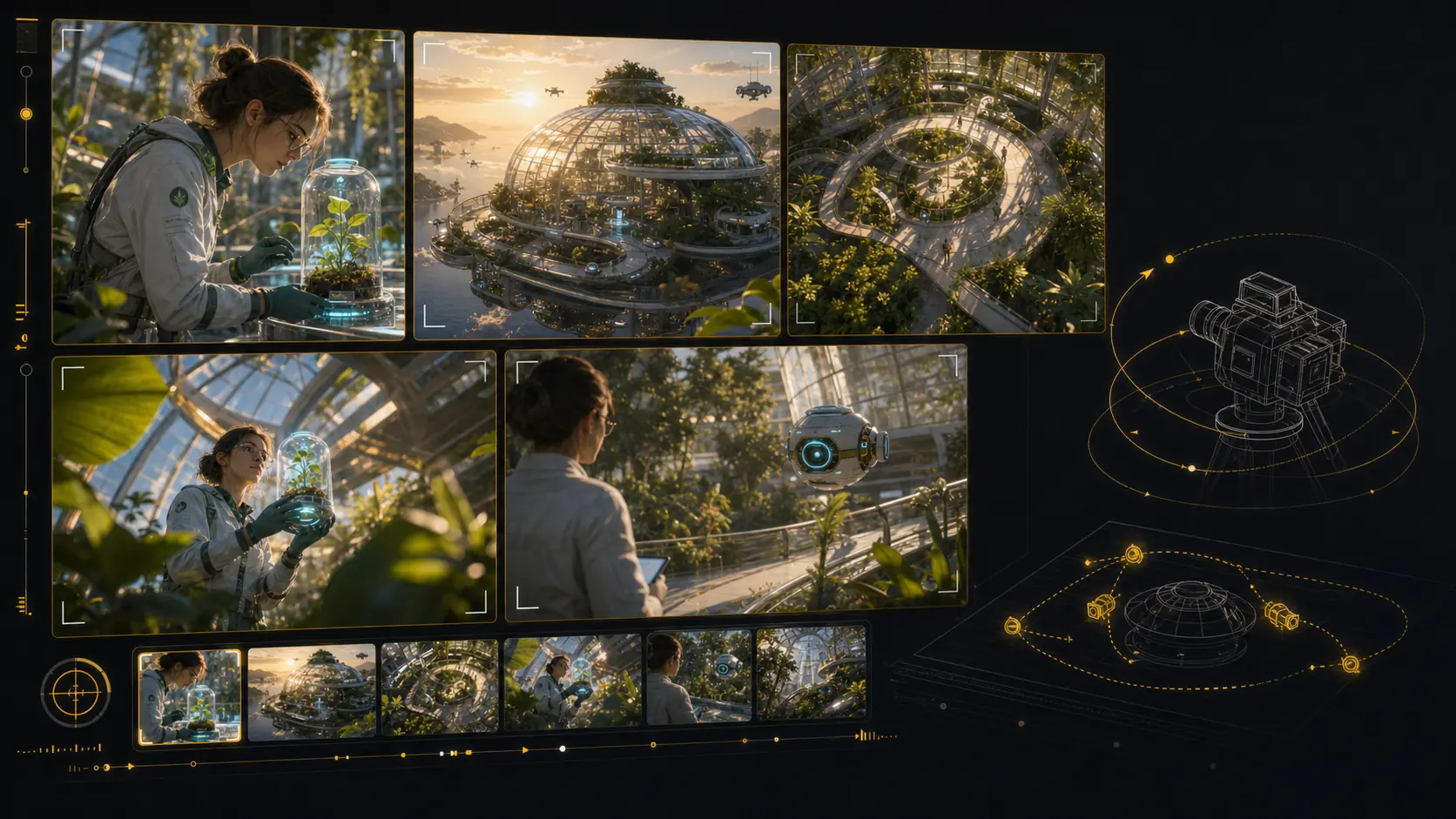
Test camera angles for an AI storyboard without rebuilding the scene from scratch. Reframe the setup, compare shot sizes, and give your director, DP, editor, or client a clearer visual decision.
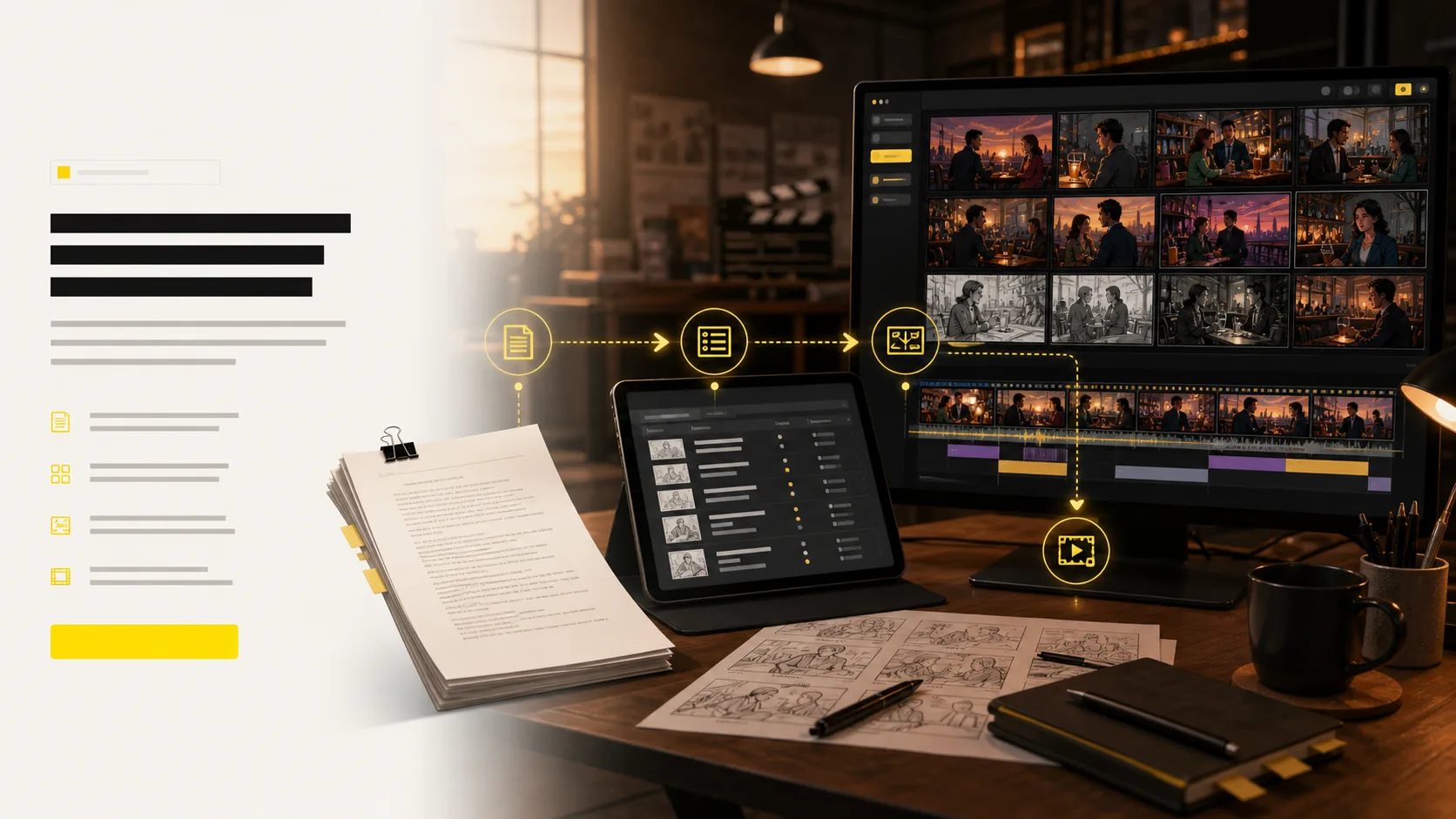
Use LlamaGen as an AI storyboard video generator: choose a frame, describe the camera move and duration, then create a motion test that stays anchored to the approved shot. Static boards become pitch-ready animatics and multi-shot reviews without leaving the storyboard workflow.
Start from an approved storyboard frame so the clip keeps the same composition.
Add a push-in, tracking move, orbit, hold, or timing beat before generation.
Compare generated clips with shot notes, scene order, and edit intent in one place.
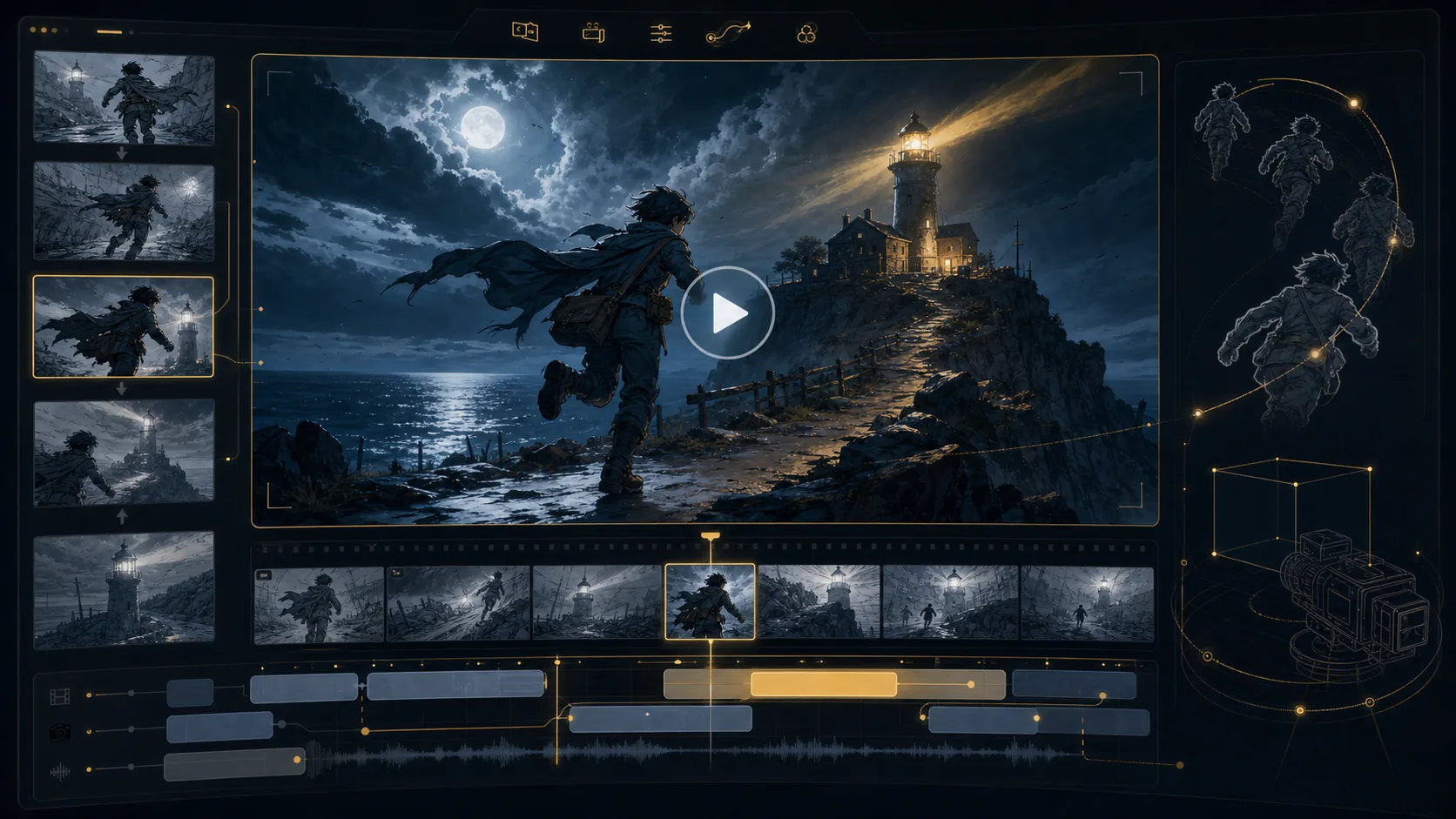
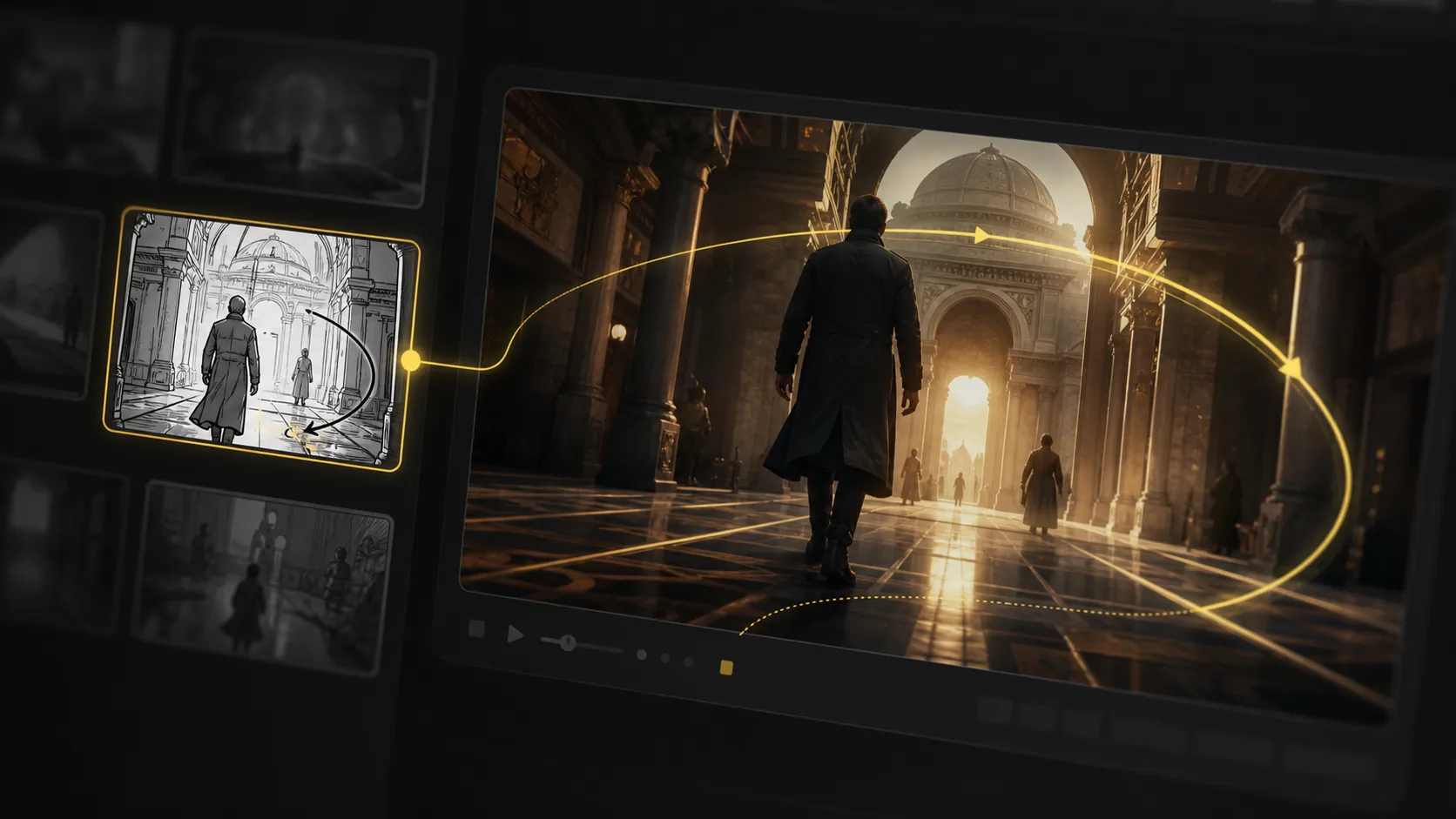
Refine AI storyboard images through real creative rounds: alternate angles, cleaner compositions, different moods, and stronger visual continuity without treating every frame like a scarce credit.
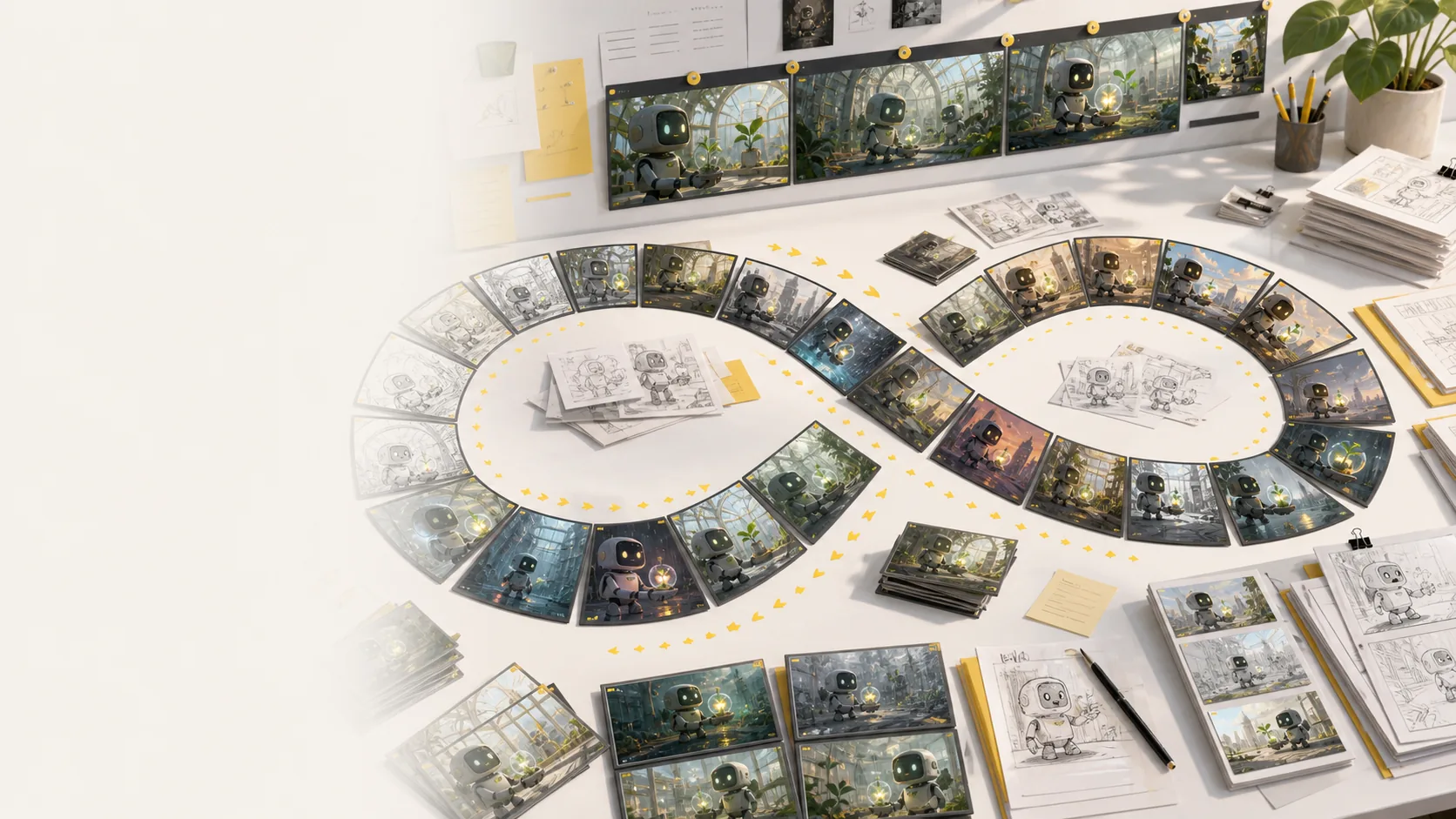
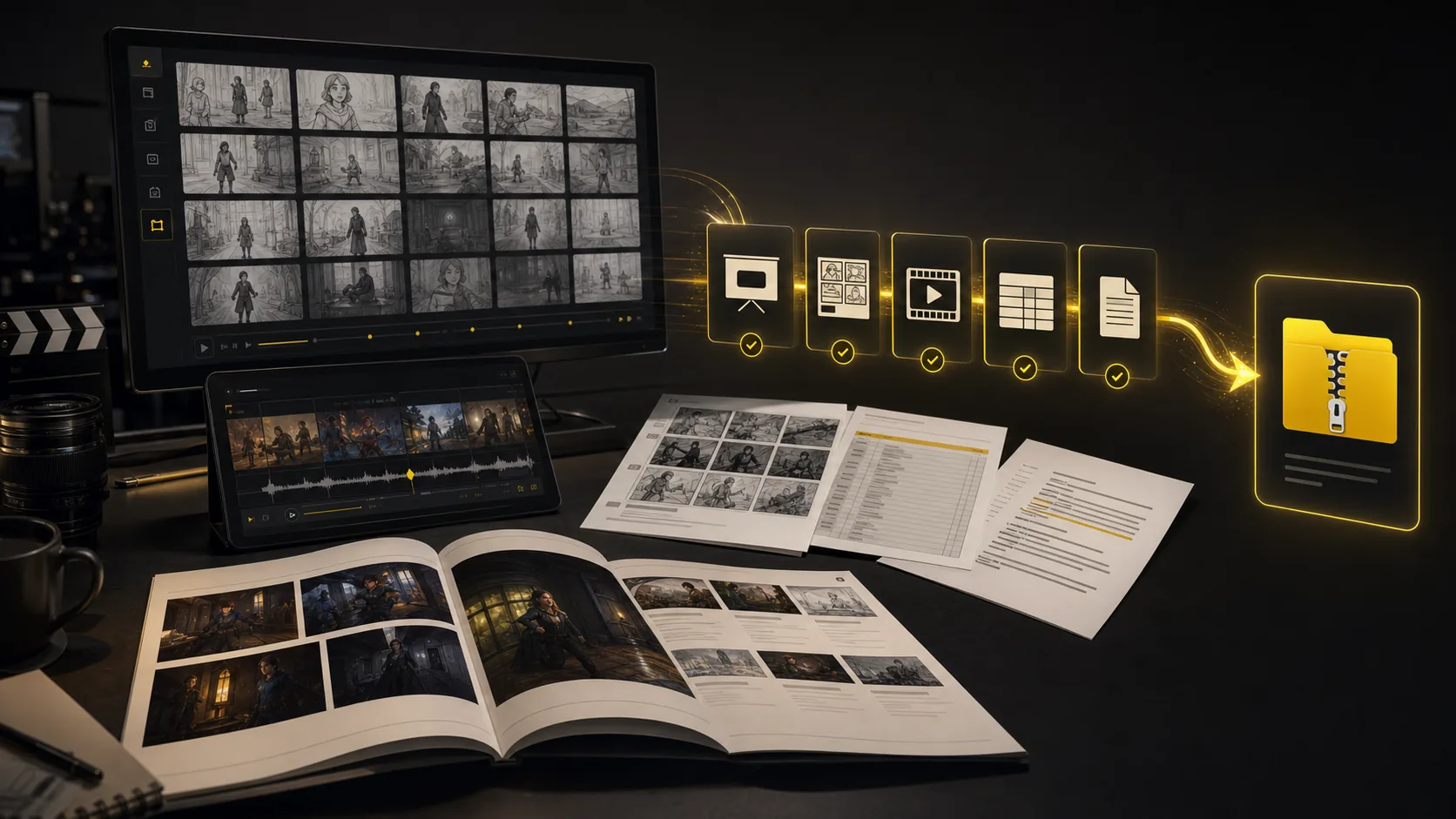
Turn a finished storyboard project into files a production team can use immediately: screenplay, shot-list, and storyboard PDFs; XLSX shot lists; image ZIPs; MP4 animatics; and XML handoff packages.
The core sections show the main workflow. This bento grid covers the supporting AI storyboard tools around it: inputs, styles, continuity, video, variations, camera planning, and production handoff.
Generate AI animatics from approved storyboard frames with camera motion and timing notes.
Storyboard-to-animatic clips
Turn rough boards, loose thumbnails, and scene notes into cleaner visual panels.
Sketch cleanup
Compare visual routes for tone, genre, lighting, and brand style before the board locks.
Style direction
Regenerate shots, moods, angles, and layouts without managing per-image credits.
Unlimited variations
Keep characters, props, wardrobe, and locations recognizable across generated shots.
Continuity lock
Plan tracking, push-in, orbit, and reveal moves before turning frames into video.
Camera move planning
Start from a screenplay, treatment, PDF, scene note, or loose prompt and build the board from there.
Script, prompt, and PDF input
Export storyboard PDFs, shot list tables, animatic files, and review packages from one project.
Production handoff
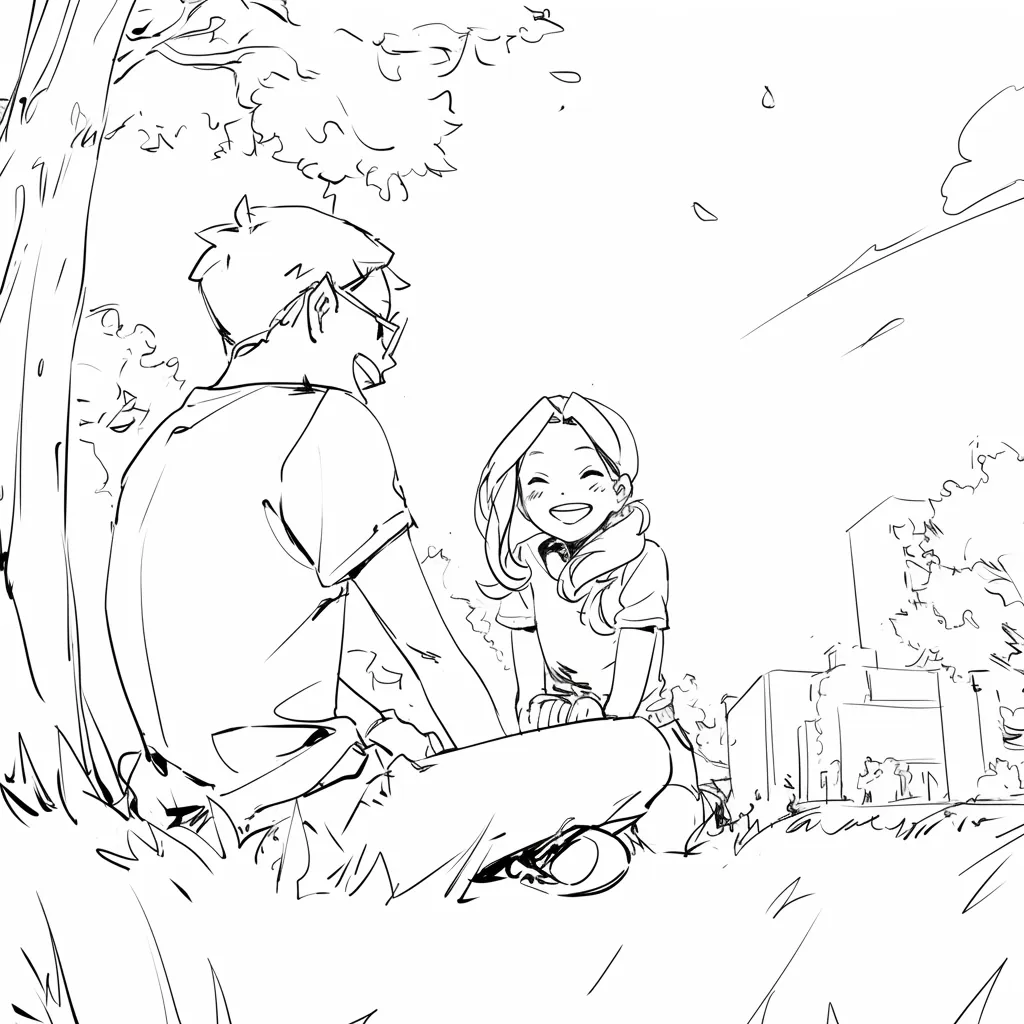
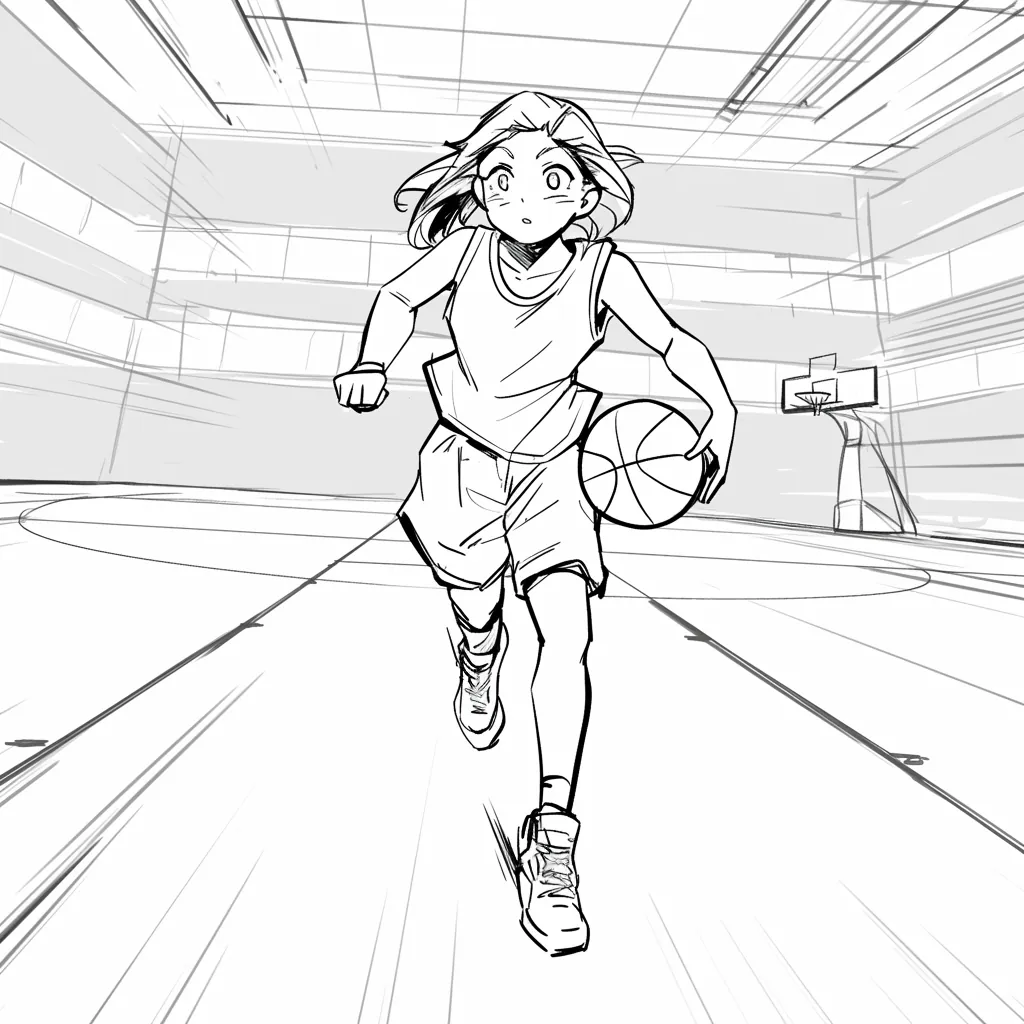
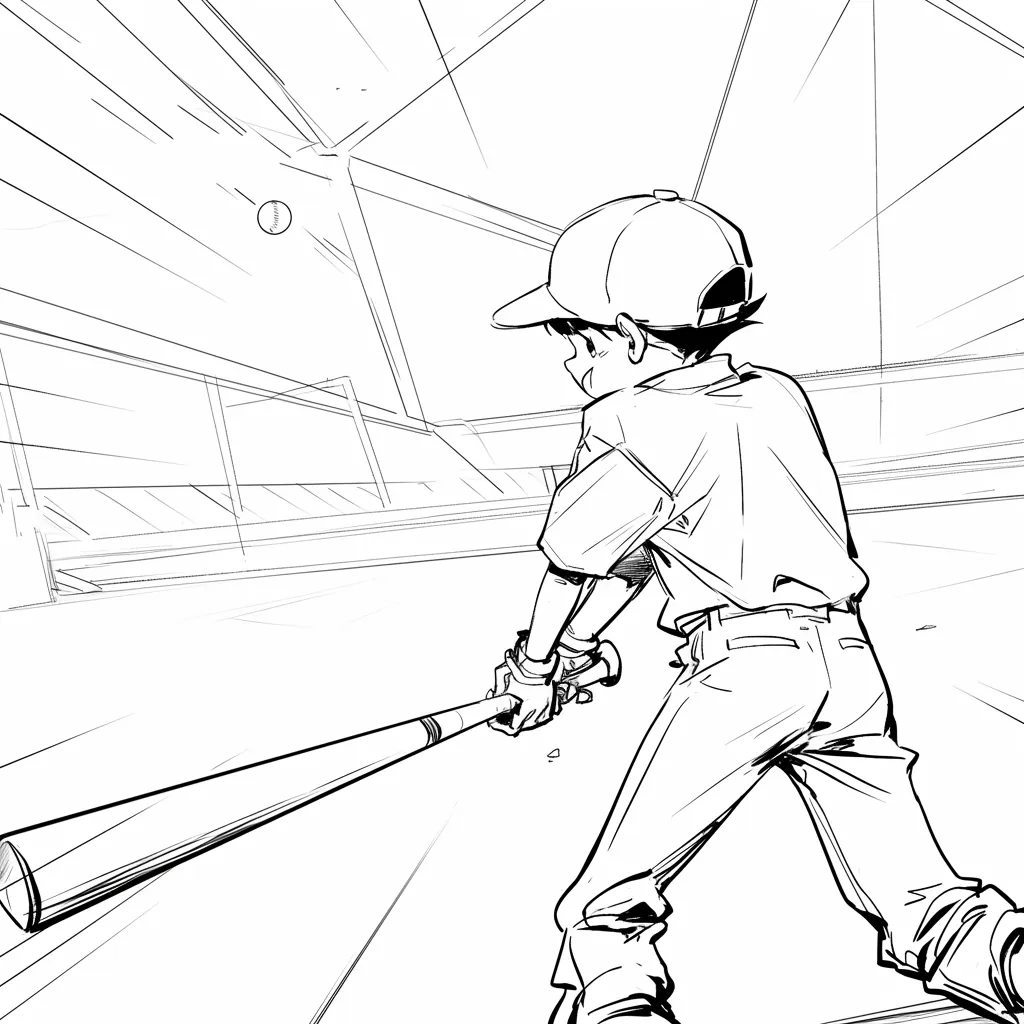
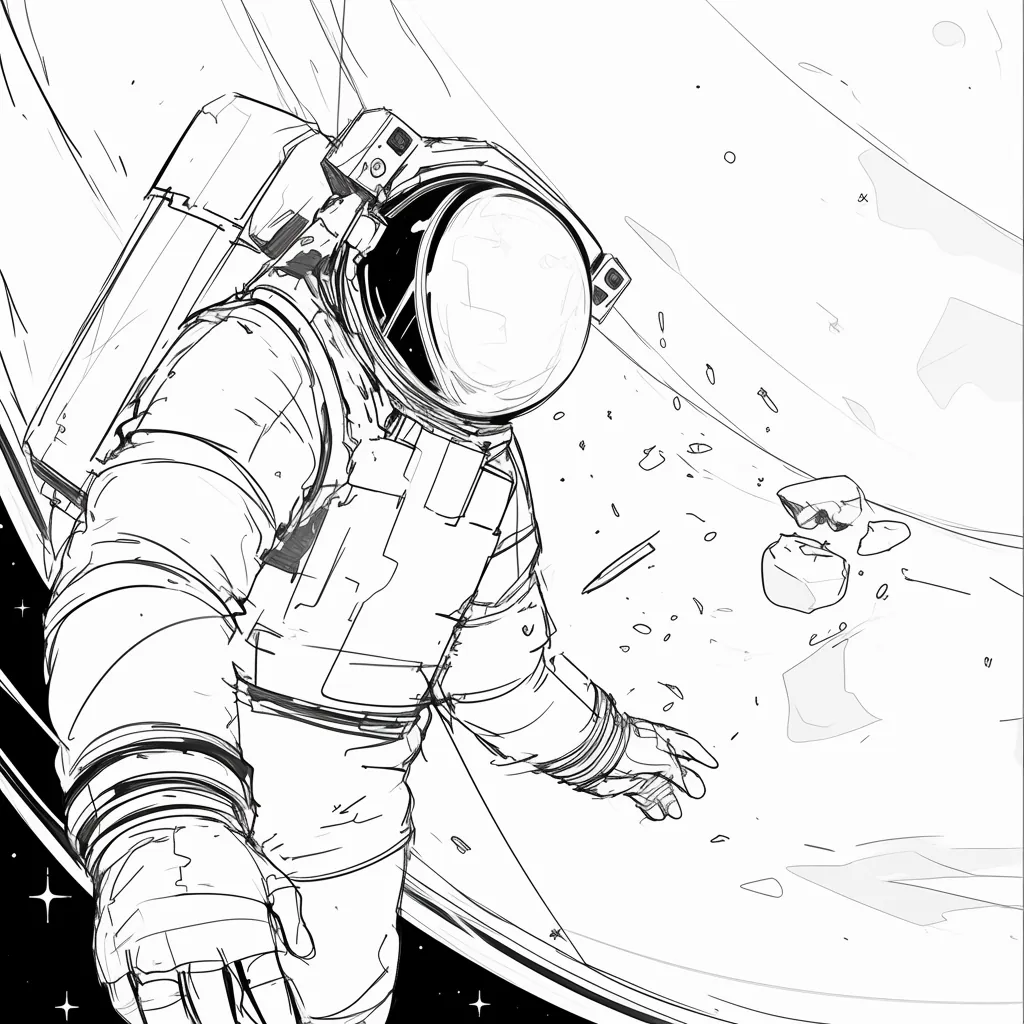
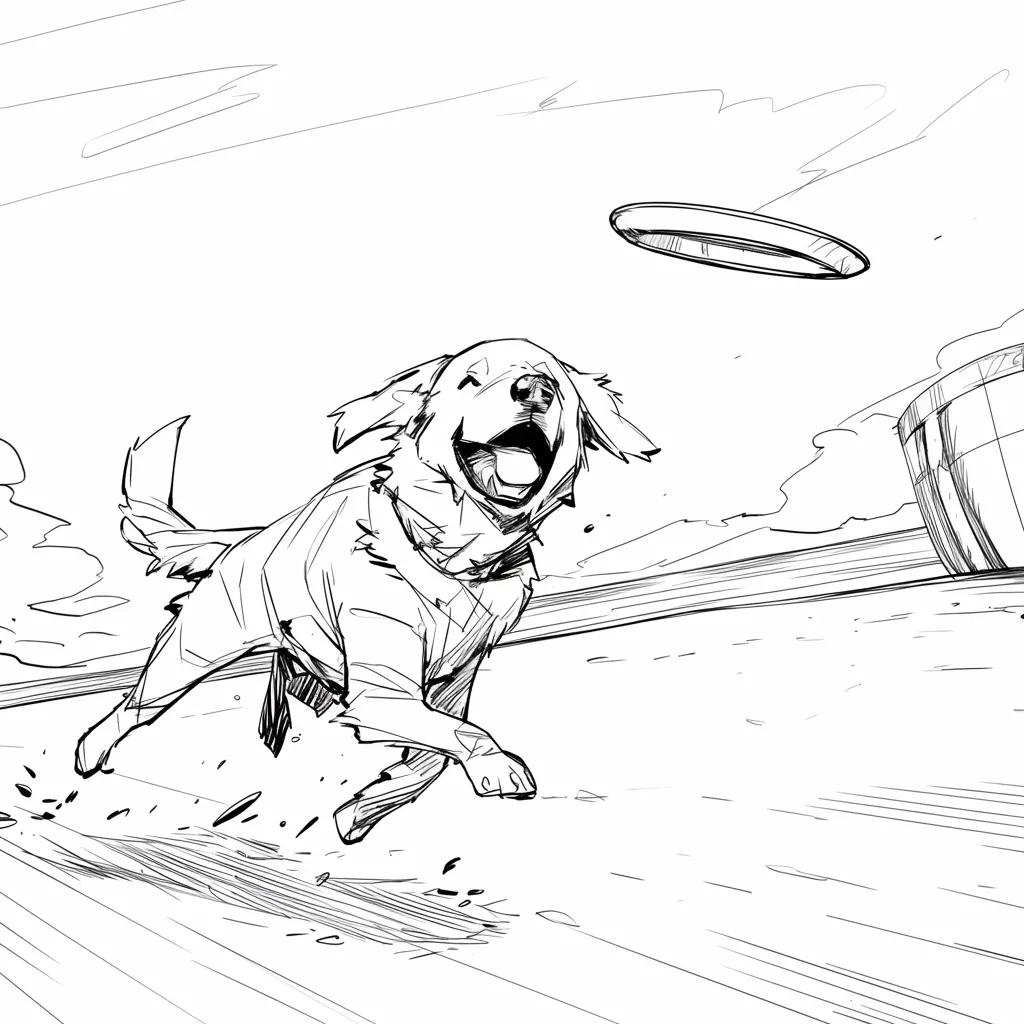
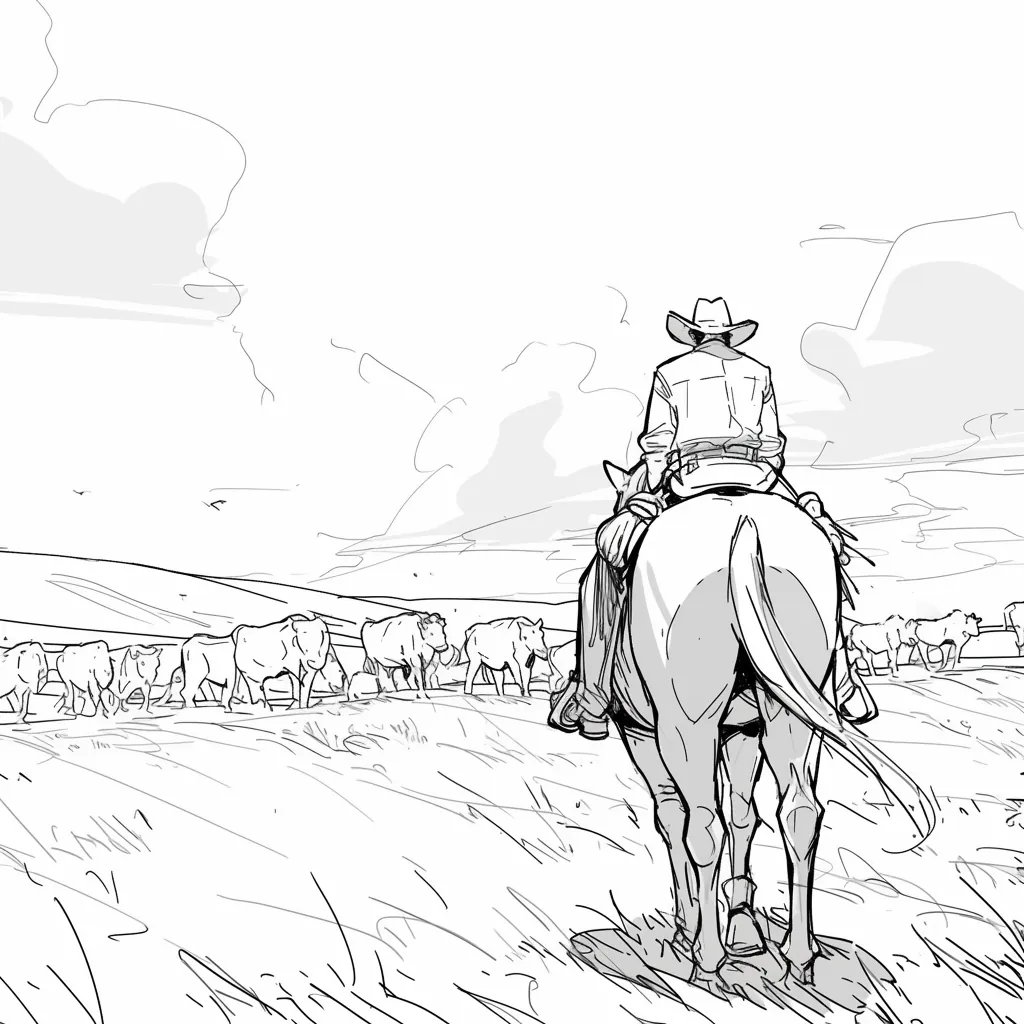
Director-style sketches for mystery, sci-fi, romance, and animation coverage talks.
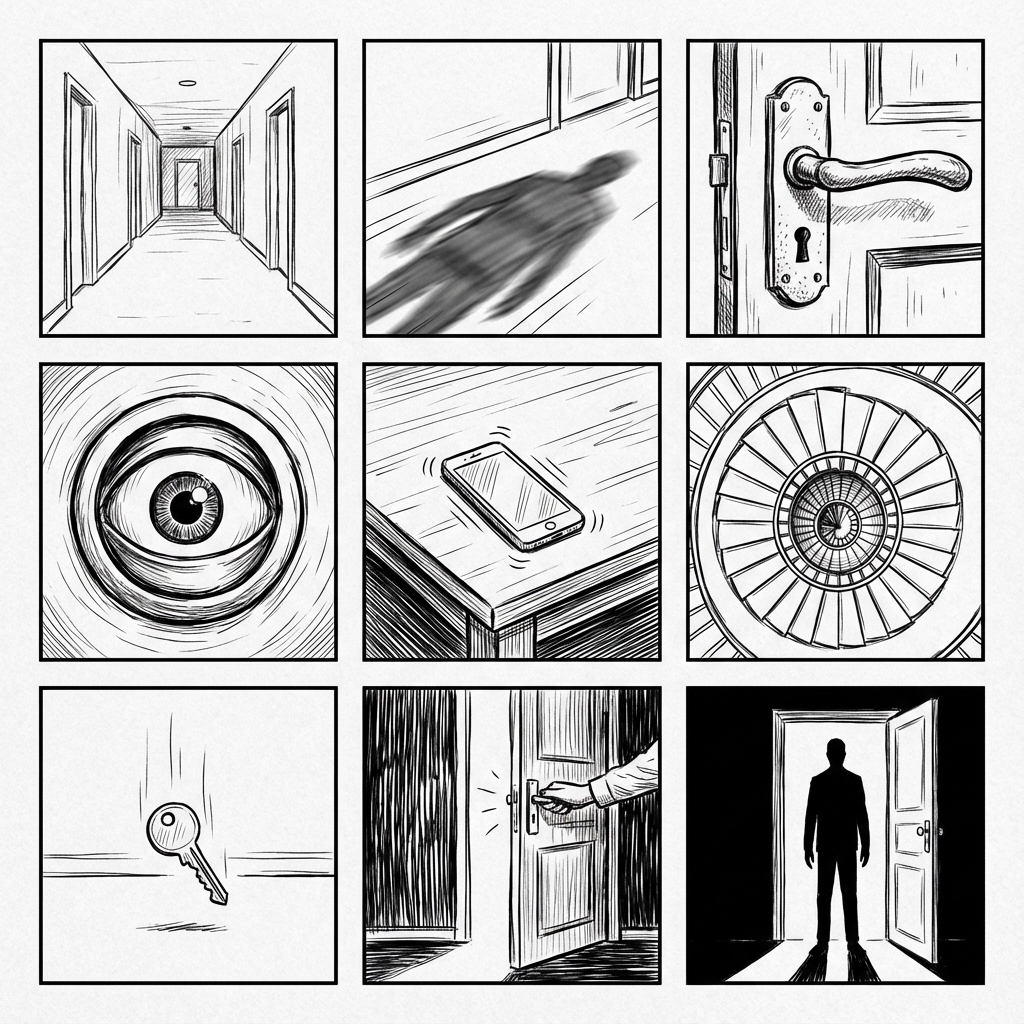
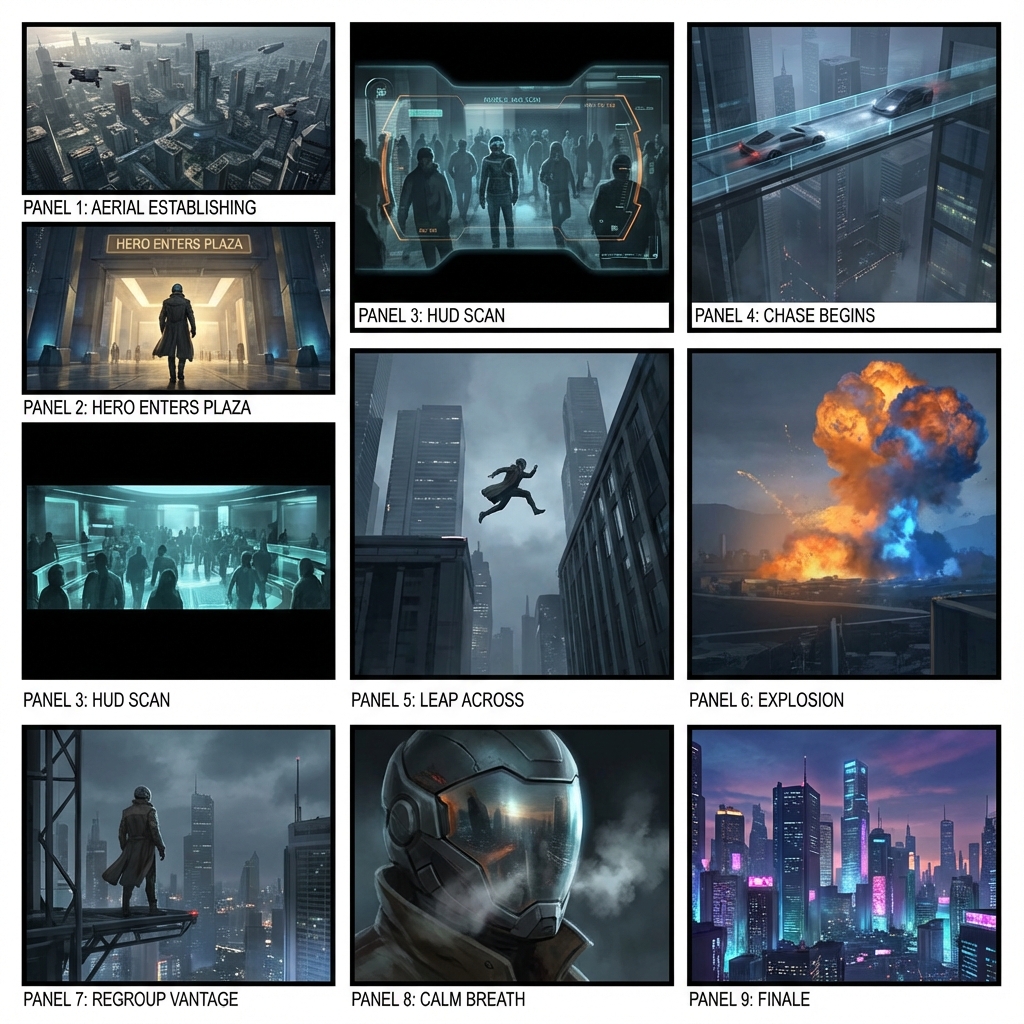
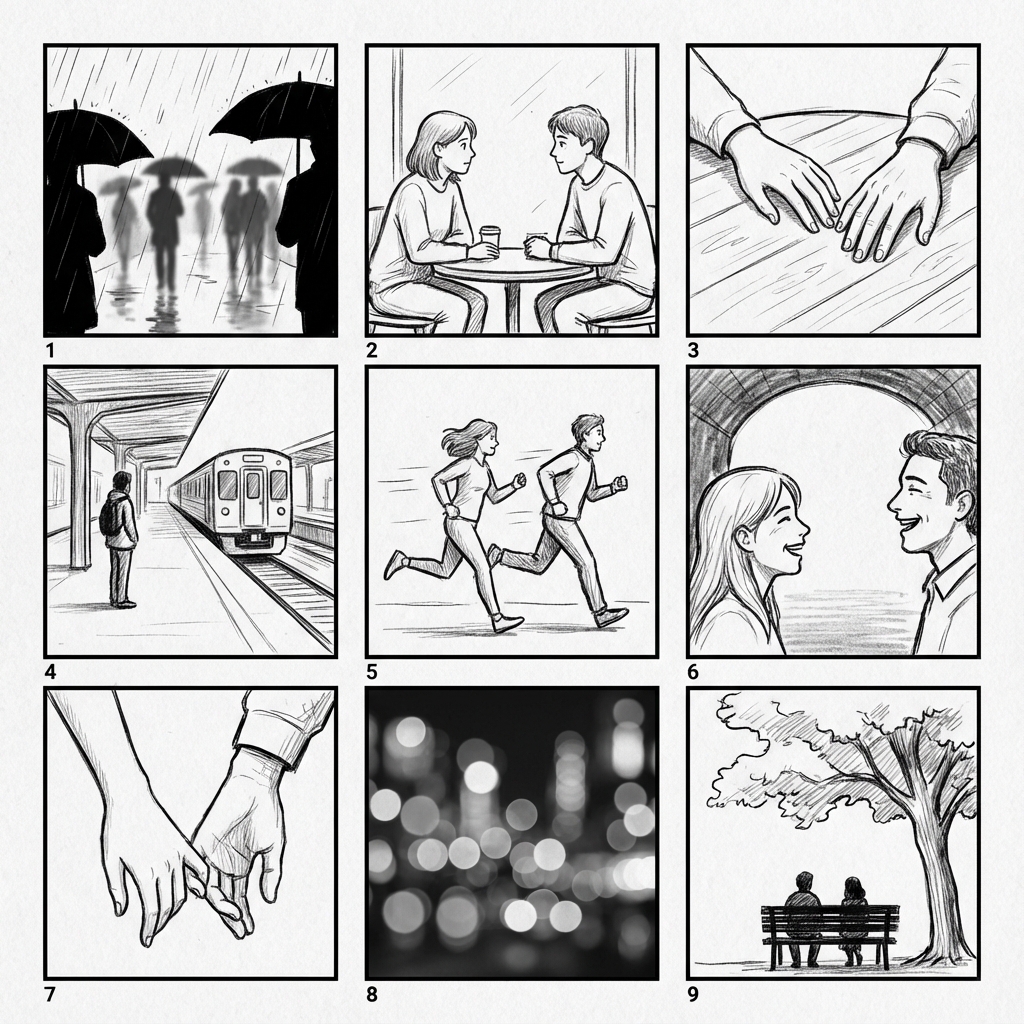
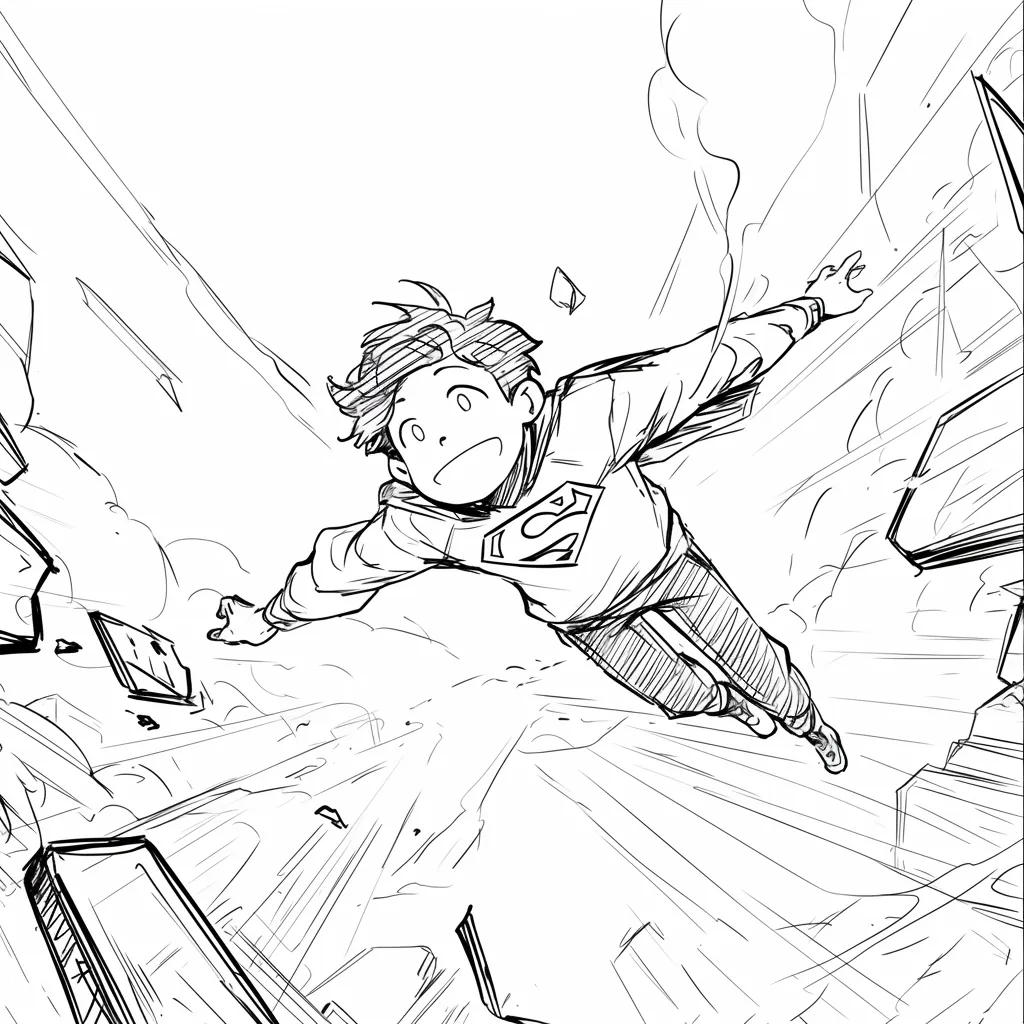
High-fidelity AI images add unintentional details (lighting, textures) that distract stakeholders. Line art keeps the focus on composition and storytelling.
@Maya_Lee

@Sky_Walker
@Cre_Luna

@juaner0211589
@rubem-didini

@refactorordie

@benoitst-laurent

@RealFeatBit

@jake-m

@michael-b

@bill
@sarah-l

@digital-marketer-suresh

@den
@velika
찾는 것을 찾을 수 없습니까? 메시지 보내기
Create storyboard sketches that show framing and mood. Keep the first pass loose enough for a director packet.