

Coloring pages
Photo to Coloring Page
Use a clear photo you own or have permission to upload. Compare the reference-guided example below, then choose your model and inspect its credit cost. AI can change faces, markings and fine details; generation creates an image draft, not a finished print document.
Make a page from your imagination
AI coloring studioModel
Upload only a supported photo you own or have permission to use. Reference uploads depend on your account and plan. AI conversion can reinterpret details; review the selected model and its displayed credits before generating.
Compare the reference with its line-art result
The source is an original synthetic pet photo. The paired line art was actually generated with that image as a reference through Google Vertex AI. These are not customer photos, a captured studio session or a guarantee of another model’s output.
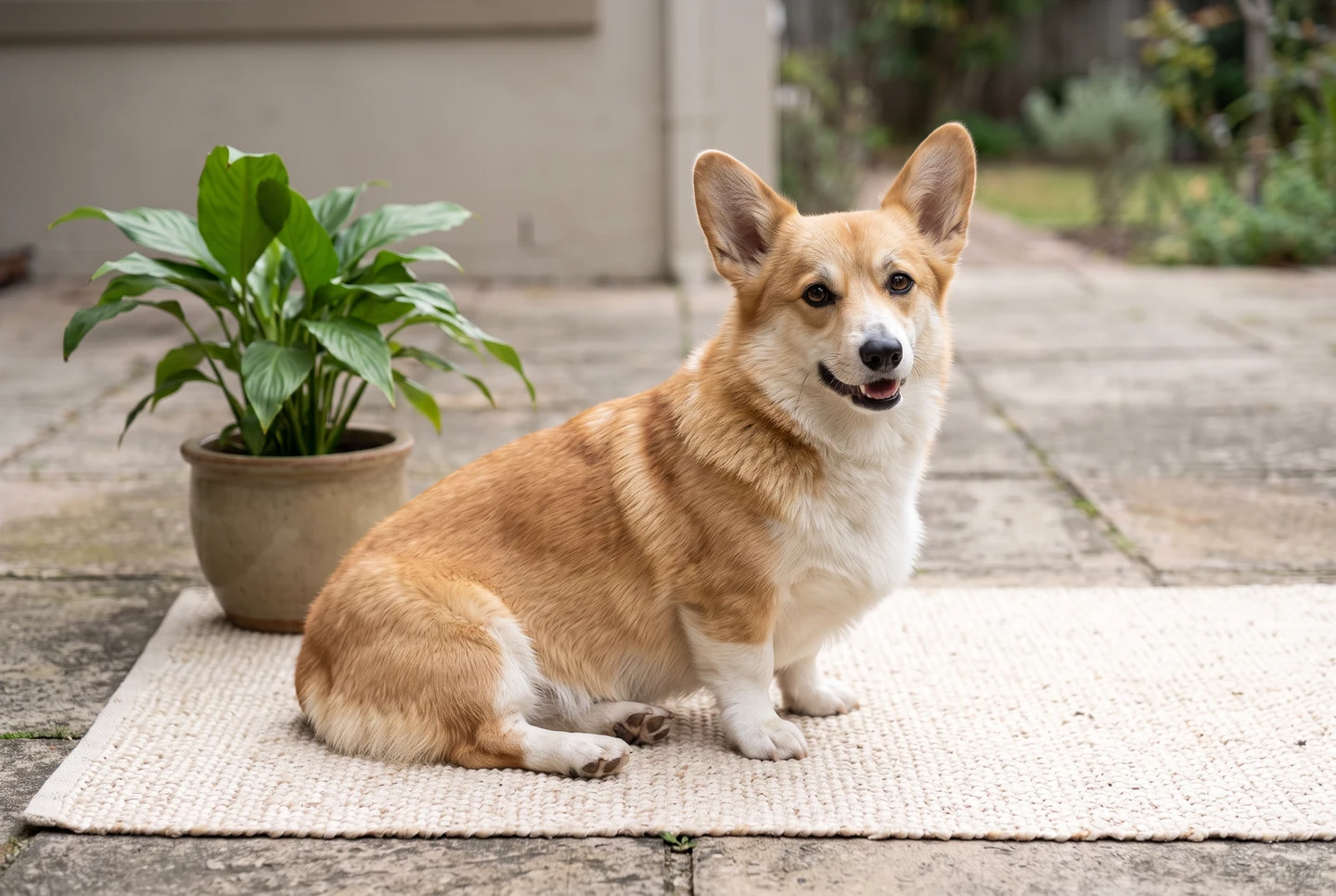
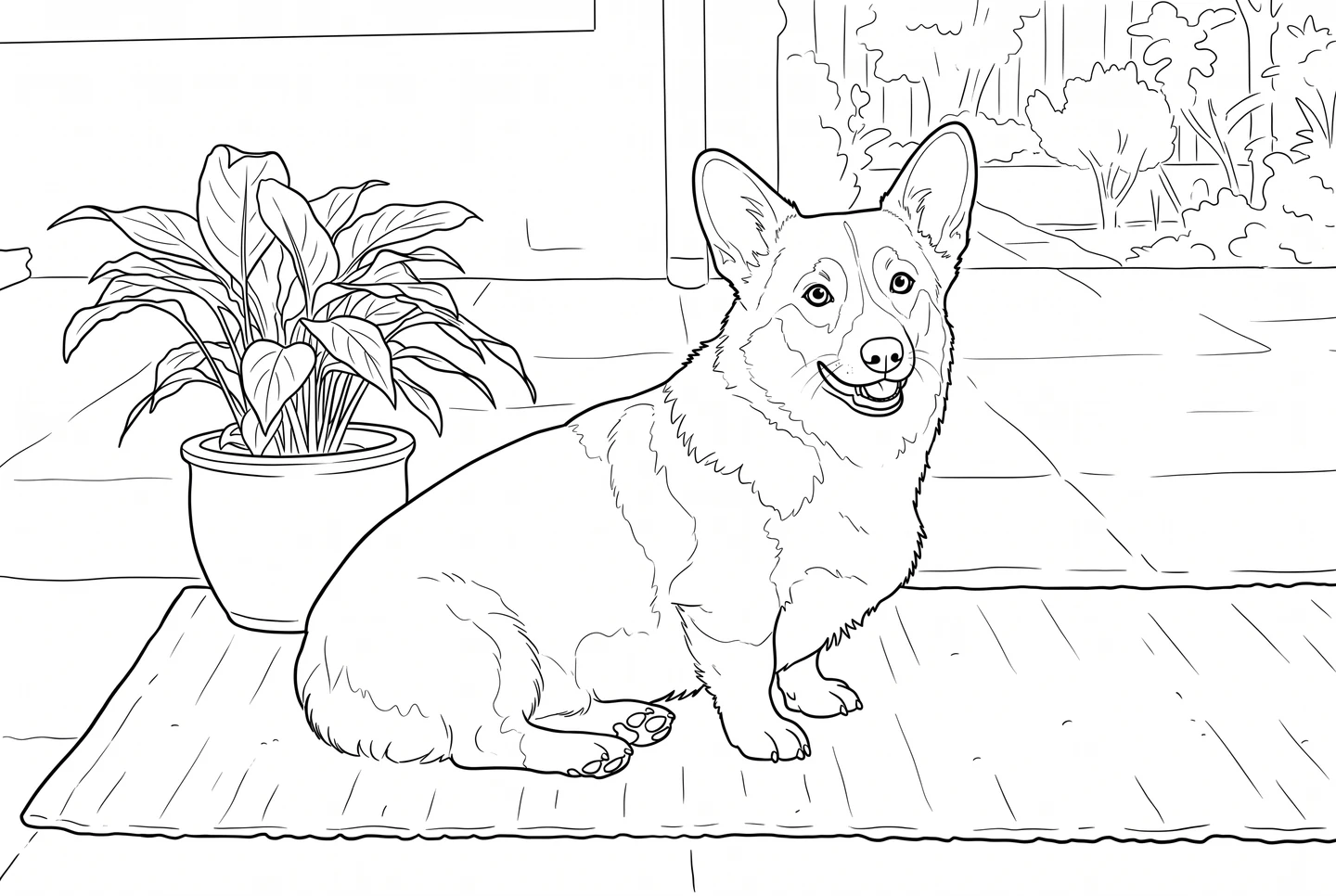
Compare the subject’s silhouette and pose in the two original files. Fine fur textures and markings can change; check the result against what matters in your own reference.
Example generation model: gemini-nano-banana-2.1
Prepare a coloring image for print
Choose a PNG, JPEG or WebP up to 20MB. It stays in this browser and is not uploaded.
Imported pictures stay in this open session. Download your finished file before leaving.
Keep exploring
From preview to activity
- 1
Crop a permitted reference around one clear subject, with enough contrast to distinguish its main outline from the background.
- 2
Use Add a reference in the AI studio. Check the selected model, upload access and displayed credit cost before generating.
- 3
Compare the draft with the reference, then save the result and use the separate local-image print controls to choose Letter or A4.
Before you print
The finished activity in everyday life
See how a page, a small activity pack or a finished book can fit a real home or classroom setting.
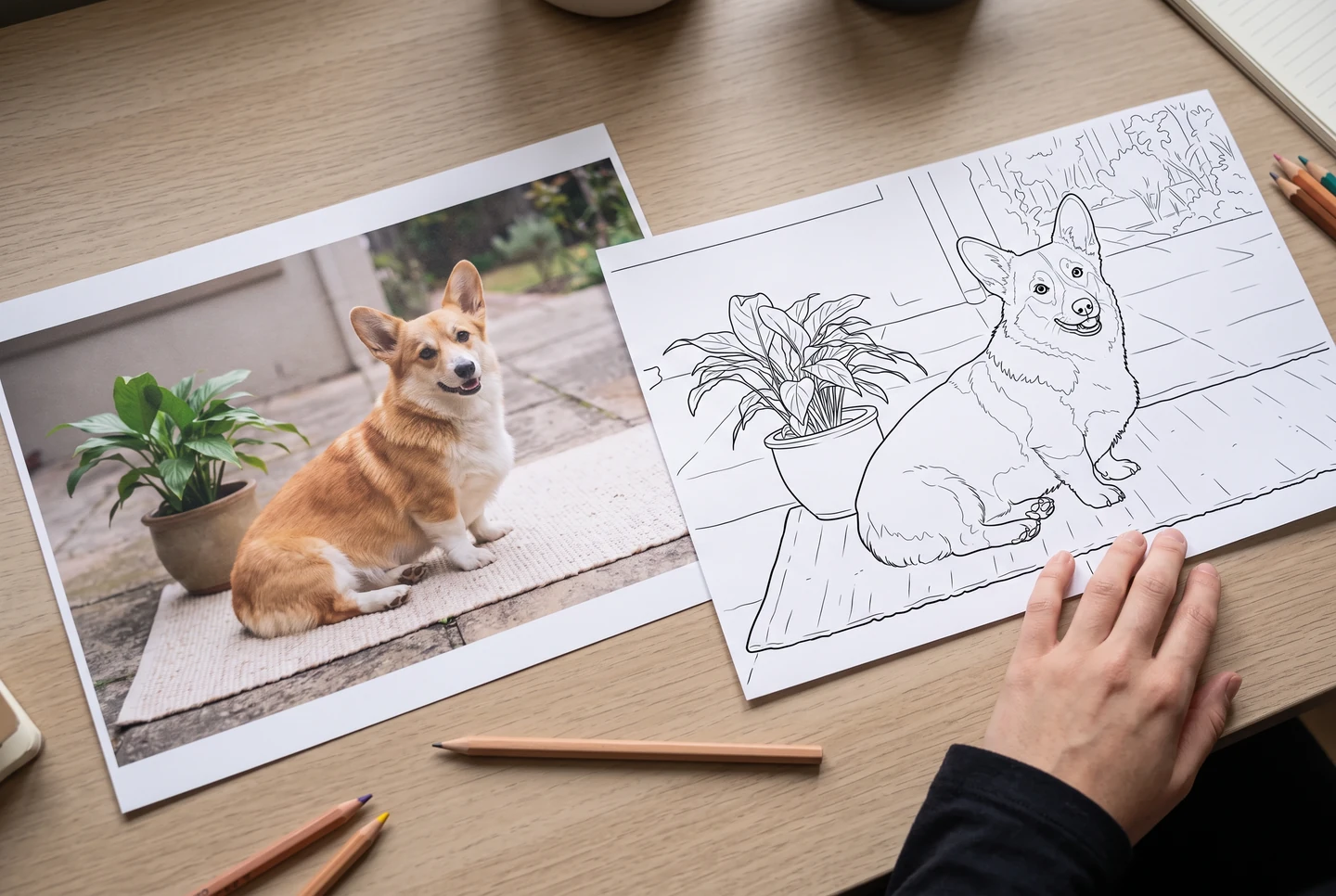
AI-generated presentation scenes with fictional people and example artwork. They illustrate possible uses, not customer photographs, application screenshots or printing-service guarantees.
Questions about this collection
Does the example guarantee the same result for my photo?
No. The example uses an original synthetic pet photo and its actual reference-guided Vertex line-art result. It is not a customer photograph or an application screenshot. The model you select in the studio can differ, and AI can reinterpret faces, markings and fine details.
Is adding an image for print the same as AI conversion?
No. Add a reference in the AI studio sends a permitted reference through the generation workflow, subject to your account, plan and model credits. The separate print-preparation controls only arrange an image you already have in this browser; they do not remove photo color or generate new outlines.
Choose the person, purpose or activity
Age-focused collections, checked learning activities and useful print formats make a page easier to choose.