Problem
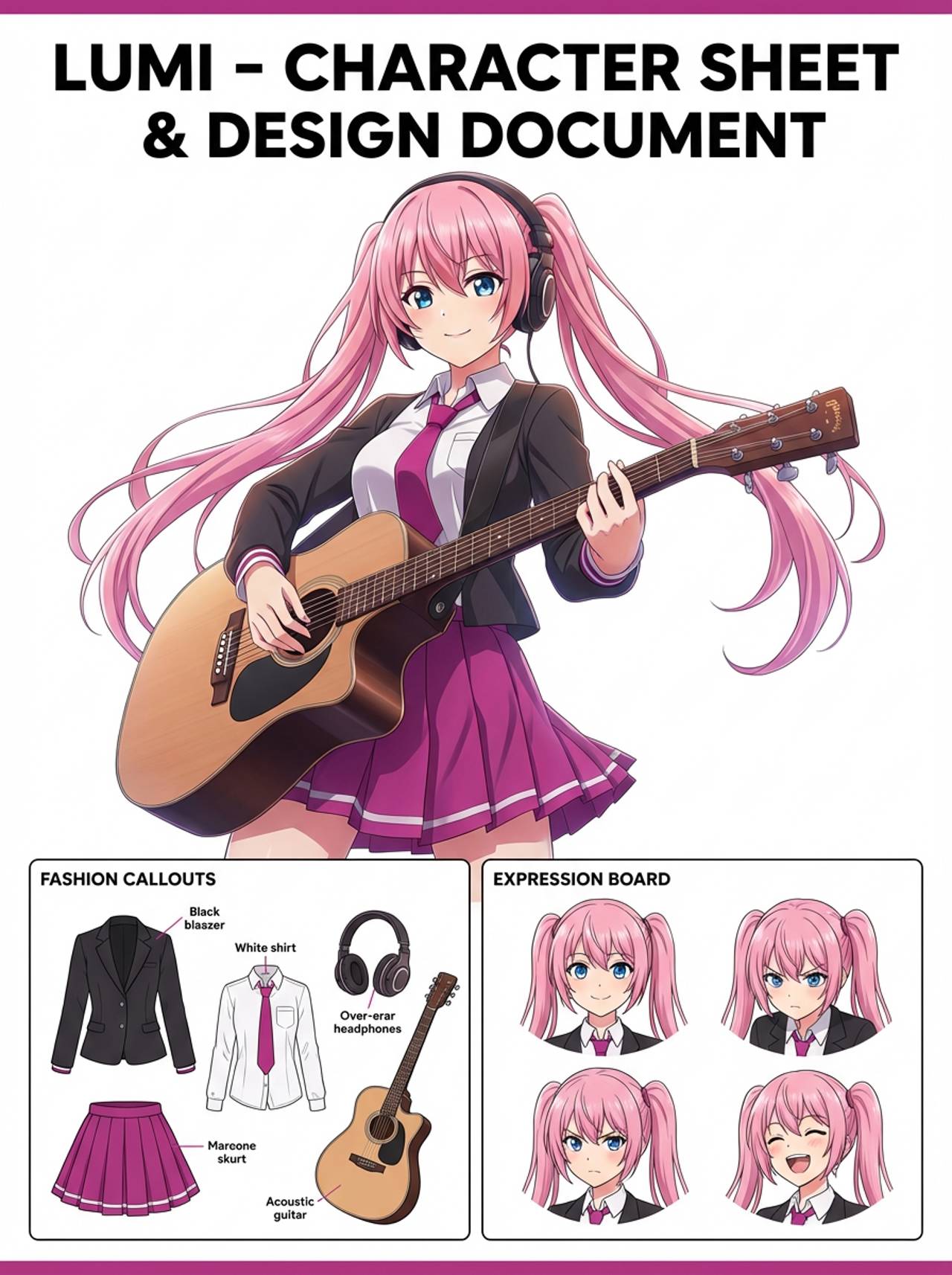
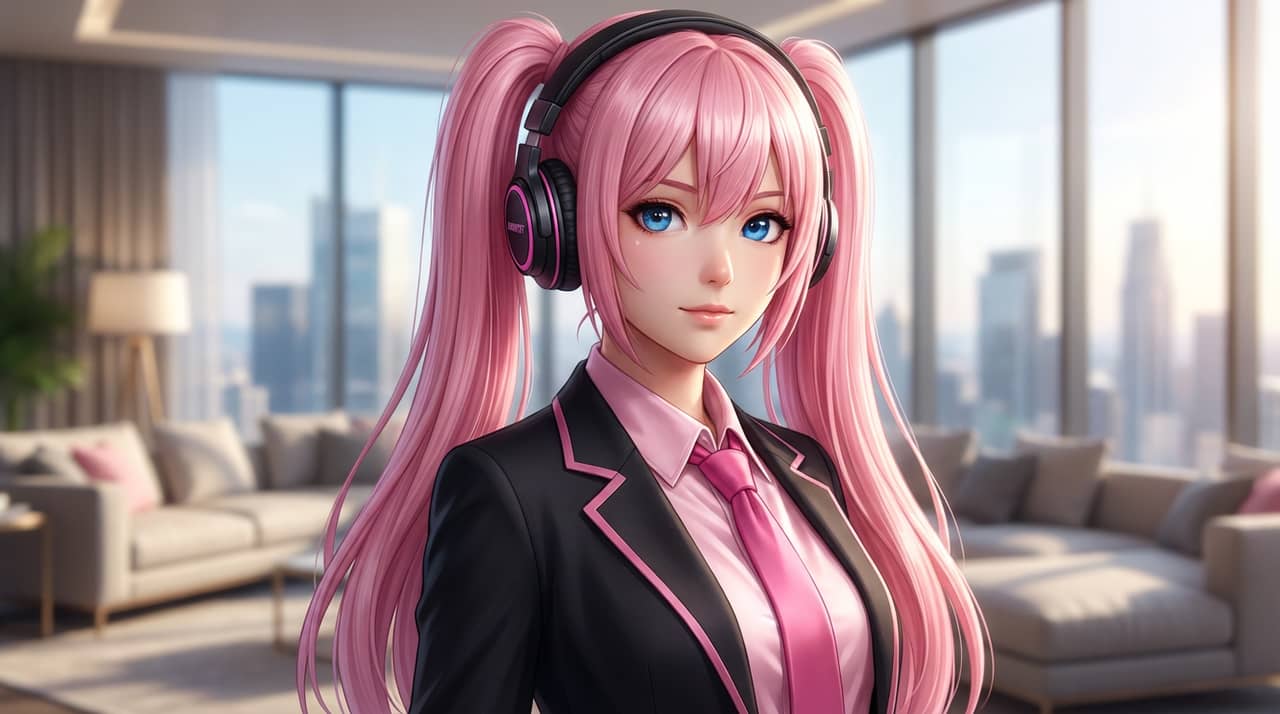
Creators often have good character art but no fast way to preview it as a physical standee product.


Turn character art, pets, mascots, or OCs into acrylic standee mockups with crisp outlines, base presentation, and merch-ready composition.
Match your starting point to a clear output, workflow, and quality bar before opening the generator.
Creators often have good character art but no fast way to preview it as a physical standee product.
Artists, fandom creators, convention sellers, and teams testing collectible character merchandise before production.
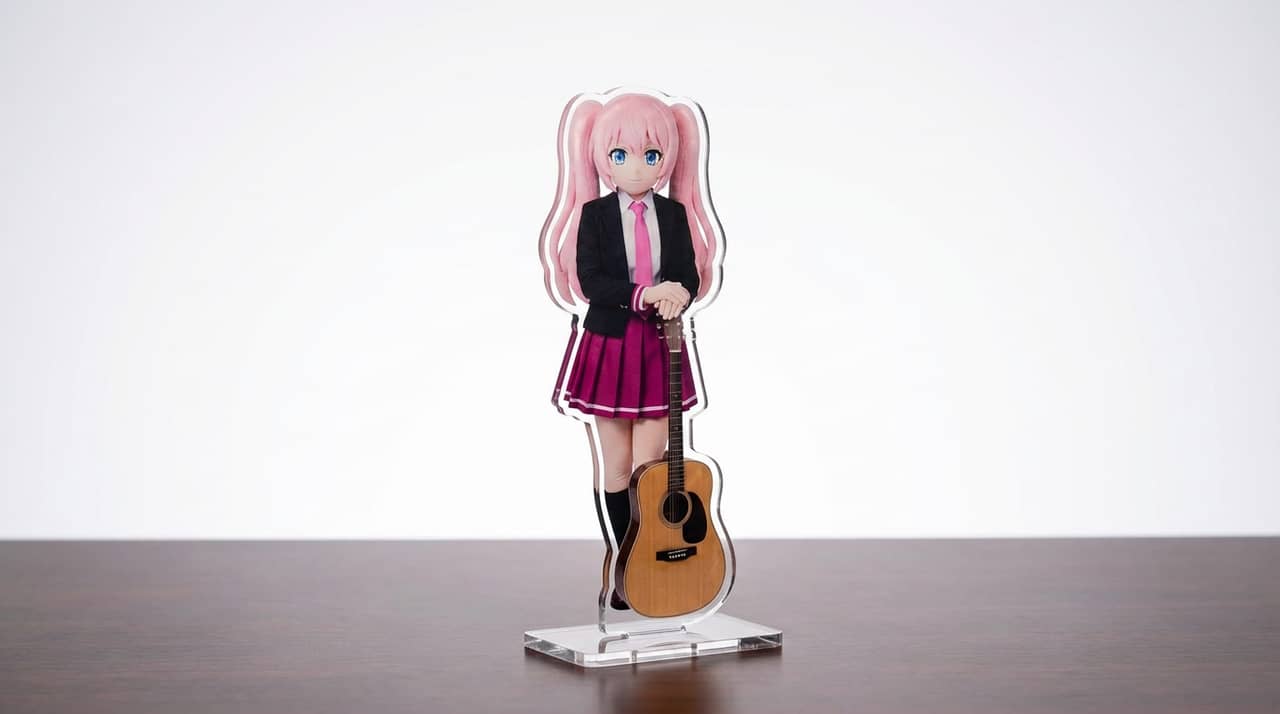
A clean acrylic standee mockup with transparent-product framing, base details, and character identity intact.
Start with the right input, define the acrylic standee output, and check the result before using it in a real project.
Use a text prompt for new ideas or upload a reference image when identity, pose, product shape, or character continuity matters.
Ask for clear acrylic edges, a small display base, glossy highlights, and product-photo lighting. Name what must stay unchanged and what can be redesigned.
Create the image, then check transparent standee edges and a base that does not cover important character details before downloading or using the result elsewhere.
Example directions for turning prompts or references into acrylic standee outputs.
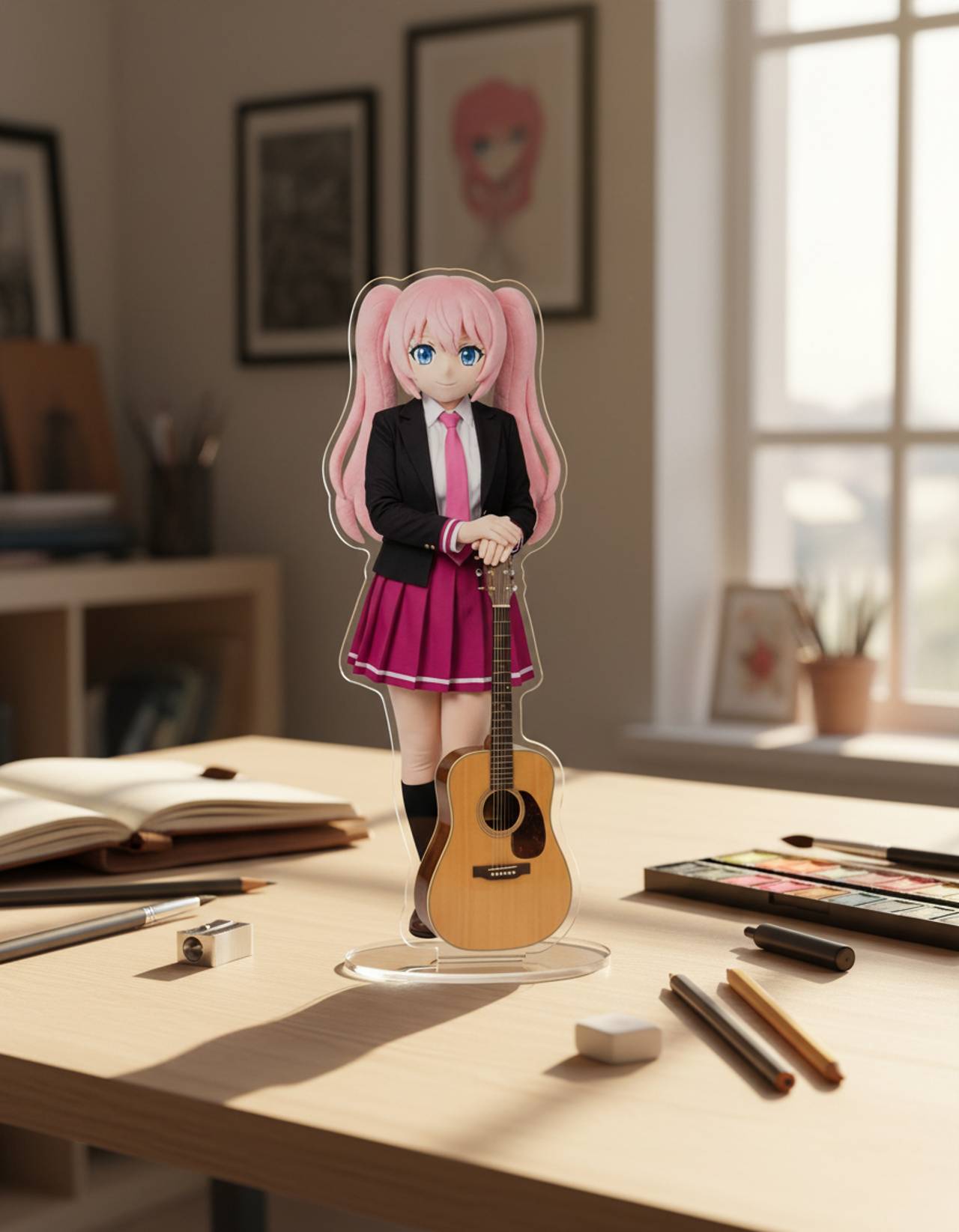
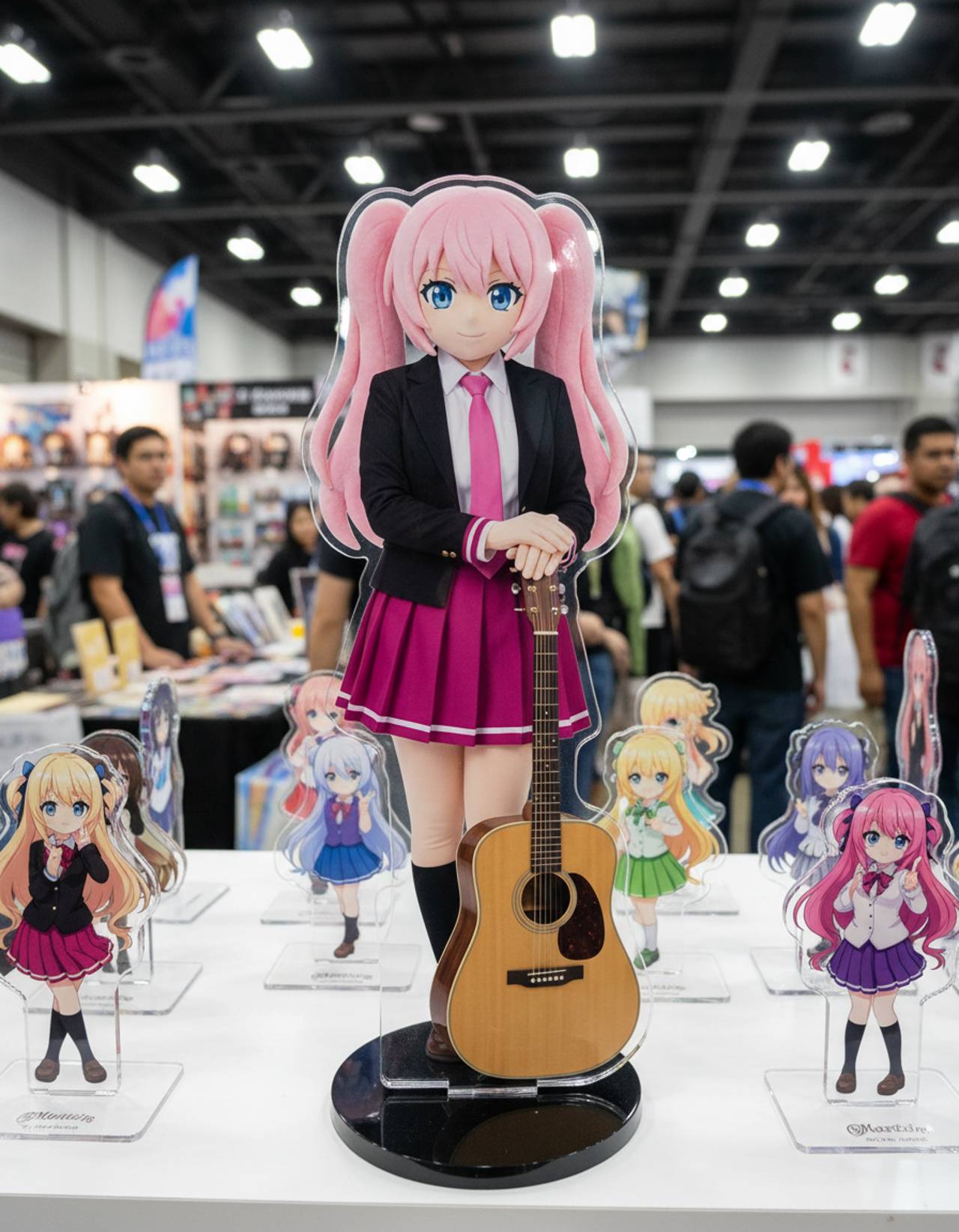
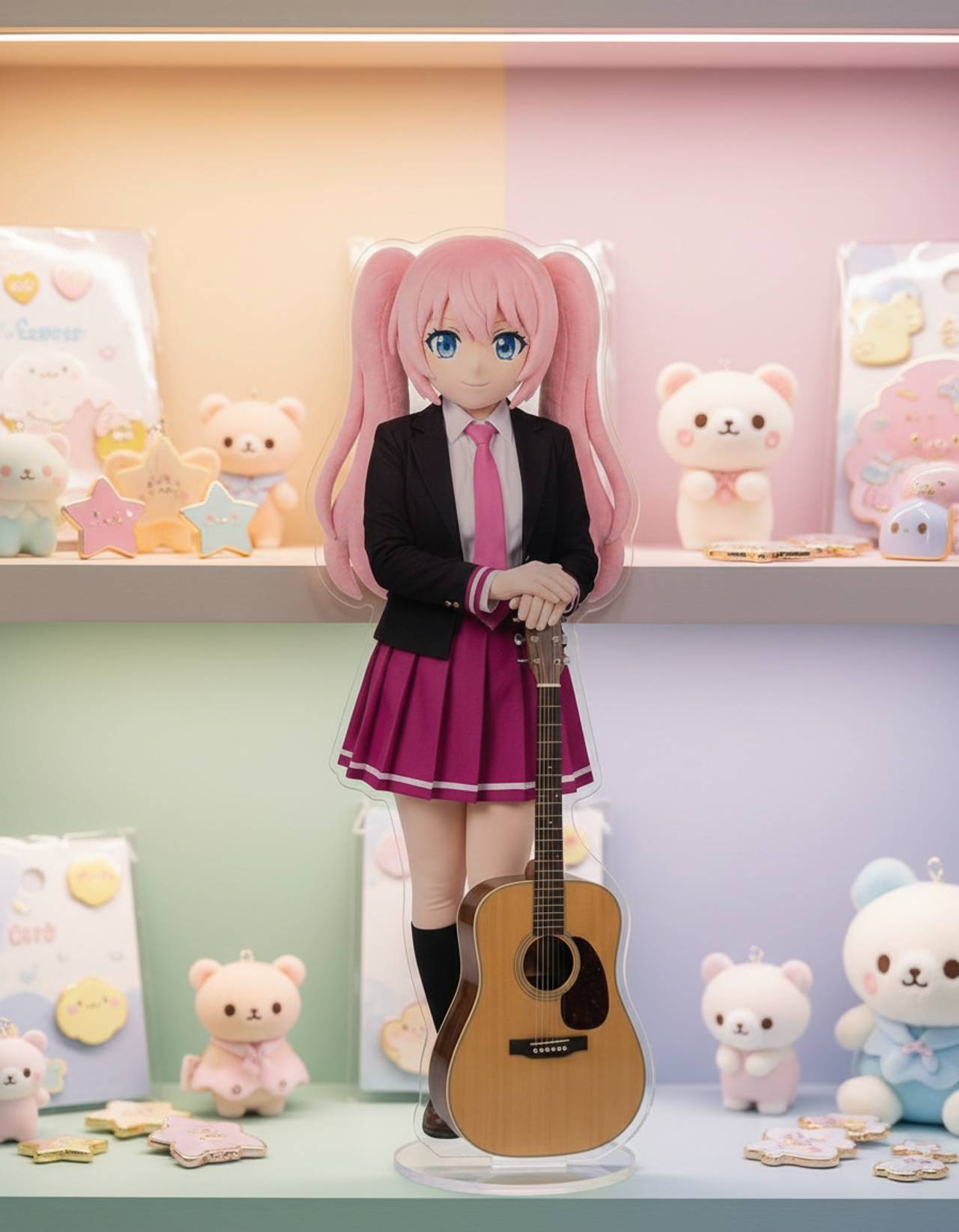
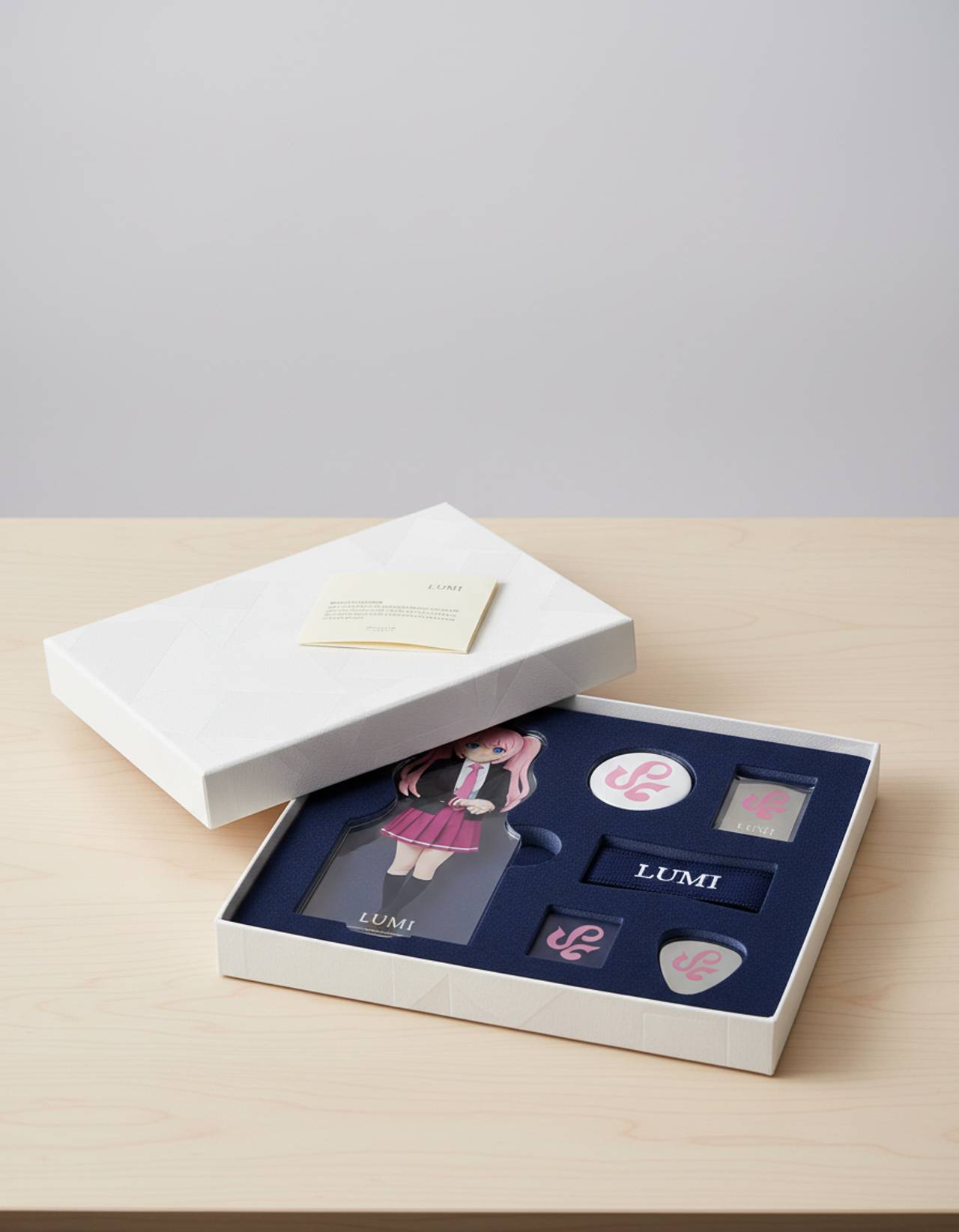
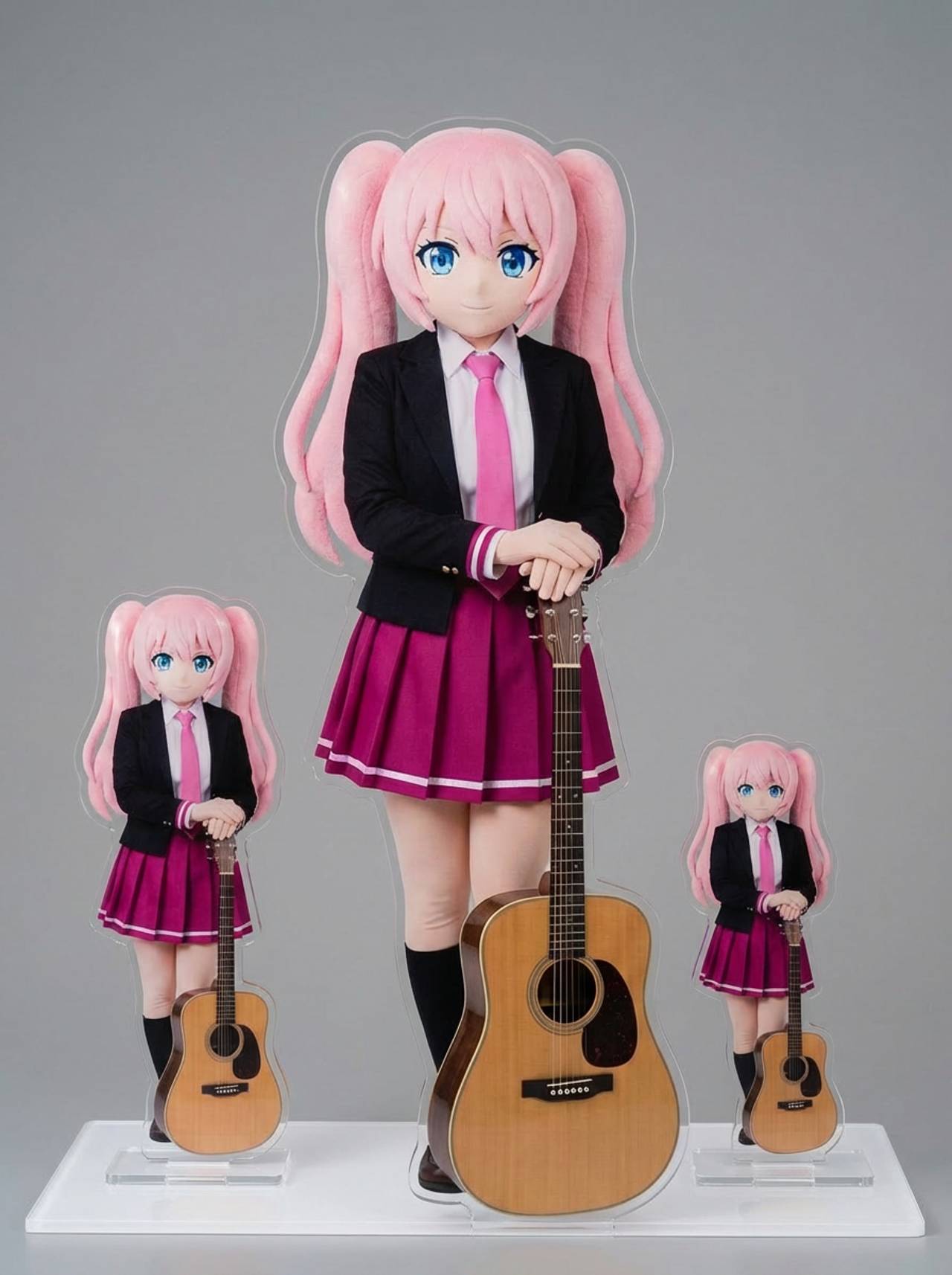
The page focuses on the decisions that make acrylic standee outputs usable: input clarity, format constraints, and a practical quality check.
Frames the character as a product preview instead of a generic portrait or sticker.
Keeps important face, outfit, and silhouette cues visible while changing the presentation format.
Useful for testing standee ideas before you spend time on manufacturing specs or print files.
Use these prompts as starting points. Replace the subject, source image, style, and destination with your own project details.
Use my uploaded image as the identity reference. Create acrylic standee with clear acrylic edges, a small display base, glossy highlights, and product-photo lighting. Keep the key face, color, outfit, and silhouette details recognizable.
This tells the model what must stay stable before asking it to change the presentation.
Create acrylic standee for a convention merch preview or character product mockup. Use a clear main subject, strong composition, and clear acrylic edges, a small display base, glossy highlights, and product-photo lighting.
This works when you do not have a reference image yet but still need a practical output format.
Refine this result into a polished acrylic standee. Prioritize transparent standee edges and a base that does not cover important character details. Remove distracting artifacts and keep the final image easy to reuse.
This turns a first draft into a more useful asset by naming the quality checks directly.
Before treating an AI result as finished, review whether it solves the real creative job and survives practical reuse.
Compare the result with the source or brief. The face, silhouette, palette, and signature details should still feel intentional.
The image should clearly read as acrylic standee, not as a generic portrait with a light style change.
Check crop, negative space, subject scale, and whether the image will work as a cover, icon, card, mockup, or scene.
Inspect hands, edges, fake text, small accessories, background clutter, and repeated patterns before publishing.
A useful image should be easy to crop, edit, reference, or hand off to a collaborator without explaining hidden context.
No. It creates a visual mockup for ideation, listings, pitches, and social previews. Final production still needs printer-specific dielines and bleed.
Move to the neighboring workflow when your starting point changes from text, to a reference image, to editing, to video.
These nearby intents help users choose the right workflow instead of landing on a page that only half-matches their need.