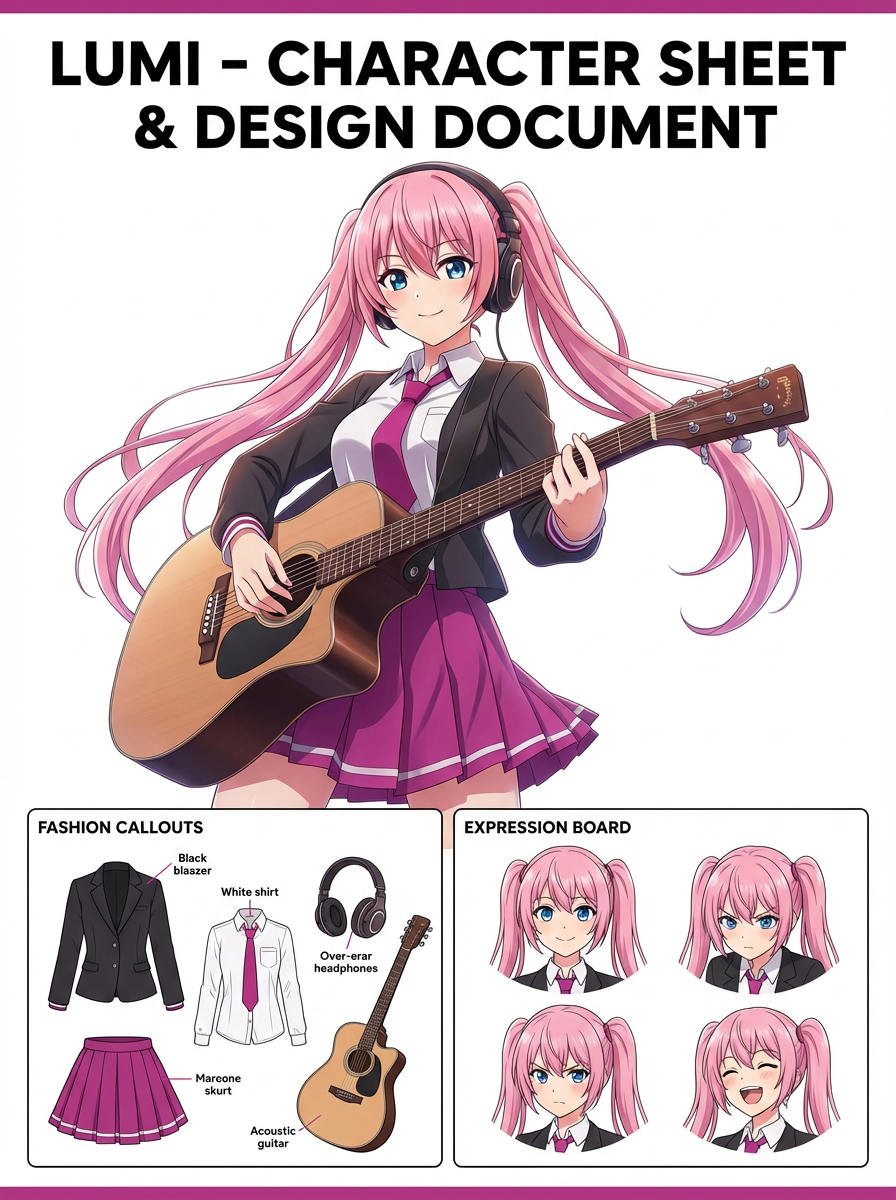
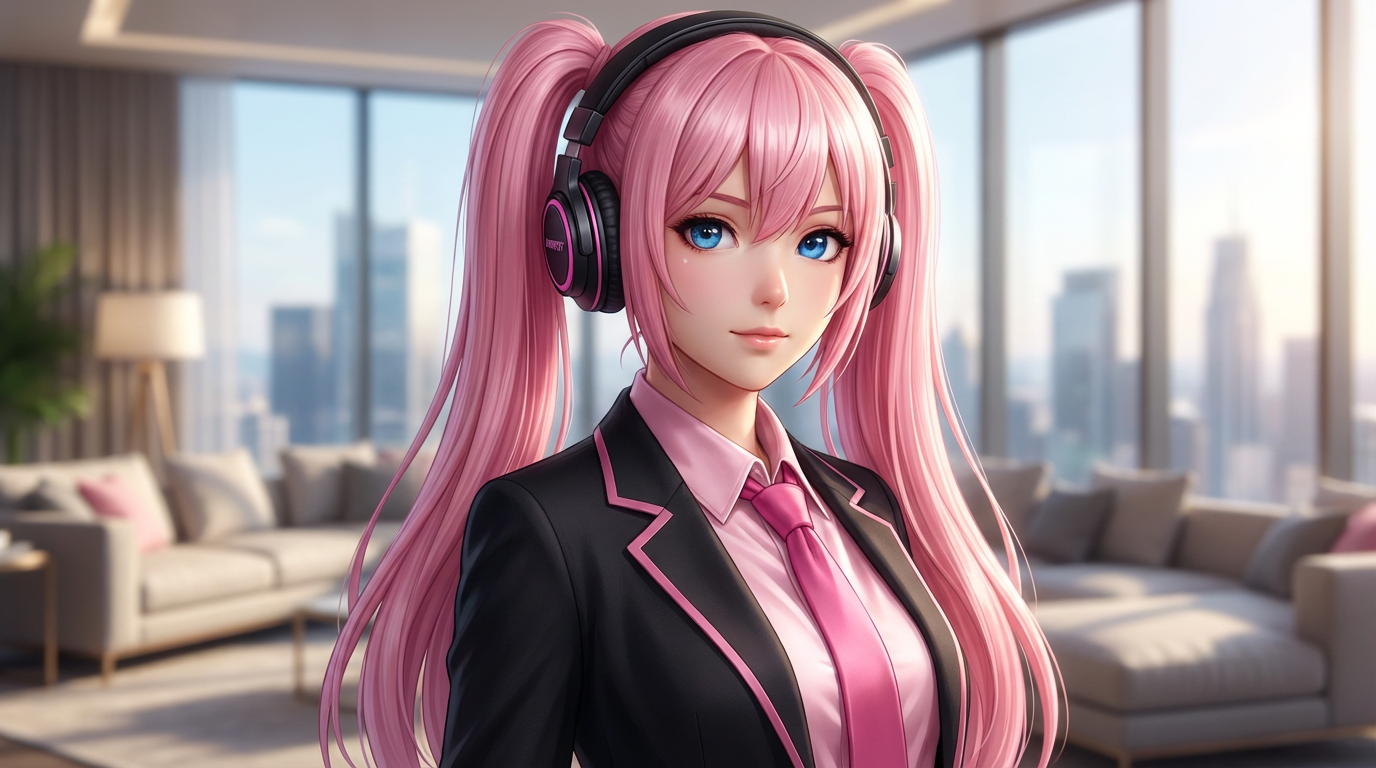
Problem
AI images often merge two characters or lose one identity when a scene needs both people to interact naturally.


Upload two references or describe two characters, then generate interaction shots, paired compositions, and scene-ready duo framing. Try for free with free credits. Check in daily to earn more. No credit card required.
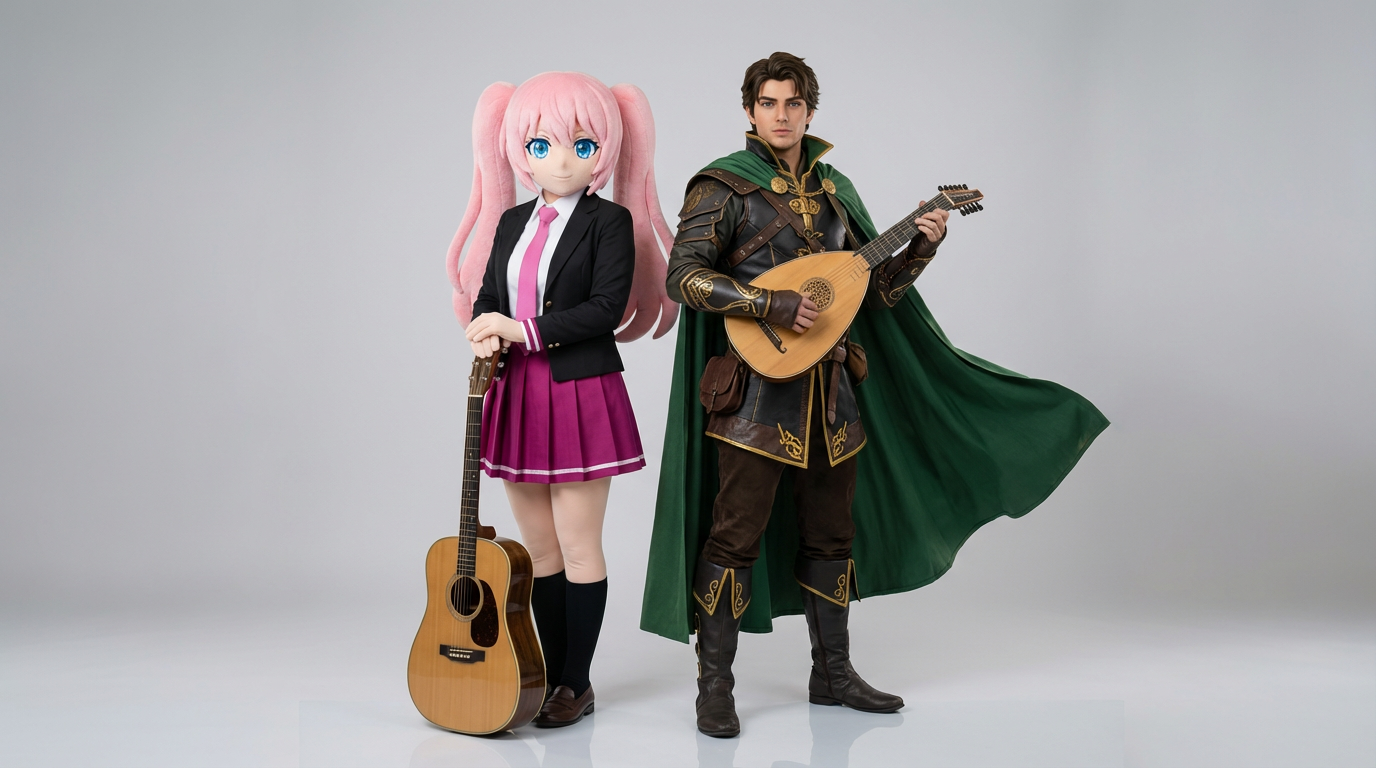
Plan how both subjects look and interact so their faces, clothing, and positions remain easy to identify.
AI images often merge two characters or lose one identity when a scene needs both people to interact naturally.
Comic panels, ship art concepts, cast posters, dialogue scenes, game party visuals, and two-character thumbnails.
A two-character interaction image with clear relationship, balanced framing, and both identities preserved.
Describe each character separately, set their positions and interaction, then check identity and anatomy.
Use a text prompt for new ideas or upload a reference image when identity, pose, product shape, or character continuity matters.
Ask for balanced two-character composition, clear spacing, natural interaction, consistent scale, and separate identity cues. Name what must stay unchanged and what can be redesigned.
Create the image, then check both faces, scale relationship, hands, eye direction, and whether the characters remain visually distinct before downloading or using the result elsewhere.
Two-character scenes with clear staging, distinct outfits, and believable interactions.
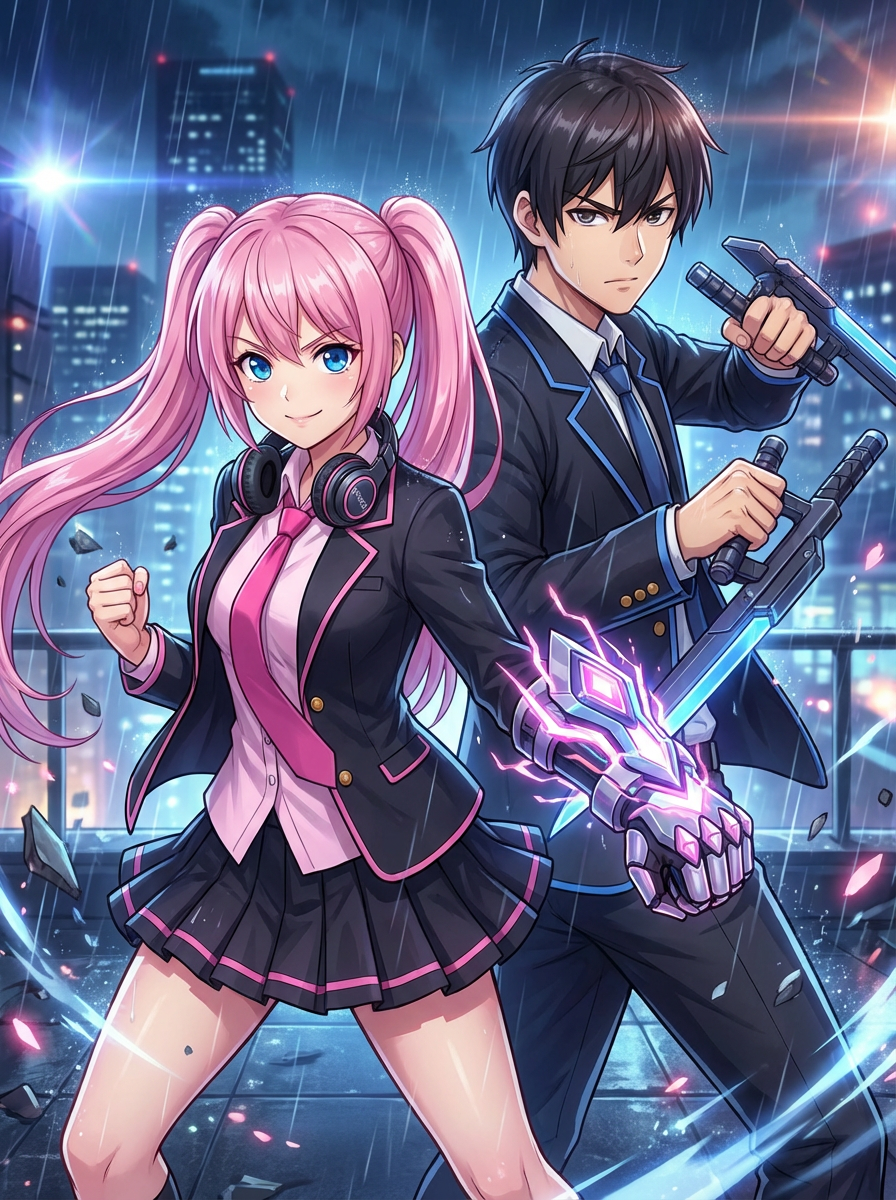
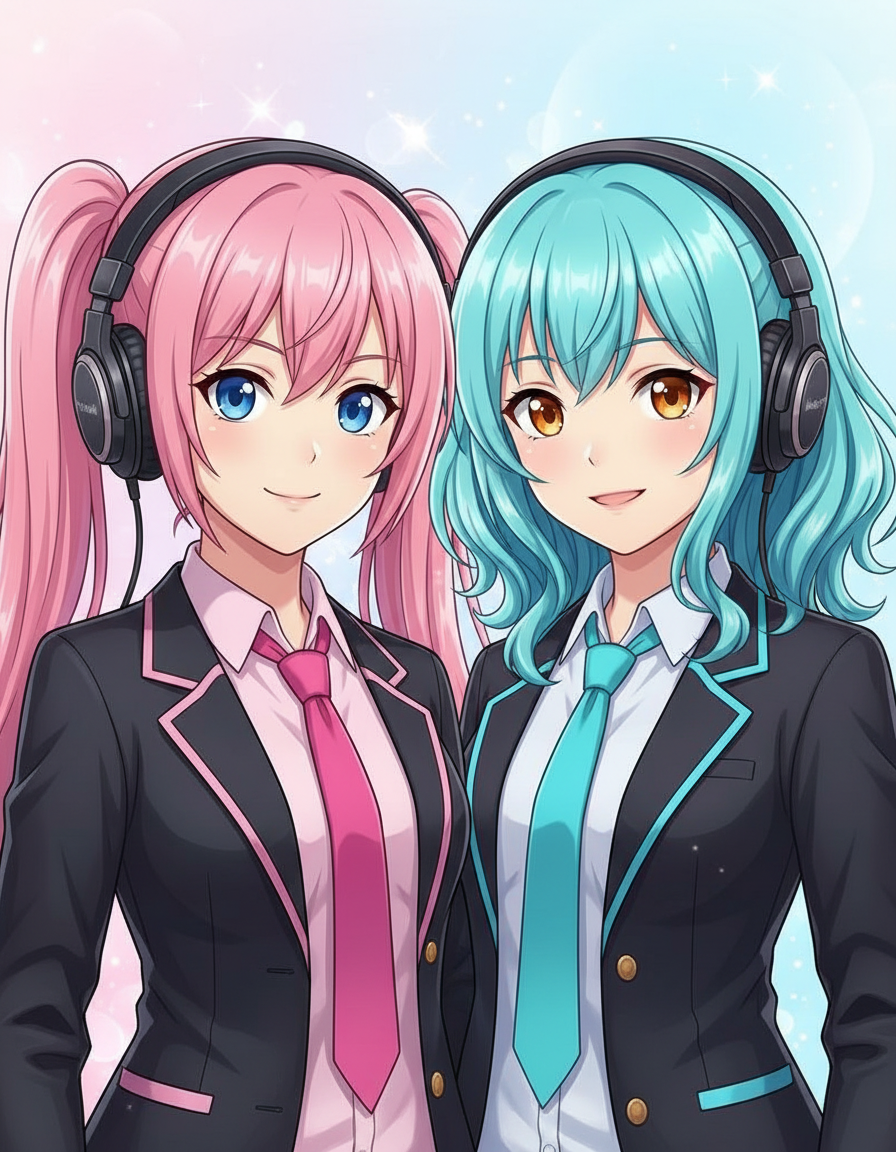
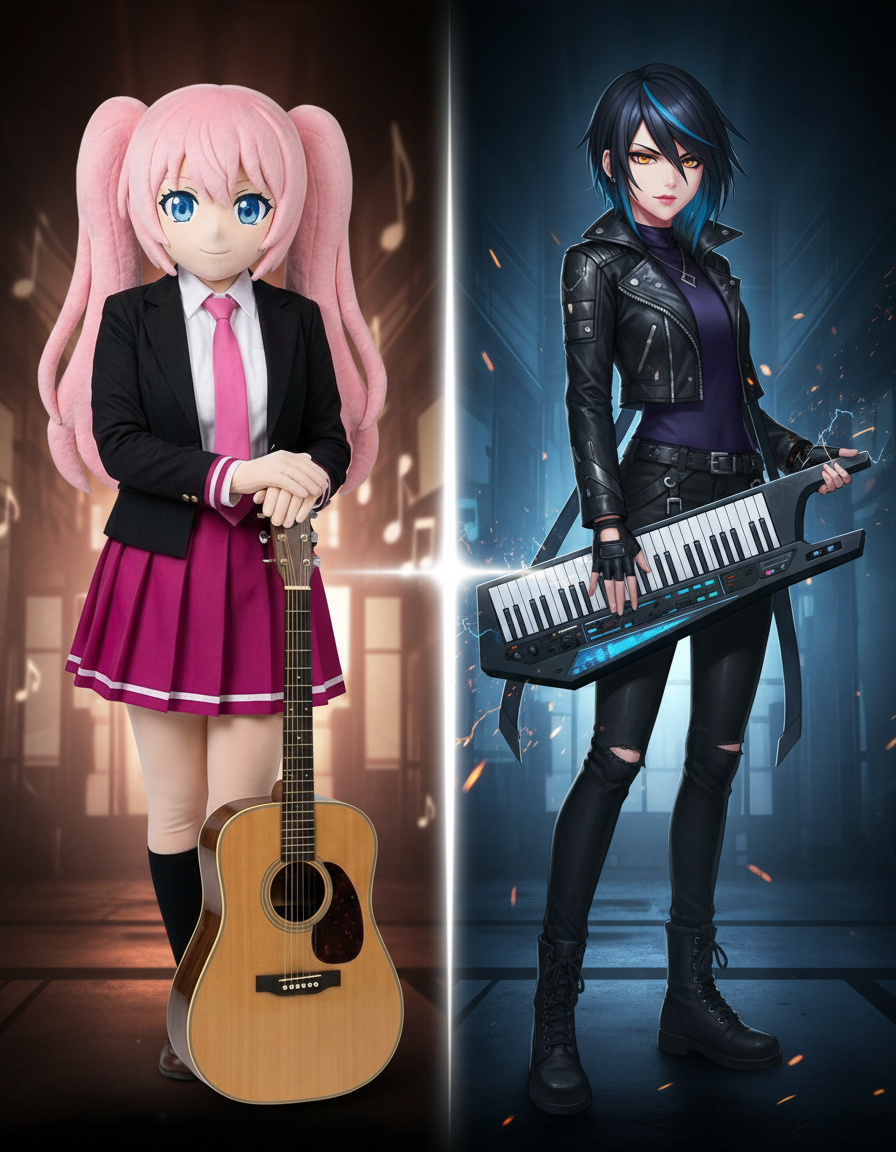
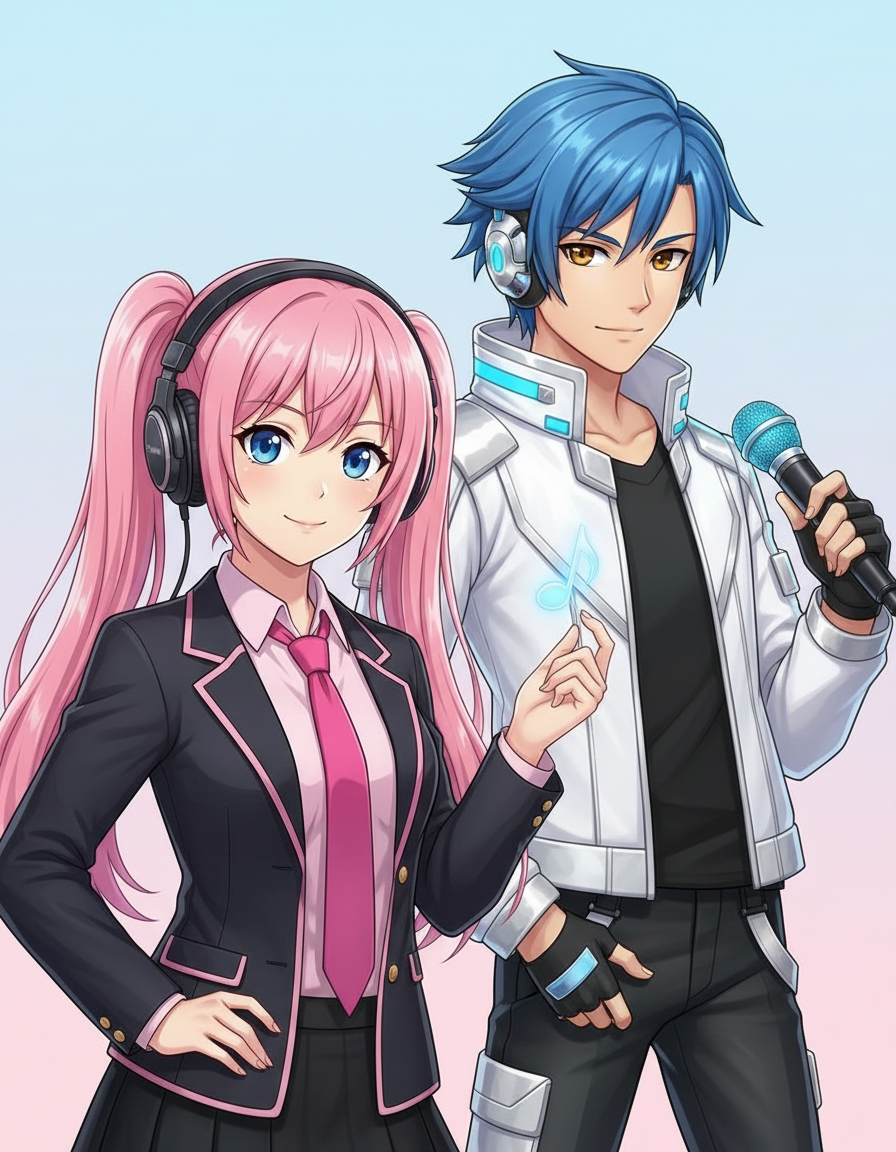
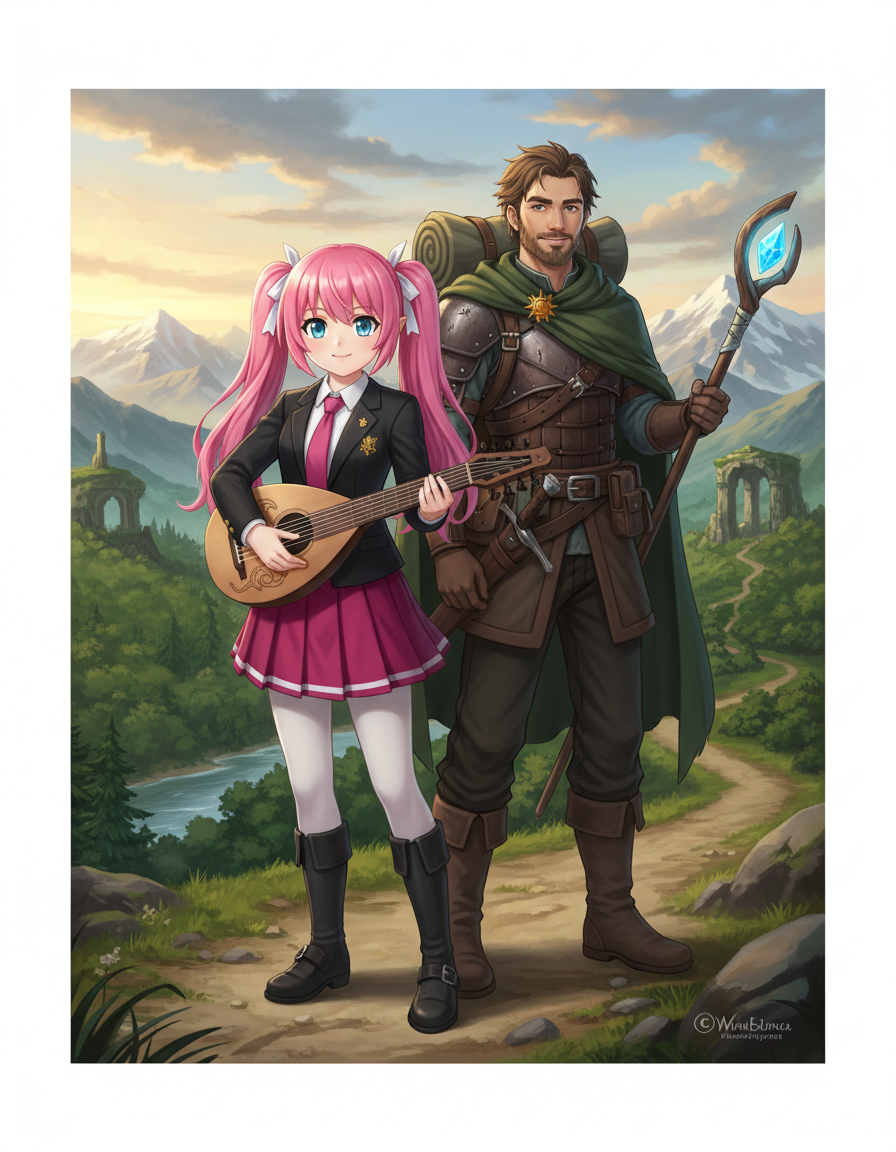
The page focuses on the decisions that make duo character scene outputs usable: input clarity, format constraints, and a practical quality check.
Lets you tell the model which traits belong to each character instead of hoping a single prompt separates them.
Supports hugs, standoffs, conversations, team poses, and scene compositions with clear relationship cues.
Useful when you need a pair of characters to appear together before building a full panel sequence.
Use these prompts as starting points. Replace the subject, source image, style, and destination with your own project details.
Use my uploaded image as the identity reference. Create duo character scene with balanced two-character composition, clear spacing, natural interaction, consistent scale, and separate identity cues. Keep the key face, color, outfit, and silhouette details recognizable.
This tells the model what must stay stable before asking it to change the presentation.
Create duo character scene for a comic interaction scene or paired character visual. Use a clear main subject, strong composition, and balanced two-character composition, clear spacing, natural interaction, consistent scale, and separate identity cues.
This works when you do not have a reference image yet but still need a practical output format.
Refine this result into a polished duo character scene. Prioritize both faces, scale relationship, hands, eye direction, and whether the characters remain visually distinct. Remove distracting artifacts and keep the final image easy to reuse.
This turns a first draft into a more useful asset by naming the quality checks directly.
Before treating an AI result as finished, review whether it solves the real creative job and survives practical reuse.
Compare the result with the source or brief. The face, silhouette, palette, and signature details should still feel intentional.
The image should clearly read as duo character scene, not as a generic portrait with a light style change.
Check crop, negative space, subject scale, and whether the image will work as a cover, icon, card, mockup, or scene.
Inspect hands, edges, fake text, small accessories, background clutter, and repeated patterns before publishing.
A useful image should be easy to crop, edit, reference, or hand off to a collaborator without explaining hidden context.
Yes. Start your free trial with free credits and earn more free credits through daily check-ins. No credit card is required. Sign in to manage your credits. Generation costs and model availability vary; paid plans offer more credits and additional export options.
Move to the neighboring workflow when your starting point changes from text, to a reference image, to editing, to video.