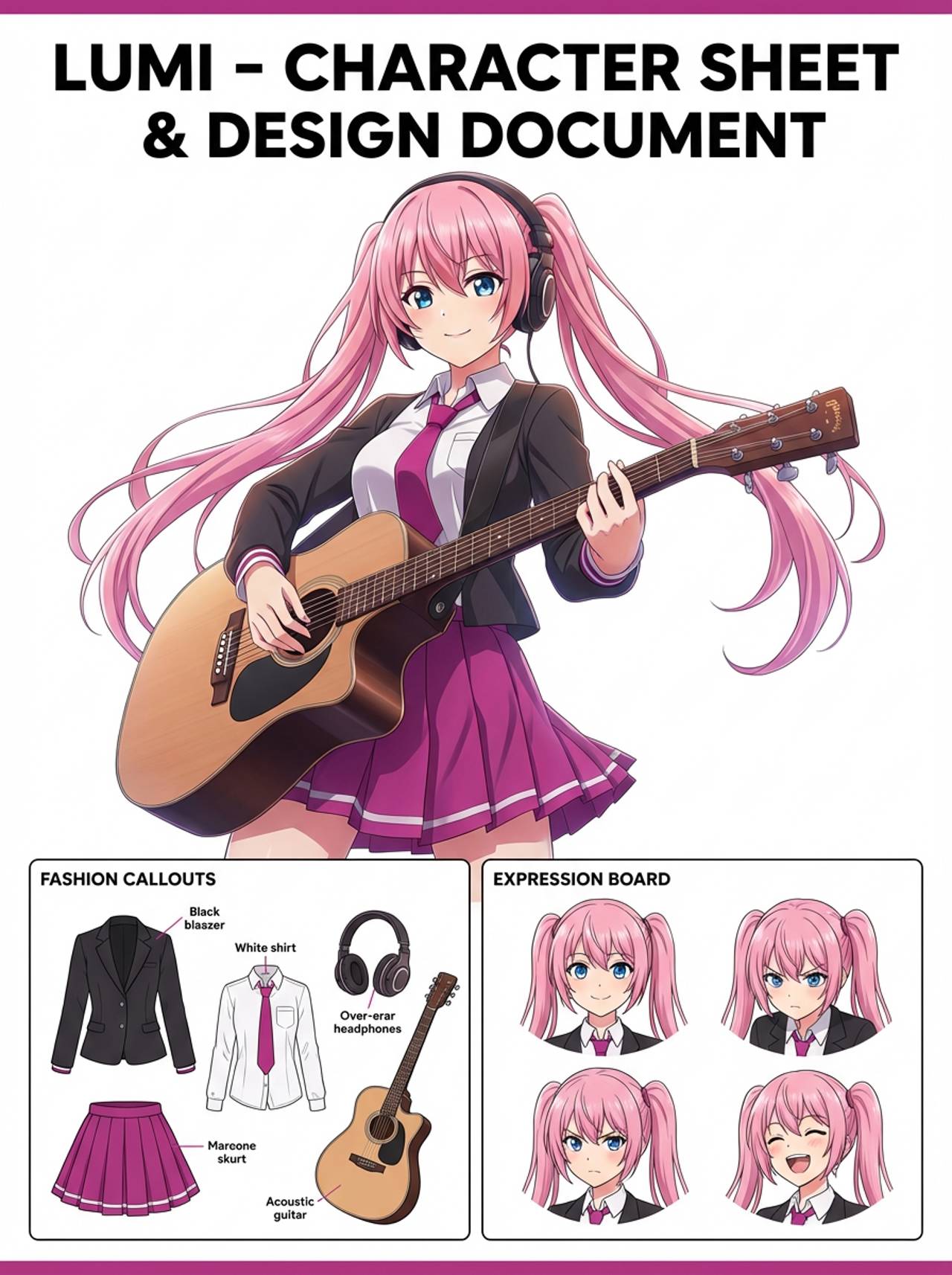
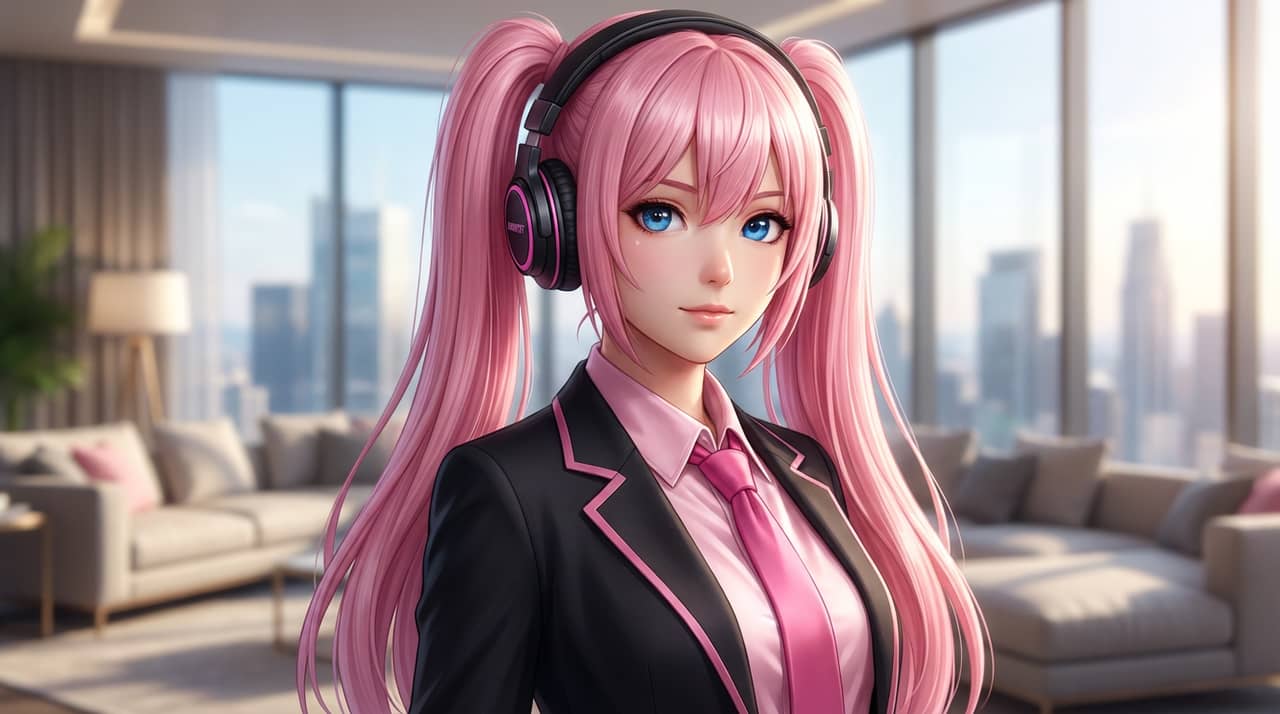
Problem
Fantasy prompts can become generic unless the page guides class, role, costume, weapon, and worldbuilding choices together.


Turn a character image or text brief into a fantasy hero presentation with class styling, RPG flavor, and campaign-ready composition.
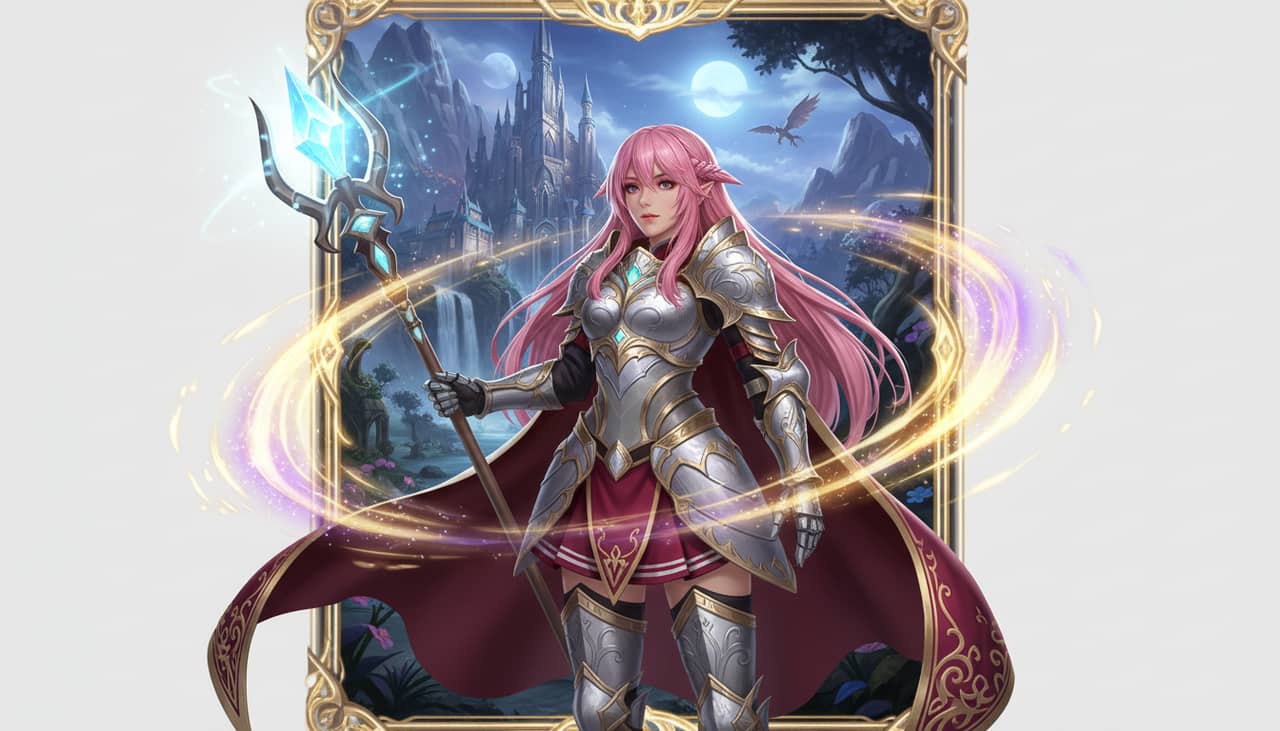
Match your starting point to a clear output, workflow, and quality bar before opening the generator.
Fantasy prompts can become generic unless the page guides class, role, costume, weapon, and worldbuilding choices together.
Tabletop characters, game heroes, fantasy avatars, campaign art, book characters, and collectible hero cards.
A fantasy hero presentation with class styling, RPG mood, armor or outfit cues, and collectible-card energy.
Start with the right input, define the fantasy character output, and check the result before using it in a real project.
Use a text prompt for new ideas or upload a reference image when identity, pose, product shape, or character continuity matters.
Ask for RPG class details, dramatic lighting, readable gear, fantasy environment hints, and a hero-card composition. Name what must stay unchanged and what can be redesigned.
Create the image, then check class readability, weapon logic, costume detail, face consistency, and whether the background supports the character before downloading or using the result elsewhere.
Example directions for turning prompts or references into fantasy character outputs.
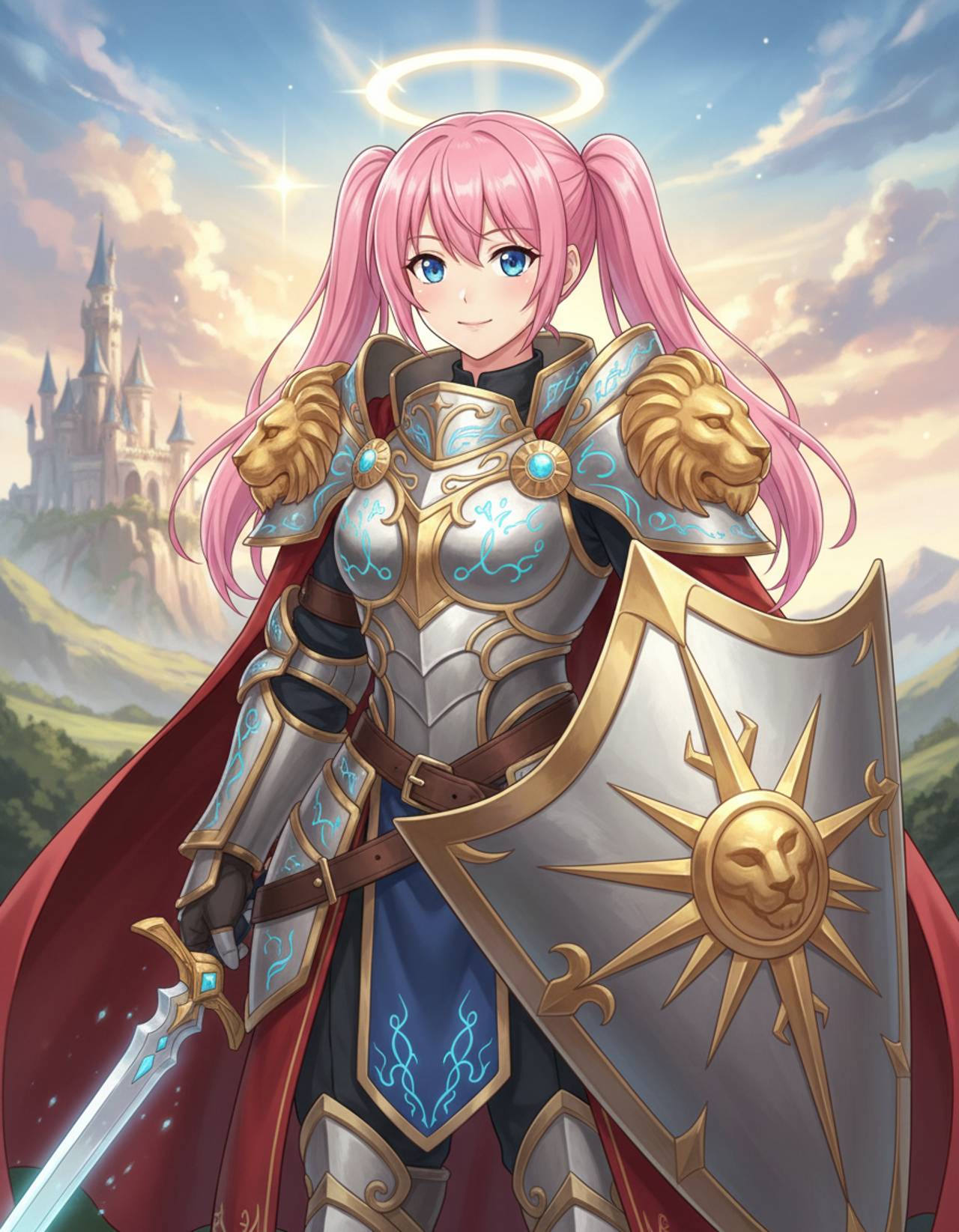
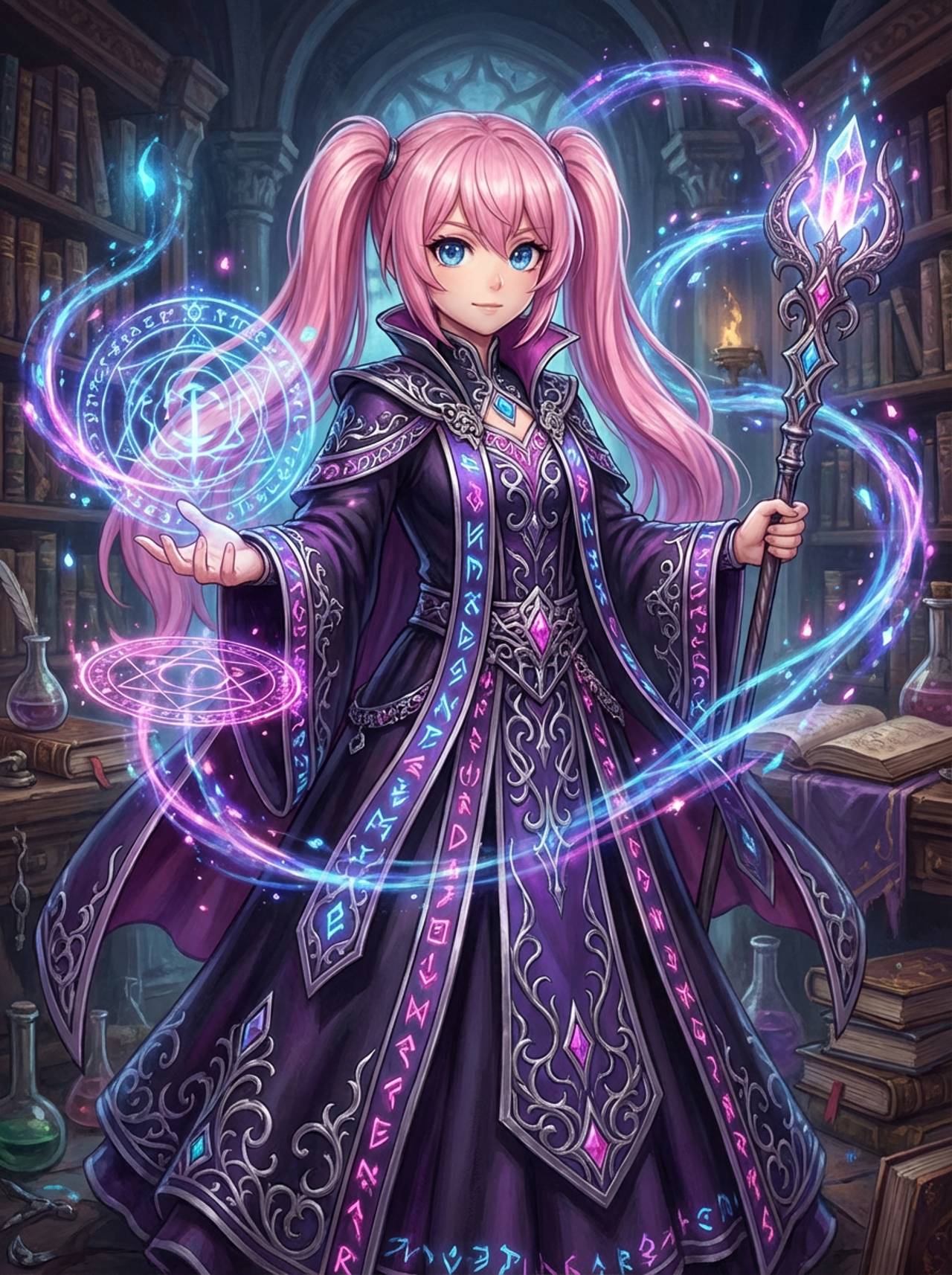
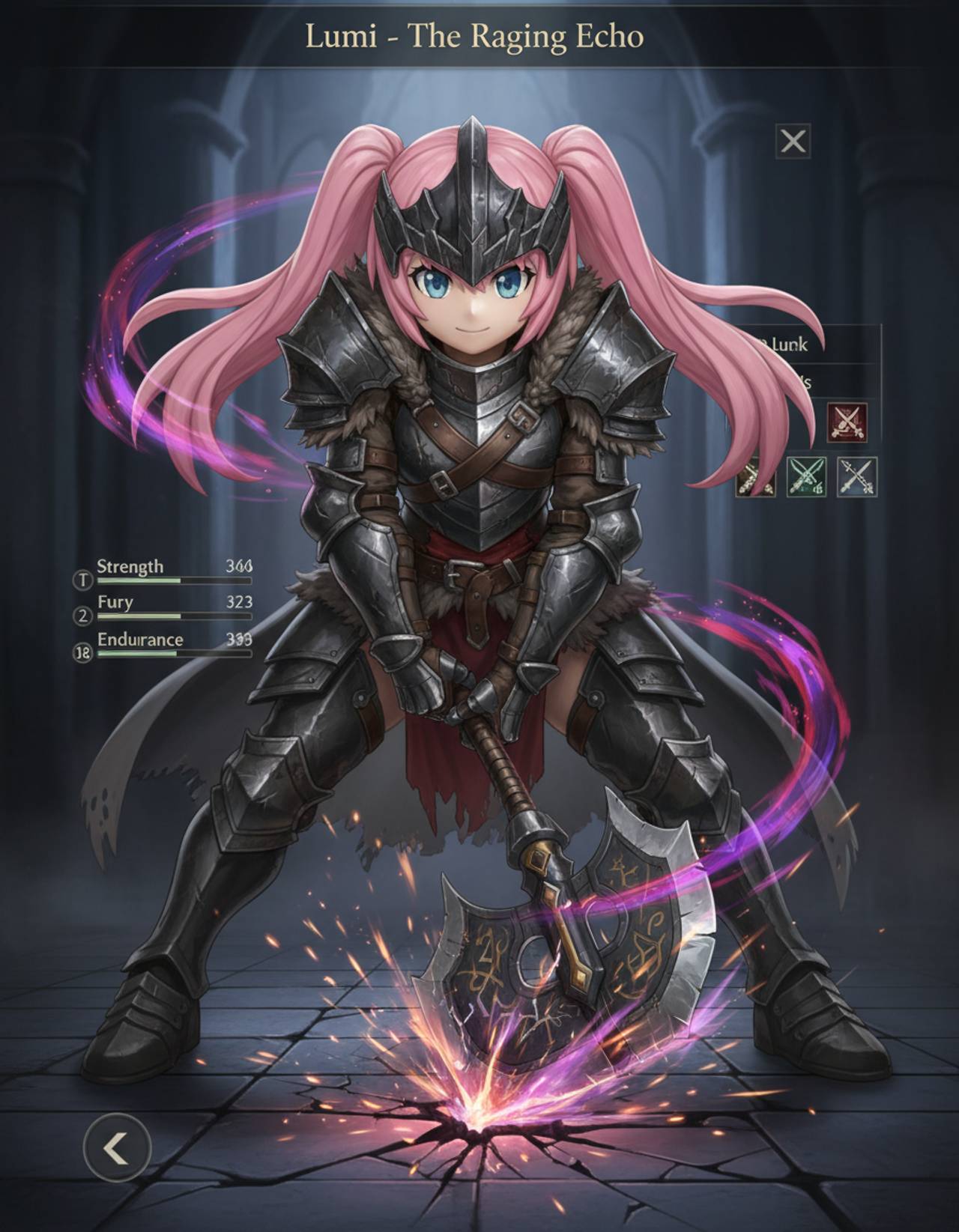
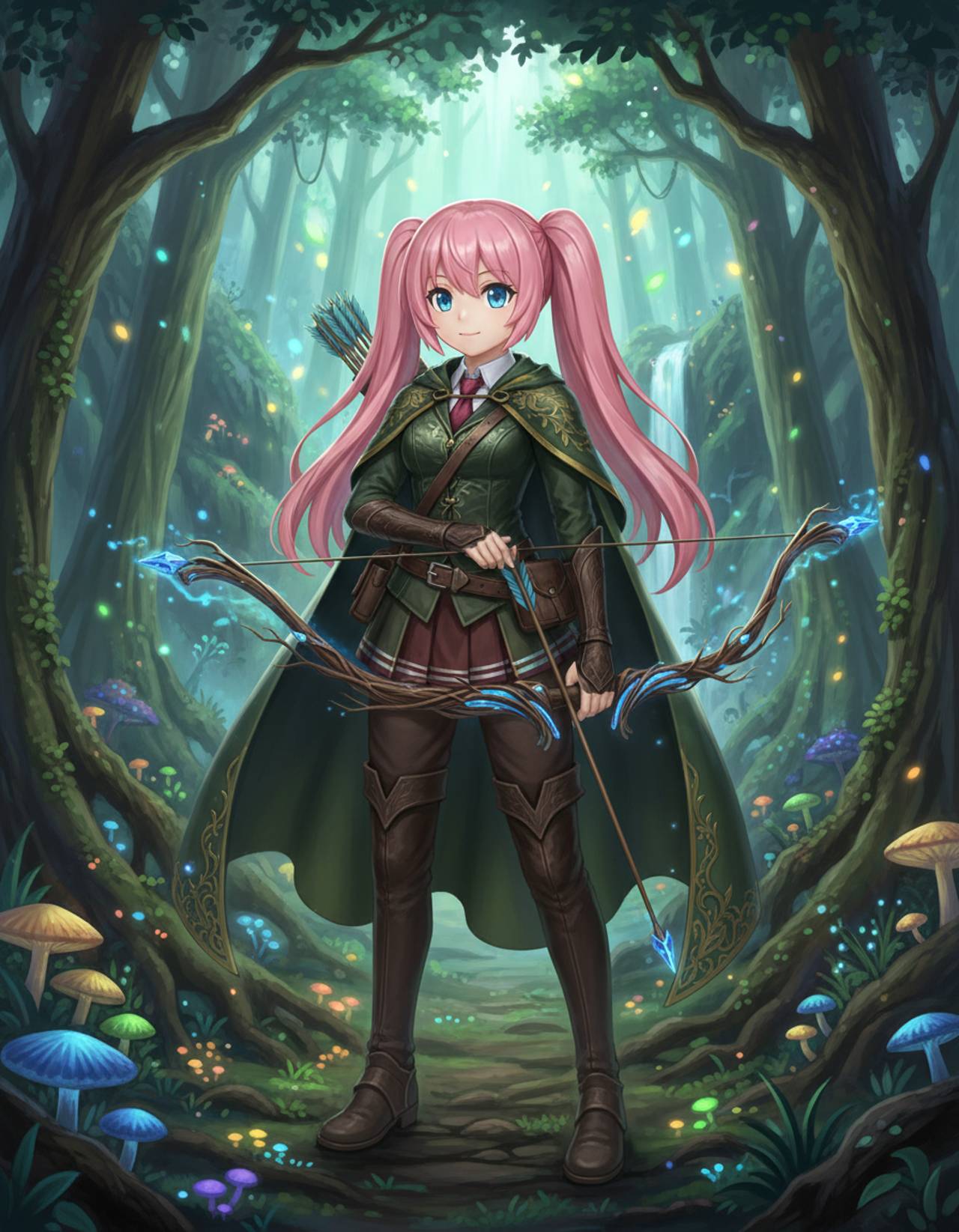
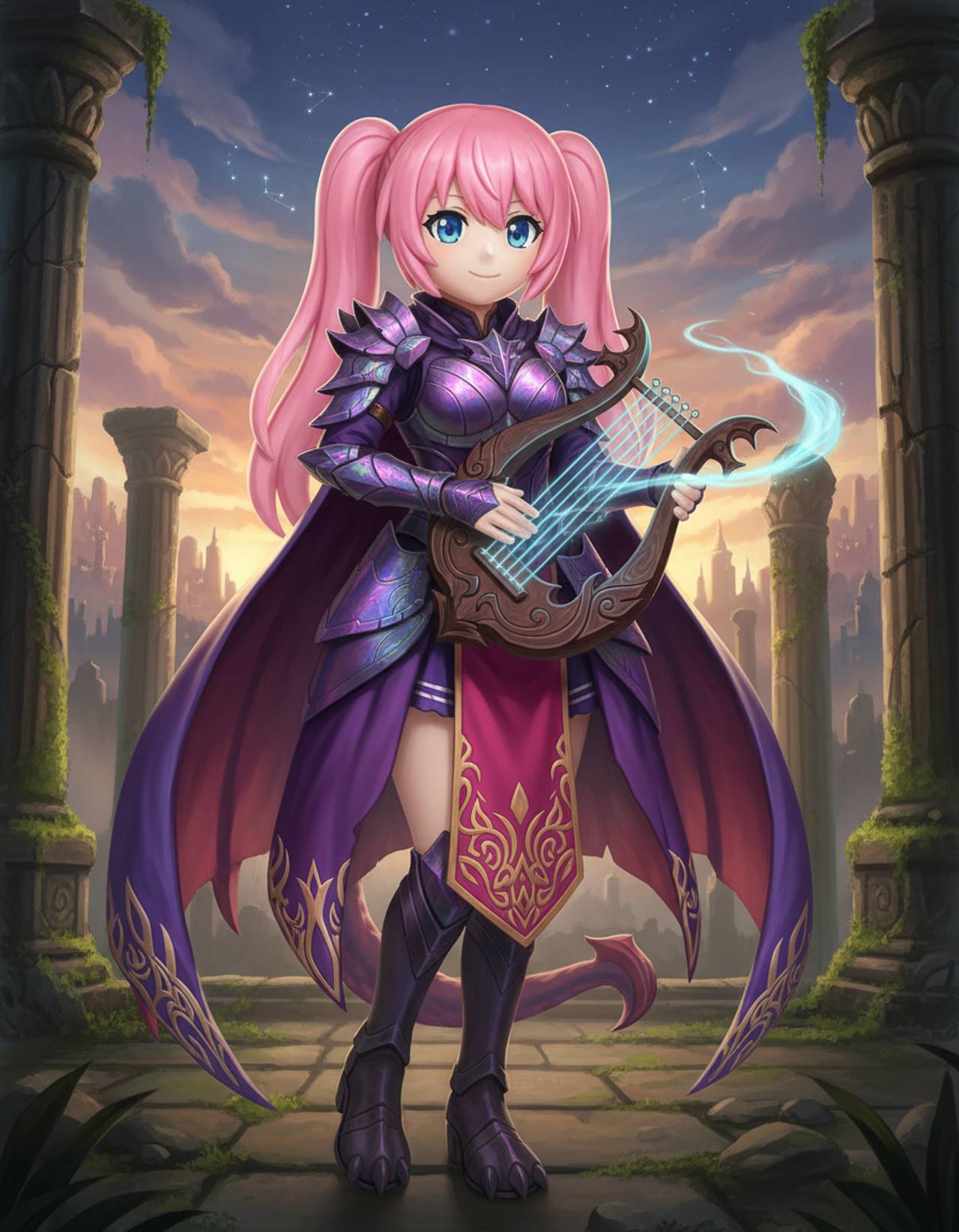
The page focuses on the decisions that make fantasy character outputs usable: input clarity, format constraints, and a practical quality check.
Encourages prompts that define role, gear, power source, and visual hierarchy instead of only naming a genre.
Keeps the person or OC as the center of the image while adding fantasy styling around them.
Creates a strong first visual for tabletop sessions, game concepts, social profiles, and story bibles.
Use these prompts as starting points. Replace the subject, source image, style, and destination with your own project details.
Use my uploaded image as the identity reference. Create fantasy character with RPG class details, dramatic lighting, readable gear, fantasy environment hints, and a hero-card composition. Keep the key face, color, outfit, and silhouette details recognizable.
This tells the model what must stay stable before asking it to change the presentation.
Create fantasy character for a tabletop RPG hero card or fantasy avatar concept. Use a clear main subject, strong composition, and RPG class details, dramatic lighting, readable gear, fantasy environment hints, and a hero-card composition.
This works when you do not have a reference image yet but still need a practical output format.
Refine this result into a polished fantasy character. Prioritize class readability, weapon logic, costume detail, face consistency, and whether the background supports the character. Remove distracting artifacts and keep the final image easy to reuse.
This turns a first draft into a more useful asset by naming the quality checks directly.
Before treating an AI result as finished, review whether it solves the real creative job and survives practical reuse.
Compare the result with the source or brief. The face, silhouette, palette, and signature details should still feel intentional.
The image should clearly read as fantasy character, not as a generic portrait with a light style change.
Check crop, negative space, subject scale, and whether the image will work as a cover, icon, card, mockup, or scene.
Inspect hands, edges, fake text, small accessories, background clutter, and repeated patterns before publishing.
A useful image should be easy to crop, edit, reference, or hand off to a collaborator without explaining hidden context.
Yes. Include class, ancestry, equipment, personality, color palette, and the campaign mood you want.
Move to the neighboring workflow when your starting point changes from text, to a reference image, to editing, to video.
These nearby intents help users choose the right workflow instead of landing on a page that only half-matches their need.