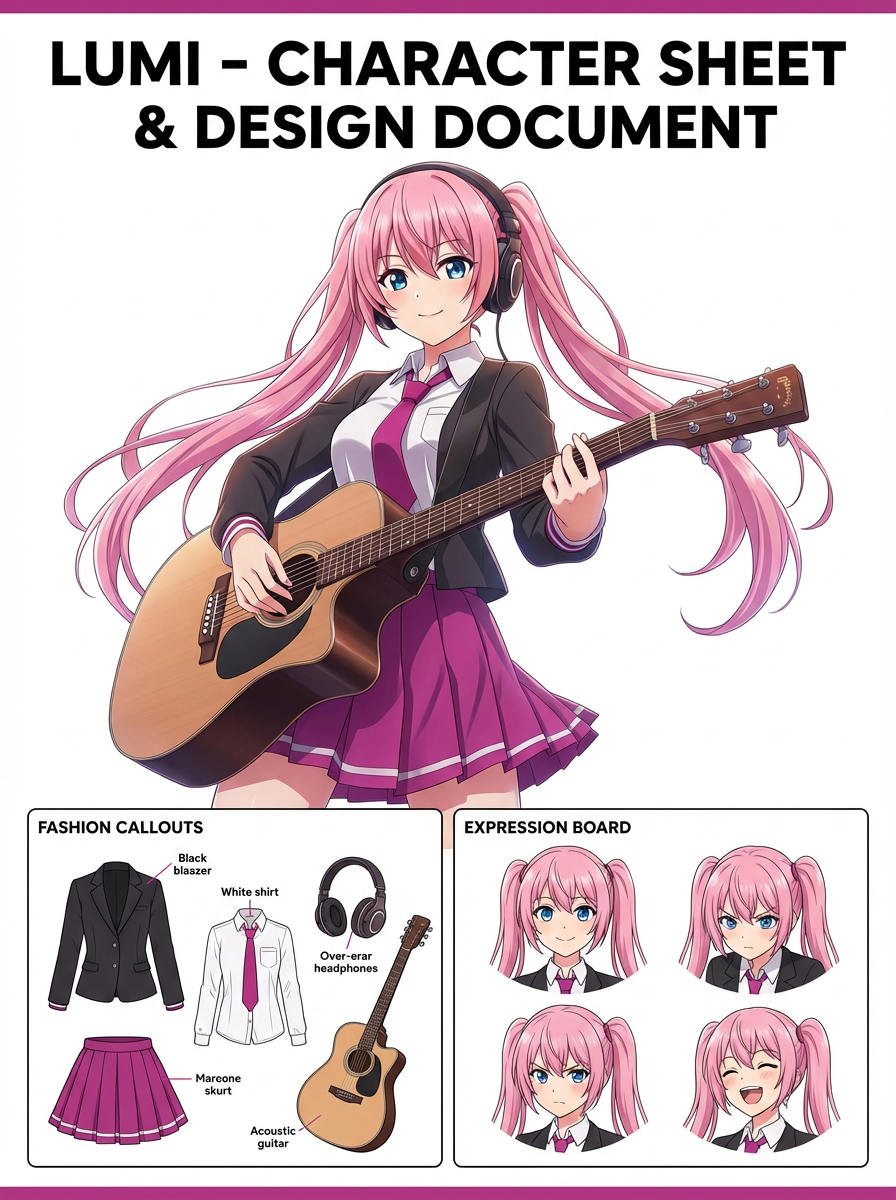
Problem
A full illustration often becomes unreadable as a badge, pin, or profile icon unless the crop and border are designed for that format.


Turn character art, mascots, pets, or portraits into badge-style visuals with circular framing, clean edges, and icon-friendly composition. Try for free with free credits. Check in daily to earn more. No credit card required.
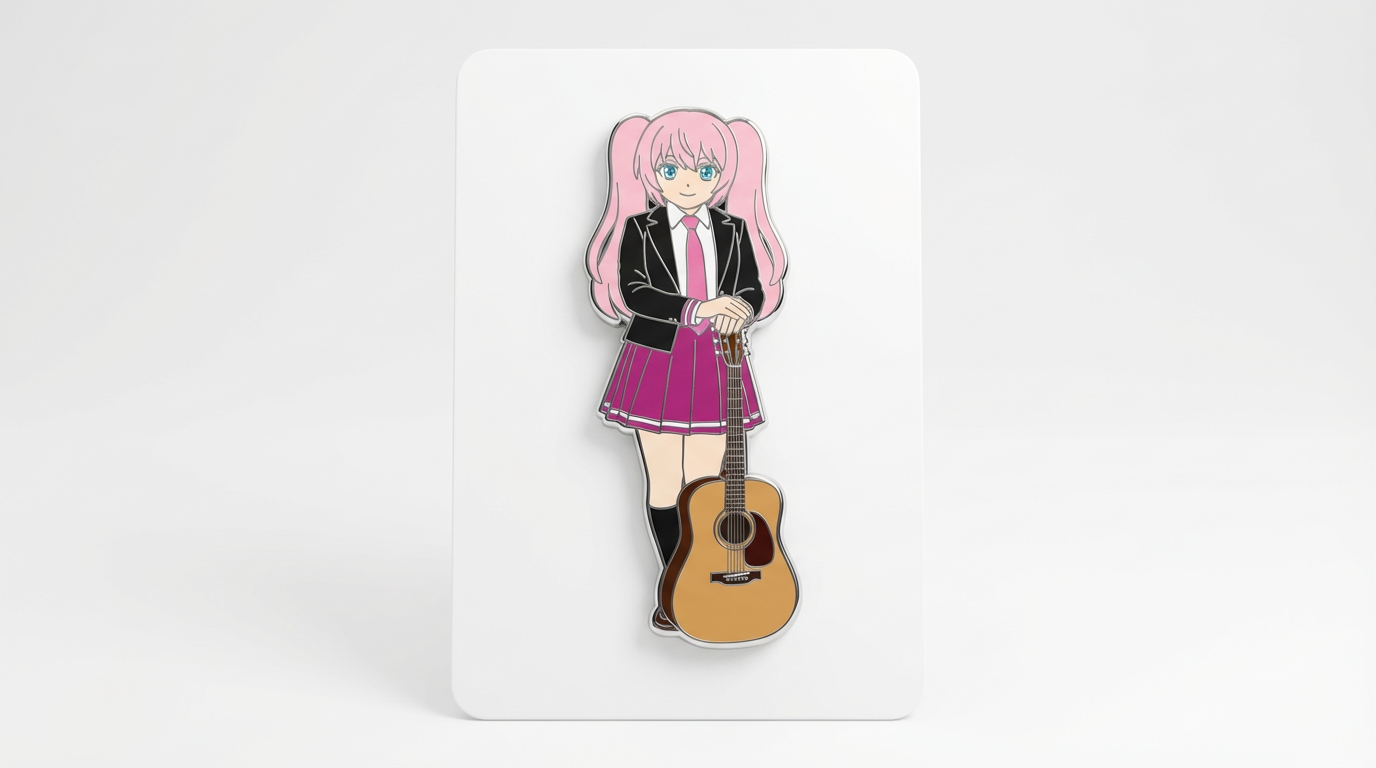
Focus the illustration on a bold silhouette and border that still reads at pin or avatar size.
A full illustration often becomes unreadable as a badge, pin, or profile icon unless the crop and border are designed for that format.
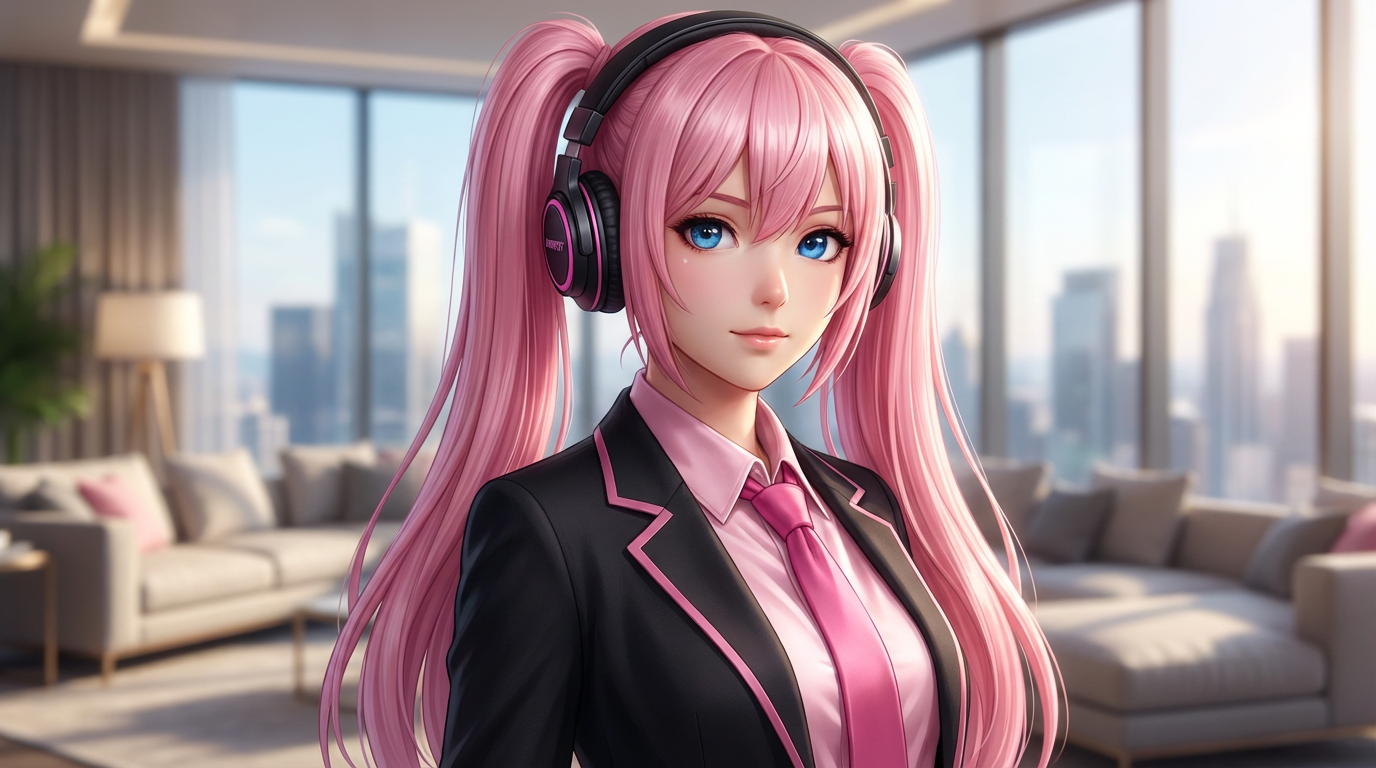
Creator badges, enamel pin previews, fandom icons, Discord avatars, convention visuals, and merch mockups.
A badge-style character image with circular framing, merch energy, and profile-icon readability.
Upload the art, simplify the crop, select the badge shape, and inspect readability at small sizes.
Use a text prompt for new ideas or upload a reference image when identity, pose, product shape, or character continuity matters.
Ask for round badge frame, centered character crop, bold readable outline, subtle shine, and icon-friendly contrast. Name what must stay unchanged and what can be redesigned.
Create the image, then check face readability, circular crop, edge clarity, background contrast, and whether details survive at small size before downloading or using the result elsewhere.
Badge and pin mockups with clear subject crops, outlines, and simple backgrounds.
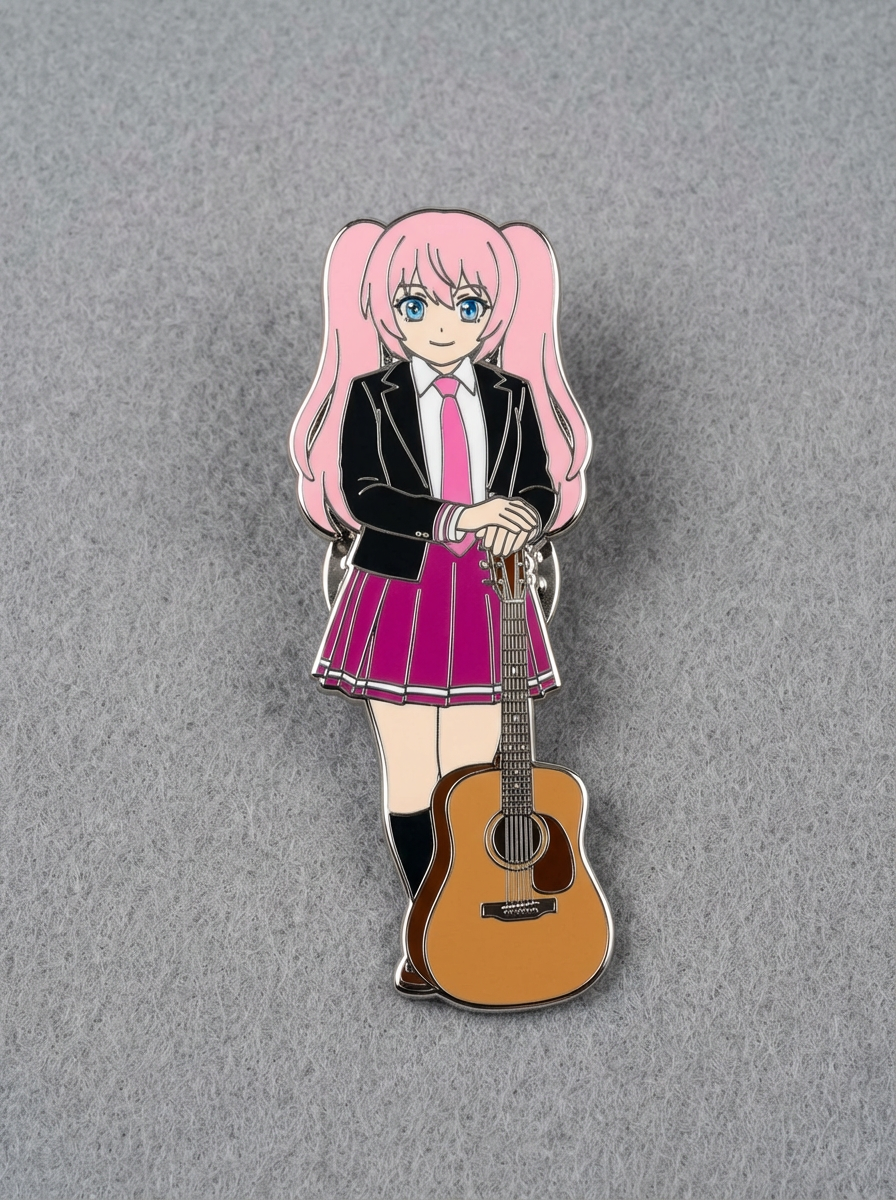
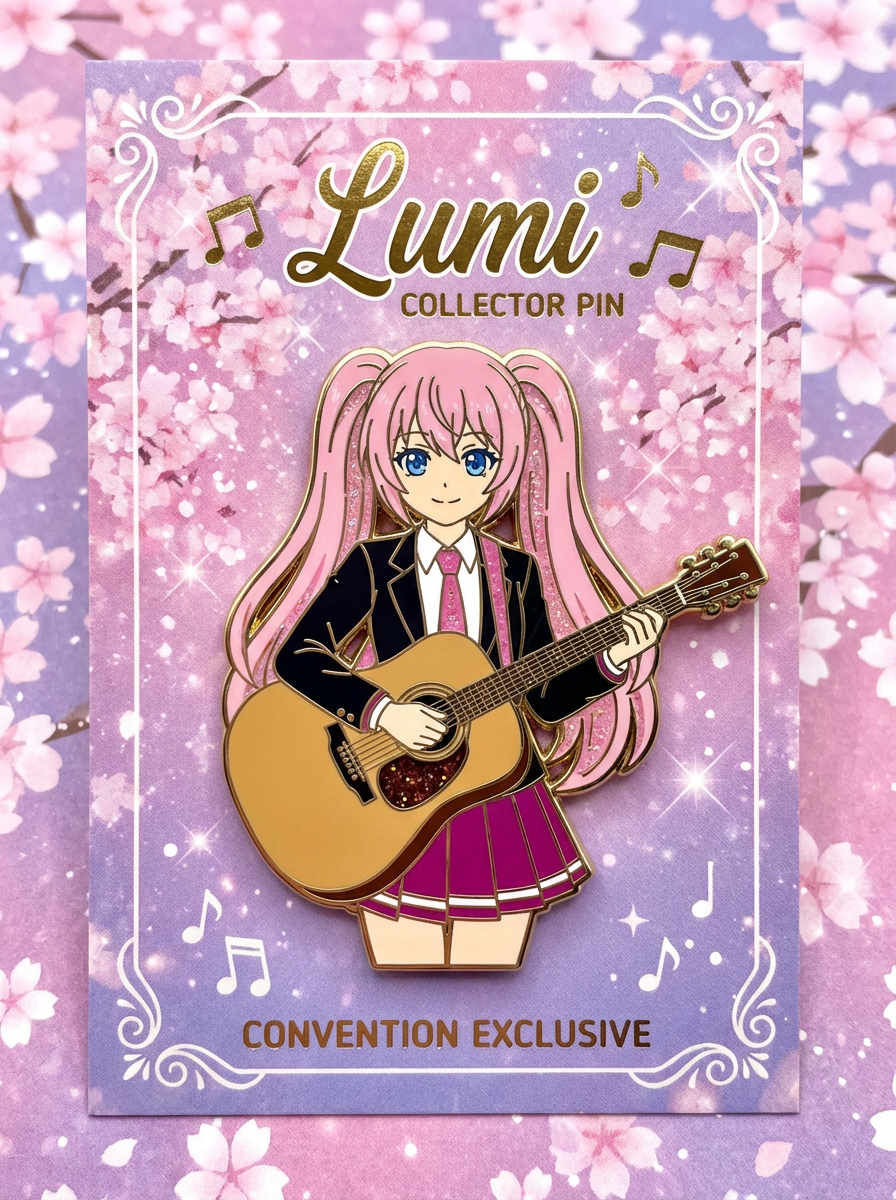
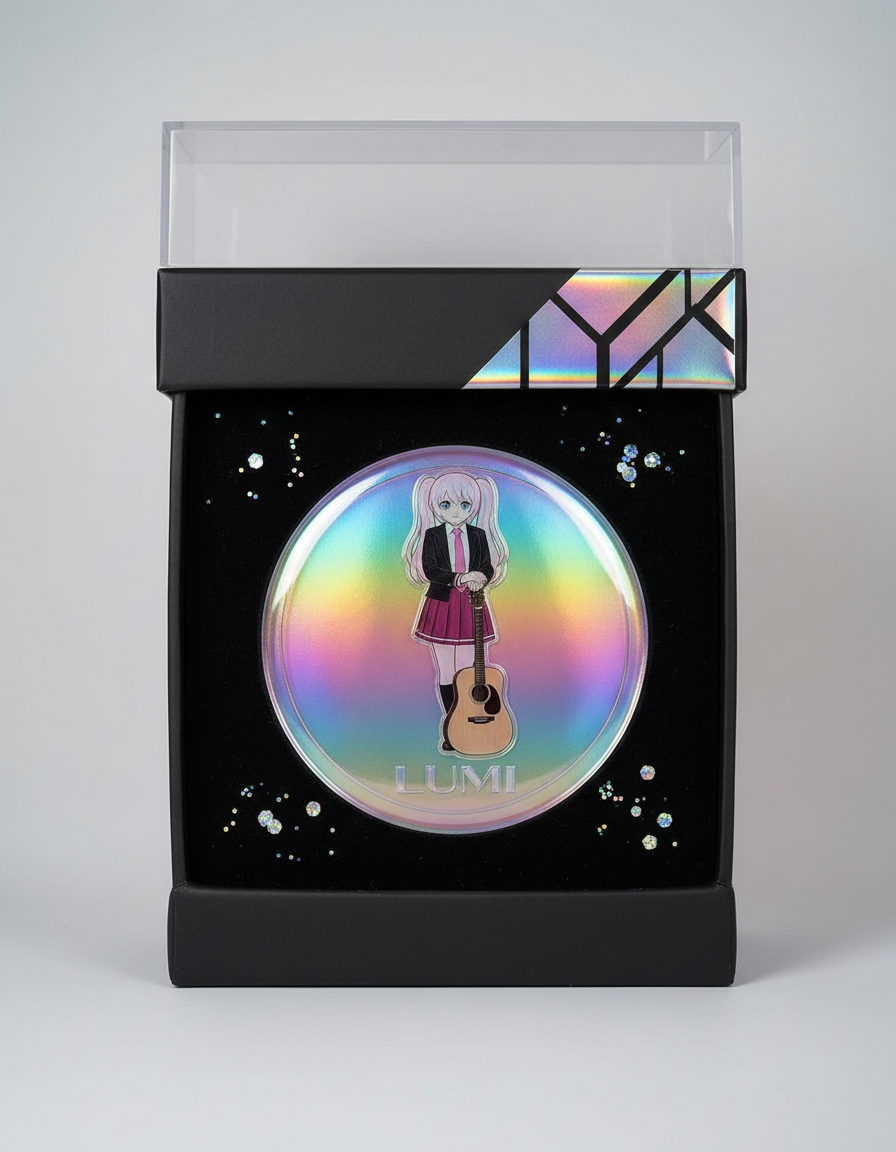
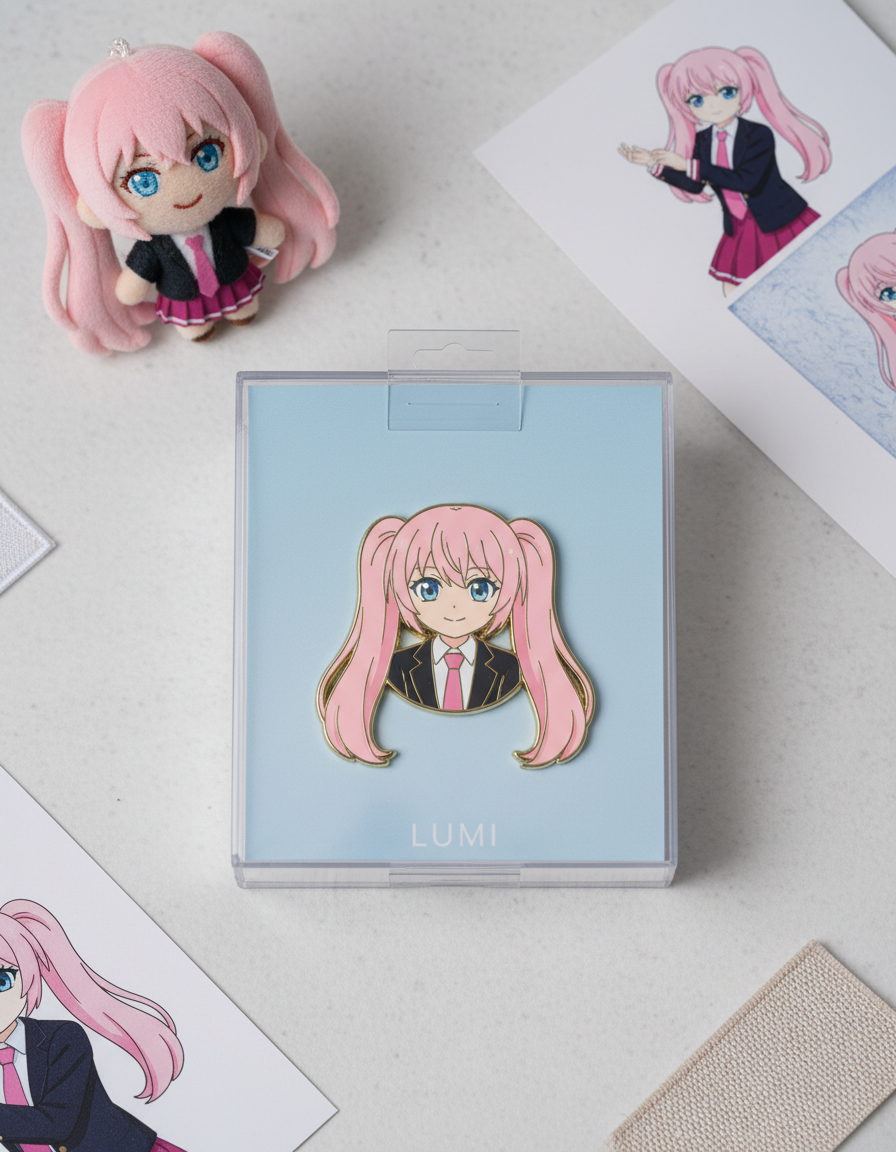
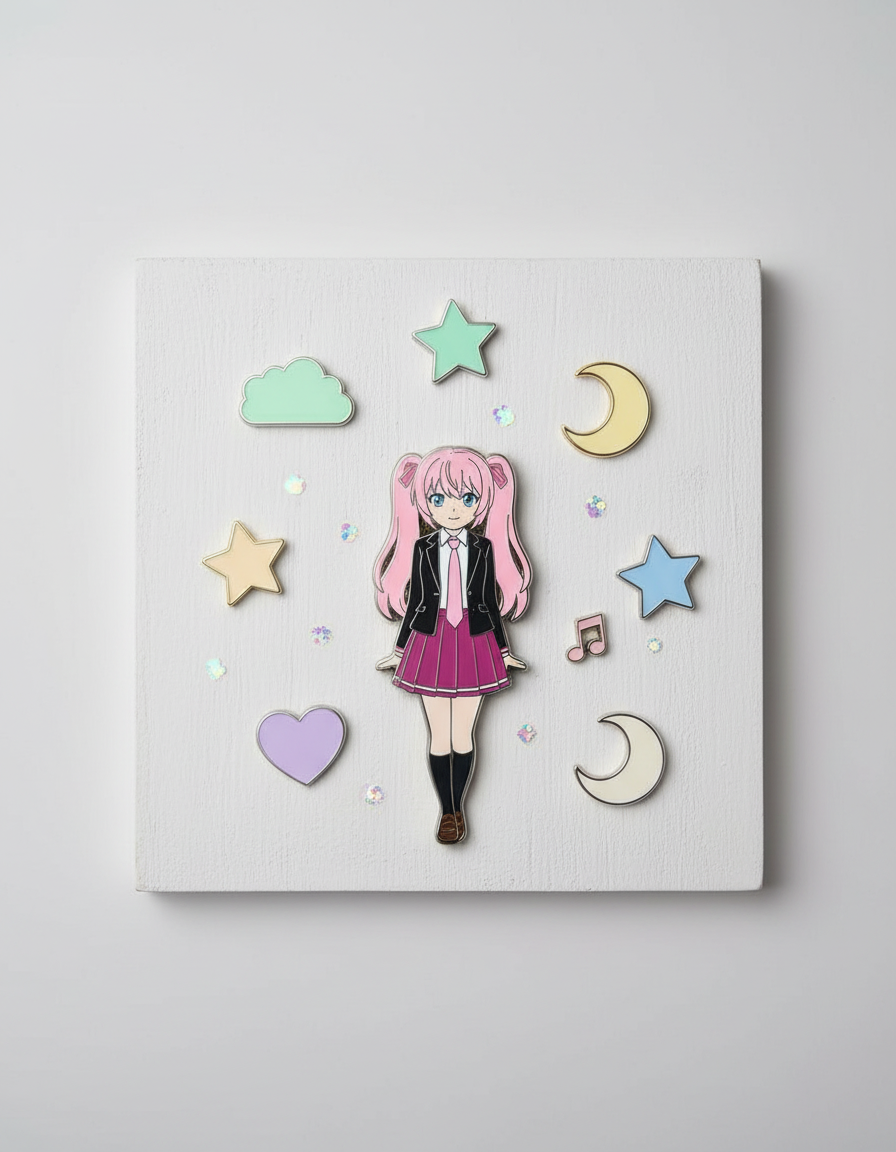
The page focuses on the decisions that make badge icon outputs usable: input clarity, format constraints, and a practical quality check.
Guides the image toward a tight, clear composition that still works at avatar size.
Adds badge borders, shine, and presentation cues without turning the character into unrelated art.
Useful for comparing badge styles, palettes, and crops before creating final brand or merch assets.
Use these prompts as starting points. Replace the subject, source image, style, and destination with your own project details.
Use my uploaded image as the identity reference. Create badge icon with round badge frame, centered character crop, bold readable outline, subtle shine, and icon-friendly contrast. Keep the key face, color, outfit, and silhouette details recognizable.
This tells the model what must stay stable before asking it to change the presentation.
Create badge icon for a profile icon or merch badge preview. Use a clear main subject, strong composition, and round badge frame, centered character crop, bold readable outline, subtle shine, and icon-friendly contrast.
This works when you do not have a reference image yet but still need a practical output format.
Refine this result into a polished badge icon. Prioritize face readability, circular crop, edge clarity, background contrast, and whether details survive at small size. Remove distracting artifacts and keep the final image easy to reuse.
This turns a first draft into a more useful asset by naming the quality checks directly.
Before treating an AI result as finished, review whether it solves the real creative job and survives practical reuse.
Compare the result with the source or brief. The face, silhouette, palette, and signature details should still feel intentional.
The image should clearly read as badge icon, not as a generic portrait with a light style change.
Check crop, negative space, subject scale, and whether the image will work as a cover, icon, card, mockup, or scene.
Inspect hands, edges, fake text, small accessories, background clutter, and repeated patterns before publishing.
A useful image should be easy to crop, edit, reference, or hand off to a collaborator without explaining hidden context.
Yes. Start your free trial with free credits and earn more free credits through daily check-ins. No credit card is required. Sign in to manage your credits. Generation costs and model availability vary; paid plans offer more credits and additional export options.
Move to the neighboring workflow when your starting point changes from text, to a reference image, to editing, to video.